Cmsmart Store Preset Branding & Layout Customization
Cmsmart customizes your Cmsmart store preset or WooCommerce theme to your brand: colours, fonts, logo, header and…
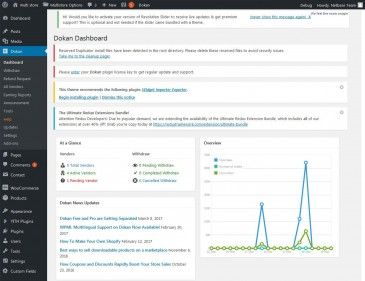
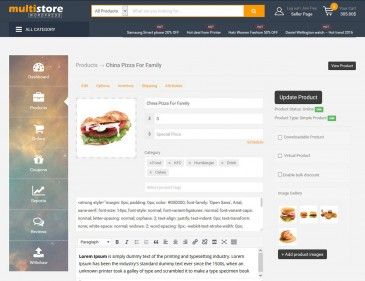
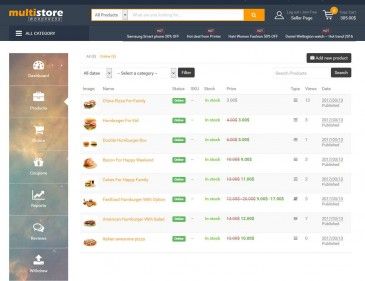
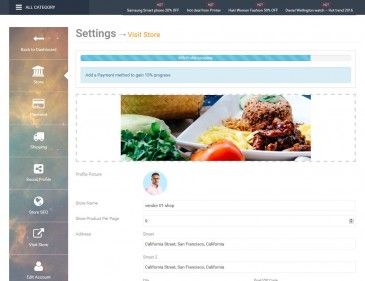
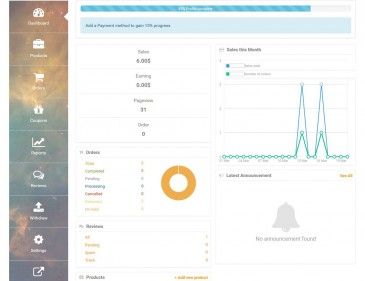
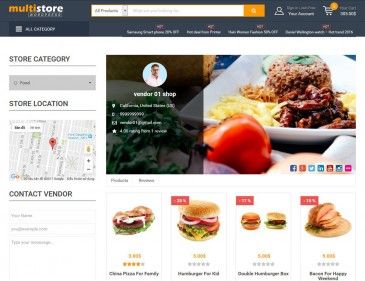
Cmsmart sets up your multi-vendor marketplace on WooCommerce: installation, vendor registration and dashboards, commission rules, product approval, payments and shipping, tested end to end for buyers, vendors and admins. Today we build on the WP Multistore solution or custom code; Cmsmart MultiVendor Ecommerce, our own plugin, is in development.
In short
Cmsmart Ecommerce sets up multi-vendor marketplaces on WooCommerce for founders and store owners, using the WP Multistore solution or custom code. Work covers installation, vendor registration and dashboards, commission rules, product approval, payments and shipping per vendor, then end-to-end tests for buyers, vendors and admins and training. It is quoted per project after a free scoping call.
| Scope | Marketplace requirements, WordPress, WooCommerce and WP Multistore installation, vendor flows, commissions, moderation, payments, shipping, emails and testing. |
|---|---|
| What you get | A configured marketplace on your hosting with vendor and commission rules working and tested before launch. |
| Typical inputs | Hosting access and domain, your marketplace rules, a payment gateway account and any paid plugin licences. |
| Deliverables | A configured marketplace, a test log of buyer, vendor and admin flows, admin and vendor guides and a training session. |
| How pricing works | Quoted per project after a free scoping call. You see the scope and estimate in writing before any work starts. |
How it works
For founders and store owners launching a marketplace where several sellers list products, whether B2C or B2B, who want the vendor and commission rules working before launch.
See the WP Multistore solution and our B2B ecommerce marketplace page, and delivered client stores in our project portfolio.
Cmsmart Ecommerce is a Netbase JSC company, building ecommerce stores since 2012: 500+ custom ecommerce projects since 2012, including long-term engagements of 5–7+ years. A dedicated Ecommerce Account Manager team provides the consulting, and every project runs in your Cmsmart dashboard, with tickets, tasks, milestones and invoices in one place.
As of Sep 2026. Source: WorkSuite project records, Netbase portfolio library.
Get a marketplace plan: tell us about your store and goals and we reply with a tailored proposal covering scope, approach and cost, with no obligation. Get a marketplace plan →

Huy Nguyen (David)Founder & CEO, Cmsmart · Netbase JSC
“Tell me about your project — I read every request personally.”
Scope
Clear lines before you start. The final scope is written into your proposal.
The team behind it
 Account Manager
 Project Manager
 Business Analyst
 Developers & QA
How it works
The same WorkSuite-backed flow you see in your cmsmart.net dashboard, from first request to handover.
You submit a request at project-proposal and an ecommerce expert reviews your requirements, free and with no obligation.
A written scope and estimate before any work starts -- you can see it in your dashboard.
Your project runs as milestones and tasks with a project manager; progress is visible in your dashboard.
Payment terms are set per project in your proposal; each milestone is invoiced in your dashboard and paid online.
Questions and change requests go through tickets in your dashboard, with your project's history kept.
Before changes go live, you agree with your project manager how the store is backed up and how a change is rolled back. After delivery and testing, optional maintenance and backup are available.
Every store is different, so we quote each project after reading your brief. You see the scope, estimate and timeline in writing before any work starts.
Tell us about your store, goals and platform in three short steps. The form opens already set for this service.
We reply with a written scope and estimate that you can review and approve in your dashboard.
The work runs in milestones with tasks and a project manager. Each milestone is reviewed and invoiced in your dashboard.
Real numbers, real clients
What we have delivered since 2012, and what customers say about working with us.
Since 2012 · a Netbase JSC company · as of Sep 2026 · source: WorkSuite project records
Rated by customers on third-party sites (as of Sep 2026)
Teams in 80+ countries run their ecommerce projects with Cmsmart
I’ve bought several themes from Cmsmart which are all amazing and the support service is also brilliant and fast
 Mark Hullin

 Verified on Trustpilot
I’ve purchased a few themes from Cmsmart now, the themes themselves are incredibly well made but the support service is outstanding!! Requests are handled promptly and the team are always friendly, highly recommended.
 BigJayce
Verified on Trustpilot
BigJayce
Verified on Trustpilot
I purchased the Teepro theme and absolutely love it! I ran into a few issues with setup and customer service was quick to respond and very helpful; thanks guys!
 Vince Agwada
Verified on Trustpilot
Vince Agwada
Verified on Trustpilot
Read more testimonials Delivered & maintained with WorkSuite: tickets, tasks, milestones and invoices in one place. See how it works
Who you work with
Proposals: records in our Cloodo WorkSuite project system, all-time, refreshed every 6 hours.

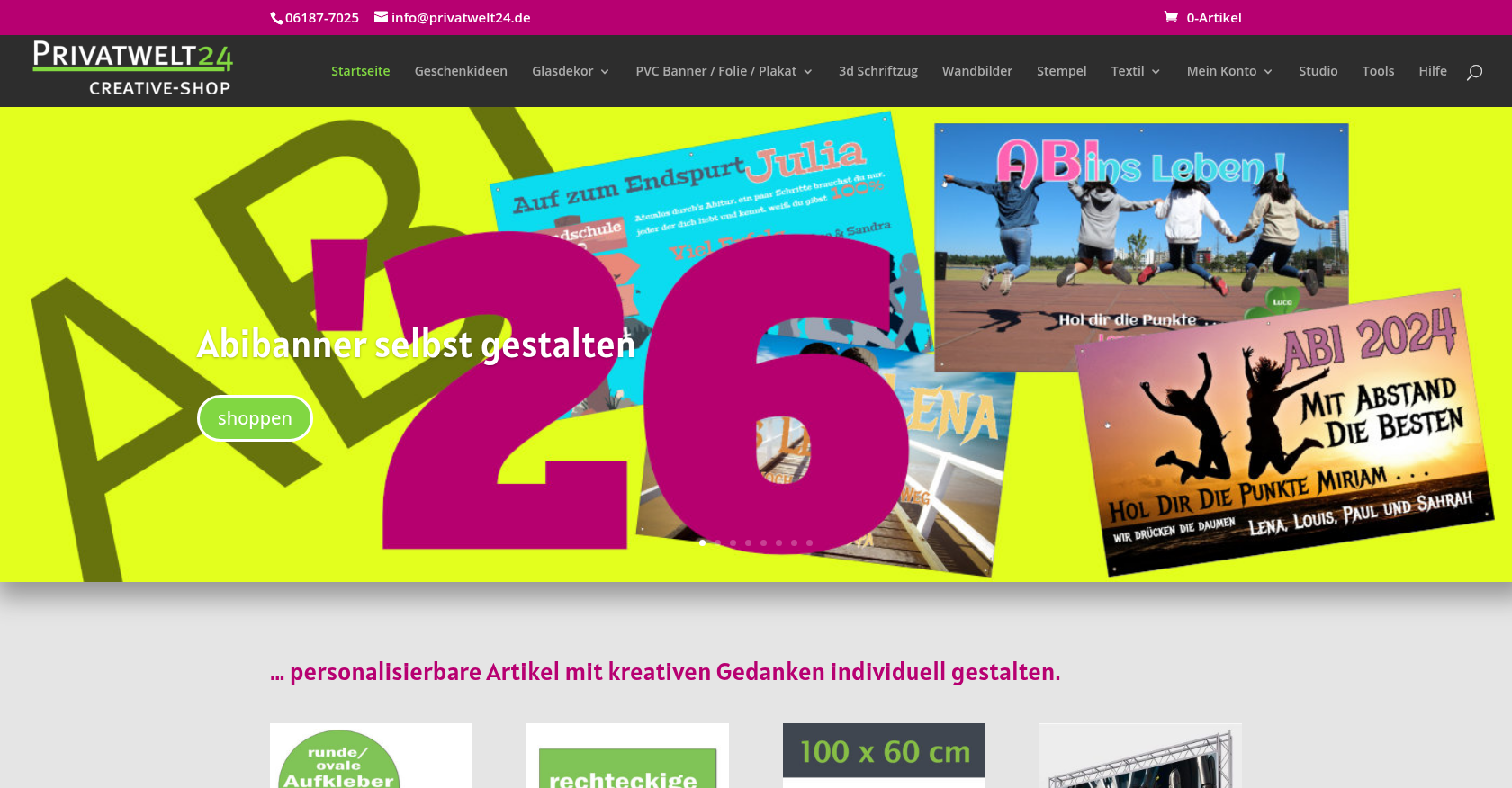
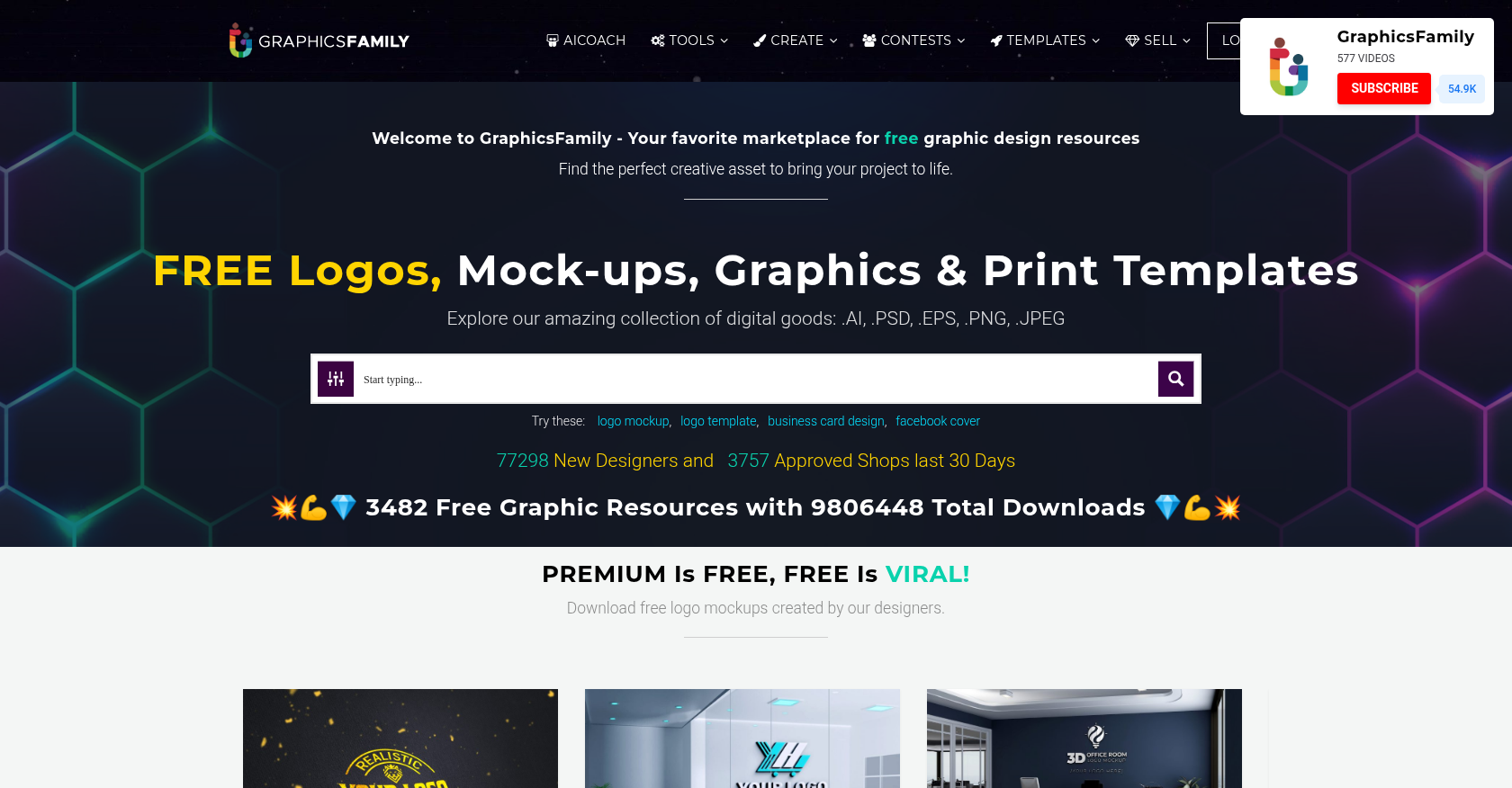 Product Designer & Customization · graphicsfamily.comE-commerce Solution for Personalized Product Design and OrderingDelivered, live store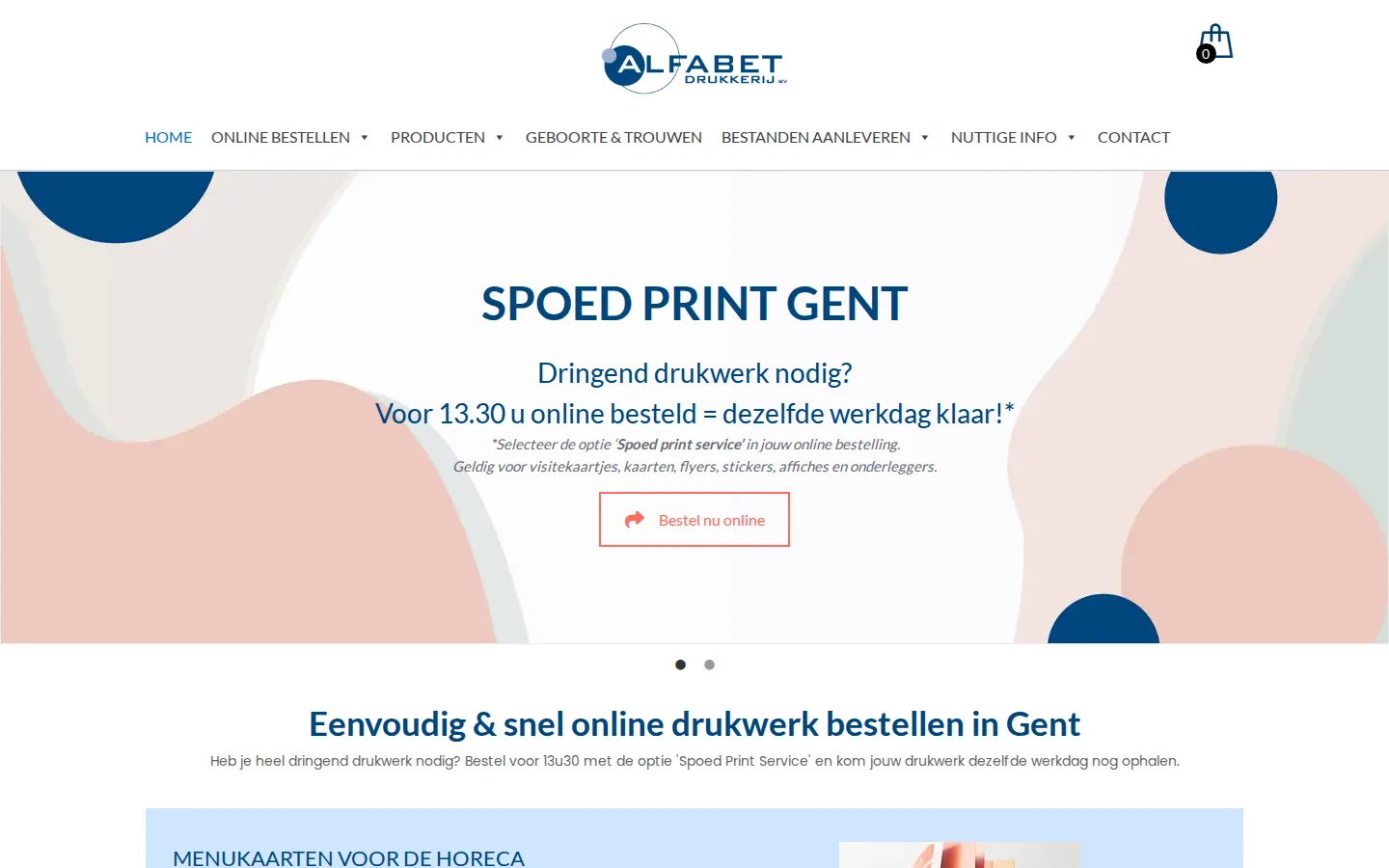
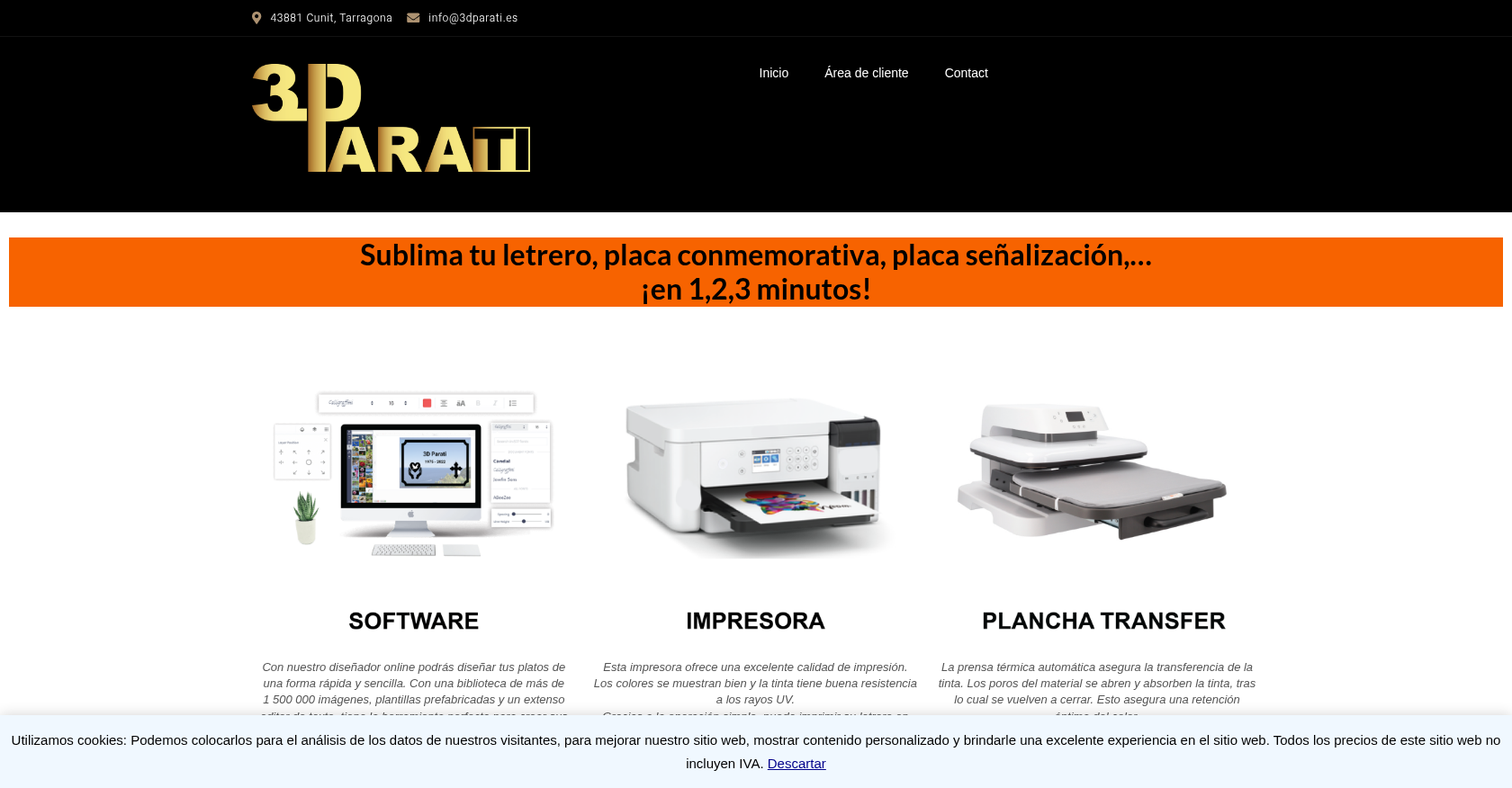
 Product Designer & Customization · alfabet.euEnhanced Online Experience for Personalized Product OrderingDelivered, live store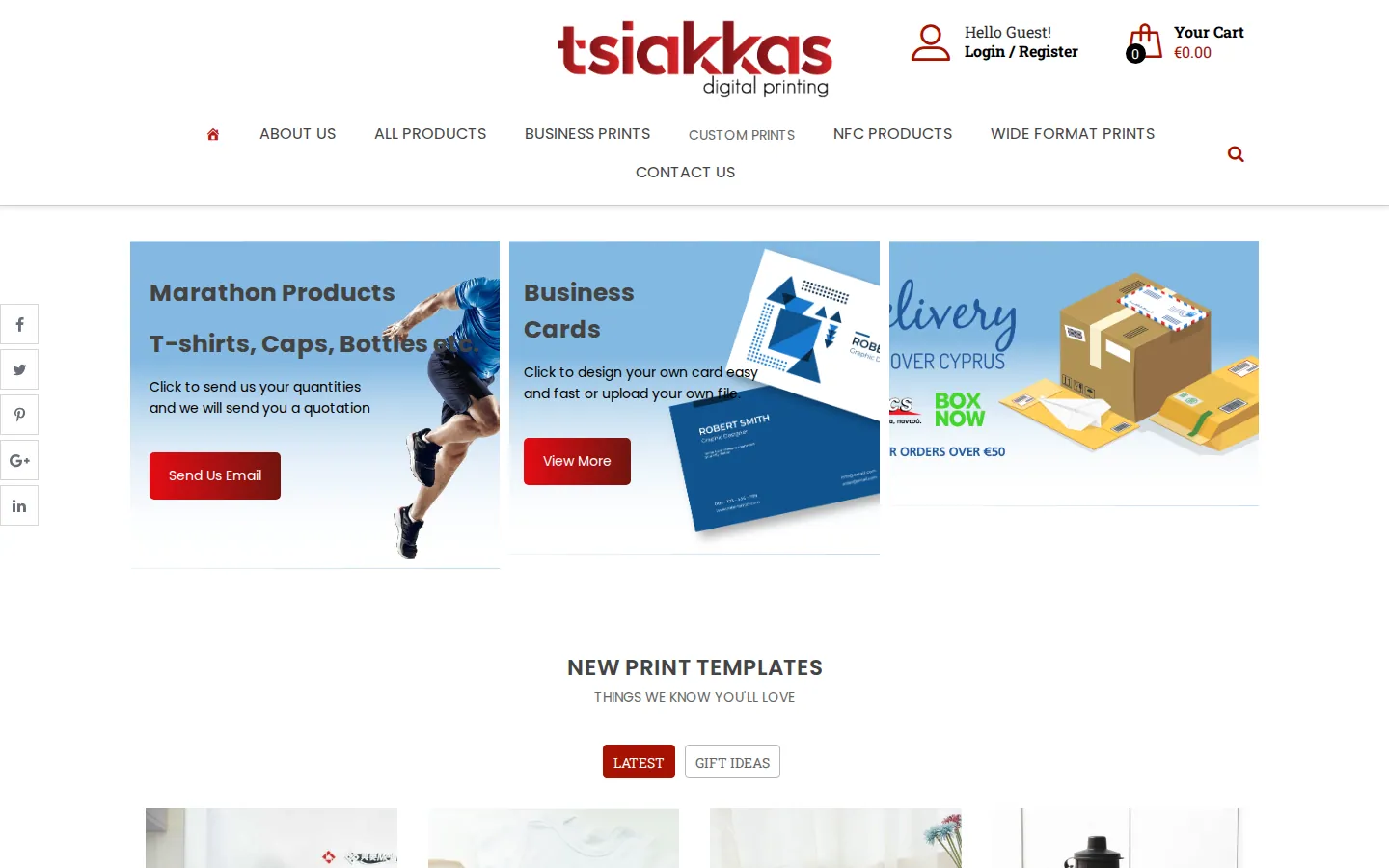
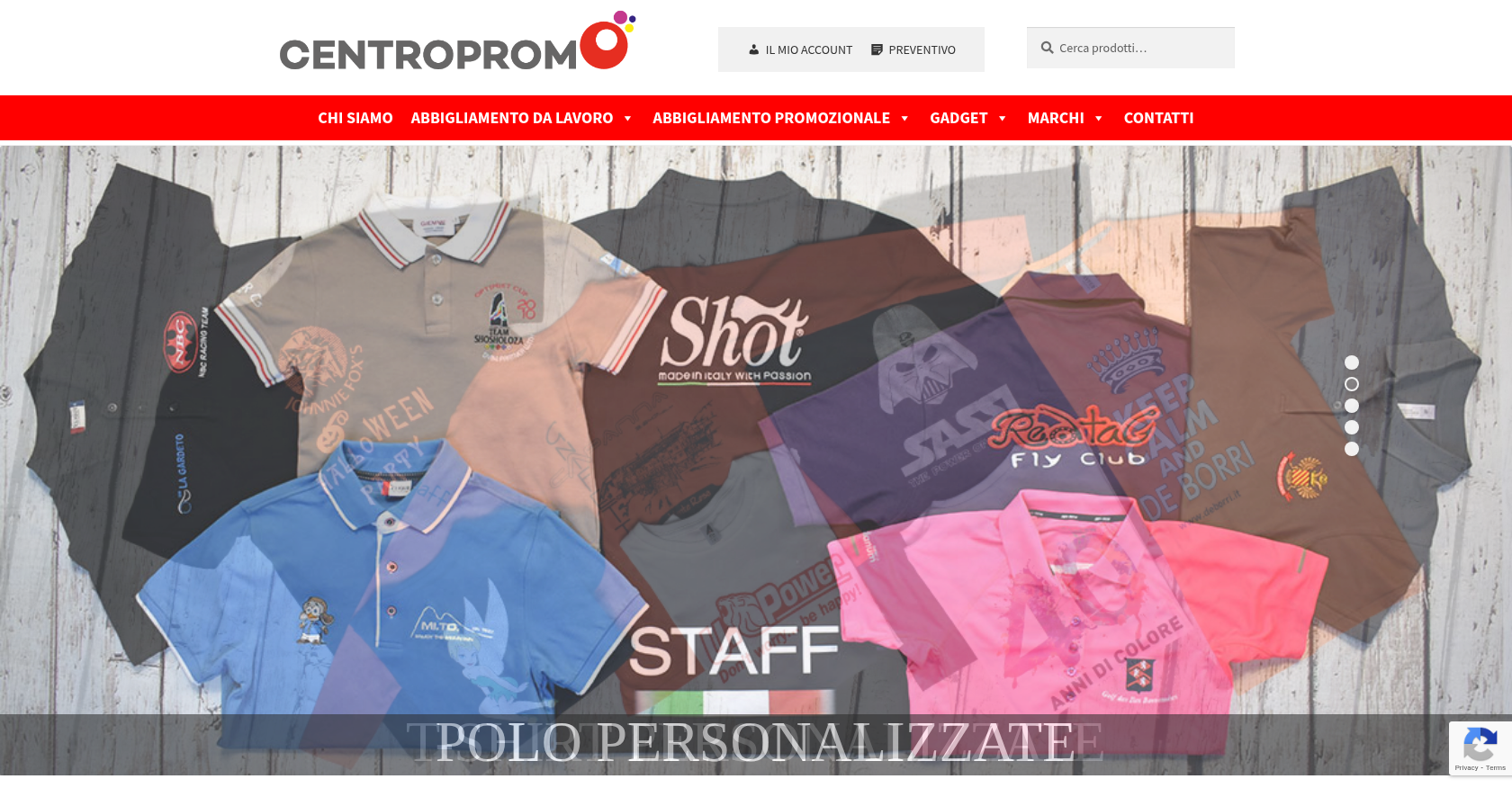
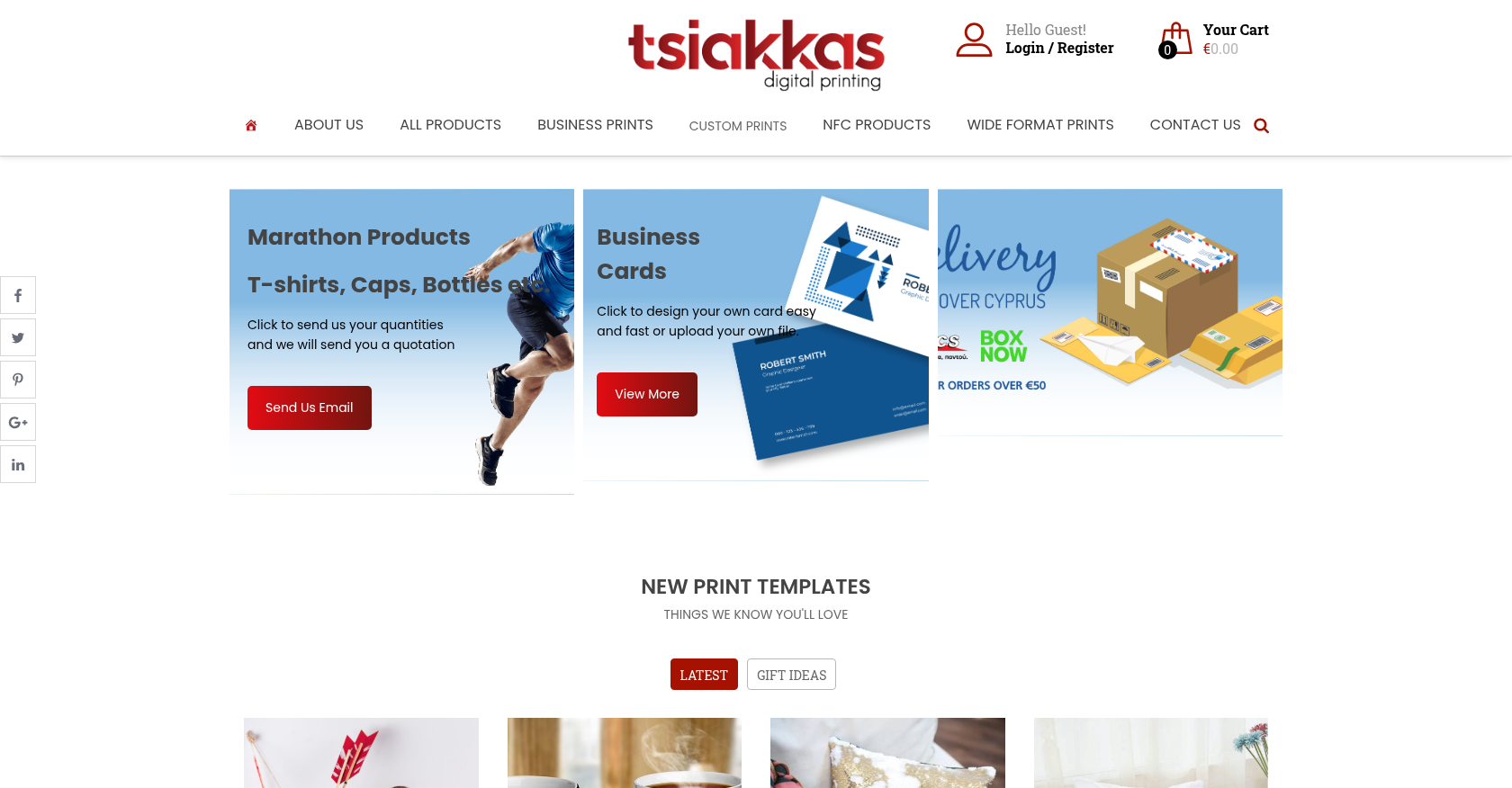 Product Designer & Customization · tsiakkascopycenter.comEnhanced Online Ordering for Print and Design ServicesDelivered, live store
Project records from our portfolio. They show the wider work of the team, not this exact service.
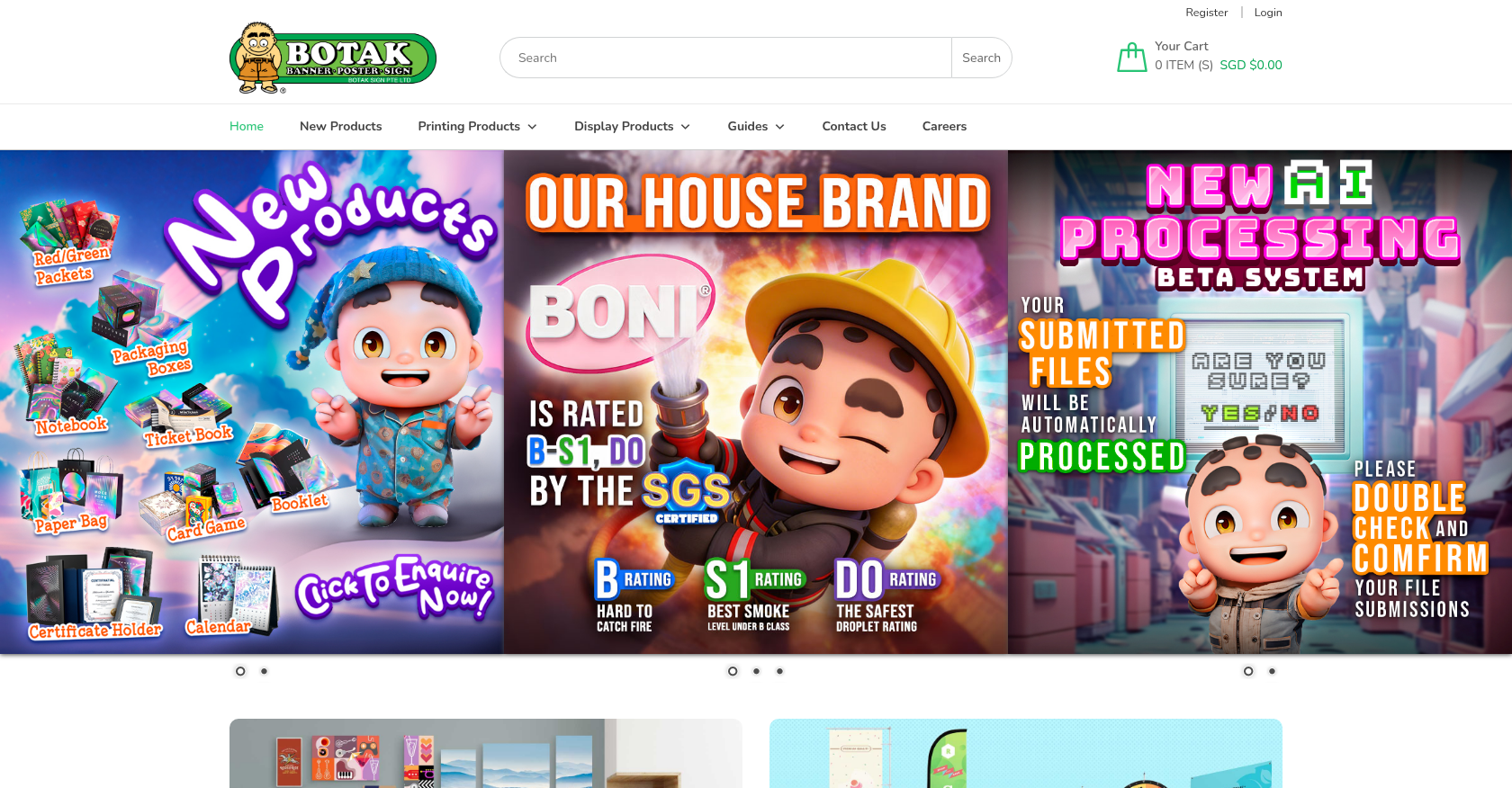
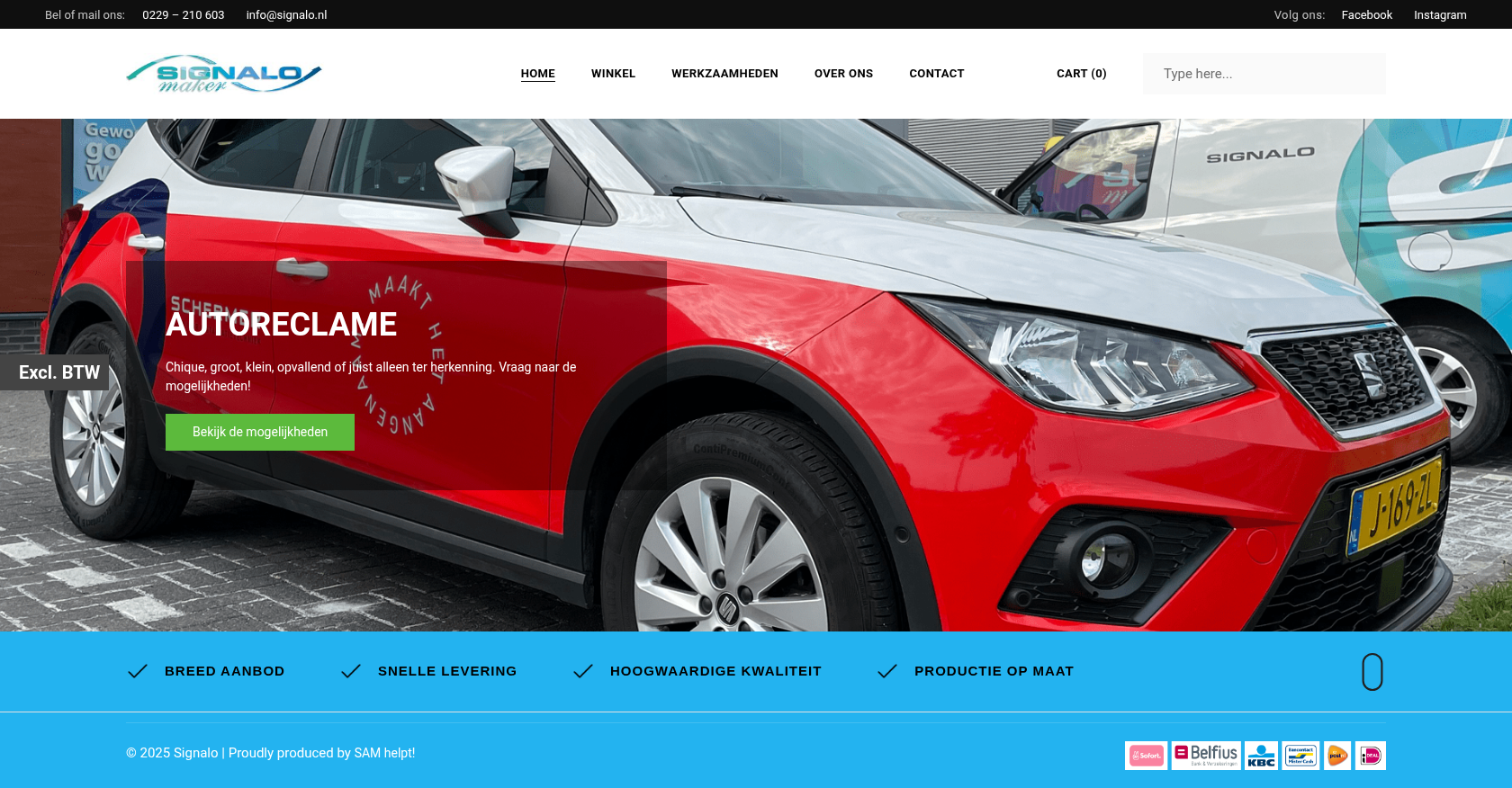
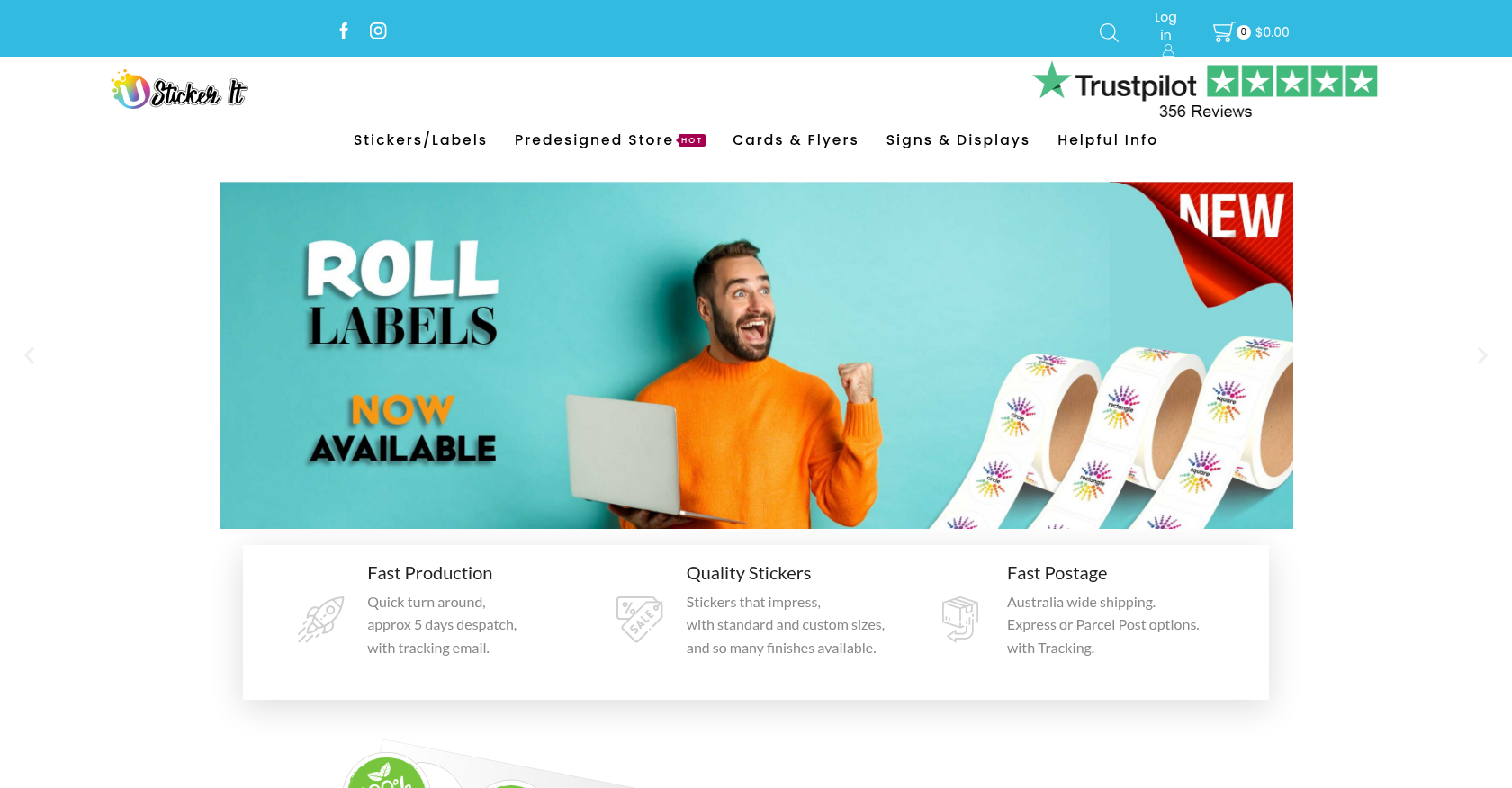
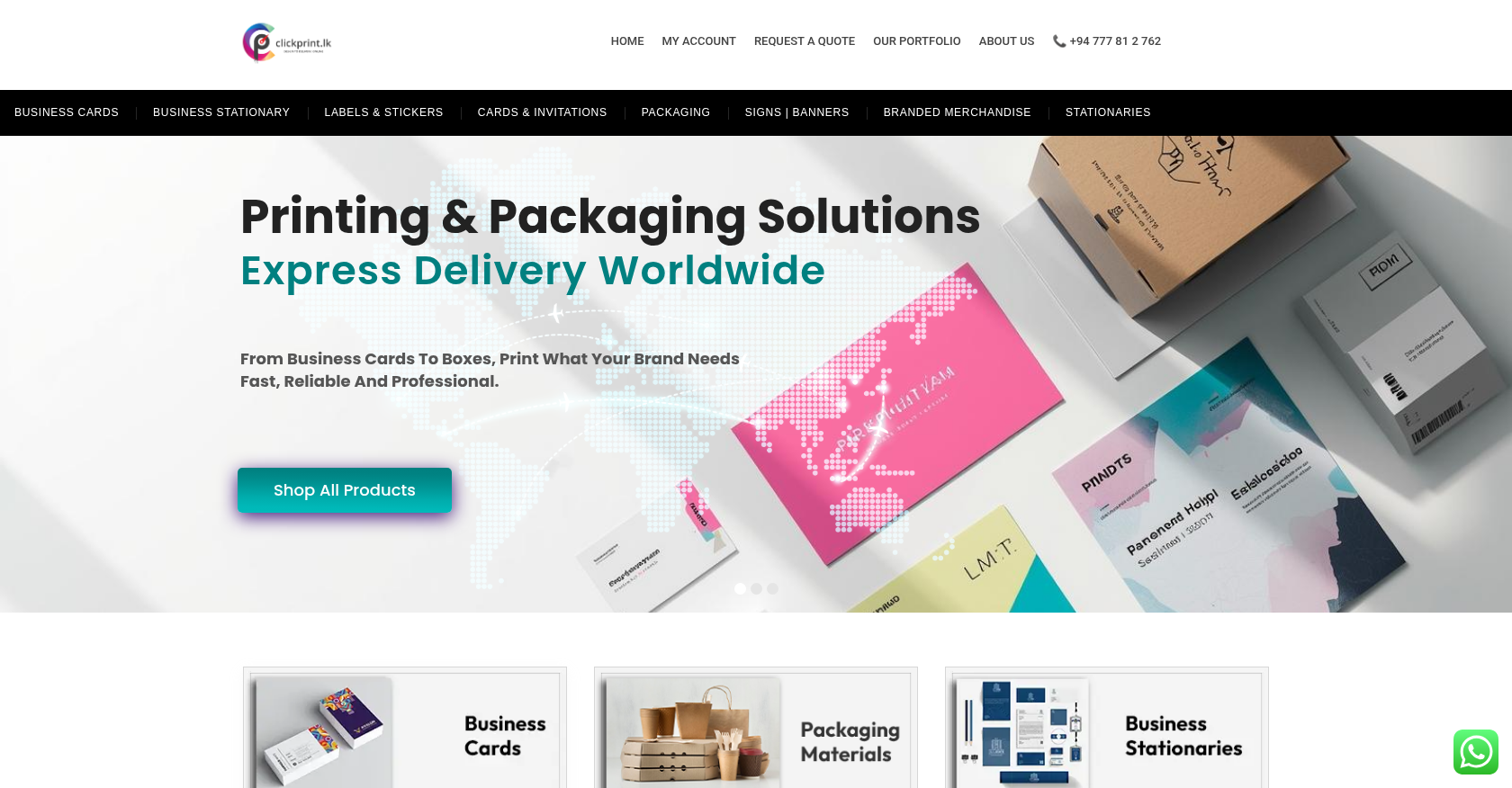
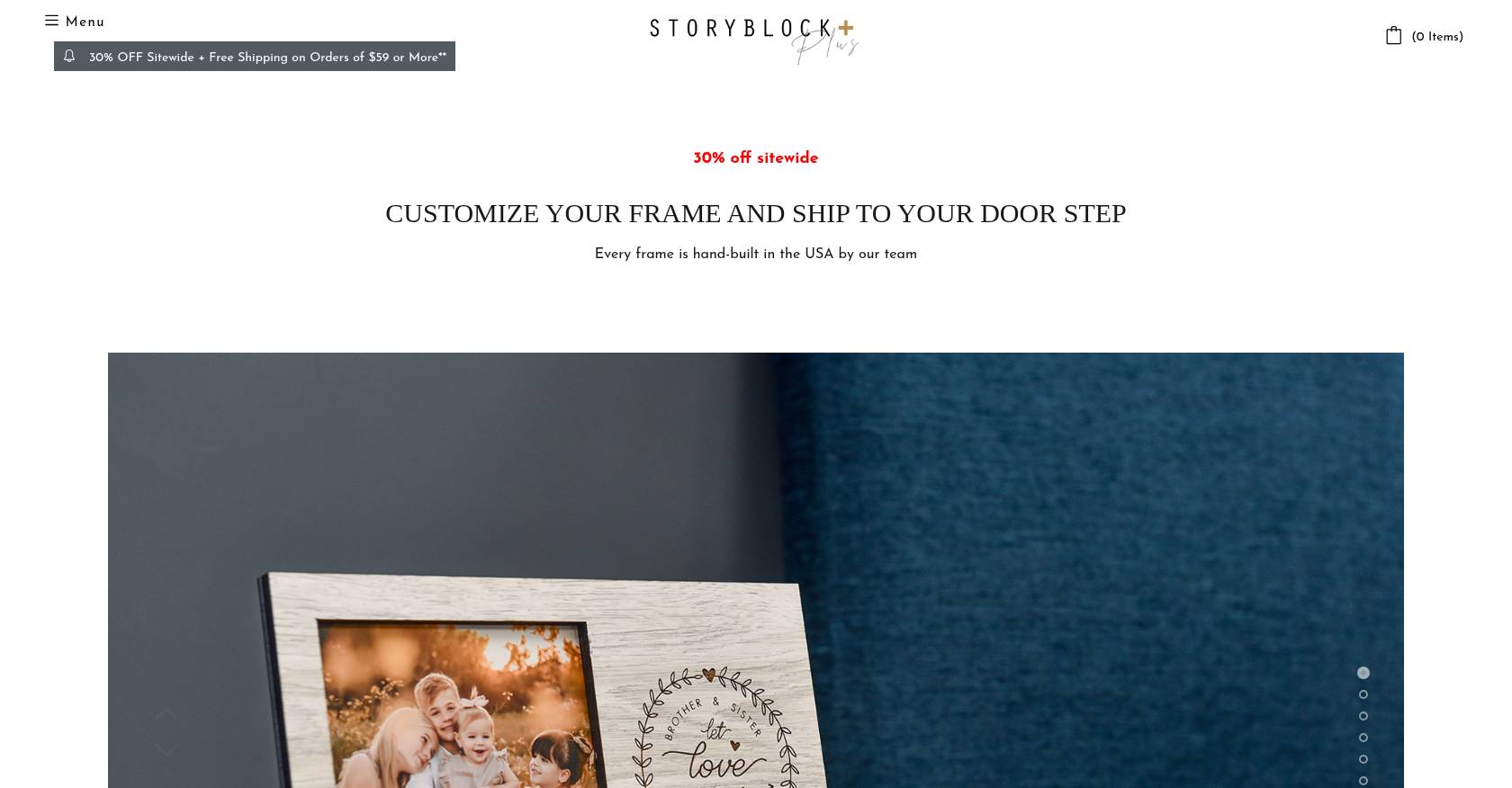
Stores on Cmsmart Ecommerce
FAQ
Common questions about this service.
Cmsmart customizes your Cmsmart store preset or WooCommerce theme to your brand: colours, fonts, logo, header and…
Cmsmart makes large WooCommerce catalogues easier to browse: product filters by attribute, price and category, a clear…
Cmsmart designs and builds landing pages for WooCommerce campaigns: product launches, B2B trade offers, seasonal print…
Learn more

Cmsmart Ecommerce provides custom ecommerce and WooCommerce development services for web-to-print, product personalization, plugin support and API integration.
Web-to-print, WooCommerce, B2B and AI specialists who plan, build and support stores together.
Meet the team →