

Guide · WooCommerce
How to Choose an Ecommerce Design Company: 8 Questions
Learn how to choose an ecommerce design company: compare deliverables, scope, support and source files, then see how Cmsmart quotes a store design.
Cmsmart's roundup of must-have WooCommerce plugins covers ten tools for growing a store, including WooCommerce Wishlists for saving and sharing products, WooCommerce Quick View for browsing details without leaving a listing, a side cart for always-visible item counts, a currency switcher for international shoppers, and WooCommerce Points and Rewards for loyalty discounts.
Was this tutorial helpful?
See also: Cmsmart pricing and Cmsmart products.
← How To Improve Your Ecommerce Website - 10 essential tips · Ecommerce Website Features: Core and Optional List →
Written by
Cmsmart WooCommerce Plugins & Themes Specialist
Installs, configures and customises WooCommerce plugins and themes, ours and the market's.
The team behind it
 Account Manager
 Project Manager
 Business Analyst
 Developers & QA
Guide · WooCommerce
Learn how to choose an ecommerce design company: compare deliverables, scope, support and source files, then see how Cmsmart quotes a store design.
Case study · Web-to-print
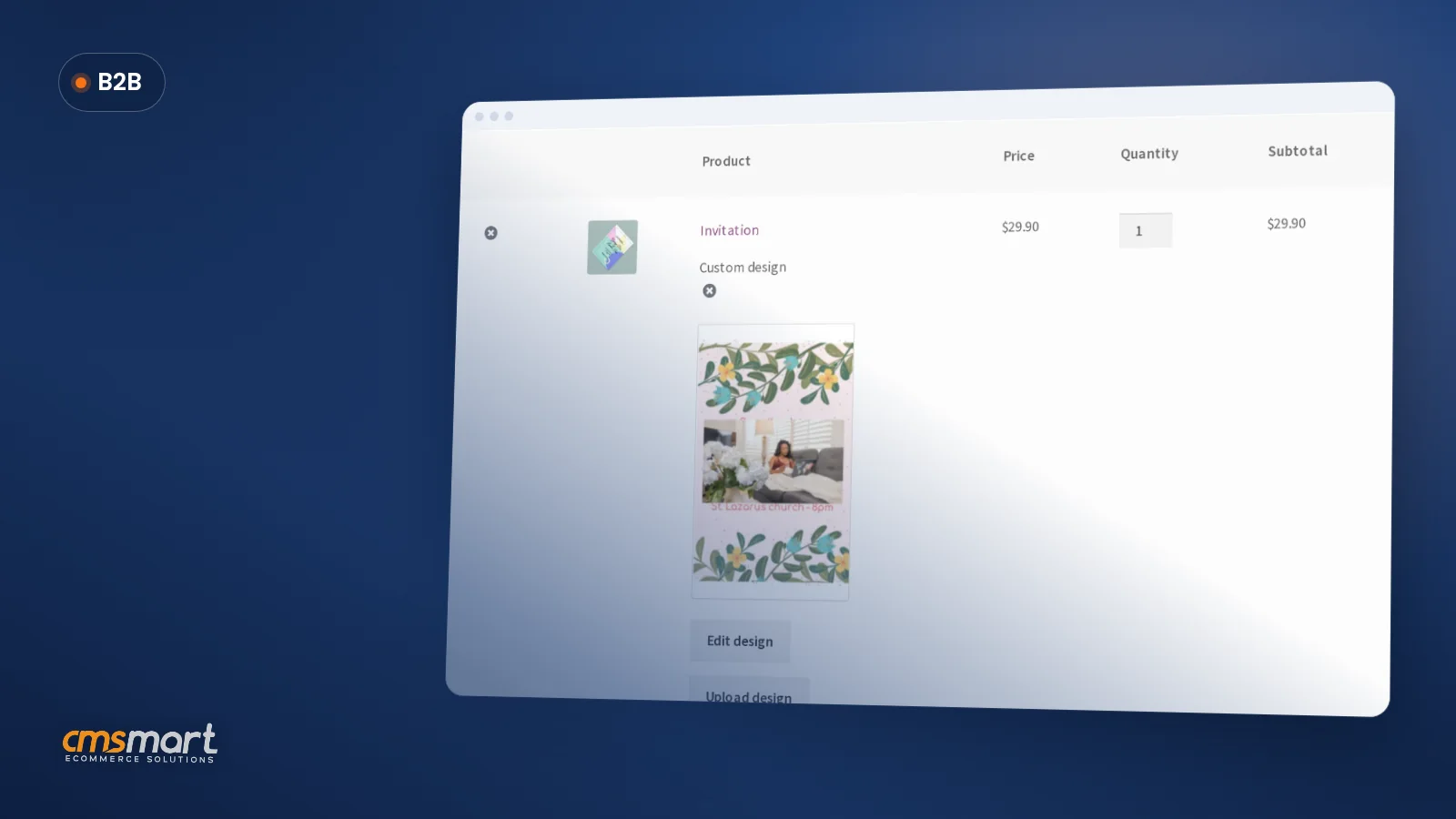
Product personalization software for WooCommerce lets shoppers customize templates on the product page, then get a custom design quote from Cmsmart.
Case study · Web-to-print
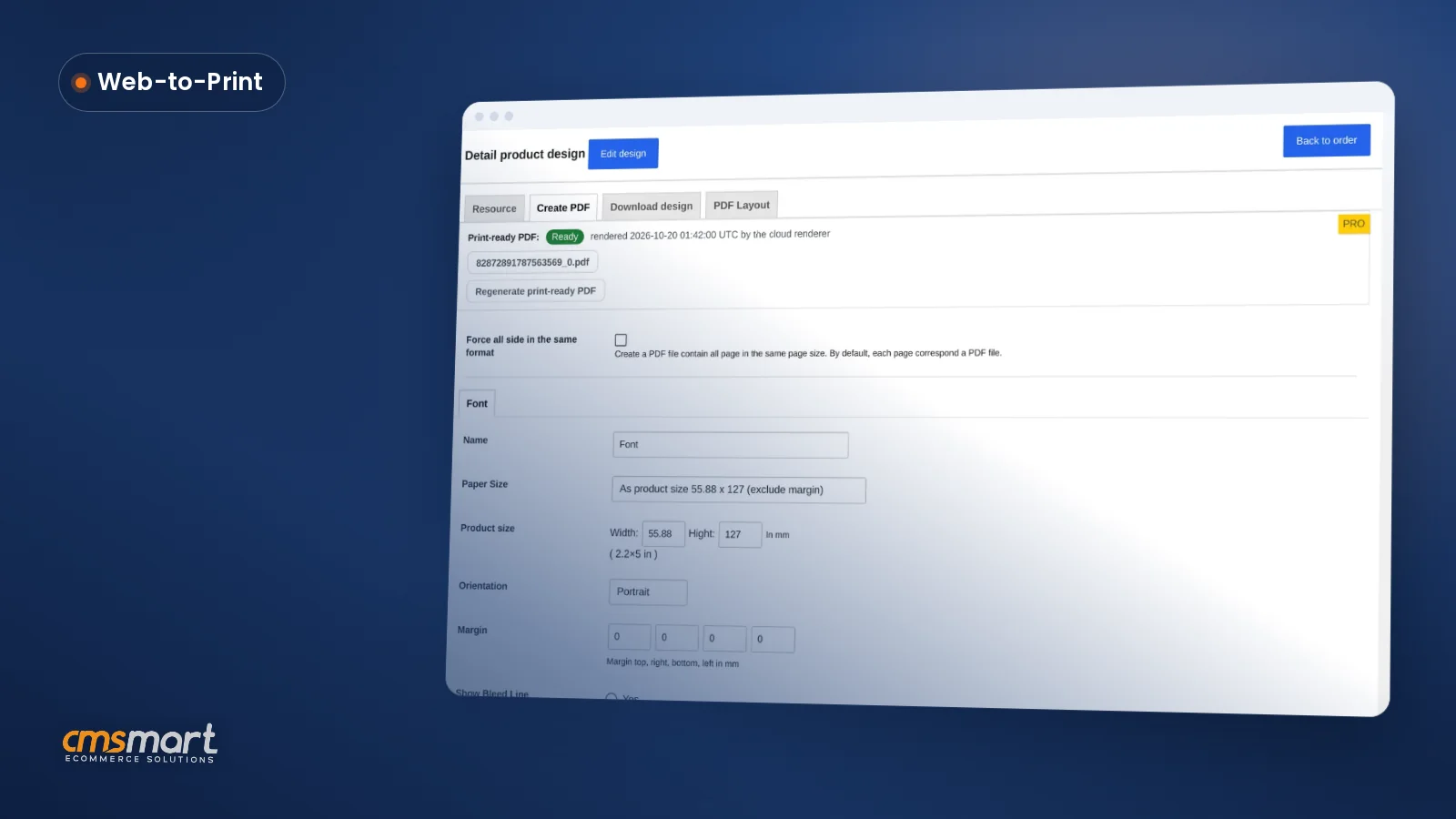
Set up an artwork approval workflow for WooCommerce: buyers confirm designs, Cmsmart locks the file, and print-ready PDFs generate automatically.
Browse more guides, tutorials and case studies from the Cmsmart community.
Unlock the Power of Mobile Commerce: Propel Your Business Forward
Read MoreDiscover how to harness mobile commerce to enhance your business growth. Learn strategies for optimizing the mobile shopping experience and increasing consumer engagement.
Read MoreDiscover the benefits of mobile commerce and how it can transform your business. Learn effective strategies for maximizing sales and customer engagement through mobile-optimized shopping experiences.
Read More
Cmsmart Ecommerce provides custom ecommerce and WooCommerce development services for web-to-print, product personalization, plugin support and API integration.
Cmsmart WooCommerce Plugins & Themes Specialist
Installs, configures and customises WooCommerce plugins and themes, ours and the market's.
Meet the team →




If you are a product-based business and want to sell your products online domestically or internationally, then you should definitely look at our list of must-have WooCommerce plugins for a highly flexible online store. The list is researched based on current online buying trends in 2020.
These plugins will help you in working on your websites/projects more easily. They are also flexible with different features, will help you best, just depends on your need.
With the today article, we will show you 10 plugins like that.
1. WooSlider Products Slideshow
Sliders enable you to include more product pictures without taking up too much space, helping display your products in a neatly designed, responsive slideshow.
Using WooSlider Products Slideshow, you can easily generate vivid sliders for any of your store’s items. Pick out specific product categories and tags, and choose to display only featured products or only products that are in stock as you wish.
These settings can be set per-slideshow, which enables you to create multiple product slideshows for different contexts.
2. WooCommerce Wishlists
WooCommerce Wishlists lets guests and customers create and add as many products as they want to the Wishlists. WooCommerce Wishlists is a must-have addition to any WooCommerce store. Letting customers save and manage their own Wishlist can increase your sales and conversions.
What better way to encourage customers to return to your site than allowing them to save items for later, or create their own dream list of products? Moreover, customers can share their lists with friends and family via social media, which can result in potential new customers and visitors.
3. WooCommerce Quick View
It can be annoying to have to open multiple tabs to look at different products. With WooCommerce Quick View, users can get a quick look at products without opening the product page, but still, see the full product details.
Customers can surf from one product to another using the next and previous product button. That’s exactly what WooCommerce Quick View does – and it’s a free plugin.
4. WooCommerce Side Cart
If you don’t provide a strong user experience, your store will likely suffer as a result. No worries, this WordPress store plugin allows adding a site-wide basket icon that displays the number of products in the cart. Customers can see all the cart items directly from the side cart & remove items as they wish. The plugin has ajax add to cart feature on single product pages too. The best thing is, it’s a free download WooCommerce plugin.
5. WooCommerce Currency Switcher
This one standouts of all other must-have WooCommerce plugins. If your business is an international one, you may want to use this plugin. WooCommerce Currency Switcher is a free WordPress plugin that lets your customers easily switch currencies so they can get real-time conversion rates in their local currency. Allows adding any currency for the WooCommerce store.
An ideal solution to turn a WooCommerce store site into a multi-currency one! You can add the currency switcher in just a few clicks by using a shortcode or a sidebar widget. In addition, you can set this plugin up to automatically change the currency based on the shopper location.
6. WooCommerce Order Tracker
One of the most stressful parts of making a purchase online is figuring out when it’s going to arrive. The more detailed your shipment tracking is, the happier your customers will likely be.
This plugin enables your customers to interactively track their orders with USPS, Canada Post, and FedEx. With this Order Tracker, customers will never be confused about where their order is or when it’s going to arrive. You can even create your own custom order statuses.
7. Booster for WooCommerce
Booster for WooCommerce is a free and open-source plugin that can help you increase your sales by letting you cross-sell, manage pricing, adjust currencies, and much more. It’s a huge bundle of tools with a few useful features, plus they offer a paid version. You can select to use just one or multiple of the many options within this robust plugin.
8. WooCommerce Points and Rewards
Rewards are a great way to encourage users to take action on your website. When it comes to WooCommerce stores, offering rewards – like discounts – through a points system can make users eager and gain more purchases.
Reward your customers for every purchase they make and other actions, such as spreading info about your store, with points that can be redeemed for discounts. Simply set how many points customers earn for each dollar spent and how many points can be redeemed for a specific discount amount
9. WooCommerce Product Add-Ons
If you’d like to give your shoppers the opportunity to personalize or customize their product, this is the perfect plugin for your shop.
As one of the must-have WooCommerce plugins, WooCommerce Product Add-Ons is one of the best WooCommerce customizer plugins and it allows your customers to personalize products while they’re shopping on your online store. Customers no longer need to send customizing requests through emails; now they can get what they want before they’re done checking out.
And this feature gives you a great upsell opportunity if you charge a fee for the customization. Making the checkout process a great way for you to make more money, and this one of the best WooCommerce upsell plugins around.
10. Beeketing for WooCommerce
Beeketing for WooCommerce WordPress plugin consists of infinite marketing and sales solutions, making a complete marketing automation suite for WooCommerce business owners. It is built by Beeketing – a Marketing Automation platform for eCommerce websites.
Within the plugin, you will see a list of different apps, each with a distinctive set of features that focus on lifting up conversion rates at different stages in the sales funnel.
Its special features include:
Boost email subscribers, social followers, and traffic
Up-sell and cross-sell to increase order value
Automated email marketing with optimized segmentation
Product recommendation to sell automatically (like Amazon)
In this article, we have created a list of 10 must-have WooCommerce plugins for your online store. These plugins and extensions make building your online store easier and efficient. CMSmart provides a wide range of plugins and extensions that are helpful and essential to your online store. Our company with many years of experience in technology surely has what you need!
Along with it, we also administer in building, fixing, customizing, and developing websites/projects on demand. Our solutions will not disappoint you. Reach out to us HERE if you are looking for a trusted partner for your online business!
Many thanks.
Frequently asked questions
What does WooCommerce Quick View do for shoppers?
It lets shoppers preview product details and options directly from the listing page without navigating away, which speeds up browsing and can reduce the steps needed to reach checkout.
How does a currency switcher plugin help international WooCommerce stores?
A currency switcher automatically converts prices based on a shopper's location, so international buyers see costs in a currency they recognize, which the guide lists among its must-have plugins for store growth.
What is the benefit of WooCommerce Points and Rewards?
It creates a point-based loyalty system where shoppers earn points on purchases that can be redeemed for discounts, encouraging repeat orders over time.
Where are the other General Topics tutorials?
Every General Topics tutorial is listed on the General Topics tutorials page. Customers with a licence can open a support ticket from the Cmsmart dashboard when a step does not match their install.
What if a step in this General Topics tutorial does not match my store?
This tutorial describes the release that was current when it was written (it was published on 11 May 2020), so a menu or setting may have moved since. Customers with a licence open a support ticket from the Cmsmart dashboard, naming the step and adding a screenshot, and the team answers there.
How do I pay securely?
Contracts and payments go to the company, Netbase JSC: plans are paid through PayPal; services are invoiced by Netbase JSC under a written proposal and paid by bank transfer to Netbase JSC's company account or by PayPal Business. Cmsmart (Cmsmart Ecommerce) is the ecommerce brand of Netbase JSC, a company based in Hanoi, Vietnam.
How do I contact Cmsmart or get a quote?
Message the Cmsmart team on WhatsApp at +84 937 869 689 or email project@cmsmart.net; the contact page at cmsmart.net/contact lists every channel, and Request a quote (cmsmart.net/project-proposal) sends a project brief. Customers with a licence open a ticket from the dashboard.
Further reading