Community
Animated Filter for Personalized Products

A customer on your mug or apparel product page uploads a photo at 10 p.m. and wants to see it turned into something playful before they commit to a print order. An animated filter for personalized products is exactly that ask, and social apps trained shoppers to expect it in one tap, not a separate design app.



Cmsmart Ecommerce provides custom ecommerce and WooCommerce development services for web-to-print, product personalization, plugin support and API integration.

Cmsmart AI for Ecommerce Engineer
Adds practical AI to stores: image tools, preflight checks, automation and assistants.
Meet the team →
Top
In short
Below: what the Photos panel and AI tools in NBDesigner 2.17 actually do on a live demo store today, what skipping photo personalization costs a print or POD shop, what a true animated-filter build looks like as custom development, and how to set up what already exists.
What does it cost you to skip an animated filter for personalized products?
Every photo a customer wants turned into a print-ready design but can't finish on your site becomes a manual email thread, a slower checkout, or a lost sale. Cmsmart Product Designer removes the file-shuttling step by keeping the photo, the edit and the print file in one WooCommerce flow.
Without a photo-upload-and-edit step built into checkout, a print shop or POD store typically absorbs:
Put a number on it with your own figures: (manual proofing emails per week) × (minutes per email) × (hourly design-staff cost) — before counting orders lost to a tedious back-and-forth.
What would a photo-personalized storefront look like?
Imagine a buyer uploading their own photo, cleaning up the background and resizing it to print resolution without leaving your product page, then checking out — while the print-ready file is already generated and waiting in your Cmsmart Orders queue. That is what NBDesigner 2.17 does today for photo uploads and AI cleanup.
Example scenario. A buyer on a gift-mug store opens the Mug product, picks "Design here online," and drops in a phone photo. One click runs AI Background Remover; if the photo is low-resolution, AI Image Upscale cleans it up before print. They add text, hit Process, and check out. The order lands in Cmsmart > Orders with a print-ready PDF already queued — no email round-trip, no manual Photoshop pass.
That is the real, shippable version of "make my photo look great before I pay." An animated or painterly style transform on top of that photo is a further step the plugin does not take today — worth scoping as a custom build instead of promising it is one click away. If that gap matters to your catalog, talk to an ecommerce expert about sizing it.
How does Cmsmart Product Designer handle photos and AI edits today?
Cmsmart Product Designer 2.17 gives buyers a dedicated Photos panel inside the online designer, plus AI Background Remover and AI Image Upscale tools and a Preflight Quality Checker that runs before a file goes to print — all controlled from one Cmsmart Cloud settings page.
From the product page, "Start and upload design" opens a chooser: upload a finished design, or design online from scratch. Inside the online designer, the left sidebar carries Templates, Text, Cliparts, Photos, Elements and Layers tabs — the Photos tab is where a buyer's own upload lands on the canvas, and it is real today, not a mock-up.
Once a photo is on the canvas, two Cmsmart Cloud AI tools do the cleanup work an animated-filter request is often really asking for:
Cmsmart insight: most "can it do an animated filter" requests we get are really two separate asks: let the customer bring their own photo (already built), and apply a stylistic transform to it (usually not). Separating those early in a scoping call saves weeks of back-and-forth later.
Cmsmart Cloud's AI Tools page is the control center: a master switch for AI in the design tool, an audience setting (Everyone / Members / customers who have ordered), usage limits, and three tools — Preflight Quality Checker, AI Background Remover and AI Image Upscale — each with its own switch.
What this flow does not include: a one-click animated or painterly style transform. The Photos panel places the photo; the AI tools clean and resize it. That gap is what custom development covers further down this page.
What's the business value of photo personalization for your store?
Letting a buyer bring and clean up their own photo inside checkout turns a design decision that used to need a separate app and an email into one WooCommerce flow — fewer abandoned carts at the design step, fewer reprints from bad source files, and a print-ready PDF waiting before the order even reaches your production queue.
Rough ROI worksheet (use your own numbers):
Weekly time saved = (orders/week with a customer photo) × (minutes of proofing avoided) × (hourly design-staff cost).
Reprint savings = (current reprint rate − expected rate after upscale/preflight) × (orders/month) × (cost per reprint).
Weigh the total against the setup time below, and against a custom animated-filter estimate if you want the style step too.
Demand for personalized print-on-demand keeps growing: the global print-on-demand market reached an estimated $11.38 billion in 2025, projected at a 20.06% CAGR through 2034 (IMARC Group, 2025). And 61% of consumers say they will spend more with a company offering a personalized experience (Medallia, 2024) — a reason to make personalization easy to finish, not just possible.
How do you set up photo uploads and AI tools on your store?
Setting up photo personalization in Cmsmart Product Designer means confirming the plugin version, configuring upload limits and DPI, turning on the AI tools you want customers to use, and checking how an order and its design file move through your admin.
These are the real screens, in order, on the current demo:
Named innovation: the approved-artwork lock (since 2.17) refuses any save over a design whose order item is already approved, from any link or open designer tab, so a staff member can't accidentally overwrite a customer-approved file during production.
Named innovation: the print-ready PDF that matches the order (since 2.17) means the cloud renderer, the server renderer and the order screen's Create PDF all read the same page geometry for custom-size products — no more mismatched mockups on non-standard sizes.
For deep settings beyond photo uploads — price matrices, product-area setup — see batch design with the gang sheet builder and starting a photo-printing business with web-to-print software. The full AI tool set is covered on the AI image tools page.
Going further: custom animated-filter and style-transform effects
A true animated or painterly style transform is not in NBDesigner 2.17 today — Cmsmart builds it as a custom AI service on top of the existing Photos panel and AI pipeline, so it fits the same upload-edit-print flow instead of becoming a separate app your customers have to juggle.
Because this is custom development, there is no UI screenshot here — describing it honestly beats mocking up a screen. Ideas we scope for stores in this position:
Delivery follows the same pattern for every custom build: discovery call, solution design, build sprints against your staging store, QA on real orders, launch and ongoing support — see how we run bigger integrations on /ecommerce-projects.
Get a custom animated-filter quote See the AI integration service
Why work with Cmsmart on your photo-personalization feature?
Cmsmart has built and supported WooCommerce product-designer stores since 2012 as a Netbase JSC division, including the AI tooling already live in NBDesigner 2.17 — so a custom animated-filter effect is built by the same team that maintains the Photos panel, the upload pipeline and the print-ready PDF it has to plug into.
Some numbers behind that: 6,300+ client projects and 1,800+ live stores since 2012 across 80+ countries, Trustpilot 4.2 from 404 reviews.
From a recent Trustpilot review: "The designer works exceptionally well across all devices and allows us to create the exact customisations required to perfectly fit our products and our business model." — Web Developer, Trustpilot, 2026.
Frequently asked questions
Does Cmsmart Product Designer ship an animated filter out of the box?
Not in version 2.17. It has a Photos panel plus AI Background Remover and AI Image Upscale. A stylized transform like that is custom development on top of those tools.
What's the difference between the Photos panel and the AI tools?
The Photos panel places an image on the canvas. The AI tools clean, resize and quality-check that image before it becomes a print file. Neither one restyles the photo into an animated or painterly look.
Which products work best for photo personalization today?
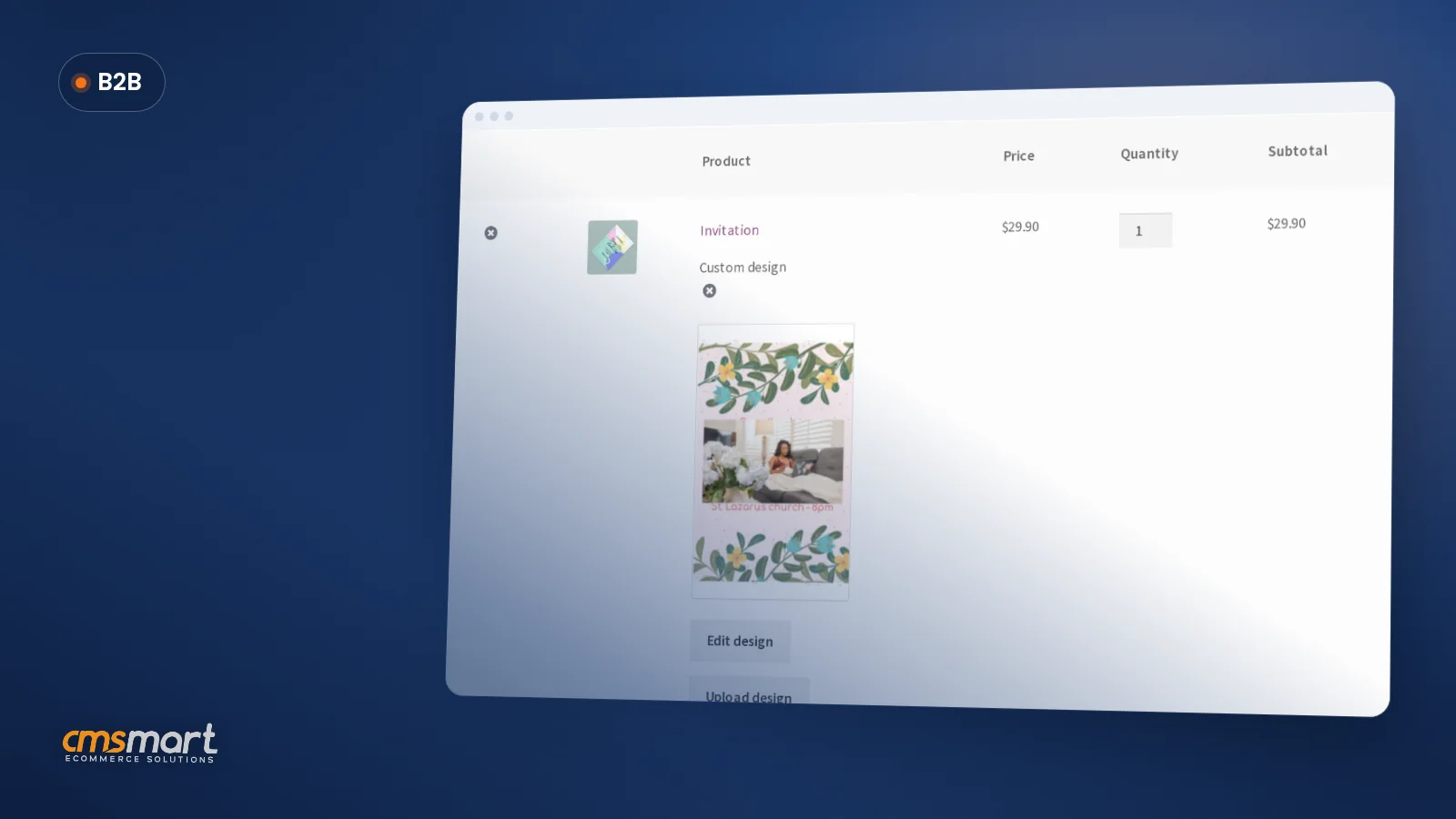
Mugs, T-shirts, posters, invitations and similar flat or wrap-print products work well with the Photos panel and the AI cleanup tools already in 2.17.
How long does a custom animated-filter effect take to build?
It depends on scope — one style preset on one product line is far smaller than an open-ended, multi-style filter with moderation. Start with a discovery call so we can size it against your catalog.
Will AI uploads cost me per customer use?
The built-in AI tools run on your Cmsmart Cloud balance, not the customer's; you choose who may trigger them and set usage limits. A custom filter would use the same budget-control pattern.
Can the print-ready PDF handle a photo that's been through a custom filter?
Yes — once the edited photo sits in the design as a layer, it goes through the same Create PDF and print-ready pipeline as any other layer.
Written by
Cmsmart AI for Ecommerce Engineer
Adds practical AI to stores: image tools, preflight checks, automation and assistants.
- AI tools
- Automation
- AI preflight
- Cmsmart Cloud
More from this expert →