Guide · WooCommerce
Custom Ecommerce Development Services: A Planning Guide
Plan custom ecommerce development: define goals, features, integrations, scalable architecture, testing and support. Get the guide and talk to Cmsmart...
How to choose and plan an ecommerce platform, and what a custom build involves.
Guide · WooCommerce
Plan custom ecommerce development: define goals, features, integrations, scalable architecture, testing and support. Get the guide and talk to Cmsmart...
A trade printer sells to other printers and resellers, not to the public, so its web to print software for trade printers has to take a job complete with print-ready files, price it by quantity, run a file check before the job reaches production, and let the same buyer reorder it next month in one click — no new email, no new upload. What does it cost a trade printer to run reseller orders...
Made-to-order furniture needs a configurator: buyers pick components such as frame, material and colour, see the result and the total, and the order carries every choice. Cmsmart's Product Builder for WooCommerce does this with component, text and image fields, without a variation per combination; 3D configurators are custom development, quoted per project. Running a made to order furniture ecommerce store without a configurator looks familiar: a shopper emails asking for a different fabric or...
A print shop can run web to print three ways: open source code you assemble yourself, a hosted SaaS you rent, or licensed software you host and own. Open source vs SaaS web to print software is not really a feature fight — it is a decision about who owns your store, what you pay every year, and how easily you can leave. Cmsmart is the third model: WooCommerce on your own hosting, licensed...
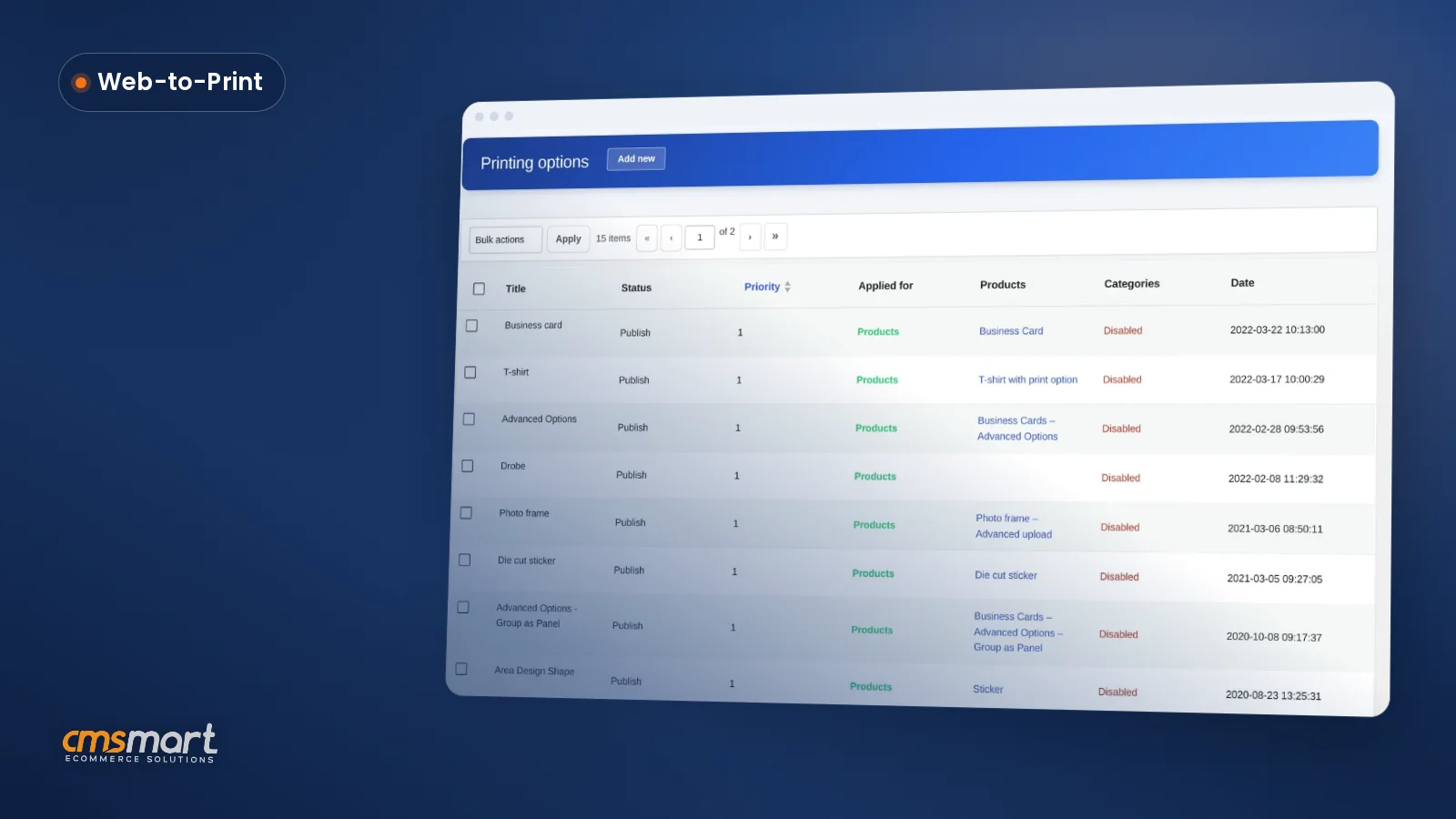
This guide shows how to build a web-to-print solution on WooCommerce: an online store where a customer picks print options, sees a live price, designs or uploads their own artwork, and checks out, while Cmsmart Product Designer turns every order into a print-ready file for your press, and you keep full ownership of the store, its data and its customers. What does manual print-order handling really cost your shop? Cmsmart Product Designer replaces email-and-spreadsheet...
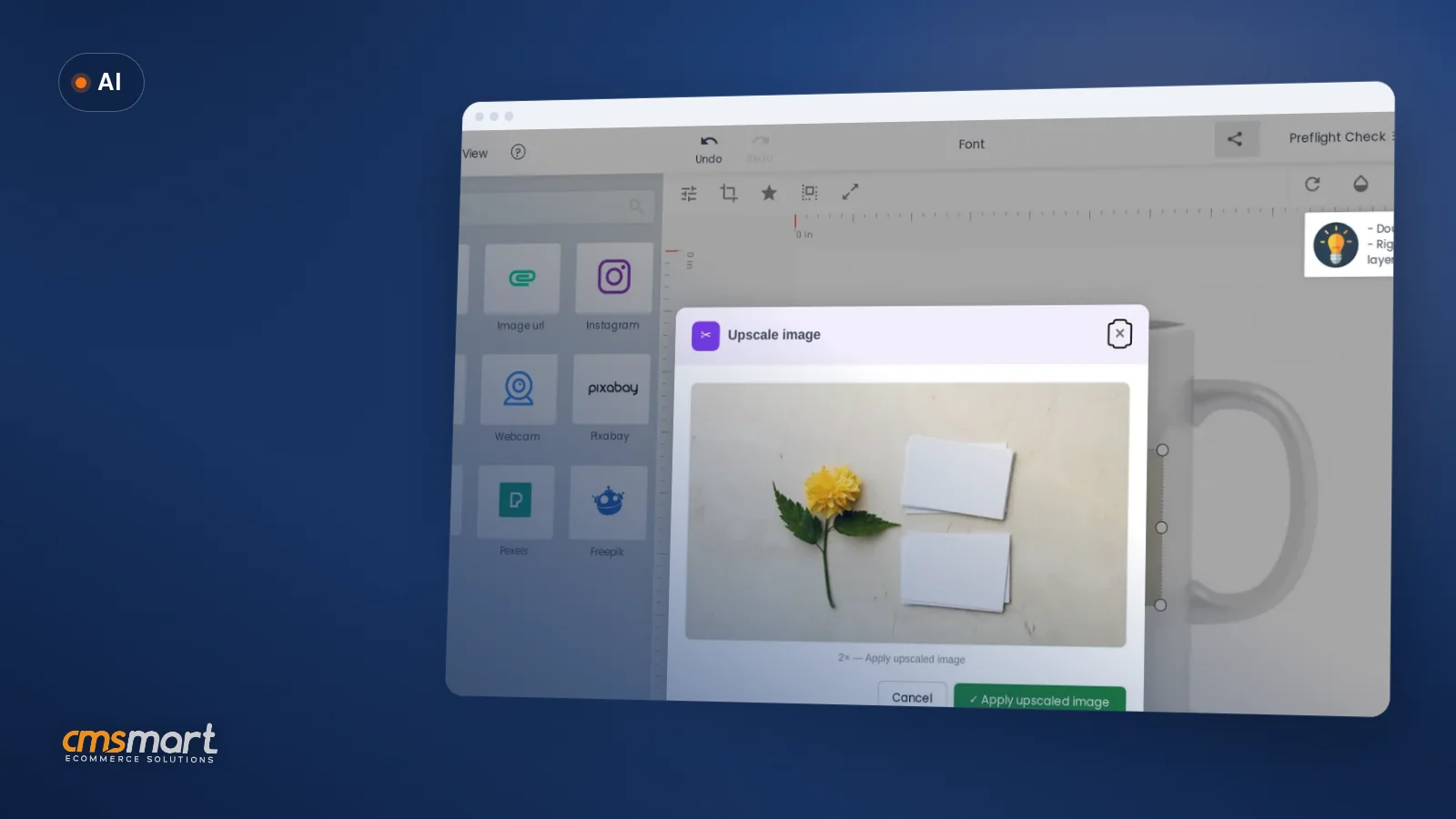
AI design solutions for ecommerce businesses split into two groups: tools that help shoppers design a product, and tools that help your team prepare the order for production. Cmsmart covers the shopper side with AI background removal, image upscaling and print preflight, billed from one token wallet, and builds AI sales and support agents as a quoted project. What's the cost of not knowing which AI tool actually helps? Owners hear "AI" everywhere and...
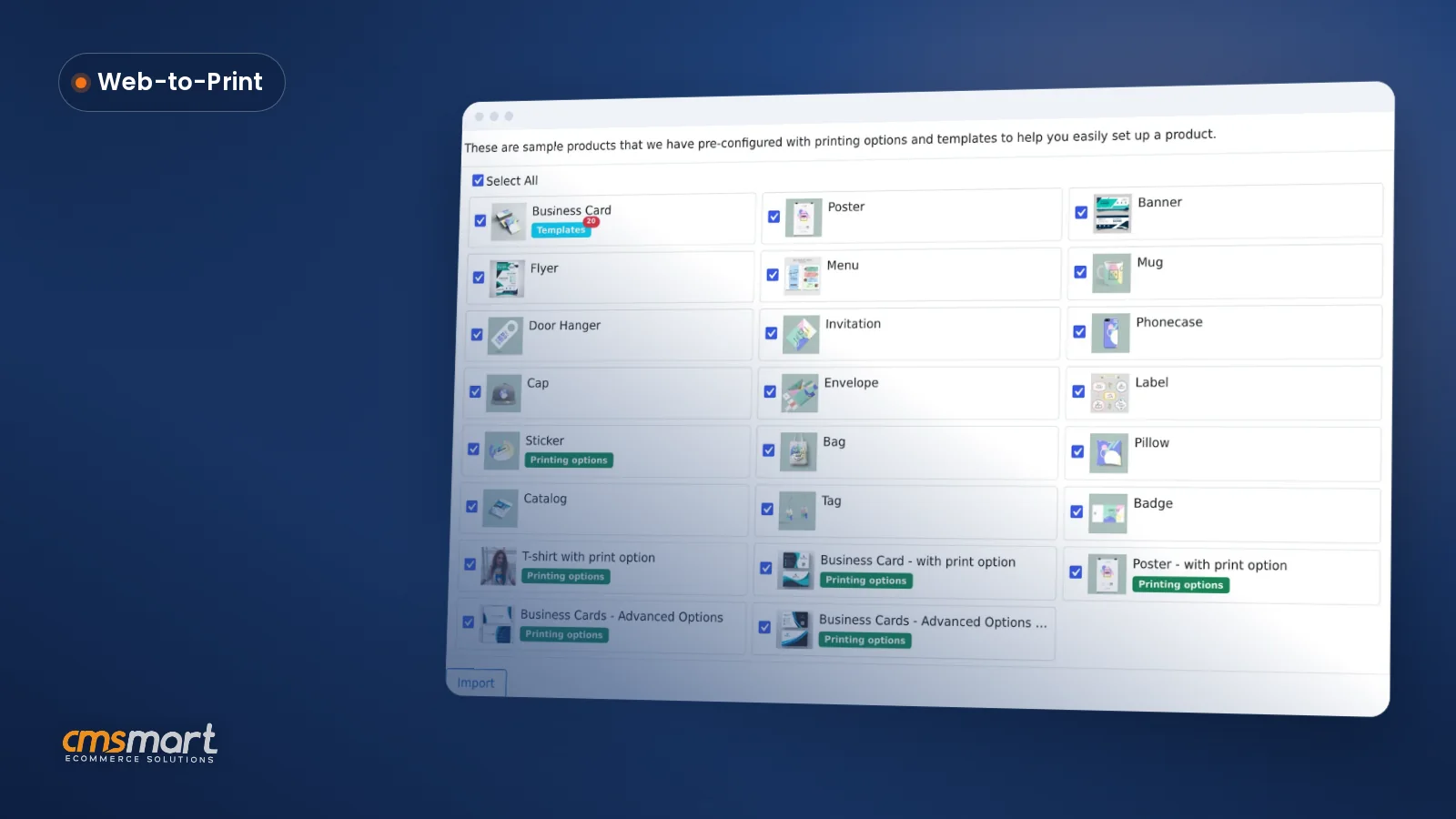
Import sample products WooCommerce Product Designer style: tick a checklist once, click Import, and a stocked catalog with templates and pricing is ready for your team to edit before the store ever goes live. What does a blank product catalog cost a new WooCommerce store? A freshly installed Cmsmart Product Designer has no design-enabled products, no templates and no print-option pricing — every one of those has to be built by hand before a...
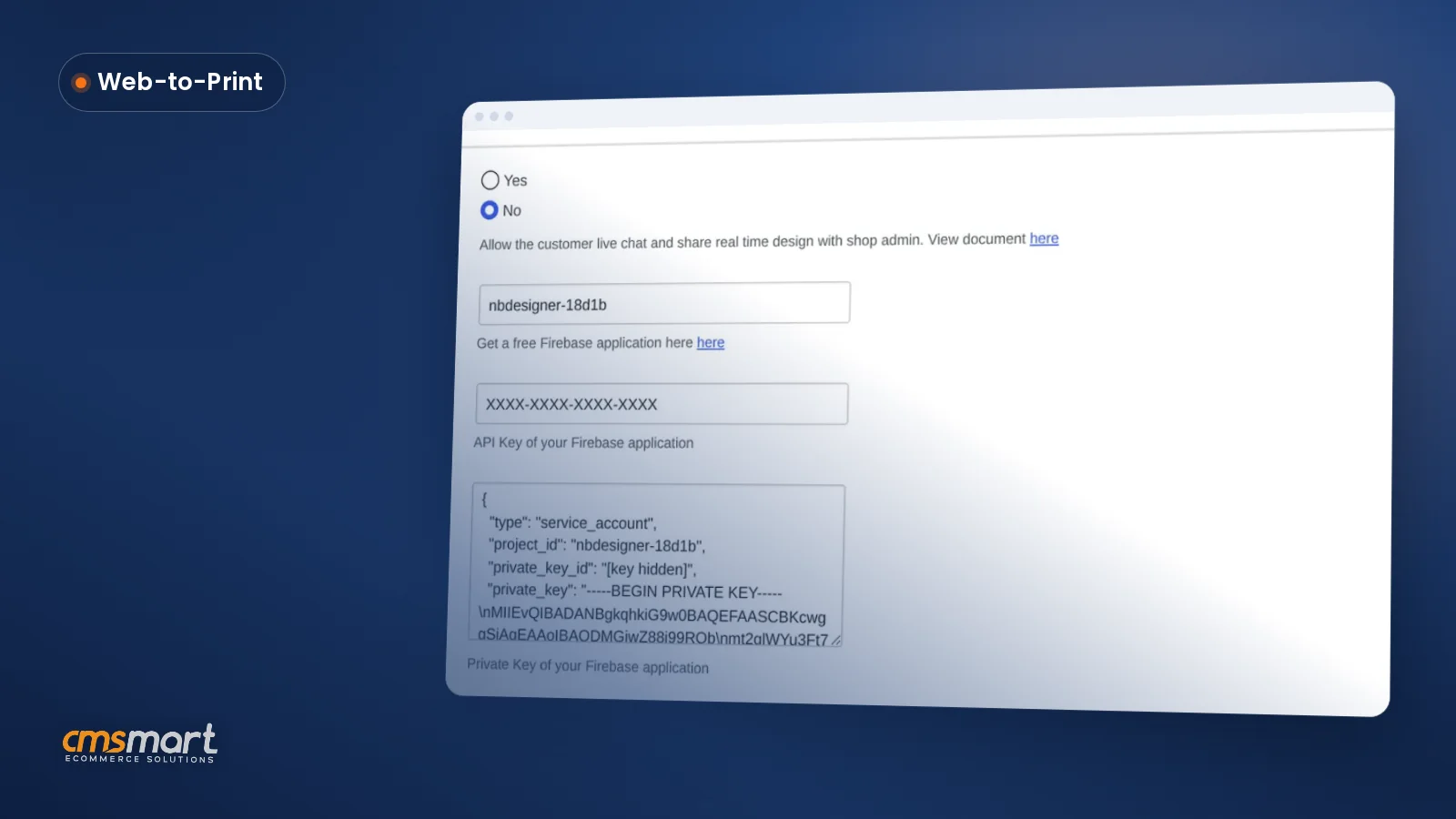
Cmsmart Product Designer's live chat design monitor WooCommerce settings add a real-time chat widget and let your team watch a buyer's design update live, from one admin screen, so a stuck customization doesn't quietly end in an abandoned cart. What's the real cost of running live chat without a design monitor? Cmsmart Product Designer's live chat tells you a buyer has a question; the design monitor shows you what they're stuck on. Without both,...
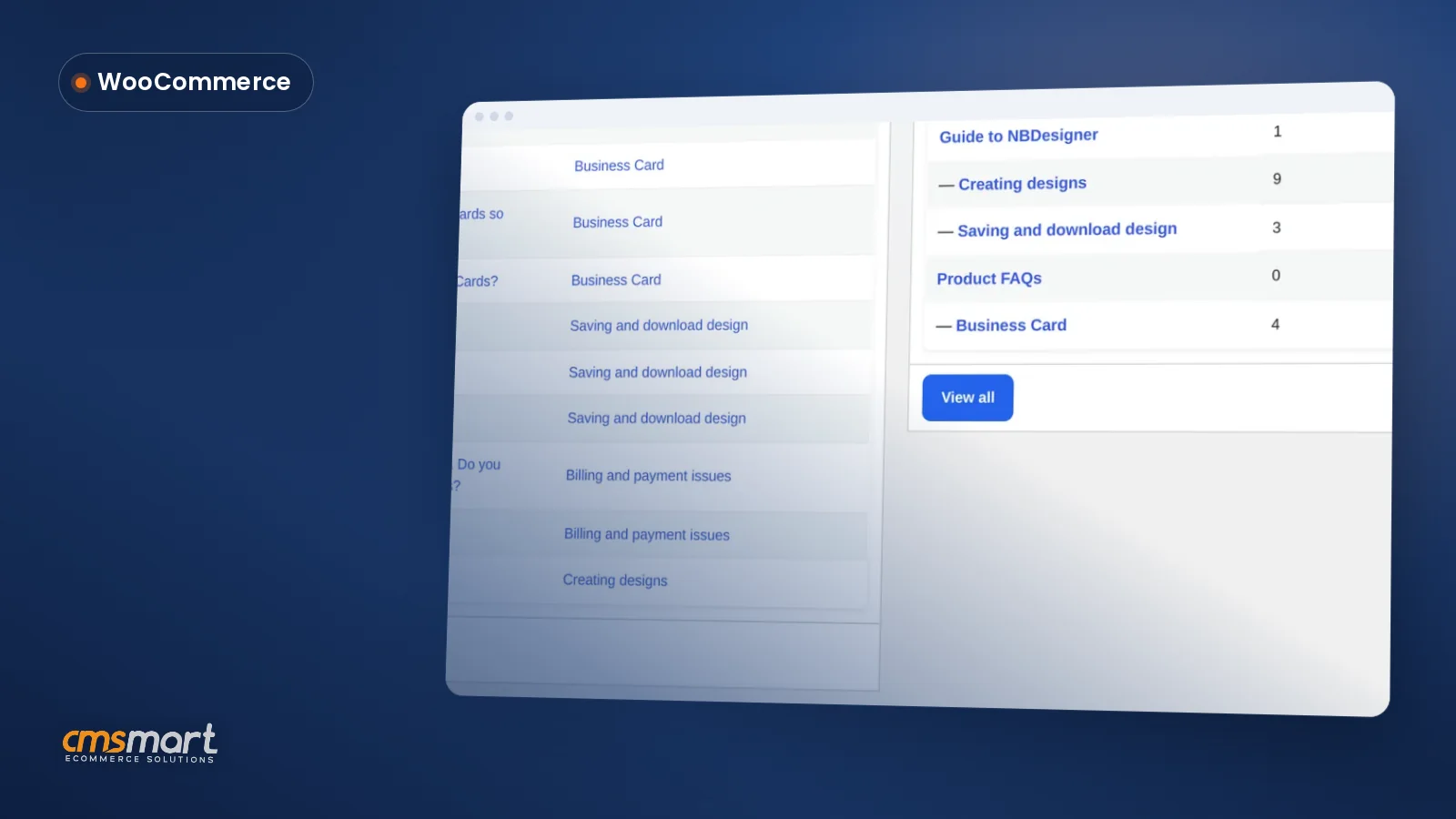
Every product FAQ WooCommerce print shop teams answer by hand today can instead live in one screen: Cmsmart Printing FAQs turns scattered email and chat answers into a library you write once, group by category, and feed straight into the live chat widget so shoppers get an answer before they ever type a message to you. What does it cost you when buyers can't find a quick answer? Cmsmart Product Designer ships a Printing...
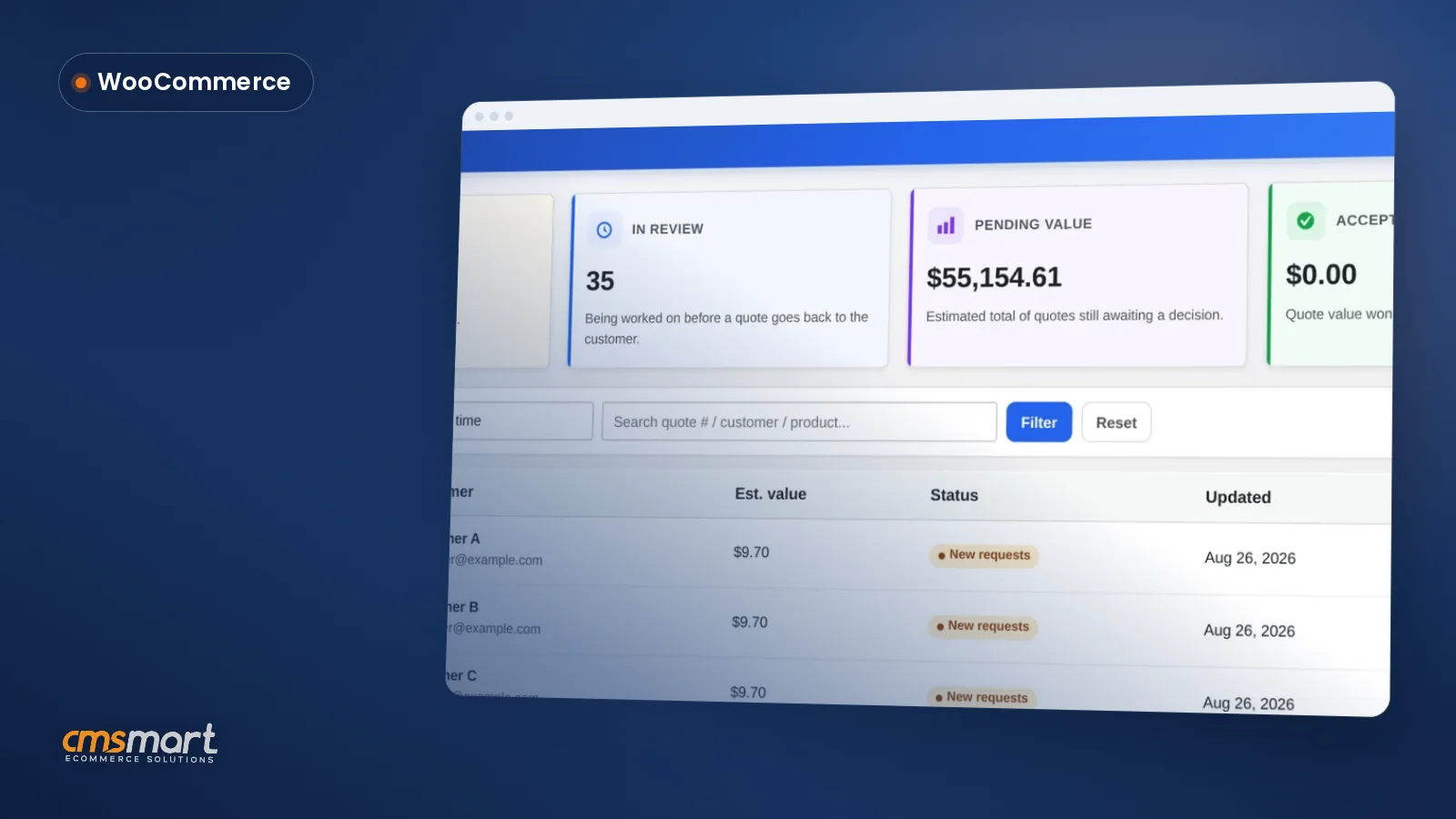
A WooCommerce custom quote form builder matters the moment a product needs a negotiated price instead of a fixed one — bulk print runs, made-to-order signage, a B2B buyer who needs 500 units and a PO, not an 'Add to cart' button. Cmsmart Product Designer 's Custom quotes screen and Quote form builder turn 'email us for pricing' guesswork into one dashboard. Why does a manual quote process cost you print jobs? Cmsmart Product...
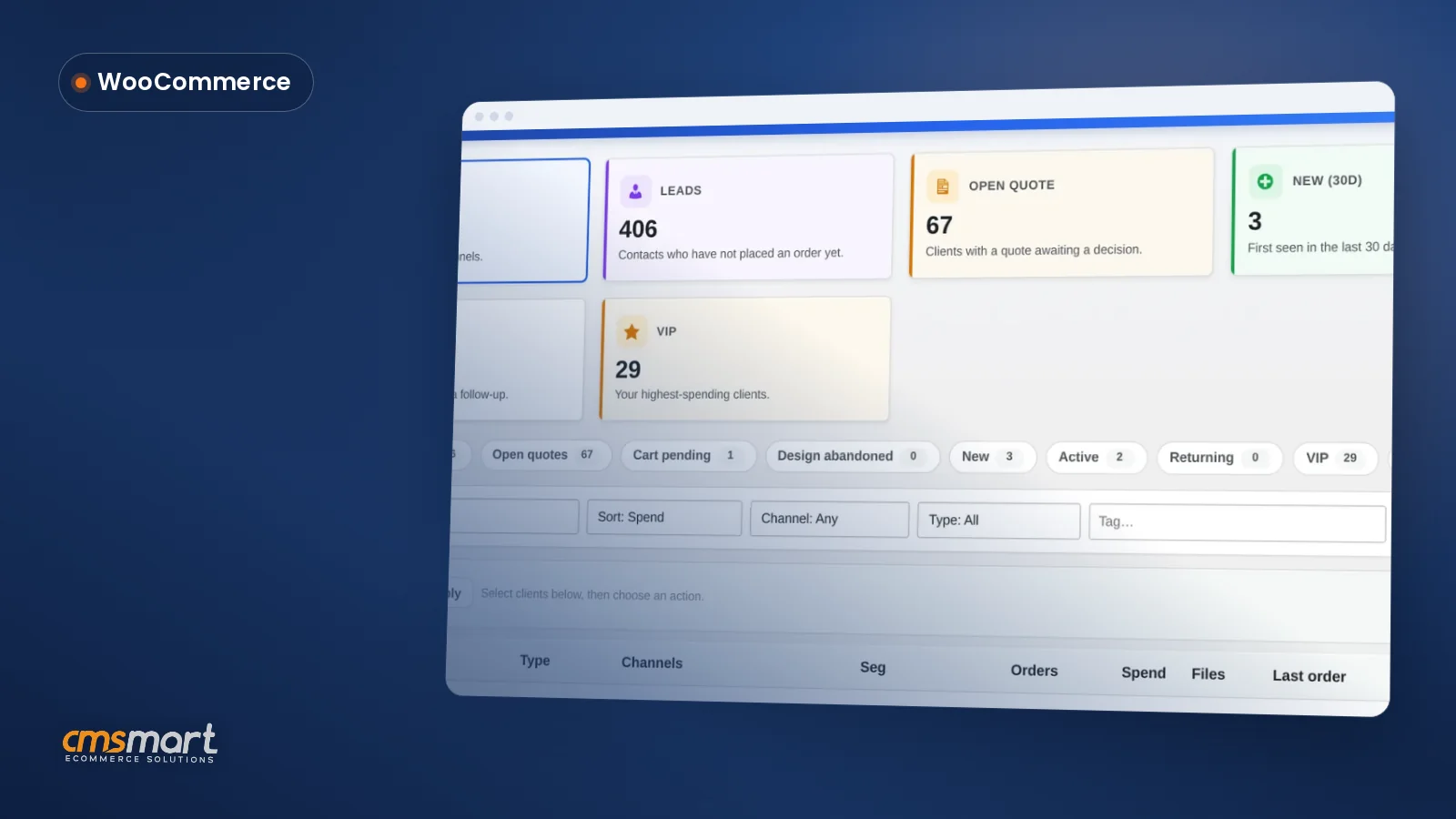
A print shop customer list WooCommerce workflow usually means three spreadsheets, two inboxes and a Post-it note of who still owes a deposit. Cmsmart Product Designer 's Clients screen replaces that with one live list pulled straight from your orders, quotes and design activity — searchable, segmented and ready to export the moment you need it. Why a manual print shop customer list WooCommerce spreadsheet costs you sales Cmsmart Product Designer's Clients screen replaces...
 Print-Ready PDF Plugin for WooCommerce (Cmsmart 2.17)
 Teespring Business Model: How It Works for Sellers
 NBDesigner Lite Free Download: Install & Activate
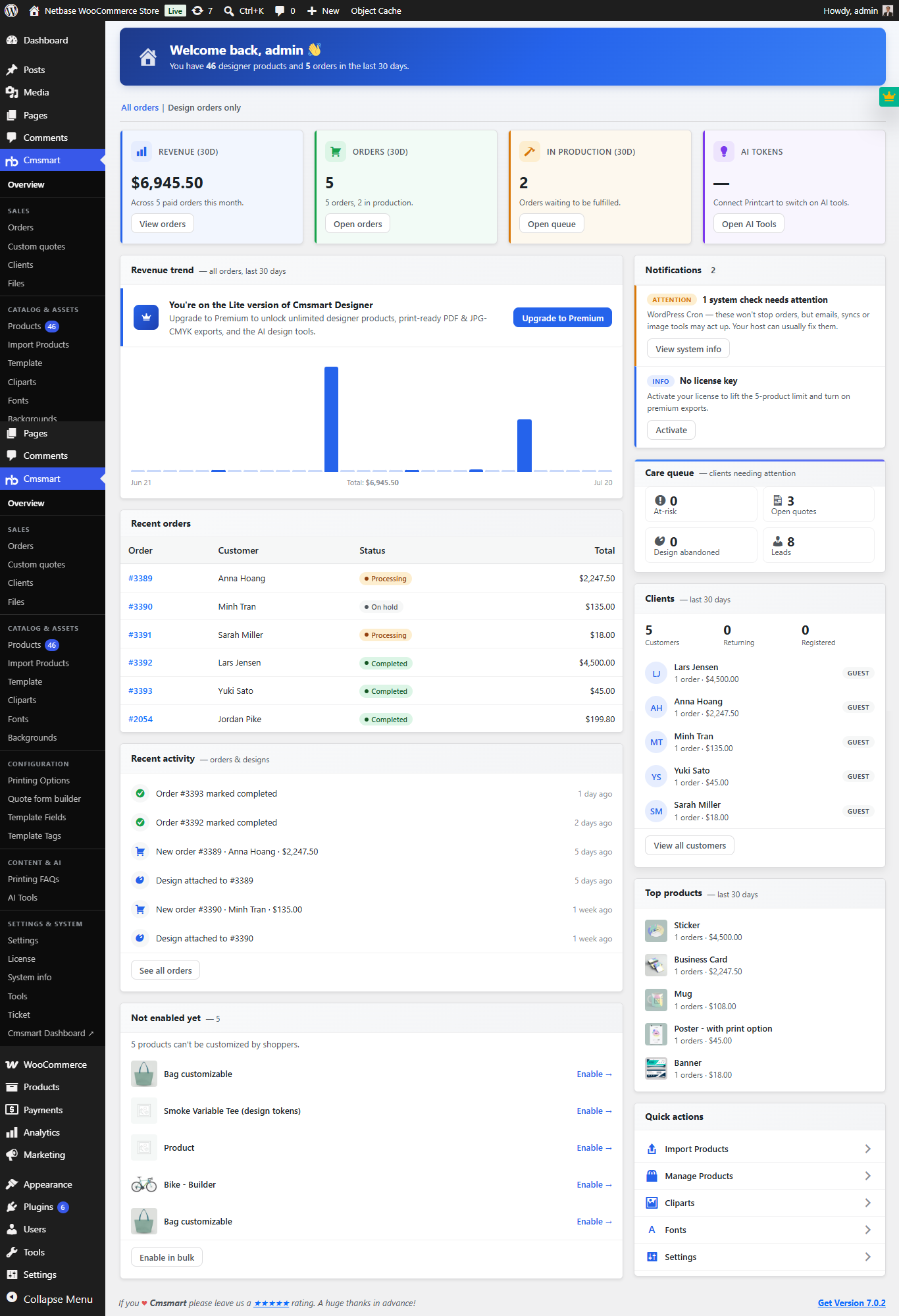 Print Shop CRM Software: Cmsmart Designer 2.17
 Cmsmart Product Designer Settings Guide: Complete WP Admin
 How to Choose an Ecommerce Web Design Company
 Keywords for T-Shirts: SEO Tips for Your Brand
 Ecommerce Product Catalog and Listings: A Guide
 WooCommerce Printing Options Price Matrix Setup Guide
 WooCommerce Price Matrix: Price Print Products Online

Cmsmart Ecommerce provides custom ecommerce and WooCommerce development services for web-to-print, product personalization, plugin support and API integration.
Cmsmart WooCommerce Development Lead
Leads custom WooCommerce builds: architecture, checkout, performance and integrations.
Meet the team →