Community
AI Image Tools for WooCommerce Product Customization

Cmsmart's AI image tools for WooCommerce product customization let a buyer remove a messy background, sharpen a blurry phone photo and get a print-readiness check — all inside the same designer where they add text and clipart — so your team spends less time fixing photos and ships fewer reprints.




Cmsmart Ecommerce provides custom ecommerce and WooCommerce development services for web-to-print, product personalization, plugin support and API integration.

Cmsmart AI for Ecommerce Engineer
Adds practical AI to stores: image tools, preflight checks, automation and assistants.
Meet the team →
Top
In short
What's the real cost of letting customers upload any photo they want?
Cmsmart Product Designer adds AI image checks directly in the buyer's upload step, so a low-resolution photo or a busy background gets caught before the order is placed — not after a print run comes back wrong and a staff member has to call the customer.
Personalized, print-on-demand products are a fast-growing slice of ecommerce — the global print-on-demand market was valued at $10.8 billion in 2025 and is projected to keep growing at a 23.6% CAGR through 2033 (Grand View Research, 2025), which means more of your traffic expects to upload their own photo, not just pick from a catalog. Ask anyone who has run a personalization storefront for a year and they'll tell you the same pains show up on repeat:
What would it look like if every upload were print-ready by checkout?
Cmsmart Product Designer lets a buyer fix their own photo in the same editor where they add text and clipart, so the design that reaches your cart is already background-clean, sharp enough to print and flagged if it still falls short — before your team ever opens the order.
Example scenario. A buyer picks a mug, uploads a photo from last weekend, and the shot includes a cluttered kitchen counter behind them. One click on Remove background with AI lifts the subject onto a transparent layer. The photo is a little soft at the print size they want and well under 300 DPI, so they run Upscale at 2x to close the gap. Preflight Check runs automatically when they click Process and reports the design is ready. They add a caption, watch the price update, and check out — no email, no proof round-trip, no reprint six days later because the photo was too small to print.
How does Cmsmart's product designer turn a phone photo into a print-ready file?
Cmsmart Product Designer runs AI Background Remover, Image Upscale and Preflight Check inside the same editor buyers already use for text and clipart, then renders a print-ready PDF through Cmsmart Cloud that matches what the buyer actually ordered — no separate app, no manual export step for your team.
AI-powered image editing is moving from novelty to default: the global AI image editor market was valued at $6.28 billion in 2025, up from $5.12 billion the year before (Market Research Future, 2025) — buyers increasingly expect a one-click fix, not a lesson in DPI. Four pieces work together in Cmsmart's setup, and it's worth knowing which ones ship in the plugin and which ones a shop builds on top:
Cmsmart insight: Set Background Remover's edge softness above the default on busy edges like hair, fur or fabric fringe — a hard cut looks clean on a simple product silhouette but leaves a visible halo on anything with fine detail, and that halo is what turns into a reprint request.
What's the ROI of catching bad artwork before it reaches the press?
Cmsmart Product Designer's AI tools replace staff time spent fixing photos with a few seconds of buyer self-service, and replace a share of your reprints with a preflight flag the buyer can fix before checkout — both show up directly in your production and support costs.
Rough-cut the savings with your own numbers:
(orders per month needing a manual photo fix) × (minutes per fix ÷ 60) × (your staff's loaded hourly cost) = monthly staff time saved. Fill in your own order volume, average minutes per manual background or resolution fix, and hourly rate.
(orders per month) × (your current reprint rate) × (cost per reprint, including material and shipping) = monthly reprint cost at risk. Compare that figure before and after turning Preflight Check on for a full quarter.
How do you set up AI image tools for WooCommerce product customization?
You turn on Cmsmart's AI tools from one settings screen: a master switch, a per-tool toggle for Background Remover, Upscale and Preflight, and an audience rule — then the buttons appear automatically inside the online designer on every design-enabled product.
If the designer isn't set up on a product yet, start with our guide on how to design a product online — the steps below assume Cmsmart Product Designer is already enabled on at least one product.
Here's what that looks like on both sides of the order:
What can Cmsmart build on top of the AI tools for your store?
Beyond the toggles in Settings, Cmsmart builds the AI workflow further for stores with specific production rules — printer-tuned preflight, ERP/MIS hand-off for approved artwork, bulk checks for B2B orders and brand-locked background presets — scoped as a project, not a plugin setting.
Projects like these are usually scoped through Cmsmart's AI integration service and follow the same delivery path as any Cmsmart ecommerce project: a discovery call, a written solution design, sprint-based build, QA against your real files, launch and ongoing support.
Get a custom AI preflight quote
Why work with Cmsmart on AI-powered print production?
Cmsmart has built WooCommerce product customization and web-to-print storefronts since 2012, with AI image tools now part of the same Product Designer plugin — backed by a Trustpilot rating buyers can check and real client projects your team can review before you commit.
"We have had the NB Designer plugin installed for three years and have experienced absolutely no problems during that time. It is wonderful to see their commitment to continuous development, with new features being added frequently to keep the software current and highly capable." — Web Developer, Trustpilot review
For more on deciding who can use the AI tools and the token wallet behind them, see our WooCommerce Product Customizer guide. If you're starting from scratch on the designer itself, our how to design a product online tutorial covers that first step.
Frequently asked questions
Do customers need an account to use the AI tools?
Only if you set the audience to Members. With that setting, a visitor is asked to create a free account before running an AI tool, and their in-progress design is kept; with Everyone, no account is required.
What happens if AI Preflight finds a problem with a photo?
The check runs in the designer and again on the order's print files, flagging issues like low resolution before the file goes to production. The order screen shows Ready, Rendering or Failed, with a Regenerate print-ready PDF button so an admin can re-run it after a fix.
Does the print-ready PDF match our press's color setup?
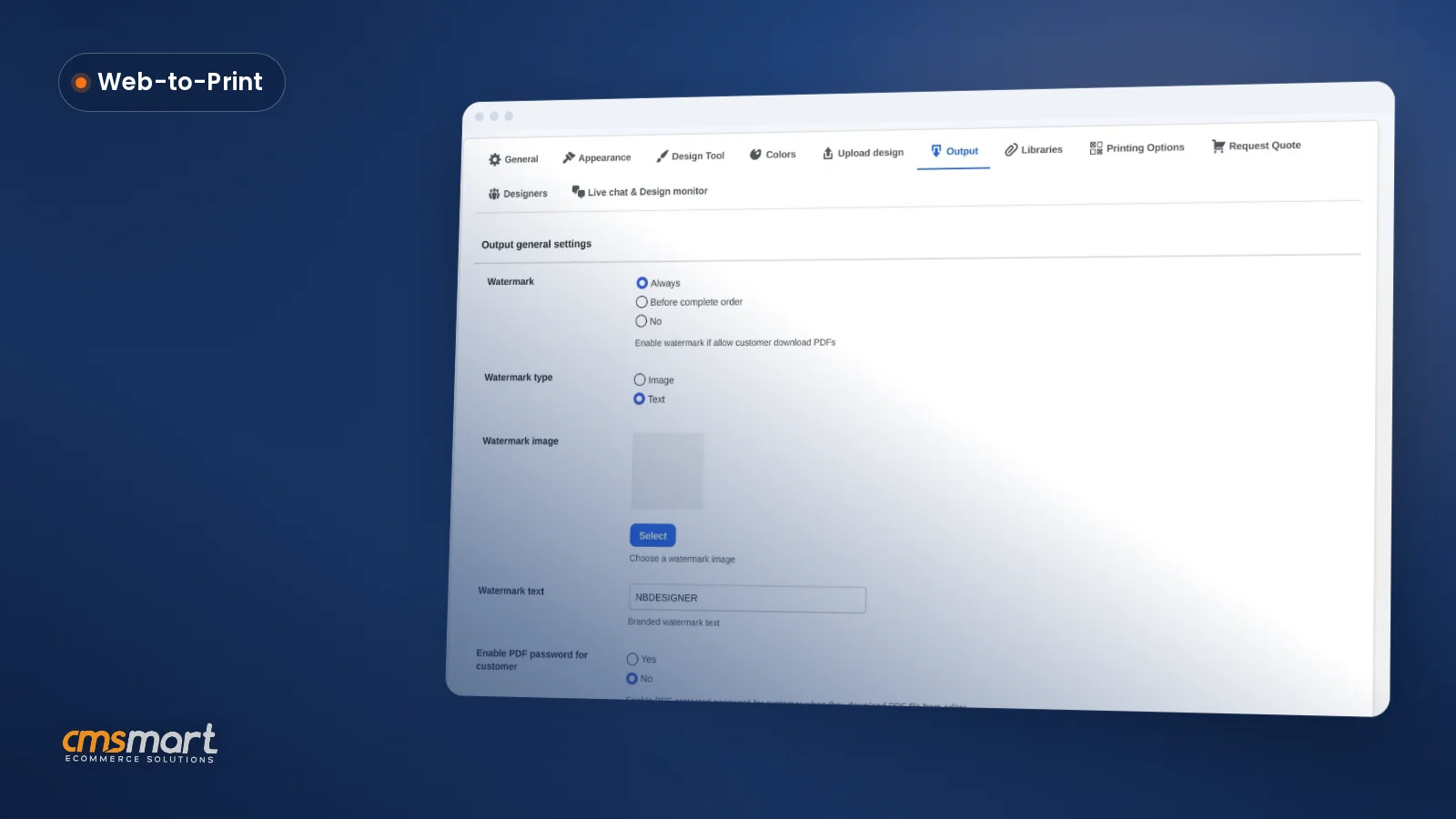
Cmsmart's Output settings support a PDF export with CMYK and an ICC color profile attached — see the ICC profile specification for how that keeps color consistent from screen to press. Since 2.17, the automatic render and the admin's Create PDF button read the same page geometry, so the file also matches the order's actual size.
How much do the AI tools cost to run?
AI Background Remover, Upscale and Preflight draw from your Cmsmart AI wallet, funded by your plan's token allowance. You control who can spend tokens with the audience setting, and you can see usage and demand on the Cmsmart Cloud overview tab.
Can Cmsmart tune Preflight to our specific printer or press?
Yes, as custom development. The built-in check covers resolution and general file health; printer-specific bleed, DPI floors or color-mode rules are scoped and built as a project on top of the existing Preflight flow.
Do I need the online designer, or does this work for direct file uploads too?
The AI tools run inside the online designer. For a product configured for a direct file upload without the designer, the file still goes through the order's print-ready pipeline and the AI Preflight box on the order screen — ask Cmsmart about extending the buyer-facing AI tools to that flow as custom development.
Written by
Cmsmart AI for Ecommerce Engineer
Adds practical AI to stores: image tools, preflight checks, automation and assistants.
- AI tools
- Automation
- AI preflight
- Cmsmart Cloud
More from this expert →