Community
WooCommerce Product Builder: Sell Multi-Part Products

A customer who wants a tote bag with a choice of handle, lining and an add-on pocket should not have to email you for a quote: a WooCommerce product builder turns that choice into an on-page picker with a live price, using Cmsmart's Product Builder fields built entirely inside the plugin's Printing Options screen.
Related posts


Cmsmart Ecommerce provides custom ecommerce and WooCommerce development services for web-to-print, product personalization, plugin support and API integration.

Cmsmart Product Designer Plugin Engineer
Builds and supports the Cmsmart Product Designer (NBDesigner) for WooCommerce.
Meet the team →
Top
In short
Why does selling a multi-part product still mean manual quoting?
Cmsmart Product Designer removes manual quoting for configurable products by letting you define each part as a priced "Component" field in Printing Options, so the storefront shows a price the moment a shopper picks a combination, instead of a contact form.
Print shops and merchandise sellers that offer anything built from parts — a tote bag with a handle and lining option, a sign with a choice of post and mount, a gift set with swappable inserts — run into the same wall once volume grows:
What would a build-your-own product store look like?
With Cmsmart's Product Builder fields, a shopper opens a product, picks a component from each group you defined — material, add-on, finish — watches the total update, and adds it to cart with no back-and-forth, while you keep full control of what each choice costs.
Picture the order desk on a Monday morning: no inbox full of weekend messages asking for a different color or how much an extra part would cost. Every configurable order that came in already has its components, its price and its print-ready file attached, because the pricing decision was made by the picker, not by a person.
Example scenario: a stationery shop sells a gift box builder — base box, a choice of liner, and an optional foil-stamped tag. Each option is a Component field with its own price delta in the matrix. A shopper who adds the foil tag sees the total rise by exactly the configured amount before they reach checkout, and the order lands in production with the selected components recorded against the order item, not typed into a note field.
Setting this up is also the moment to talk to an ecommerce expert if your product is closer to a true configurator — rotating 3D previews, components that depend on each other, or a live inventory check — since that layer sits on top of, not inside, the standard picker.
How does Cmsmart's WooCommerce product builder solution turn components into a sellable product?
Cmsmart's solution is a field type library inside Printing Options: a Component field (plus Text and Image fields for labels and swatches) that an admin attaches to a product, prices in a matrix, and the storefront renders as a picker — while the online designer, order pipeline and print-ready output stay exactly the same.
Everything else a configurable product needs — checkout, the order record, the print-ready PDF, artwork approval — is the same pipeline every Cmsmart product already uses. Only the front-end picker changes, and it is a different model from a native WooCommerce variable product, where each variation carries one fixed price instead of a matrix computed from several components:
Cmsmart insight: in projects where a small component picker grew into dozens of combinations, the price matrix is usually easier to maintain than the rule logic — keep the number of components a buyer chooses from small, and push anything that depends on another choice into a custom rule rather than more matrix rows.
What's the ROI of a multi-component product builder?
Cmsmart's Product Builder pays for its setup time by cutting the minutes staff spend quoting each configurable order and by showing a price before checkout, which is the single biggest lever against the industry-wide cart abandonment rate cited above.
Back-of-envelope worksheet: (configurable orders per month) × (minutes a staff member used to spend quoting each one) × (fully loaded hourly cost ÷ 60) = monthly quoting time saved. Add (configurable orders per month) × (your current abandonment rate on quote-gated products − your expected abandonment rate once price shows instantly) × (average order value) for the revenue side. Both variables are yours — the worksheet only works with your own numbers, not a promised percentage.
How do you set up a component-based product in Cmsmart Product Designer?
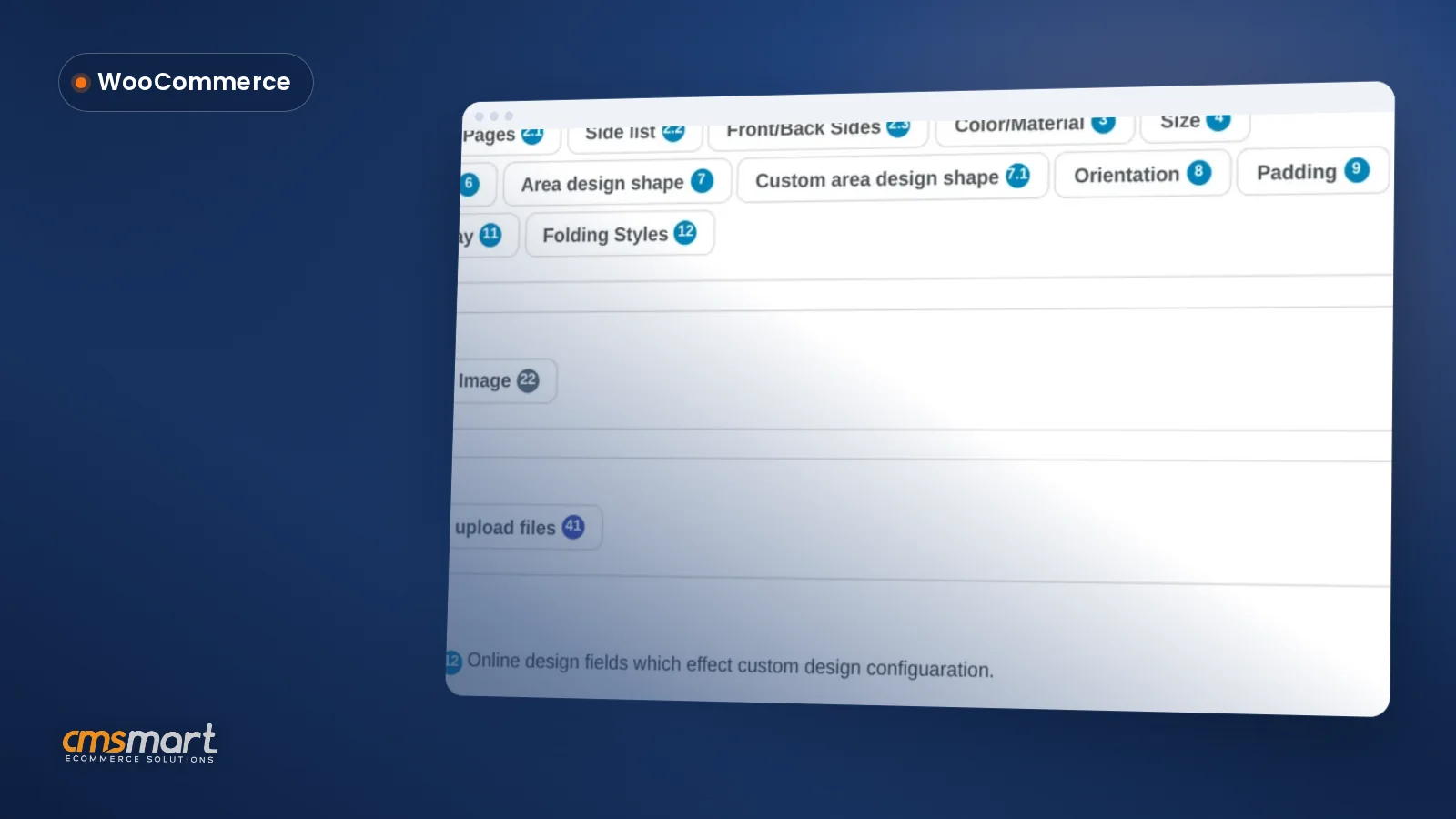
You set up Product Builder fields entirely from Cmsmart → Printing Options: add a Component field per choice, price each one in the matrix, attach the option set to a product, and the storefront picker is live — no theme or code changes needed.
Once an order comes in, it runs through the same pipeline as every other Cmsmart order: the order detail screen shows the production timeline, the Cmsmart Product Designer plugin queues the print-ready PDF, and — since 2.17.0 — that automatic PDF uses the same page geometry as a manual "Create PDF," including any custom size, so what production opens matches what the designer showed.
For deeper settings — upload file types, minimum DPI, PDF and ICC/CMYK output — see the product configuration guide, and for the pricing grid itself, the price matrix tutorial covers multi-attribute tables in more depth than fits here.
Going further: what can Cmsmart custom-build on top of Product Builder?
Cmsmart builds the layer above the standard picker — dependent components, a rotating 3D preview, live inventory or ERP-synced stock per component, and saved configurations for repeat B2B buyers — as custom development on top of your existing Product Builder setup, not a replacement for it.
Every custom project follows the same delivery model: discovery, solution design, sprints, QA and launch, with support after — see how that runs in practice on Cmsmart's ecommerce project delivery page.
Get a custom product builder quote
Why work with Cmsmart on your product builder?
Cmsmart has shipped WooCommerce product customization since 2012 as a Netbase JSC division, with over 6,300 client projects delivered and a 4.2-star Trustpilot rating, so a component picker you configure yourself can become a fully custom 3D configurator without switching vendors.
Cmsmart (a Netbase JSC division, netbasejsc.com) has built WooCommerce product customization tools since 2012: 6,300+ client projects and 4,600+ projects delivered, with 1,800+ stores live on the platform across 80+ countries. Reviews are public on Trustpilot, currently rated 4.2 from 404 reviews.
Cmsmart insight: "We have had the NB Designer plugin installed for three years and have experienced absolutely no problems during that time. It is wonderful to see their commitment to continuous development, with new features being added frequently to keep the software current and highly capable." — Web Developer, Trustpilot review, GB.
See related delivery work on the web-to-print solutions hub, or browse the Cmsmart Product Designer plugin page to try Printing Options yourself.
Frequently asked questions
What's the difference between the online designer and Product Builder fields?
The online designer is a canvas where a buyer places text, images and cliparts freely. Product Builder fields (Component, Text, Image) are a picker: the buyer selects from options you defined, each with its own price, and never touches a canvas. A product can use either, and some stores offer the picker to choose a base product, then the canvas to decorate it.
How many components can one product have?
There's no hard cap in the plugin; practically, keep the number of Component fields a buyer must fill in small. Every extra choice is a chance to abandon, and the price matrix gets harder to maintain as components multiply — see the insight above on when to move dependency logic into a custom rule instead of more matrix rows.
Does the price matrix support quantity discounts?
Yes. Printing Options includes a quantity-breaks table (percentage or fixed discount per break) alongside the component price matrix, both set from the same option editor screen.
Can components affect the print-ready file, not just the price?
Within the plugin, a component's price and label are configurable; production specs (bleed, resolution, color profile, paper size) that feed the print-ready PDF/X-style file are set per product, not per component choice. If different components genuinely need different print geometry or files, that routing is custom development — talk to Cmsmart about your specific component set.
Can Cmsmart connect our component stock to our inventory system?
Not out of the box. Live stock or ERP/MIS sync per component is a custom integration project — see "Going further" above — built on top of your existing Printing Options setup, so nothing you configure today is wasted.
How long does a custom product builder project take?
It depends on scope: a compatibility-rules project is smaller than a full 3D configurator with inventory sync. Cmsmart scopes every project through discovery and solution design before sprints start — request a quote to get a timeline for your specific build.
Written by
Cmsmart Product Designer Plugin Engineer
Builds and supports the Cmsmart Product Designer (NBDesigner) for WooCommerce.
- NBDesigner
- WooCommerce
- Product customizer
- Release notes
More from this expert →