

Case study · Web-to-print
Web-to-Label Printing: Sell Custom Product Labels Online
Set up web-to-label printing for product labels with Cmsmart Product Designer: upload, proofing and print-ready PDFs. Get a quote today.
Picking the best WooCommerce product designer plugins comes down to three things: how deep the online editor goes, whether the output is truly print-ready, and what the plugin costs once you count hosting and support — not just the sticker price.
Was this tutorial helpful?
See also: Cmsmart pricing and Cmsmart products.
Written by
Cmsmart Product Designer Plugin Engineer
Builds and supports the Cmsmart Product Designer (NBDesigner) for WooCommerce.
The team behind it
 Account Manager
 Project Manager
 Business Analyst
 Developers & QA
Case study · Web-to-print
Set up web-to-label printing for product labels with Cmsmart Product Designer: upload, proofing and print-ready PDFs. Get a quote today.
Guide · Web-to-print
See a sourced WooCommerce product designer plugin comparison: pricing, features and print-ready files, then request a free migration quote today.
Guide · Web-to-print
Translate WooCommerce product designer screens with Loco Translate or Frontend Translate: see every setting, its default, and how to set it up.
Browse more guides, tutorials and case studies from the Cmsmart community.
Unlock the Power of Mobile Commerce: Propel Your Business Forward
Read MoreDiscover how to harness mobile commerce to enhance your business growth. Learn strategies for optimizing the mobile shopping experience and increasing consumer engagement.
Read MoreDiscover the benefits of mobile commerce and how it can transform your business. Learn effective strategies for maximizing sales and customer engagement through mobile-optimized shopping experiences.
Read More
Cmsmart Ecommerce provides custom ecommerce and WooCommerce development services for web-to-print, product personalization, plugin support and API integration.
Cmsmart Product Designer Plugin Engineer
Builds and supports the Cmsmart Product Designer (NBDesigner) for WooCommerce.
Meet the team →


In short
Who should read this product designer plugin comparison?
Cmsmart Product Designer is built for WooCommerce store owners who sell personalized products — print shops, promotional merchandise sellers, stationers and apparel brands — who need customers to design on the product page and staff to receive a usable print file, not just a screenshot.
This guide is for three kinds of readers: a print shop owner replacing a bare dropdown-options setup with a real design canvas; a store comparing a WordPress plugin against a hosted SaaS configurator like Zakeke; and a developer or agency who has to implement whichever tool the business picks. If you want the fuller web-to-print picture beyond just the design plugin — storefront, quoting and production together — see our web-to-print solutions hub. For a deeper look at the customization work itself, our product designer customization service page covers what a tailored build adds on top of the plugin.
Choose Cmsmart Product Designer if your priority is a print-ready file that matches what the customer actually designed, owned on your own site for one license fee. Choose Zakeke if you sell across several storefronts and want 3D or AR previews more than deep print-production tooling. Choose neither — and keep comparing — if all you need is a few dropdown options on a handful of products, not a full design canvas.
What does a slow or manual product-design process cost your store?
Without a real product designer plugin, a WooCommerce store either limits customers to simple dropdowns or ends up emailing print files back and forth, which turns a five-minute order into a multi-day back-and-forth and leaves staff re-typing specs by hand. Cmsmart Product Designer moves that whole exchange onto the product page.
The cost of the status quo is roughly: (minutes spent per manual proof × orders per month) + (reprints per month × cost per reprint) + (staff hours spent re-keying specs × your hourly rate). Plug in your own numbers — the point is that every one of those variables drops once design, pricing and the print file live in the same system.
What would a modern custom-product buying experience look like?
With Cmsmart Product Designer, a shopper opens a product page, personalizes it in the browser, sees the price update live, and checks out — while the print-ready file is already queued for production before your team even opens the order.
Example scenario: A buyer opens a product page late at night, picks "design online," drops in a template, edits the text and uploads a logo. The price updates as they change size and quantity. They click through to checkout without placing a phone call or sending an email. By the time staff open the order the next morning, the artwork is already waiting with an approve-or-decline button next to it, and a print-ready PDF is one click away.
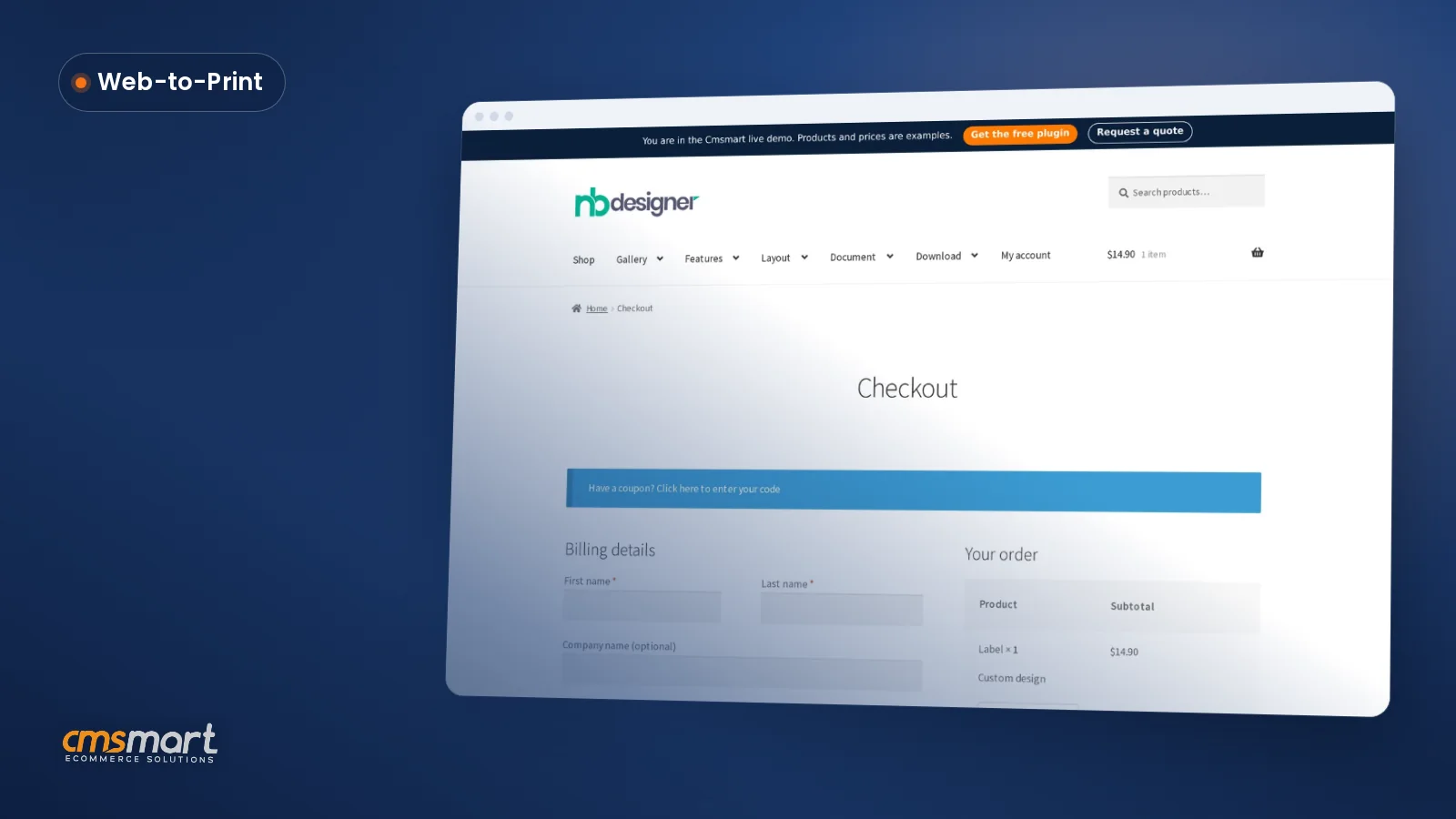
That is the buyer flow Cmsmart Product Designer runs today: product page → design chooser → online editor → "Process" → "Your artwork" on the product page → cart → checkout.
How does Cmsmart Product Designer's architecture compare to Zakeke and PickPlugins Product Designer?
Cmsmart Product Designer runs inside your own WordPress install: an online canvas for text, clipart and uploads, a price-matrix engine tied to WooCommerce products, an order-side approval box, and a print-ready PDF pipeline — the building blocks a WooCommerce print shop needs, without a separate hosted platform.
The table below scores each product only on what we could verify directly — our own 2.17.0 build and today's captures for Cmsmart, and each vendor's own published pages for Zakeke and PickPlugins. Cells marked "not verified" mean we found no public evidence either way, not that the feature is missing.
Best WooCommerce Product Designer Plugins: How We Scored Cmsmart, Zakeke and PickPlugins
We scored each of the best WooCommerce product designer plugins against nine weighted criteria, using only evidence we could open and verify on the date above — our own 2.17.0 build and captures for Cmsmart, each vendor's own pages for the other two.
Criteria and weights (out of 100 points): design editor and product types, 20 points · print-ready output quality, 15 points · pricing and quote flexibility, 10 points · B2B/ordering features, 10 points · AI features, 10 points · performance and hosting model, 10 points · integrations/API, 10 points · total cost, 10 points · support and documentation, 5 points. Weights can shift for your own segment — a 3D-heavy apparel brand should weight visualization higher than a stationery print shop will.
We did not compute a single aggregate winner score. A plugin that scores well on print-ready output can still be the wrong pick for a store whose real problem is multi-channel reach, so the per-segment verdicts above and the scenarios later in this guide matter more than one number.
Cmsmart insight: In the projects we scope, most "cheap" design plugins get expensive once you count the hours a team spends rebuilding a price matrix the editor won't model, or waiting on a vendor's queue for one extra field. Check what is included in the base license, not just the sticker price, before you compare three tools side by side.
What's the business value and ROI of a better product designer?
Cmsmart Product Designer turns three slow manual steps — proofing, pricing and file handoff — into one flow a customer completes before checkout, which shows up as fewer reprints, less staff time per order and a shorter path from browsing to paying.
Build a worksheet with your own numbers: orders per month × minutes saved per order on proofing × your blended hourly rate, plus reprint rate × cost per reprint × the percentage you expect an artwork-approval lock to prevent. None of those figures are ours to guess — they are yours to measure in the first month.
What does pricing and total cost of ownership look like?
Cmsmart Product Designer licenses the plugin for your own WooCommerce install with one annual fee; Zakeke bills a recurring platform fee on top of whatever hosting you already pay for. Compare total cost of ownership (TCO) with your own numbers, not a vendor's marketing page.
Zakeke's published plans run from a Starter tier to a Scale tier, with a custom Enterprise plan for larger retailers2. PickPlugins Product Designer's sales page currently shows no price at all, since the product is listed as out of stock4. Competitor plans may change — the figures above were accessed October 9, 2026; check each vendor's own page for current rates.
TCO = (platform or license fee × months) + (setup/build time × your hourly rate) + (per-order platform fee, if any × orders per month × months)
Example inputs (use your own store's numbers, not ours): your current plan's monthly or annual fee, the hours your team spends each month on manual proofing or file handoff, your team's blended hourly rate, and your average monthly order volume. A self-hosted, one-license tool and a per-month SaaS platform can land at very different totals once order volume grows — run the formula before you commit either way.
How do you set up Cmsmart Product Designer on WooCommerce?
Setting up Cmsmart Product Designer takes a license activation, a handful of settings screens and a price matrix — the steps below follow the exact screens in the 2.17.0 admin, verified against today's demo.
Going further: what can Cmsmart build on top of the plugin?
Cmsmart builds custom development on top of the core plugin for things no WordPress plugin ships out of the box — full 3D configurators, AR placement, ERP or MIS connections, bespoke pricing engines and gang-sheet builders — scoped, built and supported by the same team that maintains the plugin.
Delivery follows the same path on every custom project: discovery, solution design, build sprints, QA, launch and ongoing support — see our project delivery model for how that runs end to end.
Scope a custom product designer build
Where Zakeke wins
Zakeke's real strength is reach: one configurator across Shopify, WooCommerce, Wix, Etsy and other platforms, with 3D and AR product visualization built into the core product, which suits a brand selling the same personalized catalogue from more than one storefront.
If your business is not WooCommerce-only — say you run a Shopify store alongside a WooCommerce one, or sell on Etsy too — Zakeke's cross-platform model avoids maintaining a separate design tool per channel3. Its homepage leads with 3D visualization and AR placement as headline features; Cmsmart ships a basic per-product desktop 3D preview today, but full layered 3D configurators, mobile 3D and AR placement are the real gap — Cmsmart treats those as custom development rather than a core, out-of-the-box capability.
Where PickPlugins Product Designer wins
PickPlugins Product Designer's one advantage on paper is a simpler, one-time-purchase model instead of a recurring subscription, which could suit a very small shop on a fixed budget — but the product's own sales page shows it out of stock, with no update since version 1.0.8 in July 2021.
We could not verify current pricing, support terms or whether the plugin still installs cleanly on a current WordPress and WooCommerce release, because the vendor's own page does not say4. A store evaluating it today should treat the lack of recent updates as a real factor, not an assumption on our part — we are reporting exactly what the page shows as of our check date.
Why work with Cmsmart Product Designer?
Cmsmart has built ecommerce and web-to-print software since 2012 as a division of Netbase JSC, ships frequent, active releases of the plugin behind this comparison, and backs it with custom development for anything the core product does not cover.
Related reading: our web-to-print and print API integrations guide and the Cmsmart Product Designer product page for the full feature list and current pricing.
How do you migrate from Zakeke or PickPlugins to Cmsmart?
Your WooCommerce products, categories and order history move with WooCommerce itself; what has to be rebuilt is anything that lived inside the old design tool — saved templates, print options and any custom pricing rules — since there is no published export/import path between these systems.
What moves automatically: products, categories, customers and past orders, because those live in WooCommerce, not in the design plugin.
What has to be rebuilt: design templates (recreate them in Cmsmart's template library and online editor), print options and price matrices (rebuilt in Printing Options), and any platform-specific configurator rules from Zakeke's hosted setup.
Risk checklist before you switch: run a full test order on staging before go-live; re-verify every price-matrix rule against your current price list; check the mobile design flow on a real phone; and confirm the print-ready PDF matches your product's real dimensions before the first live order ships.
Get a migration plan for your store
Which plugin fits your store?
The right WooCommerce product designer plugin depends on how many channels you sell from and whether your bottleneck is design and print production or multi-platform reach — Cmsmart Product Designer, Zakeke and PickPlugins Product Designer each fit a different version of that answer.
Example scenario: A single WooCommerce print shop sells business cards, stickers and banners, and wants one design tool, a price matrix by quantity, and a print-ready PDF with no extra monthly platform fee. Best fit: Cmsmart Product Designer, licensed once for the site it runs on.
Example scenario: A personalization brand sells the same catalogue on Shopify, WooCommerce and Etsy from one back office, and wants 3D or AR previews more than deep print-production tooling. Best fit: Zakeke, built to run across multiple storefronts from one configurator.
Example scenario: A hobby store on a fixed one-time budget is comparing older, cheaper WordPress plugins. Before picking one that has not been updated since 2021, it is worth checking whether an actively maintained option with a free Lite tier covers the same ground for a similar entry cost.
Frequently asked questions
Is Cmsmart Product Designer free?
There is a free Lite version, and premium features are available on a 30-day trial before you need a paid license. Current plans are listed on the pricing page.
Does Cmsmart Product Designer work with WooCommerce HPOS?
Yes. HPOS (High-Performance Order Storage) compatibility has been part of the plugin since the 2.9.0 release, and later releases extended HPOS support across the Customer Design box, dashboard metrics and quote flows.
Can I move my products from Zakeke or PickPlugins to Cmsmart?
Your WooCommerce products and order history move with WooCommerce itself. Design templates and price rules that lived inside the old tool need to be rebuilt in Cmsmart's editor and Printing Options — see the migration section above for a full checklist.
Does the plugin generate print-ready PDFs automatically?
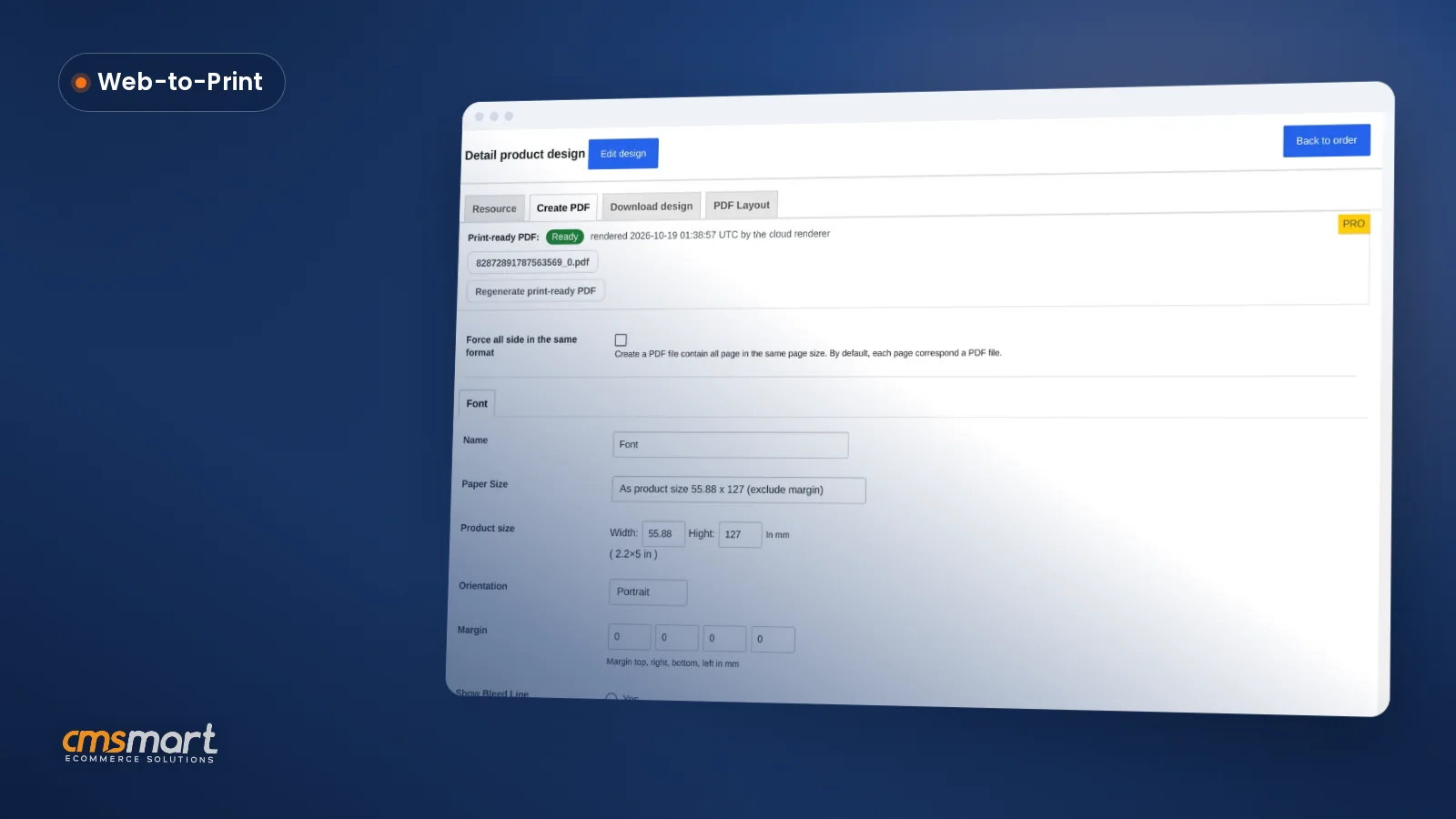
Yes. Since 2.17.0, the automatic PDF export and the manual "Create PDF" button read the same page geometry as the customer's order, including custom sizes, so the print-ready PDF matches what was approved.
Is my order and design data hosted by Cmsmart or on my own server?
Cmsmart Product Designer is a self-hosted WordPress plugin, so your product and order data stay in your own WooCommerce database. PDF rendering can run on Cmsmart Cloud or on your own server — the choice is a setting on the General tab.
What if I need something beyond what the plugin ships with today?
Cmsmart builds custom features — full 3D configurators, AR previews, ERP integrations, gang-sheet builders, bespoke pricing engines — as custom development for your store, scoped and delivered by the same team behind the plugin.
Can I download a WooCommerce custom product designer plugin for free?
Yes. You can create a free Cmsmart account, get a free licence and download the WooCommerce custom product designer for your own store. Compare what the free licence includes with your needs for print-ready output, templates and support before you launch personalised products.
What should a WooCommerce custom product designer do for a print shop?
It should let shoppers design on the product page, show the price as options change, and hand staff a print-ready file that matches the order, not just a screenshot. Test the full path from design to admin order to print file on one real product before choosing a plugin.
How do I pay securely?
Contracts and payments go to the company, Netbase JSC: plans are paid through PayPal; services are invoiced by Netbase JSC under a written proposal and paid by bank transfer to Netbase JSC's company account or by PayPal Business. Cmsmart (Cmsmart Ecommerce) is the ecommerce brand of Netbase JSC, a company based in Hanoi, Vietnam.
How do I contact Cmsmart or get a quote?
Message the Cmsmart team on WhatsApp at +84 937 869 689 or email project@cmsmart.net; the contact page at cmsmart.net/contact lists every channel, and Request a quote (cmsmart.net/project-proposal) sends a project brief. Customers with a licence open a ticket from the dashboard.
Sources and changelog
Every competitor figure in this comparison links back to the vendor's own page, checked on the date below; every Cmsmart figure comes from our own 2.17.0 release notes, today's product captures, or our published company figures.
Zakeke and PickPlugins Product Designer are trademarks of their respective owners.