
Guide · Web-to-print
Shape and Clipart Library for Your Product Designer
Cmsmart's shape and clipart library helps WooCommerce sellers design on-brand products fast. See how it works and how to set it up today.
A web-to-print storefront earns a sale only when five things work: a clear homepage, navigation buyers can scan, visible pricing, a design step that survives to the print file, and a checkout that shows the actual artwork. Most print shops get the first two right, then lose orders because pricing, design and checkout were never built to work together.
Was this tutorial helpful?
Written by
Cmsmart Web-to-Print Solutions Consultant
Plans online print storefronts: product setup, pricing rules, proofing and print-ready files.
The team behind it
 Account Manager
 Project Manager
 Business Analyst
 Developers & QA
Guide · Web-to-print
Cmsmart's shape and clipart library helps WooCommerce sellers design on-brand products fast. See how it works and how to set it up today.
Guide · Web-to-print
Give invitation and stationery buyers custom font options for WooCommerce product designer storefronts that print as approved.
Guide · Web-to-print
Custom text color matching for WooCommerce invitations stops reprints from mismatched colors and locks approved artwork into a CMYK file. Get a quote.
Browse more guides, tutorials and case studies from the Cmsmart community.
One of the important services from big to small companies all focus and require to be finished as fast as possible is printing. To deal with this requirement, a lot of people are choosing a marvelous tool that is online printing.
Read MoreThere is one fact that B2C clients are unpredicted in their buying patterns while B2B clients can bring a shop reliably repetitive business. To bring the repeat customers on board seems to be more difficult and complicated than to secure the average one-o
Read MoreIn the digital business world, those that rely completely on physical documents and assets are at a loss, especially in comparison to their brethren that put their faith in technology a decade ago. Of course, we cannot depend totally on digital, but it wi
Read More
Cmsmart Ecommerce provides custom ecommerce and WooCommerce development services for web-to-print, product personalization, plugin support and API integration.
Cmsmart Web-to-Print Solutions Consultant
Plans online print storefronts: product setup, pricing rules, proofing and print-ready files.
Meet the team →



In short
Which web-to-print website features are costing you sales?
Most print shops lose orders over the same missing web-to-print website features: a homepage that reads like a catalog, menus visitors can't scan, pricing hidden behind a request-a-quote form, a design step that loses the customer's artwork, and a checkout that shows a stock photo instead of the real design. Cmsmart Product Designer fixes the design-to-checkout half of that list.
Walk into most dated web-to-print sites and the same five pains show up, in roughly this order of damage:
The cost compounds at checkout: documented studies put the average online cart abandonment rate at 70.22% across 50 studies (Baymard Institute, updated September 2025). A web-to-print store adds its own triggers on top — an unclear price, a design the buyer isn't sure survived Add to cart — so the fixable part is usually the design/pricing/checkout gap, not traffic.
Cmsmart insight: in our projects, the single biggest driver of abandoned print orders isn't price — it's uncertainty. A buyer who can't see their own design in the cart assumes something went wrong and starts over, emails support, or leaves. Showing the actual artwork at every step (product page, cart, checkout, order confirmation) removes that doubt without touching the price.
What would your store look like if these features just worked?
Cmsmart Product Designer lets a WooCommerce print shop show every visitor a priced, navigable storefront where the design a buyer makes online is the exact file that reaches production, so carts stop abandoning over uncertainty and orders stop needing a manual proof round-trip.
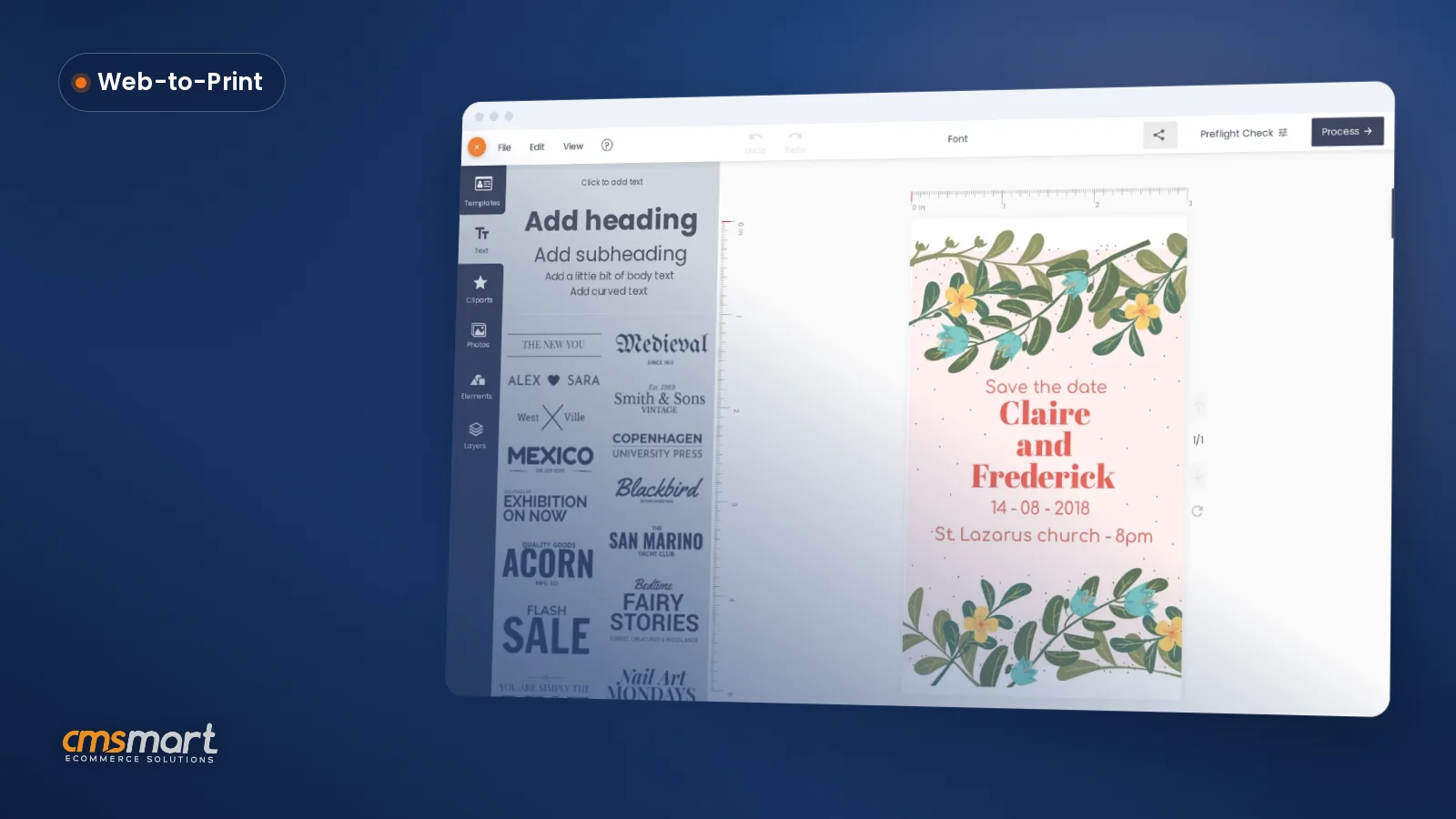
Example scenario. A buyer on a phone finds a category page with a visible price, taps Start and upload design, picks a template, types two names and a date, and watches the price update as they adjust size. They add to cart — the cart shows their actual invitation, not a blank template — and check out. On the shop's side, a print-ready PDF is already queued; by morning it's rendered, sized to the product's real dimensions, and sitting in the production folder with nothing to re-key.
Talk to an ecommerce expert if your store still needs a human in that loop.
How does Cmsmart put these website features together?
Cmsmart Product Designer (NBDesigner) builds the pricing, design and checkout pieces for WooCommerce print shops: it plugs an online design tool, a price matrix and a print-ready PDF pipeline into WooCommerce's own storefront, cart and checkout, so the homepage and navigation you already run gain working pricing, design and proofing without a rebuild.
Four building blocks cover most of the five pain points — and it matters which are in the plugin today versus custom work:
What's the business value of getting these features right?
Cmsmart Product Designer turns three of the costliest manual tasks in a print shop — quoting, re-keying orders and chasing proof approvals — into storefront features, so the business value shows up as staff hours saved and fewer reprints, not just a nicer page.
Rough-order ROI worksheet — plug in your own numbers:
None of these are promises of a fixed percentage uplift — they're the formula our solutions team uses with clients during scoping, filled in with the store's own order volume and labor cost.
How do you set up these features in WooCommerce?
Setting up Cmsmart Product Designer means installing the plugin, turning on design for your products, building a price matrix in Printing Options, and checking that the design follows the order through cart, checkout and into a print-ready PDF — most stores finish the core pass in an afternoon.
What can Cmsmart build beyond the plugin?
Cmsmart builds the store-specific features the plugin doesn't ship with — custom homepage sections, ERP/MIS order sync, B2B approval routing, 3D previews — as scoped custom development on top of Product Designer, so you get the standard plugin plus exactly what your business needs.
Five extensions come up most often once the core design/pricing/checkout features are live:
nbd_print_pdf_ready,nbd_print_pdf_failed) so production systems stay in sync without manual re-keying; see our web-to-print API integrations tutorial for the connector patterns we use.Delivery follows the same path for all five: discovery call, a written solution design, milestone-based sprints, QA against a staging copy of your store, launch, then support — the same process behind the case studies on Cmsmart's ecommerce projects page. These builds extend the product designer customization service rather than replacing the plugin.
Get a quote for my web-to-print site
Why work with Cmsmart on your web-to-print website?
Cmsmart has run web-to-print and WooCommerce customization projects since 2012 as a Netbase JSC division, with 6,300+ client projects and 1,800+ live stores across 80+ countries behind the plugin and the custom builds this guide describes, rated 4.2 on Trustpilot from 404 published reviews.
Those numbers hold up: 6,300+ client projects, 1,800+ live stores online now, across 80+ countries, rated 4.2 on Trustpilot from 404 reviews (verified profile). A review from a working web developer puts it plainly:
See related delivery work on Cmsmart's project pages, or start with the Cmsmart Product Designer (NBDesigner) plugin page if you haven't installed it yet.
Frequently asked questions
What's the minimum set of features a web-to-print website needs to launch?
A clear homepage stating what you print and for whom, navigation organized by what customers search for, visible pricing (even a starting price), a working design step, and a checkout that shows the actual design. WooCommerce and your theme cover the first two; Cmsmart Product Designer covers the pricing, design and checkout pieces.
How long does it take to add a price matrix to an existing product?
Building one option set with a few fields and a quantity-break table takes under an hour once you know your pricing rules; applying it across similar products is faster since the same set can be assigned to many products or a whole category at once.
Can Cmsmart connect our storefront to our ERP or MIS system?
Yes, as custom development. The plugin exposes developer hooks for print-ready PDF events; Cmsmart builds the connector that pushes order, artwork and status data to your specific ERP/MIS or print API, following the same scoped-project process used for other custom work.
Does the cart and checkout really show the customer's own design, not a stock photo?
Yes — once a buyer saves a design in the online designer, that design becomes the buyer's own artwork on the product page and follows the line item into the cart and the checkout order review, with an Edit design link back into the editor.
What happens if a customer's uploaded artwork isn't print-ready?
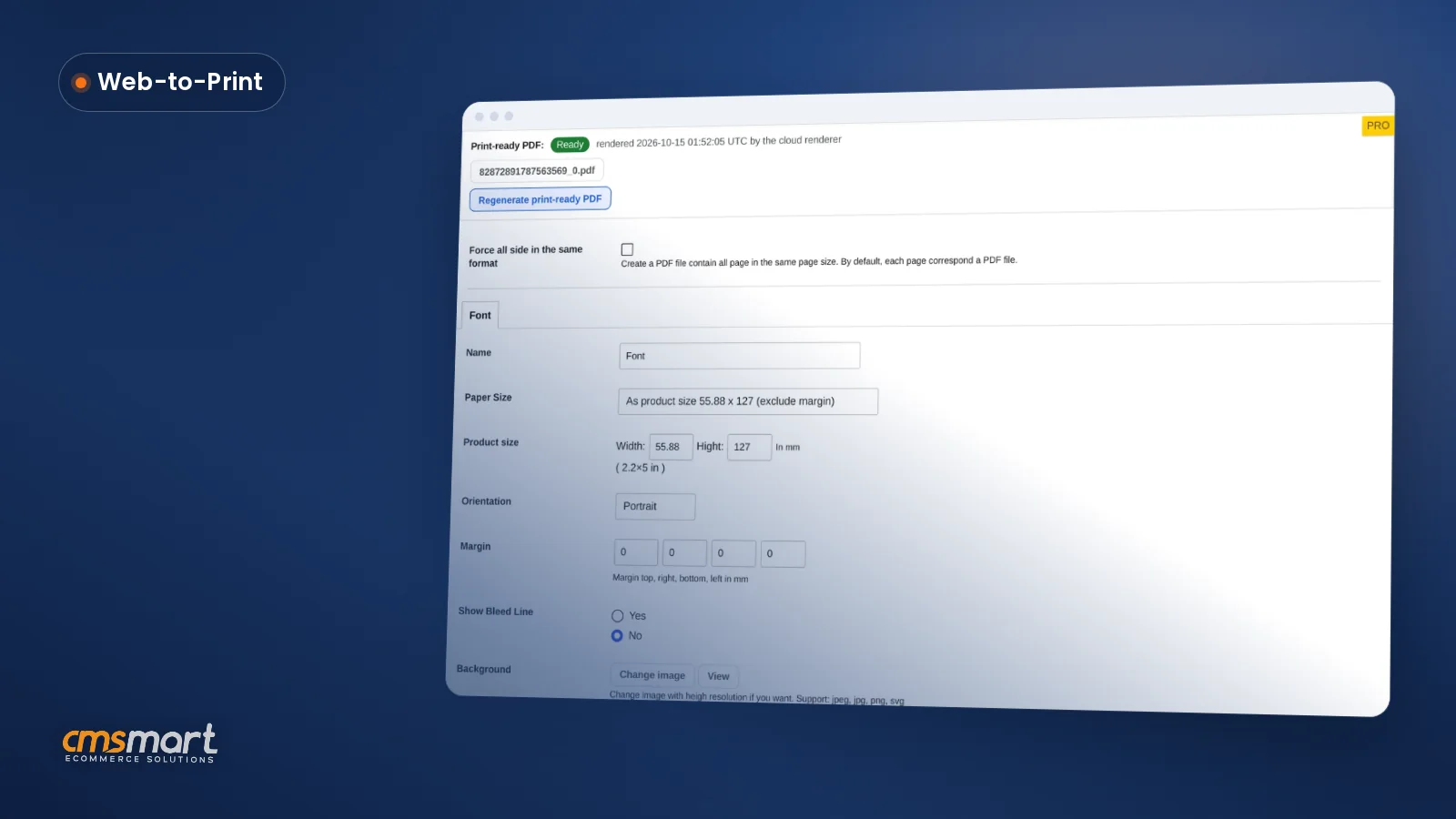
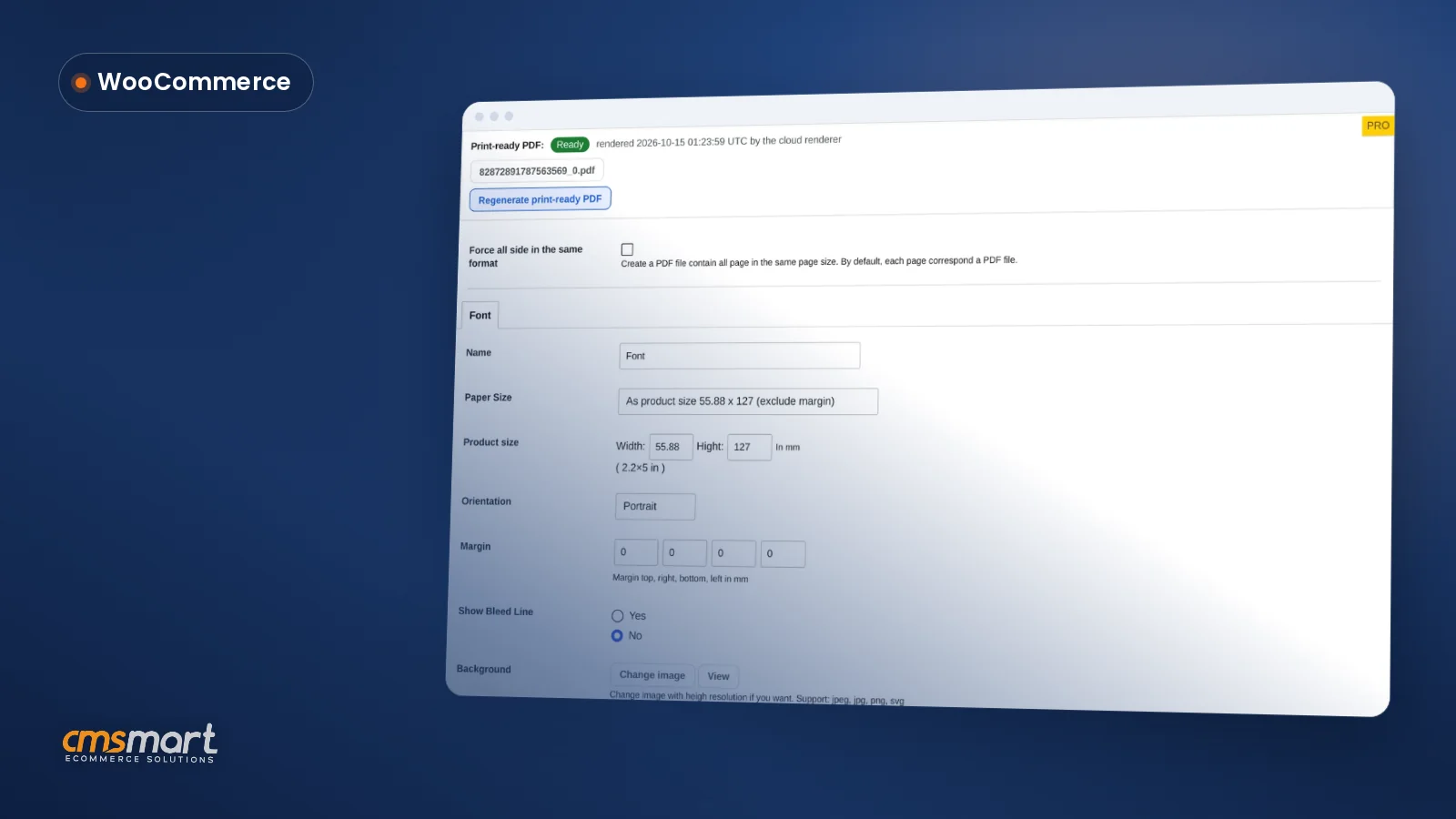
Settings → Upload design lets you set minimum DPI and allowed file types so low-resolution uploads are flagged before checkout. On the order side, the AI preflight check and the print-ready PDF status (Ready / Rendering / Failed / Not rendered) on the order screen tell you before a file reaches the press whether it needs attention.
Is the custom-development quote free, and what happens after I submit it?
Yes — the quote wizard is free to use. A scoped brief goes to Cmsmart's solutions team, who follow up with a written proposal before any paid work starts, the same process described on the ecommerce projects page.