Community
WooCommerce Product Designer Plugin for Print Shops

See how a WooCommerce product designer plugin turns browsers into buyers with live pricing, proofing, and print-ready files — plan your setup today.
Topic: Product Designer. Web-to-Print and Product Personalisation.
Featured Tutorials
Related posts
 Solutions to Reduce Web-to-print Server Disk Space Usage
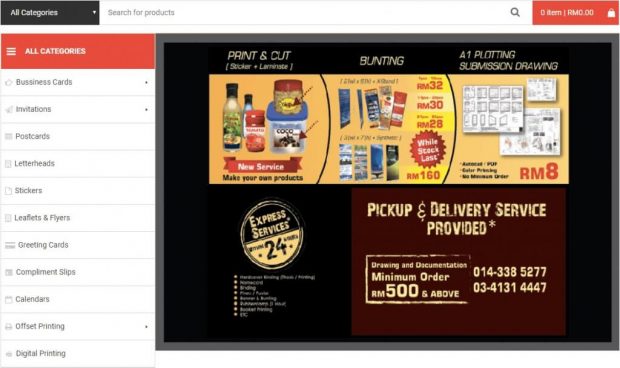 The success of achik.biz with WordPress Printshop theme Enterprise Package
 How Web-To-Print Works With Custom Sign Design
 Experience of Mr. Girdhari after using WordPress printshop online design at Cmsmart
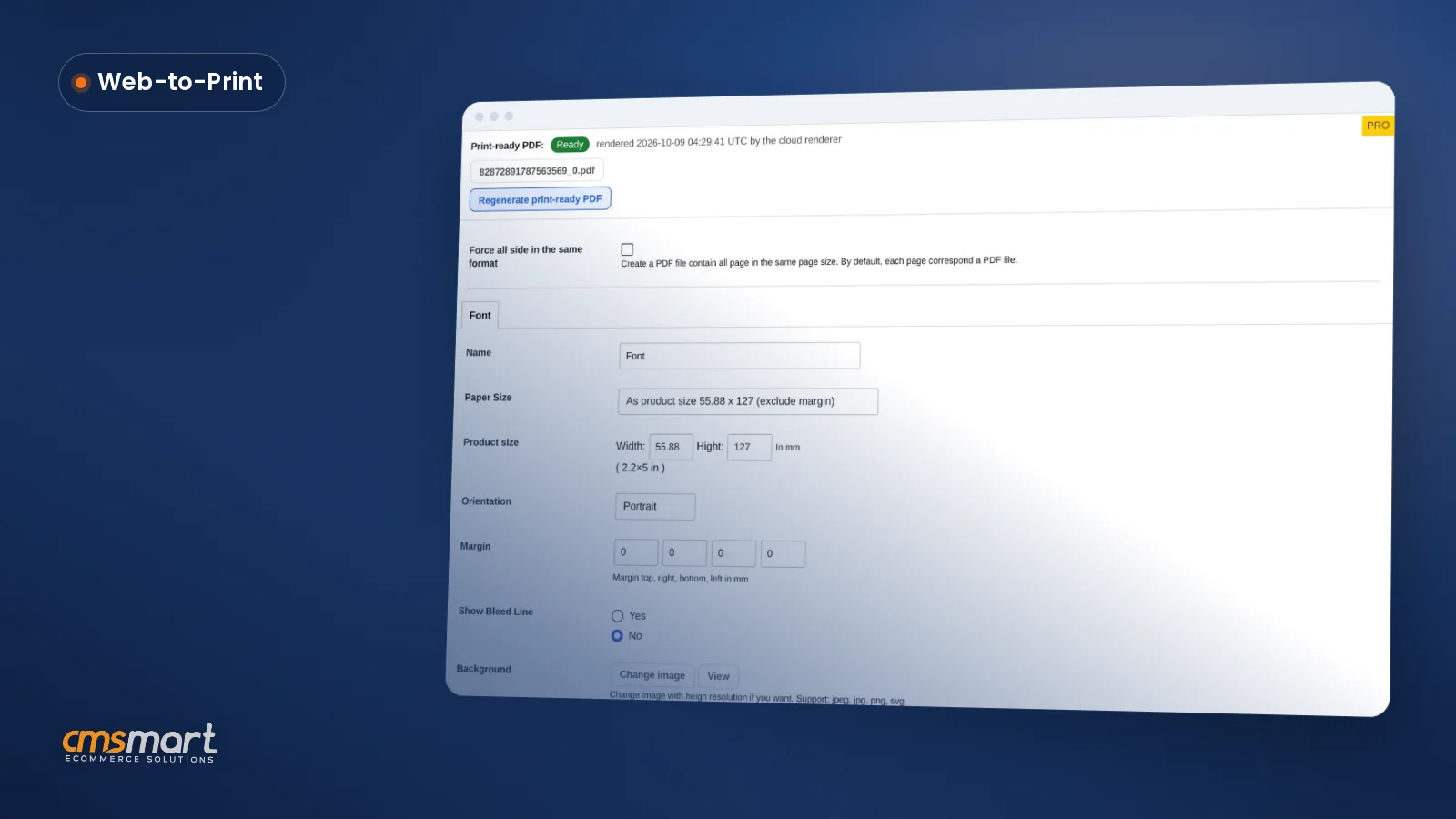 Sell Personalized Products with Custom Text

Cmsmart Ecommerce provides custom ecommerce and WooCommerce development services for web-to-print, product personalization, plugin support and API integration.

Cmsmart Product Designer Plugin Engineer
Builds and supports the Cmsmart Product Designer (NBDesigner) for WooCommerce.
Meet the team →
Top
In short
A WooCommerce product designer plugin turns a static product page into a quoting counter that never sleeps: customers configure size, material and artwork, watch the price update, and pay — while your team reviews a finished proof instead of re-keying specs by hand.
Picture a print shop that sells pinback buttons, business cards or custom apparel. Today, every custom order means an email thread: a customer describes what they want, someone mocks it up, sends a PDF proof, waits for approval, then keys the order into production by hand. Each round trip costs staff time and risks losing the sale to a competitor who lets the customer see and buy the design immediately.
The web-to-print market is projected to grow from $32.97 billion in 2025 to $34.92 billion in 2026 at a 5.9% CAGR (The Business Research Company, 2025), and most of that growth is custom, personalized ordering moving online — not more generic print runs. That is the gap a WooCommerce product designer plugin is built to close.
What does manual product customization cost a print shop like yours?
Cmsmart's WooCommerce product designer plugin replaces email-based quoting with an on-page design tool, so a print shop stops paying staff time for every proof cycle and stops losing buyers who give up waiting for a reply.
Talk to any print shop owner who still quotes custom work by email and you will hear the same five problems:
Put a number on it with your own variables: (custom quotes handled manually per week) × (minutes per quote, from first email to final proof) × (your loaded hourly rate) is the labor cost of staying manual — before counting the sales lost to shoppers who never finished that email thread.
What would your storefront look like with self-serve design built in?
With Cmsmart's product designer live on your WooCommerce store, a shopper opens a product, drags in their logo or photo, picks size and material from a price matrix that updates the total instantly, and checks out — all before your team ever sees the order.
Example scenario. A buyer visits a print shop's site at 9pm looking for custom pinback buttons for a weekend event. They open the product, choose a size from the price options, drag their event logo onto the canvas, add a line of text, and watch the total update as they adjust quantity. They approve the on-screen proof and pay, then go to bed. By the time the shop opens, the order is sitting in Orders with a print-ready PDF already rendered and waiting for the press — no email, no mockup request, no back-and-forth.
Personalization is not a nice-to-have add-on anymore: 80% of consumers say they are more likely to buy when a brand offers a personalized experience (Deloitte/Meta, August 2025), and letting a shopper design their own product is personalization at its most direct. Not sure what this would look like for your own product line? Talk to an ecommerce expert about mapping your catalog onto a self-serve designer.
How does Cmsmart's WooCommerce product designer plugin actually work?
Cmsmart's WooCommerce product designer plugin adds a design canvas, a price-options engine, an approval workflow and print-ready PDF output directly to your product pages, so the whole order — from first click to production file — stays inside WooCommerce.
Four building blocks make up the system, and you can see each one running on the current 2.17.0 release. WooCommerce now powers roughly 4.53 million live stores worldwide (Store Leads data via Red Stag Fulfillment, August 2025), which is why a design tool built specifically for WooCommerce product pages, cart and checkout is worth the move from a generic embed.
Cmsmart insight: Pricing is usually the step shops bolt on last, and it causes the most rework. Build your price matrix — size, material, finish, quantity breaks — before you touch the design canvas, because the canvas should only ever offer options the matrix already prices.
Once an order is placed, the pipeline keeps the design, the approval decision and the print file attached to the same record:
What's the ROI of adding a self-serve designer to your WooCommerce store?
Cmsmart's product designer plugin pays for itself by removing the staff hours spent on manual quoting and proofing, and by capturing orders from shoppers who would otherwise abandon a cart that shows no price or preview.
ROI worksheet (use your own numbers).
Hours saved per month = (custom quotes per month) × (minutes saved per quote, manual vs. self-serve) ÷ sixty.
Reprint savings per month = (reprints avoided per month) × (your average cost per reprint).
Compare both totals to your Cmsmart subscription and setup cost to see the payback period for your store. If your pricing rules are more complex than a simple matrix, see our web-to-print pricing engine service.
How do you set up and configure the plugin on your store?
Setting up Cmsmart's WooCommerce product designer plugin is a same-day project: install the plugin, decide which products are customizable, build your price matrix, and turn on automatic print-ready export so finished orders are production-ready without extra clicks.
The core setup, in the order most shops follow — see the full product page for license tiers:
For the full backend walkthrough — menus, product fields, and where each setting lives — see our guide to using the WooCommerce product designer plugin in the backend. If you want to try before you commit, start from the free lite version walkthrough instead.
What can Cmsmart build beyond the standard designer?
Beyond the plugin's standard designer, Cmsmart builds custom development on top of WooCommerce for shops with a specific workflow — gang-sheet layouts, ERP sync, custom pricing rules or a vendor portal — so the storefront matches how your business actually runs.
Five extensions we build as custom development, each matched to a business reason:
Delivery follows the same path for all of it: discovery call, solution design, build sprints, QA against your real catalog, launch, and ongoing support — see how we run projects on Cmsmart ecommerce projects.
Get a custom pricing engine quote
Why work with Cmsmart on your product designer plugin?
Cmsmart has built and supported WooCommerce product designer projects since 2012 as a Netbase JSC division, so a print shop adopting the plugin gets a team that has already solved pricing, proofing and print-ready output for thousands of stores.
A few numbers from our own records: Cmsmart has run 6,300+ client projects and delivered 4,600+ of them since 2012, with 1,800+ stores live today across 80+ countries, including 500+ custom development projects. Customers rate us 4.2 on Trustpilot (404 reviews) and 96% recommend us on Facebook (778 reviews).
One of our earliest product-designer customers was a promotional-products company in Israel making personalized pinback buttons. They picked Cmsmart specifically because the designer worked as well on a phone as on a desktop and because support answered questions quickly — a bar that matters even more now that most custom-product shopping starts on mobile. See more of our web-to-print work on the web-to-print solutions hub.
Frequently asked questions about the WooCommerce product designer plugin
Does the plugin work on a phone, not just a desktop?
Yes. The designer runs in the browser on mobile and desktop, and the modern layout resizes the canvas to fit the screen instead of forcing a fixed-width editor.
Can customers upload their own artwork instead of using the design tools?
Yes. A product can accept an uploaded file alongside or instead of the on-page design tools, with file-type and minimum-DPI rules you set under Settings → Upload design.
How long does it take to go live?
Most WooCommerce stores can install the plugin, configure one product's price matrix, and take a first live order within a day; a full catalog with custom pricing across many product types is better scoped as a short project.
Can it connect to our print-production or ERP system?
Not out of the box — Cmsmart builds ERP and MIS integrations as custom development so orders, designs and print-ready files flow straight into the system your production floor already uses.
What happens to the design once an order is placed?
The design attaches to the order, a shop manager can approve or request a fix from the Customer Design box, and the approved-artwork lock stops further edits so the print file always matches what the customer paid for.
Written by
Cmsmart Product Designer Plugin Engineer
Builds and supports the Cmsmart Product Designer (NBDesigner) for WooCommerce.
- NBDesigner
- WooCommerce
- Product customizer
- Release notes
More from this expert →