

Number of Reviews for HomePage - 5 Number of Reviews for Sidebar - 3 Reviews Bootstrap Carousel - Disabled
Login to your Magento Admin panel, then go to Stores -> Configuration -> SebWeo -> Last Reviews tab and change settings by your needs


Yes, the extension support multi-store. Each store will have its own SAML settings. Take in mind that you will need a license for each of them.
SAML is a standard for exchanging authentication and authorization data between different domains. Learn more at: https://github.com/jch/saml
The extension includes a Readme that explains how to install and where to find the SAML settings panel. This SAML setting panel contains different sections with a bunch of fields. All of them have a short description that explains what value to use on it. The extension uses the Onelogin php-saml toolkit [1], so take a look at its settings if you have more doubts [1] https://github.com/onelogin/php-saml#settings
This extension will work with any Identity Provider that follows the SAML 2.0 standard. Take in mind that SP expects to receive the SAMLResponse using the HTTP-Post binding, and rest of the SAML messages are exchange using HTTP-Redirect binding.
Most read this month
 Cmsmart Product Designer 2.15: a critical security fix, a steadier dashboard, and AI you control and profit from
 Teespring Business Model: How It Works for Sellers
 NBDesigner Free Trial: Download, Install & Activate
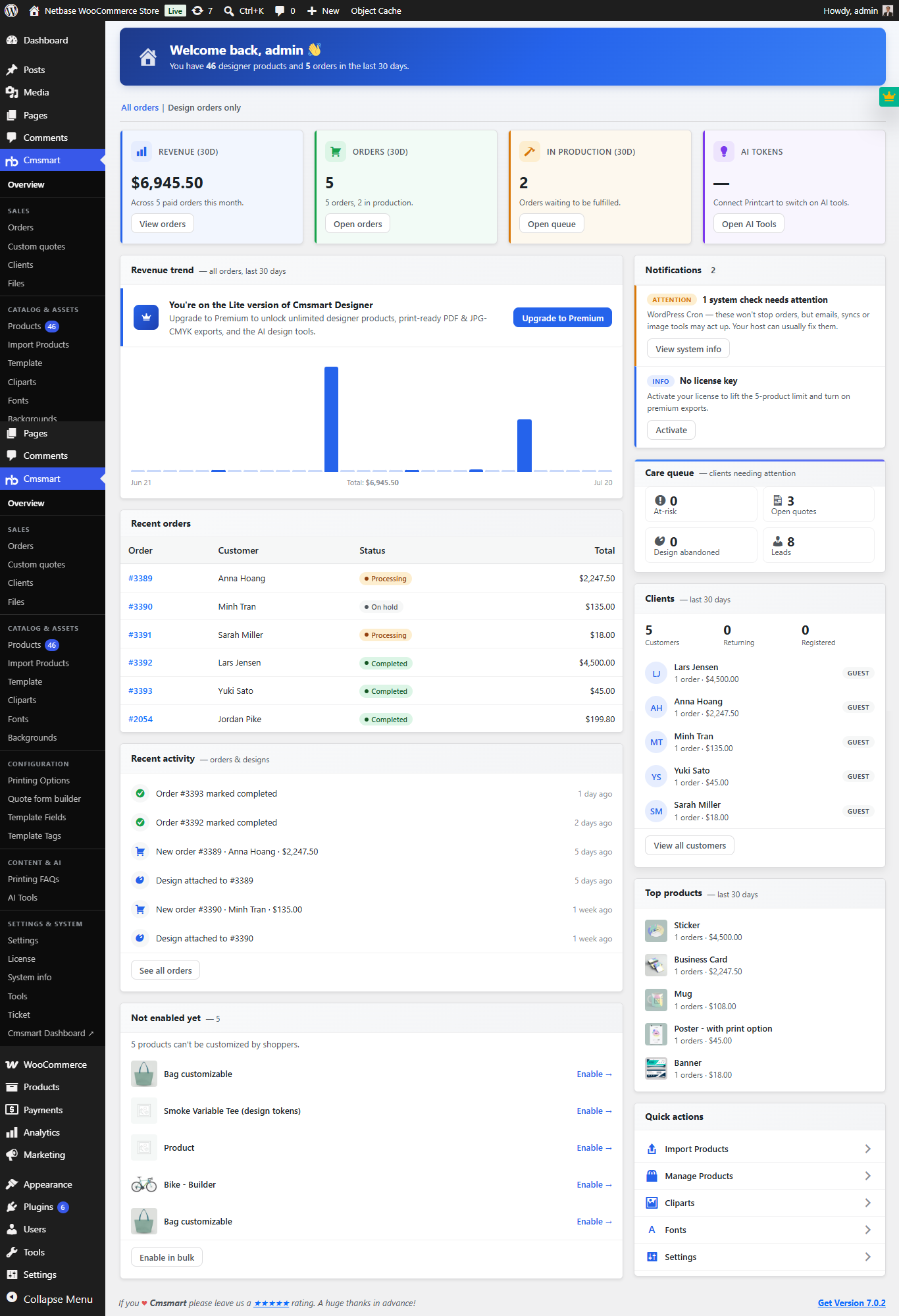 Cmsmart Product Designer 2.10.0 – Built-in Customer CRM, AI Print-QA and a Redesigned Dashboard
 Ecommerce Web Design Companies: 6 to Compare
 Ecommerce Product Catalog and Listings: A Guide
 Keywords for T-Shirts: SEO Tips for Your Brand
 Cmsmart product designer 2.9.0 – solving critical compatibility issues with wordpress, woocommerce and php 8.x
 Cmsmart Product Designer 2.12 — AI on Your Own Licence, a Real Quotes Area, and Print Files You Can Trust
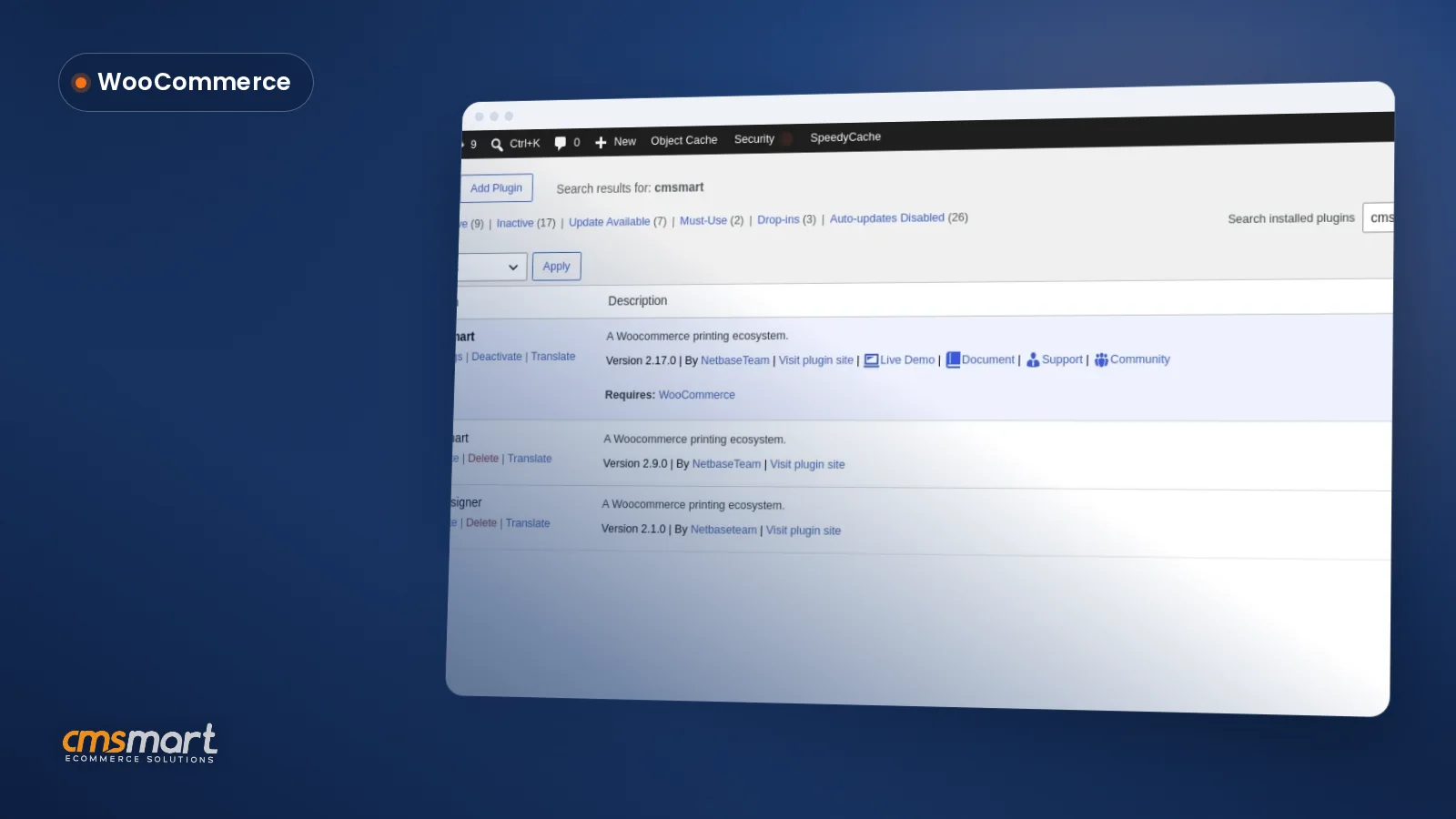 Install the NBDesigner Plugin for WooCommerce (2.17)

Cmsmart Ecommerce provides custom ecommerce and WooCommerce development services for web-to-print, product personalization, plugin support and API integration.




Web-to-print, WooCommerce, B2B and AI specialists who plan, build and support stores together.
Meet the team →
Top