

Yes, there is the Sort Reviews By section, so customers can select to filter the reviews by: Newest, High Rating, Helpfulness
You can rate “Helpful” to the good review. Also, you can share a review to friends via social channels
The number of reviews, the percentange of each star rating, the star rating average and the percentage of recommendation.
Yes. this extension supports all types of languages so you can easily translate it into your wished languages.

Yes, it can work with all types of products well; simple, configurable, downloadable, and virtual products.
By default, Magento comes with many useful features. However, different businesses may require different features that do not come built-in. So, to have such features or functions, you need to integrate a pre-built custom extension or develop it from scratch. Consult our Magento experts with your idea of custom extension development. Our experts will do the rest for you. Also, you don't have to worry about your development idea as it'll be secured by...


A. To track new FB, simply enter your pixel ID in the Audience Pixel tag ID field in Administration -> System Configuration -> Scommerce Configuration -> Facebook Conversion Tracking -> General.
To get your Facebook Pixel ID, please go to your Facebook Ads Manager Account, then from the Navigation Bar select "Events Manager". Under "default pixel" click "Settings" here you will find Pixel ID.
Most read this month
 Cmsmart Product Designer 2.15: a critical security fix, a steadier dashboard, and AI you control and profit from
 Teespring Business Model: How It Works for Sellers
 NBDesigner Free Trial: Download, Install & Activate
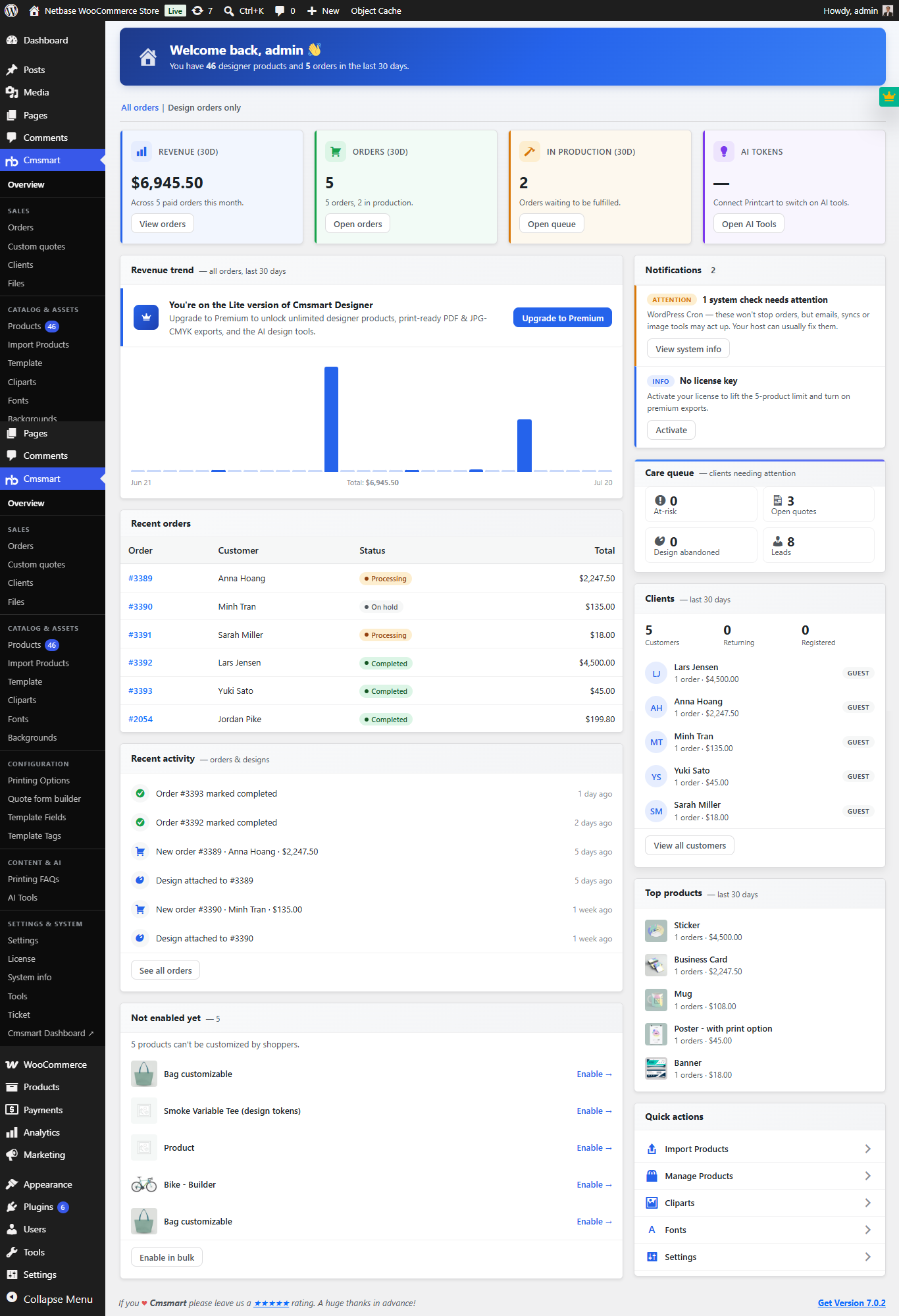 Cmsmart Product Designer 2.10.0 – Built-in Customer CRM, AI Print-QA and a Redesigned Dashboard
 Cmsmart Product Designer Settings Guide: Complete WP Admin
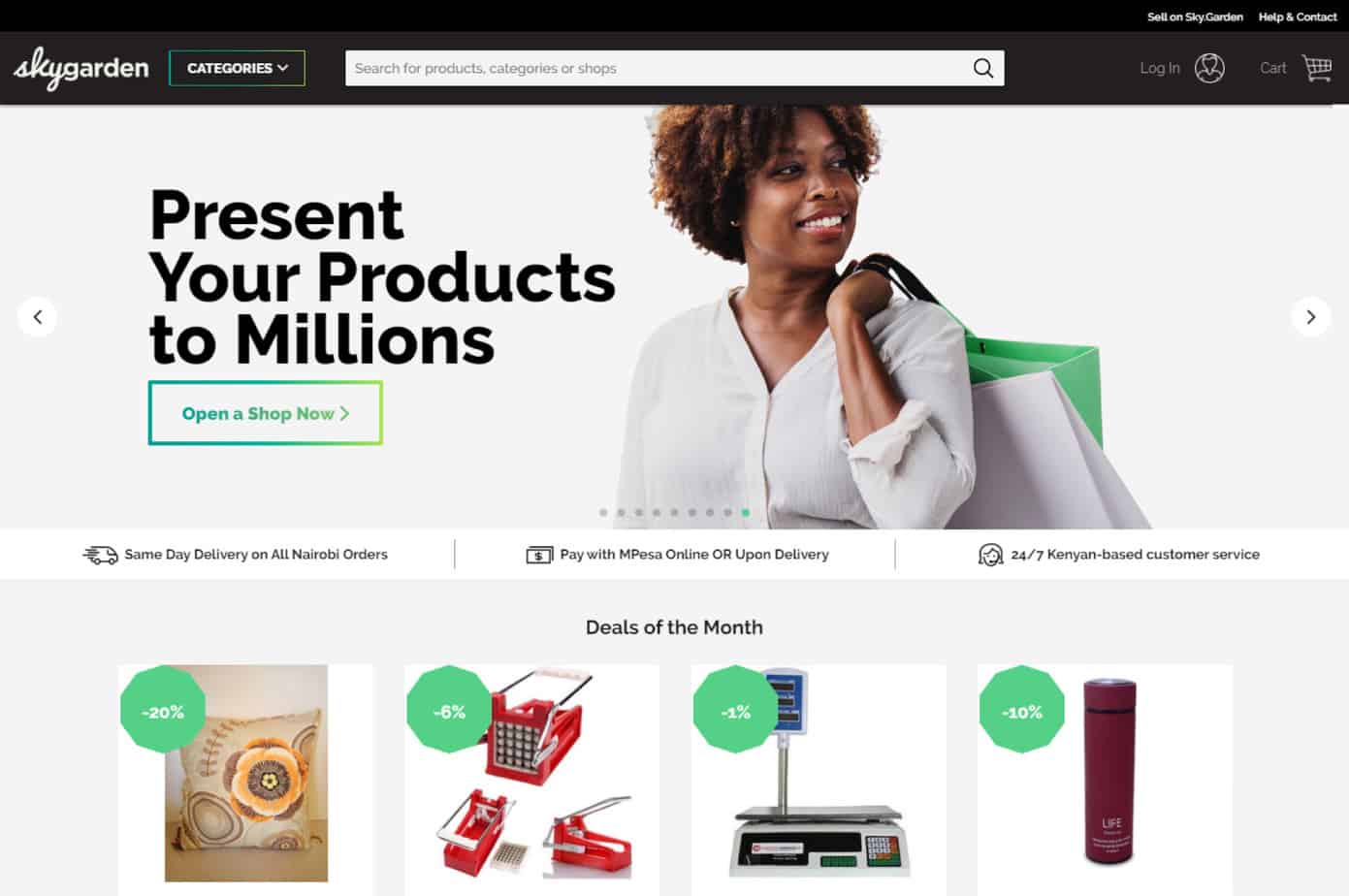 Ecommerce Web Design Companies: 6 to Compare
 Ecommerce Product Catalog and Listings: A Guide
 Keywords for T-Shirts: SEO Tips for Your Brand
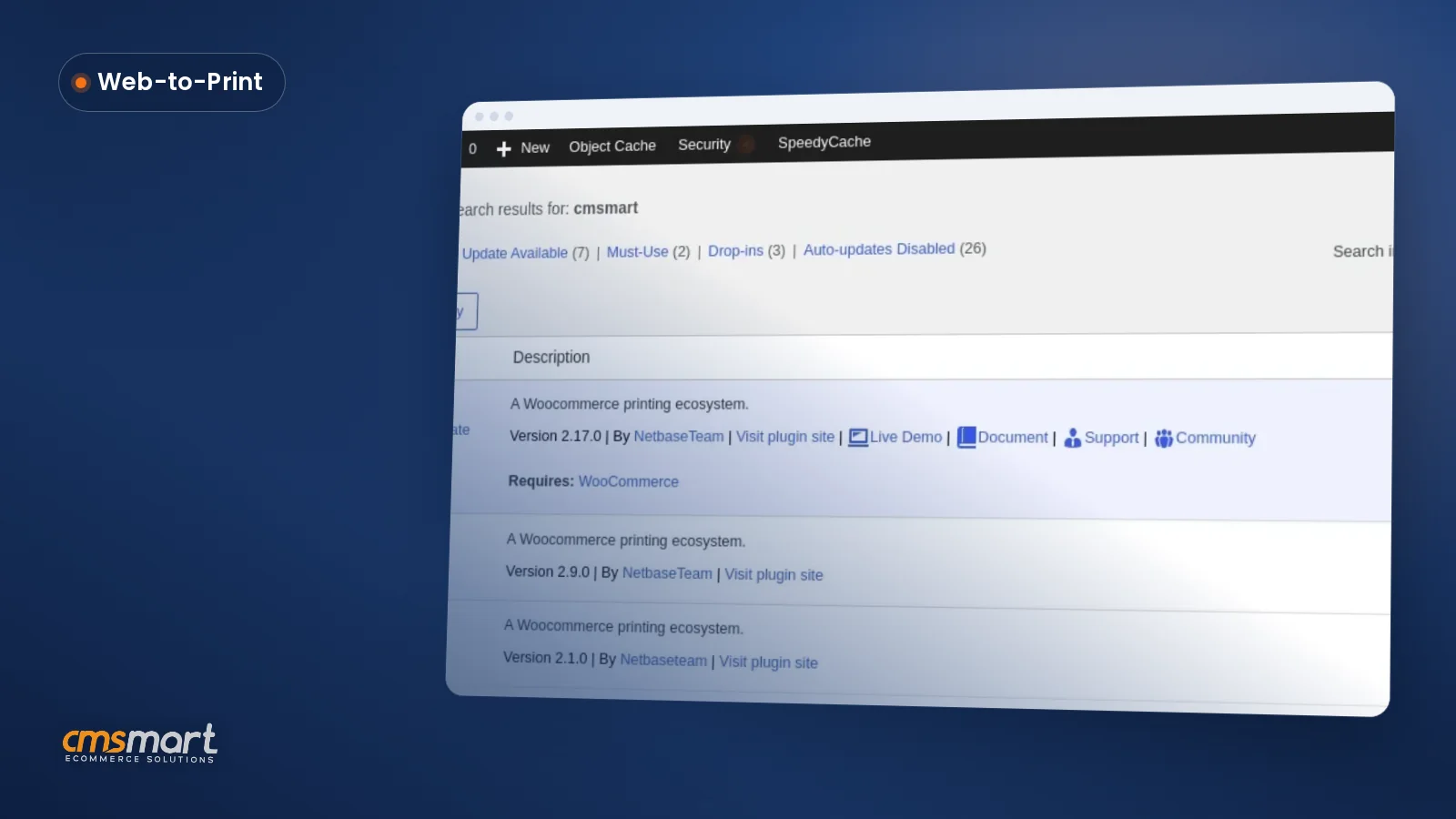
 WooCommerce Product Designer 2.17+: Update & Setup Guide
 Cmsmart Product Designer 2.12 — AI on Your Own Licence, a Real Quotes Area, and Print Files You Can Trust

Cmsmart Ecommerce provides custom ecommerce and WooCommerce development services for web-to-print, product personalization, plugin support and API integration.




Web-to-print, WooCommerce, B2B and AI specialists who plan, build and support stores together.
Meet the team →
Top