

Yes, your seller can easily upload the video in the front-end. Admin could manage all those pending videos in the back-end dashboard.

Yes, You can upload as much as you want, it will shows with a slider on your product details page.


Please read carefully extension description before purchasing. We are sure that we provide product which has a full features as advertising.
Yes, you totally can do it. If you don’t know how to do it, just ask our enthusiasm team to support.
With 2 types menu: “Default category listing” and “Content”, you cannot set the number of column to display in dropdown menu but you can set it with the rest others
That is very simple. You just go to admin panel and arrange anything you want; you can enable/disable things which are helpful for your site.
Yes, you can. Easy to change the element color in the back-end as back ground color when hovering item, text menu color, text menu color when hovering, product name and product price color.
Open the back-end, go to Catalog -> Manage Category -> Click on category you want to change position - > Mega Menu -> Position You can see 3 positions: Left, Top or Both.
Most read this month
 Cmsmart Product Designer 2.15: a critical security fix, a steadier dashboard, and AI you control and profit from
 Teespring Business Model: How It Works for Sellers
 NBDesigner Free Trial: Download, Install & Activate
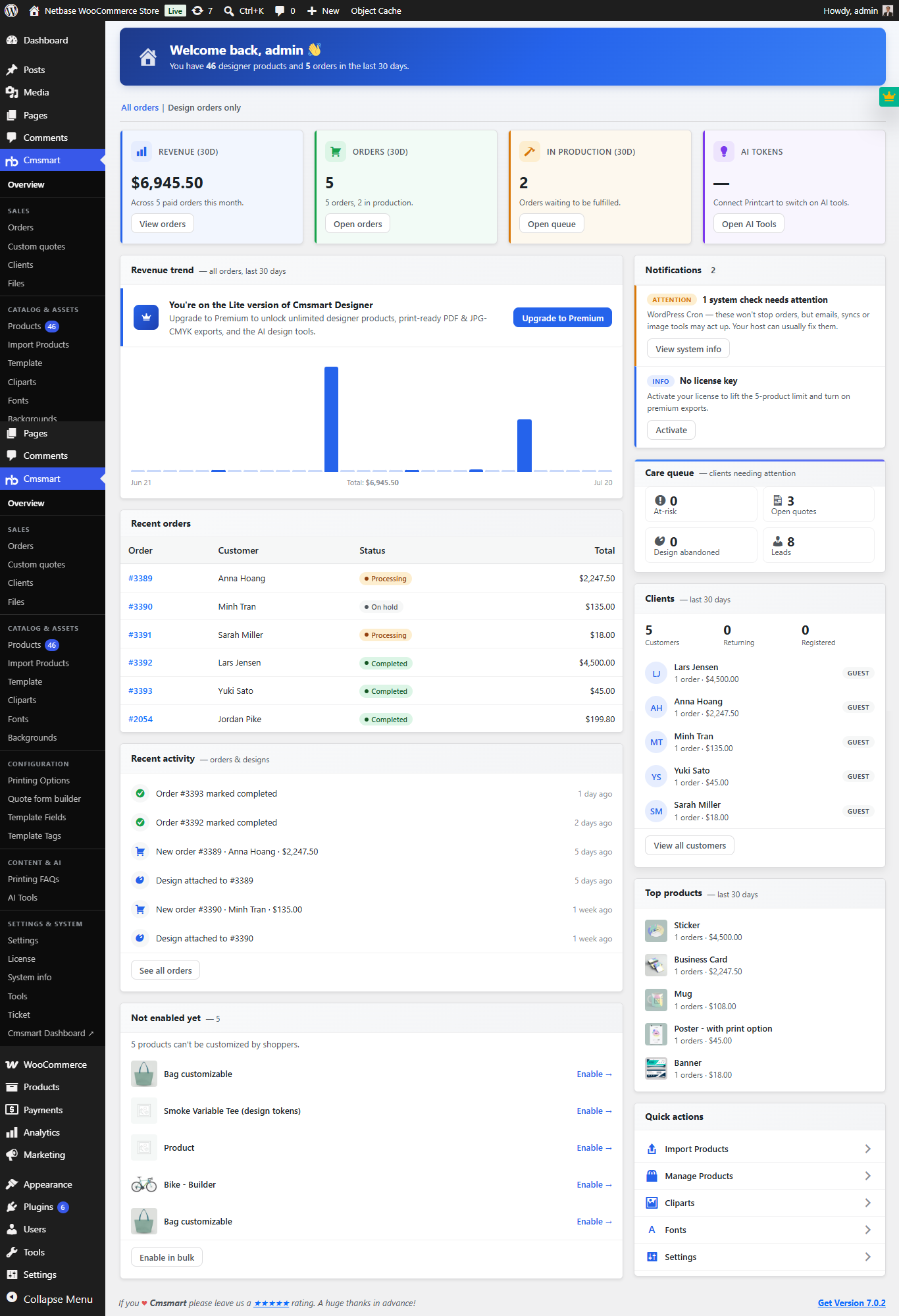 Cmsmart Product Designer 2.10.0 – Built-in Customer CRM, AI Print-QA and a Redesigned Dashboard
 Ecommerce Web Design Companies: 6 to Compare
 Ecommerce Product Catalog and Listings: A Guide
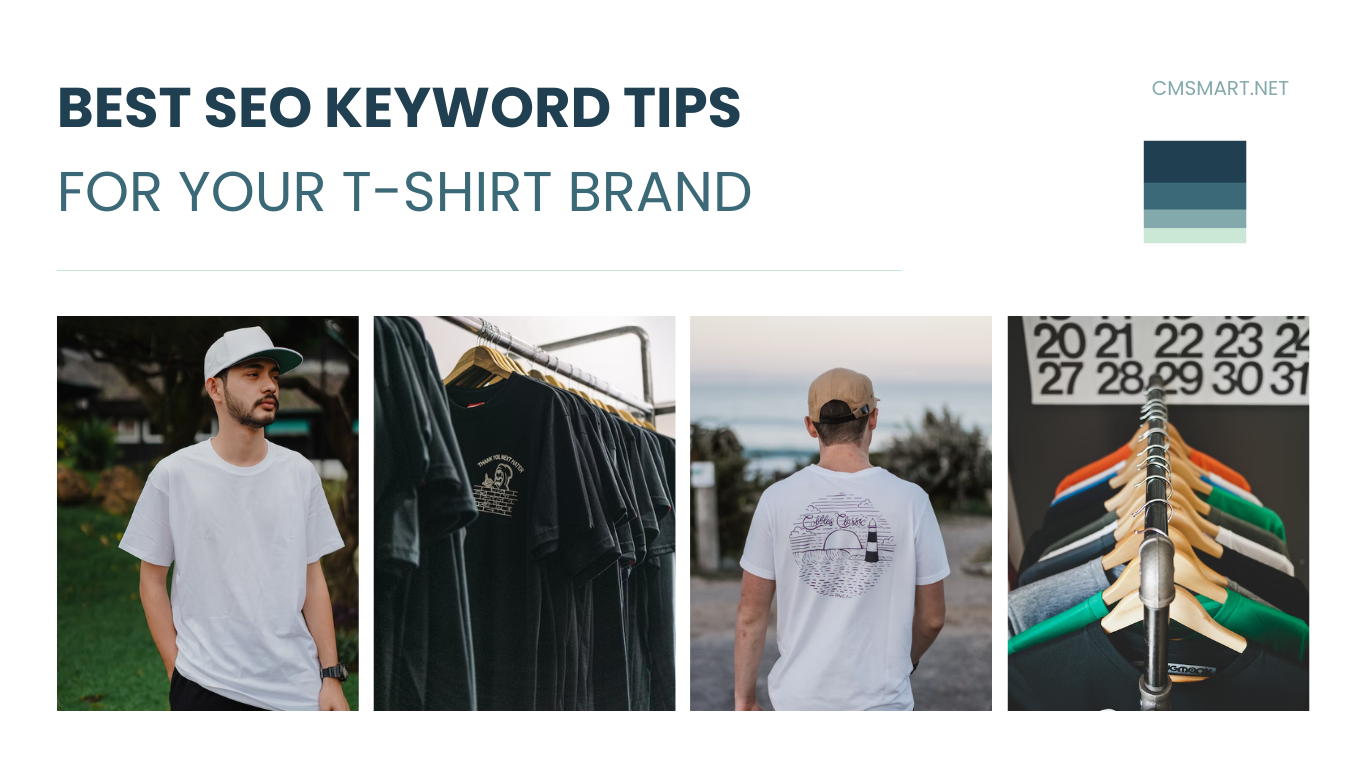 Keywords for T-Shirts: SEO Tips for Your Brand
 Cmsmart product designer 2.9.0 – solving critical compatibility issues with wordpress, woocommerce and php 8.x
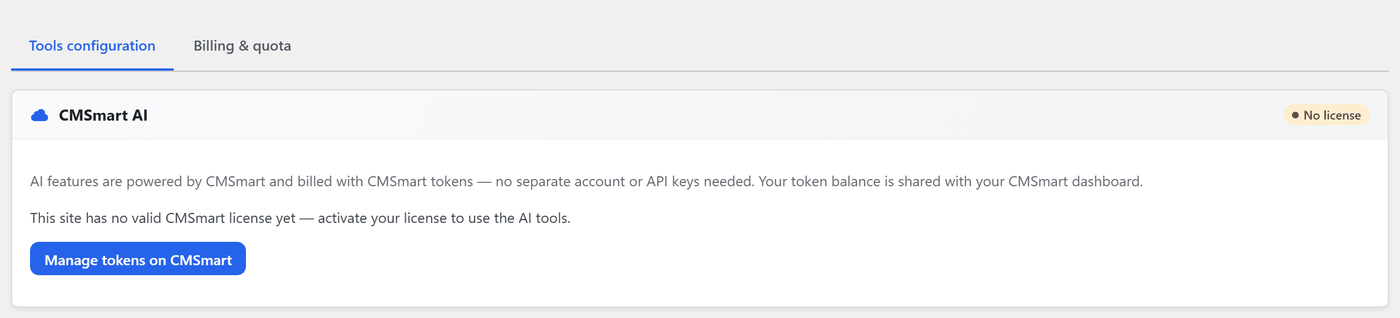 Cmsmart Product Designer 2.12 — AI on Your Own Licence, a Real Quotes Area, and Print Files You Can Trust
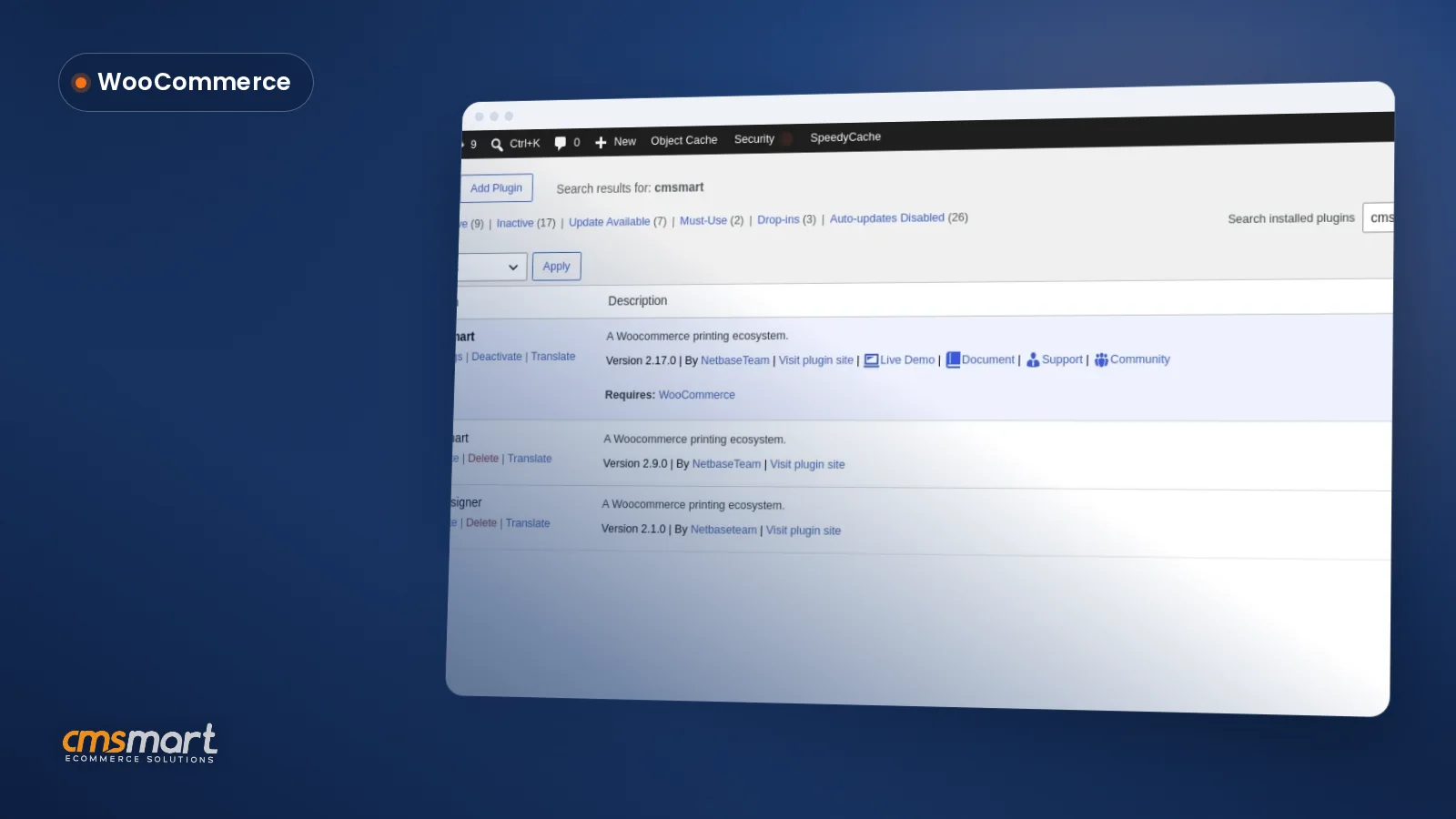 Install the NBDesigner Plugin for WooCommerce (2.17)

Cmsmart Ecommerce provides custom ecommerce and WooCommerce development services for web-to-print, product personalization, plugin support and API integration.




Web-to-print, WooCommerce, B2B and AI specialists who plan, build and support stores together.
Meet the team →
Top