


Guide · WooCommerce
Ecommerce Case Studies: 10 Business Examples to Learn From
Ten ecommerce case studies, from Amazon to ASOS, broken down by business model and channel, with the lesson you can apply to your store.
To create perfect product pages for your web store, Cmsmart advises following three visitor stages: attention, capture and decision. Show the product name, image, price and buy button clearly, then add a description, secondary images, ratings, comments and videos. Offer similar products and cross-selling items so visitors stay longer and come back.
Was this tutorial helpful?
See also: Cmsmart pricing and Cmsmart products.
← Useful guide on how to start a T-shirt printing business · Turn your passion into profit with Handmade WordPress theme →
Written by
Cmsmart WooCommerce Development Lead
Leads custom WooCommerce builds: architecture, checkout, performance and integrations.
The team behind it
 Account Manager
 Project Manager
 Business Analyst
 Developers & QA
Guide · WooCommerce
Ten ecommerce case studies, from Amazon to ASOS, broken down by business model and channel, with the lesson you can apply to your store.
Guide · WooCommerce
What an e-commerce system is, its core components, and the people, budget and infrastructure to plan before you launch an online store.
Guide · WooCommerce
Compare the best free ecommerce website builders and alternatives, including Square Online, WooCommerce and Ecwid, by plans, fees and limits.
Browse more guides, tutorials and case studies from the Cmsmart community.
Unlock the Power of Mobile Commerce: Propel Your Business Forward
Read MoreDiscover how to harness mobile commerce to enhance your business growth. Learn strategies for optimizing the mobile shopping experience and increasing consumer engagement.
Read MoreDiscover the benefits of mobile commerce and how it can transform your business. Learn effective strategies for maximizing sales and customer engagement through mobile-optimized shopping experiences.
Read More
Cmsmart Ecommerce provides custom ecommerce and WooCommerce development services for web-to-print, product personalization, plugin support and API integration.
Cmsmart WooCommerce Development Lead
Leads custom WooCommerce builds: architecture, checkout, performance and integrations.
Meet the team →
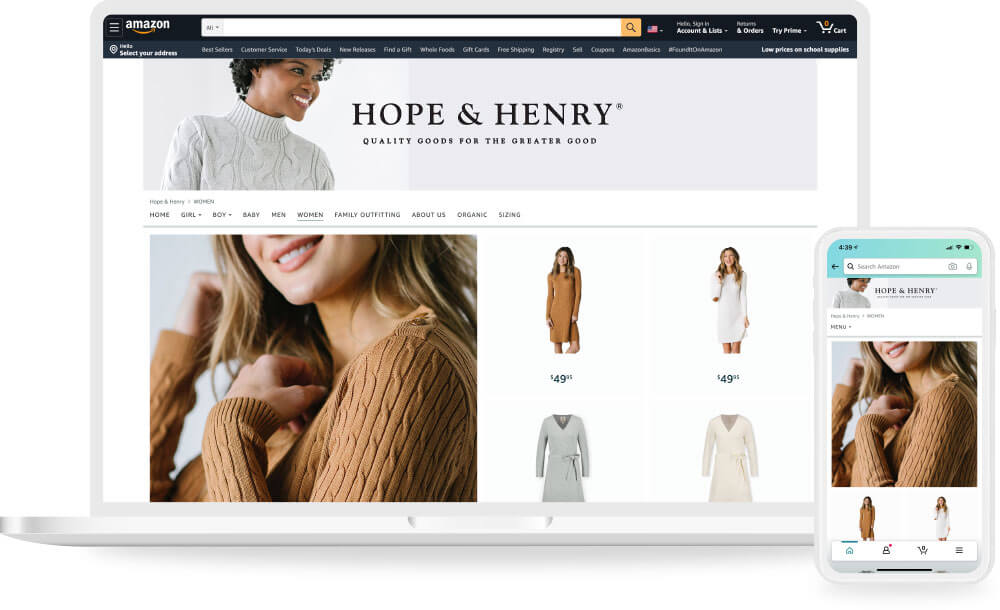

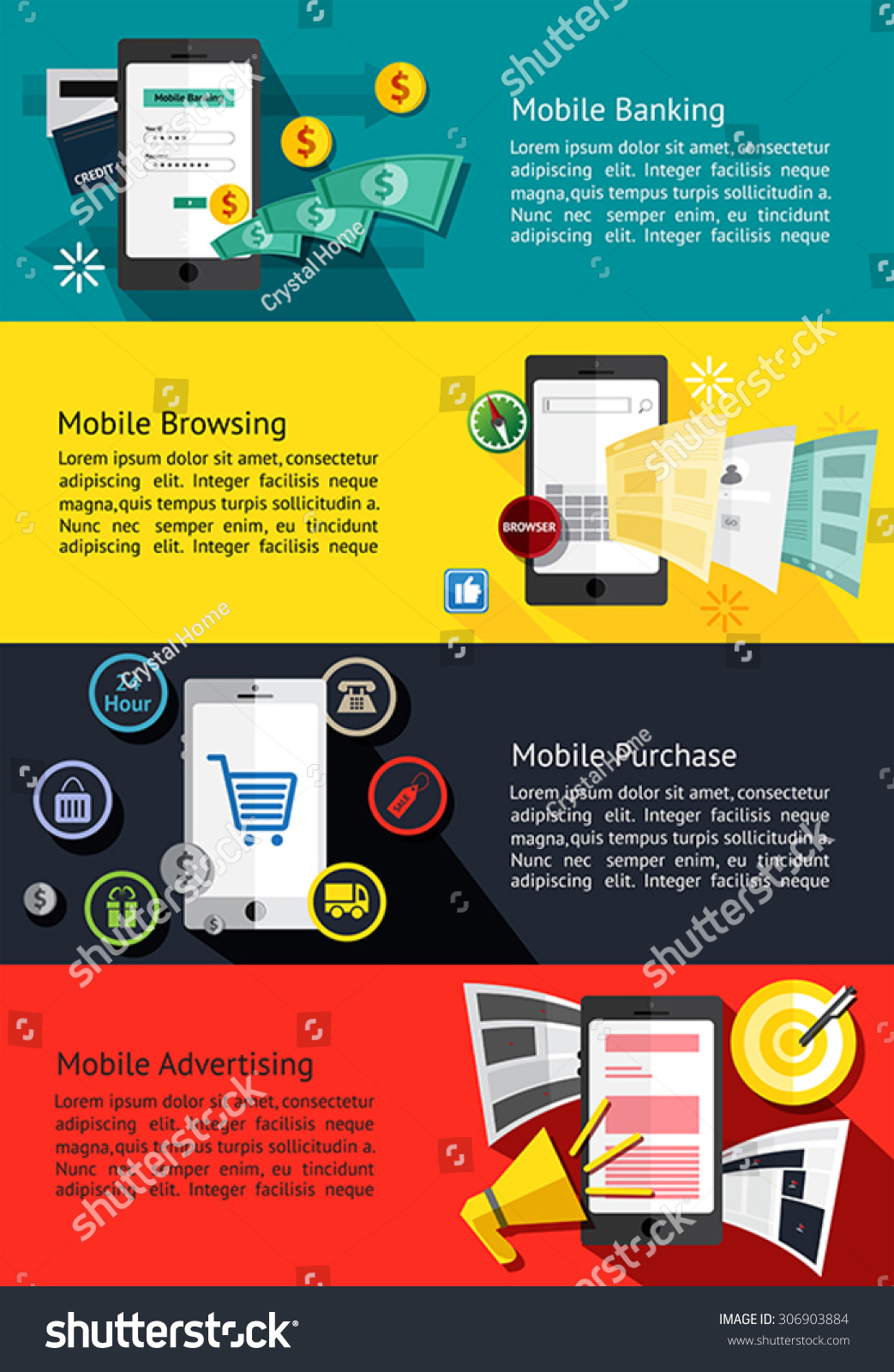


When running any online store, one thing you should never ignore is product pages. In a brief definition, we can define product page as the important factor that decides whether you can convert visitors into customers or not. The success of product pages will affect directly on the success of your business. The task of creating a user experience giving your visitors what they need to become a customer totally depends on your methods. As experience of professionals, you should analyze your product pages to optimize as much as possible and encourage customers come back again. Here are some things you should consider to create a killer product page:
The Perfect Product Page
Visitor behavior can be summarized in three main stages:
The increase and loss of interest in product page stages
To capture visitors’ interest right at the first time they land in the page, all the elements including Product name (Image, Price, “Add to the Shopping Cart” and “buy” button) and Product Page Example should be designed clearly and concisely as much as possible. Let’s highlight the over the rest elements so that visitors can find your products just in few seconds.
Two strategies you can apply to highlight are increasing the size and separating from the rest of the page by using margins.
If your products do not capture customers’ attention
The reason for this situation may come from objective factors: your products are not the things visitors need or the price is not affordable. In this case, never give up! Let’s offer them alternative items that should be visible without scrolling down the page. Visitors will spend more time and highly appreciate if you make them easy access to the lists of similar products.
Only when capturing customers’ interest, do you have chances to persuade them more about why they should use your products by adding those elements:
However, some customers still feel confused after they see the description and the secondary images, how do you do? More elements should be added to increase the persuasiveness: Ratings, Comments, Videos and Social network information.
Other elements you can take into account in the product page:
Frequently asked questions
What are the three stages of visitor behavior on a product page?
Visitor behavior has three main stages. Attention is the first impression that keeps visitors from leaving. Capture turns their interest into a sale by giving all the needed information. Decision is when visitors compare with other sites, so the page should build confidence in your product.
What can I show when a product does not catch a visitor's attention?
Offer alternative items that are visible without scrolling down the page. Visitors spend more time on the site and appreciate easy access to lists of similar products.
Where are the other General Topics tutorials?
Every General Topics tutorial is listed on the General Topics tutorials page. Customers with a licence can open a support ticket from the Cmsmart dashboard when a step does not match their install.
What if a step in this General Topics tutorial does not match my store?
This tutorial describes the release that was current when it was written (it was published on 13 August 2018), so a menu or setting may have moved since. Customers with a licence open a support ticket from the Cmsmart dashboard, naming the step and adding a screenshot, and the team answers there.
How do I pay securely?
Contracts and payments go to the company, Netbase JSC: plans are paid through PayPal; services are invoiced by Netbase JSC under a written proposal and paid by bank transfer to Netbase JSC's company account or by PayPal Business. Cmsmart (Cmsmart Ecommerce) is the ecommerce brand of Netbase JSC, a company based in Hanoi, Vietnam.
How do I contact Cmsmart or get a quote?
Message the Cmsmart team on WhatsApp at +84 937 869 689 or email project@cmsmart.net; the contact page at cmsmart.net/contact lists every channel, and Request a quote (cmsmart.net/project-proposal) sends a project brief. Customers with a licence open a ticket from the dashboard.
Further reading