

Guide · Web-to-print
Cmsmart Stores Setup Wizard: What's New, October 2026
The Cmsmart Stores Setup wizard installs niche, B2B and Marketplace stores with sample data live in minutes. See what changed and try it free.
How to create contents on your site with WordPress PrintStore? It can be said that the main content is a bridge to help business owners and customers interact
Was this tutorial helpful?
Written by
Cmsmart Web-to-Print Solutions Consultant
Plans online print storefronts: product setup, pricing rules, proofing and print-ready files.
The team behind it
 Account Manager
 Project Manager
 Business Analyst
 Developers & QA
Guide · Web-to-print
The Cmsmart Stores Setup wizard installs niche, B2B and Marketplace stores with sample data live in minutes. See what changed and try it free.
Guide · Web-to-print
The NBDesigner plugin now gives stationery shoppers a curated background library so print-ready PDFs always match the preview. See how to set it up.
Guide · Web-to-print
See how t-shirt artwork approval and print-ready PDFs cut POD reprints on WooCommerce; get a free workflow review from Cmsmart today.
Browse more guides, tutorials and case studies from the Cmsmart community.
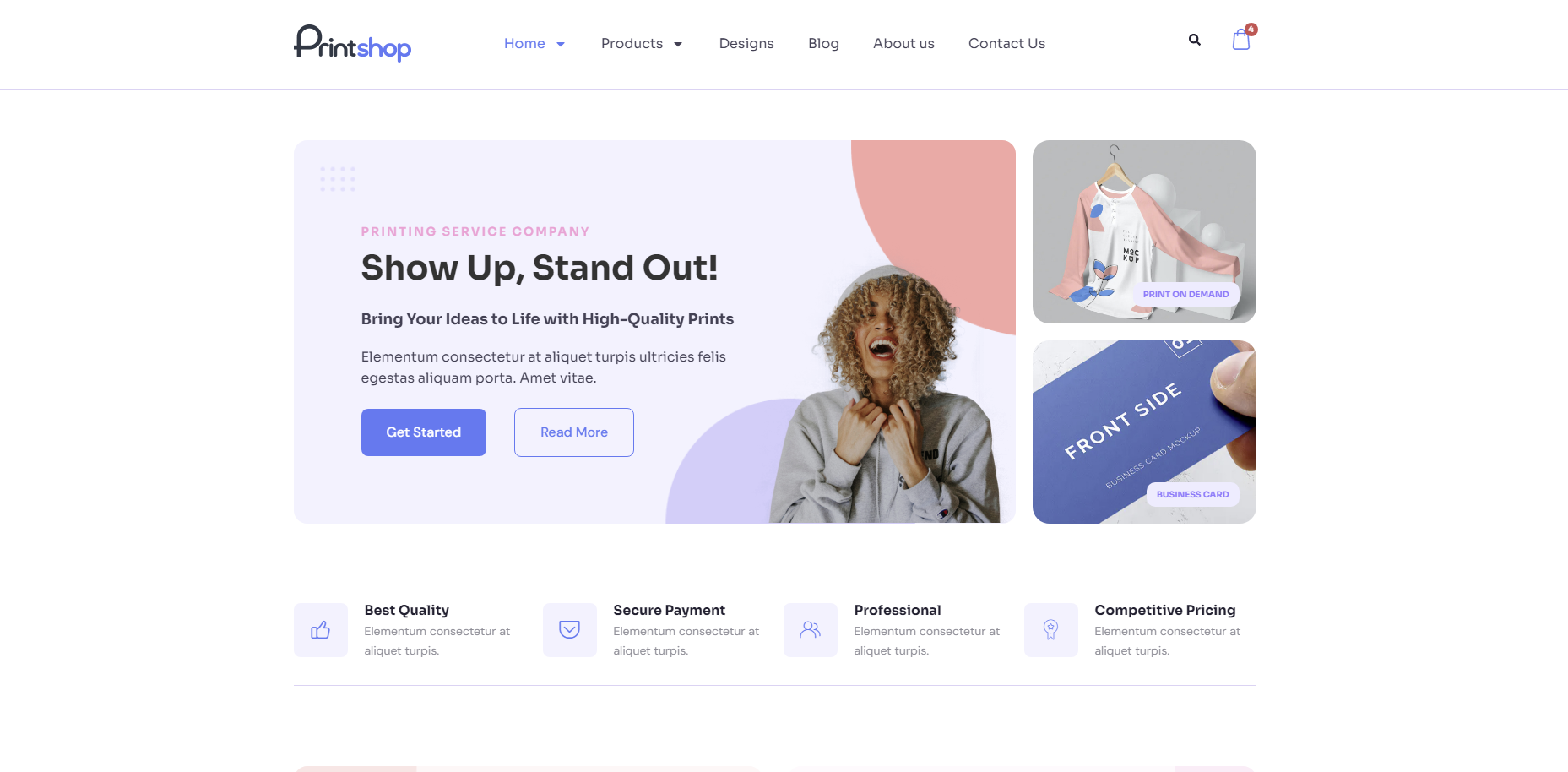
In today's competitive printing industry, having a strong online presence is essential for success. With CMSmart's Printshop Themes, you can elevate your printing business to new heights and stand out from the competition.
Read MoreHow to choose an ecommerce web design company: the brief to write, homepage examples by business model, questions to ask and warning signs to avoid.
Read MoreThe print on demand business benefits are real, but only with the right tools in place. See how Cmsmart turns orders into print-ready files. Get a quote.
Read More
Cmsmart Ecommerce provides custom ecommerce and WooCommerce development services for web-to-print, product personalization, plugin support and API integration.
Cmsmart Web-to-Print Solutions Consultant
Plans online print storefronts: product setup, pricing rules, proofing and print-ready files.
Meet the team →




Dear our beloved customers,
Building a website is like building a house. install hosting, server or setting plugin for site... are considered as hot and core, content is the finishing of the house. It can be said that the main content is a bridge to help business owners and customers interact and find each other. Sellers pass a piece of content to convey information, while shoppers will find that information to understand and buy the product. Thus the content is extremely important in life and especially in sales. Despite the eye-catching image of such creativity, can you fully express the content in a photo? Definitely impossible.
But the important thing is that when building an article content we need to arrange the layout so that it is best for the user. To do that, learn more in the article with "create contents on WordPress PrintStore"
Your web site certainly does not lack the following items:
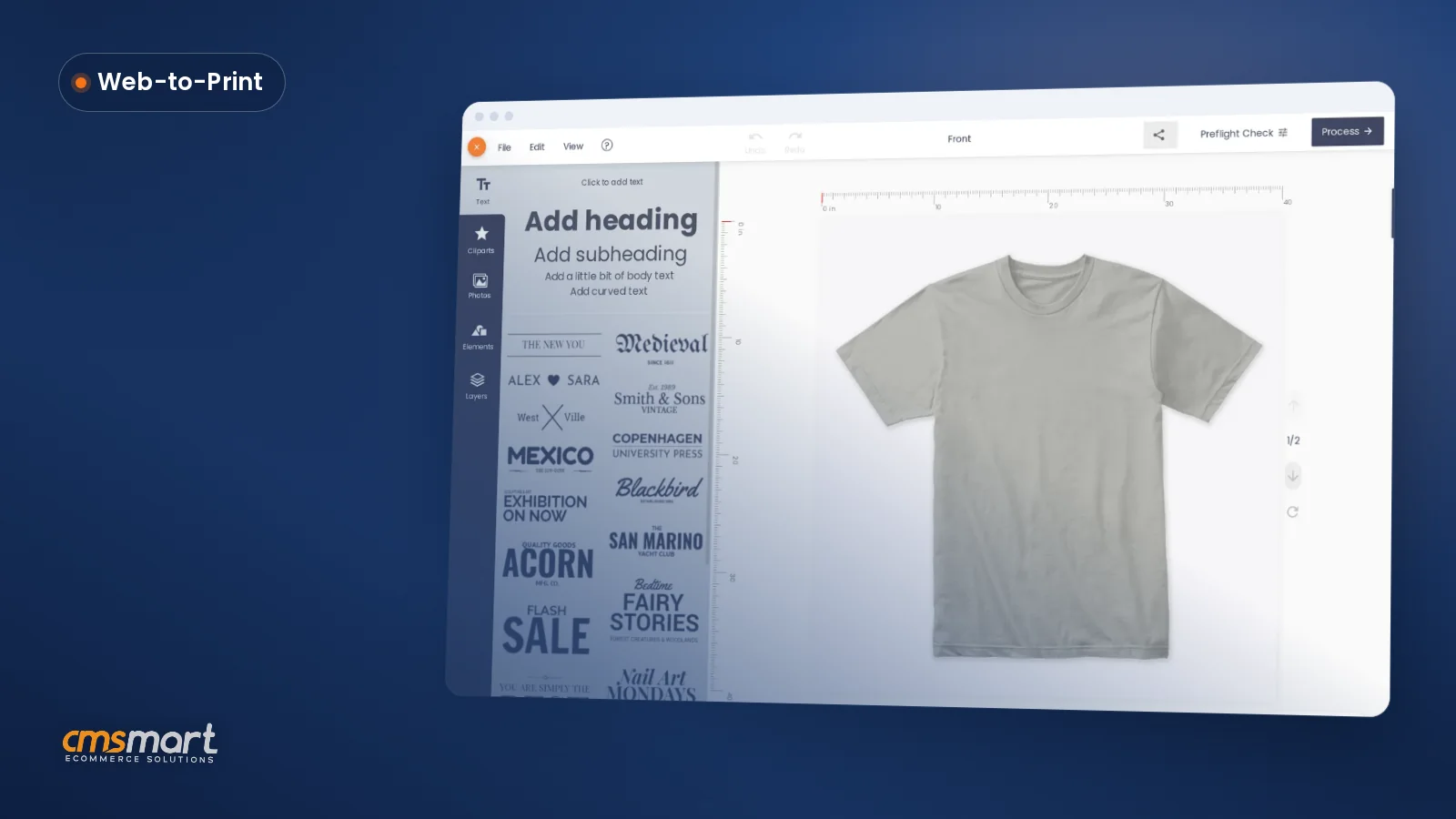
Watch the video below for a quick overview of the NBT solution:
How to create a page with NBT solution?
1. Create a post
Go to Post > Add new > Enter title post, content, categories, …
2. Create FAQs
Go to FAQs > Add new > Add heading > Add row:
Not only stop at the features you see, but we also provide the customization service based on your demand with a strong experienced support team and professional working style. Invest in a quality content system to enhance your website. The more valuable the content is for users, the more highly appreciated the web. And the results you receive will be extremely great See you at the next post! Thanks for watching my post. If you have any questions, feel free to feedback here. I and colleagues are willing to support you. Don't forget using coupon code MAR_DL to get 18% Discount for this product. Goodluck!
Best regards.
Have a nice day!
Vincent
Sales Consultant Manager
Skype: live:vincent_4281
Phone/ whatsapp: +84 868 901 261
Email: vincent@cmsmart.net