
Guide · Web-to-print
Cmsmart Stores Setup Wizard: What's New, October 2026
The Cmsmart Stores Setup wizard installs niche, B2B and Marketplace stores with sample data live in minutes. See what changed and try it free.
Unlock the potential of diverse file formats with Cmsmart Product Designer. Optimize your designs using SVG, PNG, PDF, and more for high-quality print-ready outcomes.
Was this tutorial helpful?
Written by
Cmsmart Web-to-Print Solutions Consultant
Plans online print storefronts: product setup, pricing rules, proofing and print-ready files.
The team behind it
 Account Manager
 Project Manager
 Business Analyst
 Developers & QA
Guide · Web-to-print
The Cmsmart Stores Setup wizard installs niche, B2B and Marketplace stores with sample data live in minutes. See what changed and try it free.
Guide · Web-to-print
The NBDesigner plugin now gives stationery shoppers a curated background library so print-ready PDFs always match the preview. See how to set it up.
Guide · Web-to-print
See how t-shirt artwork approval and print-ready PDFs cut POD reprints on WooCommerce; get a free workflow review from Cmsmart today.
Browse more guides, tutorials and case studies from the Cmsmart community.
Unlock the Power of Mobile Commerce: Propel Your Business Forward
Read MoreDiscover how to harness mobile commerce to enhance your business growth. Learn strategies for optimizing the mobile shopping experience and increasing consumer engagement.
Read MoreDiscover the benefits of mobile commerce and how it can transform your business. Learn effective strategies for maximizing sales and customer engagement through mobile-optimized shopping experiences.
Read More
Cmsmart Ecommerce provides custom ecommerce and WooCommerce development services for web-to-print, product personalization, plugin support and API integration.
Cmsmart Web-to-Print Solutions Consultant
Plans online print storefronts: product setup, pricing rules, proofing and print-ready files.
Meet the team →
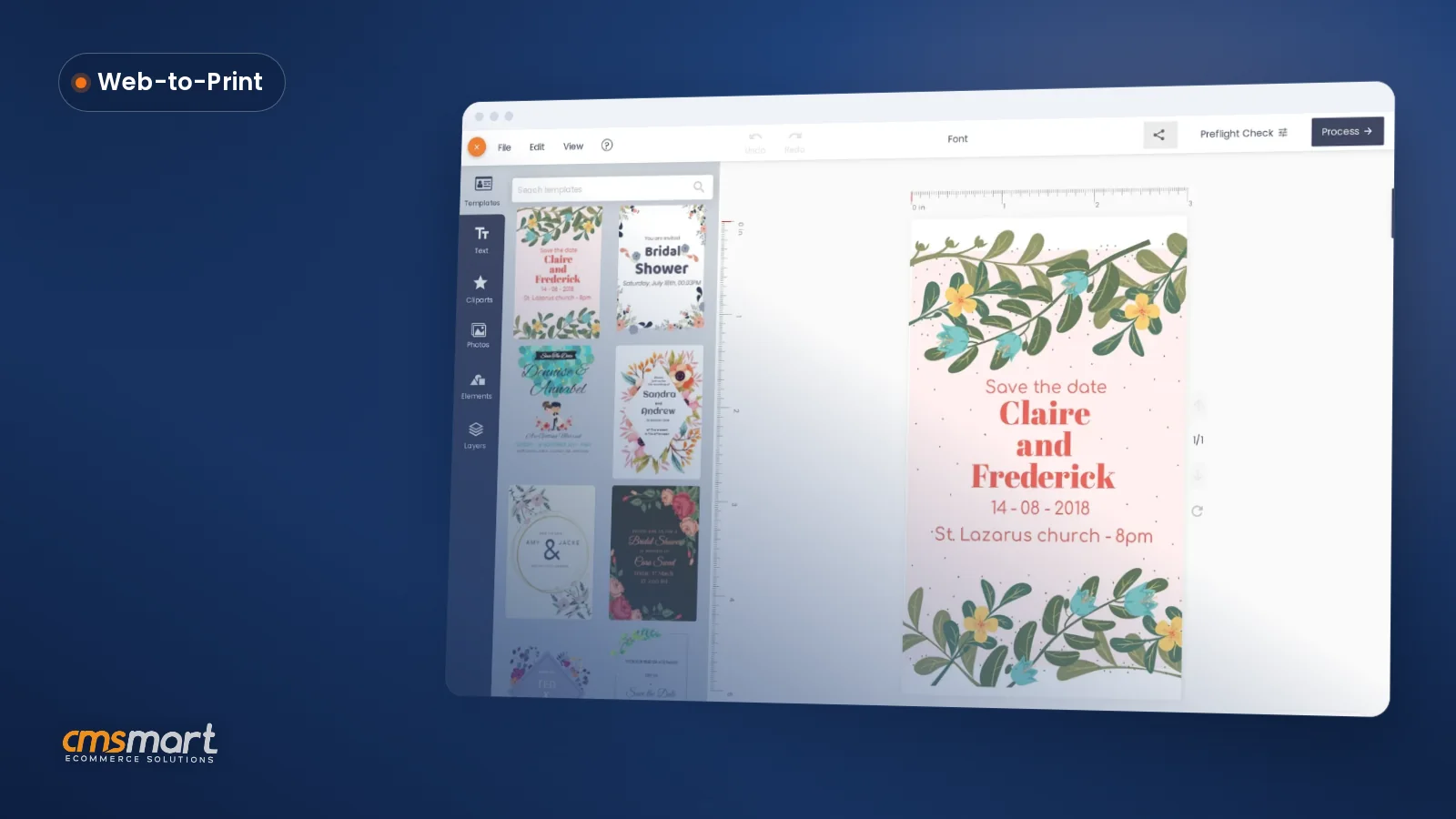

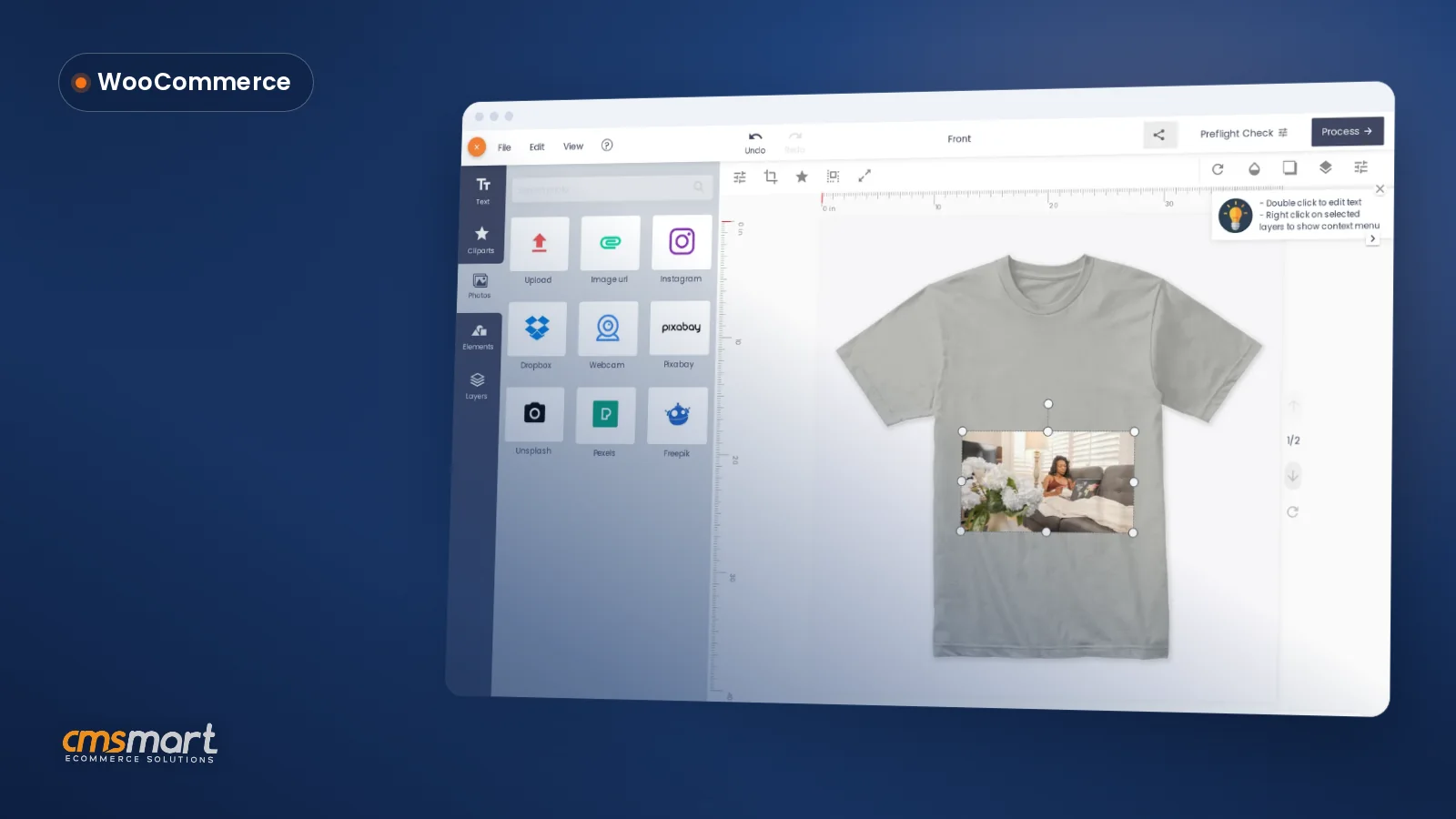


Did you know that the wrong choice of file formats can lead to increased costs and delays in production? An alarming 61% of businesses struggle with optimizing their design workflows, which often results in costly reprints and missed deadlines. Take, for example, our client Jane from Australia, who runs a budding custom apparel business. She was overwhelmed by the complexities of file formats, which hindered her ability to deliver high-quality print-ready designs to her customers. With Cmsmart's Product Designer, we helped Jane streamline her design process by leveraging the right formats like SVG and PDF, drastically improving her production efficiency and client satisfaction.
File formats might seem like just another technical detail, but mastering them is crucial for ensuring your designs meet both digital and print standards. As the eCommerce landscape continues to evolve, understanding the importance of formats—from scalability with SVGs to transparency with PNGs—can significantly affect your business outcome. Explore how you can enhance your design efficiency by utilizing our resources on Web-to-Print solutions or dive deeper into design terminology. In this tutorial, we will guide you through the essentials of optimizing your custom designs with Cmsmart’s Product Designer.
Why You can't Ignore File Formats
Struggling to choose the right file format for your design projects?Many businesses face the challenge of balancing editability, ensuring print readiness, and managing scalability in digital assets.
Master Document Types & File Formats
Could the wrong file format be sabotaging your design projects? Mastering file formats can elevate your digital and print projects to new heights. In the fast-paced world of digital marketing and eCommerce, understanding the intricacies of file formats is paramount. Formats such as JPG and PDF are not just about images; they are about optimizing workflows and ensuring print readiness.
Actionable Tips for Optimizing File Formats
Leverage Expert Insights for Seamless Integration
Navigating file formats can feel like a minefield, but with the right knowledge, you can avoid pitfalls and enhance your design processes effortlessly. Here’s a testimonial to emphasize the real-world application: In summary: By understanding and utilizing the correct file formats, you’re paving the way for more cohesive design processes, enhancing both print and digital assets. Ready to dive deeper? Next, let’s explore scalability importance in web design to ensure your digital assets are always on point.Deconstructing File Formats: From Document Types to Image Formats
Choosing the right file format for your project can be daunting, whether balancing editability with design fidelity or ensuring your assets are print-ready and optimized for online use.Navigating through the myriad of file formats is a common challenge in digital marketing and eCommerce workflows. Lets explore how understanding file formats can enhance your design processes and help make informed decisions.
Understanding Key Characteristics of File Formats
Decoding the Language of File Types
Exploring Essential Image Formats
Choose wisely between formats like JPEGs for web efficiency and PNGs for transparency in images. Heres why certain image formats are essential:- PNG: Ideal for maintaining transparency without sacrificing quality.
- JPEG: Best used for web images where load times and size are crucial.
Internal and external links can enhance understanding. For in-depth strategies, see the resources on understanding file formats for print projects, explore choosing digital formats for web, and more on preserving transparency in images. In summary: By deconstructing file formats, you can better handle scalability and transparency challenges in your digital assets. Up next, well delve into the specific needs of print projects and how they differ from digital formats.Demystifying Print File Formats: A Practical Guide
Struggling to choose the right print file format for your projects?Navigating the world of print formats can be daunting. Striking the right balance between editability and design fidelity, ensuring print readiness while optimizing for online use, and managing the scalability and transparency of your digital assets are common challenges.
Insights into Popular Print File Formats
Print file formats are pivotal in digital marketing, eCommerce workflows, and design processes. Formats like PDF, AI, and TIFF are commonly used for their superior quality and versatility.
Importance of Print Readiness in File Formats
Print readiness is crucial to ensure that designs translate well from digital screens to physical prints. This includes considerations like color accuracy, resolution, and bleed settings.
Best Practices for Choosing Print File Formats
When selecting a file format, consider the purpose of your project and the capabilities of your printing provider.
The choice of file format can greatly influence both the production cost and the final output quality of your print projects.
To summarize: Proper file format selection underpins successful print and digital projects. Next, we’ll delve into understanding file formats for print projects, a crucial step in your digital transformation journey. For more on adapting to digital-era demands, see our article on integrating vendor marketplace solutions .Web File Formats: Choosing for Optimal Online Performance
Struggling to find the right web file formats for optimal performance?Navigating the complexities of choosing the right file format for your digital projects can be daunting. Balancing editability and design fidelity while ensuring both print readiness and online optimization is crucial for managing scalability and transparency in your digital assets.
Key Factors to Consider When Choosing Web File Formats
The Role of Scalability in Web Design
Scalability isnt just about making your design fit different devices; its about anticipating future changes and expansions. Choosing formats like SVG for images ensures that your graphics remain crisp at any size without sacrificing quality.
High-Performance Web File Formats
- SVG and WebP for images: These formats offer superior compression and quality.
- MP4 for videos: It balances quality and file size, ensuring quick loading times.
- Use 5 for animations: Provides smoother performance and wider accessibility across devices.
For more insights on file formats, check our guide on understanding file formats for print projects. In summary: Selecting the right web file format can greatly influence your projects success. By understanding the nuances of each format, you can ensure that your web designs are not only visually appealing but also technically efficient. Ready to dive deeper? Lets explore integrating text in editable files in the next section.Navigating Editability and Transparency in File Formats
Struggling with the right balance in file format choices? Youre not alone.Many face the challenge of balancing editability with design fidelity while ensuring print readiness versus online optimization.
Balancing Editability and Design Fidelity in Digital Formats
Preserving Transparency in Image Files
Editable Design File Best Practices
By following these guidelines, you can ensure that document types and image formats align seamlessly with your eCommerce and design workflows.
In summary: Balancing editability and transparency ensures both online and print assets meet your market’s demands. Next, lets delve into Understanding File Formats for Print Projects and Choosing Digital Formats for Web to enhance your digital offerings.Decoding Lossy vs Lossless: A Designer's Decision Guide
Feeling overwhelmed by the choice between lossy and lossless file formats for your design projects?Youre not alone. Many designers grapple with selecting the right file type that balances editability and design fidelity, ensuring both print readiness and optimal online performance.
Defining Lossy and Lossless File Formats
In the world of digital marketing and eCommerce workflows, understanding the difference between lossy and lossless formats is crucial. Lossy formats, like JPEG, compress data to reduce file size, which alters the original content. Conversely, lossless formats, like PNG and TIFF, retain all data, ensuring no quality loss—ideal for print readiness and ensuring transparency in images.
Choosing Between Lossy and Lossless for Your Project
Making the right choice depends on your projects end-use and medium. For a robust decision tree:
Impact of Lossy and Lossless Formats on Your Design
Every design process demands careful consideration of scalability and transparency. Lossless formats ensure clarity and precision, which is indispensable in extensive projects like animations and detailed digital marketing assets.
- Ensure project scalability with scalable vector graphics (SVG)
- Avoid pixilation by using high-resolution lossless files for large designs
In summary: Selecting the right file format is a pivotal decision in preserving design integrity and performance. As we move forward, lets delve into understanding file formats for print projects to ensure that your next design is as impactful as your vision.How File Formats Impact Your eCommerce and Digital Marketing Workflows
Overwhelmed by choosing the right file format for your digital projects?Navigating the labyrinth of document types, balancing editability with design fidelity, ensuring both print readiness and online optimization, and managing transparency in digital assets can be daunting tasks for many businesses.
Interplay between File Types and eCommerce Platforms
In the realm of eCommerce, the choice of file formats is more than a technical decision—its a strategic move that impacts everything from product presentation to your bottom line. Consider using PDF, SVG, and PSD for high-quality graphics, as they ensure consistency across various platforms. Meanwhile, using PNG and JPG formats can maintain image clarity without sacrificing site speed.
How File Formats Can Make or Break Your Digital Marketing Campaign
Choosing the wrong file type can lead to longer load times and decreased user engagement, directly affecting your digital marketing efforts. Ensure you optimize image formats for web use to enhance user experience and support various digital marketing campaigns.
Strategic Use of File Formats in Design Processes
Incorporating strategic file formats in the design process can enhance efficiency and output quality. For example, AI and PSD formats allow detailed editing capabilities in design tools like Adobe Illustrator or Photoshop, pivotal in preserving design fidelity.
Leveraging the appropriate file formats can dramatically streamline your eCommerce and digital marketing workflows, impacting everything from product design to customer engagement. Understanding file formats for print projects, choosing digital formats for web, integrating text in editable files, and ensuring scalability and transparency in images is crucial for digital success.
Next, let’s delve into understanding file formats for print projects, where choosing the right format ensures your designs remain print-ready and visually compelling.
Choosing File Formats: An Infographic Guide
Struggling with choosing the right file format for your projects? Youre not alone.Many face the challenge of balancing editability and design fidelity, ensuring print readiness versus online optimization, and managing scalability and transparency in digital assets.
Introducing the File Format Decision Tree
At the core of selecting the appropriate file format lies the File Format Decision Tree. This guide simplifies your choices across document types, image formats, and more.
In-depth Analysis of Each Branch of the Decision Tree
Each branch of the decision tree represents a critical choice in the design process, from document construction in Word or PDF to image rendition in PNG or SVG.
How to Use the Infographic Guide to Choose the Best Format
The infographic guide serves as a comprehensive tool to streamline your decision-making process.
Enhance your knowledge on understanding file formats for print projects or when choosing digital formats for web by referring to our detailed internal resources. These resources are built to provide deeper insights and practical applications.
In summary, choosing the correct file format is pivotal to the efficiency of your digital marketing and design processes. Next, we will discuss the integration of text in editable files and highlight the importance of scalability in web design.Common Questions about File Formats
Are you struggling to choose the right file format for specific projects? Balancing editability and design fidelity while ensuring print readiness versus online optimization can be daunting. Managing scalability and transparency in digital assets adds another layer of complexity. Thats why were here to answer your top 10 frequent questions about file types, image formats, print readiness, and more, in an engaging Q&A format.Your Top 10 Frequent Questions
Let’s break down these common questions, starting with file formats suitable for print and web design, aligning with both personal creativity and professional standards.
Ensuring Print Readiness and Online Optimization
Choosing the correct document types and image formats is crucial. For print projects, formats like PDF, SVG, and AI are recommended for their scalability and persistence of design integrity. For online use, PNG and JPG are preferred due to their balance of quality and upload speed.
Integrating and Managing Digital Content
For those involved in intricate projects like animations or infographics, ensuring a file format supports animation and interactive elements is key. Consider these strategies:Expert Insights
In summary: By choosing the right file formats and adhering to best practices in scalability, editability, and readiness, youll ensure optimal performance and impact in both print and digital arenas. Let’s move forward to understanding file formats for print projects and how to choose digital formats for the web.Further Reading
Understanding file formats is crucial for maximizing the impact of your custom designs. By mastering document types such as PDFs for seamless sharing and SVGs for scalable graphics, you can significantly enhance both your digital and print outcomes. Don't let the wrong file format compromise your projects; instead, elevate your design efficiency and effectiveness. Ready to take the next step? Contact David, our CEO, via WhatsApp at this link, or reach out directly to me at project@cmsmart.net for personalized consultation. If you're interested in a comprehensive quote for implementation, please request a quotation here. Let's collaborate to optimize your workflows and transform your design capabilities to the next level!