
Guide · Web-to-print
Custom Print Order Management for WooCommerce Shops
Custom print order management for WooCommerce: turn orders into approved, print-ready PDFs from one admin screen and get a free workflow review.
What are the new features or changes in this release? How to use them? Today, I will introduce to you about new features in WordPress PrintStore Solution package version 5.6.0.
Was this tutorial helpful?
Written by
Cmsmart Web-to-Print Solutions Consultant
Plans online print storefronts: product setup, pricing rules, proofing and print-ready files.
The team behind it
 Account Manager
 Project Manager
 Business Analyst
 Developers & QA
Guide · Web-to-print
Custom print order management for WooCommerce: turn orders into approved, print-ready PDFs from one admin screen and get a free workflow review.
Guide · Web-to-print
See Cmsmart's custom order approval workflow for WooCommerce: approve customer artwork before it prints and cut reprints today.
Video · Web-to-print
Set up products for online design in WooCommerce: configure specs, a price matrix and templates per product, then get a custom catalog build quote.
Browse more guides, tutorials and case studies from the Cmsmart community.
In today's competitive printing industry, having a strong online presence is essential for success. With CMSmart's Printshop Themes, you can elevate your printing business to new heights and stand out from the competition.
Read MoreHow to choose an ecommerce web design company: the brief to write, homepage examples by business model, questions to ask and warning signs to avoid.
Read MoreThe print on demand business benefits are real, but only with the right tools in place. See how Cmsmart turns orders into print-ready files. Get a quote.
Read More
Cmsmart Ecommerce provides custom ecommerce and WooCommerce development services for web-to-print, product personalization, plugin support and API integration.
Cmsmart Web-to-Print Solutions Consultant
Plans online print storefronts: product setup, pricing rules, proofing and print-ready files.
Meet the team →

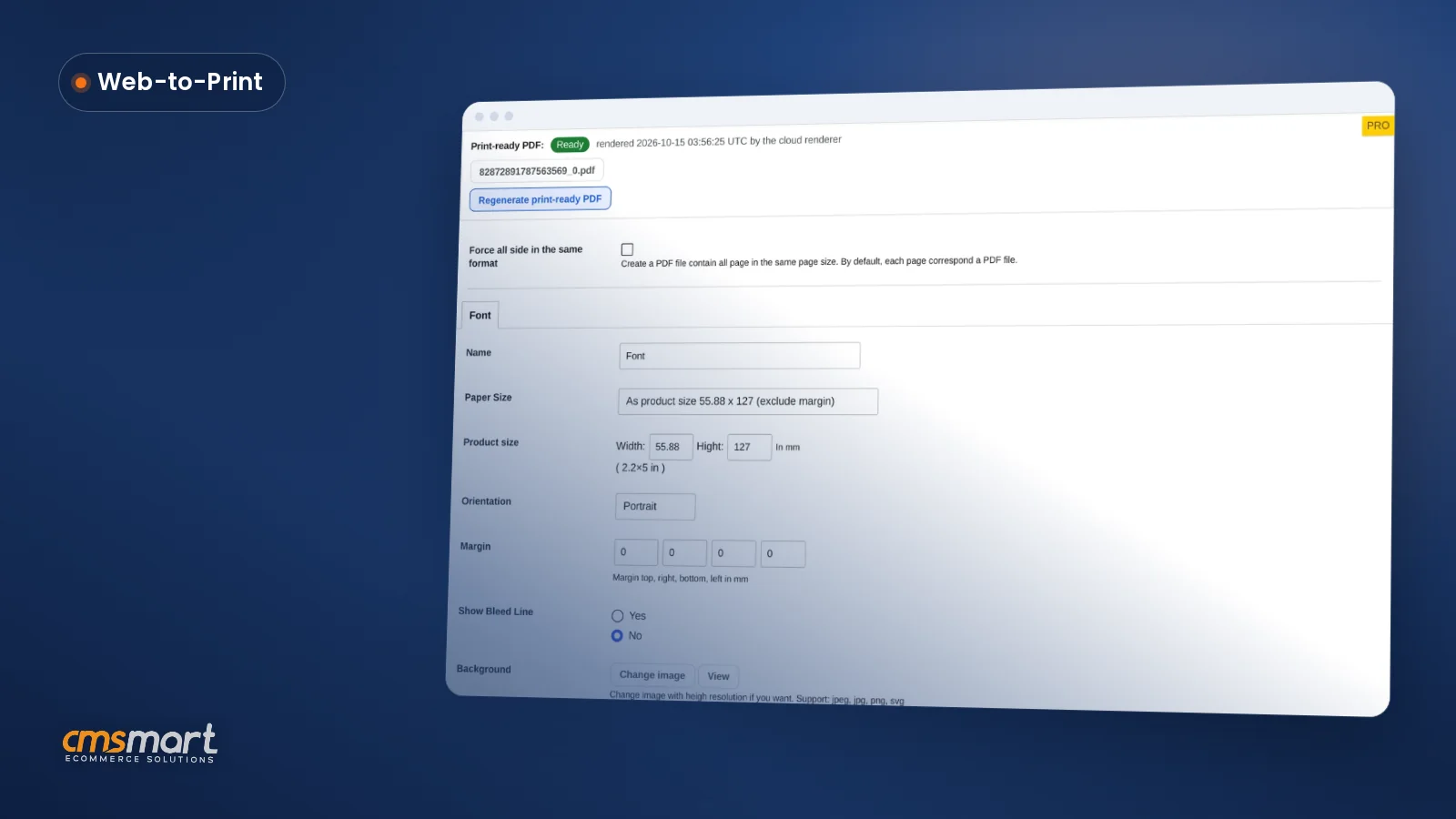
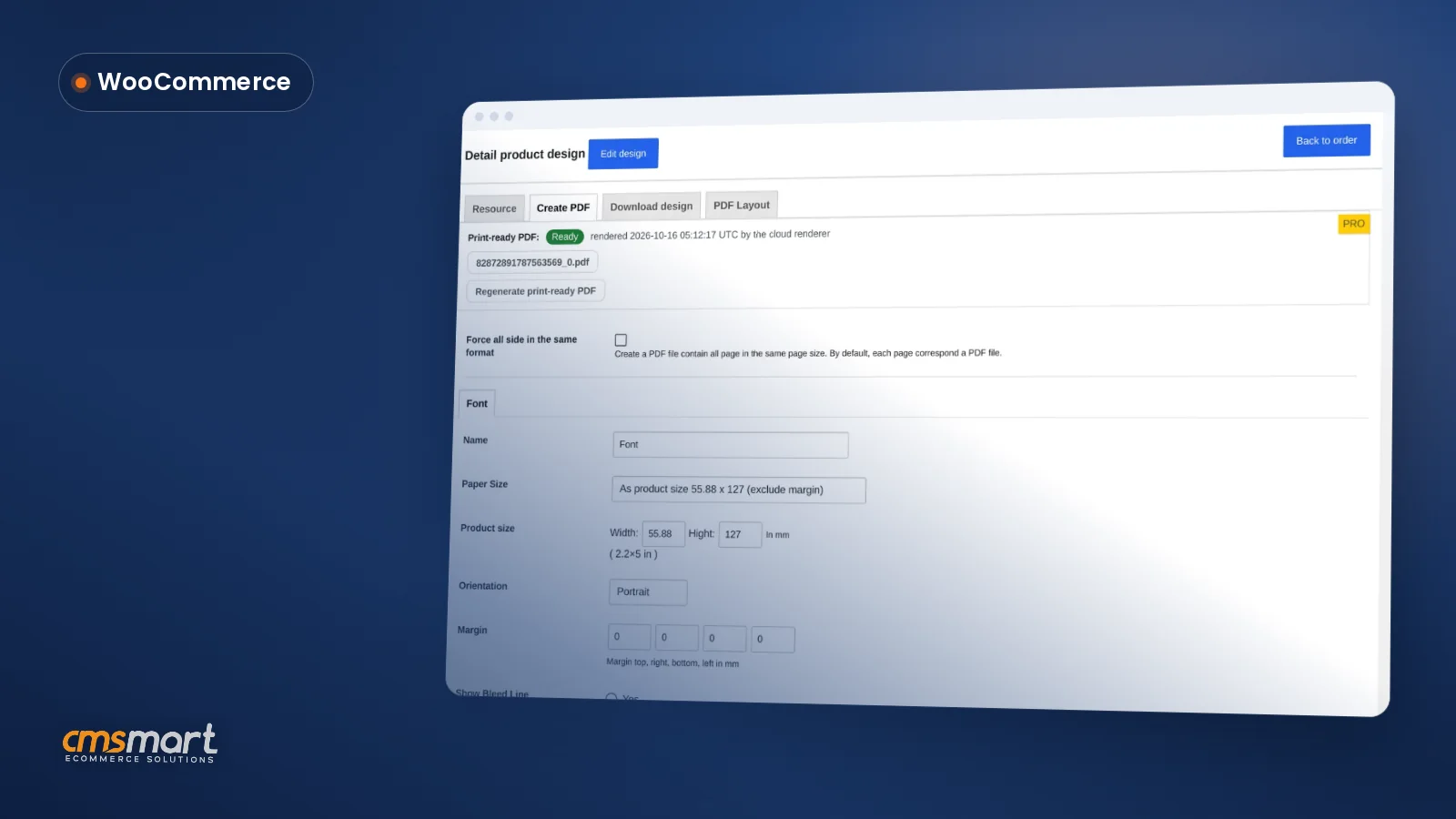

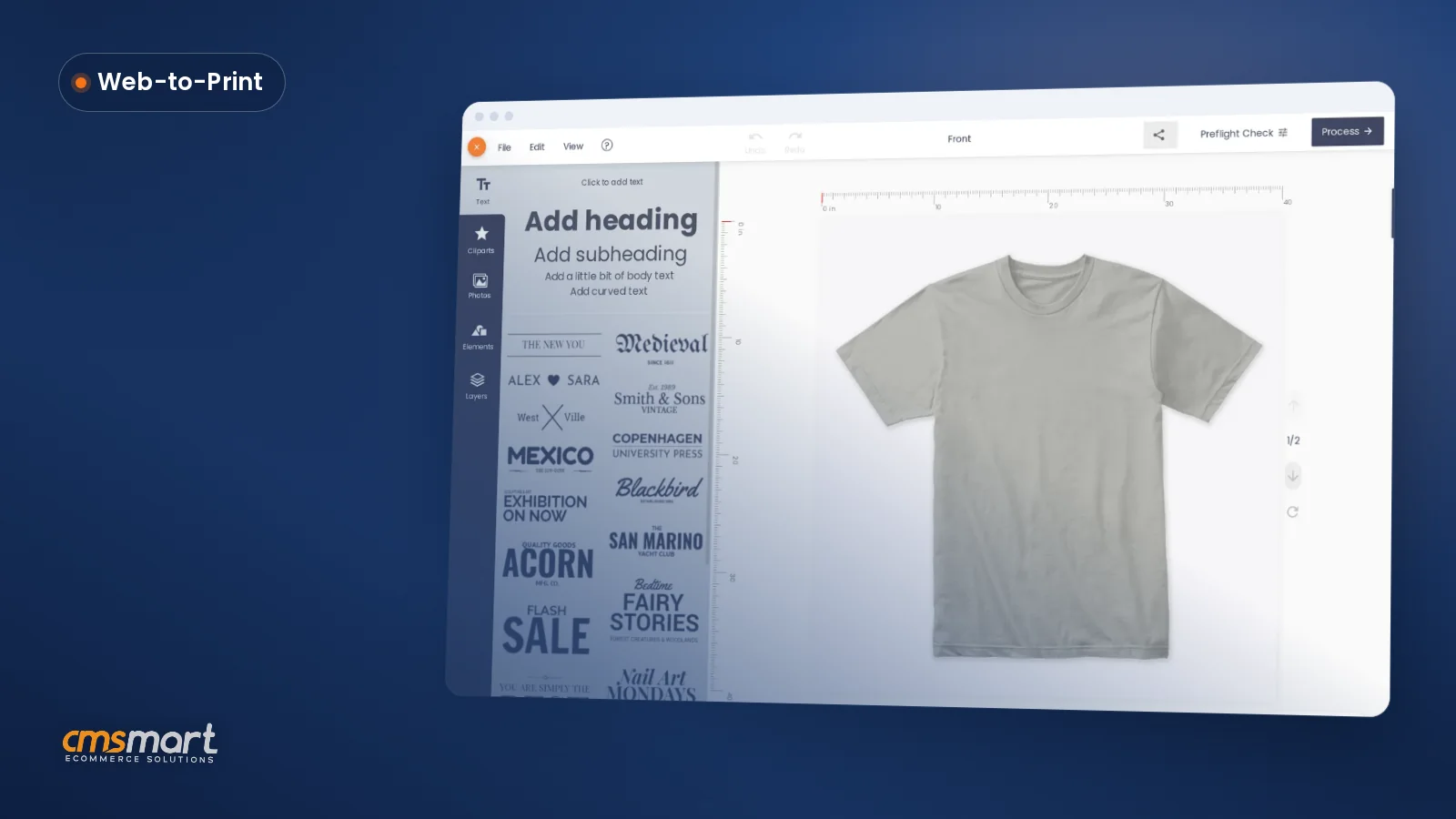
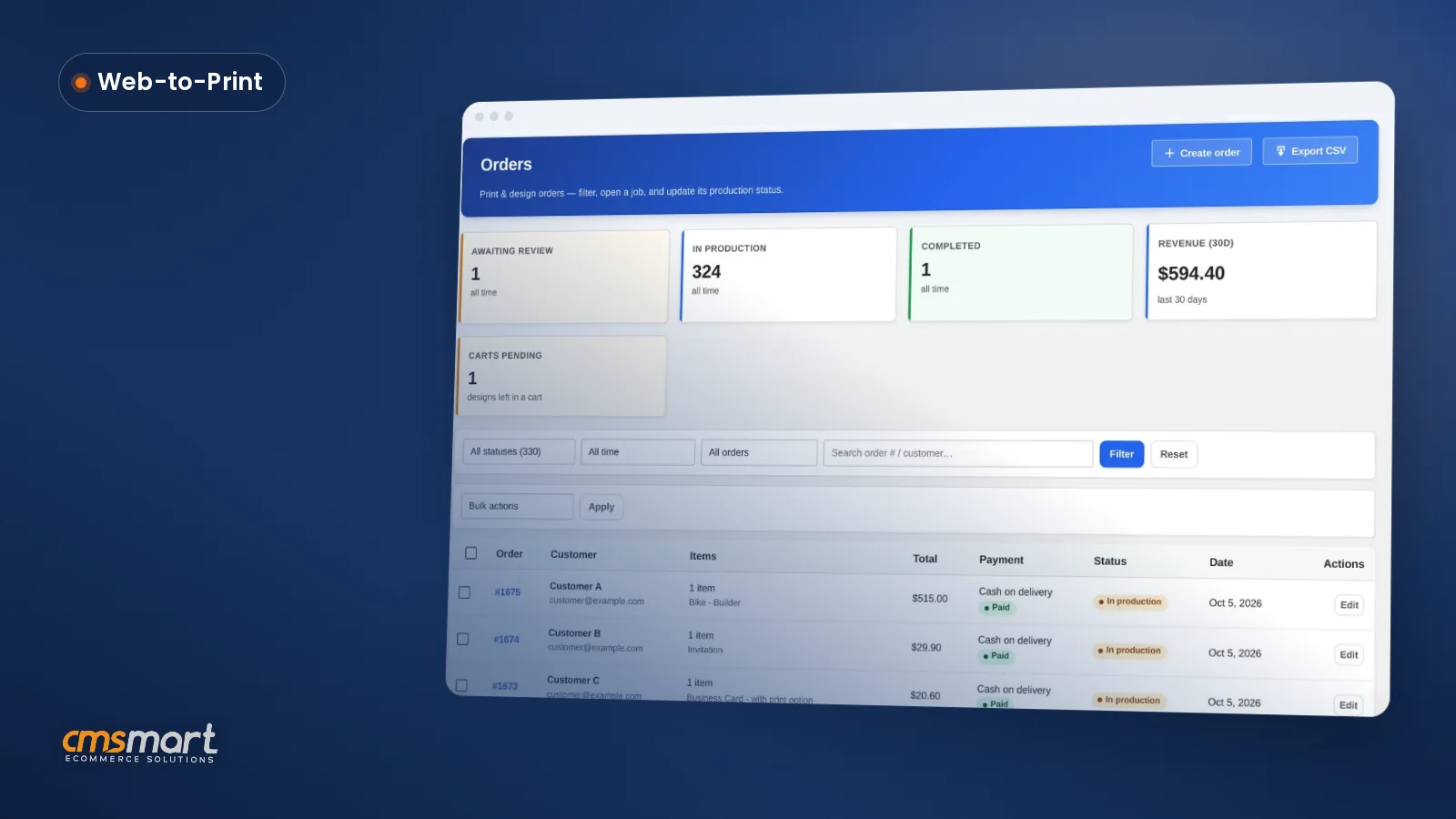
As you know, WordPress PrintStore is one of the best Products on CMSmart. This is No1 Web to Print Solution for SMB Printing Business. PrintStore package has some highlight Features such as Easy to use, Print on Demand, online design and print, fulfillment and shipping – Printful. With this product, we have more than 1700 sales and Provide thousands of solutions to our customers. And at the end of November, we released the latest version 5.6.0. What are the new features or changes in this release? How to use them? Today, I will introduce to you about new features in WordPress PrintStore Solution package version 5.6.0. Here we go!
Integrate with WooPanel 2.2.0
If you know WordPress WooPanel Plugin on CMSmart, you will be interested in PrintStore at this version because it integrated with WooPanel version 2.2.0. WooPanel plugin is a powerful tool on the Woocommerce Platform. It allows you can manage your store products, customers, right from Website Frontend without log-in to WP Admin. This is a great solution to solve the Generic Access Profile of Connect between WooCommerce, Dokan Multiple Vendor, WordPress MultiStore, CRM and More.
Update many other features
1. Update plugin: Dokan Pro 2.9.15
This plugin released version 2.9.15 on 19 November 2019 by wedevs.com with many new features and Updates. New features include Add Dokan Shortcode Gutenberg block, Add single seller mode option and Show warranty policy tab in the single product page. Besides, many bugs have been fixed in this release version. This is a very large update of the Dokan plugin. Now, this plugin has been integrated into WordPress PrinStore. That’s great!
2. Update plugin: Slider Revolution 6.1.5
Slider Revolution 6.1.5 was updated on 14th November 2019 and this is the latest version of Slider Revolution. There have been a few significant changes in this release.
* New feature: The import process now checks for image duplication not only in the same folder but in the whole WordPress installation.
* Changes: The Gutenberg block opens the module library now directly when added
* Bugfixes: Removed unwanted "rated" text from WooCommerce product star rating
Above are some changes in WordPress PrintStore in version 5.6.0. I hope this article has brought you a lot of useful information. If you want to try PrintStore product DEMO, please click! If you have any questions about the product, please contact the contact information below or here https://cmsmart.net/support_ticket/. We are willing to answer all of your questions. Thank you for reading and keep following us to get more information in the next article!
Best regards