

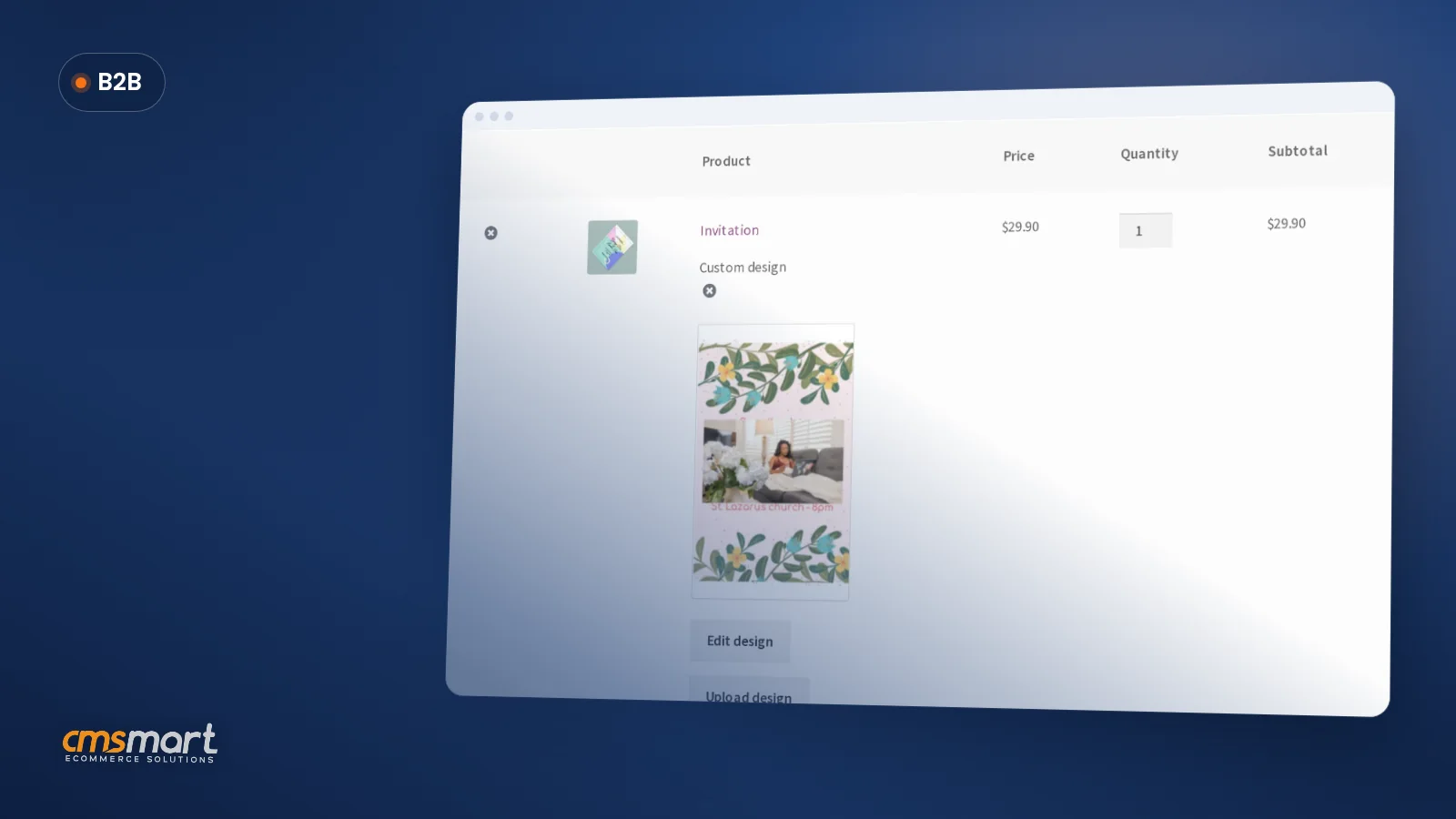
Guide · WooCommerce
How to Choose an Ecommerce Design Company: 8 Questions
Learn how to choose an ecommerce design company: compare deliverables, scope, support and source files, then see how Cmsmart quotes a store design.
WooCommerce remains a leading free, open-source plugin for turning a WordPress site into an online store, with millions of active installs and a large contributor community. This page walks through its core features, product listings, order management, and sales tools, and notes how a product designer plugin like Cmsmart's can add custom product personalization on top of it.
Was this tutorial helpful?
See also: Cmsmart pricing and Cmsmart products.
← Ecommerce Website Features: Core and Optional List · Marketing Tips for Your T-Shirt Business →
Written by
Cmsmart WooCommerce Plugins & Themes Specialist
Installs, configures and customises WooCommerce plugins and themes, ours and the market's.
The team behind it
 Account Manager
 Project Manager
 Business Analyst
 Developers & QA
Guide · WooCommerce
Learn how to choose an ecommerce design company: compare deliverables, scope, support and source files, then see how Cmsmart quotes a store design.
Case study · Web-to-print
Product personalization software for WooCommerce lets shoppers customize templates on the product page, then get a custom design quote from Cmsmart.
Case study · Web-to-print
Set up an artwork approval workflow for WooCommerce: buyers confirm designs, Cmsmart locks the file, and print-ready PDFs generate automatically.
Browse more guides, tutorials and case studies from the Cmsmart community.
Unlock the Power of Mobile Commerce: Propel Your Business Forward
Read MoreDiscover how to harness mobile commerce to enhance your business growth. Learn strategies for optimizing the mobile shopping experience and increasing consumer engagement.
Read MoreDiscover the benefits of mobile commerce and how it can transform your business. Learn effective strategies for maximizing sales and customer engagement through mobile-optimized shopping experiences.
Read More
Cmsmart Ecommerce provides custom ecommerce and WooCommerce development services for web-to-print, product personalization, plugin support and API integration.
Cmsmart WooCommerce Plugins & Themes Specialist
Installs, configures and customises WooCommerce plugins and themes, ours and the market's.
Meet the team →




If you need absolute control over your shop, starting with what you sell and how your shop look. All the way through to advanced features and scalability, look no further. No matter what you’re selling or how much you’re selling, the possibilities are infinite and endless.
Let’s imagine you’ve just started screen printing T-shirts. With your first collection ready for printing, you want to sell these great designs online. No matter the variations they come in, WooCommerce - The Best Free WordPress Ecommerce Plugins (March 2020) – can handle it.
WooCommerce is a simple, powerful and extendable ecommerce plugin for WordPress users. It offers a large community of developers and supporters who will always be available to assist you with any occurred problems.
It also has a lot of addons and theme options. With all these characters, WooCommerce has developed and become the most popular plugin for WordPress e-commerce with over 4 million active installations.
1. Made for developers
With the support of over 350 contributors from all over the world, WooCommerce is frequently updated and super user-friendly.
WordPress integration: WooCommerce is totally compatible to WordPress, which means you can keep using your favorite and preceded plugins and even use the WP-CLI to manage stores when switching into WooCommerce. This way, use will not have to spend time on getting used to WooCommerce and its extensions.
Open source: WooCommerce is fully open source and managed on GitHub. It’s also supervised and managed by fellow developers to fix any crash or bug.
Plenty of extensions: WooCommerce comes with a variety of extensions, from setting up your store, payment, shipping to marketing. All you have to do is choose ones that most suitable for your site.
2. Customizable outlook
Plenty of themes: WooCommerce offers a wide range of unique, modern and sophisticated theme for your site. Don’t forget that visual appearance is the most important factor to impress your customers.
Customizable homepage: In addition to pre-defined demo layouts, you can also edit almost any part of the frontend without any coding needed. Take advantage of this feature and turn your website into the most convenient shopping site and stand out from the crowd.
3. Sell any product at any time
Physical and digital goods support: With WooCommerce, you can sell physical products that will ship to a customer, digital products they can download or any combination of the two
Unlimited variations: WooCommerce offers any number of variations such as color, size, fabric, etc. for a product with the option to set prices, stick and images for each variation
Shipping options: Just add in more extensions and you can have shipping rules based on weight and quantity, or offer FedEx, or UPS. There are integrations for every country and even extensions for order fulfillment. If you’re worried about tracking your products stock, inventory tracking is built right in. WooCommerce will let you know when it’s time to restock.
4. Control over orders and customer
Customer accounts: WooCommerce requires customer to sign in before stepping into payment process. For people who don’t want to register, there is also a guest checkout available.
Order management: As customers register into your site, you now can review their orders, add notes for them.
5. Optimize your site to boost sales
SEO optimization: WooCommerce is completely integrated with WordPress which is recognized as one of the best platforms for SEO practices
Related Products: WooCommerce can display related products based on previous research of customers to help them find complementary products or encourage them to purchase more.
Highlight products: With WooCommerce, you use a widget to show top/new released products on homepage to attract more attention to them.
To sum up, you can sell anything and sell it beautifully with WooCommerce no matter the size of your shop or budget. It open-source and freely available. That’s why we highly recommend you WooCommerce as The Best Free WordPress Ecommerce Plugins in 2020. Own your store and be ready to sell right away with WooCommerce today.
If you are having problems in building, navigating, customizing your website or simply want to find out more information about our product, please contact our support team. We are also available for modifying and developing website/project on demand.
Best regards.
Frequently asked questions
Is WooCommerce free to use for an online store?
Yes, WooCommerce is free, open-source software that any WordPress site can install at no cost, and it already powers millions of active stores. Extra costs can come from hosting, a theme, or add-on plugins such as a product designer for customizable items, but the core plugin itself carries no license fee.
What can WooCommerce do out of the box?
Out of the box, WooCommerce lets a store owner list products, manage orders, track customers, and apply basic sales tools like coupons and reporting. It is also developer-friendly, which is why many additional plugins, including design and customization tools, connect to it without requiring a full rebuild of the store.
Where are the other General Topics tutorials?
Every General Topics tutorial is listed on the General Topics tutorials page. Customers with a licence can open a support ticket from the Cmsmart dashboard when a step does not match their install.
What if a step in this General Topics tutorial does not match my store?
This tutorial describes the release that was current when it was written (it was published on 12 May 2020), so a menu or setting may have moved since. Customers with a licence open a support ticket from the Cmsmart dashboard, naming the step and adding a screenshot, and the team answers there.
How do I pay securely?
Contracts and payments go to the company, Netbase JSC: plans are paid through PayPal; services are invoiced by Netbase JSC under a written proposal and paid by bank transfer to Netbase JSC's company account or by PayPal Business. Cmsmart (Cmsmart Ecommerce) is the ecommerce brand of Netbase JSC, a company based in Hanoi, Vietnam.
How do I contact Cmsmart or get a quote?
Message the Cmsmart team on WhatsApp at +84 937 869 689 or email project@cmsmart.net; the contact page at cmsmart.net/contact lists every channel, and Request a quote (cmsmart.net/project-proposal) sends a project brief. Customers with a licence open a ticket from the dashboard.
Further reading