

Explore product personalization and 3D preview options for custom-product workflows.
Plan around your store requirements.
Talk with Cmsmart about implementation options.
What you can explore:
- ✅ Product options for configurable products
- ✅ 3D previews for custom-product workflows
- ✅ Implementation options for your store
Want ecommerce updates and resources?
Subscribe for ecommerce updates:
You'll get:
- ✔ Ecommerce tips and product updates
- ✔ Tutorials and service information
- ✔ Personalization and 3D product resources
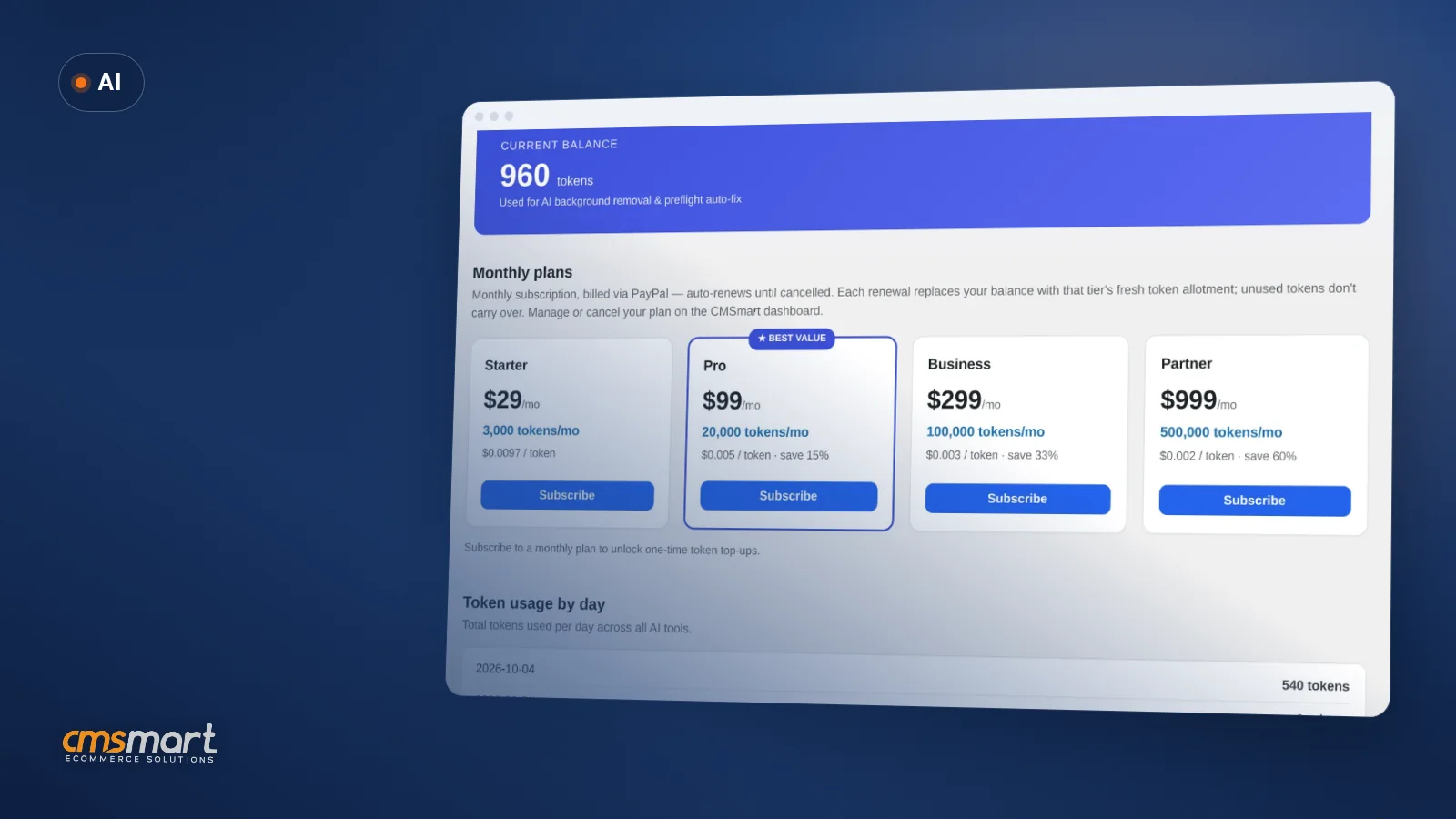
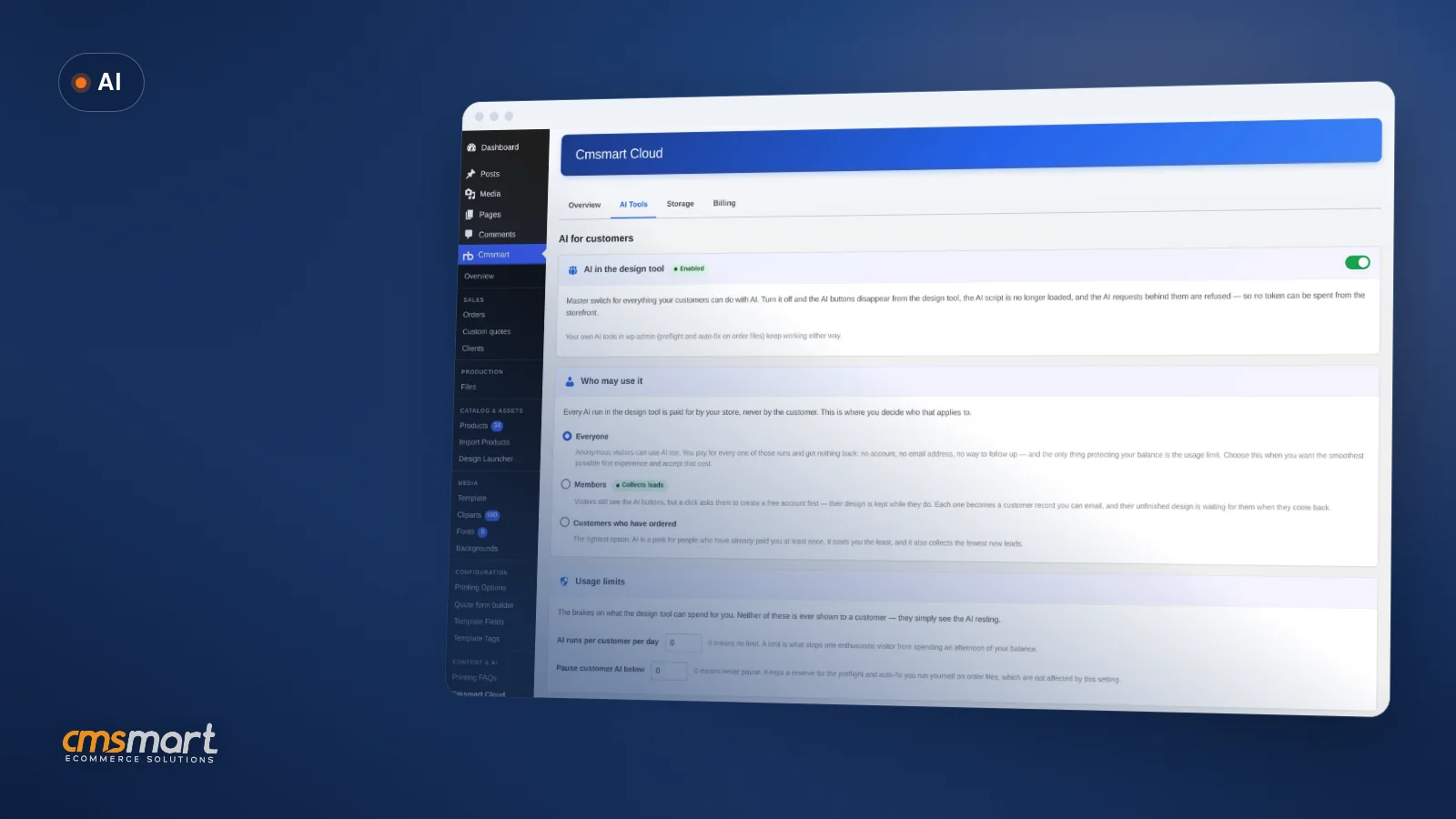
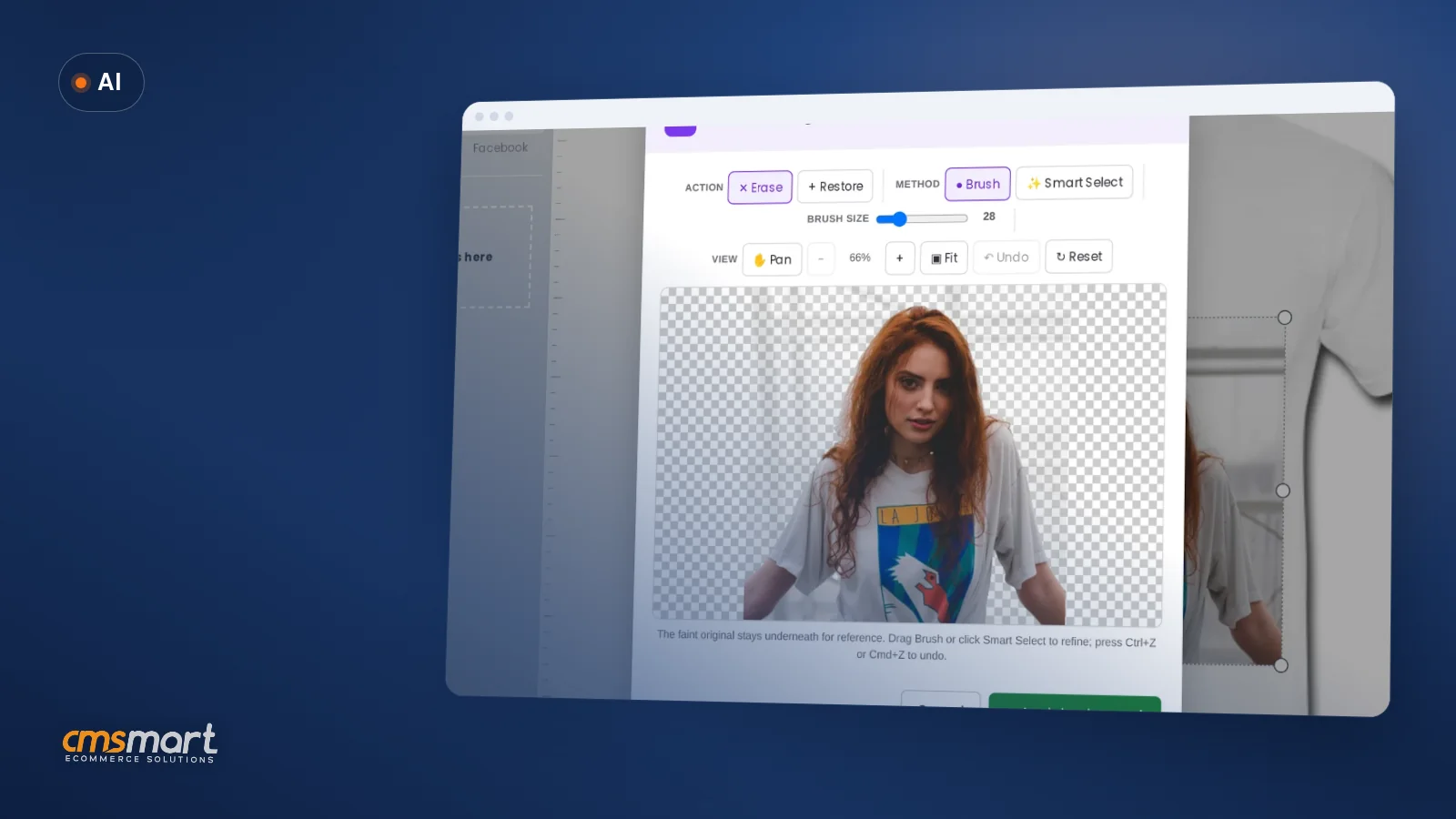





In short
A WooCommerce product designer looks the same in every demo: a clean editor, a few templates, an instant preview. What decides whether it actually helps your business is what happens in the back end — the Cmsmart settings tabs, the per-product options, and the order screens your team opens every day.
This guide walks through the WooCommerce product designer settings in Cmsmart Product Designer (NBDesigner) 2.17.0, tab by tab, with the real admin screens and the order flow they produce — part of a wider web-to-print setup — so you can configure the designer around your products instead of leaving it on its defaults. WooCommerce now powers more than 4M+ online stores, including 31% of the top 1 million ecommerce sites (WooCommerce, 2026) — getting your product designer configured well is what lets your store compete inside that crowd instead of blending into it.
What does a WooCommerce product designer cost your print shop?
Cmsmart Product Designer ships with sensible defaults, but defaults are generic. Left unconfigured, a WooCommerce product designer invites uploads you can't print, colors outside your palette, and orders without a usable design file — a cost your staff pay for in rework, not your customers.
What does a well-tuned product designer look like for your store?
Set up well, the Cmsmart WooCommerce product designer feels invisible to buyers: they pick a template or upload their own file, see only the tools and colors you allow, and check out against a confirmed preview. Your team opens the order to a print-ready file, not a cleanup job.
Example scenario. A buyer opens an invitation product on your store and picks "Design here online" instead of uploading a file. They customize a template inside the editor, add it to the cart, and check out. Because Auto export design to PDF is switched on, a print-ready PDF is already queued by the time the order reaches your team — nobody has to open the design and export it by hand.
What's the solution architecture behind Cmsmart's product designer?
Cmsmart configures the WooCommerce product designer in three layers: store-wide settings in Cmsmart › Settings, per-product options on each product's edit screen, and the order and approval screens your team uses in production. The plugin covers all three today; Cmsmart also builds custom tools, pricing and integrations on top where the settings run out.
What's the business value of getting these settings right?
Every settings tab maps to a business outcome: fewer unusable files, colors you can actually print, a faster handoff to production, and fewer disputed orders. Cmsmart's WooCommerce product designer turns those outcomes into specific toggles instead of leaving them to chance.
Rough out the time saved. (orders per month) × (minutes your team now spends manually exporting and checking each design) × (your loaded hourly rate) = the monthly staff time that Auto export design to PDF and the file-type/DPI rules give back. Add (reprints avoided per month) × (cost per reprint) for what the color and resolution settings are worth.
How do you set up the WooCommerce product designer in the back end?
You configure the Cmsmart WooCommerce product designer in two admin screens: the Cmsmart › Settings tabs below, and the Setting Cmsmart box on each product. Work through the tabs once, then check them against every new product before you launch it.
Cmsmart insight: turn on Auto export design to PDF and Show bleed together, and set the output DPI your printer asks for, before you take real orders. Turning them on later means your first orders still need manual exports. If you sync output files to a print server, test one order end to end first so folder names and permissions are right.
Going further with custom development
When the settings can't express a business rule, Cmsmart builds it as custom development on top of the WooCommerce product designer: product-specific tools, pricing engines, printer-tuned preflight, and integrations that send orders and files to your MIS or ERP. Delivery runs discovery, design, sprints, QA, launch and support.
See the project delivery model and the product designer customization service.
Get a product designer customization quote
Why work with Cmsmart?
Cmsmart has configured and built on the WooCommerce product designer for stores since 2012, as part of Netbase JSC. The same team that sets up these settings tabs also builds the custom development most stores eventually need — pricing engines, preflight and production integrations.
Cmsmart has built ecommerce and web-to-print stores since 2012 as a division of Netbase JSC: 6,300+ client projects and 500+ custom development projects (WorkSuite project records, Sep 2026), rated 4.2 on Trustpilot (404 reviews). See our related projects.
Frequently asked questions
Where are the NBDesigner settings?
In WordPress admin under Cmsmart › Settings. Per-product options are in the Setting Cmsmart box on the product edit screen.
Which layout should I use?
Modern. Classic is deprecated and gets no new features.
How do I get print-ready PDFs automatically?
Switch on Auto export design to PDF in Output. It's queued when the buyer clicks Process, and the order artwork screen shows its status — Ready, Rendering, Failed or Not rendered — with a Regenerate option.
How do I limit which file types customers upload?
Fill in Allowed file types (and/or Disallowed file types) in the Upload design tab.
Can Cmsmart configure the settings for my products?
Yes. Setup and product designer customization are Cmsmart services; request a quote with your products and printer specs.
Can Cmsmart connect the designer to my MIS or ERP?
Yes, as custom development — we build the integration that sends orders and print files to your production system.
Make every order arrive ready to print
Tell us your products and your printer's specs. We configure and extend the Cmsmart Product Designer so buyers design within what you can produce and your team receives files it can use.
Plan my product designer setup Or start the free 30-day trial
David Nguyen
Direct contact & support
Need help fast? Message me anytime: