![$user['avatar']](https://d151fqqb1tev7m.cloudfront.net/images/vendors/u35606/Ha1.jpg)
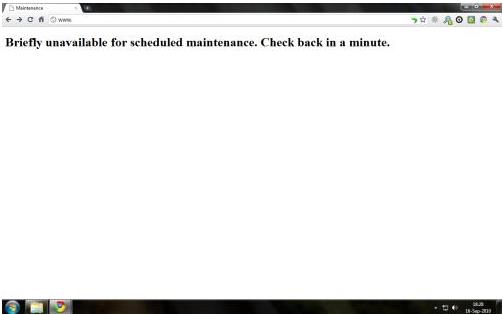
1. Common Installation Problems 1.1. I see a directory listing rather than a web page The web server needs to be told to view index.php by default. In Apache, use the DirectoryIndex index.php directive. The simplest option is to create a file named .htaccess in the installed directory and place the directive there. Another option is to add the directive to the web server’s configuration files. 1.2. I see lots of Headers already sent errors. How do I fix this? You...
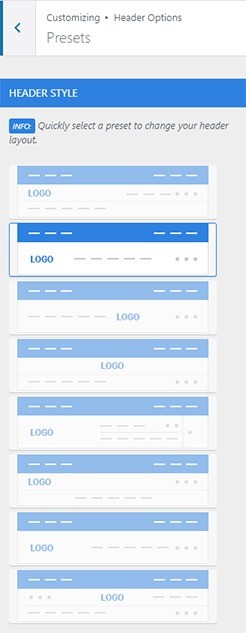
1. Multiple Headers Our theme comes many header types that you can customize your website exactly the way you want. Go to backend -> Appearance -> Customize -> Header Options: Edit general, header topbar, header middle, header bottom in Section Edit header style in Presets: Edit menu: 2. Element Go to backend -> Appearance -> Customize -> Element Easily to change title section, button, social share,… 3. Unlimited custom color variations Select and set dozens of color for your elements which are using our Custom Color Picker Go to backend -> Appearance -> Customize -> Color: Edit Primary Color, Background, Body Content in General: Edit Text, link...
Step 1: Upload WordPress installation file into your host Step 2: Install WordPress on your domain You can create new database or use created database Step 3: Go to Backend > Appearance > Theme > Add new > Upload > Choose theme file Step 4: Install and active theme Step 5: Install and active plugins Step 6: Select demo and import demo data Step 7: Import icon for site Step 8: View the site after completing Watch the video below for a quick...
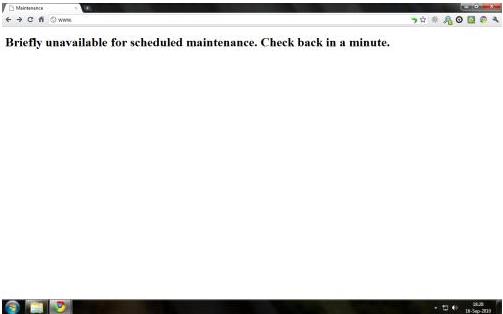
1. Common Installation Problems 1.1. I see a directory listing rather than a web page The web server needs to be told to view index.php by default. In Apache, use the DirectoryIndex index.php directive. The simplest option is to create a file named .htaccess in the installed directory and place the directive there. Another option is to add the directive to the web server’s configuration files. 1.2. I see lots of Headers already sent errors. How do I fix this? You...
Beside the main plugin such as Quick View, Wishlist, Compare, WooCommerce, Revolution Slider you should install other plugins: SEO, Security, send an email. You should install this plugin to protect and bring profession for your website. 1. Security Plugin An effective security plugin that is popular in WordPress themes security. It helps protect your WordPress site by hiding vital areas of your site, protecting access to important files, preventing brute-force login attempts, detecting To know more information, you...
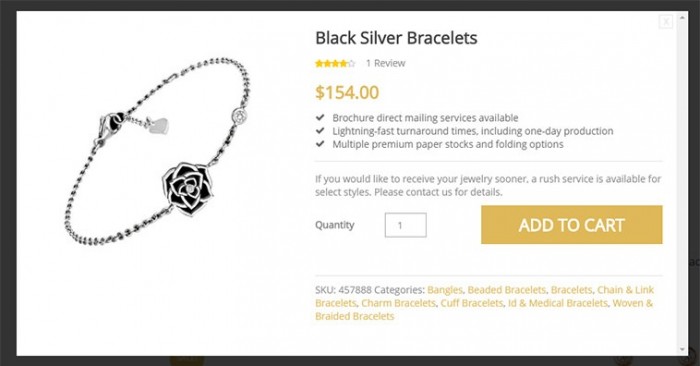
Beside main plugin such as: quick view, wishlist, compare, woocommerce, revolution slider, you should install other plugins: SEO, Security, send mail. 1. Quick View Plugin The screenshot below display “quick view product” image: With “YITH Woocommerce Quick View” plugin, your clients will be free to look in a better way your products, reading also a small description with all the most important features and qualities you want to underline. In this way, they will be more focused...
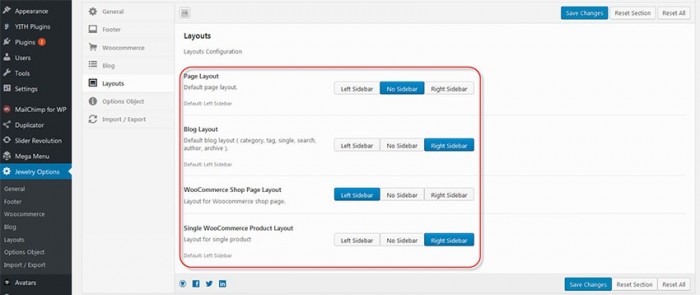
• You can change the page layout that uses this sidebar in Jewelry Options -> Layouts setting: • Unlimited Sidebar This is why we included WooSidebars in our recommended plugin, if you active it, go to Appearance -> Widget Areas. From there you can create unlimited sidebar and display theme for special page.
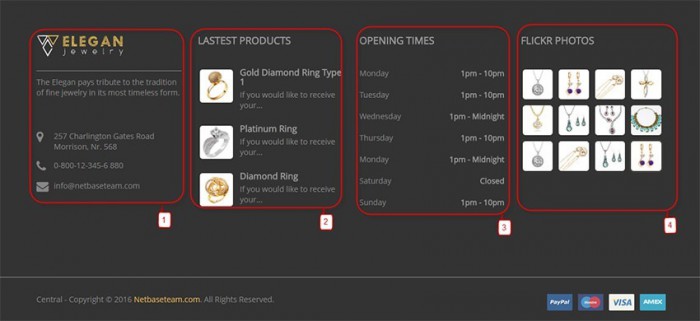
The screenshot below display “footer” image in header: Footer is divided into 4 elements: Footer 1, Footer 2, Footer 3 and Footer 4 To edit footers, you go to Appearance -> Widgets; you will see four footers here. Thank for reading! Contact Vincent Sales Consultant Manager Skype: live:vincent_4281 Phone/ WhatsApp: +84 355 993 306 Email: [email protected]
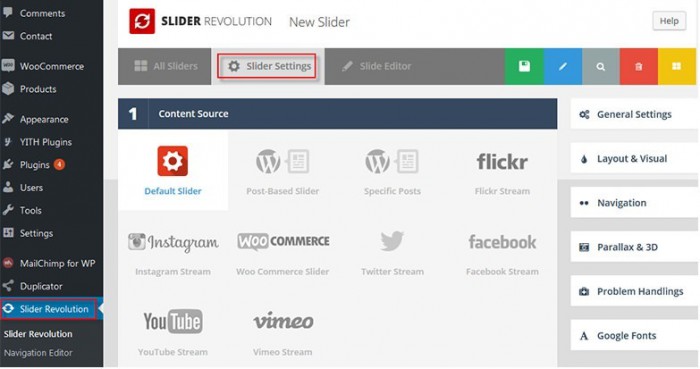
1. Slider (Slider Revolution) Create Slider • Go to Slider Revolution -> Slider Revolution -> New Slider->complete information -> Save Setting • I prefer you read its documentation live at http://revolution.themepunch.com/documentation/ Edit Slider • To modify text and animation in sliders that are created, you go to Slider Revolution -> Slider Revolution -> Choose Slider that you want to modify (Edit Slider) • Example: You want to edit homslider Step 1: You click on #1 Step 2: You want to edit style...

1. Logo You aren’t only uploading your website logo in desktop, but also upload both Tablets and iPhone. This means that Tablet and IPhone’s logo can be different with desktop. To upload logo, you go to Jewelry Options -> General -> Click on ‘Upload” to choose image from your computer or library 2. Menu To show menus in header like as our demo; you go to Appearance -> Menus If you want to display any page, categories and post...
Most read this month
 Master T-shirt SEO: Unlock Your Brand’s Potential with High-Impact Keywords and Smart Strategies
 Teespring Business Model: All You Need to Know
 Free download NB Designer lite version & Install tutorial
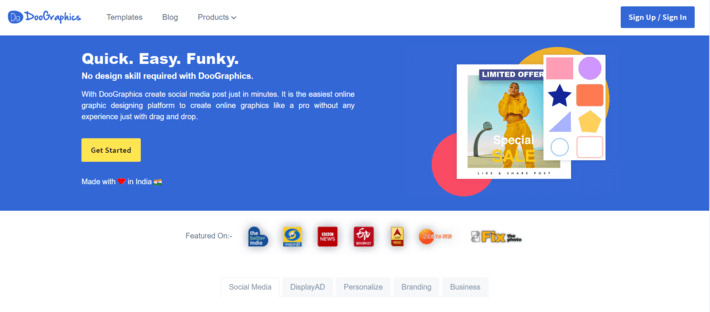 How To Build A Website Similar to Canva
 How to installation NBDesigner plugin?
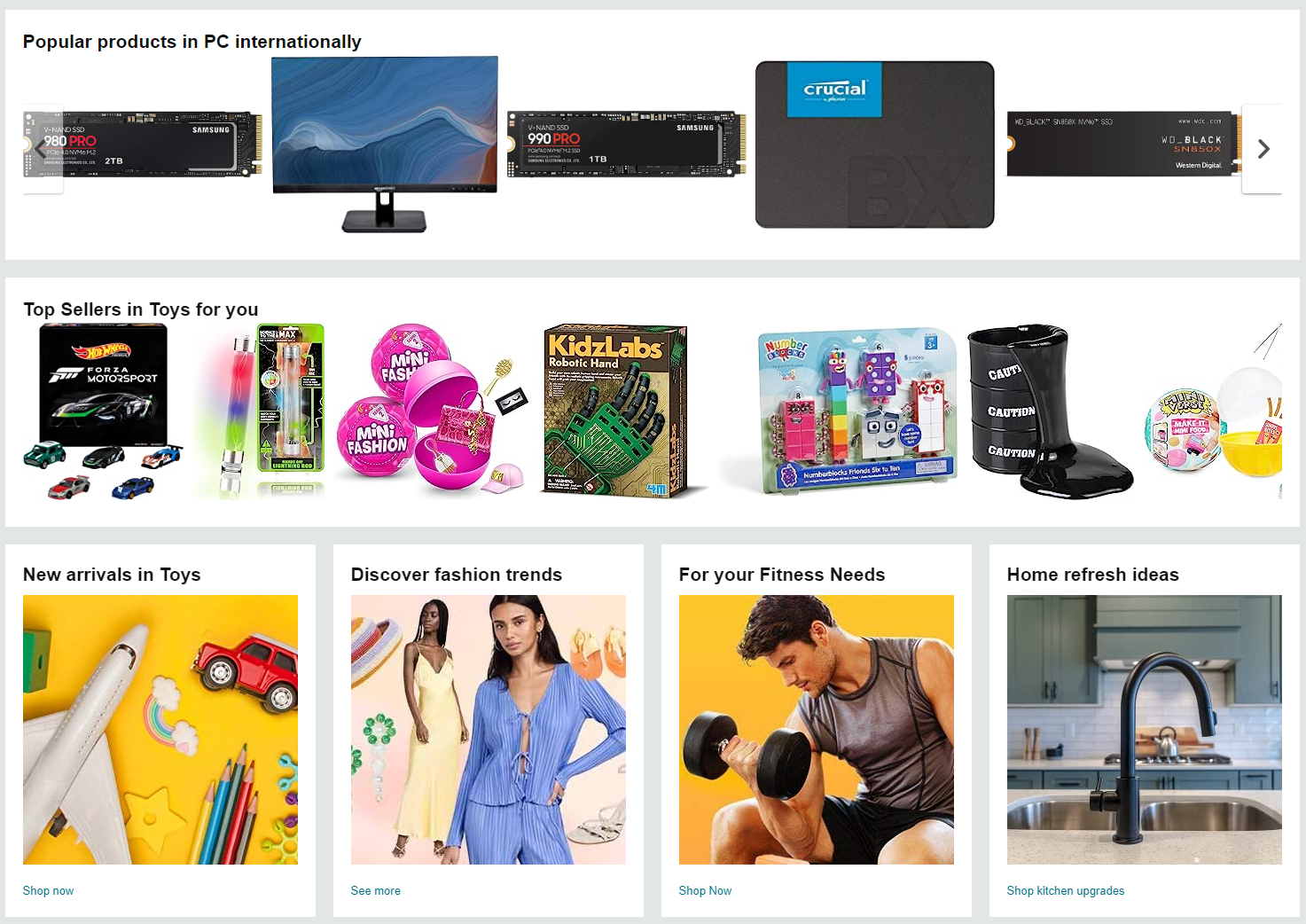 Introduction On Product Listing And Catalog In An Ecommerce Marketplace
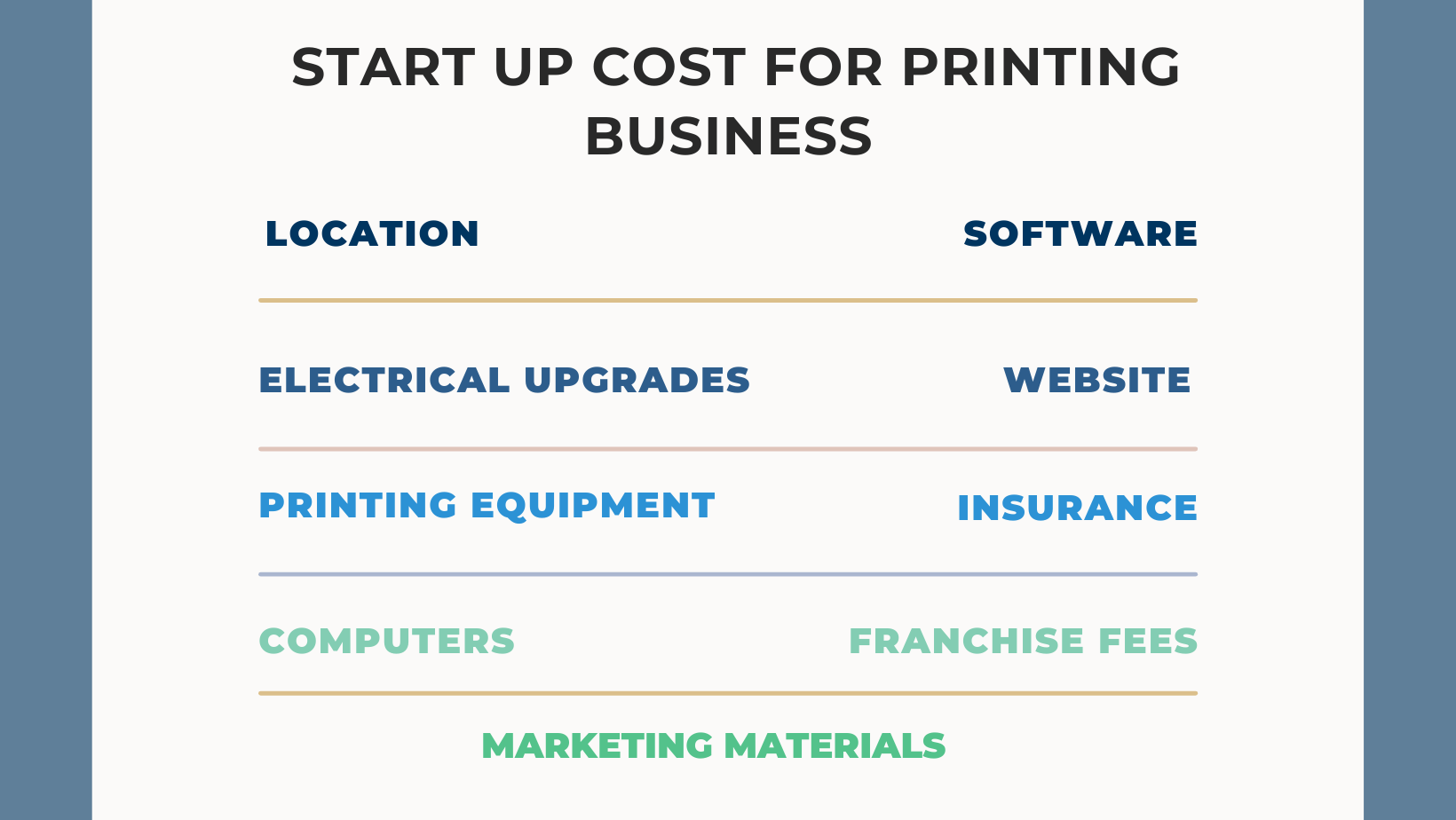 What Are The Startup Costs For Printing Business?
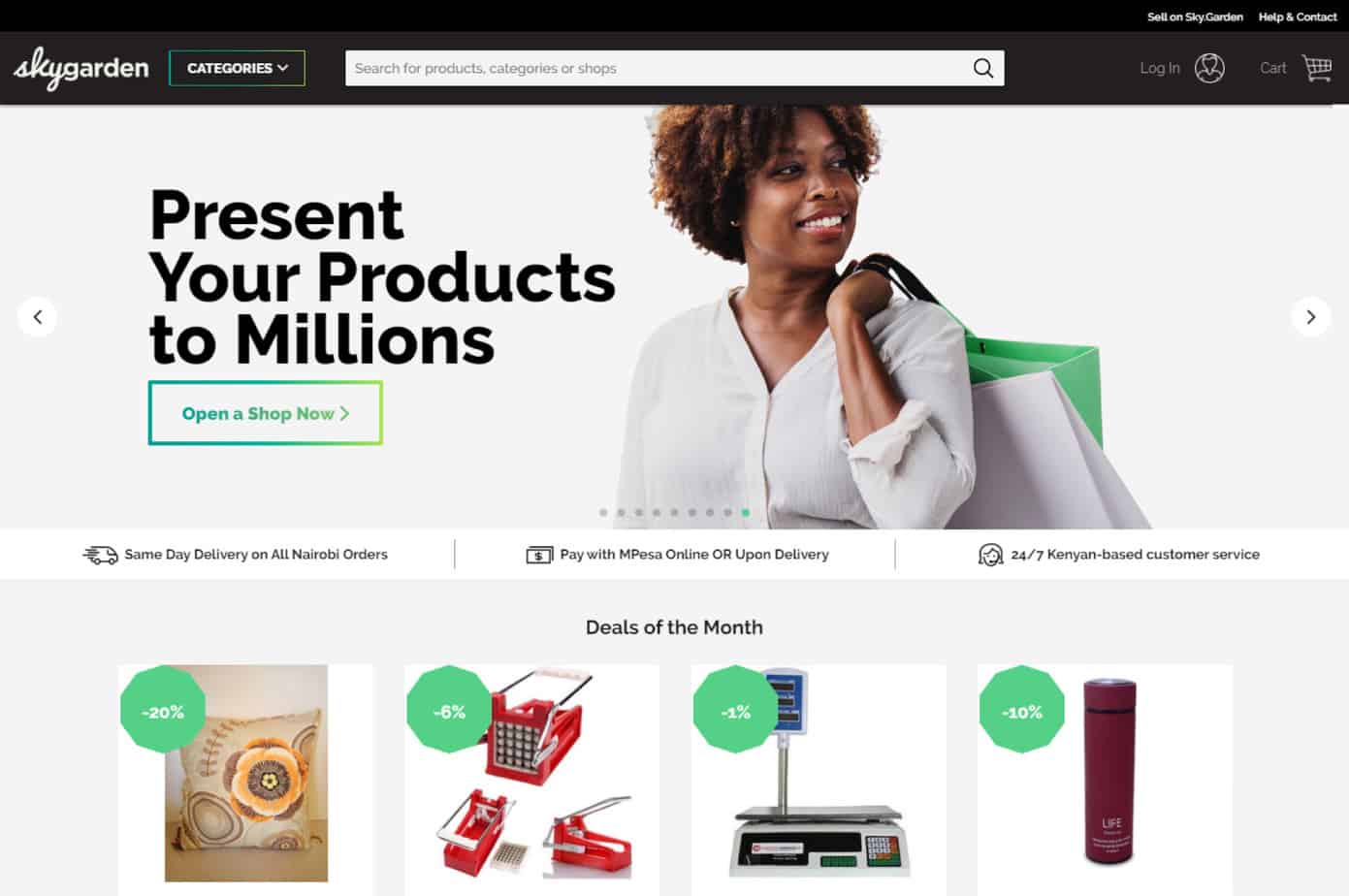 Ecommerce Web Design Companies: 12 Best
 Printing Industry Trends And Statistics
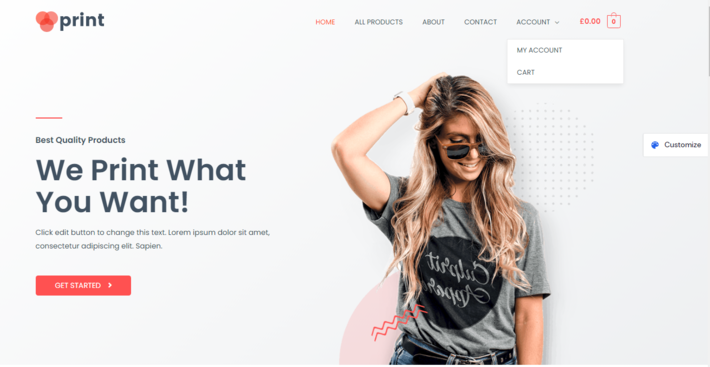 15 Best Printshop Website Templates (2026)
Recently, we discovered how client loving working with us by their 5 star recommedation







Cmsmart Ecommerce is an AI-enabled B2B custom eCommerce and WooCommerce development partner for web-to-print, product personalization, plugin support, API integration, and operational delivery. Since 2012, as a division of Netbase JSC, we have supported over 50,000+ clients across 2,300+ projects worldwide. Founded and led by David Nguyen, becoming a trusted partner and growing with your business is our sole priority.
91 Nguyen Chi Thanh Str, Dong Da Dist, Hanoi, Vietnam
Email: [email protected] | WhatsApp: +84 937 869 689
Netbase Company (JSC). Copyright © 2012-2026 Cmsmart.net. All Rights
Reserved.

Top