
Guide · WooCommerce
How to Choose an Ecommerce Design Company: 8 Questions
Learn how to choose an ecommerce design company: compare deliverables, scope, support and source files, then see how Cmsmart quotes a store design.
The term marketplace can be explained as a web-based module where a vendor can sign up and initiate offering their items. Besides offering customers a variety of choices with so competitive prices, marketplace owners can also earn commission charge from each sale. When you combine online printing with the marketplace, you will be surprised at what you can achieve, this article will tell you why WordPress Printshop theme Enterprise package is integrated multi vendor:
Was this tutorial helpful?
See also: Cmsmart pricing and Cmsmart products.
← WordPress Printshop online design: perfect web to print solution for Enterprise · Top 5 trends of digital printing industry expected in 2019 →
Written by
Cmsmart Headless & API Integration Engineer
Connects stores to ERP, MIS, print APIs and headless frontends.
The team behind it
 Account Manager
 Project Manager
 Business Analyst
 Developers & QA
Guide · WooCommerce
Learn how to choose an ecommerce design company: compare deliverables, scope, support and source files, then see how Cmsmart quotes a store design.
Case study · Web-to-print
Product personalization software for WooCommerce lets shoppers customize templates on the product page, then get a custom design quote from Cmsmart.
Case study · Web-to-print
Set up an artwork approval workflow for WooCommerce: buyers confirm designs, Cmsmart locks the file, and print-ready PDFs generate automatically.
Browse more guides, tutorials and case studies from the Cmsmart community.
In today's competitive printing industry, having a strong online presence is essential for success. With CMSmart's Printshop Themes, you can elevate your printing business to new heights and stand out from the competition.
Read MoreLearn how to choose an ecommerce design company: compare deliverables, scope, support and source files, then see how Cmsmart quotes a store design.
Read MoreThe print on demand business benefits are real, but only with the right tools in place. See how Cmsmart turns orders into print-ready files. Get a quote.
Read More
Cmsmart Ecommerce provides custom ecommerce and WooCommerce development services for web-to-print, product personalization, plugin support and API integration.
Cmsmart Headless & API Integration Engineer
Connects stores to ERP, MIS, print APIs and headless frontends.
Meet the team →



What are people doing with ecommerce marketplace
You might be acquainted with worldly renowned e-commerce marketplaces like Amazon or Alibaba, they are all the typical examples for way to offer standard goods with more discounts, and, at times publish customized launch offers on a specific portal.
Printing and Marketplace
Wordpress Marketplace for printing is not too different from a standard one, wherein some vendors are promoting it as a major tool to win large print orders.
Nowadays, we can observe the situation that trade printers want to provide online printing services to their reseller and designer, software organizations want to offer online web to print based mechanism for printers to upload their print product and earn commission on every sale. That's the reason why WordPress Printshop theme with online design package is integrated multi vendor. Our key objective when adding this function is to push their editor and charge thousands more to present customers.
Printing marketplace scenario
When WordPress Printshop theme with the online package is integrated multi vendor, re-seller can run an online printing website and generate orders, after that those orders will be sent to the printer for printing. How does it make sense? Provide the authority to key their own print products and fix print rates with suitable margins as it has been agreed between the two parties.
When marketplace operator can gather printers across the globe and offer their print rates. When buyers select an item and area of residence, they will get a list of registered printers. Unlike the traditional store model, marketplace provides clients a variety of choices in terms of paper quality, printing formats, cuts, front/back printing, quantity, etc.
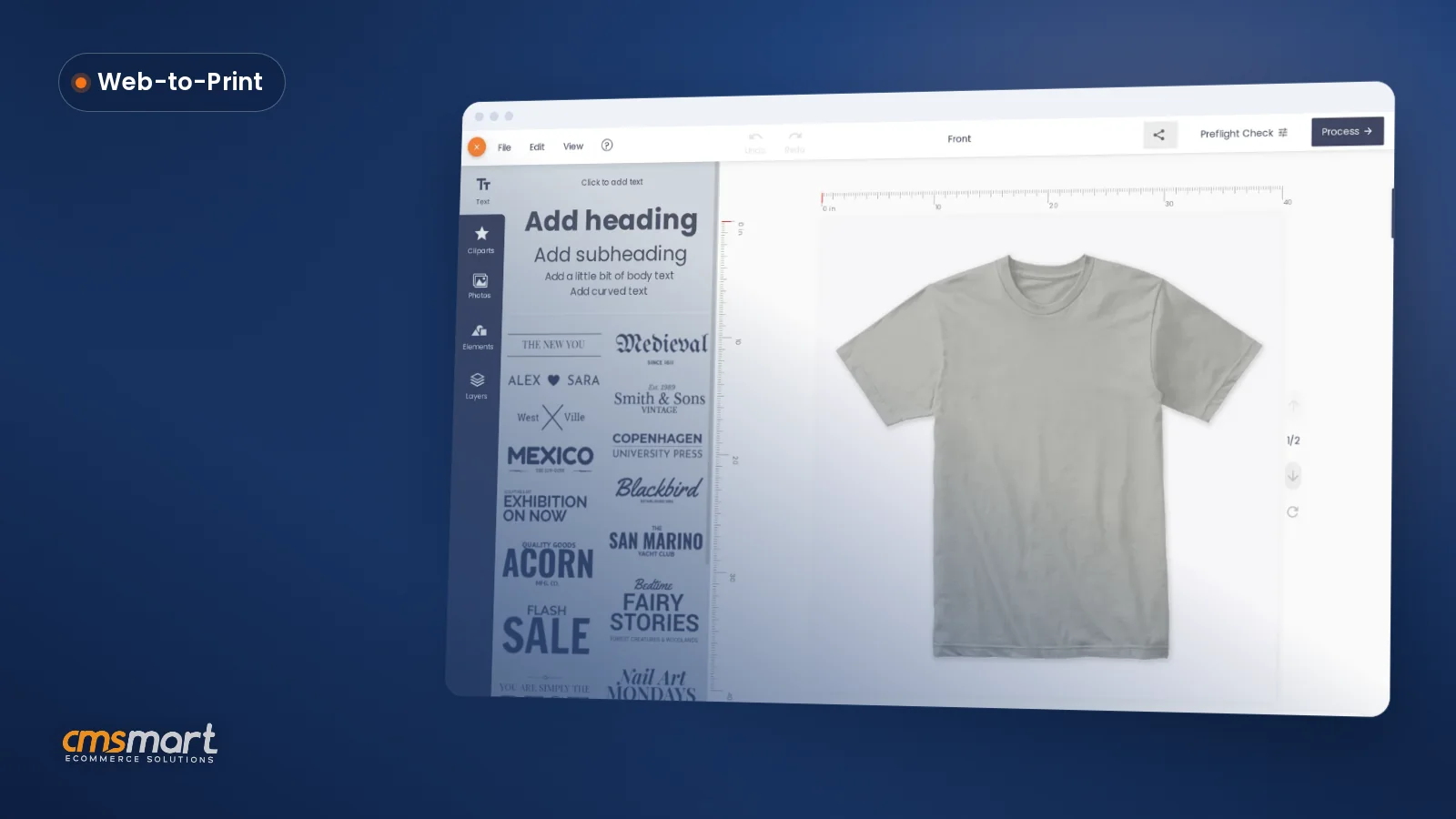
Moreover, WordPress printshop theme package also comes with Woocommerce product designer tool, customers can design printing products by themselves before placing orders, which is quite difficult to do in the traditional model.
Conclusion
It can be said that adding multi vendor feature to WordPress Printshop theme is the great leap for a printing solution. Netbase team has seen the potential when combining marketplace and printing. At a very reasonable price to built such a model, you will be amazed at the benefits you can achieve. I hope your article brought many useful informations for you. If you have any question please feedback here https://cmsmart.net/support_ticket/. Our Support team will help you.
Many Thanks!
Questions? Message the Cmsmart team on WhatsApp at +84 937 869 689 or email project@cmsmart.net.
Further reading
Frequently asked questions
Where are the other Cmsmart Print Shop Store tutorials?
Every Cmsmart Print Shop Store tutorial is listed on the Cmsmart Print Shop Store tutorials page. Customers with a licence can open a support ticket from the Cmsmart dashboard when a step does not match their install.
What if a step in this Cmsmart Print Shop Store tutorial does not match my store?
This tutorial describes the release that was current when it was written (it was published on 21 February 2019), so a menu or setting may have moved since. Customers with a licence open a support ticket from the Cmsmart dashboard, naming the step and adding a screenshot, and the team answers there.
Where is the Cmsmart Print Shop Store product page?
The Cmsmart Print Shop Store product page shows the product as it is sold today, so you can check what this tutorial covers against the current release.
How do I pay securely?
Contracts and payments go to the company, Netbase JSC: plans are paid through PayPal; services are invoiced by Netbase JSC under a written proposal and paid by bank transfer to Netbase JSC's company account or by PayPal Business. Cmsmart (Cmsmart Ecommerce) is the ecommerce brand of Netbase JSC, a company based in Hanoi, Vietnam.
How do I contact Cmsmart or get a quote?
Message the Cmsmart team on WhatsApp at +84 937 869 689 or email project@cmsmart.net; the contact page at cmsmart.net/contact lists every channel, and Request a quote (cmsmart.net/project-proposal) sends a project brief. Customers with a licence open a ticket from the dashboard.