

Case study · Web-to-print
Web-to-Label Printing: Sell Custom Product Labels Online
Set up web-to-label printing for product labels with Cmsmart Product Designer: upload, proofing and print-ready PDFs. Get a quote today.
Cmsmart explains that adding a Shop by Brand feature to a WordPress T-shirt design theme lets shoppers browse by the brands they already trust. The feature creates brand pages and assigns products to them, and Cmsmart outlines a four-step setup: enable the plugin, add a brand, add widgets, then view the product.
Was this tutorial helpful?
See also: Cmsmart pricing and Cmsmart products.
← How to configure DPI and where does it display on NBdesigner? · How to Config and Using Color Swatch feature in WordPress T-shirt design theme with online design? →
Written by
Cmsmart Print-on-Demand & Apparel Specialist
Helps T-shirt, apparel and print-on-demand brands sell personalised products online.
The team behind it
 Account Manager
 Project Manager
 Business Analyst
 Developers & QA
Case study · Web-to-print
Set up web-to-label printing for product labels with Cmsmart Product Designer: upload, proofing and print-ready PDFs. Get a quote today.
Guide · Web-to-print
See a sourced WooCommerce product designer plugin comparison: pricing, features and print-ready files, then request a free migration quote today.
Guide · Web-to-print
Translate WooCommerce product designer screens with Loco Translate or Frontend Translate: see every setting, its default, and how to set it up.
Browse more guides, tutorials and case studies from the Cmsmart community.
Follow the steps to plan a T-shirt business, choose hosting and a WordPress theme, add key plugins, create product samples and promote the store.
Read MoreStarting to get money from home by selling t-shirts. Here is an easy guideline on How to start a t-shirt business from home to follow. Let’s discover.
Read MoreThe print on demand business benefits are real, but only with the right tools in place. See how Cmsmart turns orders into print-ready files. Get a quote.
Read More
Cmsmart Ecommerce provides custom ecommerce and WooCommerce development services for web-to-print, product personalization, plugin support and API integration.
Cmsmart Print-on-Demand & Apparel Specialist
Helps T-shirt, apparel and print-on-demand brands sell personalised products online.
Meet the team →

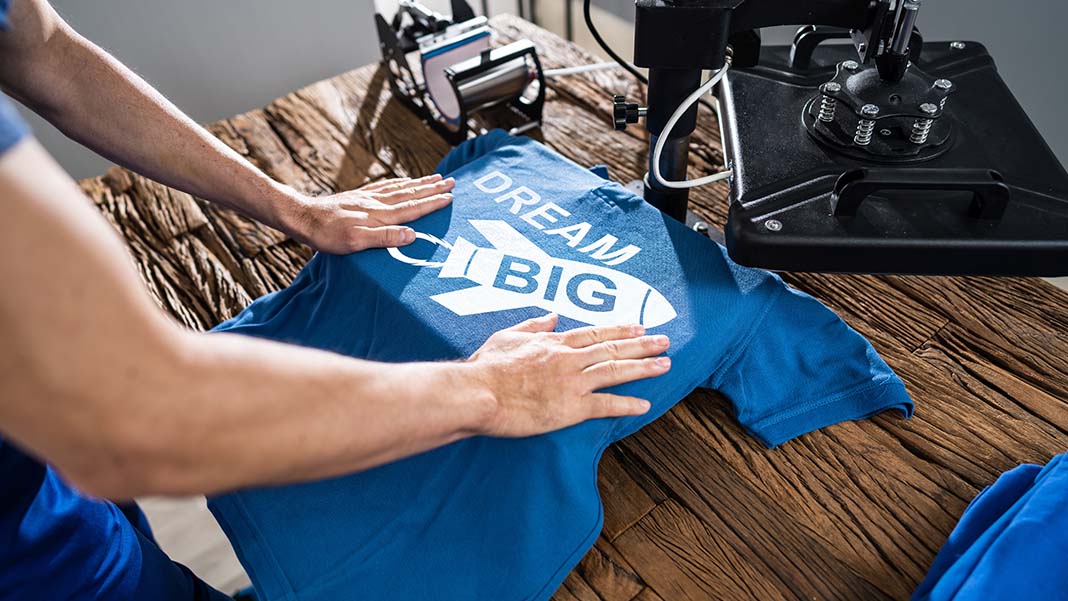
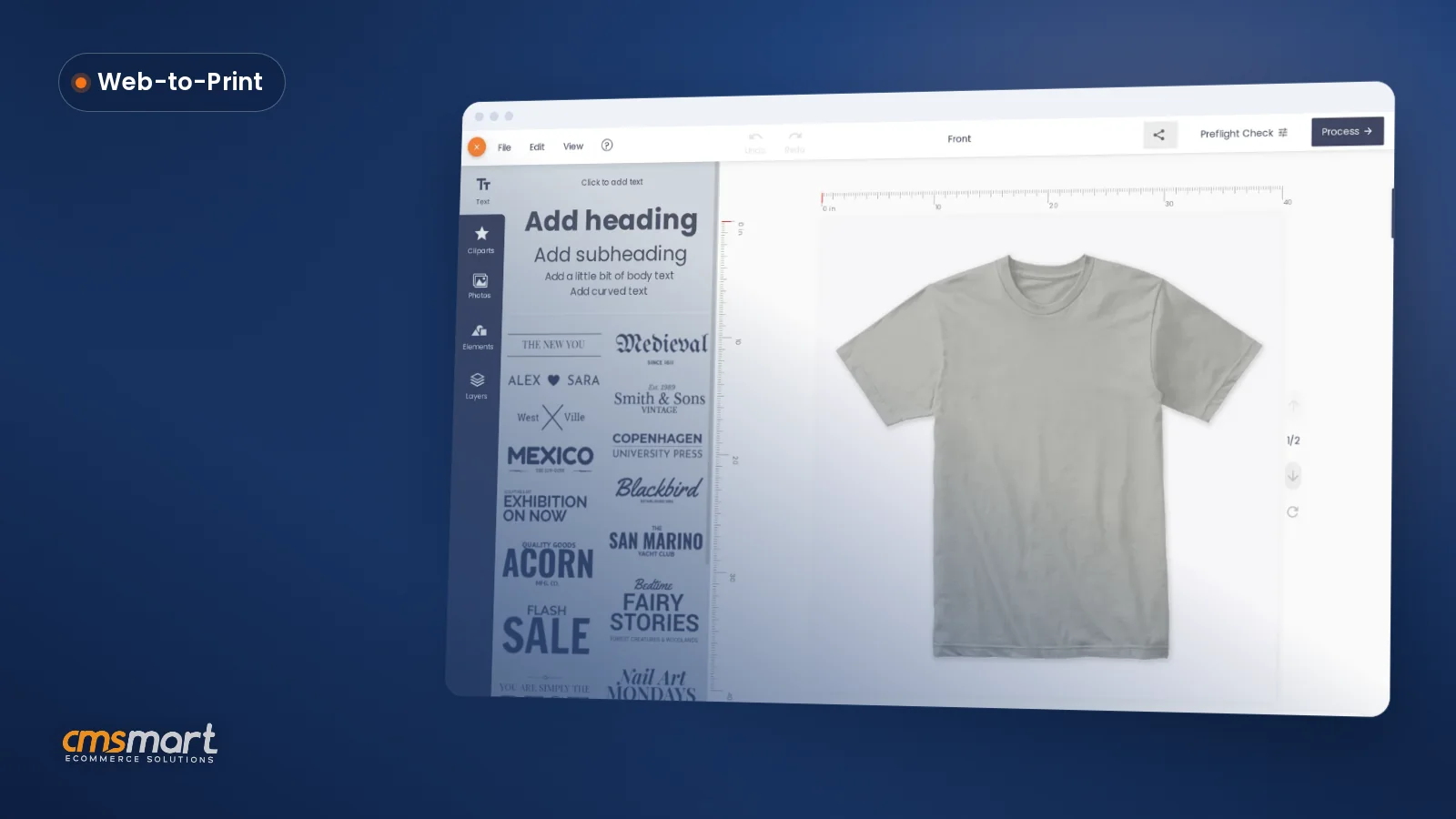
Customers pay a higher amount for brand products because the brand has created a perception of quality, consistency, and trust. Leading brands are more than just products or services, they evoke memories and emotions associated with quality. When your customers trust a brand, they become loyal. When they become loyal, they buy more. So how to add Shop by Brand feature in WordPress T-shirt design theme with online design?
Reasons Why People Buy Brands
People always want comfort, happiness, and satisfaction in life. So if the brands they use consistently deliver a positive experience which gives them peace of mind when buying they will keep buying and become a loyal customer of those brands for sure. Therefore, repeat customers raise the profits of brand products much more than generic brands. And Wordpress Tshirt theme is a great wordpress theme will help you do that.
In addition, picking a brand product helps reduce the clutter, making it easier for your customers to find what they are looking for. Despite spending hours choosing what to buy among tons of product, they will choose one brand that is popular and trustworthy. Brand products will offer safety and reduce the risk of disappointment. Why do people pay higher prices for brands compared to unbranded or generic products? Is it better quality, the look, and feel, or is it the brand’s stature in society? It’s probably a combination of each. Also the brands people use make a statement about who they are and who they want to be.
For any business, it’s always been essential for developing brand names and images. Branding is the process to create a strong, positive perception of a company by combining elements like – design, logo, information, and mission statement, etc. through marketing communications. A brand can provide a competitive advantage if your e-commerce product has many competitors. People usually buy from brands they like most.
How To Add Shop By Brand Feature In WordPress T-Shirt Design Theme With Online Design
The Shop by Brand for WordPress helps create new brands and assigns products to corresponding brands. Using this extension, customers are able to discover particular brands and their products or find out the brand to which products belong.
You only need to follow 4 easy steps as below:
Have you found the suitable WooCommerce Brand Plugin for your store? We hope this article was helpful to you. Click here if you want to find more detailed information about our T-shirt Print website with Online design package. If you have any questions about this product, please contact us or https://cmsmart.net/support_ticket/. We will answer all your questions. View Demo: Wordpress Tshirt Solution Demo
Best Regards!
Frequently asked questions
What does the Shop by Brand extension actually let customers do?
It lets customers discover particular brands and their products, or find out which brand a given product belongs to, because the extension creates new brands in the store and assigns products to their corresponding brand automatically.
How many steps does setting up Shop by Brand take?
Four steps, as laid out in the guide: enable the plugin, add a new brand, add the brand widgets to the theme, then view the product page to confirm the brand now shows up correctly for shoppers browsing the store.
Why do shoppers prefer buying products from a brand they recognize?
The guide explains that brand products reduce clutter and the risk of disappointment, since shoppers already trust a brand's quality and consistency; picking a familiar brand makes it easier for a customer to decide among many similar products.
Where are the other Cmsmart T-Shirt Store tutorials?
Every Cmsmart T-Shirt Store tutorial is listed on the Cmsmart T-Shirt Store tutorials page. Customers with a licence can open a support ticket from the Cmsmart dashboard when a step does not match their install.
What if a step in this Cmsmart T-Shirt Store tutorial does not match my store?
This tutorial describes the release that was current when it was written (it was published on 27 November 2018), so a menu or setting may have moved since. Customers with a licence open a support ticket from the Cmsmart dashboard, naming the step and adding a screenshot, and the team answers there.
Where is the Cmsmart T-Shirt Store product page?
The Cmsmart T-Shirt Store product page shows the product as it is sold today, so you can check what this tutorial covers against the current release.
How do I pay securely?
Contracts and payments go to the company, Netbase JSC: plans are paid through PayPal; services are invoiced by Netbase JSC under a written proposal and paid by bank transfer to Netbase JSC's company account or by PayPal Business. Cmsmart (Cmsmart Ecommerce) is the ecommerce brand of Netbase JSC, a company based in Hanoi, Vietnam.
How do I contact Cmsmart or get a quote?
Message the Cmsmart team on WhatsApp at +84 937 869 689 or email project@cmsmart.net; the contact page at cmsmart.net/contact lists every channel, and Request a quote (cmsmart.net/project-proposal) sends a project brief. Customers with a licence open a ticket from the dashboard.
Further reading