
Guide · AI
AI in B2B Ecommerce: Faster Quotes and Reorders
AI in B2B ecommerce can draft quotes, flag reorders and clean up supplier catalogues on Cmsmart Product Designer — request a custom AI integration tod...
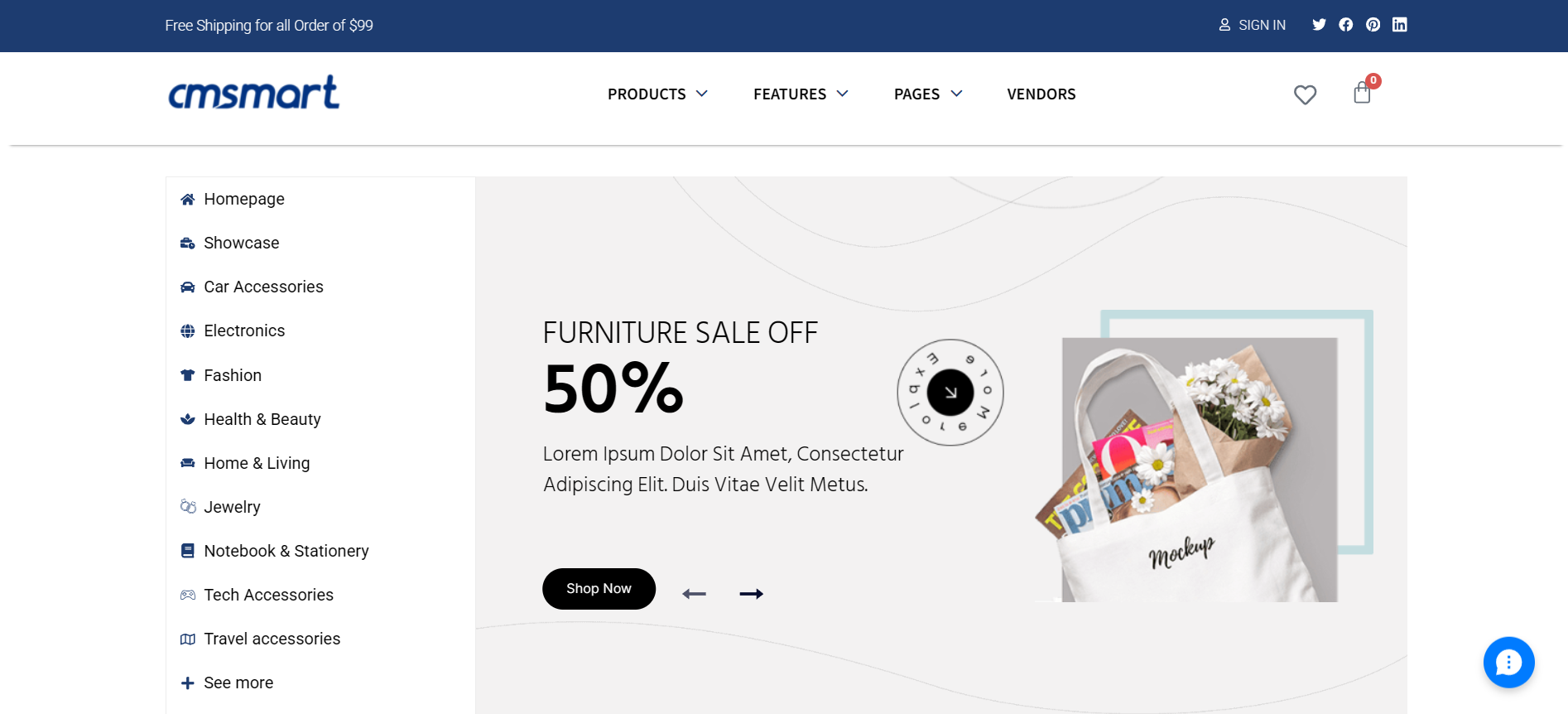
Cmsmart's quick start Multistore package installs a ready-made WordPress Marketplace build onto a store's own hosting, turning a single online shop into a multi-vendor market. Sellers can register and list products inside the site while buyers shop as usual, backed by a custom admin theme, mega menu navigation, brand taxonomy, search and filtering, and a WooPanel dashboard for orders.
Was this tutorial helpful?
See also: Cmsmart pricing and Cmsmart products.
← How to install T-shirt website with online design package which included database? · How seller can manage their product with multi store WordPress theme? →
Written by
Cmsmart B2B Commerce & Operations Consultant
Designs B2B ordering, marketplaces and the operations behind them.
The team behind it
 Account Manager
 Project Manager
 Business Analyst
 Developers & QA
Guide · AI
AI in B2B ecommerce can draft quotes, flag reorders and clean up supplier catalogues on Cmsmart Product Designer — request a custom AI integration tod...
Guide · Web-to-print
See how a multi-sided product designer for WooCommerce lets buyers design both sides of a card, then request a custom build.
Guide · B2B
WooCommerce Amazon Etsy sync guide: keep stock and orders right across channels, avoid overselling, and get a custom integration quote.
Browse more guides, tutorials and case studies from the Cmsmart community.
Cmsmart Store is a comprehensive eCommerce solution designed to empower businesses with the tools they need to succeed in the digital marketplace. By integrating a curated selection of essential plugins and apps, Cmsmart Store ensures a seamless, feature-rich, and customizable platform for creating and managing online stores. Each tool is carefully selected to enhance functionality, improve user experience, and streamline operations, making it the ultimate choice for businesses aiming to thrive in the competitive world of eCommerce
Read MorePlan a multivendor marketplace: seller onboarding, product rules, commissions and payouts, then choose a platform and launch path.
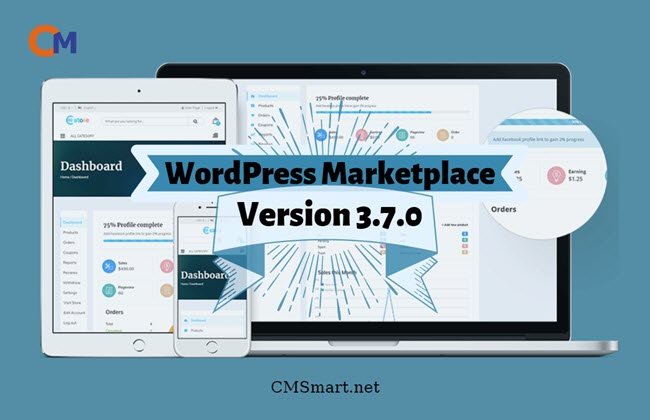
Read MoreIn this article, I will tell you about some features in WordPress Marketplace version 3.7.0 that I think that they are quite amazing.
Read More
Cmsmart Ecommerce provides custom ecommerce and WooCommerce development services for web-to-print, product personalization, plugin support and API integration.
Cmsmart B2B Commerce & Operations Consultant
Designs B2B ordering, marketplaces and the operations behind them.
Meet the team →




Dear our beloved customers,
In any eCommerce store, there are mainly two entities: - Seller (Store Owner) and Buyer (Customer). Merchants will add products and buyers will buy them. There are sellers who want to sell their products online but are unable to set up their own web stores and sell their products because it takes considerable time and effort to run an e-commerce website.
Cmsmart provides such sellers an important platform where they can register as sellers and sell their products at merchants' stores. It is WordPress Marketplace. With the WordPress Marketplace, you can transform your online store into a thriving multi-vendor market.
In the previous article, we shared How to install Multistore WordPress theme in a normal way. We will show you another way to get a quick setup. Subscribe to our article below.
We have many special features like:
Details invite you to watch the video below:
How to install quick start Multistore package into your hosting?
We hope you find a guide helpful. Now, you can install quick start Multistore package into your hosting. If you want to have more experience in our products, please access the link DEMO.
In an effort to bring more quality articles to readers, Cmsmart hopes to introduce good content that is carefully and seriously edited. Hope you will continue to support us. If you have any questions, feel free to feedback HERE. My colleagues and I are willing to support you. Remembering to use coupon code MAR_DL to get 18% discount for this item.
Best regards.
Have a nice day!
Frequently asked questions
What does the WooPanel dashboard included in the Multistore package show?
WooPanel is described as a dashboard inside the package that displays orders, products and customer information in one place, giving a marketplace admin an overview of store activity without switching between separate WordPress screens.
Who are the two types of users the Multistore package is built for?
The package is built around sellers, who register on the marketplace to list and sell products without building their own separate store, and buyers, who shop across those seller listings from the one multi-vendor site.
What navigation and filtering features come with the package?
The package lists a multi mega menu for navigation, advanced brand functionality with its own taxonomy, search by category, advanced filtering options and a color swatch plugin for product variants, plus an ajax cart dropdown so shoppers can review the cart without leaving the page.
How do I pay securely?
Contracts and payments go to the company, Netbase JSC: plans are paid through PayPal; services are invoiced by Netbase JSC under a written proposal and paid by bank transfer to Netbase JSC's company account or by PayPal Business. Cmsmart (Cmsmart Ecommerce) is the ecommerce brand of Netbase JSC, a company based in Hanoi, Vietnam.
How do I contact Cmsmart or get a quote?
Message the Cmsmart team on WhatsApp at +84 937 869 689 or email project@cmsmart.net; the contact page at cmsmart.net/contact lists every channel, and Request a quote (cmsmart.net/project-proposal) sends a project brief. Customers with a licence open a ticket from the dashboard.
Further reading