


Guide · Web-to-print
Cmsmart Stores Setup Wizard: What's New, October 2026
The Cmsmart Stores Setup wizard installs niche, B2B and Marketplace stores with sample data live in minutes. See what changed and try it free.
You want to sell custom T-shirts online, not list a plain product and hope people email their artwork. This guide walks a store owner through turning a plain WooCommerce T-shirt listing into custom t-shirt website software with online design built in — importing a ready-made catalogue, then setting up the price matrix and print settings — so a shopper designs, prices and buys a shirt in one visit, and you get a print-ready file, not a screenshot.
Was this tutorial helpful?
Written by
Cmsmart Print-on-Demand & Apparel Specialist
Helps T-shirt, apparel and print-on-demand brands sell personalised products online.
The team behind it
 Account Manager
 Project Manager
 Business Analyst
 Developers & QA
Guide · Web-to-print
The Cmsmart Stores Setup wizard installs niche, B2B and Marketplace stores with sample data live in minutes. See what changed and try it free.
Guide · Web-to-print
The NBDesigner plugin now gives stationery shoppers a curated background library so print-ready PDFs always match the preview. See how to set it up.
Guide · Web-to-print
See how t-shirt artwork approval and print-ready PDFs cut POD reprints on WooCommerce; get a free workflow review from Cmsmart today.
Browse more guides, tutorials and case studies from the Cmsmart community.
Follow the steps to plan a T-shirt business, choose hosting and a WordPress theme, add key plugins, create product samples and promote the store.
Read MoreStarting to get money from home by selling t-shirts. Here is an easy guideline on How to start a t-shirt business from home to follow. Let’s discover.
Read MoreThe print on demand business benefits are real, but only with the right tools in place. See how Cmsmart turns orders into print-ready files. Get a quote.
Read More
Cmsmart Ecommerce provides custom ecommerce and WooCommerce development services for web-to-print, product personalization, plugin support and API integration.
Cmsmart Print-on-Demand & Apparel Specialist
Helps T-shirt, apparel and print-on-demand brands sell personalised products online.
Meet the team →





In short
What does it cost you to run a T-shirt store the manual way?
Without Cmsmart Product Designer (NBDesigner), a WooCommerce T-shirt store usually means static product photos, a contact form for custom requests, and a staff member manually mocking up every design in Photoshop before quoting a price — which is slow, error-prone and caps how many custom orders you can take.
Most T-shirt sellers who outgrow a plain WooCommerce catalogue hit the same five walls:
Put a rough number on it: if your team spends t minutes per quote, handles n custom orders a month, and a staff hour costs c, manual quoting alone costs roughly
n × (t ÷ 60) × ca month — before a single reprint. Add your reprint rate r (per 100 orders) times cost per reprint p, and the status quo has a real, recurring price tag.Cmsmart insight: in our delivery projects, most reprint costs trace back to one of two things: a customer-uploaded file below the minimum DPI for the print size, or a color mode mismatch (RGB art sent to a CMYK press). Catching both before the order reaches production removes most of the reprint line item.
What could your T-shirt website look like with online design built in?
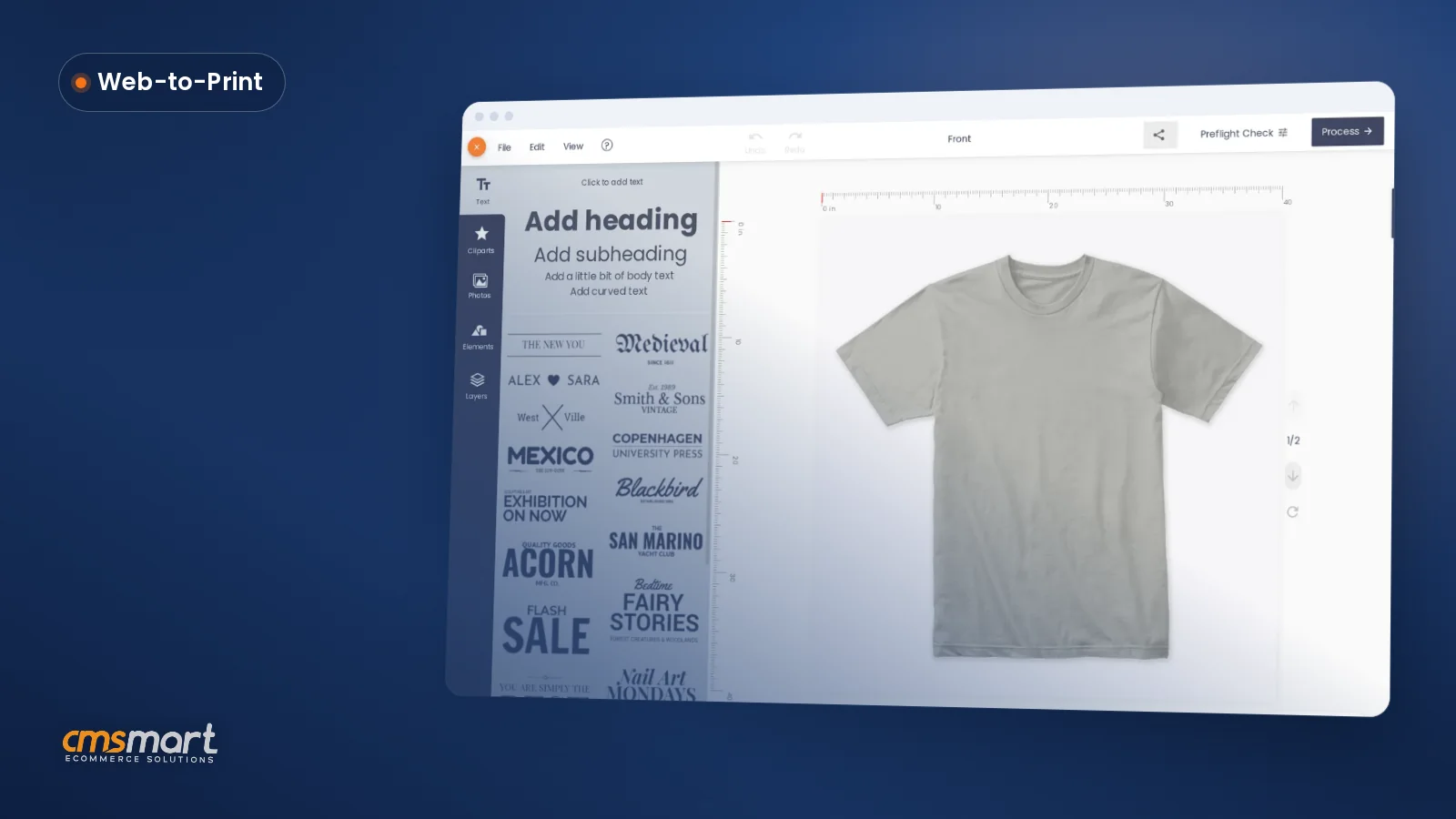
With Cmsmart Product Designer, a shopper opens a T-shirt product, adds their own text, photo or clipart on a live canvas, watches the price update as they pick size and print options, and checks out — while you receive a print-ready PDF for the press, not a request for a quote.
Example scenario. A shopper lands on your Men's T-shirt product page late one evening. They click Start Design, drop their own photo onto the shirt, add a line of curved text, and watch the total update as they switch from a 1-color front print to front-and-back. They add it to the cart and pay, with the T-shirt in their cart carrying its own design preview. By the next morning your Orders screen shows the order marked In production, the print-ready PDF already rendered, and nothing to re-key by hand.
This isn't a niche idea. The custom t-shirt printing market was valued at $5.2 billion in 2024 and is projected to reach $9.8 billion by 2030 (Grand View Research, 2025), and apparel is the single largest category inside the broader print-on-demand market, holding 39.5% of its revenue share in 2025 (Grand View Research, 2025). T-shirts are a reasonable first product to put an online designer in front of.
How does Cmsmart's custom t-shirt website software work?
Cmsmart Product Designer sits on top of WooCommerce: it adds a design canvas to your chosen products, a price matrix for sizes and print options, an order-side approval box, and a print-ready PDF pipeline run by Cmsmart Cloud — so the whole path from "shopper designs a shirt" to "press-ready file" lives in one plugin.
The moving parts, in the order an order actually flows through them:
What's the business value of adding online design to a T-shirt store?
Cmsmart replaces manual quoting and email proofing with a priced, self-serve design flow, which shows up as fewer abandoned custom-order enquiries, less staff time per order, and fewer reprints — each one a KPI you can track from Orders without new tooling.
Rough ROI worksheet: take your current custom T-shirt orders per month (n), minutes saved per order once quoting is automatic (m), and loaded staff cost per hour (c). Monthly time saved is
n × m ÷ 60 × c. Add avoided reprints: reprint rate (r per 100 orders) times cost per reprint (p), timesn ÷ 100. Plug in your own numbers — the setup changes how often you hit either cost, not what your shop pays per hour or per reprint.How do you set up a T-shirt website with online design, step by step?
Setting up Cmsmart Product Designer for a T-shirt store means installing the plugin, activating your license, importing or configuring T-shirt products with their print specs, and building the price matrix — most stores have a working product live the same day.
Here is the full install-to-first-order path, verified against the plugin's current admin screens:
For the deeper settings behind any of these screens — output options, ICC profiles or automatic export rules — see the general NBDesigner installation guide and the lite-to-premium activation walkthrough.
What can Cmsmart build on top of a T-shirt website?
Once the core designer and price matrix are live, Cmsmart builds the parts that are specific to your shop as custom development — from gang-sheet layouts for DTF printers to team-store ordering portals — so the storefront keeps matching how your production floor actually works.
Common next steps we see T-shirt and apparel sellers ask for, going further than the core plugin:
Our delivery approach for any of these is the same: discovery call, a short solution design, build in sprints, QA against your real catalogue, launch, then support — see how we scope these on the ecommerce project delivery page or browse the T-shirt & apparel POD development service directly.
Plan my custom T-shirt store
Why work with Cmsmart on your T-shirt website?
Cmsmart has built and supported WooCommerce print-on-demand stores as a Netbase JSC division since 2012, with the T-shirt-specific online designer, price matrix and print-ready pipeline used across thousands of client projects — so you're setting up a workflow that's already been through real production runs.
A few numbers: Cmsmart has delivered 6,300+ client projects and 4,600+ completed projects since 2012, with 1,800+ live stores running today across 80+ countries, and holds a 4.2 rating on Trustpilot from 404 reviews.
From a Trustpilot review of the T-shirt setup itself: “The tshirt website is very user friendly. Very good service thank you very much CMSmart.” — Brahimi Manal.
If you'd rather see finished work than take our word for it, browse merchandise and apparel project examples, or look at the ready-made T-shirt Store package if you'd rather start from a finished theme than a bare plugin. For anything beyond a standard setup, talk to an ecommerce expert before you build.
WooCommerce remains the platform this is built on for a reason: it's detected on 6.64% of all measurable web origins and holds the largest share, 39.0%, among named ecommerce platforms as of May 2026 (GravityKit, 2026) — a large, well-supported base to build a print-on-demand storefront on. For the broader designer feature set beyond T-shirts, see the Cmsmart Product Designer plugin page or the web-to-print solutions hub.
Frequently asked questions
How long does it take to launch a T-shirt website with online design?
Installing the plugin, activating your license and importing the sample T-shirt product typically takes under an hour. Building out your full size and print-option price matrix, testing the buyer flow and confirming your print-ready PDF settings usually brings a first real launch to a day or two, depending on how many T-shirt variants you sell.
Can I import ready-made T-shirt products instead of configuring everything by hand?
Yes. Cmsmart › Import Products includes a sample package with a "T-shirt with print option" product already configured with printing options and templates, which you can use as-is or duplicate and adjust for your own catalogue.
Does the online designer work on a phone?
Yes, the product page and its "Start Design" entry point are shown on mobile as well as desktop; buyers can design and check out from a phone.
What file do I actually get for printing?
A print-ready PDF generated by Cmsmart Cloud that matches the order's exact size, including custom dimensions, margins and bleed; you can also download the design as SVG, high-resolution PNG or a CMYK JPG with an ICC profile from the order's Download design panel.
Can this connect to my existing fulfillment or ERP system?
The core plugin produces the print-ready file and keeps it on the order. Pushing that file automatically into a press queue, MIS or third-party fulfillment API is something Cmsmart builds as custom development, tailored to your specific systems.
Do I need a paid license to go live?
A free/lite tier exists for testing, but hi-res export, the full price matrix and Cloud rendering for the print-ready PDF require an activated license, managed from Cmsmart › License in wp-admin.