

Case study · Web-to-print
Web-to-Label Printing: Sell Custom Product Labels Online
Set up web-to-label printing for product labels with Cmsmart Product Designer: upload, proofing and print-ready PDFs. Get a quote today.
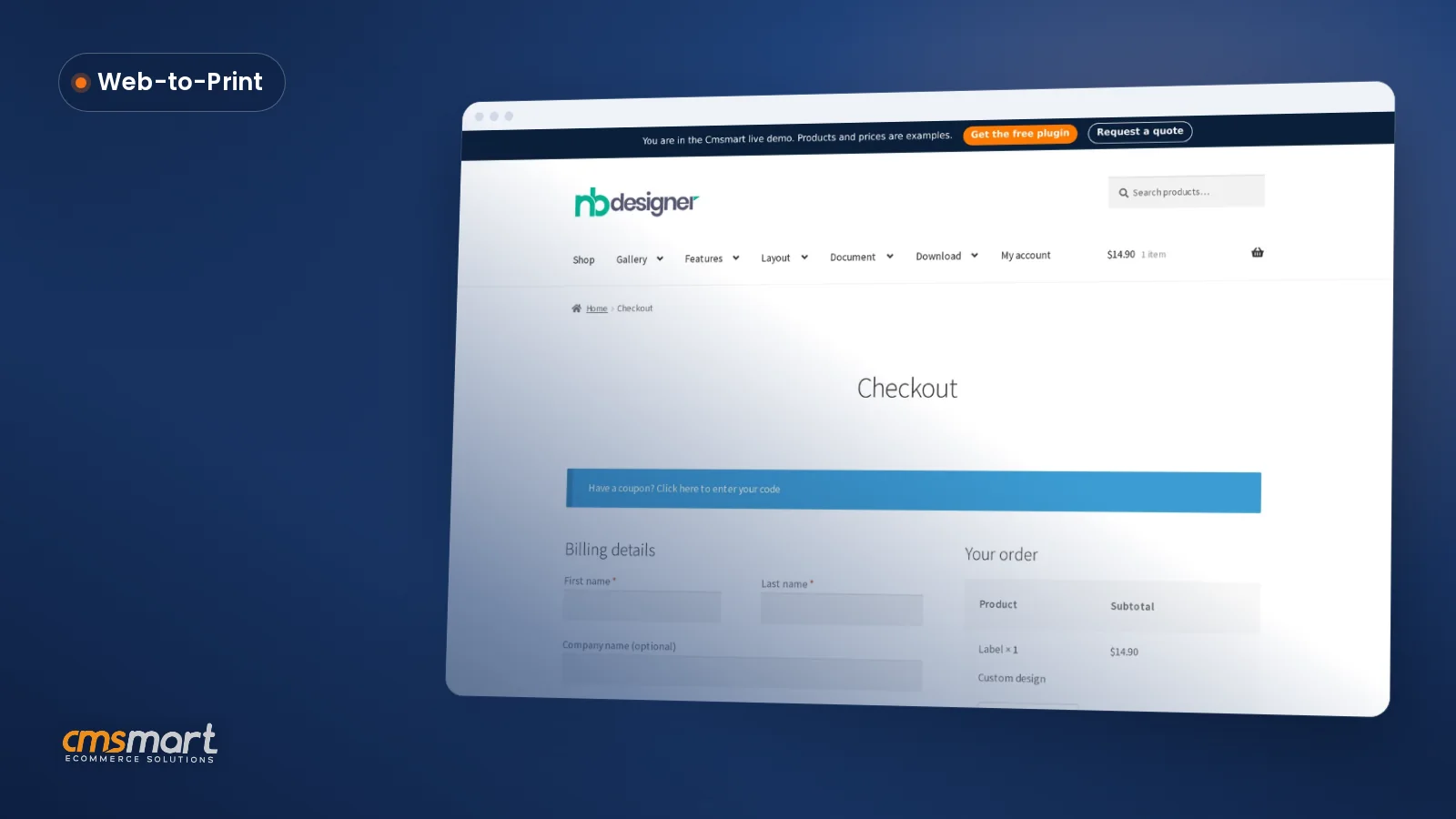
This article explains how to set up and use the One Step Checkout feature in the WordPress T-shirt design theme with online design. The plugin is enabled through NBT Solution, after which the frontend checkout page merges the usual multi-step process into a single page for faster, guest-friendly ordering.
Was this tutorial helpful?
See also: Cmsmart pricing and Cmsmart products.
← WooCommerce Product Designer Plugin: Full Setup Guide · How to setup Visual Design editor layout in Woocommerce product designer plugin? →
Written by
Cmsmart Print-on-Demand & Apparel Specialist
Helps T-shirt, apparel and print-on-demand brands sell personalised products online.
The team behind it
 Account Manager
 Project Manager
 Business Analyst
 Developers & QA
Case study · Web-to-print
Set up web-to-label printing for product labels with Cmsmart Product Designer: upload, proofing and print-ready PDFs. Get a quote today.
Guide · Web-to-print
See a sourced WooCommerce product designer plugin comparison: pricing, features and print-ready files, then request a free migration quote today.
Guide · Web-to-print
Translate WooCommerce product designer screens with Loco Translate or Frontend Translate: see every setting, its default, and how to set it up.
Browse more guides, tutorials and case studies from the Cmsmart community.
Follow the steps to plan a T-shirt business, choose hosting and a WordPress theme, add key plugins, create product samples and promote the store.
Read MoreStarting to get money from home by selling t-shirts. Here is an easy guideline on How to start a t-shirt business from home to follow. Let’s discover.
Read MoreThe print on demand business benefits are real, but only with the right tools in place. See how Cmsmart turns orders into print-ready files. Get a quote.
Read More
Cmsmart Ecommerce provides custom ecommerce and WooCommerce development services for web-to-print, product personalization, plugin support and API integration.
Cmsmart Print-on-Demand & Apparel Specialist
Helps T-shirt, apparel and print-on-demand brands sell personalised products online.
Meet the team →

Dear our beloved customers,
Shopping cart abandonment is a sad commentary in online retailing, with some companies reporting that more than 60% of checkouts end without a conversion. This is a reason why One-page checkout is created. visit our Demo to know how this works.
Preventing even a relatively small percentage of these abandoned carts would significantly improve revenues and profits. If you are satisfied with the price and shipping costs, you should go to checking out the process to complete it quickly. This final step is the most important part of online business because many companies lose a large clientele at this step. Making it faster for customers to purchase with your store is what you must do and One-page checkout extension is what you Must have. If customers feel happy with your product and want to get it immediately on their cart but they cannot because of a complicated checkout process. WooCommerce One Page checkout plugin will resolve all your problems.
Some highlight benefits of Wordpress Tshirt for Customers
Instructions about setup and use One Step Checkout WordPress T-shirt
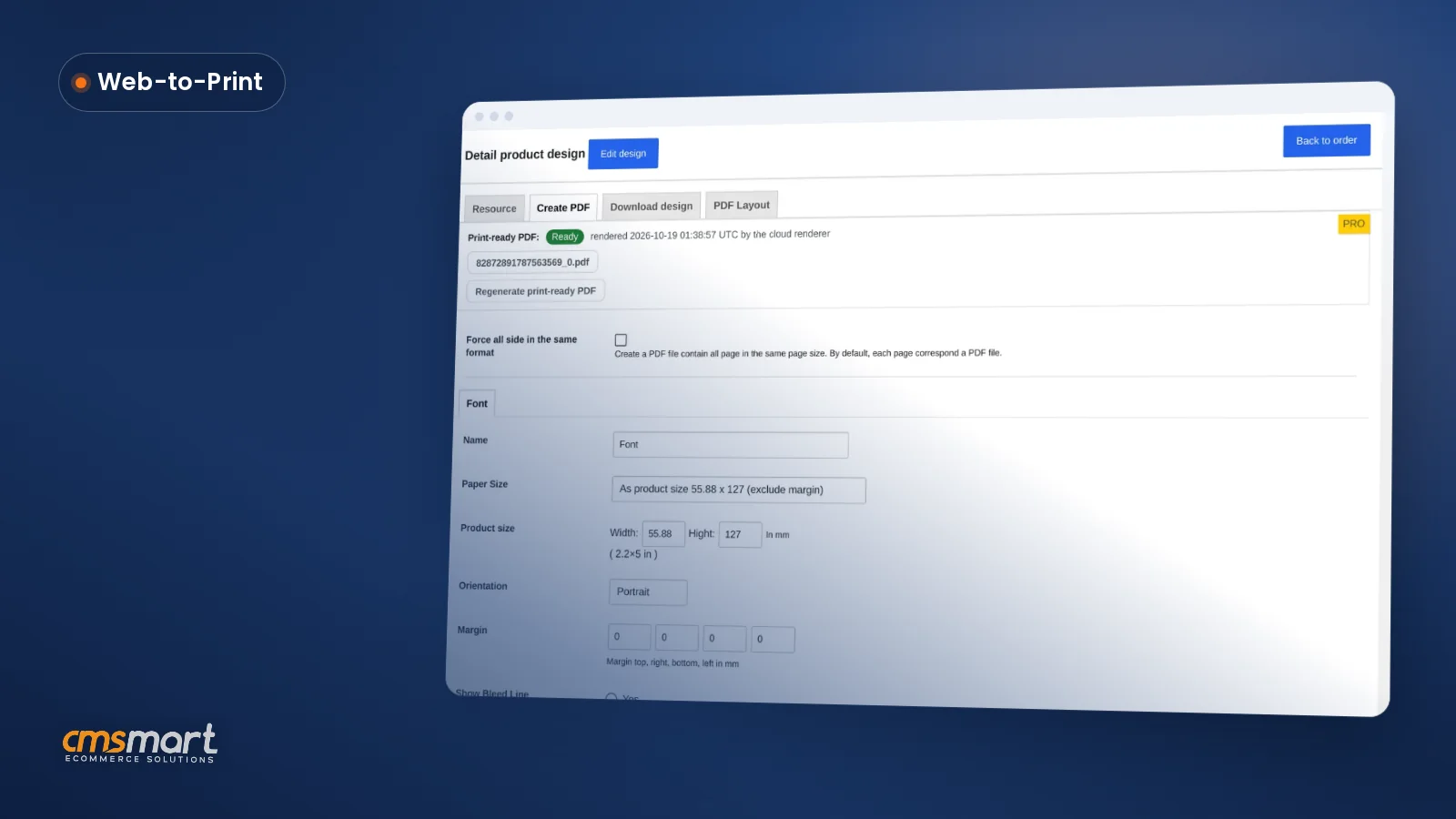
Step 1: Enable plugin in NBT Solution
Step 2: View Frontend and checkout
After this post, I hope that you’ll know exactly How to set up and use the One Step Checkout WordPress T-shirt design theme with online design? Sure to make the right choices. If you want to try this product, please access WordPress Tshirt Solution Demo. If you have any questions about your products, you could contact us with the information below or here ticket support. He is always willing to answer all of your questions.
View more: How To Setup And Use Online Design In Tee-Pro Solution?
Best Regards!
Frequently asked questions
Why was One Step Checkout created for this theme?
The article notes that many online checkouts end without a sale, so One Step Checkout was built to shorten the usual multi-step purchase process into a single page, aiming to cut down the cart abandonment that a longer checkout causes.
Do shoppers need to create an account to check out with this theme?
No. The One Step Checkout setup includes a guest checkout option, so a shopper can complete an order on the single-page checkout without first registering or signing in to an account.
How do I turn on One Step Checkout after enabling the NBT Solution plugin?
Once the plugin is enabled in NBT Solution, you view the storefront's frontend, where the checkout flow now appears as a single page instead of the usual multiple steps, ready for customers to complete their purchase.
Where are the other Cmsmart T-Shirt Store tutorials?
Every Cmsmart T-Shirt Store tutorial is listed on the Cmsmart T-Shirt Store tutorials page. Customers with a licence can open a support ticket from the Cmsmart dashboard when a step does not match their install.
How do I pay securely?
Contracts and payments go to the company, Netbase JSC: plans are paid through PayPal; services are invoiced by Netbase JSC under a written proposal and paid by bank transfer to Netbase JSC's company account or by PayPal Business. Cmsmart (Cmsmart Ecommerce) is the ecommerce brand of Netbase JSC, a company based in Hanoi, Vietnam.
How do I contact Cmsmart or get a quote?
Message the Cmsmart team on WhatsApp at +84 937 869 689 or email project@cmsmart.net; the contact page at cmsmart.net/contact lists every channel, and Request a quote (cmsmart.net/project-proposal) sends a project brief. Customers with a licence open a ticket from the dashboard.
Further reading