

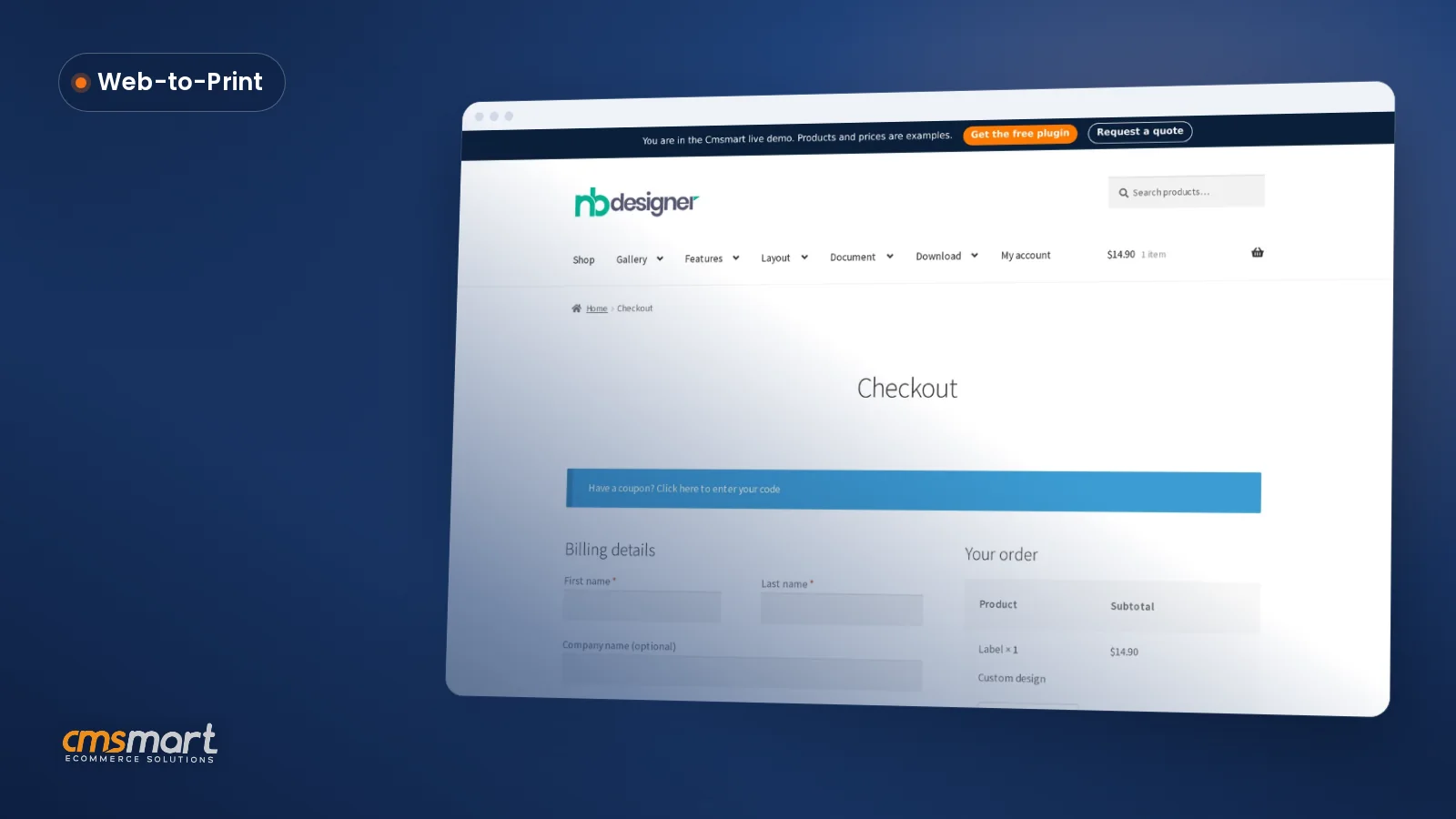
Case study · Web-to-print
Web-to-Label Printing: Sell Custom Product Labels Online
Set up web-to-label printing for product labels with Cmsmart Product Designer: upload, proofing and print-ready PDFs. Get a quote today.
To optimize the ability to make money when participating, you need to use the plugin support tools. However, finding affiliate support tools is not easy and it takes a lot of time. Understanding that, in this article, we will let you know six thirsty plug
Was this tutorial helpful?
See also: Cmsmart pricing and Cmsmart products.
← Product Designer Template Store: Start Buyers Faster · How to use Delivery date plugin in WordPres Printshop template? →
Written by
Cmsmart Print-on-Demand & Apparel Specialist
Helps T-shirt, apparel and print-on-demand brands sell personalised products online.
The team behind it
 Account Manager
 Project Manager
 Business Analyst
 Developers & QA
Case study · Web-to-print
Set up web-to-label printing for product labels with Cmsmart Product Designer: upload, proofing and print-ready PDFs. Get a quote today.
Guide · Web-to-print
See a sourced WooCommerce product designer plugin comparison: pricing, features and print-ready files, then request a free migration quote today.
Guide · Web-to-print
Translate WooCommerce product designer screens with Loco Translate or Frontend Translate: see every setting, its default, and how to set it up.
Browse more guides, tutorials and case studies from the Cmsmart community.
Follow the steps to plan a T-shirt business, choose hosting and a WordPress theme, add key plugins, create product samples and promote the store.
Read MoreStarting to get money from home by selling t-shirts. Here is an easy guideline on How to start a t-shirt business from home to follow. Let’s discover.
Read MoreThe print on demand business benefits are real, but only with the right tools in place. See how Cmsmart turns orders into print-ready files. Get a quote.
Read More
Cmsmart Ecommerce provides custom ecommerce and WooCommerce development services for web-to-print, product personalization, plugin support and API integration.
Cmsmart Print-on-Demand & Apparel Specialist
Helps T-shirt, apparel and print-on-demand brands sell personalised products online.
Meet the team →


Dear our beloved customers,
To optimize the ability to make money when participating, you need to use the plugin support tools. However, finding affiliate support tools is not easy and it takes a lot of time. Understanding that, in this article, we will let you know six thirsty plugins below. Accordingly, it will help users can earn profits beyond their imagination. Find out right below!
1. Integrate Google Analytics
View link:
https://developers.google.com/analytics/
2. Promotion Pop-Up
Promotion Popup is an awesome app that helps you to increase the conversion rate. With this app, you can reduce abandoned carts and promote all significant events of the store to customers.
https://apps.shopify.com/promotion-popup
3. Setup Affiliates
ThirstyAffiliates is more than just a run of the mill affiliate link Cloaker – it’s a tool designed for bloggers to make money.
That’s why so many blog owners are using ThirstyAffiliates to manage their affiliate links.
https://thirstyaffiliates.com/
4. Use Rewards Points
The Thirsty Rewards is a loyalty points program for our online store (www.thirsty.com.sg) and it is our way of showing appreciation to our online customers.
https://www.thirsty.com.sg/pages/thirsty-rewards-loyalty-program
5. Config Newsletter
https://mailchimp.com/en/
6. Config Bundle Products
Product Bundles is a flexible product grouping toolkit suitable for use in a broad range of applications, thanks to its advanced grouping, pricing and shipping features. Need a way to combine multiple inventory-managed components in configurable bundles? There are little Product Bundles can’t handle!
https://woocommerce.com/products/product-bundles/
Further reading
Frequently asked questions
Where are the other Cmsmart T-Shirt Store tutorials?
Every Cmsmart T-Shirt Store tutorial is listed on the Cmsmart T-Shirt Store tutorials page. Customers with a licence can open a support ticket from the Cmsmart dashboard when a step does not match their install.
What if a step in this Cmsmart T-Shirt Store tutorial does not match my store?
This tutorial describes the release that was current when it was written (it was published on 3 December 2018), so a menu or setting may have moved since. Customers with a licence open a support ticket from the Cmsmart dashboard, naming the step and adding a screenshot, and the team answers there.
Where is the Cmsmart T-Shirt Store product page?
The Cmsmart T-Shirt Store product page shows the product as it is sold today, so you can check what this tutorial covers against the current release.
How do I pay securely?
Contracts and payments go to the company, Netbase JSC: plans are paid through PayPal; services are invoiced by Netbase JSC under a written proposal and paid by bank transfer to Netbase JSC's company account or by PayPal Business. Cmsmart (Cmsmart Ecommerce) is the ecommerce brand of Netbase JSC, a company based in Hanoi, Vietnam.
How do I contact Cmsmart or get a quote?
Message the Cmsmart team on WhatsApp at +84 937 869 689 or email project@cmsmart.net; the contact page at cmsmart.net/contact lists every channel, and Request a quote (cmsmart.net/project-proposal) sends a project brief. Customers with a licence open a ticket from the dashboard.