

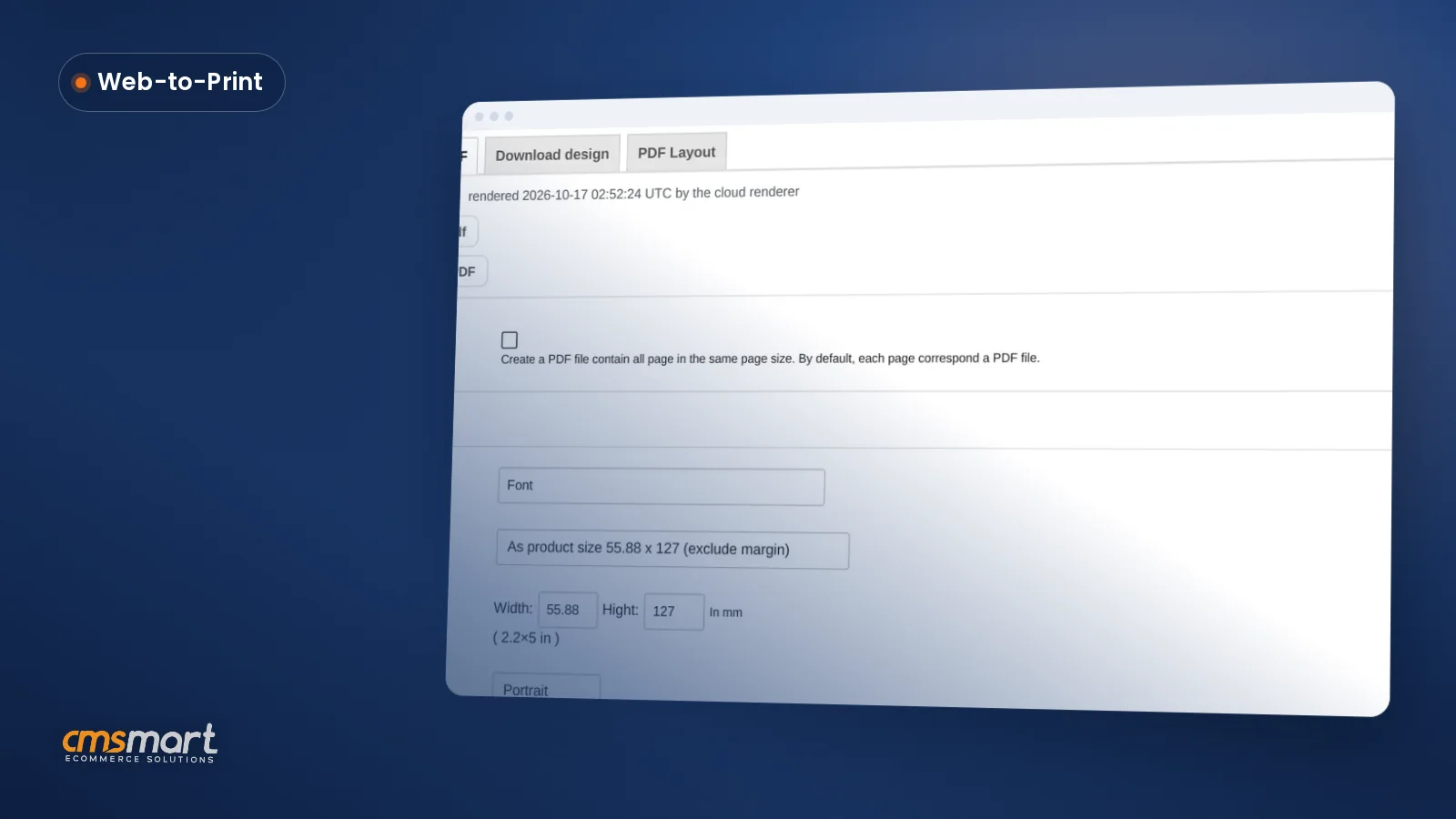
Case study · Web-to-print
Artwork Approval Workflow for WooCommerce Print Orders
Set up an artwork approval workflow for WooCommerce: buyers confirm designs, Cmsmart locks the file, and print-ready PDFs generate automatically.
Choose the selling model before choosing an ecommerce platform. A single operator can run one store or several branded storefronts, while a marketplace allows independent sellers to offer products under shared rules. For small and medium-sized businesses, the right starting point depends on who owns the catalog, pricing, customer relationship and fulfillment. Document those responsibilities first, then compare platform features, costs, security and support against the actual workflow.
Was this tutorial helpful?
Written by
Cmsmart WooCommerce Development Lead
Leads custom WooCommerce builds: architecture, checkout, performance and integrations.
The team behind it
 Account Manager
 Project Manager
 Business Analyst
 Developers & QA
Case study · Web-to-print
Set up an artwork approval workflow for WooCommerce: buyers confirm designs, Cmsmart locks the file, and print-ready PDFs generate automatically.
Guide · Web-to-print
Accept customer file uploads for print on demand orders: Cmsmart checks formats, size and DPI, then hands over a print-ready PDF. Get a custom quote t...
Guide · Web-to-print
Build a font library for WooCommerce product designer stores that scales from one shop to many. See how Cmsmart sets it up and keeps it organized.
Browse more guides, tutorials and case studies from the Cmsmart community.
Unlock the Power of Mobile Commerce: Propel Your Business Forward
Read MoreDiscover how to harness mobile commerce to enhance your business growth. Learn strategies for optimizing the mobile shopping experience and increasing consumer engagement.
Read MoreDiscover the benefits of mobile commerce and how it can transform your business. Learn effective strategies for maximizing sales and customer engagement through mobile-optimized shopping experiences.
Read More
Cmsmart Ecommerce provides custom ecommerce and WooCommerce development services for web-to-print, product personalization, plugin support and API integration.
Cmsmart WooCommerce Development Lead
Leads custom WooCommerce builds: architecture, checkout, performance and integrations.
Meet the team →

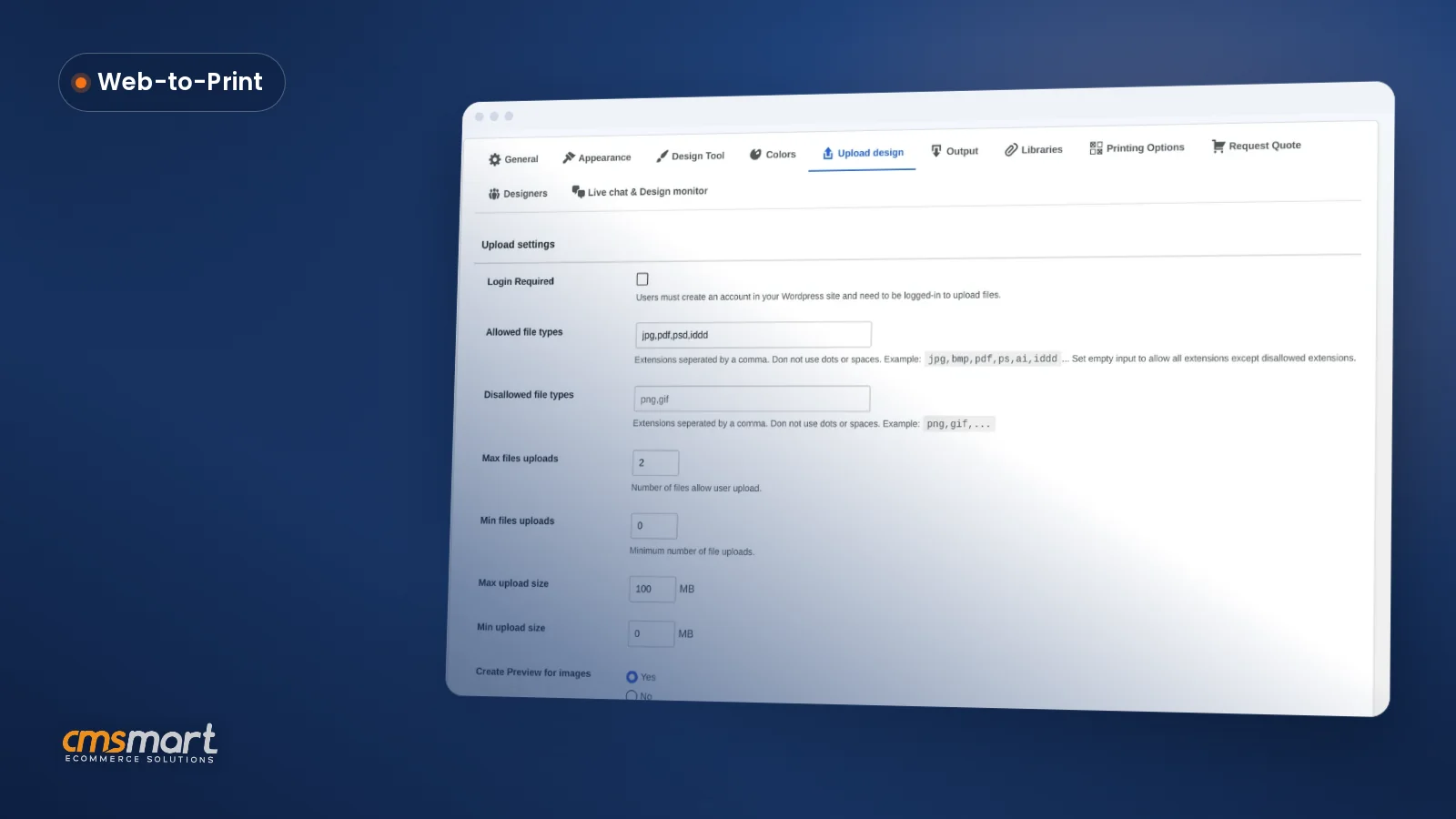
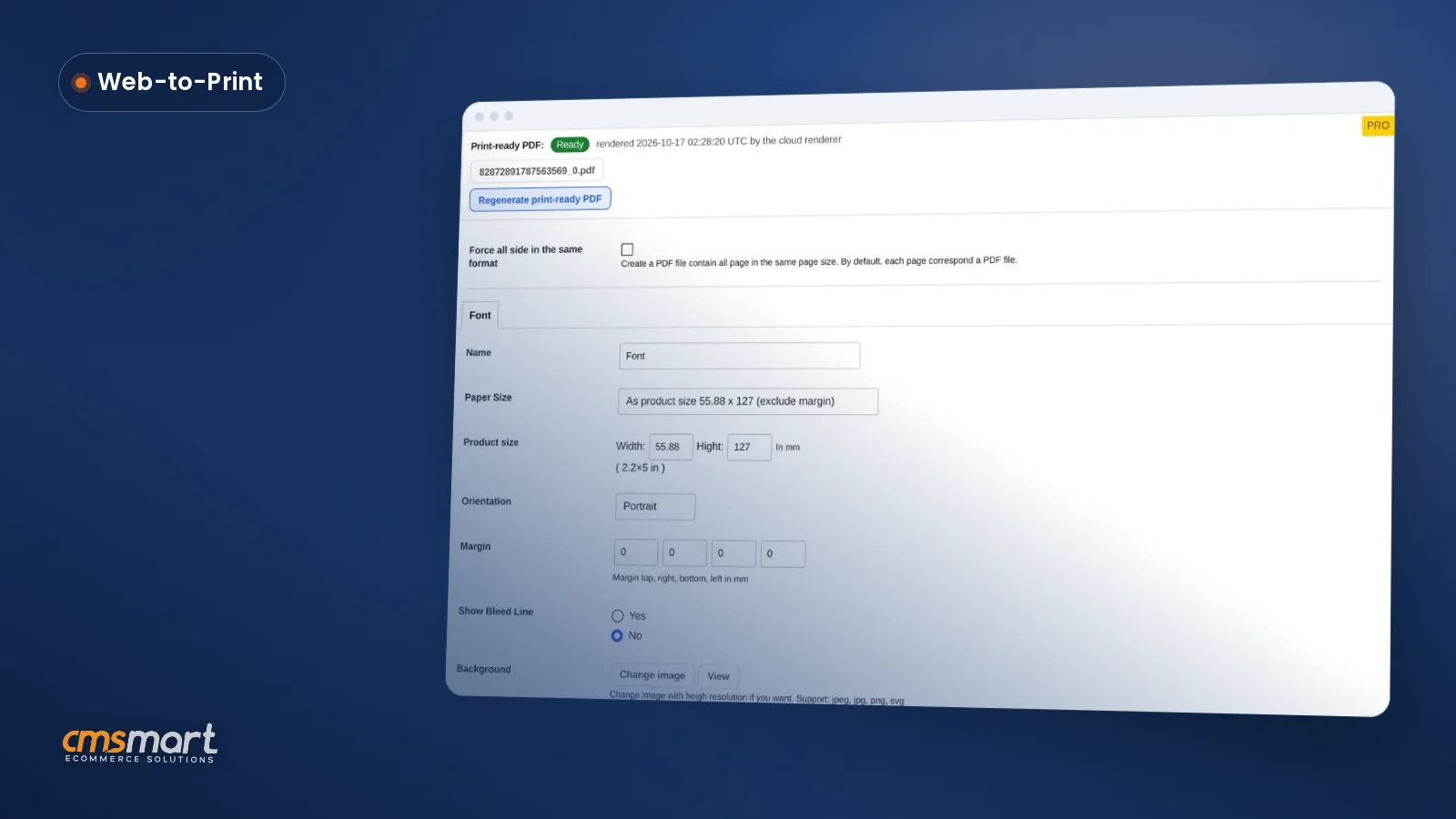


This guide helps you compare ecommerce platforms against your selling model, catalog, integrations, costs and support needs. For a related channel question, see our guide to mobile commerce trends. Use representative customer and operations tasks to test each shortlist candidate.
Choose a store model before comparing platforms
These three models solve different operating problems. A multi-store operator may own every storefront and product. A multi-vendor marketplace adds independent sellers, listing rights, seller rules and commission or payout decisions. Neither model follows automatically from serving both B2B and B2C buyers.
For B2B or custom-print work, ask who owns artwork approval, production and shipping for each order. Multiple corporate buyers do not by themselves require a marketplace; multiple shopfronts do not by themselves create independent vendors. The selected platform and integrations must be checked against those actual roles and flows.
For the deeper implementation questions, read the existing multi-store planning guide and multivendor marketplace guide. Compare the appropriate CMSmart ecommerce solutions and implementation services against a written scope; confirm capabilities and payment arrangements in the selected product version and project proposal.
Taking the eCommerce Leap
Wondering how easy launching your online business could be?Choosing the ideal eCommerce platform, understanding platform security, evaluating costs, and ensuring reliable support are common hurdles. With the right digital commerce software and a simple Go Live button, the process can be streamlined.
Launching Your Online Store: Key Considerations
- Selecting the right online store platform is crucial. Whether youre looking at B2B capabilities or B2C functionalities, find a solution that fits your business model. - Security compliance is not optional. Ensure your platform adheres to industry standards like PCI compliance to protect customer data. - Evaluate the pricing models of different e-commerce solutions. Consider both upfront costs and long-term pricing tiers. - Reliable customer support can make or break your online business experience. Prioritize platforms known for excellent support services.Optimizing Your Digital Storefront
To delve deeper into selecting the right platform, see our comprehensive guides: comparison of leading eCommerce platforms, features of top eCommerce systems, and integrating CMS with eCommerce platforms . Conclusion: With the right tools and insights, taking the eCommerce leap is much simpler than it seems. Up next, explore advanced strategies for integrating CMS platforms effectively.Demystifying eCommerce Platforms
Choosing the right eCommerce platform for your business is no small feat.Understanding platform security, compliance requirements, cost evaluation, and reliable customer support are key pain points that many businesses encounter.
Definition of eCommerce Platforms
An ecommerce platform provides tools to present products, accept orders and manage parts of the selling workflow. Its capacity, supported markets and integrations depend on the selected platform, plan and configuration.
The Role and Importance of eCommerce Platforms in Today’s Digital World
An ecommerce platform can connect a storefront with catalog, checkout and operations tools. Check which processes the selected system handles and which require separate services or implementation work.
Key Terms: Understanding Online Store Platforms, Digital Commerce Software, and eCommerce Solutions
To maximize the impact of your eCommerce strategy, its essential to understand key terms such as online store platforms, digital commerce software, and eCommerce solutions. Keeping pace with these can significantly impact your business efficiency and customer reach.
For related reading, see the ecommerce platform overview and CMSmart ecommerce services.
In summary: Understanding and choosing the right eCommerce platform takes meticulous evaluation of features, compliance, and support models. Next, let’s delve into how to evaluate these platforms effectively, ensuring alignment with your business objectives and customer expectations.Factors for Small Businesses to Consider When Choosing an eCommerce Platform
Choosing the right eCommerce platform can be a daunting task for small businesses, but getting it right is crucial. Failing to select the appropriate platform can result in poor security, compliance issues, unexpected costs, and inadequate support.What Small Businesses Should Look for in eCommerce Platforms
Constants to Consider: Functionalities, User Interface, Security, and Pricing Models
When choosing an ecommerce platform, list the functions and integrations required by the store and test the interface with representative tasks. Review security controls and determine privacy obligations, including whether GDPR applies to the actual markets and data flows; a platform feature list alone does not establish legal compliance.
Comparing pricing models is crucial. Some platforms offer a flat fee, while others charge based on sales volume or additional features. Its essential to align the pricing structure with your business model to avoid unexpected costs.
Comparing Top eCommerce Platforms
Compare each platform with the actual storefront and operations requirements. Review CMSmart WooCommerce development for a scoped WordPress/WooCommerce implementation and the B2B marketplace solution only if independent sellers are part of the model. Ask for a current proposal that separates platform features, extensions and custom work.
Its beneficial to conduct a thorough comparison of these platforms, assessing their strengths in areas like ease of use, customization capacity, multi-vendor capabilities, and ecosystem of plugins or extensions. Tailoring your platform choice to prioritize these aspects can significantly enhance your operational efficiency and customer satisfaction.
Learn more about integrating CMS with eCommerce platforms here. In summary: Picking the right eCommerce platform involves evaluating security, usability, pricing, and support quality. Understanding these factors will help ensure that your online store operates smoothly, aligns with business objectives, and supports long-term growth. Next, we’ll delve into a detailed comparison of leading eCommerce platforms and their distinctive features in our upcoming section.Navigating B2B and B2C Functionalities
Choosing the appropriate eCommerce platform for business needs, Understanding platform security and compliance requirements, Evaluating costs and pricing tiers of eCommerce solutions, Accessing reliable customer supportThe choice between B2B and B2C functionalities can often seem daunting. Selecting the right eCommerce platform is crucial for addressing these pain points effectively and ensuring seamless operation across your business model.
Understanding B2B/B2C Functionalities in eCommerce Platforms
eCommerce platforms today offer a wide array of functionalities tailored for both B2B and B2C models. B2B platforms typically emphasize bulk pricing, customized catalog management, and advanced negotiation features, while B2C focuses on customer engagement, shopping cart simplicity, and marketing automation.
Evaluating B2B/B2C Functionalities for Business Needs
Evaluate integrations with marketing, CRM and fulfillment tools against named data fields, ownership and failure handling. Confirm current connector or API support before estimating operational effects.
Examples of Platforms with Robust B2B/B2C Functionalities
Review CMSmart PWA development if mobile storefront delivery is in scope. For a multi-vendor marketplace, evaluate tools such as Dokan against seller onboarding, listings, commissions, payment arrangements and the exact WooCommerce version; do not assume every integration is included.
For adjacent decisions, review the ecommerce agency guide and the ecommerce CRM software guide.
In summary: Understanding the unique needs of your business model and aligning them with the appropriate platform functionalities is essential for success. Next, let’s delve into strategic insights on integrating CMS with eCommerce platforms and enhancing your online presence.The Importance of Security Compliance in eCommerce
Choosing the appropriate eCommerce platform for business needs is a daunting task, and understanding platform security and compliance requirements is crucial to safeguarding your business.Business leaders often face challenges when evaluating costs and pricing tiers of eCommerce solutions while ensuring access to reliable customer support.
Understanding Security Requirements and PCI Compliance
Payment-card and privacy obligations depend on the merchant's data flow, payment provider and jurisdiction. Define the applicable PCI DSS scope with the relevant payment partner or assessor, and test the controls the store must operate.
Why Security is an Essential Factor in Choosing an eCommerce Platform
Review the selected platform's update process, access controls, payment integration and incident response alongside the merchant's own responsibilities. Security and customer trust depend on the configured site and its operation, not a platform label.
Top Platforms with Optimal Security Compliance
Compare WooCommerce and any CMSmart implementation proposal against specific security, maintenance and support requirements. Ask who owns patches, payment configuration, monitoring and incident response; do not infer compliance from an integration alone.
In summary: Select payment and security controls for the actual checkout and merchant obligations, then verify them in the configured store. The next sections compare platform capabilities and integrations against the business model.
Going Beyond Basic: Exploring API Integrations
Choosing the appropriate eCommerce platform for business needs is crucial to your online success.Navigating platform security, compliance requirements, and pricing tiers demands insight and precision.
Understanding API Availability and Integrations in eCommerce Platforms
APIs can connect an online store platform with other services when the required endpoints, permissions and data mappings are available. Evaluate each API integration for compatibility, errors, monitoring and ownership before relying on it for payment or operations.
Exploring the Benefits of API Integrations
When evaluating APIs for digital commerce, check whether each required workflow can be implemented and maintained:
Recommendations for Platforms with Comprehensive API Support
Compare API support using the endpoints, authentication, rate limits and documentation needed for the planned integrations, including:
- WooCommerce: Known for a vast array of plugins and flexibility
- Shopify: Offers powerful APIs for a range of integrations
For more insights, see our guide on multi-store eCommerce solution .Choose a platform against the seller model, buyer workflow and applicable security responsibilities. For a separate feature checklist, read our ecommerce website features guide.
In summary: A comprehensive understanding of API integrations ensures you select a platform that boosts your businesss mobility, adaptability, and scalability without compromising security or performance. Next, we delve into a comparison of leading eCommerce platforms , examining features and support systems to meet diverse business requirements.Navigating eCommerce Pricing Models
Navigating eCommerce Pricing Models: A Gateway to Informed DecisionsChoosing the right e-commerce platform tailored to your business needs is crucial. From understanding security protocols to evaluating costs, each aspect significantly influences the success of your digital storefront. More than 2.14 billion people shop online worldwide, underscoring the potential of e-commerce when efficiently harnessed.
Understanding Different Pricing Models in E-commerce Solutions
How to Choose the Right Model for Small Businesses
Small businesses often grapple with finding the most suitable pricing model. Key considerations include:
Comparing Pricing Models Across Leading E-commerce Platforms
Compare the complete cost of a proposed WooCommerce development project and an ecommerce website design project using the current scope, licenses, hosting, payments, extensions and maintenance. The pricing examples below are prompts for vendor questions, not current quotes:
For adjacent planning tasks, see the ecommerce app development company guide and the ecommerce system guide.
In summary: Understanding and choosing the right eCommerce pricing model is a foundational step in achieving long-term business success. Next, let’s delve into maintaining PCI compliance for online stores to secure your customers’ trust and data.Assessing Customer Support
Finding the right eCommerce platform can be a daunting task. From evaluating the myriad pricing tiers to understanding platform security and compliance, one thing is clear: reliable customer support is non-negotiable.Importance of Customer Support in eCommerce Platforms
Compare the support hours, channels, escalation path and maintenance coverage available under each vendor's actual plan or contract. Test the response process against the store's operating needs; support terms alone do not guarantee loyalty or uninterrupted operations.
Examining Customer Support Models
Support arrangements vary by platform, provider and plan. Ask which self-service materials, staffed channels, hours and account contacts are available in the actual proposal.
Platforms with Outstanding Customer Support
Evaluating platforms on their customer support offerings is an essential step:
- Compare documented CMSmart and other vendors' support hours, channels, maintenance scope and escalation terms; test the fit for the store.
- Look for reviews and testimonials from other businesses to gauge the effectiveness of support.
In summary: Accessing reliable customer support can save time, improve operational efficiency, and foster customer trust. In the next section, we will dive into a comparison of leading eCommerce platforms, examining their unique features and capabilities.Future Trends in eCommerce Platforms
Navigating the Future of eCommerce: Are You Prepared?Choosing the right online store platform is crucial for your business success. Understanding platform security, cost evaluation, and accessing reliable customer support can significantly impact your growth.
Current Trends in eCommerce Platforms
The eCommerce landscape is rapidly evolving. Today, businesses are capitalizing on personalized customer experiences and integrated digital commerce solutions:
Predicted Future Trends
Optional capabilities worth evaluating for a specific audience and workflow include:
How to Remain Competitive and Future-Proof Your eCommerce Business
To stay ahead in the competitive eCommerce space, consider these strategies:
- Focus on Mobile Optimization: Test key product and checkout tasks on representative devices and networks.
- Invest in Cybersecurity: Identify applicable obligations and test the controls used by the configured store.
- Utilize Analytics: Leverage data to make informed business decisions and refine marketing strategies.
For more insights, explore topics like comparison of leading eCommerce platforms or delve into integrating CMS with eCommerce platforms . In Summary: Embrace these trends and strategies to secure your eCommerce businesss future. Next, well explore features of top eCommerce systems and how they can empower your digital commerce journey .Frequently Asked Questions
Are you overwhelmed by the complexities of selecting the right eCommerce platform?Many business owners face challenges like choosing the right platform to suit their unique business needs, ensuring robust security, and understanding the myriad pricing models available. Lets dive into frequently asked questions to demystify these challenges.
Understanding eCommerce Platforms
Platform fit depends on the seller model, catalog, operations, technical capacity and integration requirements. Compare the shortlisted options against those needs, including:
Ensuring Security and Compliance
Payment security responsibilities depend on the selected gateway and checkout implementation. Confirm the applicable PCI DSS scope with the payment provider or qualified assessor and check the controls the merchant must operate, including:
Evaluating Costs and Pricing Tiers
Understanding the total cost of ownership for an eCommerce solution involves more than just the initial setup costs. Consider ongoing expenses like transaction fees, software updates, and premium add-ons. A comprehensive evaluation should also include:
Assessing Customer Support
Support terms should match the store's operating hours, technical ownership and incident needs. Ask which of the following options are actually included in the current plan:
- Ask whether 24/7 service or a dedicated account manager is included in the selected contract
- Check whether a community forum and knowledge base are available for the selected platform
- Confirm which live chat, email and phone channels are staffed, at what hours, and under which plan
Summary: Choosing the right eCommerce platform involves evaluating features, ensuring strong security compliance, understanding pricing structures, and securing reliable customer support. As you embark on this journey, see our detailed guides on comparison of leading eCommerce platforms and enhancing platform capabilities through integrations .Further Reading
Use the seller model, catalog, checkout, integrations, security responsibilities, total cost and support terms to narrow a platform shortlist. Test representative workflows and document who owns each remaining risk before committing.
Ready to scope your ecommerce project? Share the selling model, required workflows and integration list for review. Contact CMSmart via WhatsApp, email project@cmsmart.net, or use the team contact page. Confirm available channels and response times when arranging the discussion.