

Guide · WooCommerce
WooCommerce Mobile Checkout: Fix the Drop-Off
Fix your WooCommerce mobile checkout before shoppers bounce: cut fields, add express pay, speed up pages, and request a custom build quote today.
Unlock the potential of your business with our cutting-edge ERP Inventory Management solution. Enhance efficiency, reduce costs, and boost productivity for sustainable growth.
Table of contents
Was this tutorial helpful?
Written by
Cmsmart Headless & API Integration Engineer
Connects stores to ERP, MIS, print APIs and headless frontends.
The team behind it
 Account Manager
 Project Manager
 Business Analyst
 Developers & QA
Guide · WooCommerce
Fix your WooCommerce mobile checkout before shoppers bounce: cut fields, add express pay, speed up pages, and request a custom build quote today.
Guide · WooCommerce
Plan a WooCommerce HPOS migration that keeps checkout, plugins and reports working. Get Cmsmart's step-by-step guide and request a quote today.
Guide · WooCommerce
Use this WooCommerce speed optimization checklist to fix Core Web Vitals, hosting, caching and images — then request a performance review from Cmsmart...
Browse more guides, tutorials and case studies from the Cmsmart community.
Unlock the Power of Mobile Commerce: Propel Your Business Forward
Read MoreDiscover how to harness mobile commerce to enhance your business growth. Learn strategies for optimizing the mobile shopping experience and increasing consumer engagement.
Read MoreDiscover the benefits of mobile commerce and how it can transform your business. Learn effective strategies for maximizing sales and customer engagement through mobile-optimized shopping experiences.
Read More
Cmsmart Ecommerce provides custom ecommerce and WooCommerce development services for web-to-print, product personalization, plugin support and API integration.
Cmsmart Headless & API Integration Engineer
Connects stores to ERP, MIS, print APIs and headless frontends.
Meet the team →

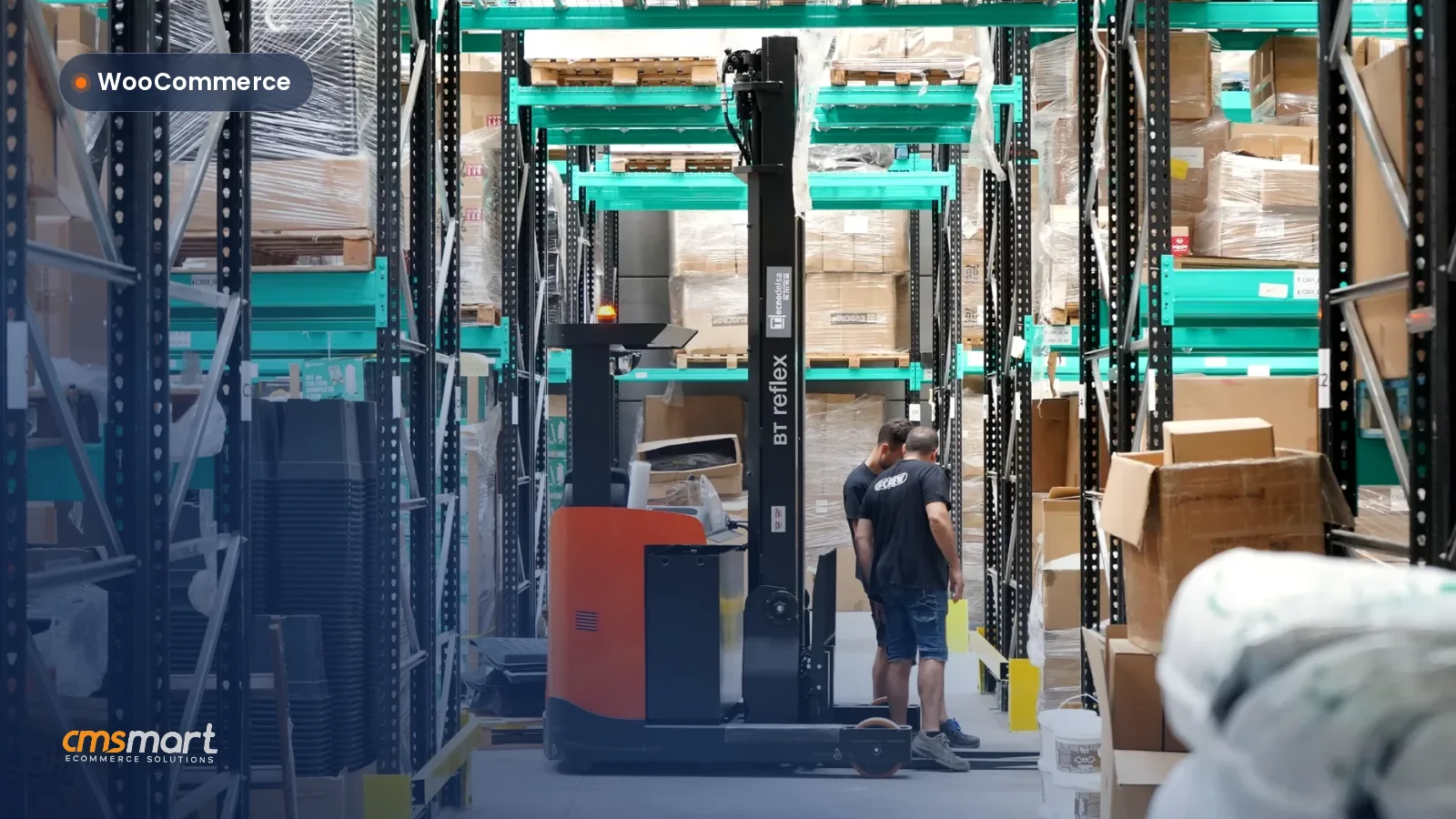


Did you know that businesses leveraging ERP systems can boost their operational efficiency by as much as 20%? This statistic from Statista highlights a critical challenge faced by many eCommerce owners today: effectively managing inventory while ensuring seamless alignment between digital and physical processes. Take the case of EcoSmart, a thriving eco-friendly product retailer based in Australia. Despite their mission-driven approach and growing customer base, EcoSmart struggled with inventory discrepancies, leading to missed sales opportunities and customer dissatisfaction. By implementing Cmsmart's advanced ERP inventory management solutions, they not only streamlined their operations but also minimized human errors, transforming their inventory management into a robust backbone for their business growth.
As competition intensifies and consumer expectations soar, the need for precision in inventory control becomes paramount. Imagine a world where stock levels are optimized, order fulfillment is automated, and visibility into your supply chain is crystal clear—all achievable through tailored ERP systems. Unlock seamless inventory management to meet current market demands and drive sustainable growth. In this tutorial, we will explore how to optimize supply chain efficiency with advanced ERP inventory management solutions, empowering you to take your business to new heights.
Imagine a Seamless
Imagine aligning your digital processes with physical inventory workflows while minimizing human error in data entry. Sounds ideal, right?The reality for many businesses is the challenge of effective inventory management, where aligning these systems becomes a struggle.
Your Solution: ERP Inventory Management
Imagine a seamless, error-free inventory management process powered by robust enterprise resource planning (ERP) systems yet delivering tangible results. By integrating ERP inventory control, businesses can transform the way they approach inventory tracking.Best Practices for Optimizing Inventory Management
To maximize your ERP inventory management, consider the following best practices: - Balance manual and automated data entry to optimize accuracy. - Continuously conduct ERP system tests before full implementation. - Regularly adjust your SKU designs for better product tracking. For a deeper dive into these strategies, check out our detailed guides on best practices for ERP inventory, how to design SKUs, and balancing manual and automated data entry. In conclusion, effective ERP inventory management can significantly enhance your business processes. Understanding how to integrate these systems can propel your business forward—next, we’ll explore how to conduct accurate ERP system tests to ensure seamless implementation.Unpacking ERP Inventory Management
Aligning digital processes with physical inventory workflows can feel overwhelming, but it’s essential for success.Many businesses struggle with minimizing human error in data entry and effectively managing their stock through innovative systems. This is where ERP inventory management comes into play, revolutionizing how organizations control their inventory.
Definition of ERP Inventory Management
ERP (Enterprise Resource Planning) inventory management involves integrating various business processes with a focus on inventory tracking and control. It combines digital inventory processes with enterprise software to automate and streamline operations. This ensures accurate data management and improved decision-making.The Role of ERP in Inventory Control
The functionality of ERP systems extends to ensuring that inventory is controlled efficiently across all departments. Here are some ways ERP systems enhance inventory management:The Impact of ERP on Traditional Inventory Processes
ERP solutions transform traditional inventory processes by integrating them into a unified system. This transition impacts various facets, such as:- Reduction in human error through real-time data updates
- Enhanced reporting capabilities for informed decision-making
- Improved supply chain coordination with better visibility
In summary, ERP inventory management is crucial for aligning digital processes and physical workflows, enabling organizations to track their inventory more effectively and minimize errors. To dive deeper into optimizing your inventory efforts, explore our resources on best practices for ERP inventory, how to design SKUs, and balancing manual and automated data entry. Next, let’s explore how to conduct ERP system tests for optimal performance in your inventory management journey.Automated Inventory Processes: The Next Level
Struggling to align your digital processes with physical inventory workflows? You’re not alone.Many businesses grapple with minimizing human error in data entry and effectively designing and managing SKUs for inventory tracking. Fortunately, automated inventory processes can streamline these tasks and enhance your ERP systems, ensuring thorough testing before implementation.
What are Automated Inventory Processes?
Automated inventory processes employ advanced technology to manage stock levels efficiently, thus reducing manual intervention. By integrating automated solutions with your Enterprise Resource Planning (ERP) inventory control, you can enjoy seamless inventory management systems that enhance overall operations.Benefits of ERP Integrated Automated Processes
The integration of ERP and automated inventory processes brings numerous advantages, such as:Real-Life Use Cases of Automated Inventory Processes
Many companies have successfully implemented automated processes to overcome inventory challenges. For instance, a medium-sized apparel brand used an ERP system to automate order tracking, resulting in a 25% reduction in stock discrepancies and increased sales by efficiently managing seasonal inventories. Pro Tips:Summary
Embracing automated inventory processes aligns digital operations with physical workflows, significantly minimizing the chance of errors and optimizing efficiency. As you move forward, consider exploring best practices for ERP inventory and how to balance manual and automated data entry. Next, we’ll delve into methodologies for conducting ERP system tests to ensure seamless implementation and operation.Inside the ERP-Ecosystem
Aligning digital processes with physical inventory workflows can be a daunting task for businesses.Many organizations struggle with minimizing human error in data entry, designing effective SKUs for inventory tracking, and ensuring their ERP systems are tested thoroughly before implementation.
Understanding the Enterprise Resource Planning Ecosystem
The Enterprise Resource Planning (ERP) ecosystem helps businesses integrate various processes into a unified system. This integration not only streamlines operations but also enhances visibility across departments. Here’s what to know:
Adjusting Your Business Operations with ERP
Implementing an ERP system can significantly alter traditional inventory operations. Here are some actionable tips:
How ERP Alters Traditional Inventory Operations
Enterprise Resource Planning transforms the way businesses handle their inventory. The benefits are significant:
For more on enhancing your inventory management strategy, check our best practices for ERP inventory, explore how to design SKUs effectively, learn about balancing manual and automated data entry, or dive into conducting ERP system tests for optimal performance.
In summary: Understanding the ERP ecosystem is crucial for aligning your digital processes with physical inventory workflows. Stay tuned for the next section, where we delve into practical steps for enhancing ERP integration and maximizing your operational efficiency.Balancing Manual and Automated Data Entry
Aligning digital processes with physical inventory workflows can be a daunting challenge for many businesses.Minimizing human error in data entry while ensuring your ERP systems are thoroughly tested before implementation is essential for smooth operations and effective inventory management.
The Significance of Data Entry Balance in ERP Inventory Management
Striking the right balance between manual and automated data entry is crucial for the success of your ERP inventory control systems. Here are some reasons why achieving this balance matters:Tips and Tricks for Achieving an Effective Data Entry Balance
Here are some actionable strategies to help you achieve the perfect balance between manual and automated data entry:Choosing Between Manual and Automated Data Entry in ERP
When deciding between manual and automated data entry, consider these factors:- Cost-effectiveness: Evaluate the long-term cost implications of both methods.
- Scalability: Select a solution that can grow with your business needs.
- Complexity of data: Determine if the nature of your data requires human intervention.
- Integration capabilities: Ensure your chosen methods can work together smoothly within your ERP system.
An effective data entry strategy bridges the gap between your physical inventory management and digital processes, minimizing errors while maximizing efficiency. In summary: Balancing manual and automated data entry is integral to effective ERP inventory management. By considering the insights and strategies outlined, you can create a streamlined workflow. Next, let’s delve into the best practices for ERP inventory and understand how to design SKUs effectively.Making The Most of SKU Design
Struggling to align digital processes with your physical inventory workflows? You’re not alone.Many businesses grapple with minimizing human error in data entry, managing effective SKUs for accurate inventory tracking, and ensuring their ERP systems are comprehensively tested before implementation.
Importance of Effective SKU Design in Inventory Management
In todays fast-paced retail environment, effective SKU (Stock Keeping Unit) design is crucial for efficient inventory management systems and enterprise software. Simply put, a well-structured SKU can save time and resources.Best Practices for Designing Efficient SKUs
By implementing best practices in SKU design, you can significantly improve your inventory management performance. Here are some key strategies:Common Pitfalls to Avoid in SKU Design
Avoiding common pitfalls in SKU design is critical to ensure smooth inventory operations. Watch out for:- Overly complex codes that confuse employees and lead to errors.
- Inconsistent naming conventions that disrupt data entry processes.
- Neglecting to update SKUs as products change or evolve.
To further enhance your operations, check out our guides on best practices for ERP inventory, how to design SKUs, balancing manual and automated data entry, and conducting ERP system tests. In summary: Effective SKU management is pivotal for optimizing your inventory processes and reducing operational costs. Next, well dive into advanced techniques that further streamline your inventory workflow.ERP System Testing Essentials
Aligning digital processes with physical inventory workflows is crucial for business success.Many organizations struggle with minimizing human error in data entry and ensuring their ERP systems are robustly tested before implementation, leading to costly inefficiencies in inventory management.
Why ERP Testing Matters
Testing your Enterprise Resource Planning (ERP) system is essential to ensure seamless integration with inventory tracking and management systems. Effective ERP testing reduces risks associated with operational disruptions and enhances overall performance.Step-By-Step Guide to Effective ERP System Testing
To successfully test your ERP system, follow these actionable steps: 1. Define Testing Objectives: - Clarify what you want to achieve through testing (e.g., data migration accuracy, user acceptance). 2. Develop a Test Plan: - Create a detailed plan addressing aspects like user roles, data types, and workflows to be tested. 3. Perform Functional Testing: - Validate each modules functionality and interconnectivity within the ERP system. 4. Conduct Performance Testing: - Ensure the system performs well under peak load conditions. 5. Execute User Acceptance Testing (UAT): - Involve end-users to verify the system meets real-world use cases.How to Ensure Your ERP System is Fully Operational
To confirm the full operational capacity of your ERP system, consider the following practices: - Regular System Updates: - Consistently apply updates and patches to keep the system secure and efficient. - Continuous Training Programs: - Equip your staff with ongoing training to adapt to system changes. - Implement a Feedback Mechanism: - Encourage users to provide feedback on system performance and any issues encountered. - Perform Periodic System Audits: - Schedule regular audits to identify improvements and optimize processes. For more insights, refer to our guidance on best practices for ERP inventory and how to balance manual and automated data entry. In summary: Thorough ERP system testing is critical to aligning your digital processes with effective inventory management. By implementing these essential strategies, youll enhance your organization’s efficiency and prepare for seamless system operation—next, let’s explore the importance of conducting ERP system tests effectively.Emerging Trends in ERP Inventory Management
Struggling to align your digital processes with physical inventory workflows? You’re not alone.Many businesses grapple with minimizing human error in data entry, designing and managing effective SKUs for inventory tracking, and ensuring ERP systems are thoroughly tested before implementation.
Latest Developments in ERP Inventory Control
Recent advancements in ERP inventory control are reshaping how businesses manage their supply chains. Here are some emerging trends to watch:Future Perspectives: What’s Next for ERP Inventory Management?
Looking ahead, ERP systems will focus on further integration, automation, and enhanced data accuracy. Companies should prepare for these shifts:How to Keep Up with the Evolving Landscape of ERP Inventory Management
To stay relevant in the fast-evolving ERP landscape, consider these actionable strategies:- Regularly review and update your ERP software to leverage new features.
- Create a culture of continuous learning within your team to adapt to new inventory management practices.
- Engage with community forums and webinars to gain insights on best practices for ERP inventory solutions.
In summary: Keeping pace with developing trends in ERP inventory management is critical for enhancing operational efficiency, minimizing errors, and optimizing inventory control. For more strategies, explore our guides on best practices for ERP inventory, how to design SKUs, balancing manual and automated data entry, and conducting ERP system tests. Next, we will delve into advanced strategies for optimizing your ERP systems effectiveness.Frequently Asked Questions
Aligning digital processes with physical inventory workflows can be challenging, but it’s essential for any business aiming to streamline operations.Many organizations struggle with minimizing human error in data entry, designing effective SKUs for inventory tracking, and ensuring their ERP systems are thoroughly tested before implementation. Understanding these pain points is crucial for optimizing your ERP inventory management even in todays tech-driven landscape.
A Compilation of F.A.Qs for Aspiring ERP Inventory Management Enthusiasts
Here are some common questions we receive regarding Enterprise Resource Planning inventory systems:
Key Takeaways for Optimizing ERP Inventory Management
Integrating your ERP inventory with practical solutions is vital for maintaining accuracy in your business operations. Here are a few actionable tips:- Standardize data entry formats to reduce confusion and errors.
- Utilize cloud-based systems for real-time inventory tracking and updates.
- Conduct regular audits to ensure your ERP system aligns with actual stock levels.
For further strategies, don’t miss our insights on best practices for ERP inventory, how to design SKUs, balancing manual and automated data entry, and conducting ERP system tests. In summary: Addressing these FAQs dispels confusion surrounding ERP inventory management while equipping you with insights to make informed choices. Next, we’ll explore more in-depth strategies to enhance your inventory control systems.Further Reading
As you embark on your journey to streamline your business growth through advanced ERP inventory management solutions, remember that the path to enhanced efficiency and reduced errors is within reach. By aligning your digital processes with robust ERP systems, you're not only optimizing supply chain efficiency but also driving significant business success. Request a consultation today to explore how we can tailor these solutions to your specific needs. Don't hesitate to reach out to David, our CEO, directly via WhatsApp for immediate insights or connect with me at [email protected] for an in-depth discussion. Together, let’s transform your inventory management into a seamless, efficient process that powers your business forward!