
Case study · Web-to-print
Web-to-Label Printing: Sell Custom Product Labels Online
Set up web-to-label printing for product labels with Cmsmart Product Designer: upload, proofing and print-ready PDFs. Get a quote today.
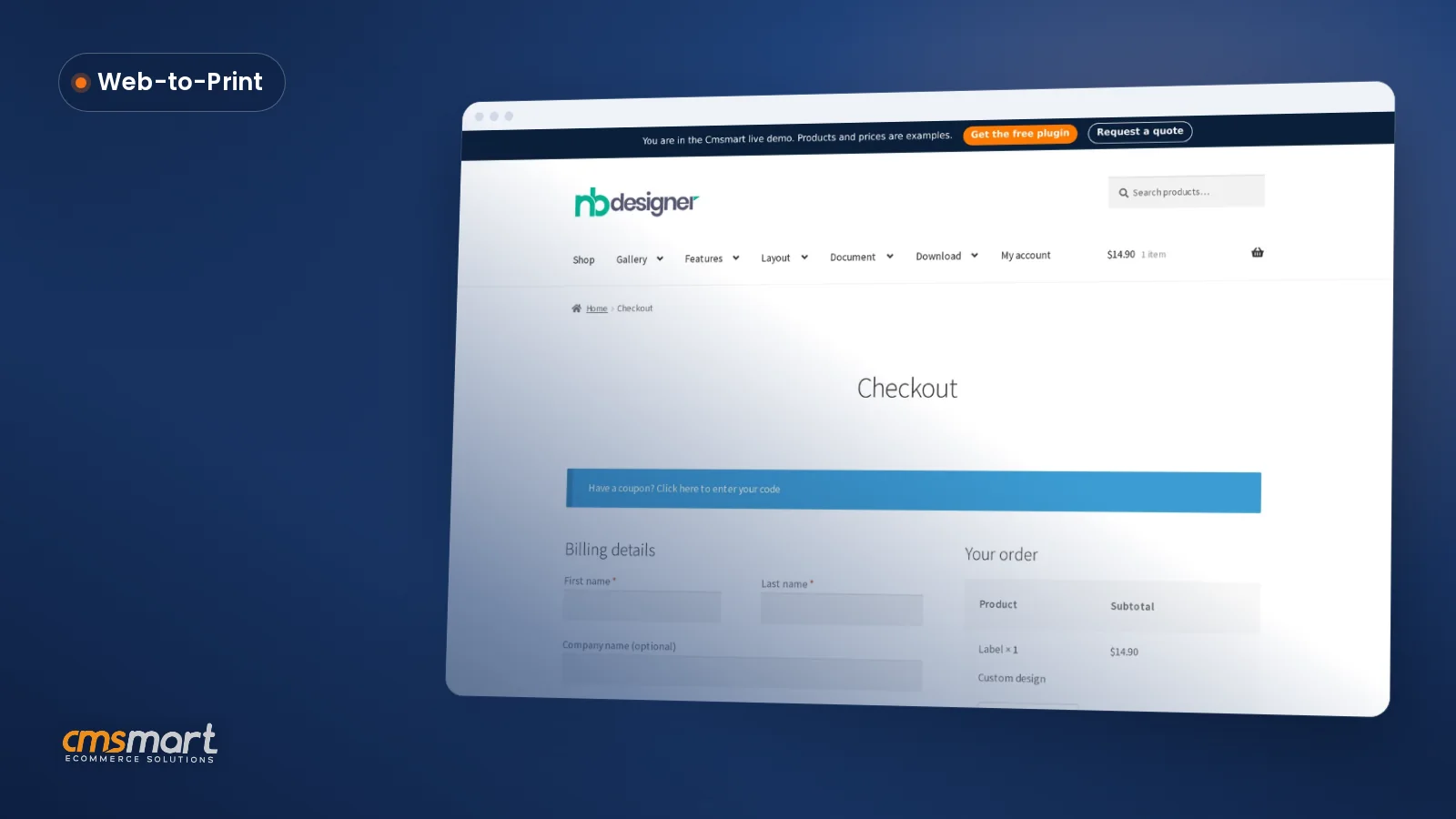
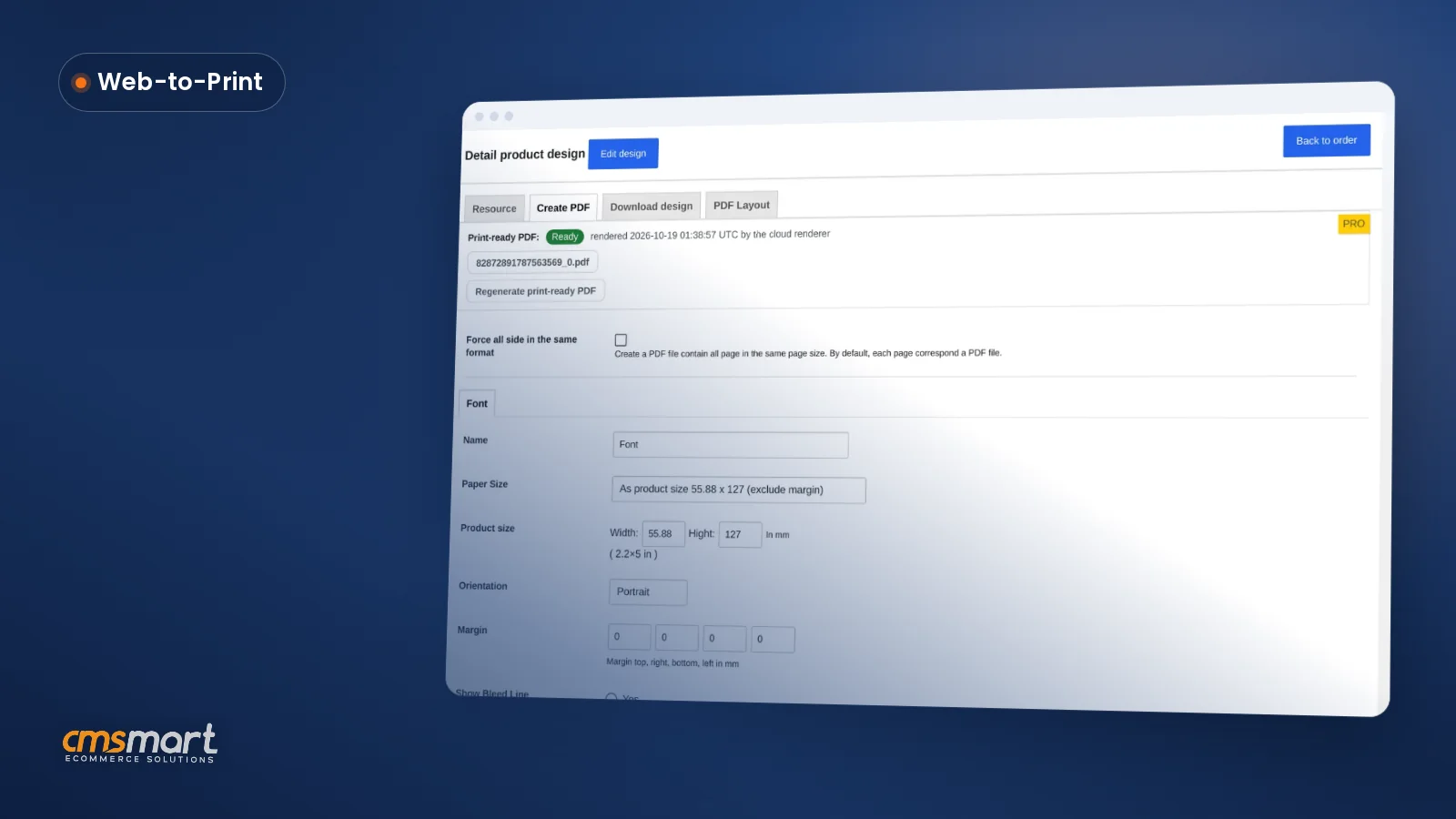
The Delivery Date plugin for WordPress Printshop lets store owners set which days delivery is available, how many hours of advance notice are needed, and how many orders can be scheduled per day. It also sorts WooCommerce orders by delivery date and can auto-fill the next available date for shoppers at checkout.
Was this tutorial helpful?
See also: Cmsmart pricing and Cmsmart products.
← Product Designer Template Store: Start Buyers Faster · How to install the Printshop theme looking like demo with quick start package? →
Written by
Cmsmart Web-to-Print Solutions Consultant
Plans online print storefronts: product setup, pricing rules, proofing and print-ready files.
The team behind it
 Account Manager
 Project Manager
 Business Analyst
 Developers & QA
Case study · Web-to-print
Set up web-to-label printing for product labels with Cmsmart Product Designer: upload, proofing and print-ready PDFs. Get a quote today.
Guide · Web-to-print
See a sourced WooCommerce product designer plugin comparison: pricing, features and print-ready files, then request a free migration quote today.
Guide · Web-to-print
Translate WooCommerce product designer screens with Loco Translate or Frontend Translate: see every setting, its default, and how to set it up.
Browse more guides, tutorials and case studies from the Cmsmart community.
In today's competitive printing industry, having a strong online presence is essential for success. With CMSmart's Printshop Themes, you can elevate your printing business to new heights and stand out from the competition.
Read MoreLearn how to choose an ecommerce design company: compare deliverables, scope, support and source files, then see how Cmsmart quotes a store design.
Read MoreThe print on demand business benefits are real, but only with the right tools in place. See how Cmsmart turns orders into print-ready files. Get a quote.
Read More
Cmsmart Ecommerce provides custom ecommerce and WooCommerce development services for web-to-print, product personalization, plugin support and API integration.
Cmsmart Web-to-Print Solutions Consultant
Plans online print storefronts: product setup, pricing rules, proofing and print-ready files.
Meet the team →


Dear our beloved customers!
Similar to Order upload, Delivery date plugin in WordPress Printshop is also extremely important. It greatly affects your business performance. So, has your website integrated the delivery date feature? This is one of the extremely powerful utilities for business shops. In the article, I will guide you to install this feature in the most detailed way. Invite you to follow along
We believe that the post-purchase customer experience is as important as the acquisition process. That is why we built the Order Delivery Date plugin. It helps you to improve your customer service by delivering the orders on the customer’s specified date.
Outstanding feature of Delivery date plugin in WordPres Printshop
Tutorial video to use delivery date plugin in Wordpress printshop
How to use the Delivery date plugin in WordPress Printshop template?
Hopefully, you have come to see the importance of A. Please equip it today to improve product quality. With the above-detailed instructions, the installation will become much easier. Don't forget to notice the difference before and after integrating the delivery date plugin. Hopefully, the article has brought the most overview for you. If you have any question, feel free to feedback here. I and colleagues are willing to support you.
This is Demo: https://cmsmart.net/wordpress-themes/wordpress-printshop-website-templates-with-online-design-packages?layout=demo#demo And don't forget to use coupon code MAR_DL to get 18% OFF for this item.
Best regards.
Have a nice day!
Frequently asked questions
Can I limit how many orders are delivered on a single day?
Yes, the plugin lets you set a maximum number of deliveries or orders allowed per day, which helps print shops avoid overcommitting production capacity on busy dates.
Does the Delivery Date plugin account for non-working days?
Yes, it applies the minimum delivery time setting around non-working weekdays, so the earliest available delivery date shown to a shopper already skips days your shop is closed.
How does the plugin help staff manage WooCommerce orders?
It adds sorting by delivery date on the WooCommerce Orders page, so staff can view and prioritize upcoming print jobs in the order they are due rather than searching through orders manually.
How do I pay securely?
Contracts and payments go to the company, Netbase JSC: plans are paid through PayPal; services are invoiced by Netbase JSC under a written proposal and paid by bank transfer to Netbase JSC's company account or by PayPal Business. Cmsmart (Cmsmart Ecommerce) is the ecommerce brand of Netbase JSC, a company based in Hanoi, Vietnam.
How do I contact Cmsmart or get a quote?
Message the Cmsmart team on WhatsApp at +84 937 869 689 or email project@cmsmart.net; the contact page at cmsmart.net/contact lists every channel, and Request a quote (cmsmart.net/project-proposal) sends a project brief. Customers with a licence open a ticket from the dashboard.
Further reading