
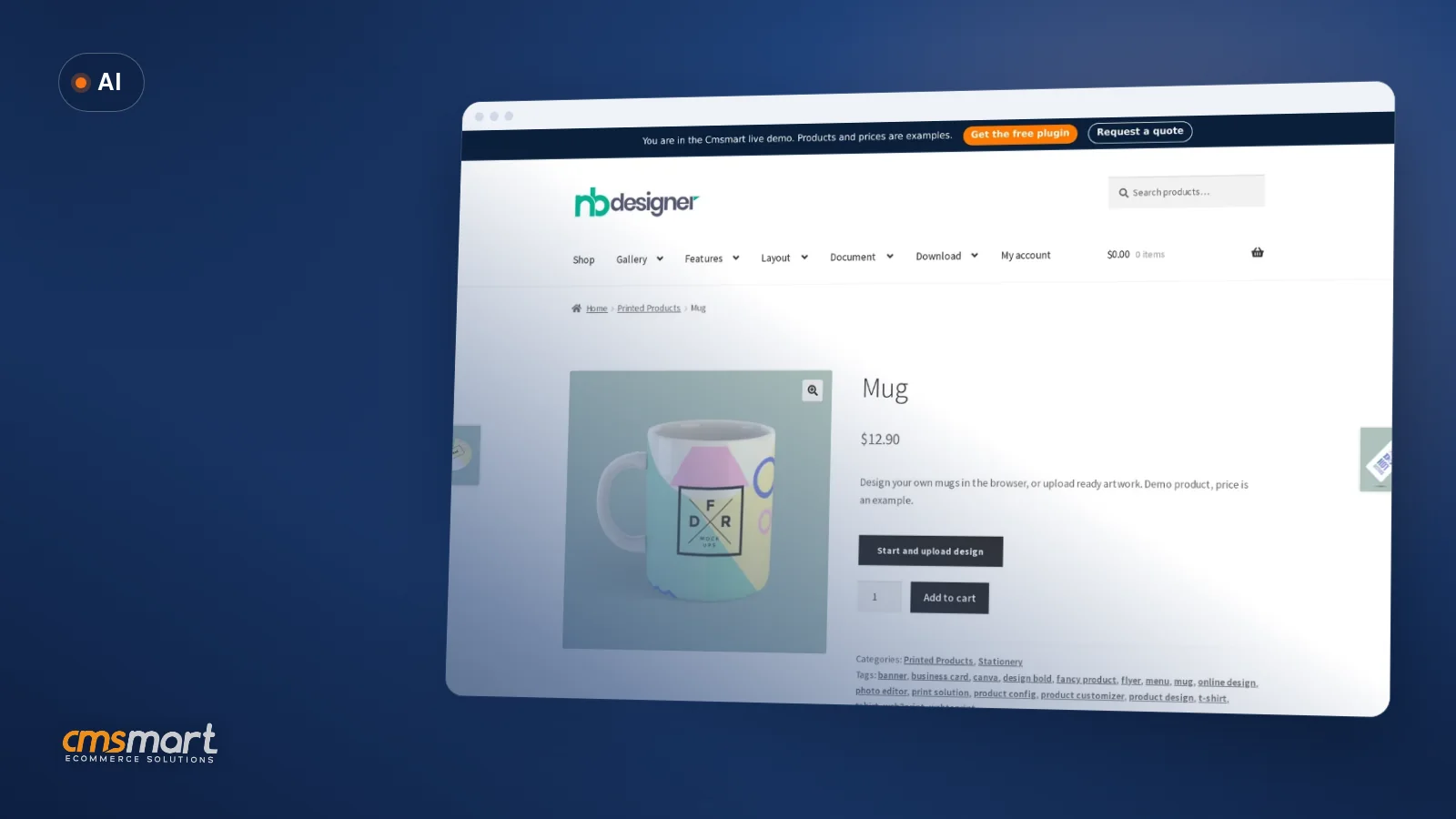
Case study · AI
Animated Filter for Personalized Products
See what an animated filter for personalized products can really do today, then get a custom AI style effect built for your store.
Transform your business with a custom eCommerce website that drives sales and builds customer loyalty. Discover key benefits, expert tips, and tailored solutions to thrive in the digital marketplace.
Was this tutorial helpful?
Written by
Cmsmart Ecommerce Growth & Trends Analyst
Tracks ecommerce trends and turns them into practical moves for growing stores.
The team behind it
 Account Manager
 Project Manager
 Business Analyst
 Developers & QA
Case study · AI
See what an animated filter for personalized products can really do today, then get a custom AI style effect built for your store.
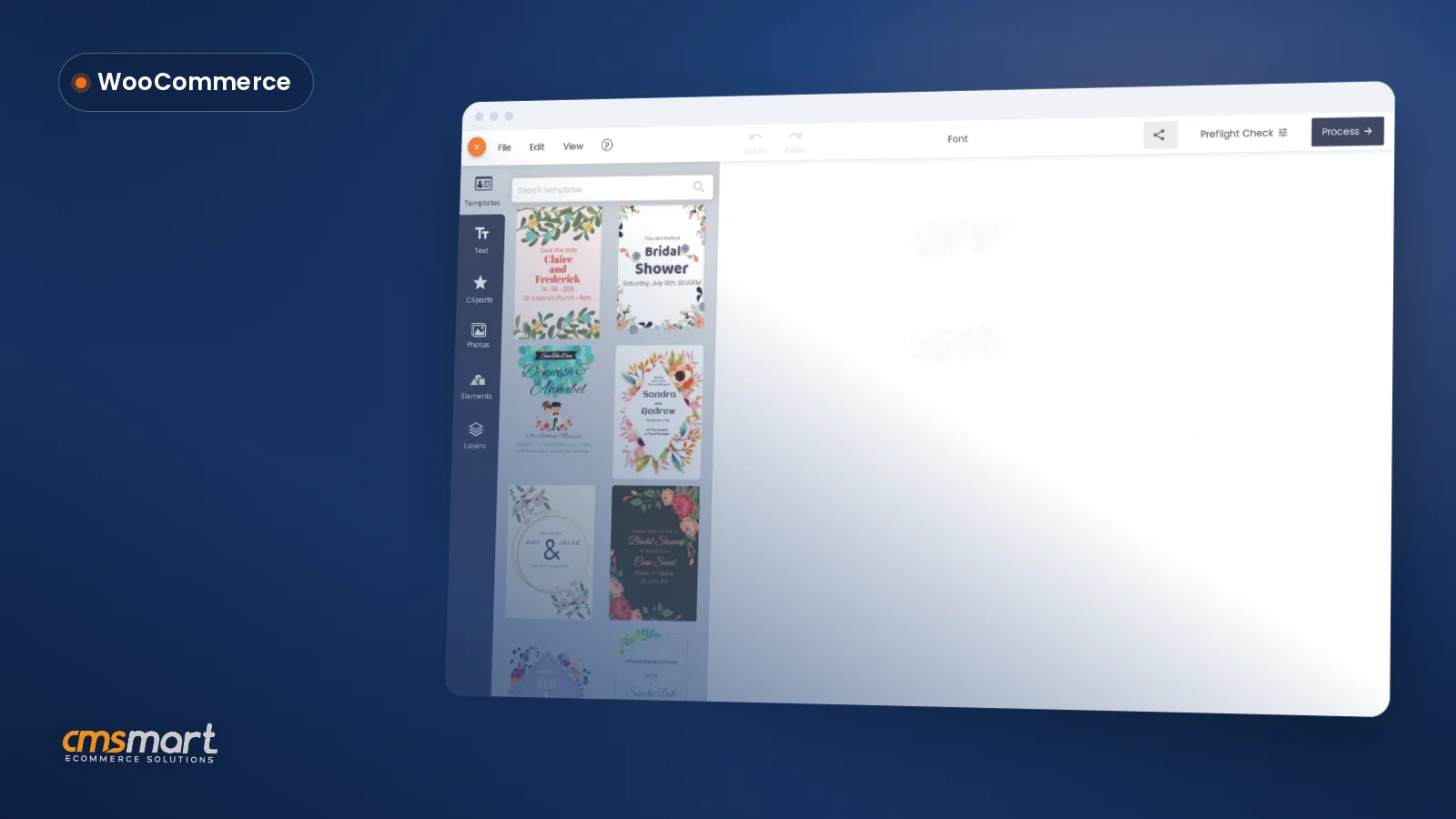
Guide · WooCommerce
See how website design and development work as one build in a real WooCommerce store, then get a custom development quote from Cmsmart.
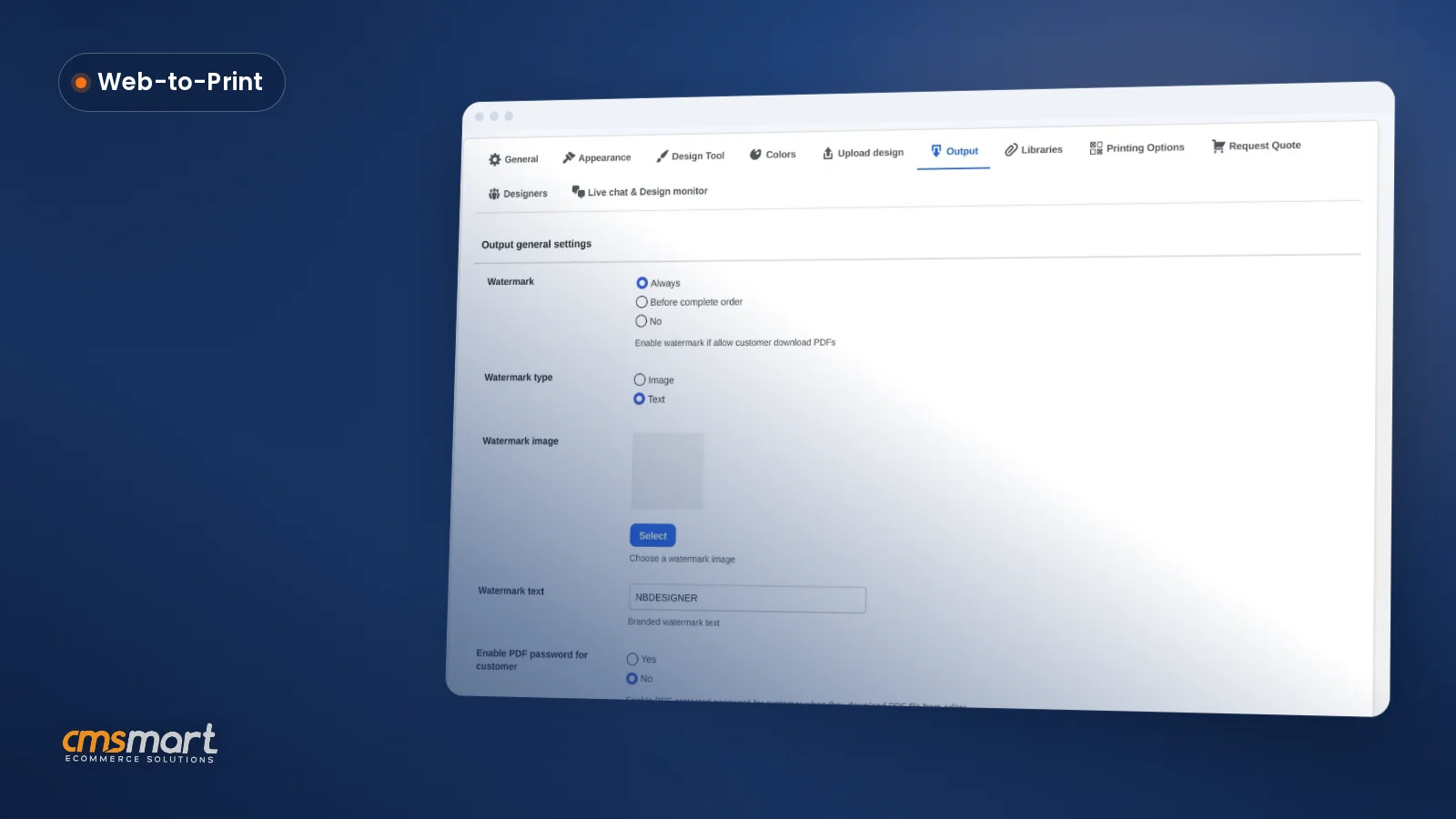
Guide · Web-to-print
See what the print ready PDF output settings WooCommerce screen controls — watermark, password, bleed, FTP sync — and configure yours today.
Browse more guides, tutorials and case studies from the Cmsmart community.
Unlock the Power of Mobile Commerce: Propel Your Business Forward
Read MoreDiscover how to harness mobile commerce to enhance your business growth. Learn strategies for optimizing the mobile shopping experience and increasing consumer engagement.
Read MoreDiscover the benefits of mobile commerce and how it can transform your business. Learn effective strategies for maximizing sales and customer engagement through mobile-optimized shopping experiences.
Read More
Cmsmart Ecommerce provides custom ecommerce and WooCommerce development services for web-to-print, product personalization, plugin support and API integration.
Cmsmart Ecommerce Growth & Trends Analyst
Tracks ecommerce trends and turns them into practical moves for growing stores.
Meet the team →




The global eCommerce market is anticipated to soar past $6 trillion in sales by 2024, which offers tantalizing possibilities for both emerging and established retailers. But thriving in this competitive landscape isn't merely about having great products; it demands a compelling digital presence that can captivate potential buyers and guide them through their purchasing journey. For instance, consider our client, RT Mart, a prominent supermarket chain in Vietnam. Struggling to translate their extensive in-store success to the online realm, they faced significant challenges in engaging customers, enhancing navigation, and reducing cart abandonment. That’s where Cmsmart stepped in with our tailored solutions.
We crafted a custom eCommerce website that not only reflected RT Mart’s brand philosophies but also integrated seamless navigation and advanced features tailored to their target audience. By utilizing our expertise in Web-to-Print solutions and engaging visuals, we transformed their online platform. The result? A remarkable improvement in user engagement and a notable increase in conversions. In this tutorial, you will learn how to create your own custom eCommerce website that elevates your brand's success, unlocks growth, and maximizes profits.
The eCommerce Landscape and Its Pull
Imagine having an online store that efficiently navigates users through your brand and products, converting these routes into soaring profits.Creating a successful digital storefront is not just about having great products; it’s about captivating your audience and guiding them toward making a purchase. E-commerce businesses often grapple with key pain points, such as capturing interest with a compelling homepage, building trust through brand storytelling, ensuring easy navigation with clear categories, persuading customers with detailed product descriptions, mitigating cart abandonment, and facilitating conversions through an optimized checkout process.
Understanding the E-commerce Landscape
Optimize User Experience with Key Strategies
To effectively navigate the online shopping journey, consider these approaches:- Highlight essential information like shipping and payment details prominently to increase customer confidence. - Use interactive call-to-action buttons throughout your web shop to reduce barriers at each buying stage. - Create informative category pages that resonate with your target audience. For more details, check out our guides on optimizing your eCommerce homepage, telling your brands story, and best practices for product pages. In summary: By effectively addressing pain points in the customer journey and implementing actionable strategies, your digital storefront can enhance user experience and drive sales. Next, let’s explore how to create an effective category page to boost product visibility and customer engagement.
Spotlight on eCommerce Website: Anatomy and Optimization
Struggling to capture interest and convert visitors on your eCommerce website? Youre not alone.Many businesses face the challenge of designing an effective online store that translates traffic into sales, while simultaneously building trust and ensuring an intuitive user experience.
Unpacking the Term eCommerce Website
An eCommerce website, often referred to as a digital storefront or online store, serves as your virtual shop, showcasing products and facilitating transactions. Think of it as your web shop that is open 24/7, offering customers the convenience of browsing and buying from anywhere in the world.
The Imperative of eCommerce Website Optimization
Insights into Primary Keywords and Synonyms
Optimizing your website for search engines involves using relevant terms that potential customers might search for. Employing synonyms and LSI (Latent Semantic Indexing) keywords such as:
Incorporate these keywords naturally within your content, especially on the homepage and product pages, to enhance visibility and attract traffic. Additionally, ensure your call-to-action buttons are clear and encourage users to complete purchases.
Wrapping It Up
In summary, optimizing your eCommerce website is essential for capturing interest, building credibility, and enhancing user experience. As you work on these foundational elements, dont miss our upcoming sections that delve into specific tactics like optimizing your eCommerce homepage, telling your brands story, and understanding best practices for product pages. Lets continue this journey towards maximizing your online store’s potential and driving conversions effectively!The Power of Your eCommerce Homepage
Case Studies: Successful eCommerce Homepage Designs
Observing successful eCommerce stores can offer valuable insights. For instance, Warby Parkers homepage rapidly engages users with a straightforward layout that highlights their product categories and includes a compelling story about their brand. To explore more successful strategies, consider examining our guide on optimizing your eCommerce homepage. In summary: Your eCommerce homepage is crucial for turning visits into sales. By following best practices in user experience and storytelling, you can create a site that captures attention and fosters trust. Up next, we will explore how to effectively create category pages that further enhance your customer’s journey. Is your eCommerce homepage not converting visitors into customers? You’re not alone.Many online businesses struggle with capturing interest and turning casual visitors into loyal customers. A well-optimized homepage can serve as your digital storefront’s most powerful selling tool, addressing issues like trust, navigation, and conversion rates.
Role and Importance of a Homepage
Your homepage is akin to a storefront window, providing the first impression of your brand.- Communicates your brands message effectively
- Showcases product categories intuitively
- Includes call-to-action buttons to guide users
A captivating homepage layout can significantly reduce cart abandonment and facilitate smoother checkout processes.Strategies for Optimizing Your eCommerce Homepage
Optimizing your homepage involves crafting a user experience that invites exploration. Here are some actionable tips:Telling Your Brand's Story through the About Page
Telling your brands story is vital for engaging your audience and converting sales.An effective About page can be the key to building trust and connecting emotionally with your visitors, ensuring that they navigate your digital storefront with ease and confidence.
The Essence of an About Page
Your About page should resonate with your brands message while reflecting your core values. Its an opportunity to tell your unique story and inform potential customers about your mission. Here’s how you can create a compelling About page:Crafting an About Page That Builds Trust
A well-constructed About page fosters trust, which is crucial for overcoming cart abandonment. Here are some actionable tips:Incorporating LSI Terms for SEO Boost
Using synonyms and LSI (Latent Semantic Indexing) terms enhances your SEO strategy and improves visibility. Consider using phrases like "online store," "digital storefront," and "user experience" naturally within your content. Example LSI terms to include:- Product categories
- Web shop
- Secure online payments
- Shipping and payment information
For more detailed insights about optimizing your website, check our guide on how to create an effective category page and learn best practices for product pages, ensuring users find what they need effortlessly. In summary: Crafting an engaging About page that reflects your brand’s story builds credibility and trust with your audience. Next, let’s dive into the importance of optimizing your eCommerce homepage for superior user experience.Mastering Category Page Setup: The Art of Navigation
Struggling to create a navigable and engaging online store? You’re not alone.Many businesses experience the challenge of capturing customer interest and guiding them effectively through their digital storefront. Clarifying your product categories can significantly improve user experience, reduce cart abandonment, and ultimately boost conversions.
Understanding the Category Page Materiality
Creating well-structured category pages is essential for any e-commerce website. Here’s what you should focus on:The Importance of Well-Organized Category Pages
Organizing your products into clear categories serves several purposes:Tips and Tricks for Creating Effective Category Pages
To optimize your category pages further, consider the following strategies:- Utilize subcategories for an organized structure that helps users dive deeper into specific sections
- Incorporate quality images and concise descriptions for each product category
- Keep updating and refining category organization based on user behavior and feedback
For more insights, check out how to optimize your eCommerce homepage, or learn about best practices for product pages to enhance your online stores performance. In summary: A strategic approach to setting up your category pages can lead to improved navigation, user satisfaction, and ultimately higher sales. Next, let’s delve into the best practices for your product pages to further enhance your e-commerce success.Product Pages that Sell: A Balance of Information and Persuasion
Are you struggling to make your product pages truly sell? You’re not alone.Many online retailers grapple with the challenge of designing product pages that inform and persuade, ultimately leading to increased sales and reduced cart abandonment rates.
Significance of a Product Page
Creating effective product pages is vital for your online stores success. These pages serve as the backbone of your digital storefront, where visitors decide whether to make a purchase. A well-optimized product page can significantly enhance user experience and boost conversion rates. Consider these key elements:Designing Product Pages that Convert
Effective design goes hand-in-hand with persuasive content. Ensure your product pages have:Effective Use of Secondary Keywords and LSI Terms
Integrating synonyms and LSI (Latent Semantic Indexing) keywords within your product descriptions can significantly enhance SEO. Use phrases like "web shop," "digital storefront," and "shipping information" throughout your content. To optimize your product pages, consider including keywords that align with user intent, such as:- Customizable T-shirts
- Eco-friendly packaging options
- Fast shipping services
Incorporating these strategies not only helps reduce cart abandonment but also secures conversions through a smooth checkout process. In summary: By balancing information and persuasion on your product pages, you’ll create engaging experiences that lead to sales. Next, let’s dive into how to optimize your eCommerce homepage for even better user engagement and brand storytelling.Reducing Cart Abandonment: Examining the View Cart Page
Struggling with high cart abandonment rates? Youre not alone.Many online retailers find themselves frustrated as they watch potential customers leave their web shop without completing a purchase.
Why Visitors Abandon Carts and How to Counter This
Understanding the reasons behind cart abandonment is crucial for improving sales. Common factors include:- Unexpected shipping costs at checkout
- Account creation requirements before purchase
- Poor website navigation and user experience
- Uncertainty about payment security
- Technical glitches during the checkout process
By addressing these pain points, you can create a smoother purchasing journey.Managing the View Cart Page
Your view cart page serves as a critical point in the shopping experience. To enhance its functionality, consider the following tips:Best Practices for Shopping Cart Design
To encourage conversions effectively, always design your shopping cart with user experience in mind. Key aspects include:- Minimalistic design that avoids clutter
- Mobile-friendly layout for on-the-go shopping
- Visual cues for items removed or added to the cart
- Clear and quick navigation options back to product categories
In summary: Reducing cart abandonment is essential for maximizing your eCommerce revenues. By strategically managing the view cart page and applying best practices in design, you can significantly decrease abandon rates. Next, let’s explore streamlining the Checkout Page to further enhance your sales conversion.Securing Conversions through an Optimized Checkout Page
Struggling to secure conversions in your online store? Youre not alone.Many digital storefronts encounter the challenge of shopping cart abandonment and low conversion rates despite having a well-designed homepage and product pages.
Understanding the Checkout Process
The checkout process is a critical stage where potential sales can either be made or lost. To streamline the experience and encourage users to complete their purchases, it’s essential to address the steps involved:Improving the Checkout Process to Minimize Abandonment
To reduce cart abandonment and enhance user experience, consider the following actionable strategies:Importance of Shipping and Payment Information
Shipping and payment details are often perceived as hurdles in the checkout journey. Addressing them effectively can make your checkout process more inviting:- Clearly display shipping costs and delivery times upfront.
- Use trusted payment gateways to build customer trust.
- Offer a secure checkout environment to reassure customers.
By optimizing each stage of your checkout process, you can effectively capture interest, build trust, and secure conversions in your online store. In summary, focusing on the checkout experience is key to overcoming abandonment challenges. Next, let’s learn about optimizing the eCommerce homepage and how to effectively tell your brands story. For more strategies, check out our pieces on optimizing the eCommerce homepage and streamlining the Checkout Page.Leveraging a Subscription Form for Customer Retention
Struggling to keep your customers engaged and loyal? You’re not alone.Many online stores face the challenge of customer retention, often losing potential sales due to ineffective communication and engagement strategies.
The Role of a Subscription Form in eCommerce Solutions
Implementing a subscription form can drastically enhance your customer retention by allowing you to reconnect with visitors after they leave your site. A well-placed subscription form gathers valuable email addresses, enabling you to nurture relationships with potential buyers and keep your brand at the forefront of their minds. This tool is essential for building a solid digital storefront.Building a Subscription Form That Converts
Creating an effective subscription form is vital for maximizing conversions. Here are some actionable tips to consider:Growing Your Email List with an Effective Subscription Form
Once you’ve built your subscription form, the next step is leveraging it to grow your email list effectively. Here are some strategies to boost sign-ups:- Utilize pop-ups and slide-ins for increased visibility
- Incentivize sign-ups with content upgrades, discounts, or freebies
- Promote the benefits of joining your email list on social media and other platforms
In summary, leveraging a subscription form is a crucial aspect of customer retention in eCommerce. By implementing these strategies, you can create an engaging experience that encourages visitors to stay connected with your brand. Transitioning to the next section, we will explore optimizing your eCommerce homepage to capture interest seamlessly, ensuring easy navigation, and telling your brands story compellingly. For more details about enhancing your online presence, check out our articles on optimizing your eCommerce homepage, telling your brands story, and more.Navigating Pain Points in eCommerce Website Optimization
Struggling to optimize your eCommerce website effectively? Youre not alone.Many online store owners grapple with issues like capturing customer interest with their homepage, building trust through compelling brand storytelling, and ensuring smooth navigation for a positive user experience.
Addressing Common Pain Points
Evaluation and Monitoring of Optimization Strategies
Regularly assess the effectiveness of your optimization strategies through analytics and customer feedback. Monitor key performance indicators such as:- Page loading speed
- User engagement rates
- Conversion rates
- Abandonment rates at checkout
Utilizing tools like Google Analytics can provide valuable insights into customer behavior and identify areas for improvement.Implications of Not Addressing These Pain Points
Failing to focus on these critical areas can lead to decreased customer trust and lost sales. Here’s what can happen:- Increased cart abandonment rates leading to reduced sales revenue.
- Poor user experience causing high bounce rates.
- Negative brand perception impacting long-term customer relationships.
By addressing these issues proactively, you ensure a better shopping experience for your customers, fostering loyalty and repeat business. In conclusion, clearly addressing pain points in your eCommerce optimization process is vital for improving user experience and boosting sales. Next, well explore more about optimizing your homepage, uncover effective techniques for telling your brands story, and discuss how to create an impactful category page.Frequently Asked Questions
Struggling to enhance your eCommerce websites performance? You’re not alone.Many online businesses grapple with the challenges of capturing interest, building trust, and ensuring seamless navigation to drive sales effectively.
Frequently Asked Questions About eCommerce Website Optimization
How can I improve my online stores loading speed?
What role does mobile optimization play in eCommerce?
With over 54% of all eCommerce sales occurring on mobile devices, its crucial to ensure your digital storefront is mobile-friendly.
How can I reduce cart abandonment rates?
What are the best practices for product pages?
How important is storytelling for my brand?
Your brands message is vital in establishing a connection with customers. Share your story to build trust and relatability with your audience.
How do I create an effective category page?
- Organize products logically to enhance user experience.
- Use filters and search functionalities to aid navigation.
- Feature popular products or special offers prominently to attract interest.
In summary: Streamlining your eCommerce site requires attention to homepage engagement, trust-building through storytelling, and optimization of product and category pages. Up next, lets dive into how to optimize your eCommerce homepage, effectively communicate your brands story, and ensure your checkout process is seamless. For further insights, check out our guides on best practices for product pages, managing the View Cart Page, and streamlining the Checkout Page.Further Reading
As we wrap up this tutorial on elevating your success with a custom eCommerce website, remember that your journey toward increased profits starts with leveraging the powerful strategies discussed. By implementing captivating visuals, compelling brand storytelling, and a streamlined checkout process, you pave the way to transform your online store into a sales powerhouse. Now, let’s work together to bring your vision to life! Don’t hesitate to reach out to David, our CEO, through WhatsApp for personalized advice, or contact me via email for in-depth consultations. If you’re ready to take further action, you can request a quotation today. Let’s discuss how we can help you implement these strategies and unlock your growth potential!