
Guide · WooCommerce
How to Choose an Ecommerce Design Company: 8 Questions
Learn how to choose an ecommerce design company: compare deliverables, scope, support and source files, then see how Cmsmart quotes a store design.
Website design shapes what visitors see and trust: the storefront, product pages and on-page experience. Website development makes it work: pricing, checkout, order data and print-ready output. For an online store, the two work best as one coordinated build with a scoped brief, a design system, a WooCommerce build and a test pass across devices before launch.
Was this tutorial helpful?
See also: Cmsmart pricing and Cmsmart products.
Written by the Founder & CEO
Huy Nguyen (David), Founder & CEO
Huy Nguyen (David) is the Founder & CEO of Cmsmart Ecommerce, a division of Netbase since 2012. His focus is strategic planning and customer success: helping online stores choose the right platform, tools and AI approach for their business. He writes the Cmsmart strategy, AI, business and comparison guides and is happy to talk directly with store owners.
For support and project requests, please open a ticket in your dashboard — the official channel.
More from David →The team behind it
 Account Manager
 Project Manager
 Business Analyst
 Developers & QA
Guide · WooCommerce
Learn how to choose an ecommerce design company: compare deliverables, scope, support and source files, then see how Cmsmart quotes a store design.
Case study · Web-to-print
Product personalization software for WooCommerce lets shoppers customize templates on the product page, then get a custom design quote from Cmsmart.
Case study · Web-to-print
Set up an artwork approval workflow for WooCommerce: buyers confirm designs, Cmsmart locks the file, and print-ready PDFs generate automatically.

Cmsmart Ecommerce provides custom ecommerce and WooCommerce development services for web-to-print, product personalization, plugin support and API integration.
Huy Nguyen (David), Founder & CEO
Writes about ecommerce strategy, AI and the business decisions behind online stores.
Meet the team →


In short
Website design and website development are not interchangeable line items on a quote. Design decides whether a visitor trusts your store enough to start buying; development decides whether that purchase actually completes, prices correctly and reaches production without someone fixing it by hand. Stores that treat the two as one coordinated build, instead of a mockup handed to a developer after the fact, ship fewer broken product pages and fewer orders that need a human to untangle before they can ship.
Why does splitting design from development cost online stores sales?
Cmsmart treats website design and development as one engagement, because a store built by two disconnected teams usually leaks revenue at the handoff point: a pixel-perfect mockup with no pricing logic behind it, or working checkout logic with no finished product page to put it on.
The pain shows up in a handful of familiar places:
You can put a number on the first two with your own figures: if your team spends H hours a week answering "how much would this cost" emails at a loaded hourly rate of R, that's roughly H × R × 52 a year spent doing a job a price matrix, built once as part of the same project as the product page, can do in seconds. Add to that a wider industry signal: the average cart abandonment rate across dozens of studies sits above 70% (Baymard Institute, 2025). Not all of that is a design/development seam — but a product page that promises a look the checkout can't actually price or produce is one more reason a visitor leaves before paying.
Cmsmart insight: the stores that struggle most are rarely the ones with dated visuals. They're the ones where the product page promises a price or a finish the checkout and production flow can't actually deliver, because design and development were never pointed at the same price matrix.
What does it look like when design and development work as one?
On a Cmsmart build, a visitor configures a product, watches the price update live and pays, because the same project defined how the product page looks and how the pricing and output logic behind it works — not two efforts bolted together after launch.
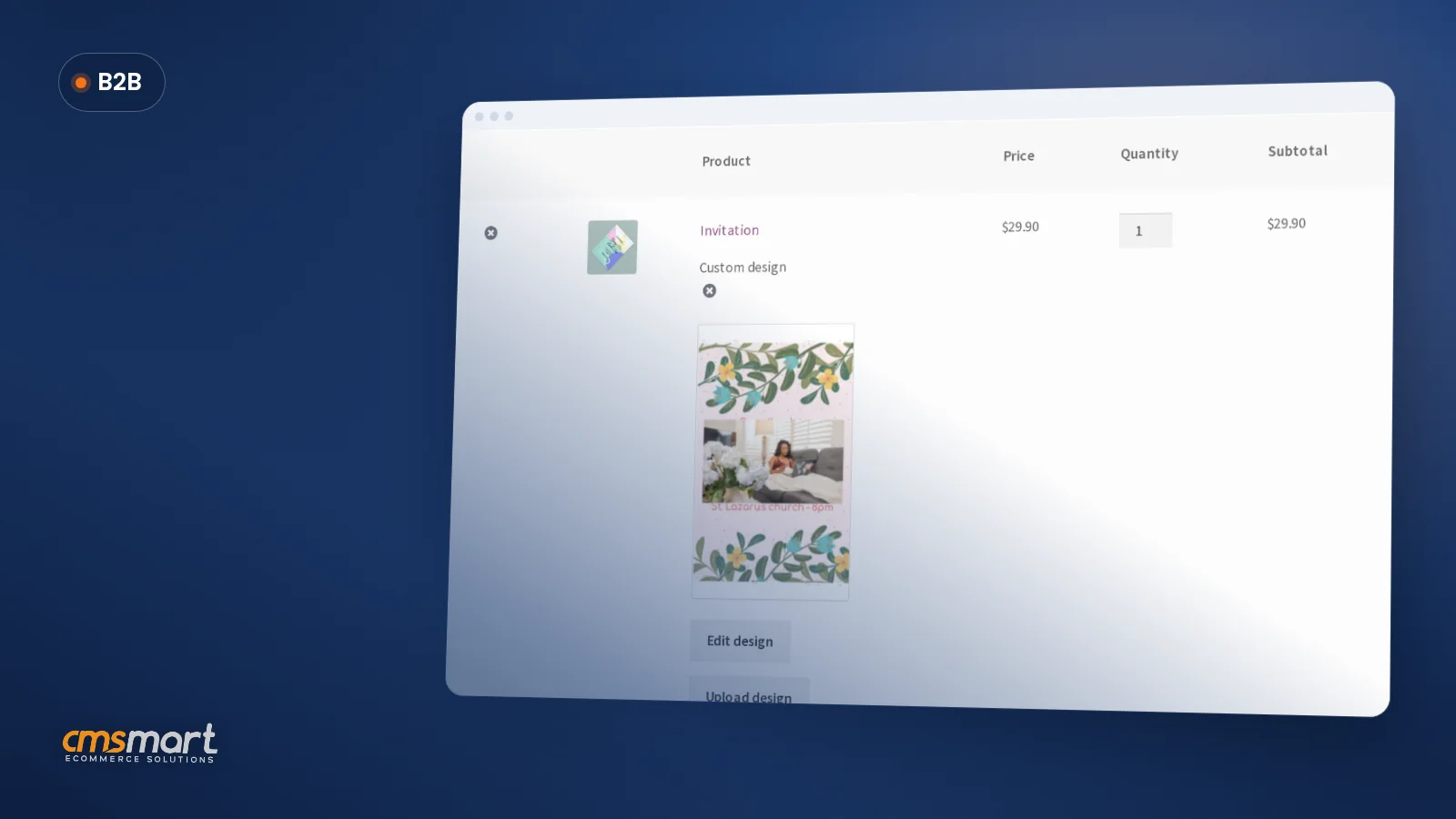
Example scenario: a visitor opens your store at 10pm, picks an invitation template, swaps in their own wording and colors, watches the price update as they change paper stock and quantity, adds it to the cart and pays. By morning, the order sits in your back office with a print-ready file already attached — no email exchange, no manual quote, no one re-typing the order into a second system.
Behind that same button sits the development side: an online designer that loads the right templates for that product, saves the finished artwork against the order, and hands pricing and production the data they need.
How does Cmsmart combine design and development in one build?
Cmsmart scopes website design and development as a single architecture: a storefront and product experience (design), a configuration and pricing layer (shared), and an order, approval and print-ready output pipeline (development) — built and tested together instead of in sequence.
Six building blocks make up that architecture:
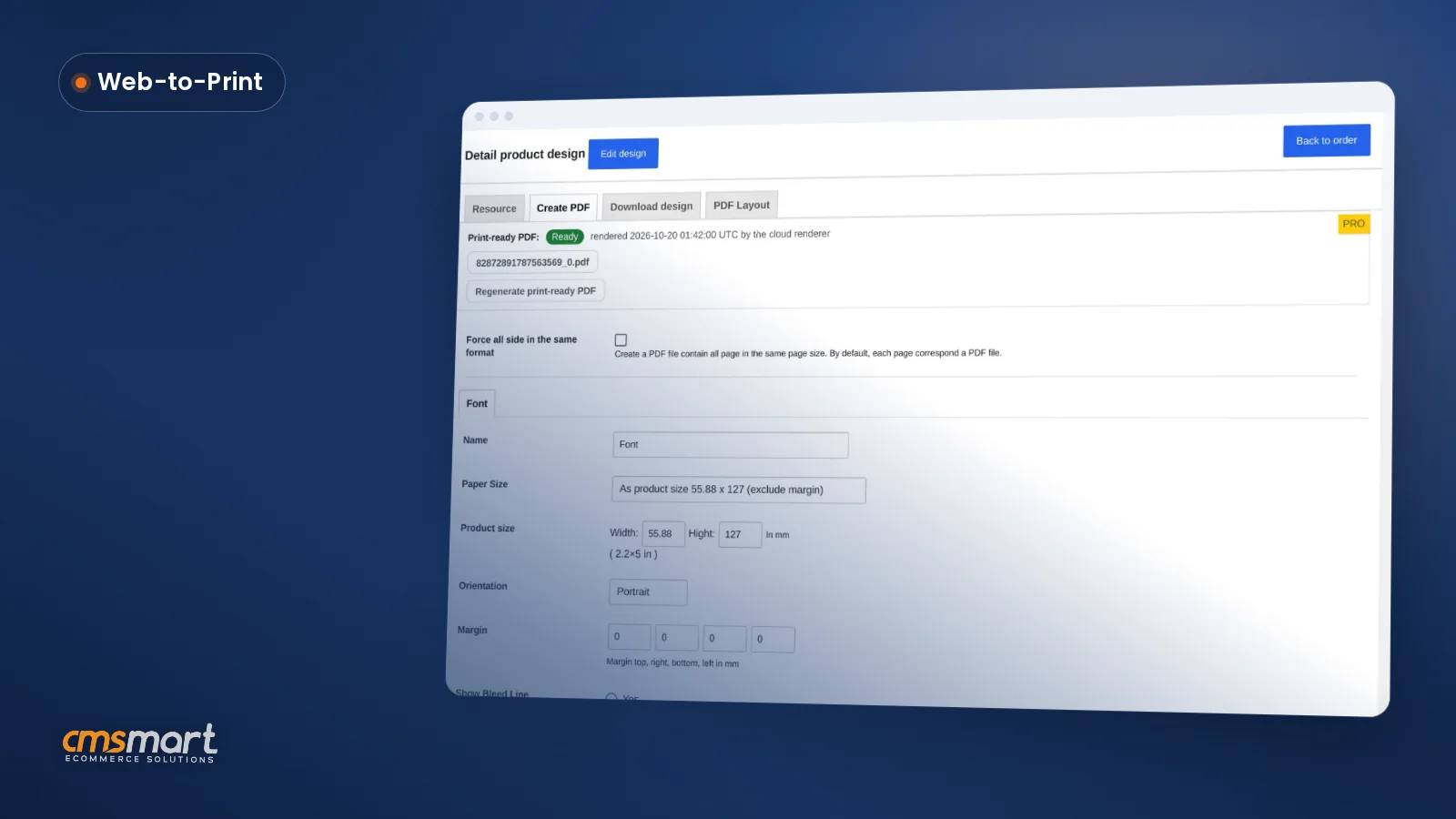
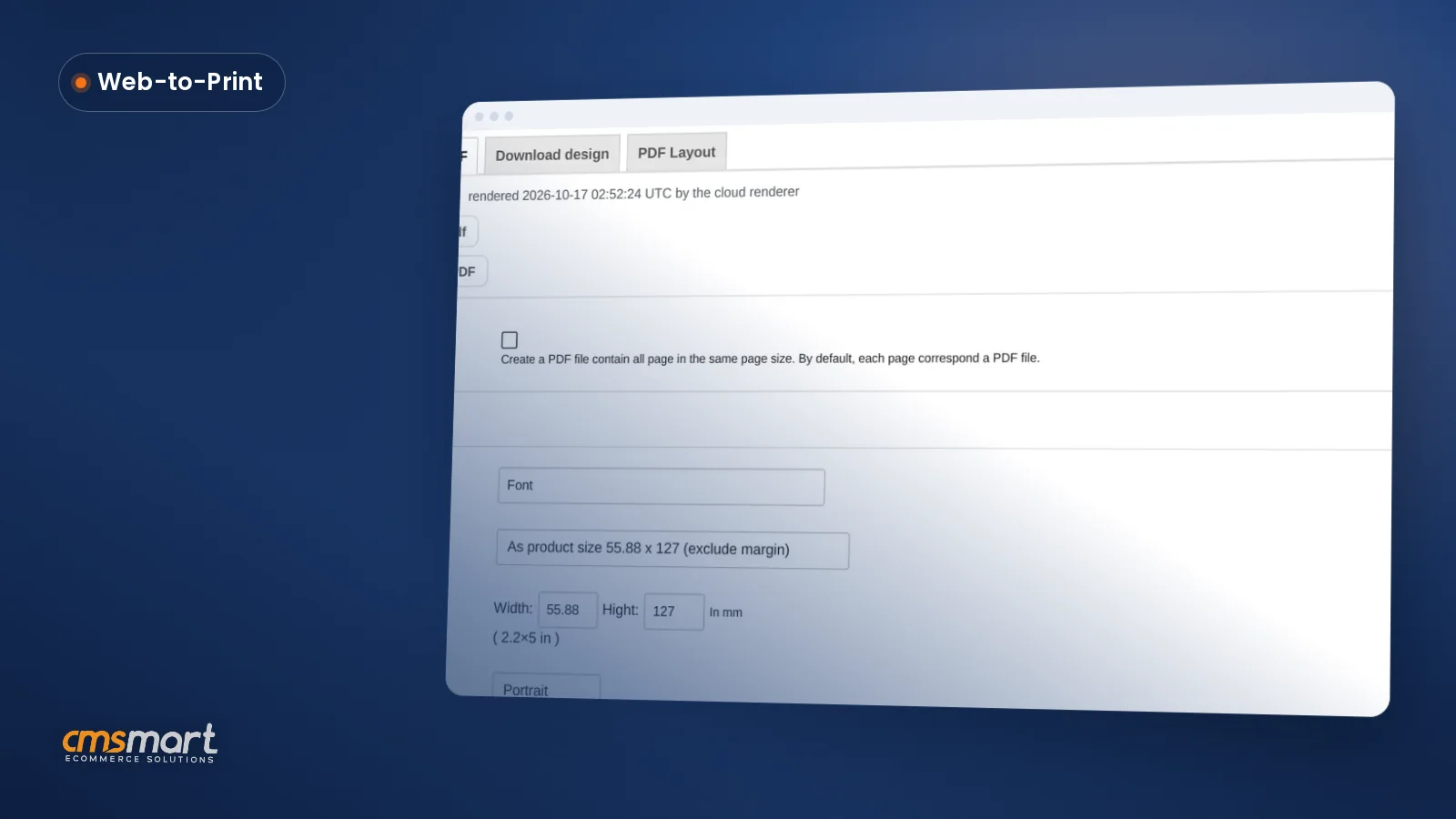
One named innovation worth knowing: since version 2.17, the print-ready PDF that matches the order uses the same page geometry — including a buyer's own custom width and height — as the admin's manual "Create PDF" action, so the automatic file and the one a staff member builds by hand are no longer two different files. The same release added the approved-artwork lock, which refuses a save over an approved design instead of silently letting an edit slip past proofing.
Note: every row above ships free with the plugin except AI preflight, which draws from the paid Cmsmart AI token wallet rather than being bundled at no extra cost.
What's the ROI of getting design and development right together?
Cmsmart's combined design-and-development builds pay back through fewer manual quotes, fewer reprints and a shorter gap between "paid" and "in production" — mechanisms you can track with your own numbers, not a promised percentage.
Quick ROI worksheet (use your own numbers):
How to set up a store where design and development work together
Cmsmart configures the storefront, the designer and the production settings as one sequence, so the product page you launch with is already backed by a price matrix, an approval step and a print-ready output — not a separate project started later.
Cmsmart insight: test the buyer path on a phone before you test anything else. A design that only works at desktop width breaks the moment a mobile shopper tries to configure a product, and mobile is most stores' largest share of traffic.
What can Cmsmart build beyond standard design and development?
Where a store's needs go past a storefront and a standard designer, Cmsmart builds the rest as custom development — headless frontends, ERP integrations, custom quoting and production tools scoped to the business rather than squeezed into an off-the-shelf flow.
Common extensions we scope as custom development, each starting from a real business reason:
The delivery approach is the same for all of them: discovery, solution design, build in sprints, QA, launch, then ongoing support — the same model behind Cmsmart's published ecommerce project case studies. New stores often start with Cmsmart's store setup and preset installation service before adding custom features.
Scope my design and development project
Why work with Cmsmart for your website design and development?
Cmsmart has delivered website design and development as one discipline since 2012 as a Netbase JSC division, with the plugin captures in this guide drawn from the same product its client stores run today.
One recent Trustpilot review, from a web developer client who has run the plugin for three years: "It is wonderful to see their commitment to continuous development, with new features being added frequently to keep the software current and highly capable. […] the level of support is outstanding." — Web Developer, Trustpilot.
Browse related builds on Cmsmart Projects, or see our web-to-print solutions and Cmsmart Product Designer plugin page for the tool behind the captures in this guide.
Related reading: Top eCommerce Web Design Companies and Best Ecommerce Web Development Services.
Frequently asked questions about website design and development
What's the actual difference between website design and website development?
Design covers the look, layout and user experience of a site — what a visitor sees and how they move through it. Development covers the code that makes it function: checkout, pricing logic, databases and integrations. Most online stores need both, and the two work best when planned as one project rather than two separate hires.
Do I need both design and development, or can I start with just one?
A simple catalog site can launch with design-led templates and light configuration. The moment you sell configurable or personalized products — where price, layout or production depend on what a buyer chooses — you need development work behind the design, even if it's a plugin like Cmsmart Product Designer rather than a build from scratch.
How long does a combined design-and-development project take?
It depends on scope: a store built around Cmsmart Product Designer with a standard price matrix is a much shorter project than a custom quoting system or a headless storefront. Cmsmart scopes timelines during discovery, before any build work starts.
Can Cmsmart redesign or extend an existing WooCommerce store instead of building from scratch?
Yes. Many Cmsmart projects start from an existing WooCommerce store and add or rebuild the design and development pieces that are missing — a configurable product experience, a price matrix, or an integration — without discarding what already works.
Does the Cmsmart Product Designer plugin replace the need for custom development?
It covers the online designer, price matrix, approval step and print-ready output out of the box. Anything beyond that — ERP sync, custom quoting rules, 3D previews, gang-sheet production tools — is scoped as custom development on top of it, never claimed as something the standard plugin already does.
Can Cmsmart connect our store to our ERP or print production system?
Yes, as custom development. Cmsmart builds the integration layer between WooCommerce, the designer and your ERP, MIS or print-production system so orders and status sync without manual re-entry.
Ready to build design and development as one project? Scope a store where the look, the pricing and the production file all come from the same build.
Get my design and development quote or see Cmsmart Product Designer for the plugin behind the captures in this guide.
What should a brief for a combined design and development project include?
Include your goals, products and pricing rules, the pages you need, the systems the store must connect to and examples of sites you like. Add who approves design and who tests functions. A brief that covers both sides lets designers and developers plan the same store from the start.
How do you test a store before launch when design and development are done together?
Place real test orders on desktop and mobile, check that prices, taxes and shipping match the design, and confirm each order reaches the back office with the right data. Fix layout and logic issues in the same pass so neither team has to rework the other's changes.
What is ecommerce website development?
Ecommerce website development builds the working parts of an online store: the product catalogue and options, pricing rules, cart and checkout, payments, shipping and tax, customer accounts, order data and links to other systems such as an ERP. It turns the approved design into a store that takes real orders. Cmsmart offers ecommerce website development on WooCommerce, quoted per project.
Can an online store be built with Material Design?
Yes. Material Design is a design system from Google with rules for layout, colour, type and components, and a store's buttons, forms and product cards can follow it. Adapt it to your brand rather than copying the default look, and test the checkout on real phones, because a familiar pattern only helps when buyers still find prices and actions quickly.
How do I pay securely?
Contracts and payments go to the company, Netbase JSC: plans are paid through PayPal; services are invoiced by Netbase JSC under a written proposal and paid by bank transfer to Netbase JSC's company account or by PayPal Business. Cmsmart (Cmsmart Ecommerce) is the ecommerce brand of Netbase JSC, a company based in Hanoi, Vietnam.
How do I contact Cmsmart or get a quote?
Message the Cmsmart team on WhatsApp at +84 937 869 689 or email project@cmsmart.net; the contact page at cmsmart.net/contact lists every channel, and Request a quote (cmsmart.net/project-proposal) sends a project brief. Customers with a licence open a ticket from the dashboard.