

Guide · WooCommerce
WooCommerce Mobile Checkout: Fix the Drop-Off
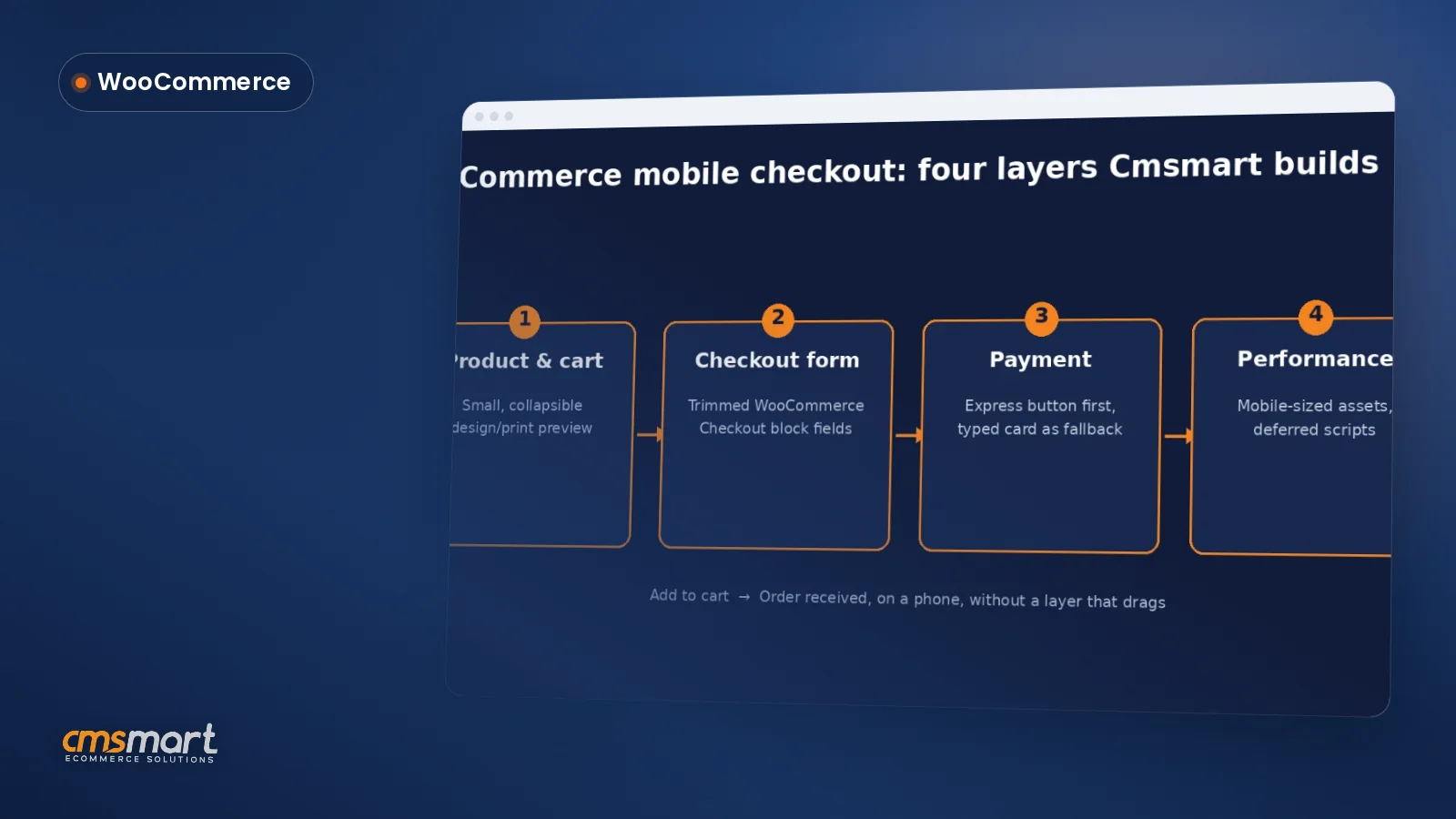
Fix your WooCommerce mobile checkout before shoppers bounce: cut fields, add express pay, speed up pages, and request a custom build quote today.
WP Appointment helps you to book an appointment easily and in the most detailed way. Please follow the following tutorial.
Table of contents
Was this tutorial helpful?
Written by
Cmsmart WooCommerce Development Lead
Leads custom WooCommerce builds: architecture, checkout, performance and integrations.
The team behind it
 Account Manager
 Project Manager
 Business Analyst
 Developers & QA
Guide · WooCommerce
Fix your WooCommerce mobile checkout before shoppers bounce: cut fields, add express pay, speed up pages, and request a custom build quote today.
Guide · WooCommerce
Plan a WooCommerce HPOS migration that keeps checkout, plugins and reports working. Get Cmsmart's step-by-step guide and request a quote today.
Guide · WooCommerce
Use this WooCommerce speed optimization checklist to fix Core Web Vitals, hosting, caching and images — then request a performance review from Cmsmart...
Browse more guides, tutorials and case studies from the Cmsmart community.
Choosing and sticking to a unique theme idea for the interiors of your cafe has the ability to promote your business in ways you never thought. Working on your online coffee shop is just as important. Having an attracting and pretty online café presence ot only will it
Read MoreProduct labels take the desired action, which leads them to buy the product and hence results in a higher conversion rate. You don’t have too much time and there’s no salesperson to tell you what’s ‘popular’. That’s where product labels come in
Read MoreFully customizable WP Appointment, you can easily change colors, labels, time slot layout without knowing HTML and CSS. Our product integrates with your website to give your customers a nice booking experience.
Read More
Cmsmart Ecommerce provides custom ecommerce and WooCommerce development services for web-to-print, product personalization, plugin support and API integration.
Cmsmart WooCommerce Development Lead
Leads custom WooCommerce builds: architecture, checkout, performance and integrations.
Meet the team →




With this WordPress scheduler plugin, your customers can easily book class schedules from anywhere from your website. They can search, view all your services, and choose the service that best suits them. No need for any call or meeting for the appointment. Besides, this plugin allows your customers to easily determine the time, duration, and view details of service-related information.
Your customer can easily use WP Appointment with steps below:
Click here to view clearly How to Make an Appointment Booking System?
You can refer to the video tutorial below:
Who use this appointment plugin?
SALON & BEAUTY BOOKING: Hair Salons, Nail Salons, Cosmetology Centers, Tanning Studios, Barbershops
HEALTH & WELLNESS BOOKING: Wellness, Spa & Massage, Aromatherapy, Baths; Aromatherapy, Spa, Ayurvedic Care Centers, Physiotherapy, Acupuncture, Chiropractic Care
MEDICINE & CLINICS APPOINTMENT: Doctors, Dentists, Medical Centers, Ambulance Services, Ophthalmologists, Pediatricians
EDUCATION & CLASS SCHEDULING: Education Centers, Tutors, Language Schools, Private Lessons; Schools, Colleges, Universities, Coaching Centers
FITNESS & GYMS SCHEDULING: Yoga Classes, Personal Trainers, Health Clubs, Fitness Centers, Dance Instructors
CONSULTANCY SERVICES APPOINTMENT: Coaches, Consultants, Lawyers, Photographers, Consulting Psychologist, Cleaning Services
So how to install this solution? check out here
If you want to see other tutorial articles on products, click here.
The below is the useful information about How do customers create appointments. We hope you will get many interesting things for your website. If you have any question please comment the below article. Many thanks