

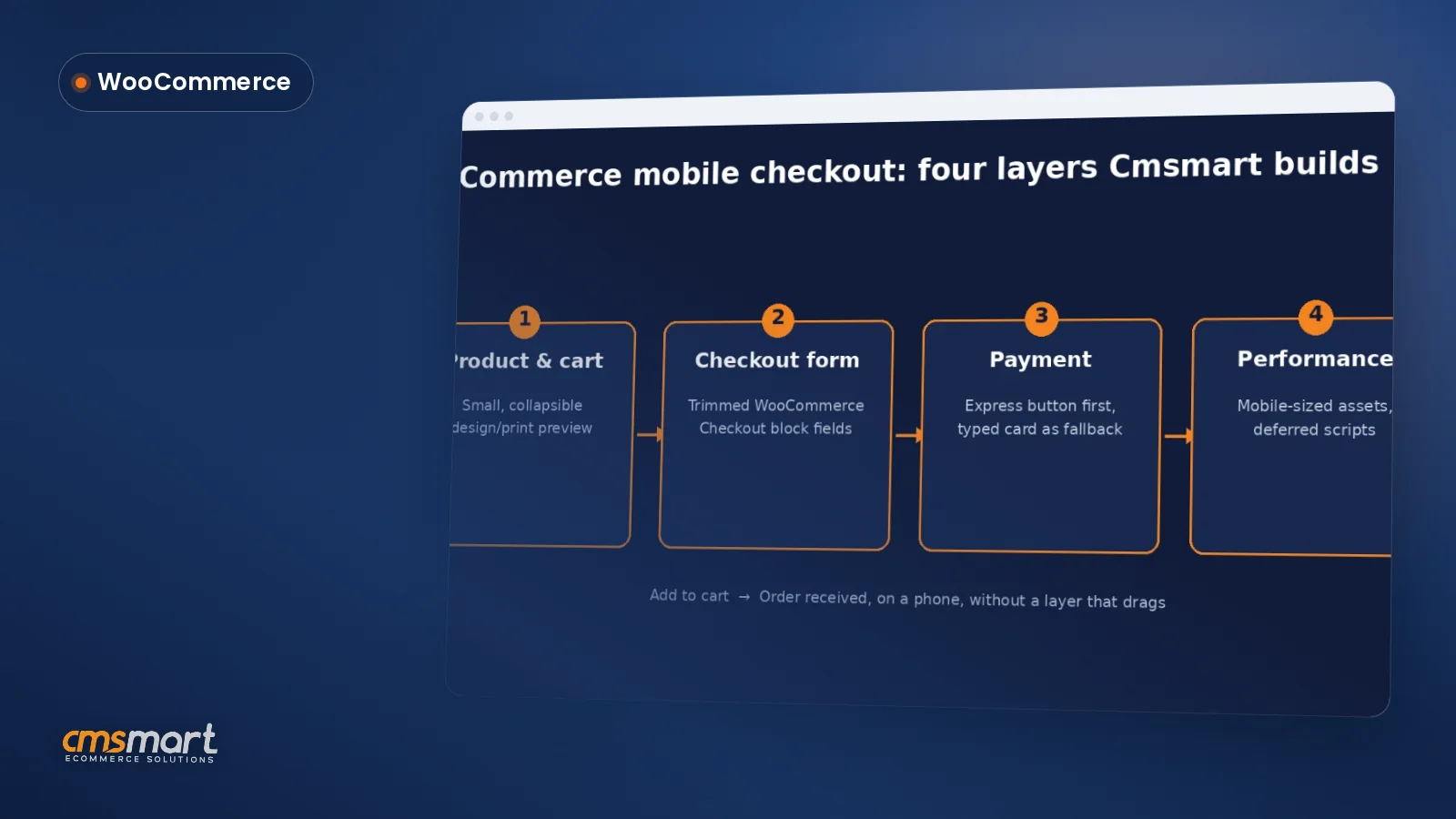
Guide · WooCommerce
WooCommerce Mobile Checkout: Fix the Drop-Off
Fix your WooCommerce mobile checkout before shoppers bounce: cut fields, add express pay, speed up pages, and request a custom build quote today.
Explore essential web design terminology for ecommerce success. Enhance your store's performance and design with cutting-edge insights on the latest trends and terms in online retail development.
Table of contents
Was this tutorial helpful?
Written by
Cmsmart WooCommerce Development Lead
Leads custom WooCommerce builds: architecture, checkout, performance and integrations.
The team behind it
 Account Manager
 Project Manager
 Business Analyst
 Developers & QA
Guide · WooCommerce
Fix your WooCommerce mobile checkout before shoppers bounce: cut fields, add express pay, speed up pages, and request a custom build quote today.
Guide · WooCommerce
Plan a WooCommerce HPOS migration that keeps checkout, plugins and reports working. Get Cmsmart's step-by-step guide and request a quote today.
Guide · WooCommerce
Use this WooCommerce speed optimization checklist to fix Core Web Vitals, hosting, caching and images — then request a performance review from Cmsmart...
Browse more guides, tutorials and case studies from the Cmsmart community.
Unlock the Power of Mobile Commerce: Propel Your Business Forward
Read MoreDiscover how to harness mobile commerce to enhance your business growth. Learn strategies for optimizing the mobile shopping experience and increasing consumer engagement.
Read MoreDiscover the benefits of mobile commerce and how it can transform your business. Learn effective strategies for maximizing sales and customer engagement through mobile-optimized shopping experiences.
Read More
Cmsmart Ecommerce provides custom ecommerce and WooCommerce development services for web-to-print, product personalization, plugin support and API integration.
Cmsmart WooCommerce Development Lead
Leads custom WooCommerce builds: architecture, checkout, performance and integrations.
Meet the team →

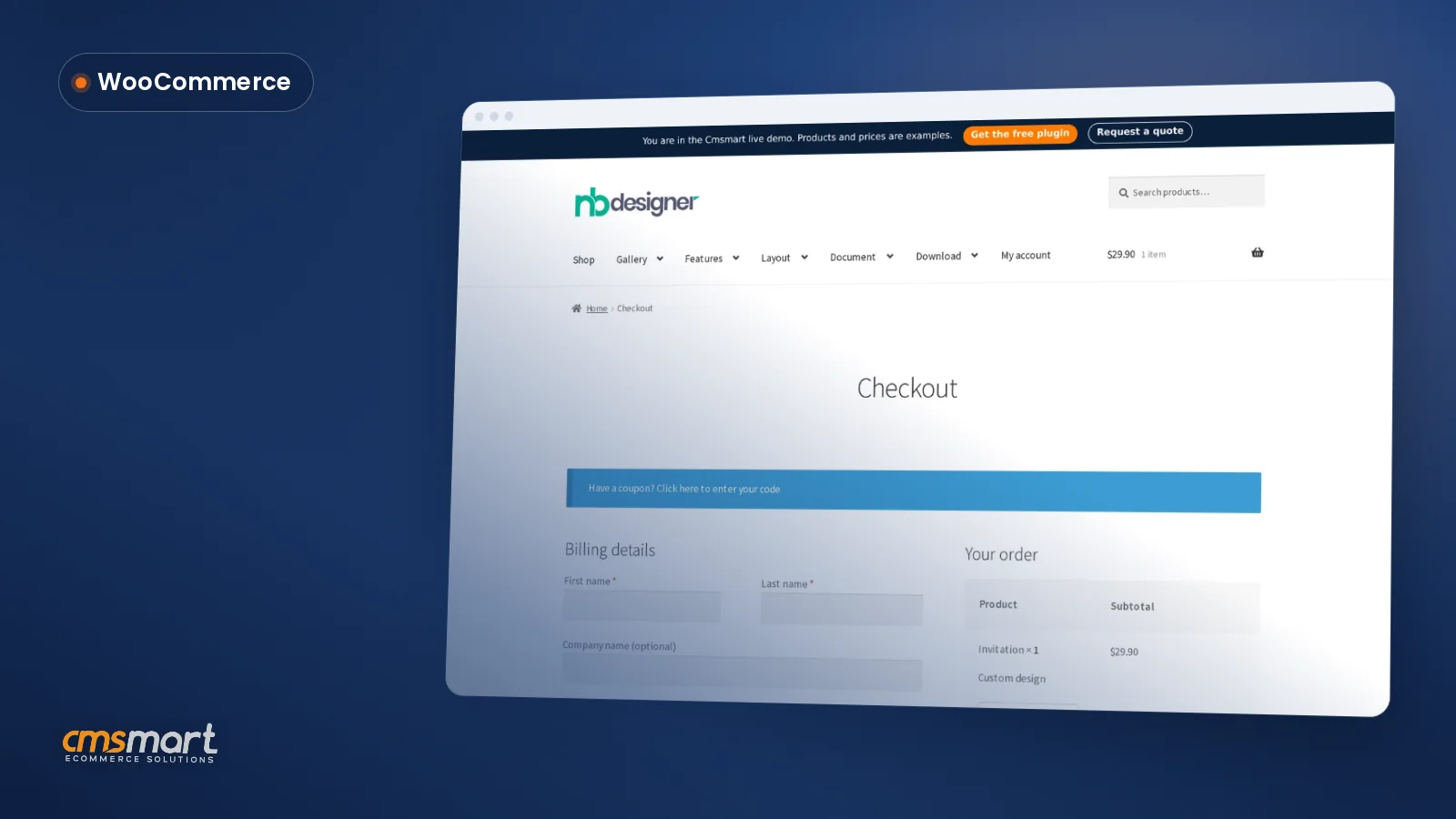


Did you know that a well-optimized user interface can boost your website's conversion rate by up to 200%? In the fast-paced world of eCommerce, effective web design is not just about aesthetic appeal; it’s a cornerstone for driving sales and enhancing customer experience. Take, for instance, a recent collaboration we had with ABC Fashion, a thriving apparel brand based in Australia. Faced with stagnating sales due to a confusing website layout and jargon-laden communication between their design team and stakeholders, they turned to Cmsmart. Through our tailored consulting and targeted resources, we empowered them to simplify their design approach. As a result, their conversion rates soared, proving that shedding technical jargon can transform a cumbersome process into a seamless shopping journey.
Understanding web design terminology is crucial for bridging the communication gap between design experts and non-technical clients. This tutorial will equip you with the essential lexicon needed to navigate the complexities of eCommerce design confidently. Explore our guide to understanding the language of web design and unlock the potential for your online store’s success. To further bolster your knowledge, we invite you to delve into our resource on choosing the right eCommerce platform or learn about enhancing user experience. In this guide, we’ll break down the most important web design terms for comprehensive understanding and application, setting you on a path toward professional eCommerce success.
Busting Web Design Jargon
Are web design terms causing a communication breakdown?Understanding web design can often feel like decoding a complex foreign language, creating barriers between creative teams and stakeholders. Lets bust through the web design jargon and help you navigate website structures confidently.
Decode Your Website Design Lexicon
Market Insight: Bridging the Gap
Transform B2B Communication Barriers
- Engage in discussions with key terms like design lexicon, web design vocabulary, and visual guide to enhance clarity.
- Be proactive in understanding the importance of headers and for beginners.
Explore custom eCommerce solutions for your business .In Summary
Breaking down technical jargon streamlines collaboration and operations. Lets delve deeper into the importance of headers and for beginners to continue this educational journey. Discover more about web design foundations and see how it can transform your business communication .Mastering Web Design Terminology
Struggling with miscommunication between stakeholders and technical teams?Many find it challenging to navigate the complex world of web design due to a lack of understanding of design fundamentals. Breaking down technical jargon for non-technical users is essential to bridging the communication gap.
What is Web Design Terminology?
Web design terminology encompasses the specific language and vocabulary used in the field of web design. Its crucial for effective communication between stakeholders and technical professionals to ensure that everyone is on the same page, whether youre discussing a B2B website or visual design categories.
Understanding and Its Role in Website Design
, or Hypertext Markup Language, is the foundation of any website. Its the standard language used to create web pages and ensure they are displayed correctly across different browsers. Understanding is crucial for developing a websites structure and design.
Breaking Down Common Web Design Terms
- Responsive Design: Ensures your website looks great on all devices, from desktops to smartphones.
- User Experience (UX): Focuses on making a website easy and enjoyable to use.
- Wireframe: A visual guide that represents the skeletal framework of a website.
In summary: Mastering web design terminology helps non-technical stakeholders engage meaningfully with design teams, which leads to better project outcomes. Ready to dive deeper? Explore our beginner’s guide to web design terms, understanding website structure, and the importance of headers in web design.Dissecting Website Structure
Struggles Seamlessly Converting Web Design Concepts? Let’s Simplify.A vital disconnect often exists between stakeholders and technical teams when dissecting website structures—navigating this maze can be challenging, especially for non-technical executives in design lexicons.
Understanding Website Structure
A website structure is like the architectural blueprint of an online space, organizing how web pages intertwine. For beginners, its crucial to break down common web design vocabulary into digestible parts to enable better communication with technical professionals.
Function and Importance of Headers, Banners, and Footers
Headers and footers bookmark the users journey, while banners draw attention to vital messages or promotions. These components act as key visual guides and gateways.
Exploring the Sidebar and Body Components of a Web Page
Sidebars can enhance user navigation, especially in B2B websites with complex content structures. The body houses the core content, influencing the overall user experience and engagement.
Miscommunication often roots in complex jargon, so understanding and integrating these terms can significantly bridge the communication gap. Read more about the importance of headers in web design and navigate your way to more involved conversations.
Summary: By demystifying website structures like this, even non-technical stakeholders can engage meaningfully with design professionals—next, well delve into specific case studies of successful design integrations.Navigating User Navigation
Tired of the constant miscommunication between stakeholders and technical teams?Youre not alone. Many businesses struggle with bridging the gap between non-technical users and web design basics. In this guide, well help you navigate through the essentials of user navigation in web design.
Defining User Navigation in Web Design
User navigation is a critical element of web design, guiding visitors through your website and helping them find the information they need efficiently. Think of it as the GPS for your visitors, ensuring they can travel smoothly through your site.
Essential Features of Effective User Navigation
Effective user navigation should be intuitive, consistent, and accessible. Users expect a seamless experience that allows them to focus on content, not finding it.
Designing for Enhanced User Navigation
Designing for enhanced user navigation involves strategically placing menus and links where users naturally look, fulfilling their needs seamlessly.
In summary: Mastering user navigation will significantly improve the usability and performance of your website. Next, let’s delve into the Beginners Guide to Web Design Terms to solidify your foundation in web design principles.
B2B Website Design Basics
Struggling with miscommunication between stakeholders and technical teams?This challenge often arises due to a lack of understanding of web design fundamentals, making it difficult to navigate website structures. For B2B website design, breaking down technical jargon for non-technical users is key to bridging this communication gap.
What Makes B2B Website Design Unique?
B2B websites differ significantly from B2C sites due to their unique audience and objectives. While a consumer-focused site emphasizes emotional appeal and direct sales, a B2B website focuses on building trust and facilitating long-term relationships.
Using Web Design Basics to Create Effective B2B Websites
Understanding web design basics can significantly enhance the effectiveness of a B2B website. Key aspects include intuitive navigation, responsive design, and strategic use of SEO techniques to boost visibility in search results.
Success Stories: B2B Websites Winning with Good Design
Many companies have transformed their digital presence through strategic B2B design. For instance, integrating customer portals that offer personalized experiences can enhance satisfaction and retention.
Here are some actionable elements successful B2B websites include:
- Dynamic content that adjusts based on the user’s profile.
- Interactive tools like calculators or configurators that offer value to the visitor.
- Comprehensive support sections, including FAQs and tutorial videos, to reduce customer service load.
In summary: Mastering B2B website design involves understanding and applying the basics effectively while anticipating the needs of business users. To continue learning, explore the importance of headers in web design and dive into understanding website structure.Closing the Communication Gap in Web Design
Are you facing the challenge of miscommunication between stakeholders and technical teams?This common problem arises largely from a lack of understanding of web design fundamentals and difficulty in navigating website structures, often complicated by a web design lexicon that feels like a foreign language to non-technical users.
Challenges of Miscommunication Between Stakeholders and Technical Teams
Poor communication between these groups can derail projects, leading to frustration and costly delays. Stakeholders might express desires in general terms, while developers deal with specificities. This often creates a disconnect that hinders progress.
Solutions for Bridging the Design Terminology Gap
How a Shared Website Design Vocabulary Improves Projects
When a team operates with a unified understanding of web design terms, the workflow becomes significantly more efficient. This clarity ensures that both stakeholders and technical professionals are on the same page, fostering a smooth project implementation.
For further insights on building this common ground, consider reading our beginners guide to web design terms and understanding concepts like website structure and the importance of headers in web design. Explore how for beginners can further aid in breaking down complex ideas.
In summary: Closing the communication gap in web design is crucial for ensuring project success and cohesion between diverse teams. Next, we will explore technical strategies that enhance team collaboration in web projects.The Crucial Role of Web Design Categories
Miscommunication between stakeholders and technical teams? Lack of understanding about web design fundamentals? Youre not alone. Understanding these challenges is the first step to bridging the gap between non-technical users and web professionals.What are Web Design Categories?
Web design categories serve as a visual guide that organizes website design elements into familiar groups or categories, such as layout, typography, and imagery. This organization helps both stakeholders and technical professionals understand and communicate web design specifics without getting lost in technical jargon.
Why Web Design Categories are Essential for Organization
Organizing web elements into categories not only helps in maintaining consistency and clarity across web projects but also streamlines project management. Having a clear design lexicon reduces the likelihood of miscommunication between teams, thereby speeding up project timelines and improving overall outcomes.
Guidelines for Using Web Design Categories Effectively
Implementing web design categories effectively requires adopting standard practices and flexible strategies. Here are some actionable tips to enhance usability:
- Start with broad categories, then drill down to more specific ones as needed.
- Incorporate stakeholder feedback to refine categories and ensure they serve all users effectively.
- Link categories to business objectives to ensure all design efforts are strategically aligned.
In summary: Organizing your website into clear, well-defined categories creates a roadmap for efficient design processes, improving both communication and end-user engagement. As we proceed, we’ll delve into the beginners guide to web design terms, further breaking down complex jargon into accessible language for everyone in your organization.Visual Guide to Web Design Layouts
Navigating the complexities of web design can seem daunting, especially when miscommunication between stakeholders and technical teams arises due to a lack of understanding of web design fundamentals.Understanding the basic web design lexicon can bridge this communication gap and help stakeholders collaborate more effectively with technical professionals.
Defining Web Design Layout Terms
How to Choose the Right Layout for Your Website
Choosing the correct website layout depends on your target audience and the nature of your business. Here are some tips:
Exploring Examples of Successful Web Design Layouts
Examining successful web design examples can offer insights and inspiration. Websites like CMSmart provide excellent case studies on effective layouts that enhance user experience and drive engagement.
Want to dive deeper into web design? Explore our beginners guide to web design terms and understanding website structure to build a solid foundation.
In summary: By comprehending and applying these web design layout basics, you can effectively align your sites design with your business objectives, ensuring a smoother workflow between stakeholders and technical teams. Next, lets delve into the importance of headers in web design and how they contribute to website accessibility and SEO.Frequently Asked Questions
Is the technical jargon of web design creating communication barriers in your team?Misunderstandings between stakeholders and technical professionals often arise from a lack of understanding of web design basics and the intricacies of website structures.
Q and A: Your Guide to Web Design Terminology and Structure
A wireframe is a visual guide representing the skeletal framework of a website, crucial in bridging the design lexicon gap.
Responsive design ensures a website adapts to different screen sizes. Understanding this basic web design term is vital for all stakeholders.
Essential elements include headers, footers, navigation bars, and content areas. Mastering these concepts can help demystify website structures.
Headers play a crucial role in web design by organizing content hierarchy and enhancing SEO strategies. Learn more in our importance of headers in web design.
SEO practices, including the strategic use of keywords and fast-loading pages, are integral aspects of effective web design.
Strategic Internal Linking
Integrate well-crafted internal links such as our Beginners Guide to Web Design Terms and Understanding Website Structure to enhance the user experience and improve SEO. In conclusion: Breaking down technical jargon into simple, engaging language fosters better communication and a clearer understanding of web design fundamentals for non-technical stakeholders. Next up, let’s delve into the for beginners to further unravel the complexities of website building.Further Reading
By now, you’ve dismantled the barriers of web design jargon, allowing for clearer communication between your creative teams and stakeholders. Mastering these essential terms paves the way for astoundingly effective collaborations, and remember, a well-structured website can boost your conversion rates drastically. Are you ready to transform your eCommerce strategy? Let’s discuss how we can help you implement these insights effectively. Reach out to me directly via WhatsApp at David or email me at [email protected]. Interested in tailored solutions? Request a quotation today by visiting Cmsmart. Together, we'll turn your design challenges into remarkable opportunities!