
Premium Templates for your product designer
A curated library of 680+ ready-to-edit templates in 23 collections, prepared and converted by Cmsmart for the product designer. Your customers start from a finished design instead of a blank canvas.

Real thumbnails from the library, as merchants browse it in the Cmsmart dashboard.
In short
A design library that ships with your licence
Premium Templates is the content side of the product designer. Cmsmart prepared and converted every template into the designer's own format, grouped them into collections by product, and keeps them in one cloud library that your store reads through your licence. Nothing to import, nothing to host.
- Templates
- 680 ready to edit
- Collections
- 23, by product type
- Premium Media
- 25,918 icons, 69 categories
- Access
- Paid licences and active trial
Inside the library
Templates for the products you actually sell
A sample of each collection, taken from the live library. Counts are the full collection.
-

18 templates · Business Card
Business cards
Front-side layouts with name, title, phone and logo slots, ready for a buyer to type over.
-

33 templates · Wedding Card, Birthday Card
Invitations and cards
Wedding, save-the-date and birthday cards for print-on-demand and stationery shops.
-

85 templates · T-Shirt
T-shirt designs
Lettering and illustration layouts sized for apparel print areas.
-

58 templates · Banner, Flyer
Banners, flyers and signage
Sale banners, event flyers and report covers for wide-format and sheet print.
-

91 templates · Label, Sticker
Labels and stickers
Product labels, seasonal badges and die-cut sticker designs.
-

10 templates · Menu
Menus
Cafe, cocktail and restaurant menus with editable dish and price lines.
-

67 templates · Tote Bag
Tote bags and quote art
Short-quote typography for totes, posters and gift products.
All 23 collections
- T-Shirt85
- Pillow78
- Tote Bag67
- Sticker61
- Banner39
- Hat34
- Catalog31
- Label30
- Badge29
- Logo26
- Phone Case24
- Brands23
- New Year Card20
- Flyer19
- Business Card18
- Wedding Card17
- Birthday Card16
- Envelope15
- Christmas12
- Brochure10
- Menu10
- Poster9
- Gift Certificate7
Counted from the library on 5 October 2026. Sample images leave out designs that show third-party brands or characters.
How access works
From licence to a template in your customer's hands
The library is tied to your licence and your store domain, so it follows you to every product you set up.
- Get a paid licence, or start the free trial, from your Cmsmart dashboard.
- Install the plugin and activate the licence on your store domain.
- Browse the collections in your dashboard under Media, Templates.
- In WP Admin, open Cmsmart, Templates and assign a collection to a product.
- Your customers open the product, pick a template and edit it in the designer.

Premium Media
25,918 icons and cliparts in the same licence
Line icons, filled icons, stickers, frames and shapes in 69 categories, searchable inside the designer. Switch the library on once for the whole store under Cmsmart, Settings, Clipart, and every product with the designer gets it.
- Search by keyword or narrow by category: food, plants, business, printing, holidays, stickers and more.
- Vector SVG, so icons stay sharp on a business card or a banner.
- Photo search is a separate integration with Pixabay, Unsplash, Pexels, using your own API keys. Those photos belong to the providers and follow their licence terms; they are not part of the Cmsmart library.
Use cases
Which stores get the most from it
The same library, put to work on different product ranges.
Print shops
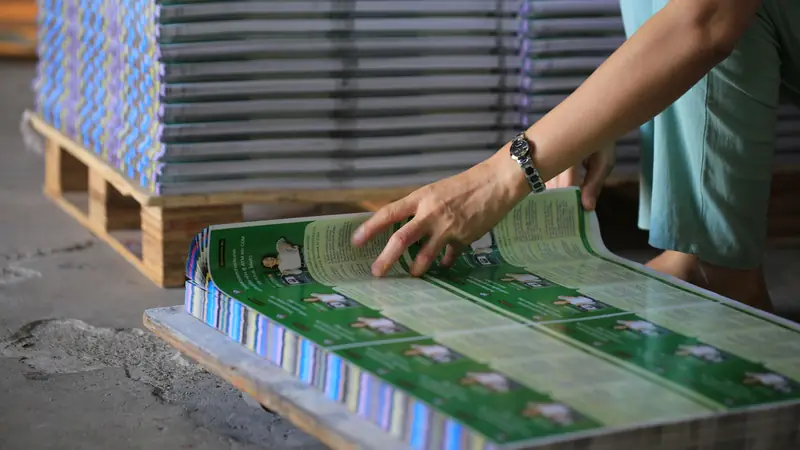
Business cards, flyers, brochures, menus and envelopes ready on day one.
Apparel and POD
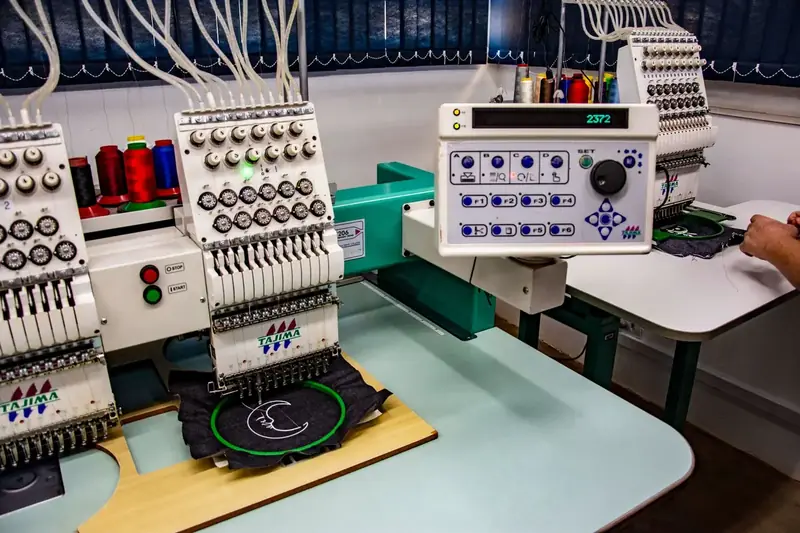
T-shirt, hat and tote collections so buyers start with a layout.
Labels and packaging
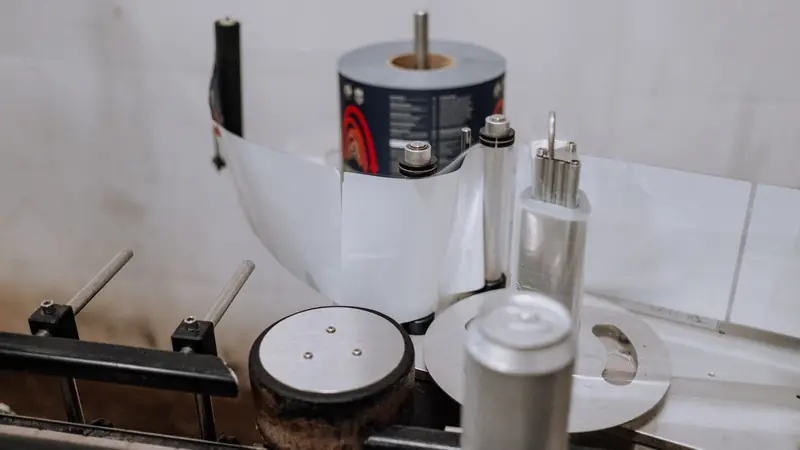
Label, badge and sticker collections for product and event runs.
Signage and events
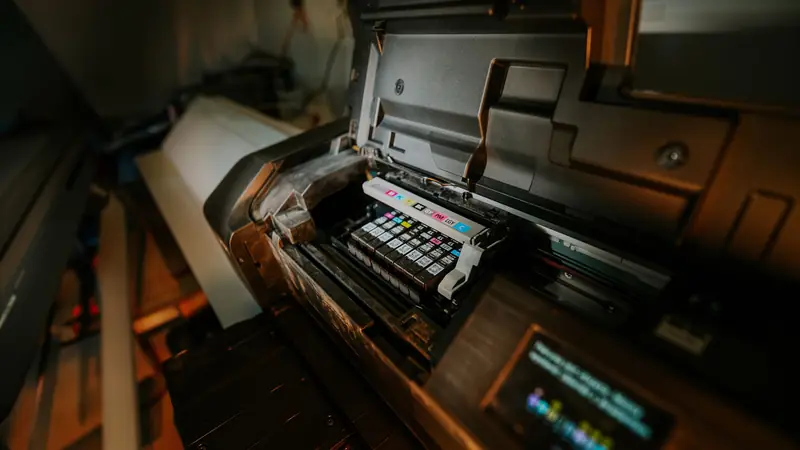
Banners, posters and invitation sets for seasonal campaigns.
Works with
The feature, the sample store and the library
Templates Library is how templates work in the plugin. Premium Templates is the ready-made content you load into it. Sample Data Import gives you products to put it on.

Custom template design
Need templates for your own products or brand?
Our design team builds template sets for your catalogue, converted for the designer and assigned to your products.
- Locked brand templates for B2B clients
- A niche collection for your store
- Template fields that fill in buyer details
- Print-ready sizes, bleed and safe zones per product
FAQ
Frequently asked questions
Straight answers about Premium Templates and Premium Media.
What is in Premium Templates?
A curated library of 680+ ready-to-edit templates in 23 collections, prepared and converted by Cmsmart for the product designer: business cards, invitations, t-shirts, banners, flyers, labels, stickers, menus, tote bags and more.
How do I get access?
The library is included in paid licences and in an active trial. Activate your licence on your store domain and the library opens inside the designer. The free tier can browse the catalogue in the dashboard, but the library stays locked in the designer.
Can I download the template files?
No. Templates open in the Cmsmart product designer on your WooCommerce store, where your customers edit them and order. You assign a whole collection to a product in WP Admin under Cmsmart, Templates.
Can I pick single templates instead of a collection?
Templates are assigned by collection. Pick the collection that fits the product and your customers see every template in it. For your own designs, add templates per product with the Templates Library module.
What is Premium Media?
25,918 icons and cliparts in 69 categories that your customers can add to any design. You switch the library on for the whole store under Cmsmart, Settings, Clipart.
Are stock photos part of the library?
No. Photo search in the designer is an integration with Pixabay, Unsplash and Pexels that uses your own API keys. Those photos come from the providers under their own licence terms; they are not Cmsmart assets.
Can you design templates for my products or brand?
Yes. Our team designs and converts custom template sets, for example locked brand templates for a B2B client or a niche collection for your store. Request a quote and we scope it with you.
Get started
Give your customers 680+ designs to start from
Premium Templates and Premium Media are included in paid licences and the free trial.

Cmsmart Ecommerce provides custom ecommerce and WooCommerce development services for web-to-print, product personalization, plugin support and API integration.




Web-to-print, WooCommerce, B2B and AI specialists who plan, build and support stores together. Meet the team behind Cmsmart.

Top