Launch a print store faster with ready-made sample products
Part of Cmsmart Ecommerce setup.
Sample data import loads up to 23 sample products that are already set up with the online designer, and for some with templates or print options and price rules. The import runs in the background, survives closing the tab and retries failed items, so you can rename, re-price and re-photograph instead of starting from zero.
A new print store starts with an empty catalogue. Every product needs print areas, sides, options, price rules and templates before the first customer can order, and learning all of that on product one delays the launch.
Setting up print areas, options and price rules from scratch takes days of trial and error.
Without a working example it is hard to see how a finished product should look.
The store stays closed while the catalogue is being built.
Cost of the status quo, with your own numbers: days to configure the first products x daily cost of not selling.
What it does
What a sample product looks like
These sample products run on our public demo store. Captures from 5 October 2026; prices are demo prices.
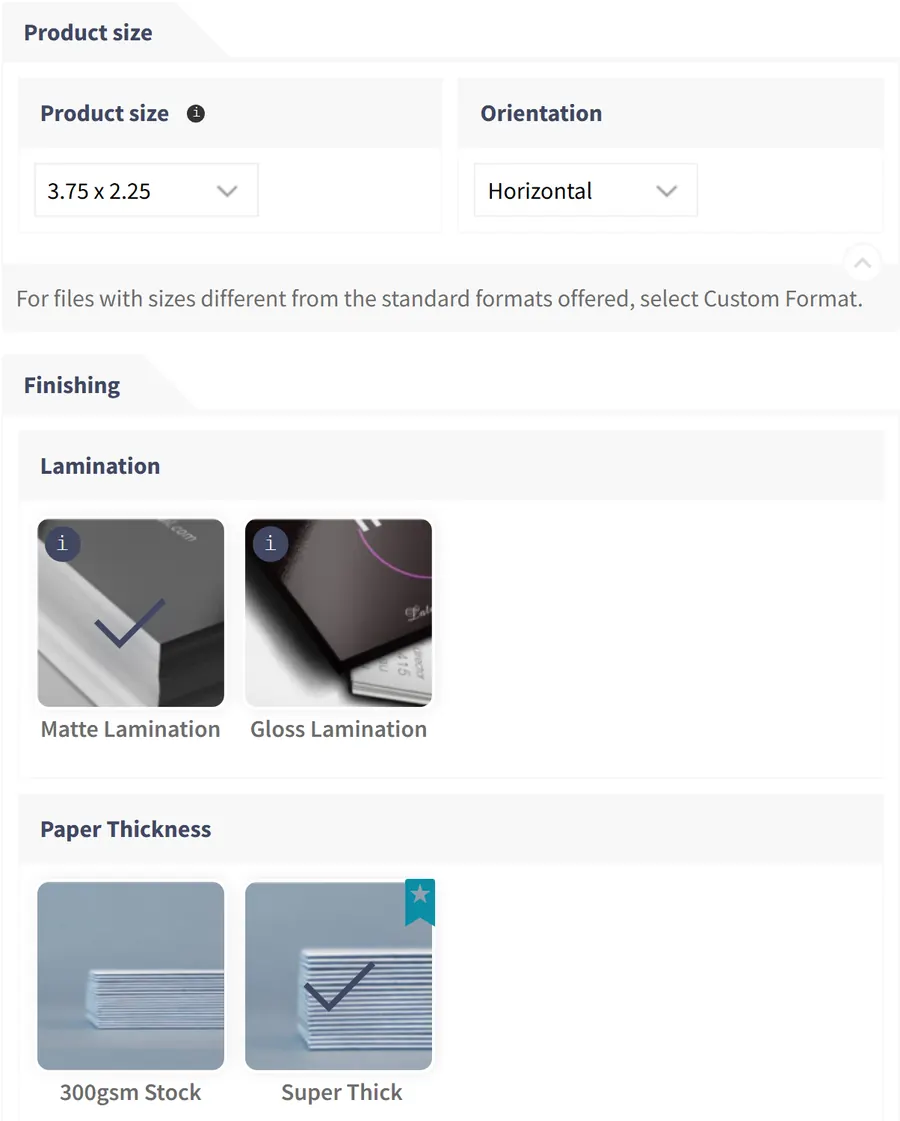
Business Cards - Advanced Options
A sample with grouped print options: size, lamination, thickness, corners, printing, artwork and delivery speed.
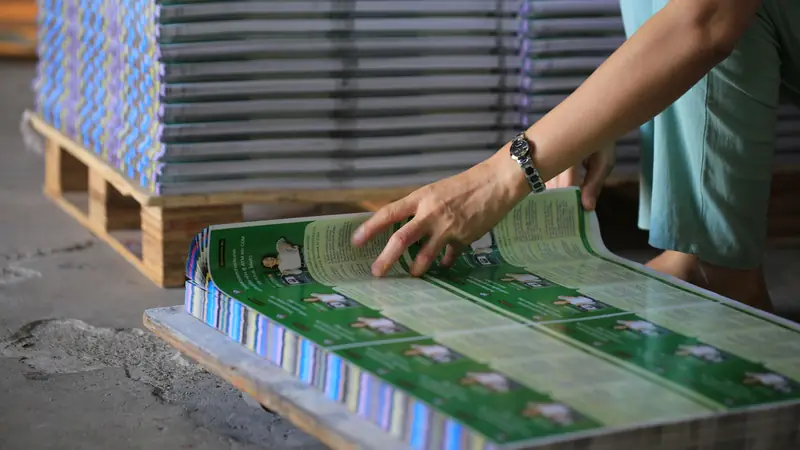
Poster - with print option
Cutting, binding, DPI and poster size, ready to re-price.
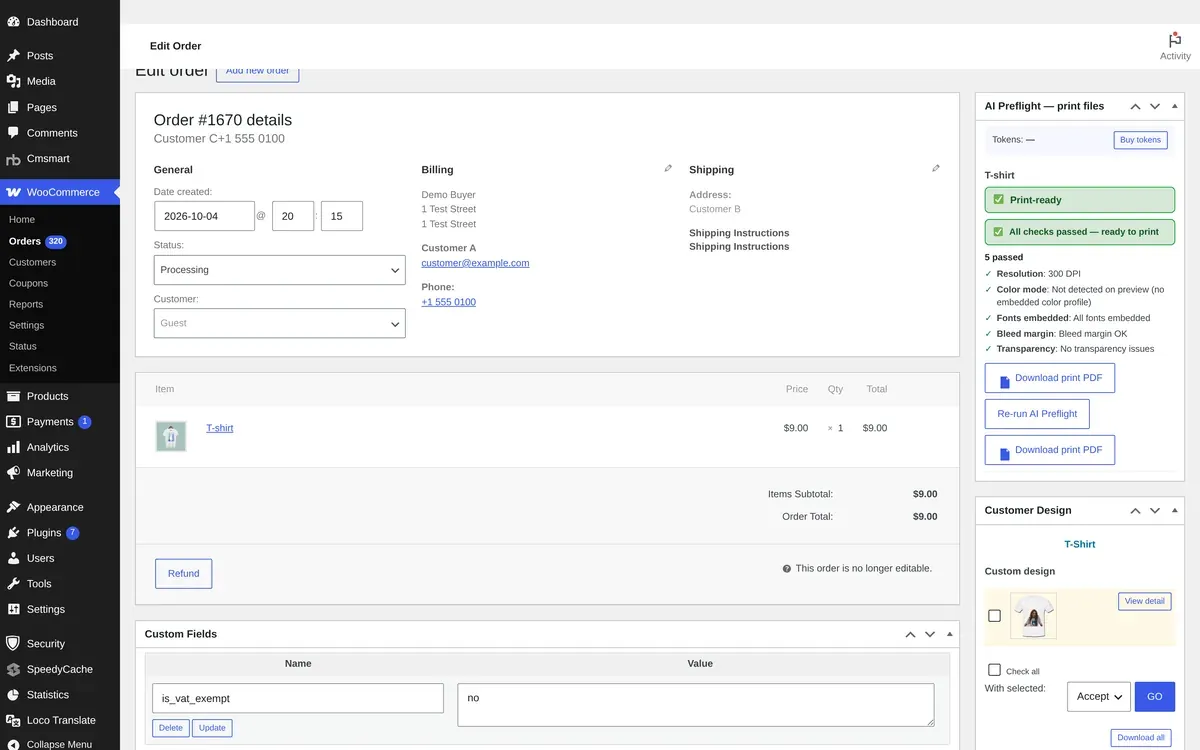
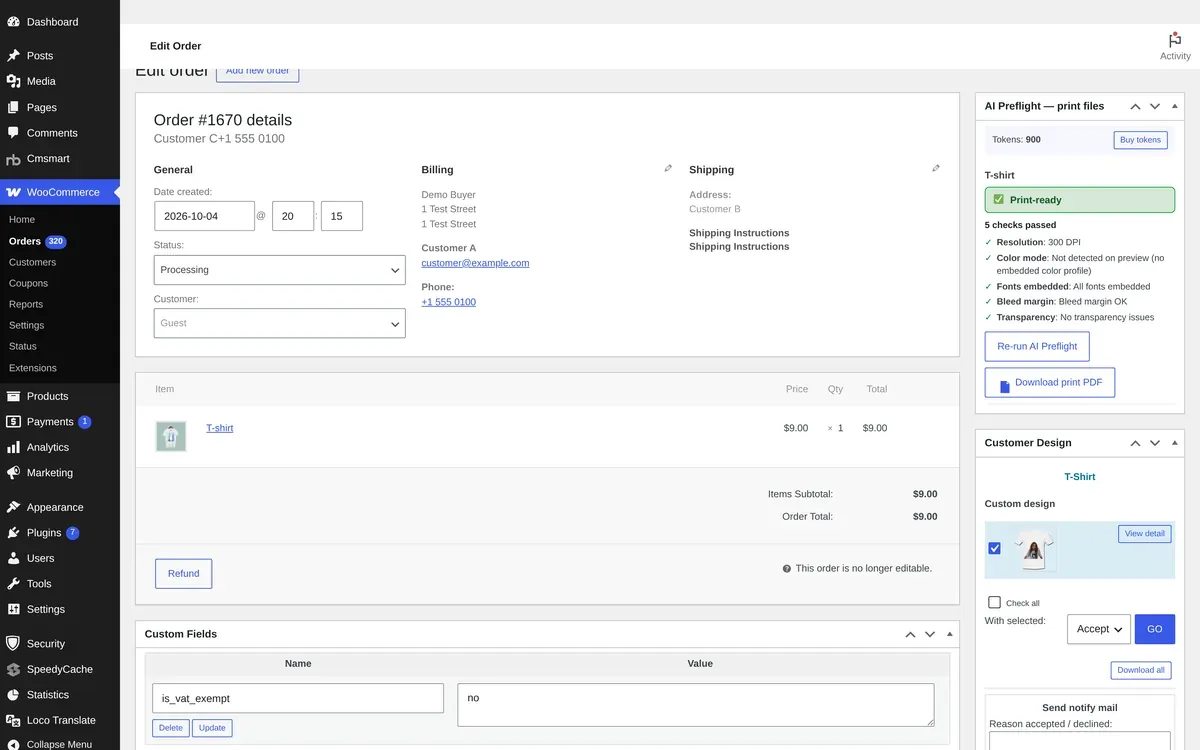
T-shirt with print option
Custom sides, colour swatches and a bulk size grid.
Verified capabilities
Checked against the plugin source (version 2.18.4) and its changelog. Anything else is listed under custom development.
23 sample products
Business cards, posters, banners, flyers, menus, mugs, door hangers, invitations, phone cases, caps, envelopes, labels, stickers, bags, pillows, catalogues, tags, badges and T-shirts.
Designer settings included
Each sample is imported as a WooCommerce product with its online designer settings.
Templates and print options
Samples that declare them bring their templates (business card) or print option sets with price rules (six samples).
Pick only what you need
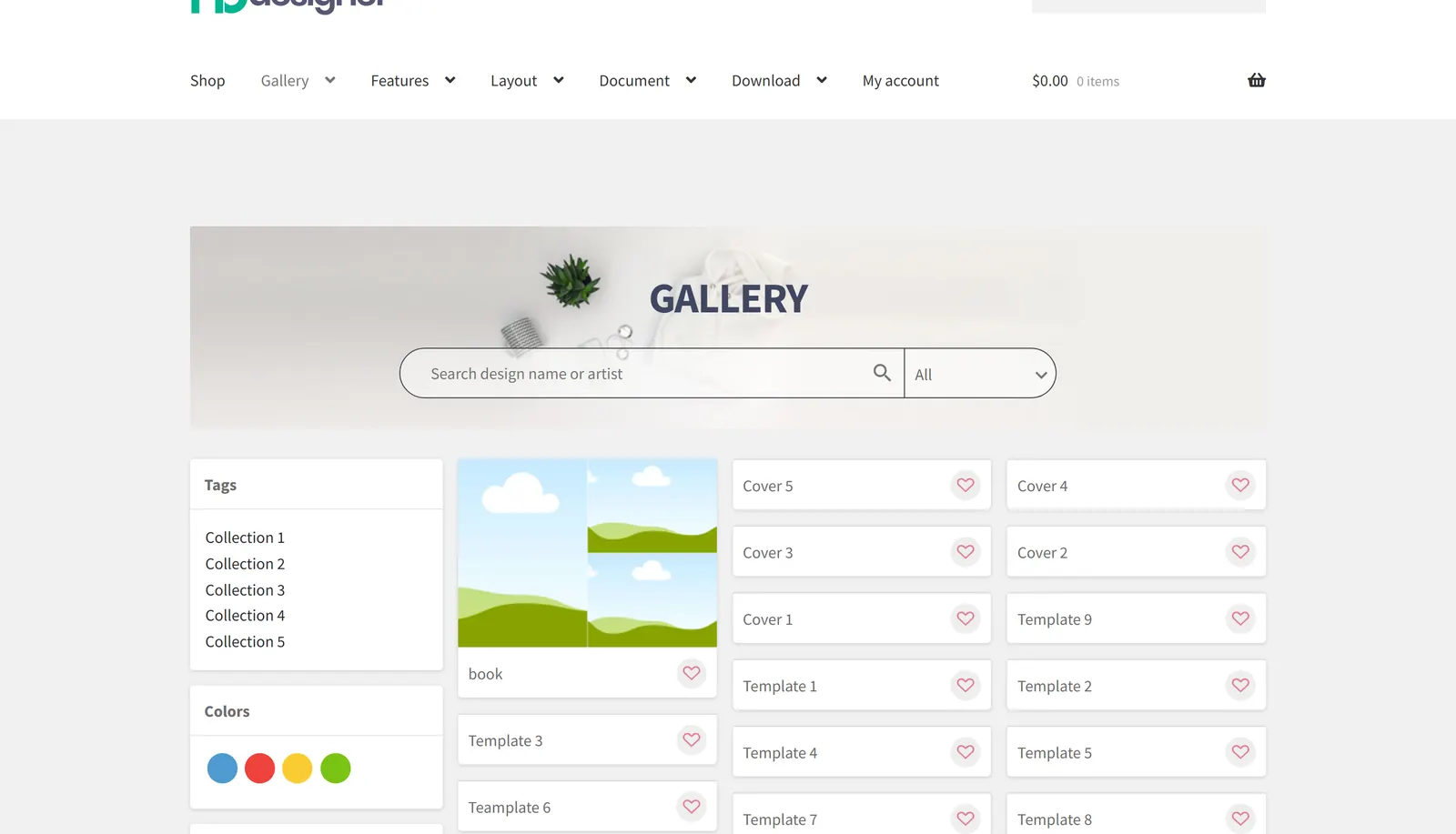
Select single products or all of them; each card shows whether it has templates or printing options.
Runs in the background
The import continues after you close the tab, with progress, a menu badge and a completion message (2.10.0).
Retry failed items
Items that fail can be retried without creating duplicate products.
Starter clipart
A default clipart set is seeded on install, so the designer is not empty on a fresh store (2.10.0).
Move setups between stores
Products and option sets can be exported and imported, so a finished setup can be reused on another store.
How it works
How it works
1
Pick the samples
Under Cmsmart, Import Products, select the products you want, such as this business card with finishing options.
2
Import in the background
The import keeps running if you close the tab; failed items can be retried.
3
Options come with it
Samples with print options bring their option sets and price rules.
4
Make it yours
Rename, re-price and re-photograph each product, then publish.
Use cases
Who uses Sample Data Import
The same module, set up for different products and buyers.
New print shops
Start from working business card, flyer and poster products and change the prices.
Apparel and merchandise
T-shirt, cap, bag and mug samples as a base for your own catalogue.
Labels and packaging
Label, sticker and tag samples with options ready to adjust.
Agencies and resellers
Spin up a demo catalogue for a client quickly, then replace it with theirs.
Feature table
Sample Data Import at a glance
Every option, rule and output in one place.
Where
Cmsmart, Import Products (Catalog and assets)
What is imported
WooCommerce products with designer settings; templates and print option sets where the sample has them
Sample set
23 products, 6 with print options, 1 with a template set
Process
Background queue with progress, menu badge, completion message and retry
Requirements
WooCommerce active; an admin account
After import
Edit names, prices, photos and options like any WooCommerce product
Proof
Shipping today, and you can try it live
Everything on this page runs on our public demo store. Open it, change the options and watch it work before you install anything.
Teams in 80+ countries run their ecommerce projects with Cmsmart
“★★★★★★★★★★
Excellent service for the right price!
- Fast support by chat / video!
Happy to work with people like Chuong, always ready to fix all needs.
Hope to work for many years with them.
The website is very well made. However, I would like to point out the quick response of the staff, especially Ms. Andrea, who solved all our problems very quickly and kindly. Thanks.
NBDesigner is a very robust plugin for printing shops. It may take a bit of time to learn, as I am, but the support team is there to help. I've been in printing 30 years and I am impressed with how the developers have thought this plugin through. It has everything.
Install Cmsmart Product Designer for WooCommerce and activate your licence.
Open Cmsmart, Import Products and select the sample products you want.
Start the import; it runs in the background and shows its progress.
Open each imported product and change its name, photos, prices and options.
Publish the products you keep and delete the samples you do not need.
Custom development
Need logic the plugin does not have?
We extend Sample Data Import for your business as a scoped project, built on your WooCommerce store and tracked in WorkSuite like every client project.
A complete store set up with your own catalogue and prices
Migration of an existing product catalogue into the designer
Product photography and template design for your range
A ready-made Cmsmart Store with pages, design and products installed
Sample Data Import ships inside Cmsmart Product Designer for WooCommerce. One licence covers every module, and they work together on the same product page.
Straight answers about Sample Data Import, checked against the plugin.
What does Sample Data Import add to my store?
WooCommerce products with Cmsmart Product Designer settings. Samples that declare them also bring their templates or print option sets with price rules.
How many sample products are there?
23, from business cards and posters to mugs, caps, bags and T-shirts; six include print options and one includes a template set.
What happens if I close the tab during the import?
The import keeps running in the background and shows its progress when you come back; failed items can be retried.
How do I replace the samples with my own products?
Edit each imported product like any WooCommerce product: name, photos, prices and options. Delete the samples you do not need.
Will importing twice create duplicates?
A retried item reuses the product it already created instead of creating a second one.
Can you set up the whole store for us?
Yes. Store setup with your catalogue, or a ready-made Cmsmart Store, is quoted per project.
How do I pay securely?
Contracts and payments go to the company, Netbase JSC: plans are paid through PayPal; services are invoiced by Netbase JSC under a written proposal and paid by bank transfer to Netbase JSC's company account or by PayPal Business. Cmsmart (Cmsmart Ecommerce) is the ecommerce brand of Netbase JSC, a company based in Hanoi, Vietnam.
How do I contact Cmsmart or get a quote?
Message the Cmsmart team on WhatsApp at +84 937 869 689 or email project@cmsmart.net; the contact page at cmsmart.net/contact lists every channel, and Request a quote (cmsmart.net/project-proposal) sends a project brief. Customers with a licence open a ticket from the dashboard.




 Account Manager
 Project Manager
 Business Analyst
 Developers & QA


 Sven v B

 Verified on Trustpilot
 Juš Jordan Kondić
 Pamela Redman