
Security audit and hardening for Cmsmart Ecommerce and WooCommerce stores
A Cmsmart security audit reviews users and roles, update state, login protection, exposed files, uploads, checkout hand-off, third-party plugins and backups, and reports findings with severity. Hardening then applies the fixes you approve. It is an engineering review, not a certification or a penetration test, and it starts with a free assessment.
In short
What does a WooCommerce security audit check, and what does hardening change?
A written review of how your store could be attacked or lose data, ranked by severity, then the fixes you approve, tested on staging.
| Scope | One store: accounts, updates, login, files and server exposure, uploads, checkout hand-off, plugins and backups |
|---|---|
| What you get | A report with findings, evidence and severity, then hardening of what you approve, applied after tests on staging |
| Typical inputs | Read-only admin and hosting access or a staging copy, the plugin list, and any past incident |
| Deliverables | The audit report, the hardening changes you approved, a retest of those fixes and a short run book |
| How pricing works | Free assessment, then a quote for the audit. Hardening is quoted after you have read the findings. |
How it works
From review to a hardened store
The problem
Where do WooCommerce stores usually leak?
- Admin accounts that nobody remembers creating
- Outdated or abandoned plugins
- A login with no protection against password guessing
- Backups stored on the same server as the store
- Customer files and designs more exposed than intended
Fit
Is this the right service?
| A good fit | Another route fits better |
|---|---|
| You want to know where the store is exposed and what to fix first | You need a penetration test or a formal certificate: that needs an accredited assessor |
| Read-only access can be given to the store itself or to a staging copy | The site is already hacked: cleaning a compromised site is incident work, quoted separately |
| You want fixes applied and tested, not only a report | You want weekly checks: that is a care plan |
What we do
What does the audit look at?
| Part | Input | Deliverable |
|---|---|---|
| Accounts and roles | Admin and shop-manager users, roles, shared logins | Accounts to remove, restrict or secure |
| Updates and plugins | WordPress, WooCommerce, theme and every plugin | Outdated, abandoned and known-vulnerable components, ranked |
| Login and admin | Login protection and admin access paths | Gaps in protection against guessing and takeover |
| Files and server | Permissions, exposed configuration or backup files, directory listing | Exposures with how to close each |
| Checkout and payments | How checkout hands payment to the gateway and what the store keeps | Where customer or payment data is held or logged that should not be |
| Uploads | Customer artwork and design uploads, file types, storage and access | Whether uploaded files can be abused or read by the wrong person |
| Backups and recovery | Where backups are, who can read them, and whether they restore | A recovery gap list |
The Cmsmart angle
What the Cmsmart plugin already does about uploads
Customer files are a normal attack surface for a print store. The audit reads your upload settings against what the plugin documents.
Core Documented in the plugin
- Unsafe files rejected. Executable and script files are always rejected, and SVG uploads are sanitised.
- File rules per product. Allowed and blocked types, number of files and size limits are set per product.
- Approved artwork locked. Saving over an approved design is refused on the server.
Custom Built as custom development
- Hardening changes to your theme and custom plugins
- Fixes to code written by another supplier
- Access rules for private customer file libraries
What we measure against
Published references, not a private checklist
We review against the web application risks that OWASP ranks as most critical, and against the WordPress project's own hardening guidance, whose stated goal is to contain the damage if an attack succeeds. Neither reference is a certification, and following them does not make a store compliant with any scheme.
Source: OWASP Top 10, WordPress developer handbook: hardening WordPress (read 10 October 2026).
Scope
Included, not included, and extra
Clear lines before you start. The final scope is written into your proposal.
Included
- A written scope with exclusions
- Review of accounts, updates, login, files, uploads, checkout hand-off and backups
- Findings with evidence and severity, and a statement of what the review could not see
- A ranked fix list
- Hardening of the fixes you approve, tested on staging first
- A retest of those fixes
Not included
- A penetration test, or red-team testing
- A certificate or attestation against PCI DSS or any other scheme. Ask your payment provider about those.
- Cleaning a store that is already compromised, which is quoted as incident work
- Fixing the findings you do not approve
- Licences, hosting and third-party fees (plugins, fonts, images, services, provider accounts)
- Anything that is not written in the approved scope
Extra, quoted separately
- Incident clean-up after a compromise
- Ongoing updates and monitoring through a care plan
- Hosting and backup changes
What we need from you
- Read-only admin access, or a staging copy
- The plugin list and who wrote any custom code
- Details of any past incident
- A named person who approves fixes
- A staging copy of your store, or approval to create one
- Someone on your side who can make decisions when a question comes up
Process
How the work runs
Each phase is a milestone, approved and invoiced one at a time. The timeline is set in the assessment because it depends on your store, your products and your systems.
- Free assessment. We read your brief, your store and your constraints, and tell you whether the service fits and what it would involve.
- Written scope and quote. Included, not included, extra and what we need from you, set out before any work starts.
- Build on a staging copy, in milestones you approve one at a time in your dashboard.
- Acceptance with your own products, files and orders, including the awkward ones.
- Handover with a run book, then support through tickets in your dashboard.
This service in three phases
What happens, and what you receive
| Phase | What happens | What you receive |
|---|---|---|
| 1. Scope and access | We agree the question, the surfaces in scope and the read-only access, and note anything that must not be touched. | A written scope |
| 2. Review and report | We review each surface, then take the people who will fix things through the findings. | The report: evidence, severity, limits and a ranked fix list |
| 3. Harden and retest | We apply the fixes you approve on staging, test them against checkout, the designer and uploads, then promote them. | A retest of those fixes and a run book |

Free assessment
Start with a free assessment
Describe your store and what you need. We reply with whether the service fits, what it would involve and a quote, with no obligation.
FAQ
Frequently asked questions
Is this a penetration test?
No. It is an engineering review of configuration, code and practice. A penetration test, and any formal certificate, needs an accredited assessor.
Will hardening break plugins or checkout?
Each change is applied to a staging copy first and tested against checkout, the product designer and uploads. Only what passes goes to the live store.
Do you clean a hacked site?
Cleaning a compromised site is incident work and is quoted separately. The audit can follow it to check what caused the problem.
Does a clean report mean the store is secure?
It means the checks we ran found nothing, within the access given, on the date of the review. The report states what it could not see.
Do you review Cmsmart plugins differently from other plugins?
Cmsmart plugins are read against their documented behaviour, for example the upload rules. All other plugins are reviewed as installed.
Can you work with a client in my country?
Yes. Every Cmsmart service, from custom development, migration and integration to full store builds, is delivered remotely. Clients in any country and any industry can work with the team; Netbase has worked with clients in 80+ countries. Projects run online, through a written proposal, email or WhatsApp, and tickets in the Cmsmart dashboard.
Do you work in my industry?
Yes. Clients in any country and any industry can work with the team; Netbase has worked with clients in 80+ countries. Published Cmsmart projects include stores for web-to-print, merchandise and apparel, signage, packaging and labels, and gifts and promotional products. See the client work at cmsmart.net/projects.
How do I pay securely?
Contracts and payments go to the company, Netbase JSC: plans are paid through PayPal; services are invoiced by Netbase JSC under a written proposal and paid by bank transfer to Netbase JSC's company account or by PayPal Business. Cmsmart (Cmsmart Ecommerce) is the ecommerce brand of Netbase JSC, a company based in Hanoi, Vietnam.
Who do I talk to?
Talk to the CEO, Huy Nguyen (David): message him on WhatsApp at +84 937 869 689 or email project@cmsmart.net. The contact page at cmsmart.net/contact lists every channel, and Request a quote (cmsmart.net/project-proposal) sends your project brief to the team. Tell us the scope and we reply with a plan and a quote.
Related services
Next steps and neighbouring services
Learn more
Related tutorials from the community
- GuideHow to market your E-commerce store on Instagram?According to statistics, there are about more than 1 billion Instagram active users each month, and about 50% of them following at...
- GuideEcommerce Mobile App Development - The Latest Guide 2023Whether you're an entrepreneur launching a new eCommerce venture or a seasoned business owner looking to enhance your digital stra...
- Guide6 Rules for a Better eCommerce User Experience
Who you work with
The team behind Cmsmart and its published work
- 2012Netbase since 2012Cmsmart Ecommerce is a Netbase JSC company
- 6,300+client projectssince 2012
- 80+countriesclients worldwide
- 17,157proposals writtenin our project system, live count
Client projects and countries: Netbase portfolio library and WorkSuite project records, as of Sep 2026. Proposals: records in our Cloodo WorkSuite project system, all-time, refreshed every 6 hours.

Talk to an ecommerce expert
Huy Nguyen (David)
Founder & CEO, Cmsmart · Netbase JSC
Every request is read by the team before you get a written scope and estimate.
Published Cmsmart projects
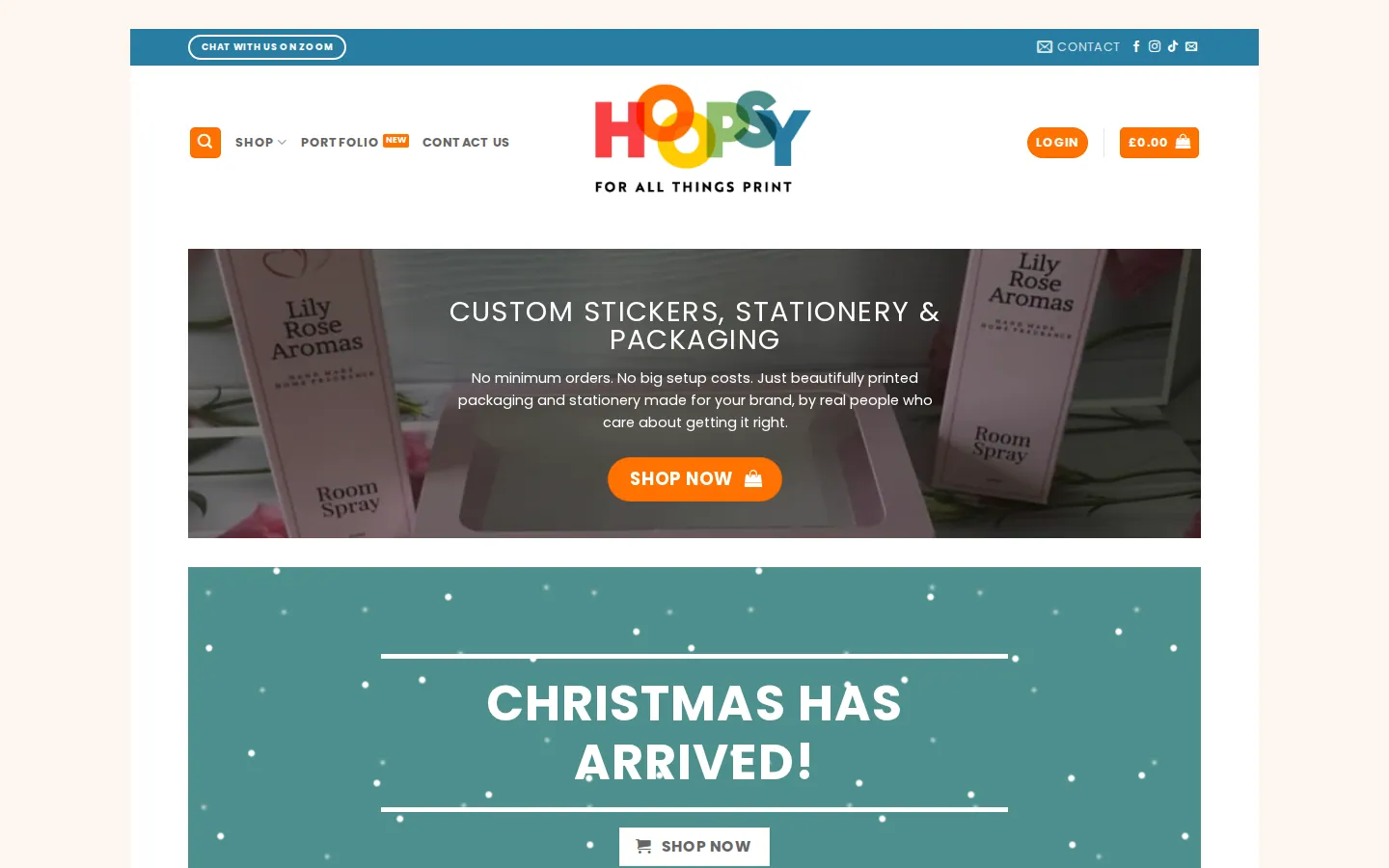
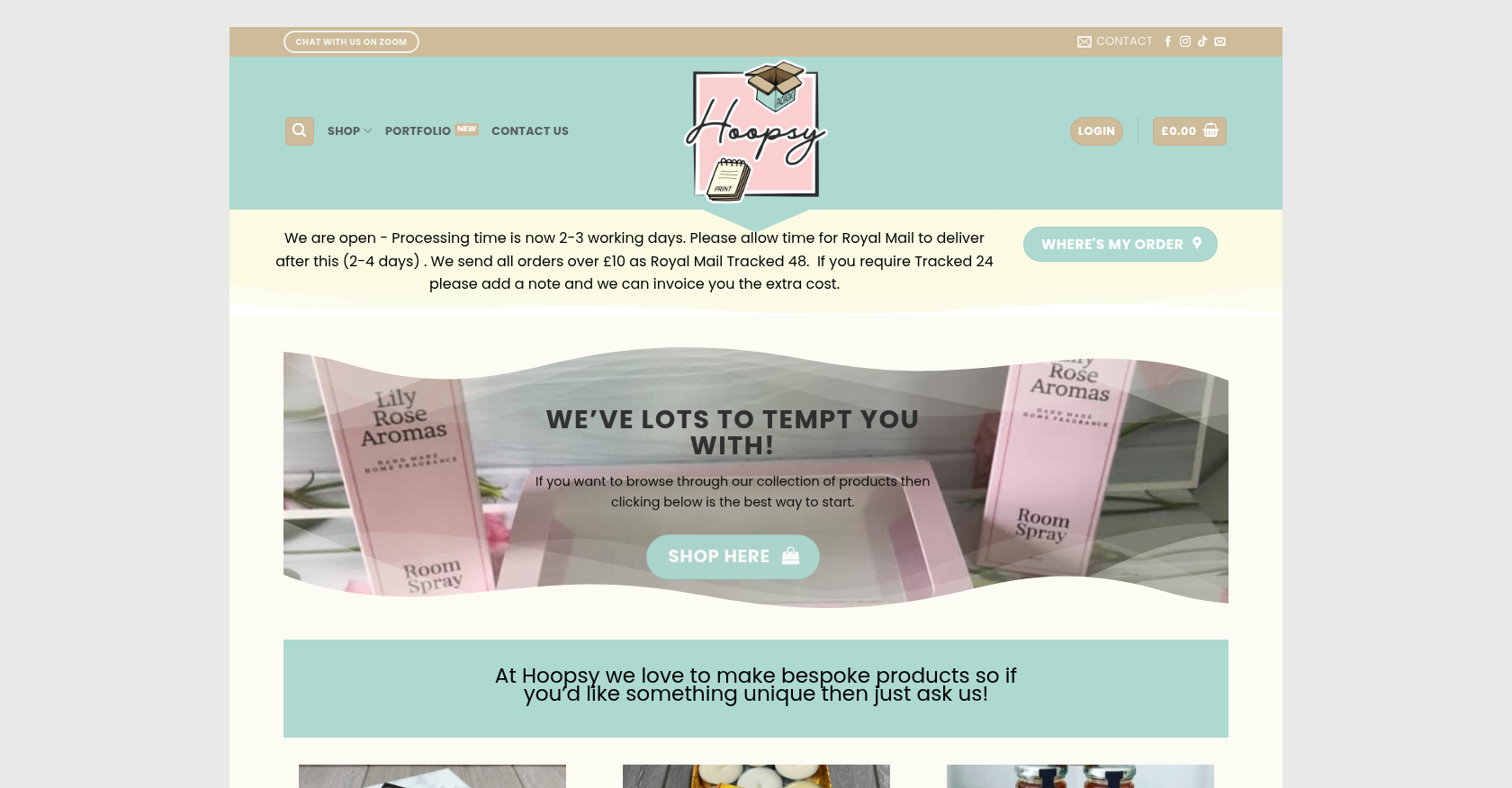 Merchandise & Apparel · hoopsy.co.ukEnhancing Product Customization and Ordering Journey for Personalized MerchandiseDelivered, live store
 Merchandise & ApparelEcommerce Storefront Design for Custom Merchandise OrderingDelivered (store no longer online)
 Merchandise & Apparel · weinkthat.comSeamless Custom Merchandise Ordering for Enhanced Customer ExperienceDelivered (store no longer online)
Project records from our portfolio. They show the wider work of the team, not this exact service.
Stores on Cmsmart Ecommerce

Cmsmart Ecommerce provides custom ecommerce and WooCommerce development services for web-to-print, product personalization, plugin support and API integration.




Web-to-print, WooCommerce, B2B and AI specialists who plan, build and support stores together.
Meet the team →
Top