
Import your print price list into Cmsmart Ecommerce as a price matrix
Cmsmart models your price list as option sets, quantity breaks, area pricing and a price matrix in Pricing Options, imports it one product category at a time, and compares the store's prices with your source file line by line. You supply the prices and the rounding rules. A reconciliation report shows what matched and what was corrected.

In short
How do I load a large print price list into WooCommerce without typing every row?
Your numbers, loaded without retyping and reconciled against your source file, so the price on the product page matches your price list.
| Scope | A price file in Excel, CSV or PDF turned into option sets and a price matrix for one product family or many |
|---|---|
| What you get | Live prices on the product page, built from your numbers and checked against your file |
| Typical inputs | The price file with sizes, stocks, quantities and prices, which products each table covers, rounding rules and staging access |
| Deliverables | An option model, the price import, a reconciliation report, sample price checks and a handover note |
| How pricing works | Free assessment of your file, then a quote per project. Large matrices and several stores are scoped after the review. |
How it works
From a price file to live prices
The problem
What does one wrong cell in a price table cost?
- Hundreds of price rows typed by hand
- A wrong cell that costs margin on every order that uses it
- Prices kept in a spreadsheet, a PDF or a legacy tool that slowly drift away from the store
- Sizes and quantity breaks that interact in ways a variant list cannot show
- No record of which store price came from which source row
Fit
Is an import the right route?
| A good fit | Another route fits better |
|---|---|
| A long list of sizes, stocks and quantity breaks, with the prices in a spreadsheet, CSV or PDF | A handful of fixed prices: enter them in wp-admin directly |
| You want every imported price checked against your file | Your price needs a formula that reads sheet yield or ink coverage: that is a pricing engine |
| A one-time load, or a repeat load when you reprice | Prices must follow an ERP or a supplier file continuously: that is an integration |
What we do
What is in scope?
| Part | Input | Deliverable |
|---|---|---|
| File review | Your price file and the structure of your options | A list of gaps and questions, answered before anything is built |
| Option model | Sizes, stocks, finishes, sides and turnaround | Option groups and values in Pricing Options |
| Price rules | Quantity breaks, area pricing, formulas and the matrix | The rules that turn a choice into a price |
| Import | One product category at a time | Prices loaded in batches |
| Reconciliation | Store prices against your file | A line-by-line report, with every difference fixed or explained |
| Sample checks | A set of sample configurations on the storefront | Results checked against your file |
The Cmsmart angle
What Pricing Options does, and what needs custom work
Pricing Options is the printing-options builder inside Cmsmart Product Designer for WooCommerce. The import is a one-off job built against your file; the rules it feeds are the plugin's.
Core Ships in the plugin
- Price per choice. A fixed amount, a percentage, a formula, a value multiplied by a price, or a price per character.
- Price matrix. You choose the fields that form the columns and the rows, and the plugin builds the grid, or you enter each combination.
- Quantity breaks and area pricing. Prices or discounts per quantity range, and a custom width and height priced per unit of area or by area breaks.
- Import and export of option sets. A finished setup can be exported and imported, so it can be reused on another store.
Custom Built as custom development
- An import script for your own file layout
- Customer-group, contract or B2B account pricing
- Pricing rules read from an ERP, MIS or supplier price file
- Imposition, sheet-yield or ink-coverage calculators
Limits we plan around
What Pricing Options does not do today
These come from the plugin's own documentation. We tell you in the assessment which of them your price file runs into.
-
No customer-group pricing
Role-based or contract pricing is not part of the plugin. It is built as custom development when you need it.
-
Very large option sets
A very large option set can hit the PHP max_input_vars limit. The editor warns you, and the hosting value can be raised.
-
Prices are calculated in the store
There is no external pricing API or ERP price sync out of the box.
Scope
Included, not included, and extra
Clear lines before you start. The final scope is written into your proposal.
Included
- A check of your price file and of how your options are structured
- Option groups and values in Pricing Options
- The price matrix and rules imported by product category
- A reconciliation report that compares each row with your file
- Spot checks of prices as a shopper sees them
- A written handover note
Not included
- Deciding your prices. The numbers and the rounding rules come from you.
- Currency or tax strategy. Currency and tax settings stay as configured in WooCommerce.
- Creating the products themselves, which is a catalogue or setup service
- Licences, hosting and third-party fees (plugins, fonts, images, services, provider accounts)
- Anything that is not written in the approved scope
Extra, quoted separately
- Large matrices, several stores or several currencies, scoped after the review
- Customer-group pricing
- A repeat import each time you reprice
What we need from you
- The price file (spreadsheet, CSV or PDF) listing sizes, options and prices
- Which products each table of prices belongs to
- Currency and rounding rules
- Access to the store, or to a test copy
- A staging copy of your store, or approval to create one
- Someone on your side who can make decisions when a question comes up
Process
How the work runs
Each phase is a milestone, approved and invoiced one at a time. The timeline is set in the assessment because it depends on your store, your products and your systems.
- Free assessment. We read your brief, your store and your constraints, and tell you whether the service fits and what it would involve.
- Written scope and quote. Included, not included, extra and what we need from you, set out before any work starts.
- Build on a staging copy, in milestones you approve one at a time in your dashboard.
- Acceptance with your own products, files and orders, including the awkward ones.
- Handover with a run book, then support through tickets in your dashboard.
This service in three phases
What happens, and what you receive
| Phase | What happens | What you receive |
|---|---|---|
| 1. Review | You share the price file. We check how it is organised, note what is missing, and settle the rounding and currency rules. | A question list and the option model |
| 2. Model and import | We define the options and the rules, then import one product category at a time on staging. | Prices on a staging store |
| 3. Reconcile and hand over | We compare every store price with your file, fix the differences and run the sample checks. | A reconciliation report and a written handover note |

Free assessment
Start with a free assessment
Describe your store and what you need. We reply with whether the service fits, what it would involve and a quote, with no obligation.
FAQ
Frequently asked questions
Do you decide my prices?
No. The numbers are yours; we load them and check them. Margins and currency strategy stay your decisions.
Can one price depend on both size and quantity?
Yes. A price matrix takes fields as its columns and rows, and quantity breaks and area pricing can apply as well. Before any import we confirm in the review how your own table translates into those rules.
Is a very large matrix a problem?
Yes, in batches with a reconciliation after each one. Very large option sets can reach the server's max_input_vars limit, which the editor warns about and the host can raise.
Which file formats do you accept?
Excel, CSV or PDF. A table that comes as a PDF is extracted and checked more closely, because every number has to be read from the page.
What happens when we reprice later?
A change is either an edit in wp-admin or a repeat import of the changed rows. We agree which in the scope, and describe it in the handover note.
Can you work with a client in my country?
Yes. Every Cmsmart service, from custom development, migration and integration to full store builds, is delivered remotely. Clients in any country and any industry can work with the team; Netbase has worked with clients in 80+ countries. Projects run online, through a written proposal, email or WhatsApp, and tickets in the Cmsmart dashboard.
Do you work in my industry?
Yes. Clients in any country and any industry can work with the team; Netbase has worked with clients in 80+ countries. Published Cmsmart projects include stores for web-to-print, merchandise and apparel, signage, packaging and labels, and gifts and promotional products. See the client work at cmsmart.net/projects.
How do I pay securely?
Contracts and payments go to the company, Netbase JSC: plans are paid through PayPal; services are invoiced by Netbase JSC under a written proposal and paid by bank transfer to Netbase JSC's company account or by PayPal Business. Cmsmart (Cmsmart Ecommerce) is the ecommerce brand of Netbase JSC, a company based in Hanoi, Vietnam.
Who do I talk to?
Talk to the CEO, Huy Nguyen (David): message him on WhatsApp at +84 937 869 689 or email project@cmsmart.net. The contact page at cmsmart.net/contact lists every channel, and Request a quote (cmsmart.net/project-proposal) sends your project brief to the team. Tell us the scope and we reply with a plan and a quote.
Related services
Next steps and neighbouring services
Learn more
Related tutorials from the community
- GuideCmsmart Product Designer Settings Guide: Complete WP AdminThe Cmsmart Product Designer settings guide: every WP Admin screen mapped, key defaults explained, and how to configure yours for...
- GuideNBDesigner Lite Free Download: Install & ActivateGet the NBDesigner lite free download, install it on WooCommerce, and activate your 30-day trial license before you buy Premium.
- GuideWooCommerce Printing Options Price Matrix Setup GuideComplete the WooCommerce printing options price matrix setup in Cmsmart Product Designer: field types, quantity breaks and default...
Who you work with
The team behind Cmsmart and its published work
- 2012Netbase since 2012Cmsmart Ecommerce is a Netbase JSC company
- 6,300+client projectssince 2012
- 80+countriesclients worldwide
- 17,157proposals writtenin our project system, live count
Client projects and countries: Netbase portfolio library and WorkSuite project records, as of Sep 2026. Proposals: records in our Cloodo WorkSuite project system, all-time, refreshed every 6 hours.

Talk to an ecommerce expert
Huy Nguyen (David)
Founder & CEO, Cmsmart · Netbase JSC
Every request is read by the team before you get a written scope and estimate.
Published Cmsmart projects

 Product Designer & Customization · egoidmedia.comBusiness Transformation for Improved Product Customization and Order ManagementDelivered, live store
 Product Designer & Customization · alfabet.euEnhanced Online Experience for Personalized Product OrderingDelivered, live store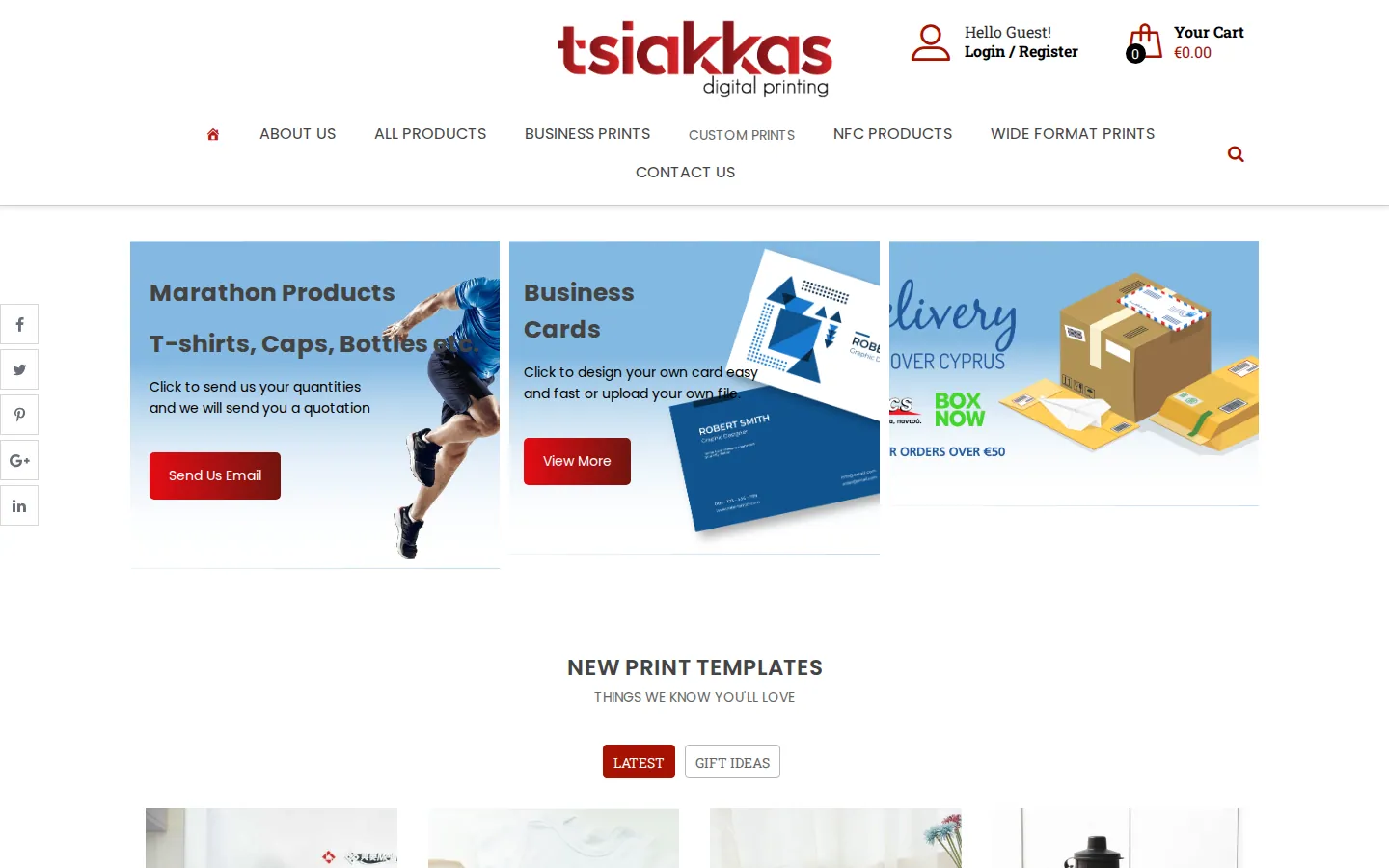
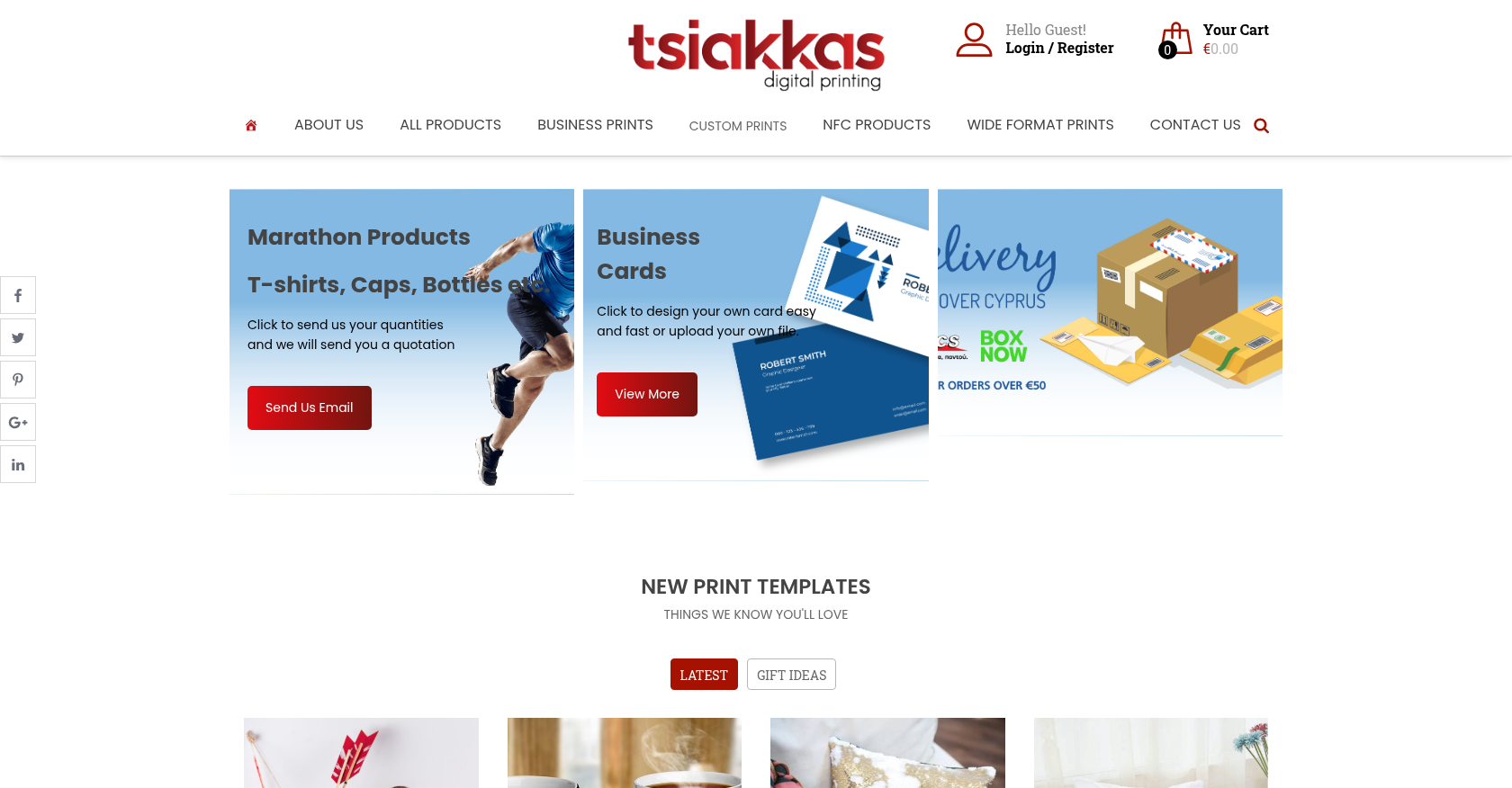 Product Designer & Customization · tsiakkascopycenter.comEnhanced Online Ordering for Print and Design ServicesDelivered, live store
Project records from our portfolio. They show the wider work of the team, not this exact service.
Stores on Cmsmart Ecommerce




Cmsmart Ecommerce provides custom ecommerce and WooCommerce development services for web-to-print, product personalization, plugin support and API integration.




Web-to-print, WooCommerce, B2B and AI specialists who plan, build and support stores together.
Meet the team →
Top