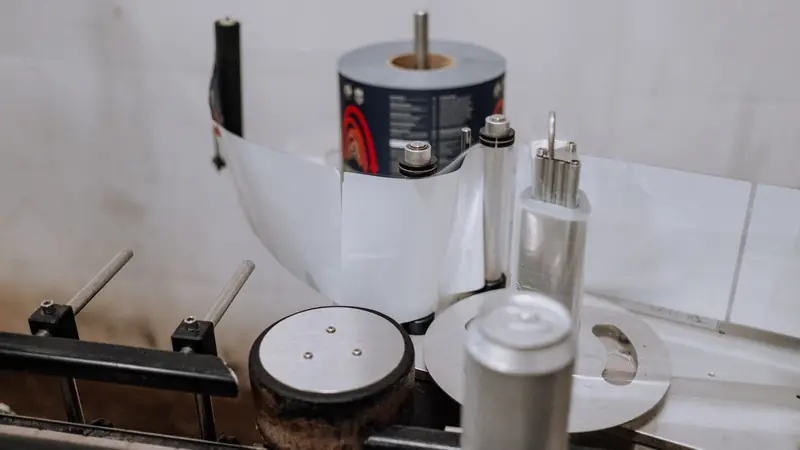
Print-ready PDF and prepress automation for Cmsmart Ecommerce
Start from what your prepress team accepts. Cmsmart Product Designer renders a print-ready PDF for each order item at the ordered size, checks it and retries a failed render. Cmsmart then adds what your press needs as custom development: preflight rules you set, colour conversion with your ICC profiles, imposition, and delivery to a hot folder or MIS.

In short
How do I get print-ready PDFs from my web-to-print store without manual fixes?
A file your prepress team accepts without repair, with its status visible on every order and a rule set you control.
| Scope | Print-ready PDF output, preflight rules, colour handling and hand-off to production, for orders placed in a WooCommerce print store |
|---|---|
| What you get | A file your prepress team accepts without manual repair, with its status shown on each order |
| Typical inputs | Sample files your prepress team accepted and rejected, the requirements of your RIP and press, your ICC profiles, and the policy for what passes, warns or fails |
| Deliverables | A written output specification, configured output, specimen files and an acceptance run with your prepress lead |
| How pricing works | Free assessment, then a quote per project. The output settings that ship with the plugin are included; the rest is custom. |
How it works
From a buyer's design to your press
The problem
Why is a web preview not a production file?
- Prepress staff fix files from the web by hand, day after day
- A designer that exports files production cannot use
- Fonts, resolution or bleed problems found only at the press
- Several print partners that each want a different specification
- A disputed job that cannot be regenerated and compared
Fit
Is this the right service?
| A good fit | Another route fits better |
|---|---|
| Prepress fixes web files by hand | Customers only send finished PDFs that an ordinary preflight tool already handles well |
| A business making photo products, packaging or signage, where the designer's output is unusable in production | The trouble is colour that originates in press calibration or the material: a colour specialist has to look at that in person |
| Personalised items are produced by more than one print partner, each with its own specification | There is no written output specification and no accepted or rejected samples: start with a technical audit |
What we do
What is in scope?
| Part | Input | Deliverable |
|---|---|---|
| Output specification | Files you have accepted and rejected, plus what your RIP and press demand | A written output contract covering PDF flavour, page boxes, font handling, resolution and ink limits |
| PDF generation | Designer data or uploaded artwork, and the product's real geometry | A print-ready PDF at the ordered size, with bleed |
| Colour handling | Your ICC profiles and spot colours | Conversion with named profiles, as a custom pipeline |
| Preflight rules | Your policy for pass, warn and fail | Automatic checks on effective resolution, fonts, colour mode and bleed |
| Imposition and marks | Sheet formats and layouts that you want prepared ahead of the RIP | Layouts that repeat a design across the sheet, such as n-up, where your workflow wants them |
| Hand-off | A hot folder, a JDF endpoint or an MIS job | Delivery with the job identity and a machine-readable preflight report |
The Cmsmart angle
What the plugin already does, and what is custom
The first three steps below ship in Cmsmart Product Designer for WooCommerce. Your press specification decides how much has to be added.
Core Ships in the plugin
- Print-Ready Files. Clicking Process queues a background render. A render is marked ready only when real PDF files exist, a failure is retried and then raises one alert, and the order screen shows the status with a Regenerate button.
- Same size as ordered. Automatic PDFs use the same page geometry as Create PDF, including the buyer's custom width and height. A reorder or an edit queues a new file.
- Print Preflight. AI Print Preflight checks the buyer's image resolution in the designer, and the print PDF in the admin order for resolution, colour mode, fonts, bleed and transparency. It uses AI tokens from your Cmsmart wallet.
Custom Built as custom development
- Imposition and gang-sheet layouts for your press
- Delivery to a RIP hot folder, an MIS or cloud storage
- Colour-managed CMYK PDF pipelines for your printer's profile
- Job tickets and production barcodes
- Preflight rules with your own pass, warn and fail classes
Limits we plan around
What the standard output does not claim
The plugin's documentation is specific about what its files are, so the output contract starts from it.
-
CMYK
The PDF is not described as CMYK. CMYK output is the JPG download with an ICC profile, which needs ImageMagick with lcms2 on the server.
-
PDF/X
The plugin does not document PDF/X output. If your printer asks for a PDF/X flavour, we build it to their specification, and the flavour is whatever their RIP and press accept.
-
Delivery
Print files are attached to the admin email only, and buyers are never sent print artwork by default. Hand-off to production is custom: it can use JDF and JMF where your system supports them, or the interface your vendor does support.
Source: CIP4: JDF and JMF (read 10 October 2026).
Personalised batches
Variable data printing from a record list
Variable data printing from a CSV, for badges or certificates, is not part of the plugin today. We build it as custom development: each record is checked against the template's required fields, the fields are bound to named placeholders, a sample proof is approved before the whole batch runs, and every recipient gets an imposition-ready file of their own. Buying or cleaning a mailing list, and the mailing itself, are out of scope.
-
Intake and validation
A row with a missing or invalid field is held out with the reason, not composed with a blank.
-
Binding and composition
An unexpected field is refused, not silently ignored.
-
Sample proof
If a field is mapped wrongly, it is caught on a single record before the full batch.
-
Hand-off
One file per recipient, ready for imposition.
Scope
Included, not included, and extra
Clear lines before you start. The final scope is written into your proposal.
Included
- An output specification in writing, plus the preflight rules
- Print-ready PDF output at the ordered size, with bleed
- Preflight with pass, warn and fail classes that you choose
- Hand-off to the hot folder, MIS or RIP you run, as scoped
- Specimen files and an acceptance run with your prepress team
- A run book
Not included
- Calibrating presses or profiling devices. We work with whichever ICC profiles your workflow names.
- RIP installation or replacement
- A promise of identical colour on every screen, substrate and device
- Sourcing or cleaning of mailing lists
- Licences, hosting and third-party fees (plugins, fonts, images, services, provider accounts)
- Anything that is not written in the approved scope
Extra, quoted separately
- Imposition and gang-sheet layouts
- Variable data printing from a record list
- Print MIS integration
What we need from you
- Accepted and rejected sample files, and the reasons for each
- The specification of your RIP, press or print partners
- Your ICC profiles and your list of spot colours
- A named prepress lead who decides what blocks an order
- A staging copy of your store, or approval to create one
- Someone on your side who can make decisions when a question comes up
Process
How the work runs
Each phase is a milestone, approved and invoiced one at a time. The timeline is set in the assessment because it depends on your store, your products and your systems.
- Free assessment. We read your brief, your store and your constraints, and tell you whether the service fits and what it would involve.
- Written scope and quote. Included, not included, extra and what we need from you, set out before any work starts.
- Build on a staging copy, in milestones you approve one at a time in your dashboard.
- Acceptance with your own products, files and orders, including the awkward ones.
- Handover with a run book, then support through tickets in your dashboard.
This service in three phases
What happens, and what you receive
| Phase | What happens | What you receive |
|---|---|---|
| 1. Specification | We collect accepted and rejected files with your prepress reasons, and write the output contract and the rule set. | A signed output specification |
| 2. Build and specimens | We configure and extend the output, colour handling, preflight and hand-off, and generate specimen files. | Sample PDFs for typical and difficult products |
| 3. Prepress acceptance | Your prepress team pushes the samples through the same workflow it uses every day. | Signed acceptance per specimen, with open issues listed |

Free assessment
Start with a free assessment
Describe your store and what you need. We reply with whether the service fits, what it would involve and a quote, with no obligation.
FAQ
Frequently asked questions
Can you generate print-ready PDFs from our existing online designer?
If it is Cmsmart Product Designer, PDF output is already built in. Another designer can work if it is able to hand over layout data or vector files; if it only produces screenshots, the designer itself must be replaced first, which the switch-from services cover.
Must we commit to a single PDF/X flavour?
No. The flavour can differ by destination: your own RIP may take one and a partner running older software another. The output contract records which product goes where.
Who chooses whether a warning stops an order?
Your prepress lead decides. Every check is recorded as pass, warn or fail in the rule set, and moving a check to another class later is a reviewed settings change, not new code.
Will automated preflight make prepress operators redundant?
No. It removes the routine checks from their workload and passes unclear cases to them with a precise question to answer.
Do you handle colour calibration?
No. Calibration and device profiling are specialist work on your equipment. We use the profiles your workflow specifies.
Can you work with a client in my country?
Yes. Every Cmsmart service, from custom development, migration and integration to full store builds, is delivered remotely. Clients in any country and any industry can work with the team; Netbase has worked with clients in 80+ countries. Projects run online, through a written proposal, email or WhatsApp, and tickets in the Cmsmart dashboard.
Do you work in my industry?
Yes. Clients in any country and any industry can work with the team; Netbase has worked with clients in 80+ countries. Published Cmsmart projects include stores for web-to-print, merchandise and apparel, signage, packaging and labels, and gifts and promotional products. See the client work at cmsmart.net/projects.
How do I pay securely?
Contracts and payments go to the company, Netbase JSC: plans are paid through PayPal; services are invoiced by Netbase JSC under a written proposal and paid by bank transfer to Netbase JSC's company account or by PayPal Business. Cmsmart (Cmsmart Ecommerce) is the ecommerce brand of Netbase JSC, a company based in Hanoi, Vietnam.
Who do I talk to?
Talk to the CEO, Huy Nguyen (David): message him on WhatsApp at +84 937 869 689 or email project@cmsmart.net. The contact page at cmsmart.net/contact lists every channel, and Request a quote (cmsmart.net/project-proposal) sends your project brief to the team. Tell us the scope and we reply with a plan and a quote.
Related services
Next steps and neighbouring services
Learn more
Related tutorials from the community
- GuideCmsmart Product Designer Settings Guide: Complete WP AdminThe Cmsmart Product Designer settings guide: every WP Admin screen mapped, key defaults explained, and how to configure yours for...
- GuideNBDesigner Lite Free Download: Install & ActivateGet the NBDesigner lite free download, install it on WooCommerce, and activate your 30-day trial license before you buy Premium.
- GuideWooCommerce Printing Options Price Matrix Setup GuideComplete the WooCommerce printing options price matrix setup in Cmsmart Product Designer: field types, quantity breaks and default...
Who you work with
The team behind Cmsmart and its published work
- 2012Netbase since 2012Cmsmart Ecommerce is a Netbase JSC company
- 6,300+client projectssince 2012
- 80+countriesclients worldwide
- 17,157proposals writtenin our project system, live count
Client projects and countries: Netbase portfolio library and WorkSuite project records, as of Sep 2026. Proposals: records in our Cloodo WorkSuite project system, all-time, refreshed every 6 hours.

Talk to an ecommerce expert
Huy Nguyen (David)
Founder & CEO, Cmsmart · Netbase JSC
Every request is read by the team before you get a written scope and estimate.
Published Cmsmart projects
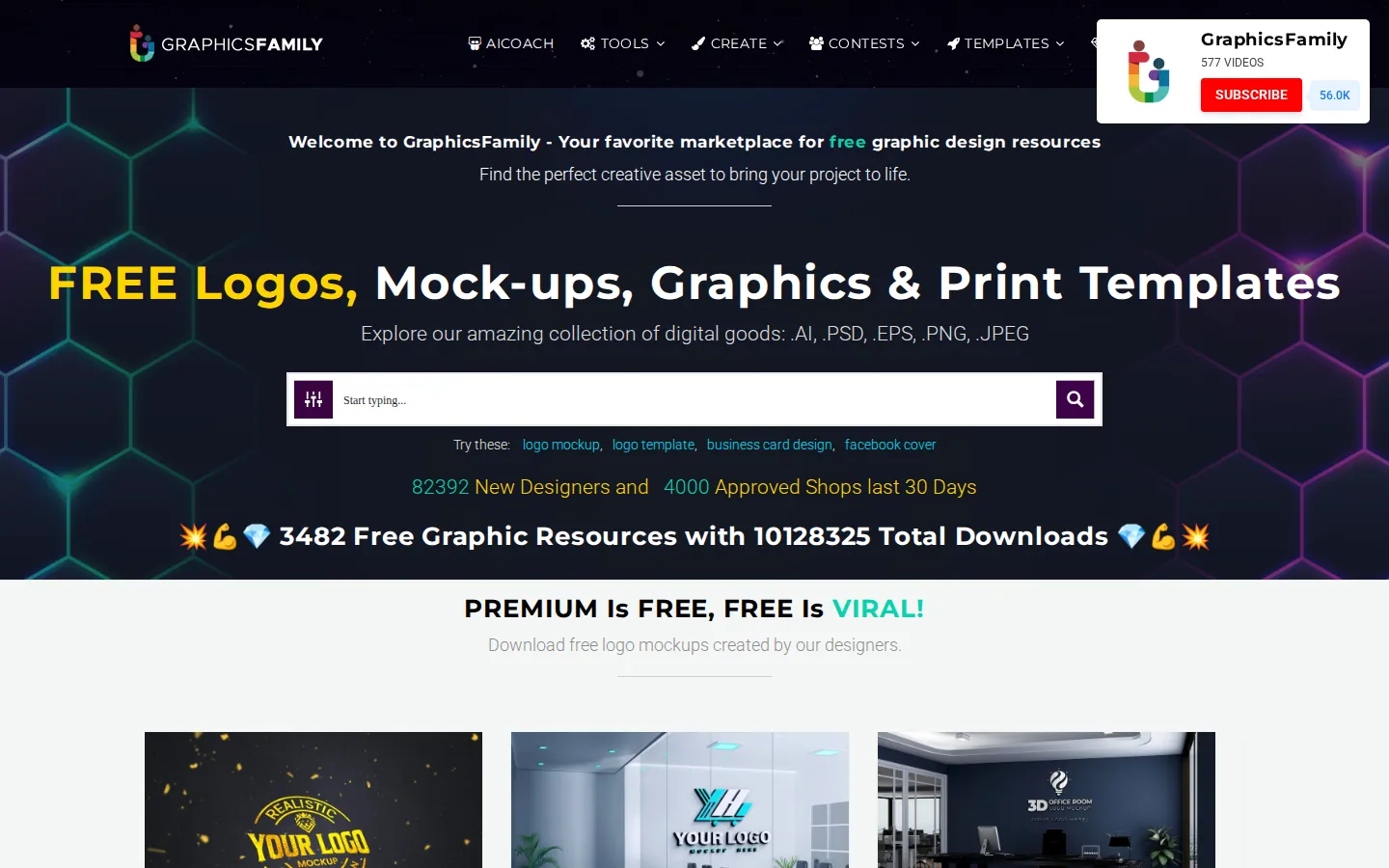
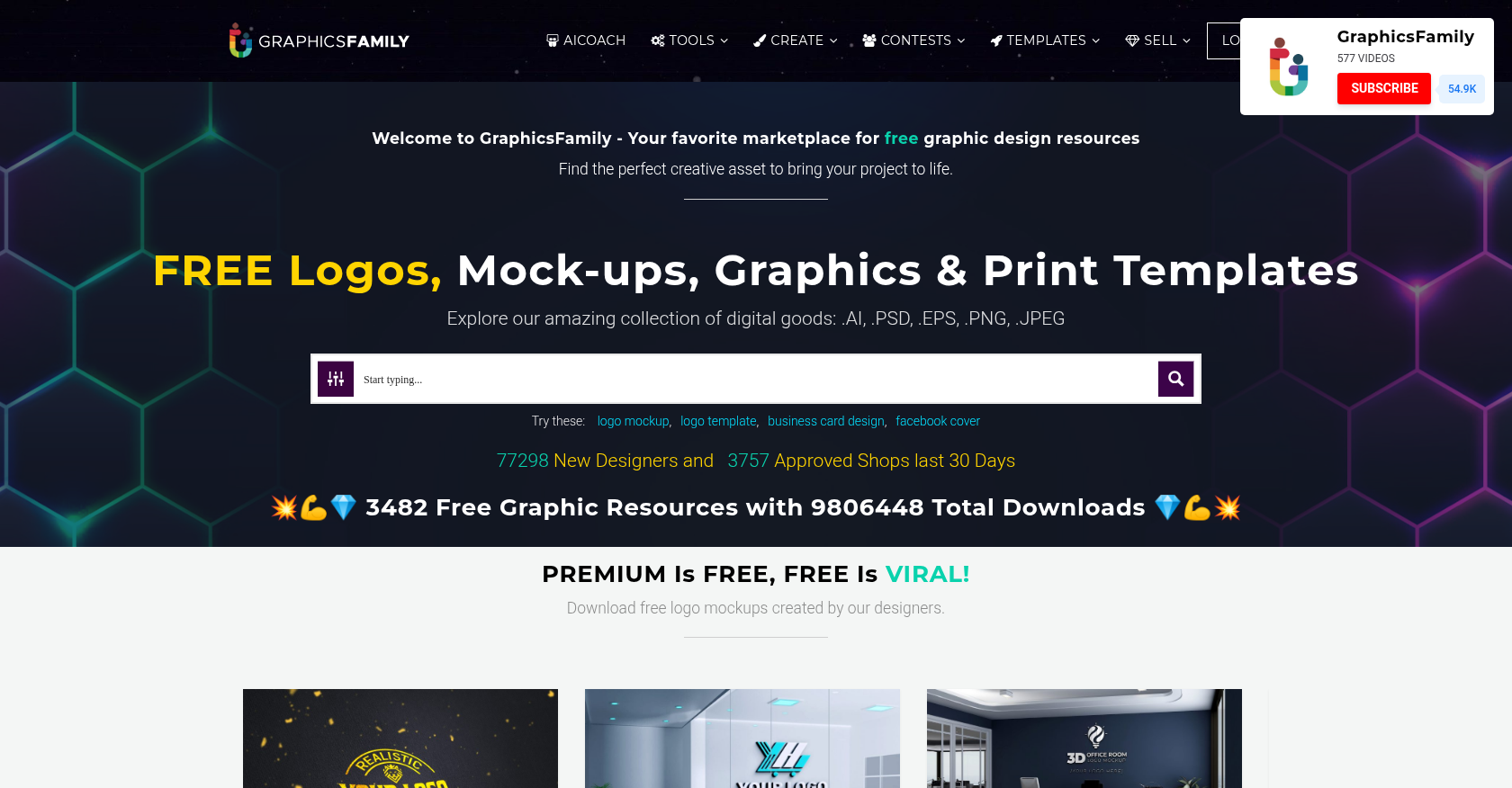 Product Designer & Customization · graphicsfamily.comE-commerce Solution for Personalized Product Design and OrderingDelivered, live store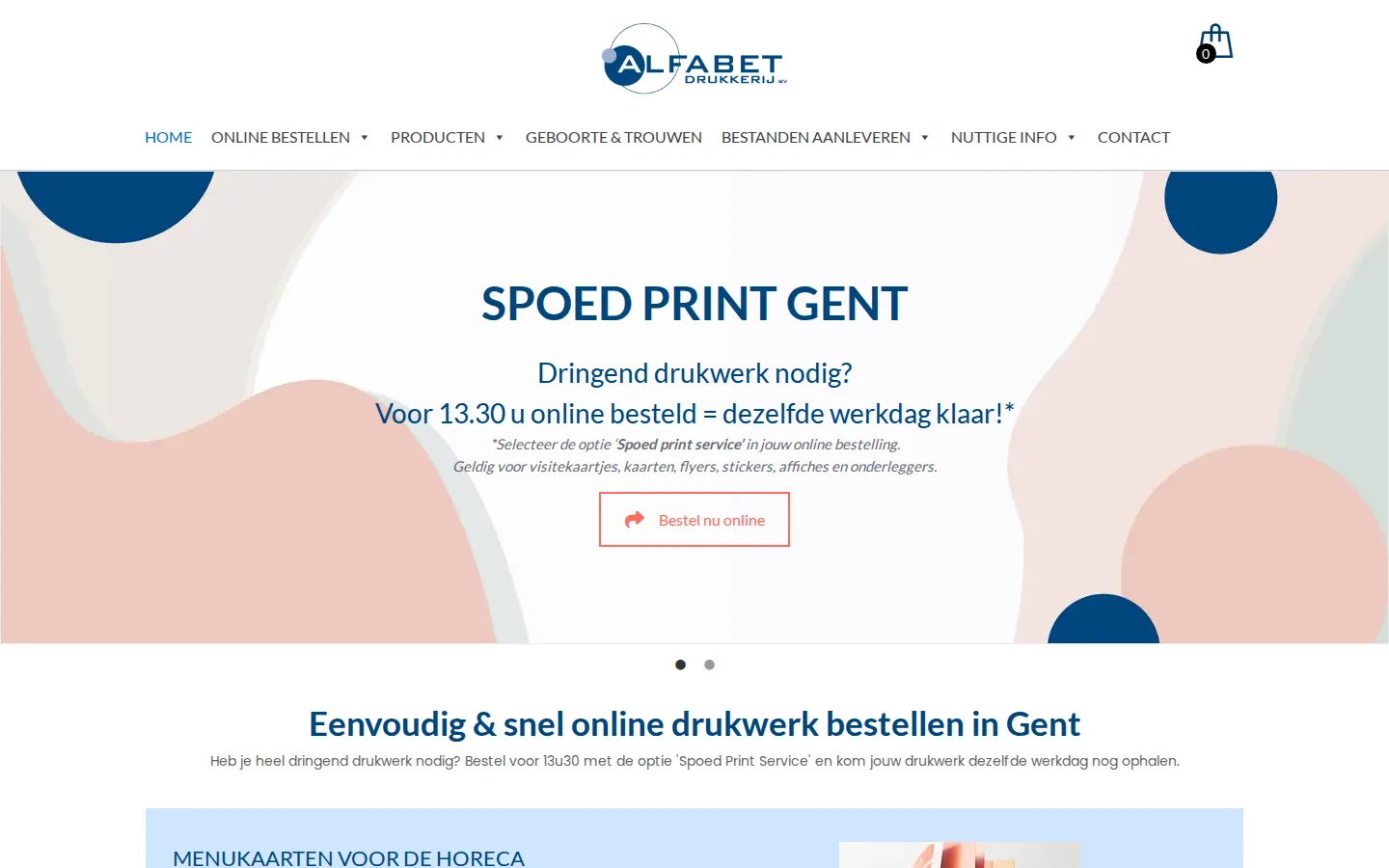
 Product Designer & Customization · alfabet.euEnhanced Online Experience for Personalized Product OrderingDelivered, live store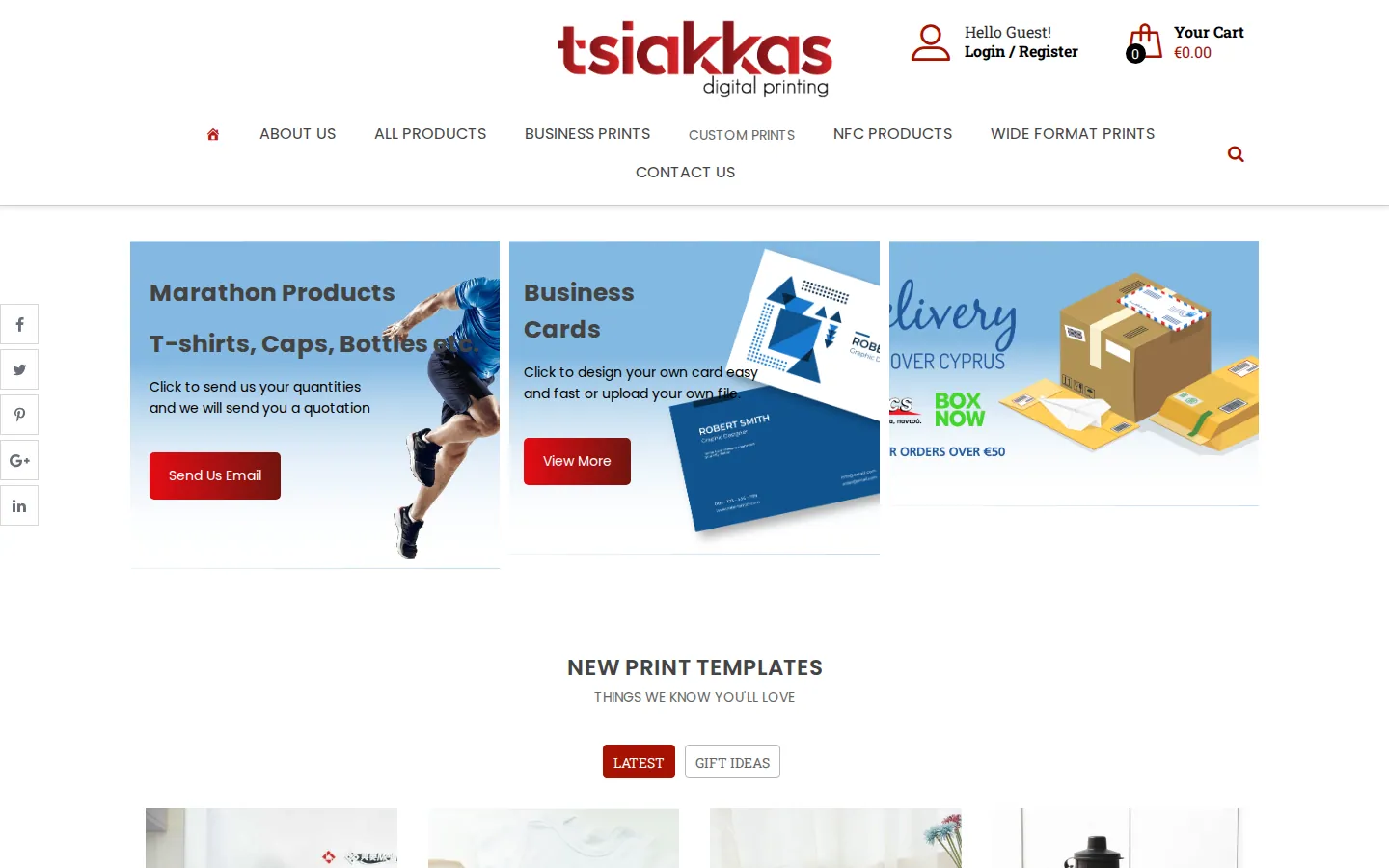
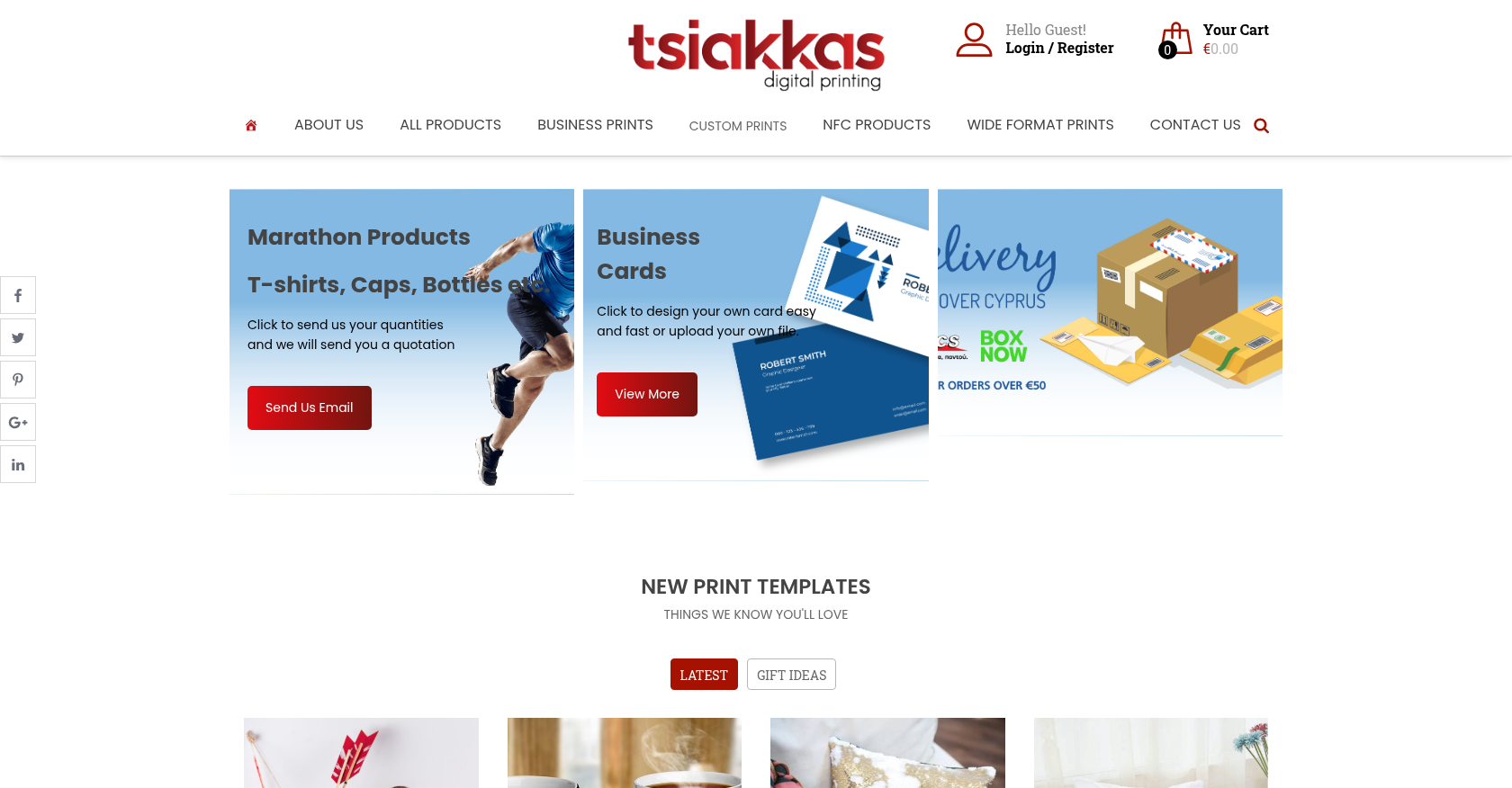 Product Designer & Customization · tsiakkascopycenter.comEnhanced Online Ordering for Print and Design ServicesDelivered, live store
Project records from our portfolio. They show the wider work of the team, not this exact service.
Stores on Cmsmart Ecommerce


Cmsmart Ecommerce provides custom ecommerce and WooCommerce development services for web-to-print, product personalization, plugin support and API integration.




Web-to-print, WooCommerce, B2B and AI specialists who plan, build and support stores together.
Meet the team →
Top