Guide · AI
AI Tools on Your Cmsmart Licence: Setup Guide
Set up AI tools on your Cmsmart licence: catch low-res photos, remove backgrounds, and preflight print files. Get a custom AI setup quote today.
AI in a store is useful when it removes a real cost: blurry customer photos, manual file checks, repetitive catalogue work. Cmsmart adds AI tools to the product designer through Cmsmart Cloud, such as background removal, upscaling and AI preflight, and builds custom AI integrations for stores. These guides explain what each tool does, who can use it and what it costs.
Guide · AI
Set up AI tools on your Cmsmart licence: catch low-res photos, remove backgrounds, and preflight print files. Get a custom AI setup quote today.
AI in B2B ecommerce means software that drafts a quote from an RFQ, flags a customer who is due to reorder, or turns a supplier's spec sheet into clean catalogue data, instead of your team doing it by hand. Cmsmart Product Designer for WooCommerce already structures that pricing and quote data; custom development adds the AI step on top. What does manual quoting and catalogue clean-up really cost your B2B team? Cmsmart Product Designer...
A customer pastes a prompt into an AI image tool, loves the result, and uploads it straight to your print-on-demand product page expecting a finished, printable file. Most of the time it isn't one: the file they download is sized for a phone screen, not a 12-inch mug wrap, and nobody has checked whether they are even allowed to print it. AI generated designs print on demand: what's the real quality problem? Cmsmart sees...
AI product descriptions WooCommerce teams draft in minutes still need a human review pass, a duplicate-content check, and a cost ceiling before they reach a live product page — skip any of the three and speed trades away shopper trust and search visibility. What does it really cost to write WooCommerce product descriptions by hand? Writing one strong description per product is slow on its own; writing one per size, color, or print option...
An AI chatbot for WooCommerce can answer order-status, print-option pricing and artwork-approval questions straight from your store's own data, around the clock, and still hand a reader to a person the moment the question needs judgment rather than a lookup. Why does manual WooCommerce customer support cost your team so much time? Cmsmart sees the same support load on every print-on-demand and custom-product WooCommerce store: someone opens the order, re-reads the price matrix, checks...
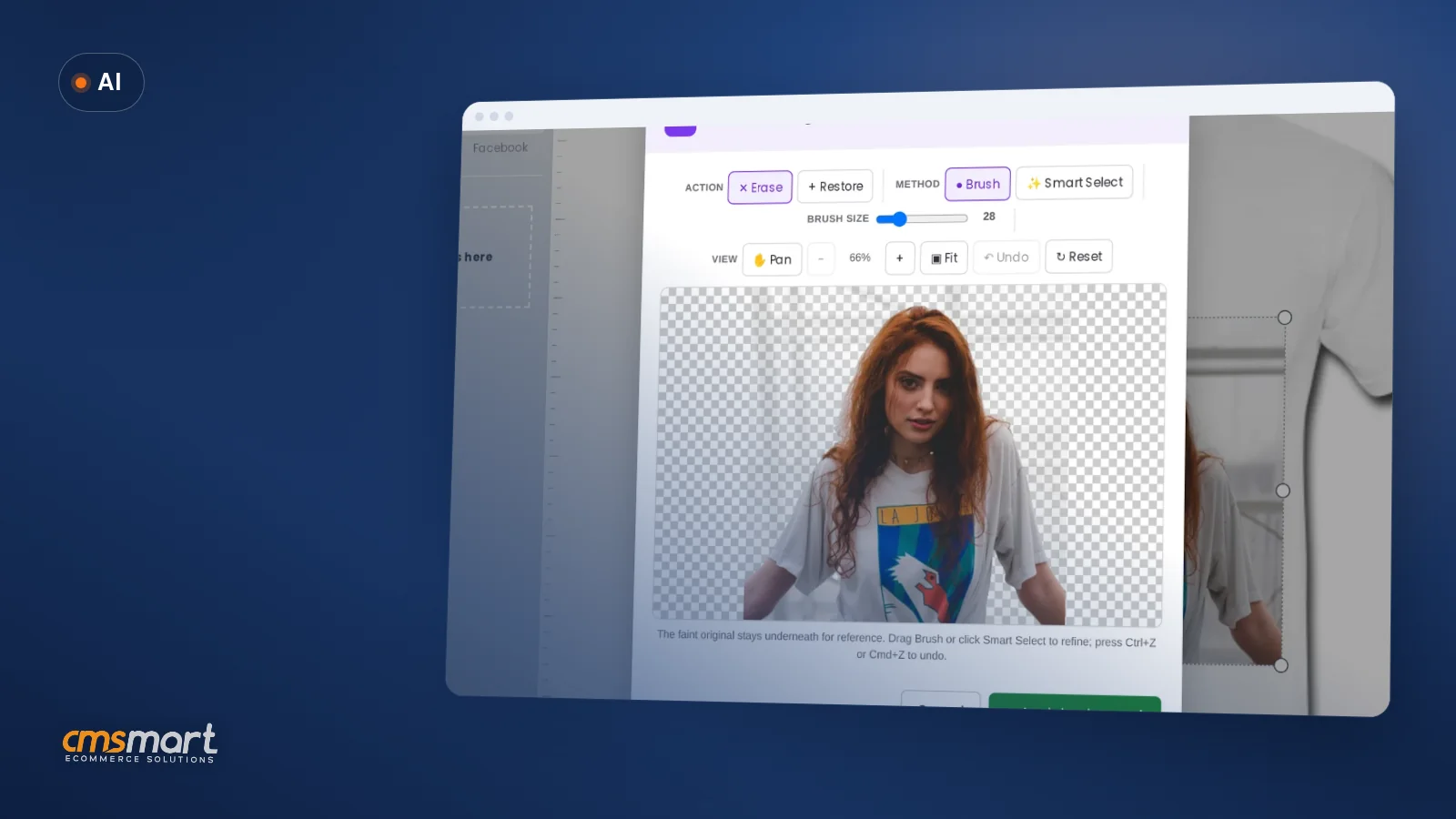
A buyer uploads a phone photo to a badge, a mug or a t-shirt in your designer. It looks sharp on their screen. At print size it's soft, or the background prints as a grey box, and the file lands on your desk looking fine until someone opens it in prepress. Multiply that by every order your print shop or POD store takes, and quality control turns into a full-time job for whoever is...
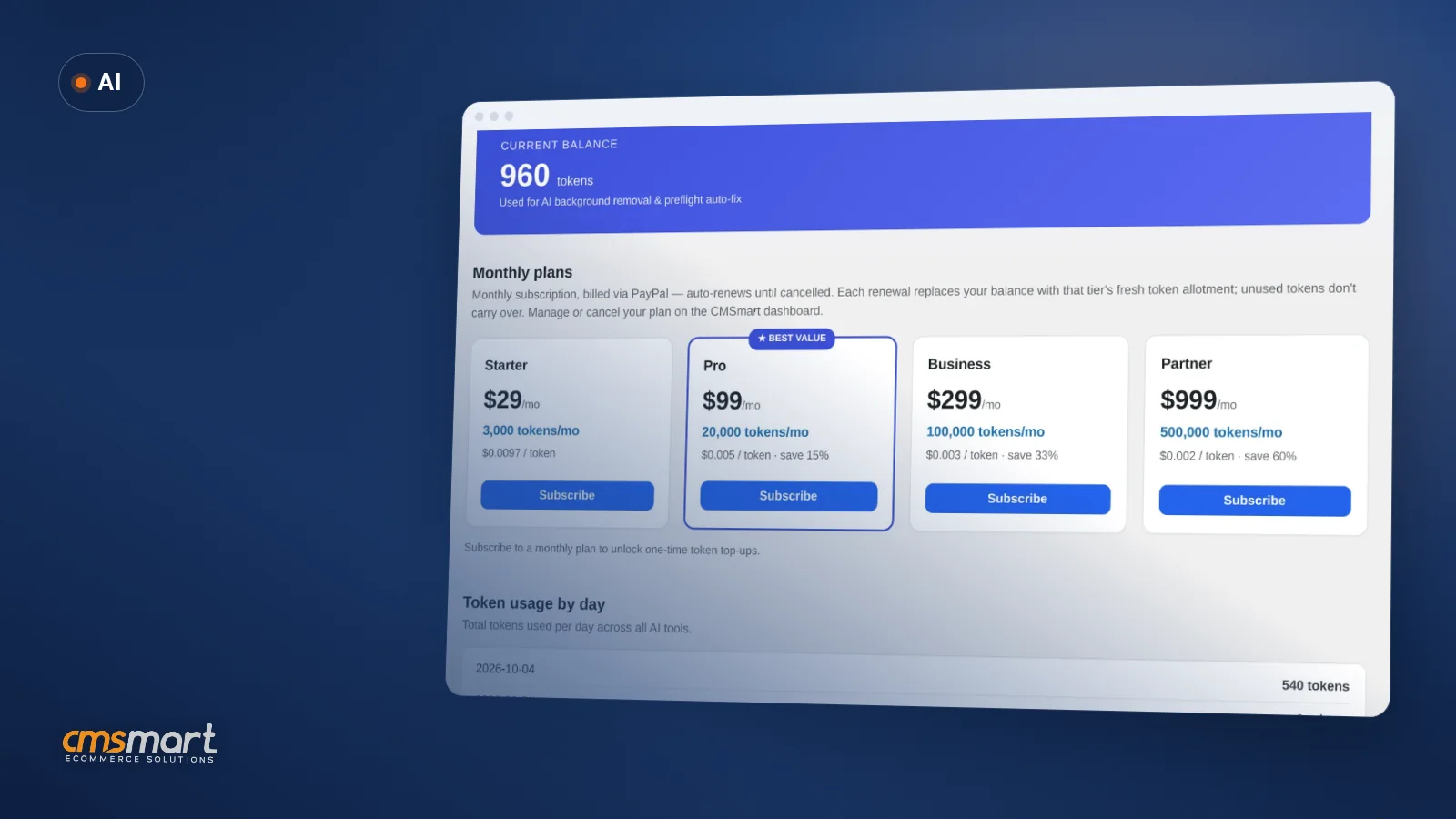
AI token wallet costs are the first question most store owners ask once they turn on AI Preflight, Background Remover or Upscale in Cmsmart Product Designer (NBDesigner) — what will it actually cost per month? The honest answer is that it depends on how many designs your customers upload, how many of them need a fix, and how wide you open the door to anonymous visitors — and Cmsmart Product Designer gives you the...
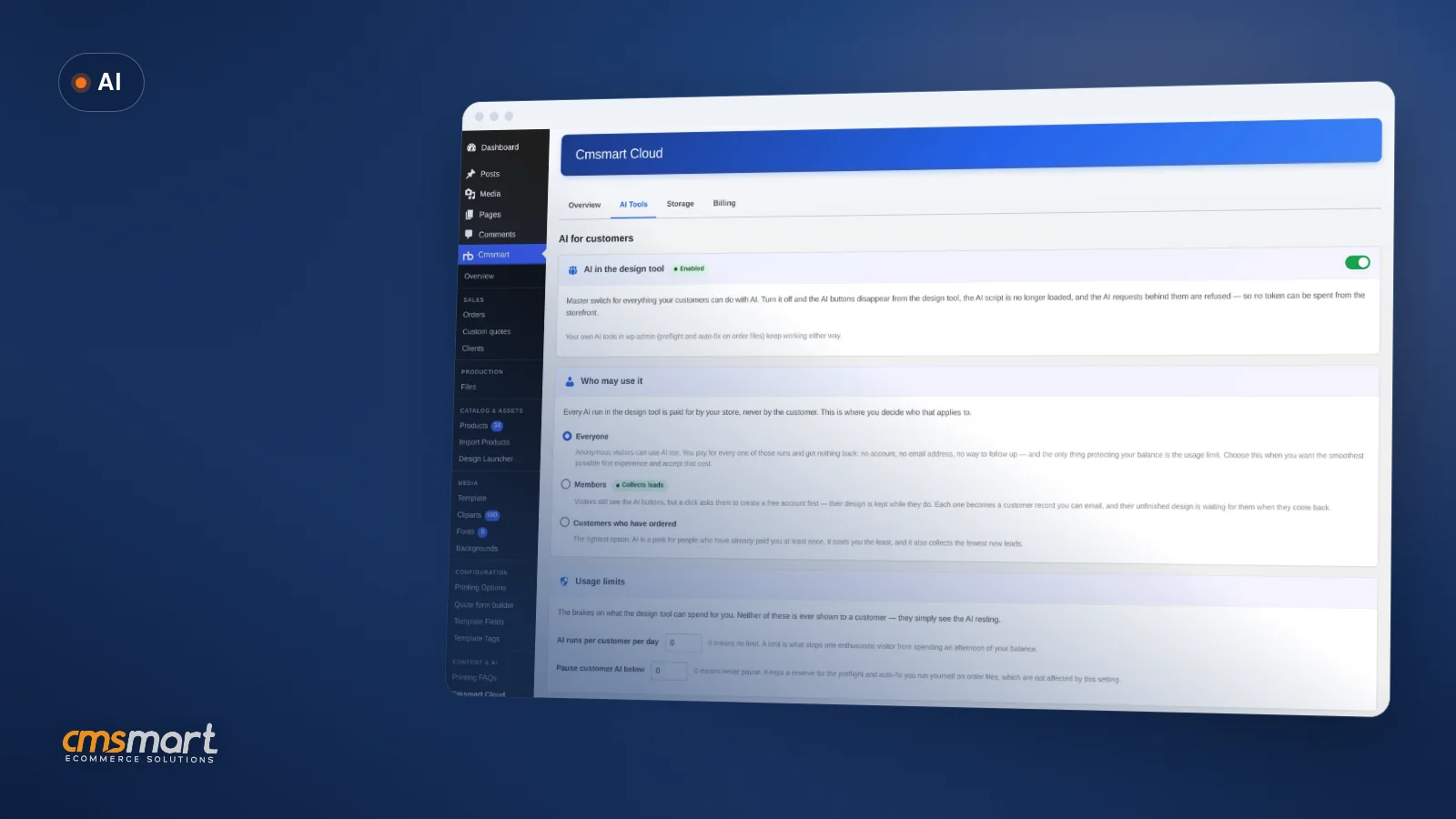
A shopper opens your product designer late one night, uploads a blurry photo from their phone, and asks for a cleaner cut-out before they buy. The fix takes seconds — and somebody has to pay for it. Not every visitor who clicks that button is a paying customer, and until you decide otherwise, your store pays for all of them the same way. This guide shows you how to control who can use AI...
A customer uploads a selfie to put on a t-shirt. The shot is fine for Instagram — but the room behind her becomes a hard grey box when it prints, and the shop either ships it looking wrong or a designer opens Photoshop to fix it by hand. A second customer drops a 640 x 360 px screenshot onto a mug; at mug size that photo prints soft, and nobody tells her until the...
A customer uploads a phone photo to a badge, a mug or a t-shirt. On her screen it looks sharp. At print size it is 184 pixels per inch against the 300 DPI your printer needs, and the job would come back soft. Most shops find this out after the print run, not before. Cmsmart's AI print preflight software is built to catch that moment twice: once while the buyer is still in the...
Every order you design online still needs a print-ready file your press can trust: the right paper size, the right bleed, and no last-minute surprise that does not match what the customer actually approved. Cmsmart Product Designer (NBDesigner) 2.17 ties the print-ready PDF, the order, and the customer's final approval together, so your production queue stops guessing and starts printing. What does a manual, mismatched print-ready PDF cost your shop? A print-ready PDF that...
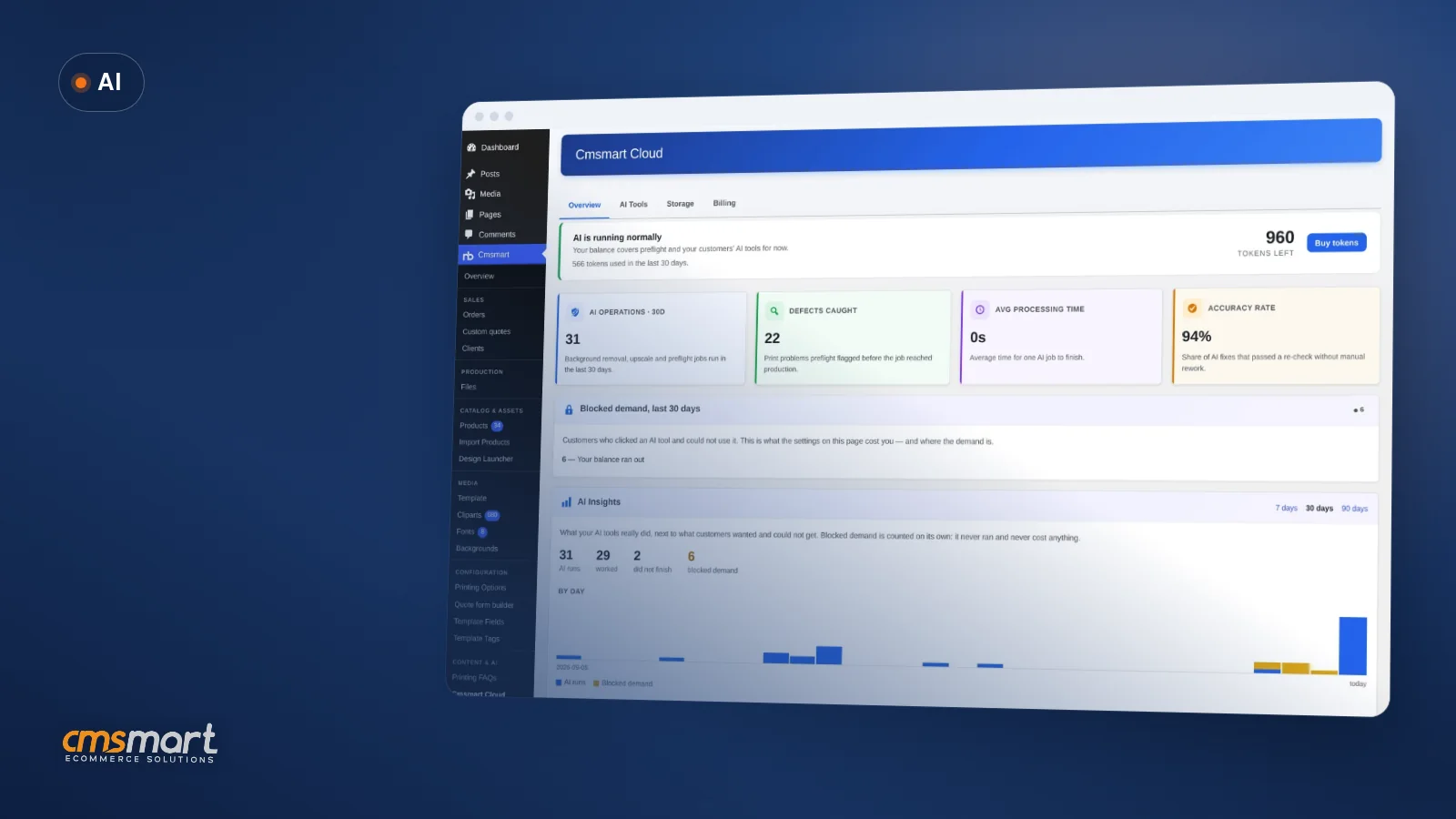
The AI tools run on Cmsmart Cloud and use AI tokens from your Cmsmart account; the cost guide below explains how the token wallet works.
Yes. The access guide below shows how to decide which users and buyers can use the AI tools.
 Teespring Business Model: How It Works for Sellers
 Print-Ready PDF Plugin for WooCommerce (Cmsmart 2.17)
 NBDesigner Lite Free Download: Install & Activate
 Cmsmart Product Designer Settings Guide: Complete WP Admin
 Car Wrap Ecommerce Store Software for WooCommerce
 Keywords for T-Shirts: SEO Tips for Your Brand
 WooCommerce Price Matrix: Price Print Products Online
 WooCommerce Printing Options Price Matrix Setup Guide
 How to Choose an Ecommerce Design Company: 8 Questions
 Ecommerce Product Catalog and Listings: A Guide

Cmsmart Ecommerce provides custom ecommerce and WooCommerce development services for web-to-print, product personalization, plugin support and API integration.
Cmsmart AI for Ecommerce Engineer
Adds practical AI to stores: image tools, preflight checks, automation and assistants.
Meet the team →