

Guide · WooCommerce
How to Choose an Ecommerce Design Company: 8 Questions
Learn how to choose an ecommerce design company: compare deliverables, scope, support and source files, then see how Cmsmart quotes a store design.
What is new in Cmsmart this month? In October 2026, Cmsmart added 15 ready-made Cmsmart Stores (23 in total), shipped Cmsmart B2B 2.2.0 for quote-and-approval selling, and released six Cmsmart Product Designer updates that tighten design privacy and print-ready PDFs. Store owners can try any of it today through the Store Setup wizard, free, with sample data, before deciding to go live.
Was this tutorial helpful?
Written by
Cmsmart WooCommerce Plugins & Themes Specialist
Installs, configures and customises WooCommerce plugins and themes, ours and the market's.
The team behind it
 Account Manager
 Project Manager
 Business Analyst
 Developers & QA
Guide · WooCommerce
Learn how to choose an ecommerce design company: compare deliverables, scope, support and source files, then see how Cmsmart quotes a store design.
Case study · Web-to-print
Product personalization software for WooCommerce lets shoppers customize templates on the product page, then get a custom design quote from Cmsmart.
Case study · Web-to-print
Set up an artwork approval workflow for WooCommerce: buyers confirm designs, Cmsmart locks the file, and print-ready PDFs generate automatically.

Cmsmart Ecommerce provides custom ecommerce and WooCommerce development services for web-to-print, product personalization, plugin support and API integration.
Cmsmart WooCommerce Plugins & Themes Specialist
Installs, configures and customises WooCommerce plugins and themes, ours and the market's.
Meet the team →


In short
Why did launching a new print niche used to cost you a slow, manual month?
Before the Store Setup wizard, adding a niche store to a WooCommerce install meant downloading a parent theme, a child theme, a product designer plugin and a content pack by hand, then uploading each one and importing sample data in the right order. Cmsmart built the wizard so that work runs itself.
Testing a new niche, say mugs alongside an existing T-shirt catalogue, cost a developer's afternoon to upload and activate the packages, a second afternoon if a dependency broke the first attempt, and a delay before the idea was even live enough to judge. Common pains Cmsmart kept hearing:
What could your catalog look like with 15 new Cmsmart Stores live today?
Cmsmart Stores now covers 23 ready-made WooCommerce storefronts, so a print shop, gift seller or apparel brand can pick the layout and niche closest to their business and set it up with sample data in one sitting, instead of designing a catalogue from a blank theme.
Timing matters: US shoppers are forecast to spend a record $275.1 billion online this holiday season (Nov. 1–Dec. 31, 2026), up 6.7% year over year (Adobe Analytics, 2026). A store live in October has more runway than one still being built in November.
The 15 new stores group into five families:
How does Cmsmart turn a store order into a live site?
Cmsmart Stores runs on a parent theme (Cmsmart Stores) plus one store-specific child theme, Cmsmart Product Designer for product customisation, and an add-on plugin for Cmsmart B2B or Cmsmart Marketplace stores, with a content pack that fills the result with sample products.
A WordPress child theme lets Cmsmart ship a store-specific look while every store shares one parent theme for the parts that do not change. The building blocks behind every Cmsmart Store:
Cmsmart insight: most setup problems we see on support tickets come from installing these pieces out of order — a child theme activated before its parent, or the designer added after demo content import. The wizard fixes that by running a set sequence; see the full walkthrough in our store installation guide.
What's new for B2B sellers this month?
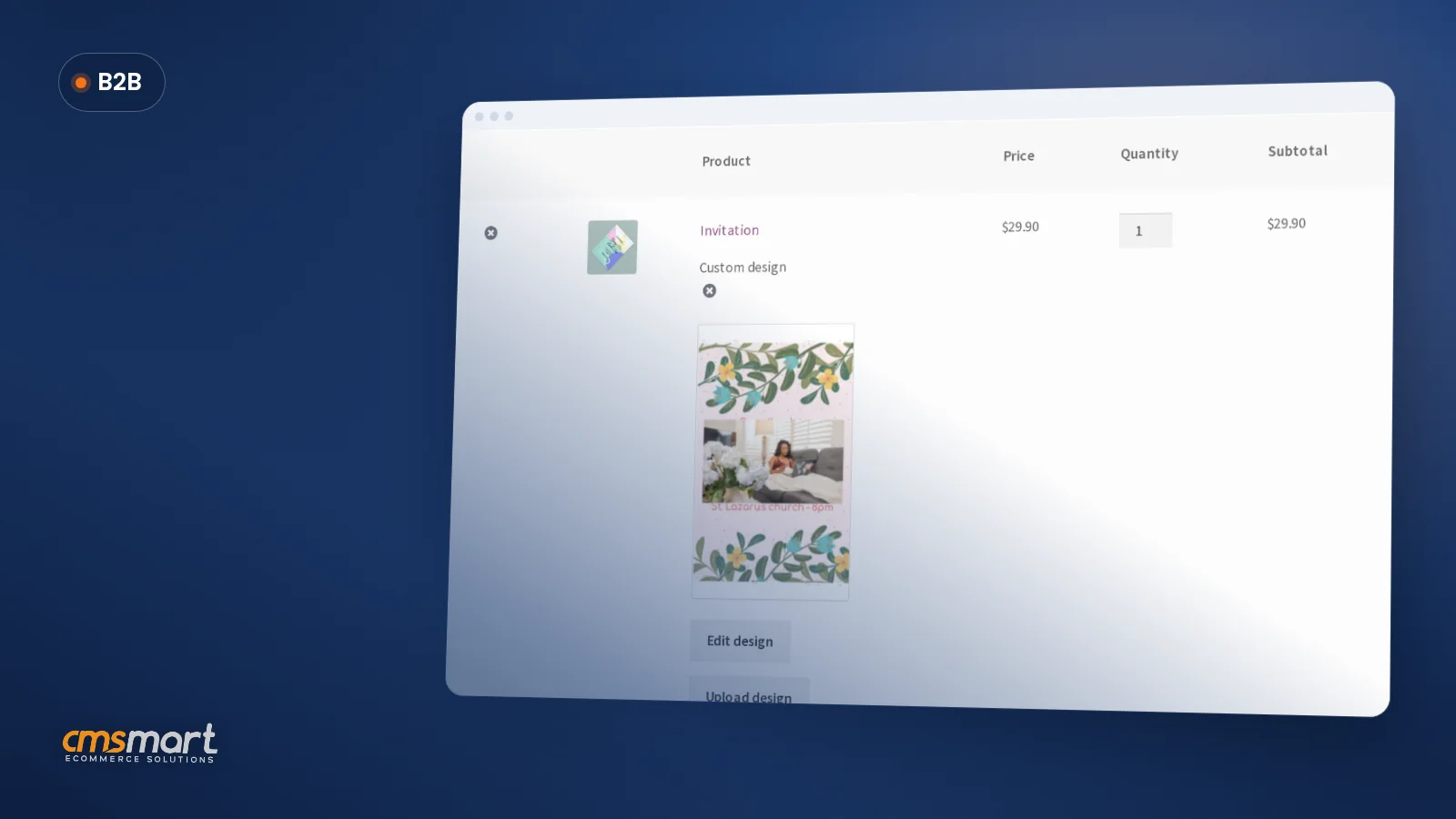
Cmsmart B2B 2.2.0 and Cmsmart B2B Store 2.2.0 add quick order and reorder by SKU list, quote requests with artwork attached, spend approval and budgets for team accounts, so a business buyer can order the way a wholesale account expects.
US B2B ecommerce sales grew 13% to $2.93 trillion in 2025, according to Digital Commerce 360. Three features shipped this release:
All three ship inside Cmsmart B2B Store 2.2.0, bundling Cmsmart Product Designer 2.18.5. Our B2B store setup guide walks through installing it, and Cmsmart's B2B web-to-print solutions page covers the wider service.
What's the ROI of launching a ready-made store instead of building one from scratch?
A ready-made Cmsmart Store replaces weeks of theme and plugin selection with a sample-data install you can judge the same day, so the return shows up as time saved before launch and fewer abandoned projects, not just a feature list.
Ecommerce keeps taking share from brick-and-mortar retail: online sales reached 17.1% of total US retail sales in the second quarter of 2026, according to the U.S. Census Bureau's Quarterly Retail E-Commerce Sales report, up from 16.3% a year earlier. A store that is easy to launch and easy to extend captures more of that growing share.
Size it for your business: (developer hours on a manual install × hourly rate) + (days of delayed sales × your average daily revenue) = the cost of building a niche storefront by hand. Compare that to your own time through the wizard.
What changed in Cmsmart Product Designer this month?
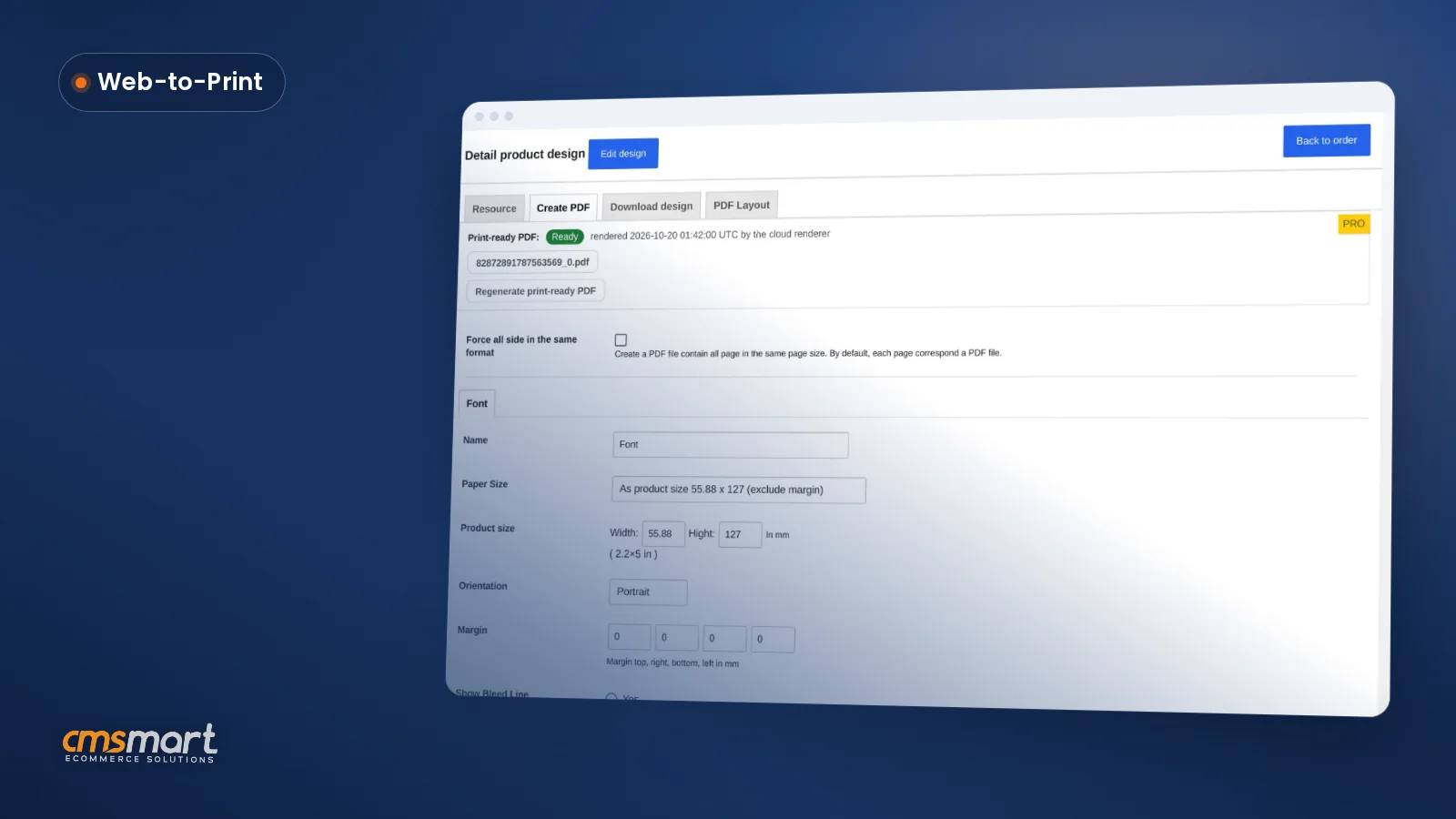
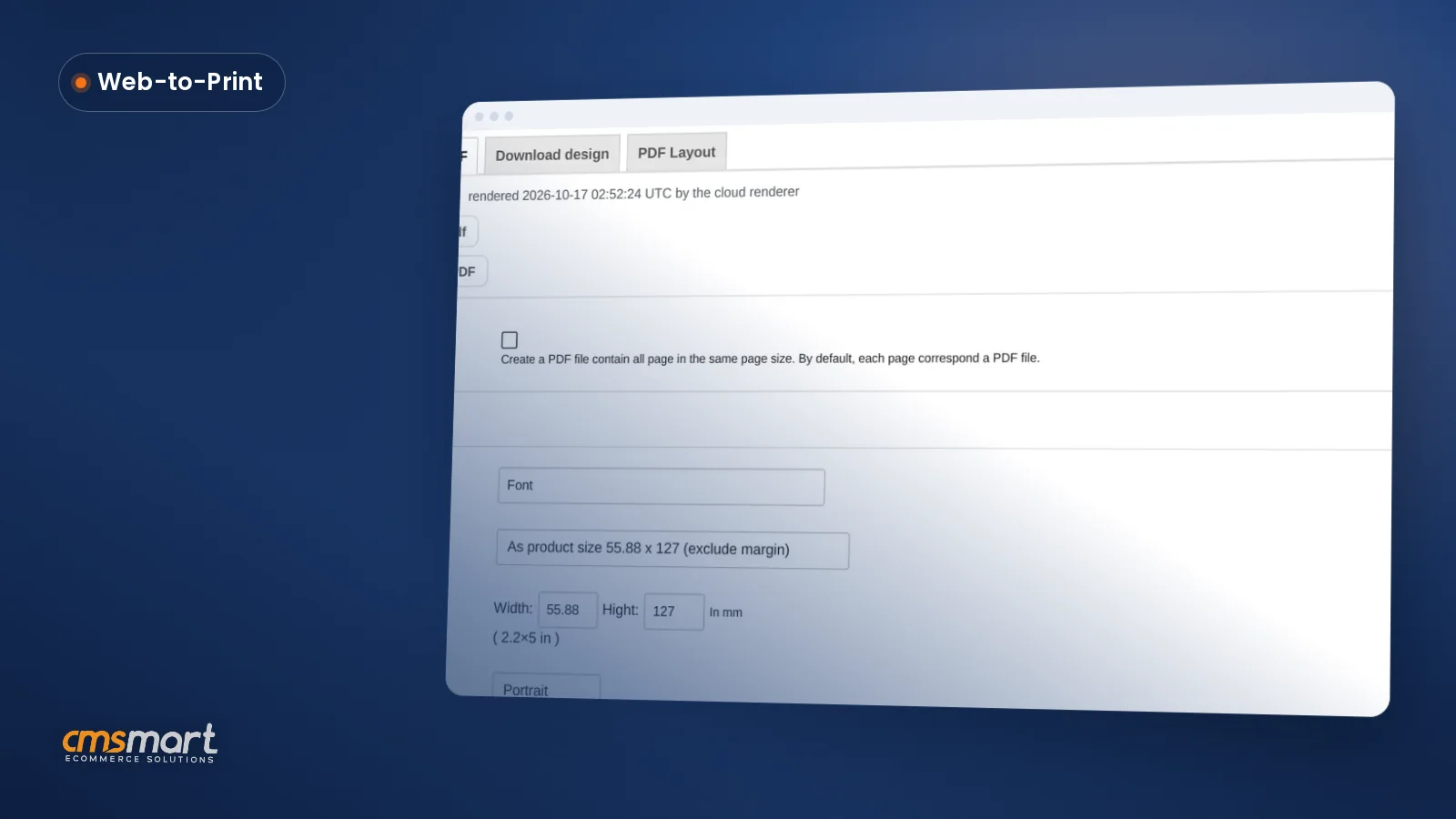
Cmsmart Product Designer reached 2.18.6 in October 2026 with a run of security and print-quality fixes: private designs and templates now stay private end to end, and the print-ready PDF that matches the order renders transparency and shadows correctly on every plan.
Three highlights from the Cmsmart release notes:
Every fix ships to every store that runs Cmsmart Product Designer, including the 23 Cmsmart Stores and Cmsmart B2B Store, through the Cmsmart Product Designer plugin update, not as a separate purchase.
How do you set up your first Cmsmart Store with the Store Setup wizard?
Open Store Setup in your Cmsmart dashboard, pick a store, choose the installer-file or manual-theme-files path, fill in your store name and admin email, then press Install my store; a sample-data store is ready in about ten minutes with the installer file.
This is the same wizard behind every store in this update, from Cmsmart Mug Store (live demo) to Cmsmart Bike Builder Store (live demo). Our full installation guide covers both paths end to end; here is the installer-file path:
I'm already a Cmsmart customer — what do I do?
Nothing breaks: an active Cmsmart plan keeps its current pricing and can still download any Cmsmart Store free to set up, an expired licence renews at the posted rate, and a Premium-only key can upgrade to a plan that includes stores.
Check your plan on the Cmsmart products page under “Existing customers,” or open your dashboard's Store Catalogue to see which of the 23 stores your licence activates today. If your key is expired or on the wrong plan, the wizard shows which upgrade or renewal unlocks it — check your account page directly for your own renewal date.
Why Cmsmart for your next store or storefront update?
Cmsmart has been a Netbase JSC division since 2012, with 6,300+ client projects and 1,800+ live stores behind the same Store Setup wizard and Cmsmart Product Designer this update improves, rated 4.2 on Trustpilot from 404 reviews.
See real delivery examples on our project case studies, or read what customers say on Trustpilot.
Going further: what can Cmsmart custom-build on top of these releases?
Beyond the 23 ready-made stores and Cmsmart B2B 2.2.0, Cmsmart builds the parts that are specific to one business: ERP and MIS sync, custom pricing rules, bespoke storefront niches outside the current 23, and approval chains tailored to a buyer's procurement system.
A ready-made store or the standard Cmsmart B2B plan covers most launches, but some requirements are specific enough that they are built as custom development rather than a core feature every store ships with:
Custom work follows the same delivery approach as every Cmsmart project: discovery, solution design, build sprints, QA and launch, then ongoing support — see how Cmsmart delivers custom ecommerce projects.
Plan a custom store or integration
See all Cmsmart Stores Try the Store Setup wizard
What is Cmsmart?
Frequently asked questions
Do I need a new licence key to try one of the 15 new Cmsmart Stores?
No. Any Fullstore key activates every Cmsmart Store, including the new ones, and a free 30-day trial key works the same way if you do not have a key yet. Every store is free to set up with sample data before you activate it.
Does updating Cmsmart Product Designer to 2.18.6 break my existing store?
No changes to settings or layout are needed: the 2.18.1–2.18.6 updates are fixes to design privacy, print-ready PDFs and small-screen display, applied through your normal plugin update.
Can I run Cmsmart B2B on an existing Cmsmart Store instead of Cmsmart B2B Store?
Cmsmart B2B is an add-on plugin, and Cmsmart B2B Store is the ready-made theme built around it; for exact compatibility with your current theme, talk to Cmsmart about a custom-development check before you add it.
How long does the Store Setup wizard take?
About ten minutes with the installer-file path, or about thirty minutes if you choose to upload the parent theme, child theme and plugin files yourself.
Where can I see what changed in past Cmsmart updates?
The Cmsmart release notes list every Cmsmart Product Designer version, and last month's October 2026 update covers the Store Setup wizard launch and the first six Cmsmart Stores.