Cmsmart Store Preset Branding & Layout Customization
Cmsmart customizes your Cmsmart store preset or WooCommerce theme to your brand: colours, fonts, logo, header and…
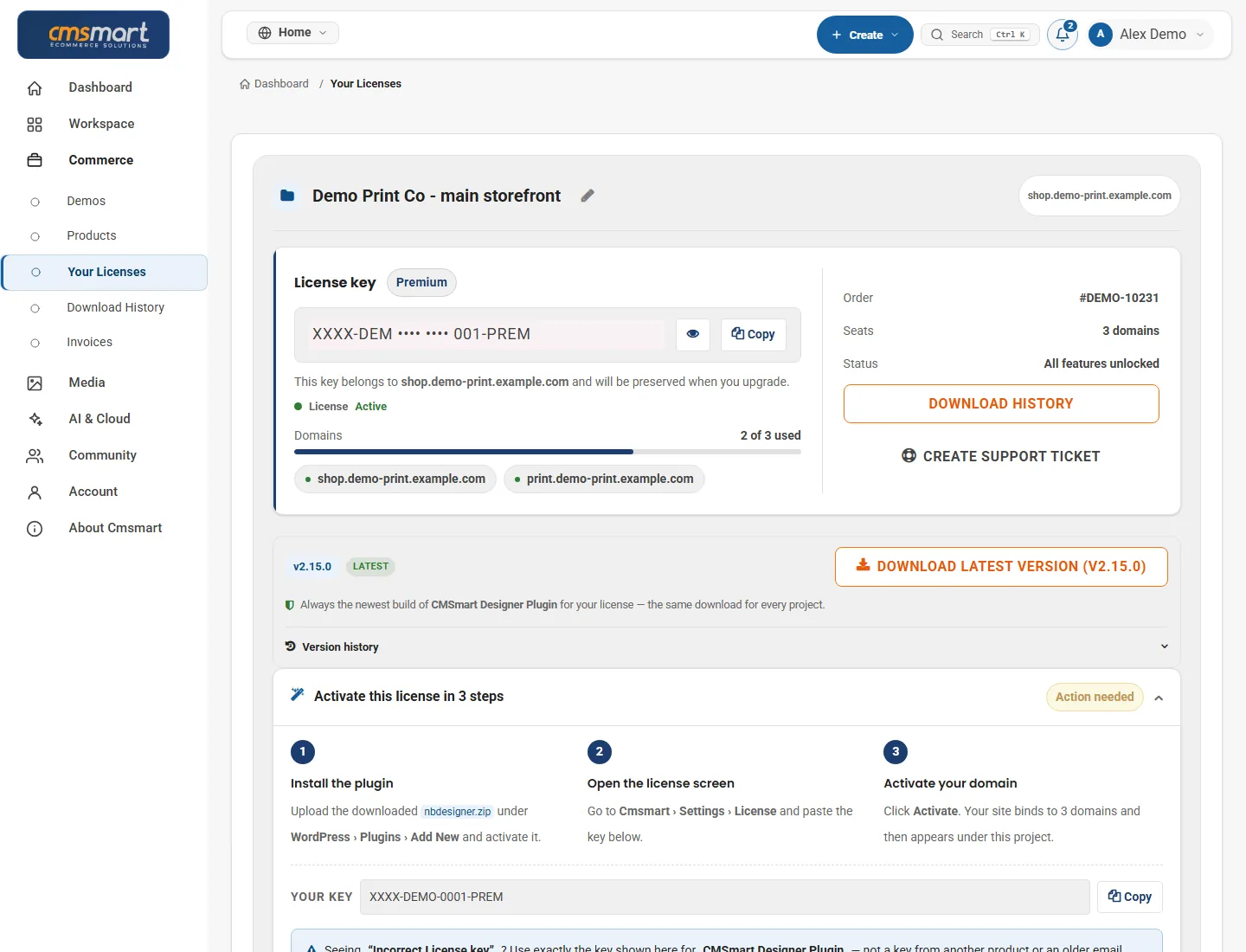
Cmsmart installs your Cmsmart store preset or theme on your hosting, imports the demo content, sets up WooCommerce and the required plugins, and checks that pages, products and checkout work like the preview. You get a launch-ready store to fill with your own products and branding.

In short
Cmsmart installs your Cmsmart store preset or theme on your hosting, imports the demo content, sets up WooCommerce and the required plugins, and checks that pages, products and checkout work like the preview. Store owners get a launch-ready store to fill with their own products and branding. It is quoted per project after a free scoping call.
| Scope | Hosting check, WordPress and WooCommerce set-up, preset or theme installation with a child theme, required plugins and demo import. |
|---|---|
| What you get | A launch-ready store that matches the preset preview, tested on desktop and mobile with a test order. |
| Typical inputs | Hosting or cPanel access and a domain, your preset package and plugin licence keys, and your currency, shipping regions and payment provider. |
| Deliverables | A working store matching the preset preview, a set-up confirmation with admin logins handed back, and a short usage guide. |
| How pricing works | Quoted per project after a free scoping call. You see the scope and estimate in writing before any work starts. |
How it works
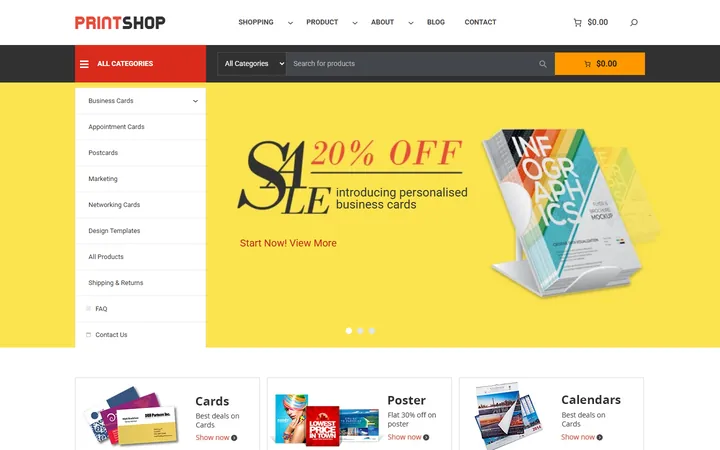
For store owners who bought a Cmsmart store preset or theme, such as Printshop or WP Multistore, and want it installed correctly the first time instead of fighting failed demo imports and missing plugins.
Not included: custom design (see store preset branding and layout customization), content writing and third-party licences.
Prefer a fully managed start? The Fullstore Quickstart Package on our pricing page is delivered by our setup team in 7 working days. See delivered client stores in our project portfolio.
Cmsmart Ecommerce is a Netbase JSC company, building ecommerce stores since 2012: 500+ custom ecommerce projects since 2012, including long-term engagements of 5–7+ years. A dedicated Ecommerce Account Manager team provides the consulting, and every project runs in your Cmsmart dashboard, with tickets, tasks, milestones and invoices in one place.
As of Sep 2026. Source: WorkSuite project records, Netbase portfolio library.
Get a custom plan: tell us about your store and goals and we reply with a tailored proposal covering scope, approach and cost, with no obligation. Get a custom plan →

Huy Nguyen (David)Founder & CEO, Cmsmart · Netbase JSC
“Tell me about your project — I read every request personally.”
Scope
Clear lines before you start. The final scope is written into your proposal.
The team behind it
 Account Manager
 Project Manager
 Business Analyst
 Developers & QA
How it works
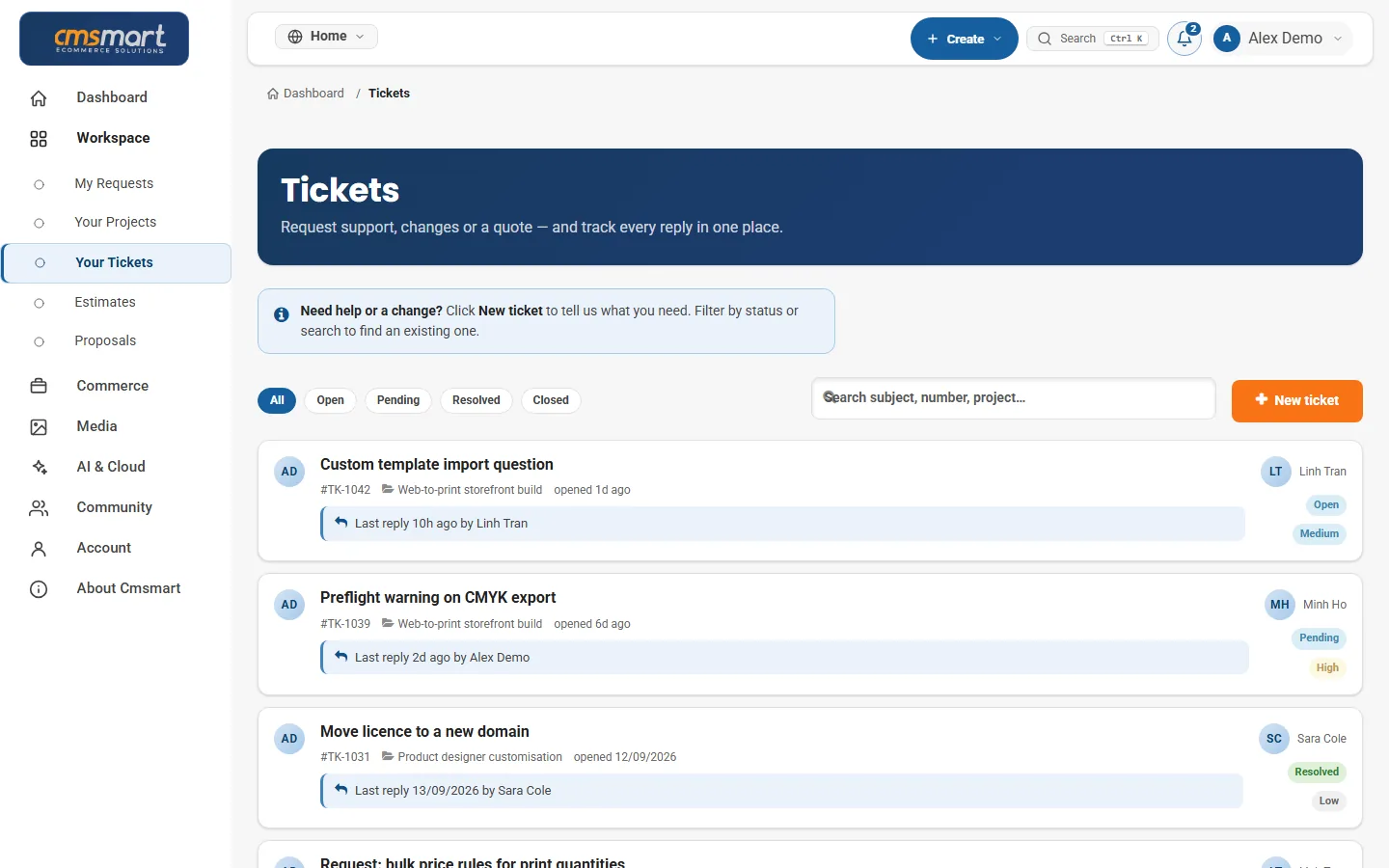
The same WorkSuite-backed flow you see in your cmsmart.net dashboard, from first request to handover.
You submit a request at project-proposal and an ecommerce expert reviews your requirements, free and with no obligation.
A written scope and estimate before any work starts -- you can see it in your dashboard.
Your project runs as milestones and tasks with a project manager; progress is visible in your dashboard.
Payment terms are set per project in your proposal; each milestone is invoiced in your dashboard and paid online.
Questions and change requests go through tickets in your dashboard, with your project's history kept.
Before changes go live, you agree with your project manager how the store is backed up and how a change is rolled back. After delivery and testing, optional maintenance and backup are available.
Every store is different, so we quote each project after reading your brief. You see the scope, estimate and timeline in writing before any work starts.
Tell us about your store, goals and platform in three short steps. The form opens already set for this service.
We reply with a written scope and estimate that you can review and approve in your dashboard.
The work runs in milestones with tasks and a project manager. Each milestone is reviewed and invoiced in your dashboard.
Real numbers, real clients
What we have delivered since 2012, and what customers say about working with us.
Since 2012 · a Netbase JSC company · as of Sep 2026 · source: WorkSuite project records
Rated by customers on third-party sites (as of Sep 2026)
Teams in 80+ countries run their ecommerce projects with Cmsmart
Greate Support, Greate Product with a lot of options. We was surprise, the the support work perfect and fast. Thanks
 CybeRyder CopyShop

 Verified on Trustpilot
Great plugin and team that help to make the e-store stand out of the crowd in this competitive ecom space!
 Will Tan
Verified on Trustpilot
Will Tan
Verified on Trustpilot
Cmsmart was really easy to install onto our website. Customer service were able to answer any queries we had very quickly and so we got this up and running in a short space of time. The theme and plugin from Cmsmart is really simple to use, friendly dan very powerfull. Overall, it's been a great experience so far! Would highly recommend
 tendi rahmat
Verified on Trustpilot
tendi rahmat
Verified on Trustpilot
Read more testimonials Delivered & maintained with WorkSuite: tickets, tasks, milestones and invoices in one place. See how it works
Who you work with
Proposals: records in our Cloodo WorkSuite project system, all-time, refreshed every 6 hours.
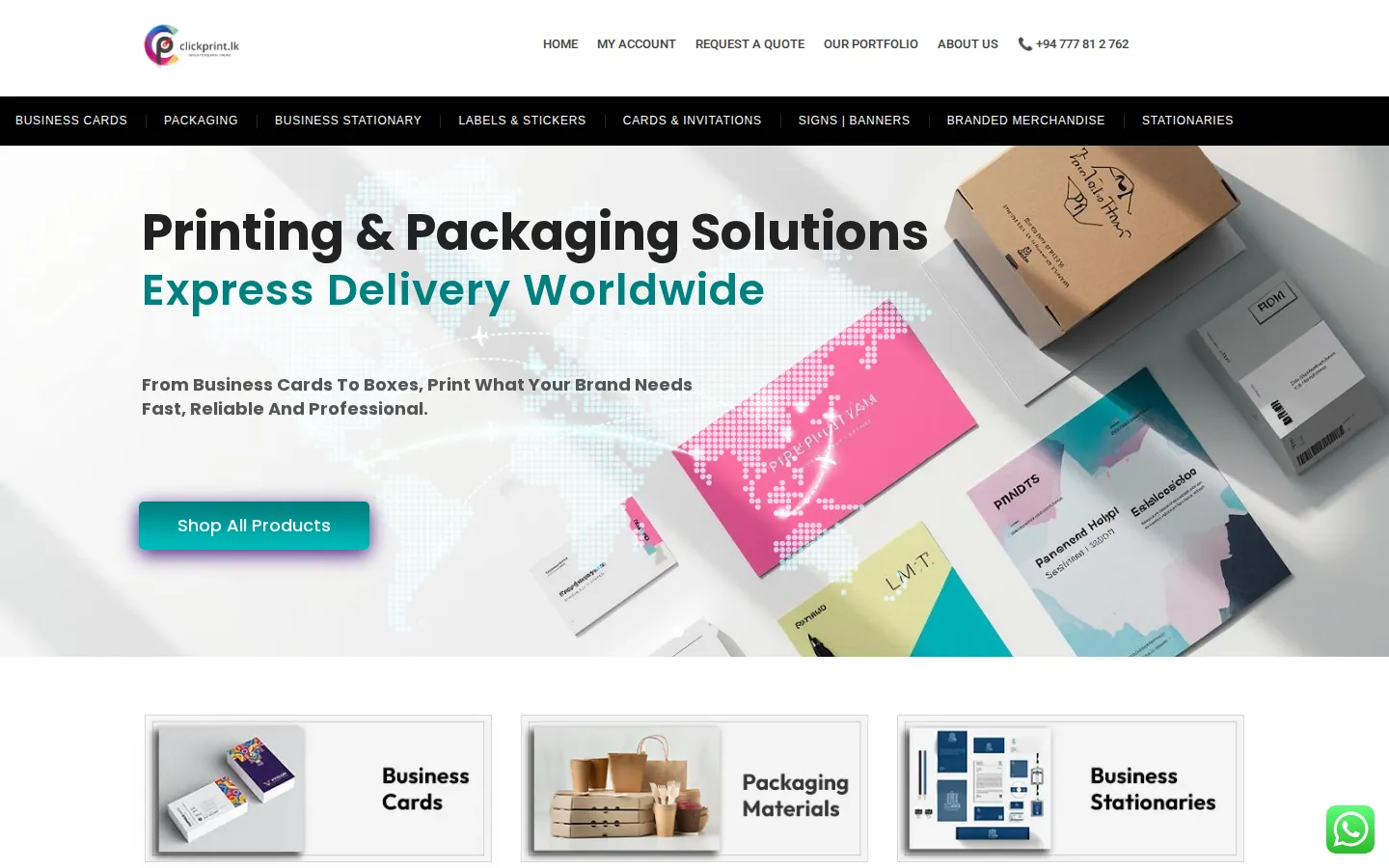
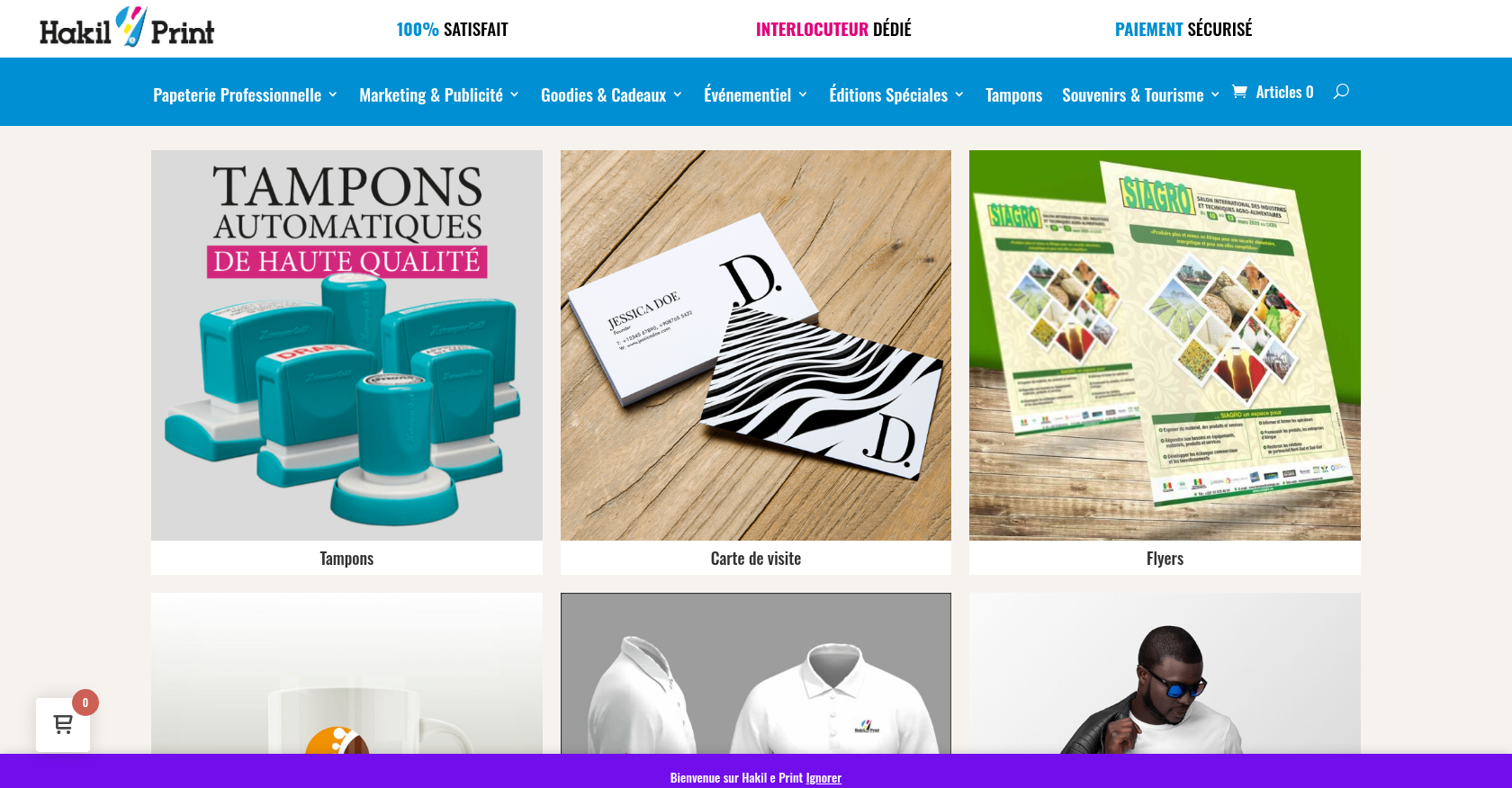
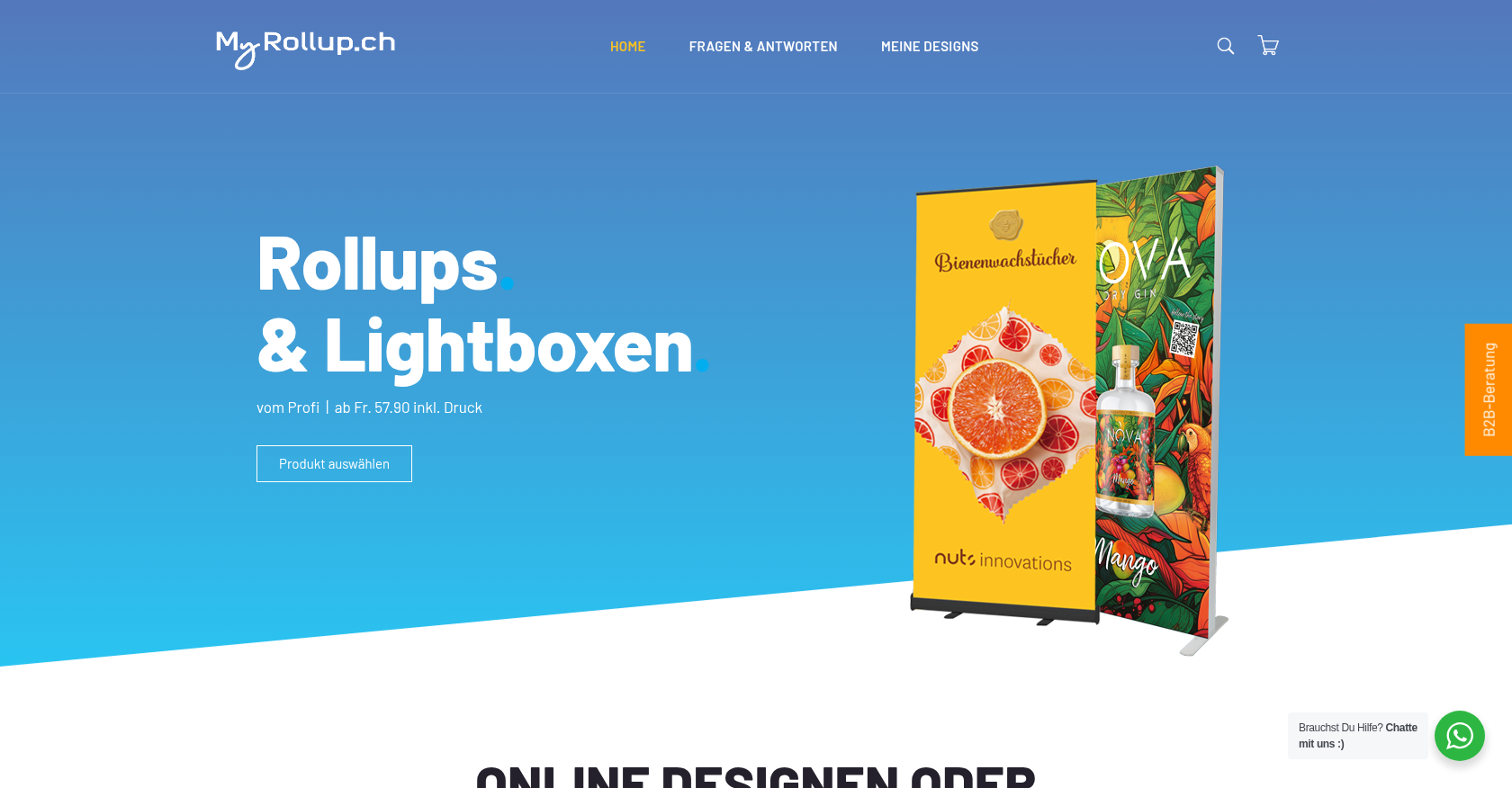
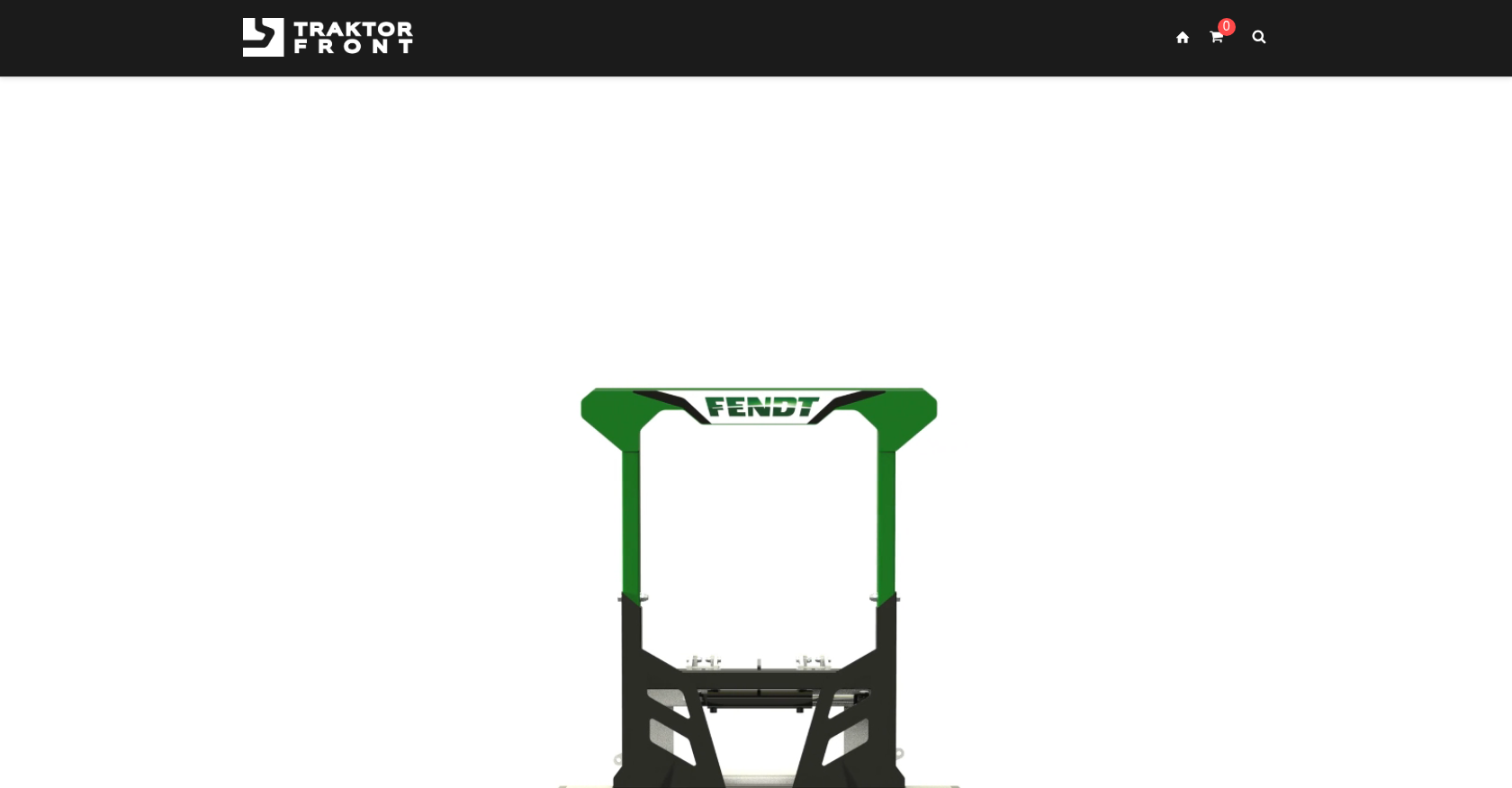
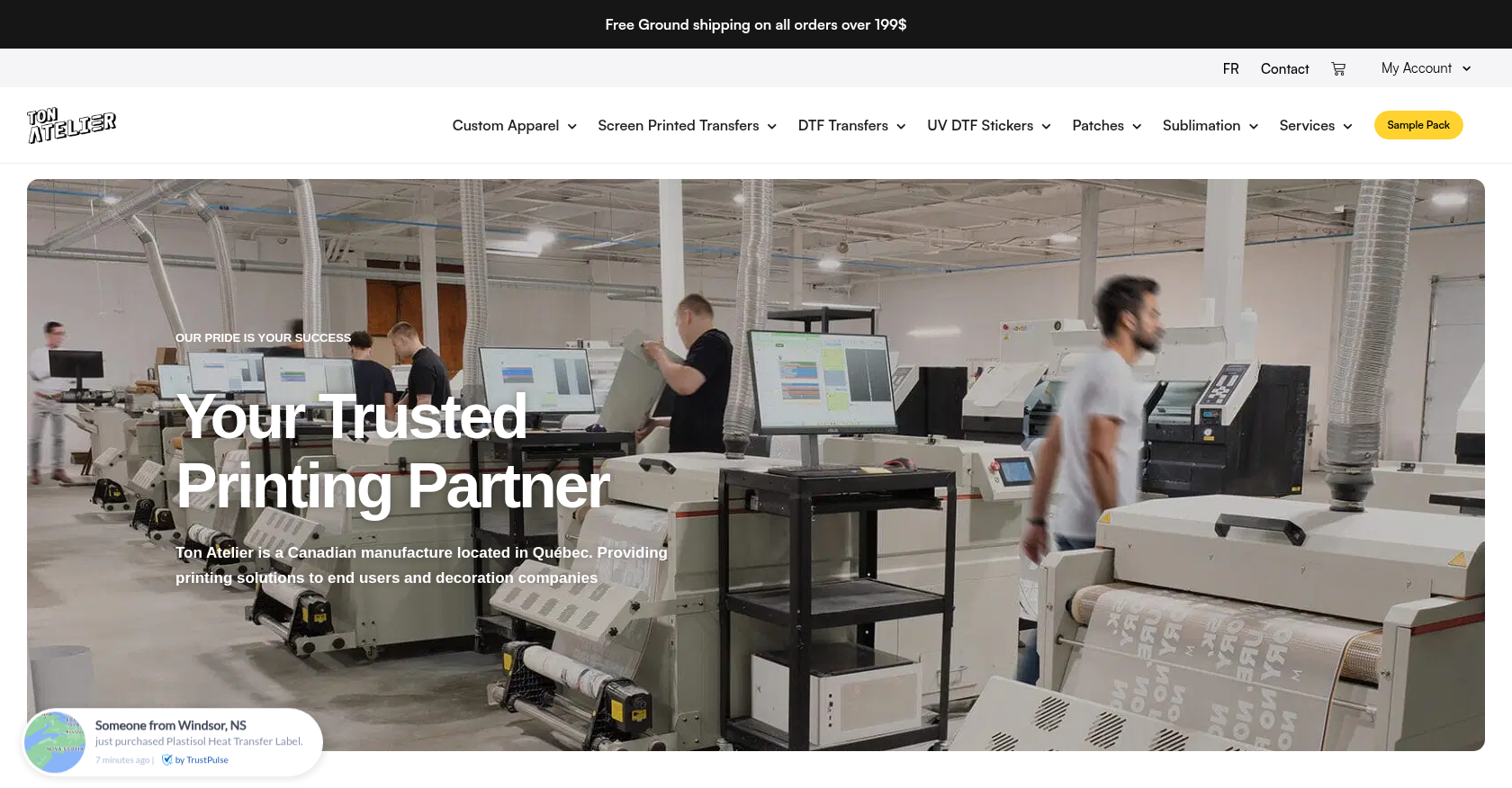
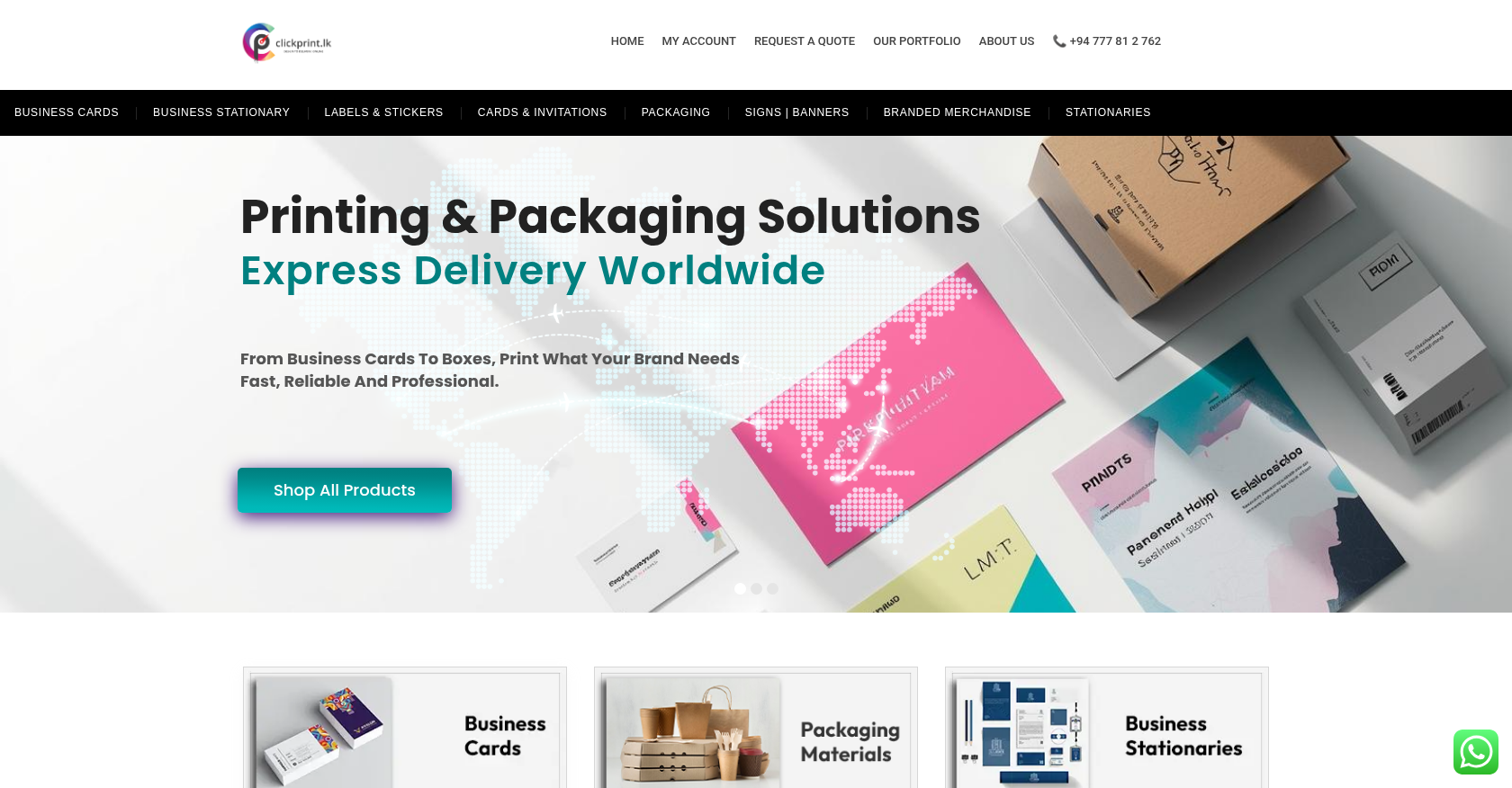 Product Designer & Customization · clickprint.lkStreamlined Online Ordering Solution for Customized Print ProductsDelivered, live store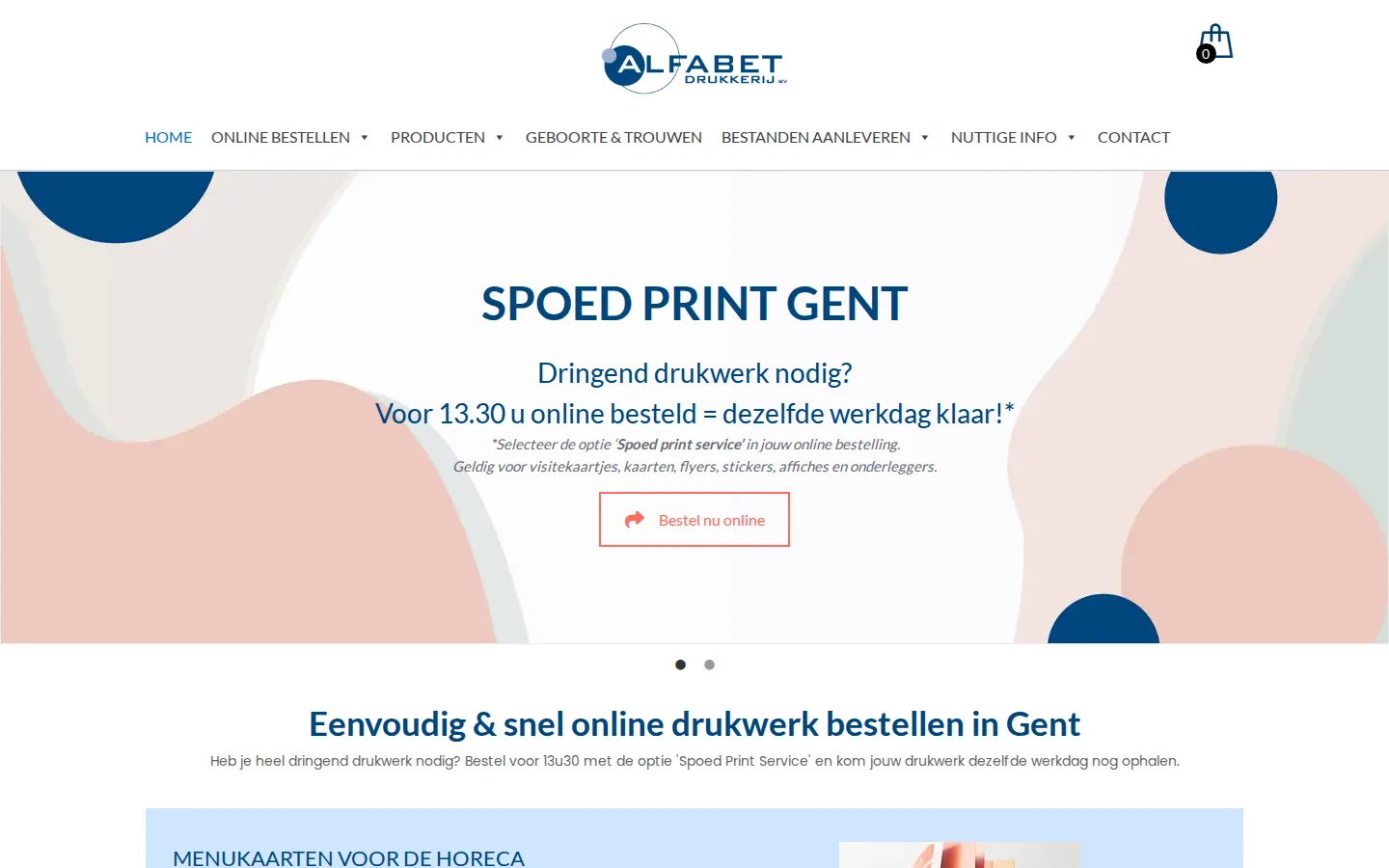
 Product Designer & Customization · alfabet.euEnhanced Online Experience for Personalized Product OrderingDelivered, live store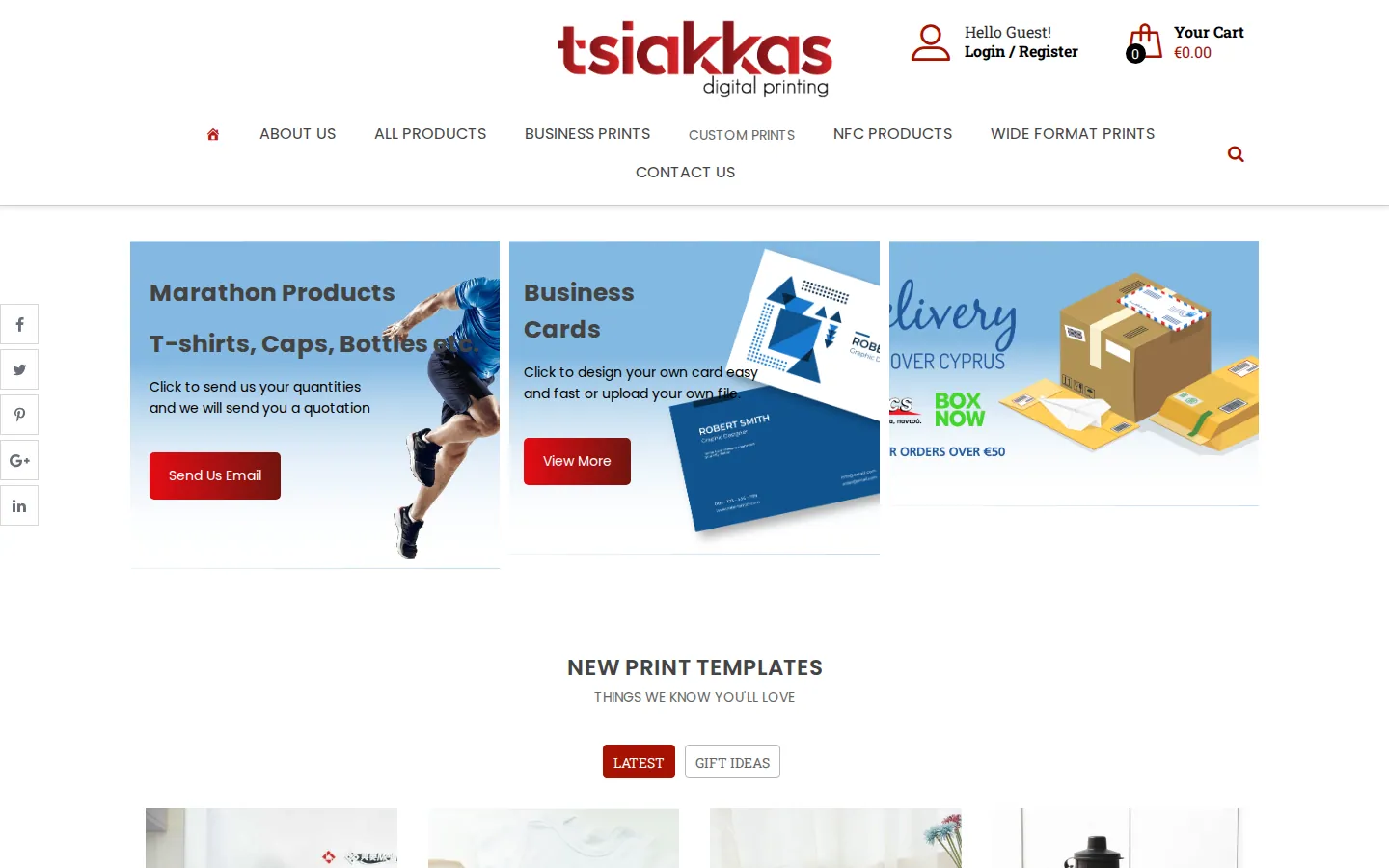
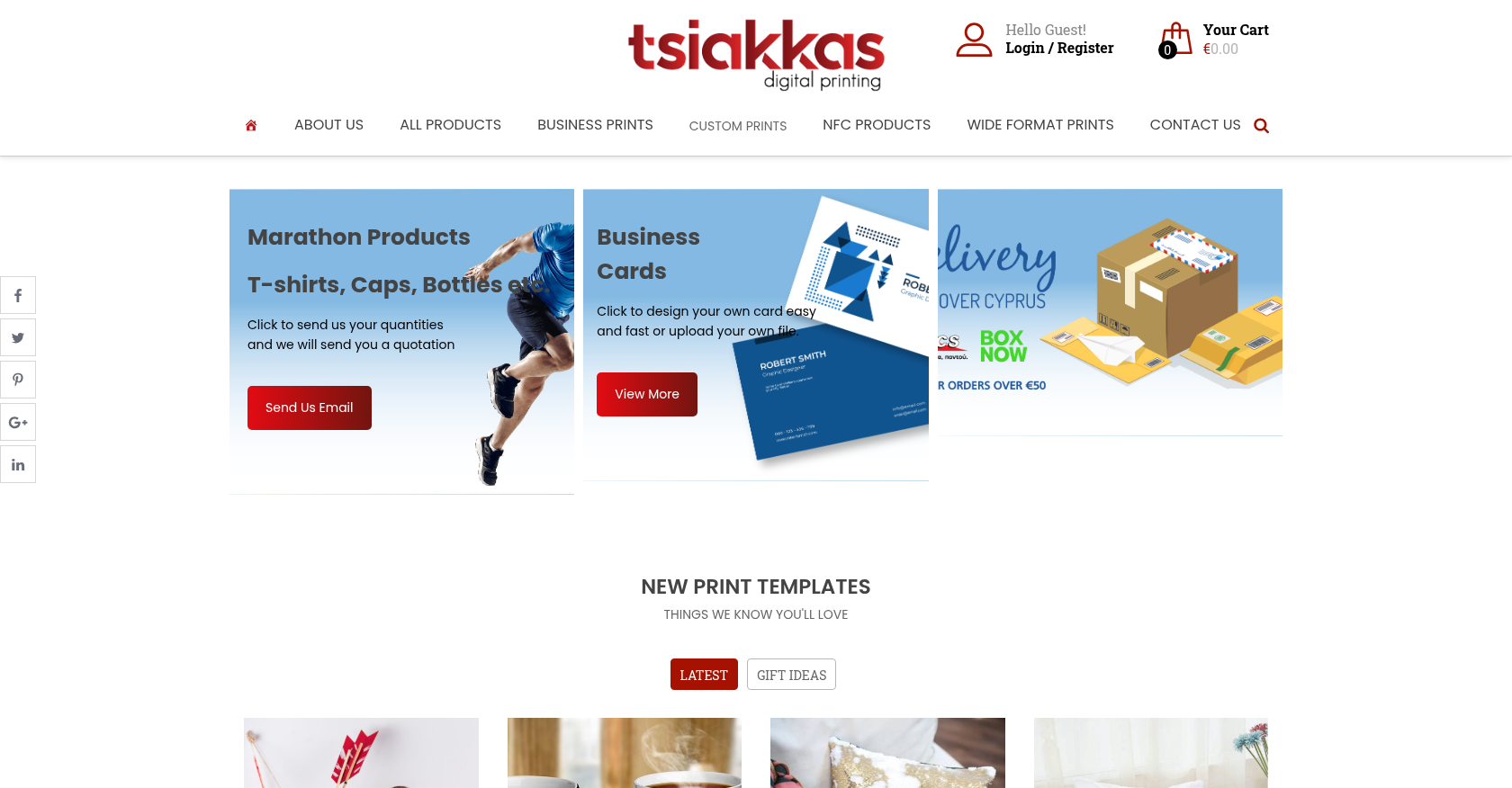 Product Designer & Customization · tsiakkascopycenter.comEnhanced Online Ordering for Print and Design ServicesDelivered, live store
Project records from our portfolio. They show the wider work of the team, not this exact service.
Stores on Cmsmart Ecommerce
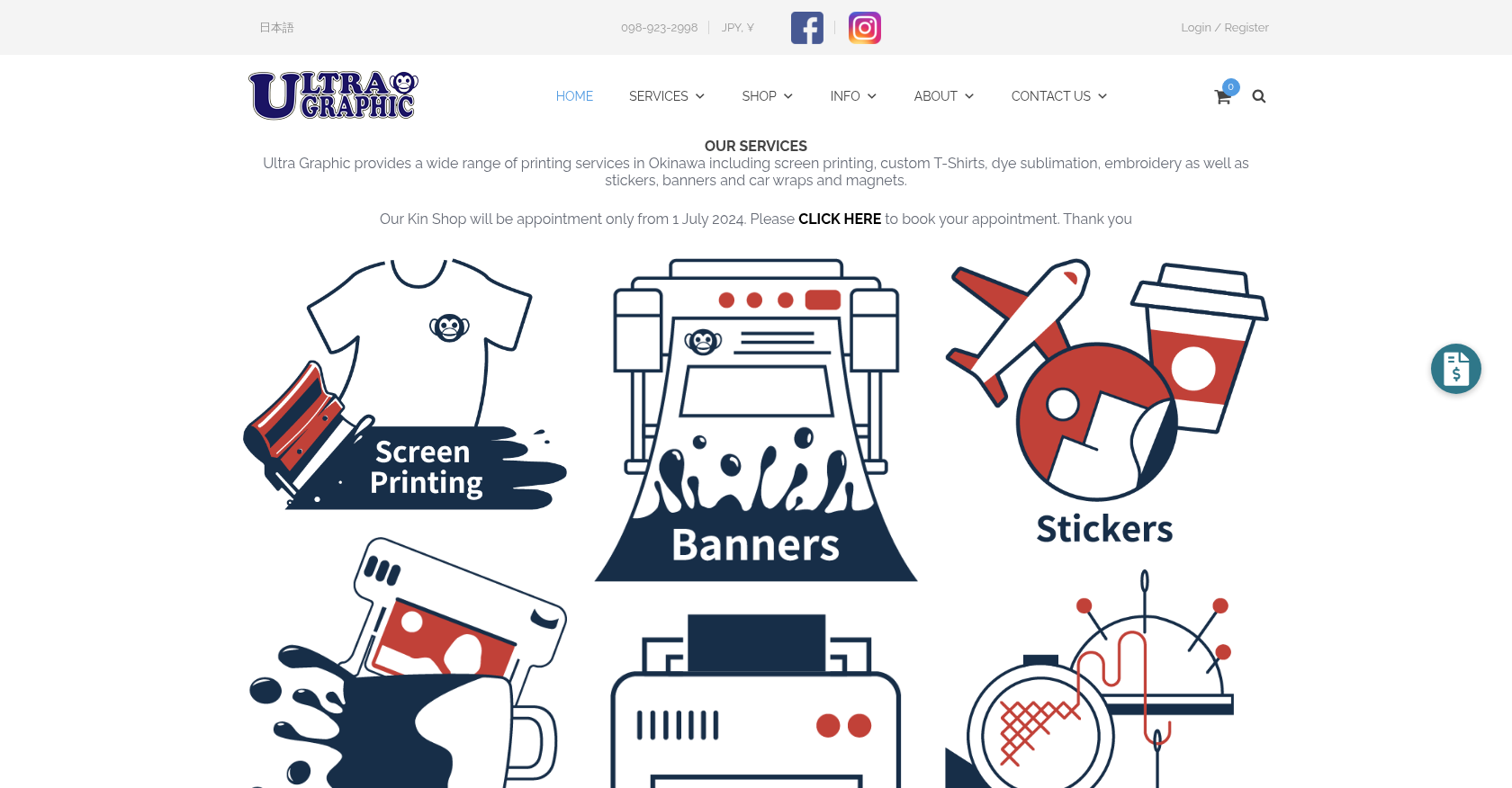
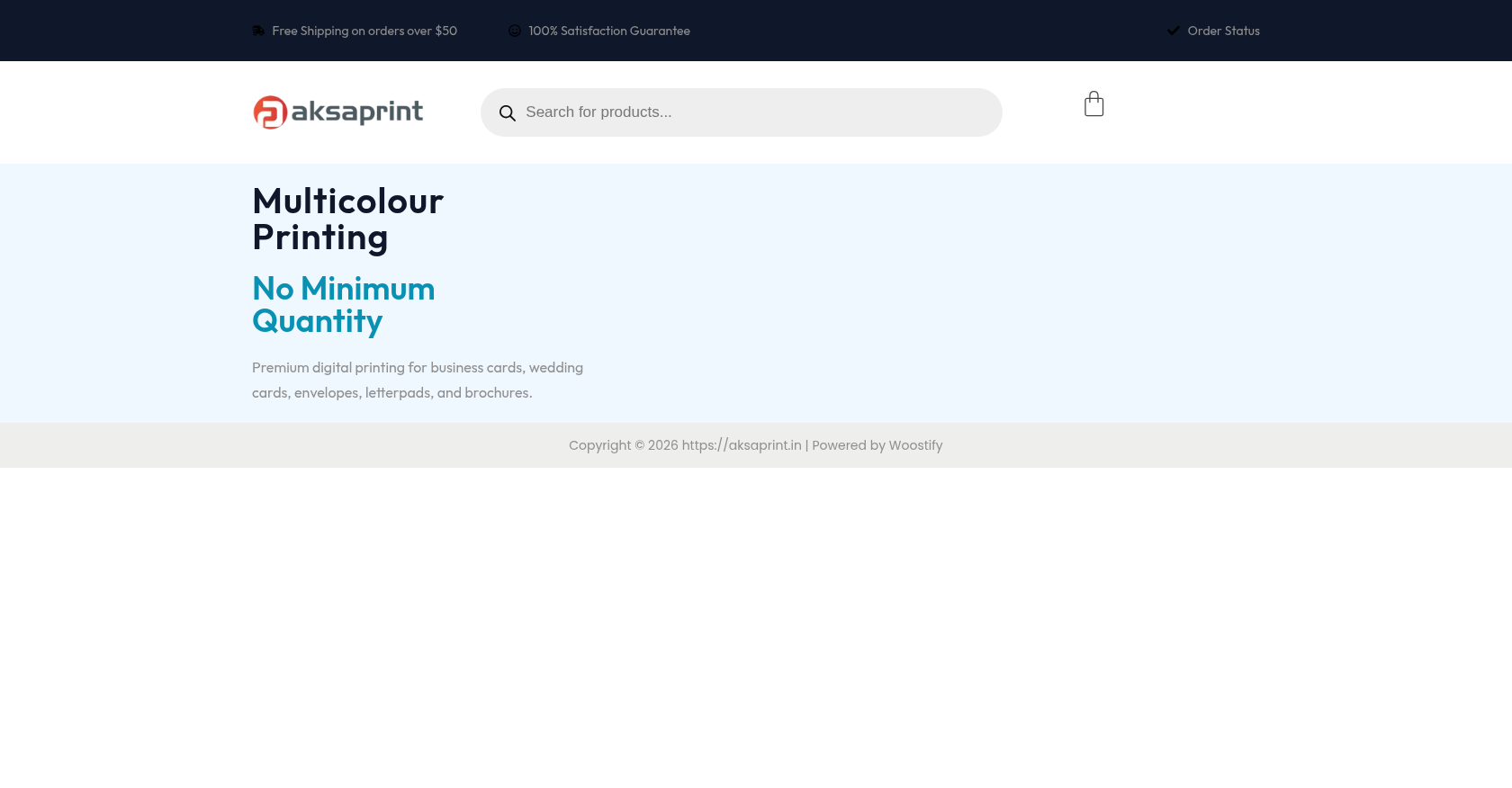

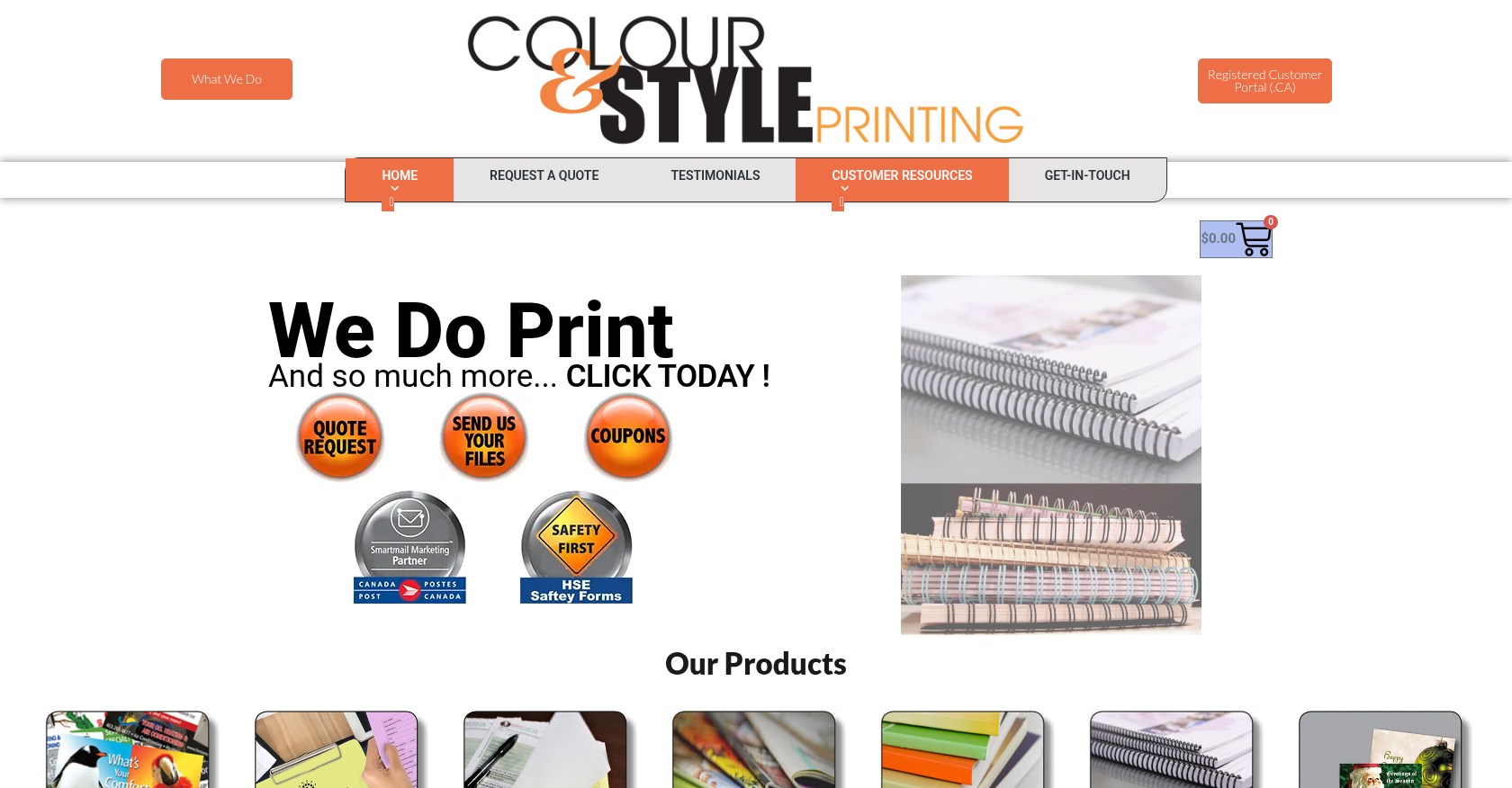
FAQ
Common questions about this service.
Cmsmart customizes your Cmsmart store preset or WooCommerce theme to your brand: colours, fonts, logo, header and…
Cmsmart installs and configures the WooCommerce plugins your store needs, checks them against your theme and existing…
Cmsmart installs and configures the Cmsmart Ecommerce Plugin for WooCommerce on your store: licence activation, product…
Learn more

Cmsmart Ecommerce provides custom ecommerce and WooCommerce development services for web-to-print, product personalization, plugin support and API integration.
Web-to-print, WooCommerce, B2B and AI specialists who plan, build and support stores together.
Meet the team →