
Hosting and DevOps for Cmsmart Ecommerce and WooCommerce stores
A reliable setup has separate staging and live copies, deployments you can roll back, backups that are restored in a test, monitoring that alerts a named person, and server settings that suit your traffic and your designer. Cmsmart sets this up on your hosting or on a Cmsmart server, after a free assessment, and quotes it per project.
In short
What does a reliable hosting and deployment setup look like for a WooCommerce store?
A staging copy, a deployment you can undo, backups that are restored in a test, and an alert that reaches a named person.
| Scope | Environments, deployment, backups, monitoring, server settings and access for one store or a small group of stores |
|---|---|
| What you get | Changes tested on staging before live, a way back after a bad release, and an alert when checkout or the site fails |
| Typical inputs | Hosting access, how the store is deployed today, your busiest days and who makes changes |
| Deliverables | An environment map, configured staging and live, a deployment routine with rollback, a recorded restore test, alerts and a run book |
| How pricing works | Free assessment, then a quote per project. Annual Fullstore, B2B and Marketplace plans include 3 months of hosting for one store; see the pricing page. |
How it works
From a change to a monitored live store
The problem
What does a store without a deployment routine risk?
- Changes made straight on the live store
- Backups that were never restored
- A sale or a campaign that slows the store
- Nobody alerted when checkout stops working
- Credentials shared in chat, or held in a former developer's account
Fit
Is this the right service?
| A good fit | Another route fits better |
|---|---|
| You release changes often and want them tested before they reach customers | The store is stable and you only need someone to apply updates: a care plan covers that |
| Your designer, uploads or print files need server settings you have not checked | You want a new store built: that is a setup or build service |
| You are unsure where backups live or whether they restore | You need round-the-clock on-call cover: that is agreed separately, not part of this setup |
What we do
What is in scope?
| Part | Input | Deliverable |
|---|---|---|
| Environments | Live and staging, and a development copy if you need one | Separate copies with a documented way to refresh staging from live |
| Deployment | Code, plugin and theme changes | A repeatable routine with a rollback path |
| Backups | Files and database | Scheduled backups and a recorded restore test |
| Monitoring | Uptime, the checkout journey and errors | Alerts to a named owner |
| Server settings | PHP version, memory, caching, scheduled tasks and the image library | Settings that suit the store and the designer, written down |
| Access and secrets | Admin users, SFTP or SSH and keys | Accounts with only the rights each person needs, and credentials kept out of chat |
The Cmsmart angle
What the Cmsmart designer needs from the server
These requirements come from the plugin's own documentation. They are the usual reason a designer works on one host and not on another.
Core Plugin requirements we configure for
- Versions. Cmsmart Product Designer requires WordPress 5.6 or later, WooCommerce 8.0 or later and PHP 8.0 or later.
- CMYK output. A CMYK JPG with an ICC profile needs ImageMagick with lcms2 on the server.
- Large option sets. A very large option set can reach the PHP max_input_vars limit. The editor warns, and the hosting value can be raised.
- Background jobs. Print-ready PDFs and sample imports run in the background, so scheduled tasks must run reliably.
Custom Built as custom development
- A deployment pipeline for your own theme and plugins
- Monitoring of the checkout journey and of the print-file queue
- Moving the store to new hosting with a tested cut-over
- Tuning for a known traffic peak
Current requirements
What WordPress and WooCommerce ask of a host
WordPress recommends hosts that support PHP 8.3 or greater, MariaDB 10.11 or greater or MySQL 8.0 or greater, and HTTPS. WooCommerce lists PHP 8.3 or greater, HTTPS and a WordPress memory limit of 256 MB or greater. The plugin's own minimum is lower than what the platforms now recommend, so the assessment checks your host against both.
Source: WordPress requirements, WooCommerce server requirements (read 10 October 2026).
Cmsmart hosting
Hosting on a Cmsmart server
Annual Fullstore, B2B and Marketplace plans include 3 months of hosting for one store on a Cmsmart company VPS, with 20 GB of disk and weekly backups. After that we quote hosting for your store, or you move it to your own hosting. The pricing page has the current plan details.
Scope
Included, not included, and extra
Clear lines before you start. The final scope is written into your proposal.
Included
- An environment map and a gap list
- A staging copy and a documented way to refresh it
- A deployment routine with a rollback path
- Scheduled backups and one recorded restore test
- Monitoring that sends alerts to a named owner
- Server settings written down, with a run book
Not included
- Round-the-clock on-call cover. Operations cover is agreed separately.
- Hosting fees from your own provider
- Building or redesigning the store
- Hosting for AI model workloads, which is outside this service
- Licences, hosting and third-party fees (plugins, fonts, images, services, provider accounts)
- Anything that is not written in the approved scope
Extra, quoted separately
- Moving the store to new hosting
- A care plan after the setup
- Speed work on the store's own code
What we need from you
- Hosting access, or approval to use a Cmsmart server
- How changes are made and deployed today
- Your busiest days and any expected traffic peak
- The name of the person who receives alerts
- A staging copy of your store, or approval to create one
- Someone on your side who can make decisions when a question comes up
Process
How the work runs
Each phase is a milestone, approved and invoiced one at a time. The timeline is set in the assessment because it depends on your store, your products and your systems.
- Free assessment. We read your brief, your store and your constraints, and tell you whether the service fits and what it would involve.
- Written scope and quote. Included, not included, extra and what we need from you, set out before any work starts.
- Build on a staging copy, in milestones you approve one at a time in your dashboard.
- Acceptance with your own products, files and orders, including the awkward ones.
- Handover with a run book, then support through tickets in your dashboard.
This service in three phases
What happens, and what you receive
| Phase | What happens | What you receive |
|---|---|---|
| 1. Assess | We map how the store is hosted, deployed and backed up today, and what has gone wrong before. | A written environment map and a gap list |
| 2. Set up | We build the staging copy, the deployment routine, the backups and the alerts. | A working setup on your hosting or ours |
| 3. Prove and hand over | We deploy a change end to end, restore a backup, and trigger an alert on purpose. | A recorded test of each, and a run book |

Free assessment
Start with a free assessment
Describe your store and what you need. We reply with whether the service fits, what it would involve and a quote, with no obligation.
FAQ
Frequently asked questions
Can you set this up on our own hosting?
Yes, if the host gives the access the setup needs. The assessment checks that first and says if the host is the limit.
Do you provide hosting?
Annual Fullstore, B2B and Marketplace plans include 3 months of hosting for one store on a Cmsmart company VPS. After that hosting is quoted, or you move to your own.
Does the setup include 24-hour monitoring?
It includes monitoring that alerts a named person. Staffed round-the-clock cover is a separate agreement.
Why test a restore?
A backup you have never restored is an assumption. The setup includes one recorded restore, so you know the copy works and roughly how long recovery takes.
Will it change how my team works?
Changes go to staging first and reach live by the routine we set up. Your team keeps managing products and orders in wp-admin as before.
Can you work with a client in my country?
Yes. Every Cmsmart service, from custom development, migration and integration to full store builds, is delivered remotely. Clients in any country and any industry can work with the team; Netbase has worked with clients in 80+ countries. Projects run online, through a written proposal, email or WhatsApp, and tickets in the Cmsmart dashboard.
Do you work in my industry?
Yes. Clients in any country and any industry can work with the team; Netbase has worked with clients in 80+ countries. Published Cmsmart projects include stores for web-to-print, merchandise and apparel, signage, packaging and labels, and gifts and promotional products. See the client work at cmsmart.net/projects.
How do I pay securely?
Contracts and payments go to the company, Netbase JSC: plans are paid through PayPal; services are invoiced by Netbase JSC under a written proposal and paid by bank transfer to Netbase JSC's company account or by PayPal Business. Cmsmart (Cmsmart Ecommerce) is the ecommerce brand of Netbase JSC, a company based in Hanoi, Vietnam.
Who do I talk to?
Talk to the CEO, Huy Nguyen (David): message him on WhatsApp at +84 937 869 689 or email project@cmsmart.net. The contact page at cmsmart.net/contact lists every channel, and Request a quote (cmsmart.net/project-proposal) sends your project brief to the team. Tell us the scope and we reply with a plan and a quote.
Related services
Next steps and neighbouring services
Learn more
Related tutorials from the community
- GuideHow to market your E-commerce store on Instagram?According to statistics, there are about more than 1 billion Instagram active users each month, and about 50% of them following at...
- GuideEcommerce Mobile App Development - The Latest Guide 2023Whether you're an entrepreneur launching a new eCommerce venture or a seasoned business owner looking to enhance your digital stra...
- Guide6 Rules for a Better eCommerce User Experience
Who you work with
The team behind Cmsmart and its published work
- 2012Netbase since 2012Cmsmart Ecommerce is a Netbase JSC company
- 6,300+client projectssince 2012
- 80+countriesclients worldwide
- 17,157proposals writtenin our project system, live count
Client projects and countries: Netbase portfolio library and WorkSuite project records, as of Sep 2026. Proposals: records in our Cloodo WorkSuite project system, all-time, refreshed every 6 hours.

Talk to an ecommerce expert
Huy Nguyen (David)
Founder & CEO, Cmsmart · Netbase JSC
Every request is read by the team before you get a written scope and estimate.
Published Cmsmart projects
 Merchandise & Apparel · sheedostudio.comOnline Custom Merchandise Ordering and Portfolio EnhancementDelivered, live store
 Merchandise & ApparelEcommerce Storefront Design for Custom Merchandise OrderingDelivered (store no longer online)
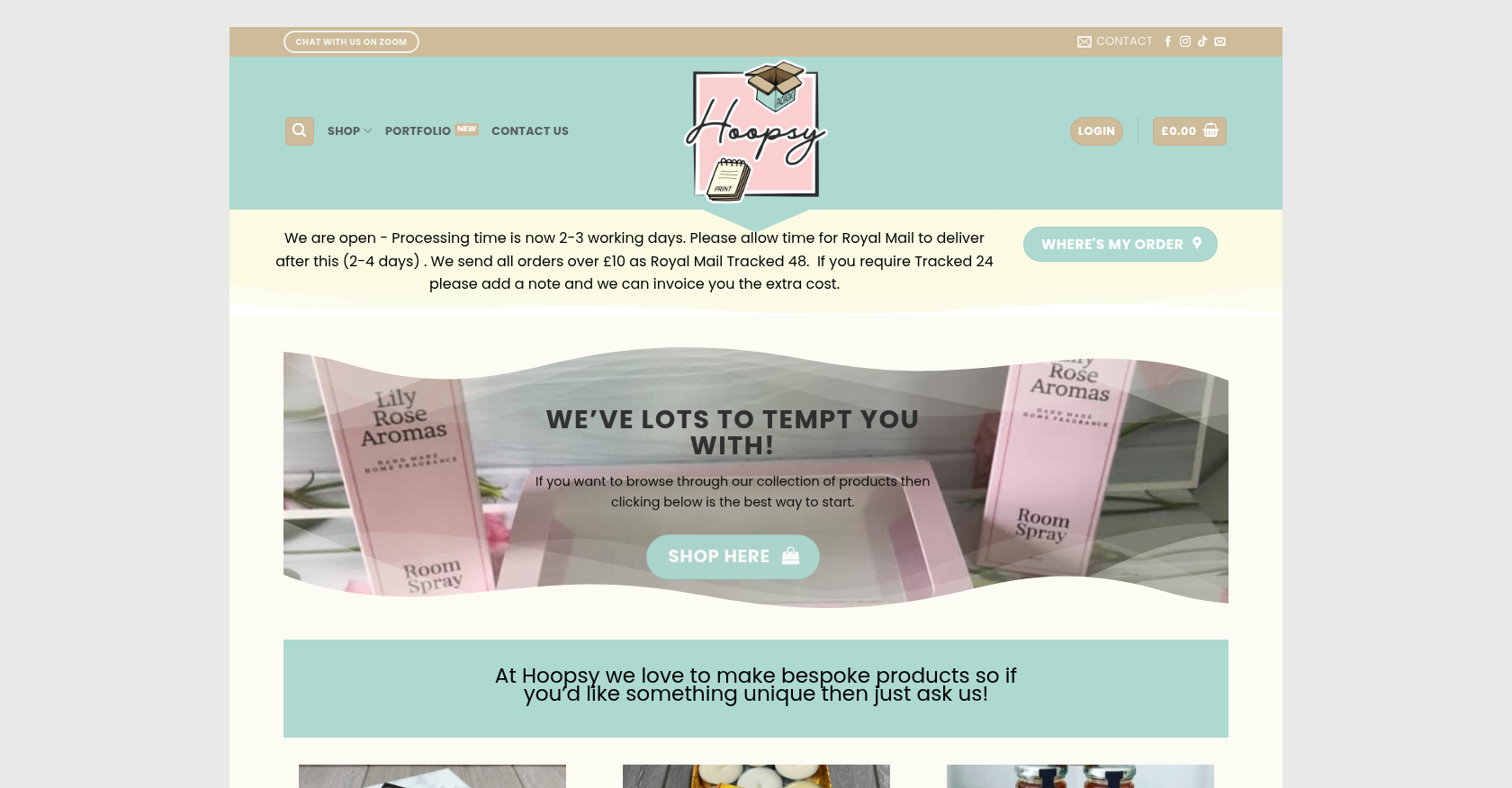 Merchandise & Apparel · hoopsy.co.ukEnhancing Product Customization and Ordering Journey for Personalized MerchandiseDelivered, live store
Project records from our portfolio. They show the wider work of the team, not this exact service.
Stores on Cmsmart Ecommerce







Cmsmart Ecommerce provides custom ecommerce and WooCommerce development services for web-to-print, product personalization, plugin support and API integration.




Web-to-print, WooCommerce, B2B and AI specialists who plan, build and support stores together.
Meet the team →
Top