Ecommerce migration services: move your store to Cmsmart Ecommerce
To migrate a store to WooCommerce without losing SEO, map every old URL to its new address and approve a 301 redirect CSV before launch. Cmsmart moves products, customers and orders to a staging store, tests it, cuts over, then watches crawl errors for 30 days. Rankings cannot be promised. Each project is quoted after a free assessment.
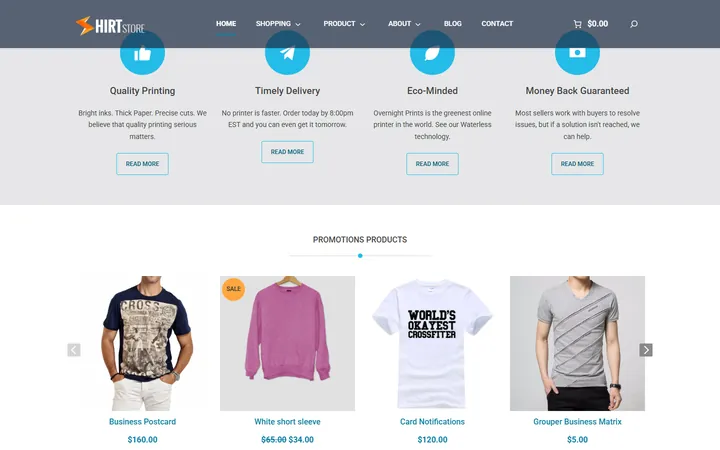
A Cmsmart Store on desktop and phone. Demo store, sample products and prices.
In short
Move to a store you own
Cmsmart Ecommerce migration services move an online store from another platform to a store you own. We map your products, customers, orders and URLs, rebuild the storefront and the apps you rely on, set up hosting and maintenance, and cut over with a redirect map. Every project is quoted after a free assessment.
Built on WooCommerce, so you own your store, your data and your customers. We plan, move, rebuild and run it.
Key facts: ecommerce migration to Cmsmart Ecommerce
Scope
Products, variants, customers, orders and URLs from another platform to a WooCommerce store on Cmsmart Ecommerce.
What you keep
Catalogue and images, customer accounts, order history as read-only records, page titles and descriptions, and a 301 for every old URL.
Typical inputs
Admin access or the platform's own export files, your list of apps and integrations, and your list of old URLs.
Deliverables
A data map, a redirect CSV you approve, a staging store, a QA check, the cut-over and a 30-day watch.
How pricing works
Quoted per project after a free assessment. There is no price list and no obligation.
The same five steps for every store: you approve the data map and the redirect CSV before the cut-over.
From an ecommerce platform
Choose the platform you are leaving
Each service lists what moves, what is rebuilt, the risks and the questions merchants ask, with fair credit to the platform you use today.
These platforms are covered here, on one page, with what moves, how the data is exported, what needs custom work and how we protect your search listings. Sources were read on 10 October 2026. Each project is quoted after the free assessment.
To move a Big Cartel shop to WooCommerce, we read orders from Big Cartel's CSV export and products, options, categories and pages through its API, rebuild them on Cmsmart Ecommerce and map each old product address to its new one in a redirect CSV you approve. Big Cartel documents no redirect export, so the map is built from the addresses your shop serves.
Why merchants move
A custom domain is a paid-plan feature. Big Cartel's help marks a custom domain as a premium feature for eligible plans, and only one custom domain can be connected. Source
Images per product depend on the plan. The import article says a free shop shows one image per product, and that the number rises on paid plans. Source
Changing a product URL breaks the old link. Editing the URL handle deletes the old URL, and old links go to the shop home page instead of the product. Source
The admin export is narrow. The only admin export documented in the pages we read is the order CSV. The API covers more but needs an app and a token. Source
Where Big Cartel is strong
A built-in product import accepts Etsy, Squarespace and Shopify exports.
Themes generate SEO metadata automatically, and a sitemap and robots.txt are provided.
What moves
Products, options and categories, read through the Big Cartel API.
Orders, from the admin CSV export or the API.
Product images, downloaded from your shop.
Pages, read through the API.
Customers: Big Cartel documents no customer list export and its API has no customers endpoint, so customer data is taken from orders where you hold consent.
Export method
Orders: the admin Orders page has an Export orders button that downloads a CSV. Products, product options, categories, pages and orders, including buyer details, can be read through the OAuth REST API.
The theme: Big Cartel themes cannot be copied as files, so the storefront is rebuilt.
Apps, print-on-demand and marketing integrations are replaced or rebuilt.
Customer list: no direct export, so it needs order-based extraction.
Tax, shipping and payment setup is configured again.
SEO protection steps
Product URLs look like /product/product-name with an editable URL handle. We list every address your shop serves, from the sitemap at /sitemap.xml and Search Console, and map each to its new one.
Big Cartel documents no redirect import or export, so the redirect map is built from the addresses, not from a platform file.
Titles and descriptions are generated by the theme, so we copy the wording from your live pages.
To move a Square Online or Weebly store to WooCommerce, we export your item library as a spreadsheet, read customers and orders through Square's APIs, rebuild the site on Cmsmart Ecommerce and map each old page to its new address. Square supports one redirect per page and only on the same domain, so the redirect map matters. Weebly's own help pages blocked our read-only check.
Why merchants move
Weebly sites move to Square's builder. Square's setup article says Weebly creators can use it to move from the Weebly builder to Square Websites, so a site is rebuilt in the newer editor. Source
Tied to Square payments and catalogue. The setup article says the website integrates with Square's payment processing and starts from the Square item library. Source
Redirect limits. Square Online supports one redirect per page, and redirects work only when the same domain name is used as on the old host. Source
Reviews depend on plan and template. Customer reviews are listed for the Plus and Premium plans and only on the Shop All ordering page template. Source
Where Square Online and Weebly is strong
Site, items, orders, customers and in-person selling share one dashboard.
A blog, galleries, pop-ups and SEO settings per page and per site are built in.
What moves
Items and variations, from the item library export (Excel or CSV).
Categories and descriptions, from the same sheet.
Customers and orders, through Square's Customers and Orders APIs.
Pages: the layouts are rebuilt in the new theme, not copied.
Reviews and blog posts: no export is documented, so they are checked in the assessment.
Export method
Items: Dashboard, Items, Item library, Actions, Export Library gives all items or a filtered set as Excel or CSV. The same sheet is used for bulk import and carries variation tokens, categories and descriptions. Customers and orders are available through Square's developer APIs. Weebly's help pages returned an access error, so Weebly-specific export steps are confirmed with the provider's API or in the assessment.
Weebly or Square site design, sections and templates are rebuilt.
Embedded widgets and custom tracking code are replaced and tested.
Blog posts and customer reviews: no export is documented, so they are scoped in the assessment.
Domain transfer: unlock the domain and get the transfer code before cut-over.
SEO protection steps
Square redirects are set per page in the page settings, one per page, on the same domain only. If the domain stays the same, we set the redirects on the old site before it is closed, otherwise the map lives on the new store.
No product or category URL pattern is documented in the pages we read, so we list the addresses the site serves and map each to its new one.
SEO titles and descriptions are set per site and per page, and the export does not say it includes them, so we copy them from your live pages.
To move a Salesforce Commerce Cloud (B2C Commerce) store to WooCommerce, we scope the data and storefront in a technical assessment, extract catalogue, customers and orders through the provider's APIs or site export, and rebuild the storefront on Cmsmart Ecommerce. Salesforce's developer documentation blocked our read-only check, so export details are confirmed with your technical team.
Why merchants move
Built for enterprise scale and many sites. Salesforce describes B2C Commerce as managing many sites, languages and currencies from one interface, which suits large brands more than a single shop. Source
Pricing is by contact. The commerce pricing page shows contact-for-pricing for B2C Commerce. Source
Headless needs front-end development. The headless page invites teams to choose their own front-end framework on top of APIs, so the storefront is developer work. Source
Part of a wider Salesforce suite. The product page positions B2C Commerce with Order Management, POS and commerce AI, so its value depends on using the connected Salesforce products. Source
Where Salesforce Commerce Cloud is strong
Multi-tenant infrastructure described for high-traffic periods.
Native promotions, search and payments features, with connections to Order Management and POS.
Compliance coverage such as PCI-DSS, SOC 2 and ISO 27001 is listed.
What moves
Catalogue, categories and images, through the provider API or a site export.
Customers and orders, through the provider API.
Content assets: rebuilt as WooCommerce pages.
Promotions and price books: scoped as custom development.
Export method
Salesforce's developer documentation returned an access error to every read-only request, so we do not state export formats here. Data is extracted via the provider API or Business Manager site export, and the method is confirmed with your technical team in the free assessment.
To move a Drupal Commerce store to WooCommerce, we export products with a contributed export module or a Migrate-based script, read customers and orders from the Drupal database, rebuild the catalogue on Cmsmart Ecommerce and map every URL alias to its new address. Commerce core has no built-in product import or export, so the export is a scoped task.
Why merchants move
Development skills are needed to run it. The Commerce getting-started guide says Drupal needs intermediate to advanced web development skills, including the command line, version control and YAML configuration. Source
Composer is required. The docs state that Drupal Commerce must be installed and updated through Composer. Source
Import and export are not in core. Importing and exporting products is not built into Commerce core and relies on contributed modules. Source
The product structure comes first. The docs advise understanding product types, attributes and variations before adding products, because that structure shapes the catalogue. Source
Where Drupal Commerce is strong
Products can have several variations driven by attributes such as size and colour.
One product can belong to more than one store.
Product types, variation types and order types are configured separately, for example with different workflows per order type.
What moves
Products and variations, exported with a contributed module or a Migrate script.
Product types and attributes, mapped to WooCommerce attributes.
Customers: Drupal user accounts; passwords are stored hashed.
Orders, read from the Drupal database or a Views export and imported as read-only history.
URL aliases, mapped to the new addresses.
Export method
The Commerce docs say product import and export is not built into core. Export is done with contributed modules, for example a Views data export page that uses a relationship to product variations, and import uses Commerce Feeds or Commerce Migrate. Customers are ordinary Drupal user entities, so their export is a database or Migrate task.
Joomla VirtueMart and HikaShop to Cmsmart Ecommerce
To move a Joomla VirtueMart or HikaShop store to WooCommerce, we export products, shoppers and orders from the extension's database tables or its import tools, rebuild the catalogue on Cmsmart Ecommerce and map every SEO URL to its new address. Both docs warn about SEO URL changes, so the redirect CSV you approve is the core of the move.
Why merchants move
The shop is tied to Joomla. VirtueMart shopper accounts take their email, username and password from the Joomla user record, so the shop and the CMS are coupled. Source
No customer-facing export is documented. The VirtueMart Tools menu covers developer migration and maintenance, and the manual pages we read describe no built-in CSV export. Source
SEO URL changes need care. The VirtueMart docs warn that changing the SEO URL option on an indexed live store is not recommended without page redirects. Source
HikaShop runs inside Joomla or WordPress. HikaShop is an extension, not a hosted service, so the shop shares the host site's template, users and SEO, and site upgrades and the shop move together. Source
Where Joomla VirtueMart and HikaShop is strong
VirtueMart is a free open-source shop extension for Joomla, and its 4.8 update was posted on 31 August 2026.
VirtueMart child products inherit values from a parent and can override price, images or categories.
HikaShop has migration tools for VirtueMart, WooCommerce, OpenCart and others, and its product import can update existing products by product code.
What moves
Products, parent and child variants, categories and images.
Shoppers and addresses; Joomla stores password hashes in the user record.
Orders with their status history, imported as read-only history.
Reviews, where the extension stores them in its tables.
SEO URLs: mapped to the new addresses.
Export method
VirtueMart's manual describes no built-in CSV export, so export means a database export or a third-party extension that we choose per store. HikaShop documents an import system for products, categories and orders, mass actions on products, categories, orders, addresses and users, and names a third-party extension for CSV import and export; it describes no native export of all data.
Parent and child variants and custom fields are mapped one by one to WooCommerce variations.
Shopper groups and calculation rules, such as tax and discounts, are rebuilt.
Joomla users and their password hashes: the hash format needs a compatible import or customers get a reset email.
HikaShop shipping and payment methods, and template overrides, are set up again.
SEO protection steps
VirtueMart assigns SEO URLs from rules in its SEO tab, with an optional product link suffix, and offers a canonical category when a product sits in several. We read those settings and list every address the shop serves.
Do not change the SEO URL settings on the live shop without redirects; we build the redirect CSV before cut-over instead.
HikaShop's default URL pattern is not stated in the pages we read, so its addresses are listed from the live site and Search Console.
To move an osCommerce or Zen Cart store to WooCommerce, we copy the database, read products, attributes, customers and orders, rebuild the catalogue on Cmsmart Ecommerce and map every old address to its new one in a redirect CSV you approve. Both are self-hosted, and neither documents a full export, so the export is a scoped task.
Why merchants move
osCommerce has two code lines. osCommerce ships as the older 2.x line and the newer V4. The V4 homepage says V4 supports fewer add-ons than the older versions. Source
Zen Cart's default addresses are parameter-based. The default Zen Cart install does not create descriptive SEO URLs, so addresses look like index.php?main_page=product_info&products_id=27 unless a plugin is added. Source
Self-hosted maintenance. The Zen Cart docs say a self-hosted open-source application gives freedom to customise but brings the obligation of software maintenance and upgrades. Source
Variants are attributes. Zen Cart builds product variants with attributes such as radio buttons and drop-downs rather than separate variant records. Source
Where osCommerce and Zen Cart is strong
Zen Cart is actively released; version 2.2.2 is dated April 2026 in its release history.
Both are free open-source carts with no platform fee.
Zen Cart attributes support price changes, text pricing, file uploads and downloads.
What moves
Products and attributes, mapped to WooCommerce attributes and variations.
Categories and images.
Customers; Zen Cart stores passwords with PHP password hashing, so plain text cannot be exported.
Orders and status history, imported as read-only history.
EZ-Pages content in Zen Cart, rebuilt as WooCommerce pages.
Export method
Zen Cart's docs describe an Email Address Exporter plugin for customer emails, and say a full backup needs a copy of all files plus a copy of the database. osCommerce's own migration page lists catalogue, customer and order database migration as a service. We read the database directly, because we found no documented export of products or orders for either cart.
Attribute-based variants and their stock are mapped by hand.
Customer password hashes: customers get a reset email.
Add-ons and contributions that changed core files are replaced by a Cmsmart module or a WooCommerce plugin.
SEO URL plugin mappings, such as Ultimate SEO URLs or CEON URI Mapping, are read and converted to redirects.
SEO protection steps
Zen Cart's default addresses are parameter-based, for example index.php?main_page=product_info&cPath=1_5&products_id=27, and plugins add keyword URLs. We list the addresses your store serves, including any plugin patterns, and map each.
Zen Cart documents .htaccess 301 redirects for deleted products, noting that existing rewrite rules run first, so we read the .htaccess file for rules to carry over.
No redirect process is documented for osCommerce in the pages we read, so its map is built from the live addresses and Search Console.
To move an Etsy shop to your own store, we read listings, images, inventory, orders and reviews through the Etsy Open API, rebuild them in WooCommerce on Cmsmart Ecommerce and set up your own store's addresses. We found no verified way to redirect Etsy listing pages to a new domain, so we promise none; SEO means carrying your titles, descriptions and tags into the new pages.
Why merchants move
Buyer contact data is gated. In the Etsy API a receipt's buyer email is null if access has not been granted, and some address fields depend on partnership status in certain regions. That limits how much buyer data can move. Source
Data access goes through an app. Reading listings, shops and transactions needs an API key and OAuth tokens with specific scopes. Source
API use follows Etsy's developer terms. The Etsy API specification says use of the API is subject to Etsy's API Developer Terms of Use. We could not read those terms, so what they allow for reusing listing data elsewhere is confirmed in the assessment. Source
Digital downloads stay with the buyer's Etsy account. Etsy's docs say buyers download purchased digital files from their purchase history, so existing purchases stay on Etsy. Source
Where Etsy is strong
The Open API v3 gives broad read access to listings, images, inventory, receipts and reviews.
Etsy publishes API rate limits, so a read can be planned.
An established marketplace brings its own buyers, which a new store has to earn.
What moves
Listings: titles, descriptions, tags, prices and images, read through the Etsy Open API.
Variations and inventory.
Orders (receipts) and transactions, imported as read-only history.
Shop reviews, through the API.
Buyer details only where Etsy grants access; buyers create new accounts on the new store.
Export method
The official Etsy Open API v3 specification lists endpoints for shop listings, listing images, listing inventory, shop receipts (orders), transactions and shop reviews, with OAuth scopes. Etsy's Shop Manager data download help page returned an access error, so we do not state what the CSV covers.
To move from selling on Amazon, including Amazon Handmade, to your own store, we read your listings and order reports through Amazon's Selling Partner API, rebuild the catalogue on Cmsmart Ecommerce and write new product pages. Amazon's data policies restrict reusing buyer personal data, so customer lists do not move.
Why merchants move
Buyer personal data use is restricted. Amazon's Acceptable Use Policy says customer personal information is not to be used for any purpose other than merchant-fulfilled shipping or to meet legal requirements. Source
No product marketing from API data. The same policy says not to target Amazon customers for product marketing using data retrieved through the Amazon Services API. Source
Short retention of personal data. The Data Protection Policy says personal information is granted for select tax and shipping purposes and is retained no longer than needed for them. Source
Order personal data is tied to a role. Reading personal data on orders needs a restricted role, and the buyer email is returned only for merchant-fulfilled orders in certain statuses. Source
Where Amazon marketplace seller is strong
Structured listing and order reports are available through the Selling Partner API.
The Reports API covers many report families, from inventory to settlement and tax.
What moves
Listings: titles, descriptions, prices, quantities and images, from the All Listings report.
Orders, from the order report; they carry no buyer personal data we may reuse.
Product images, which you supply from your own source files.
Categories and attributes, mapped to WooCommerce.
Reviews and shared catalogue pages stay on Amazon.
Export method
The Selling Partner API Reports offer an All Listings report (tab-delimited, one marketplace per report) and an order report for all orders placed in a period. The Orders API returns buyer personal data only for merchant-fulfilled orders in certain statuses and with a restricted role. Seller Central's own report pages need a login, so we could not read them.
Replatforming a legacy store, or rescuing a web-to-print platform
Some moves are not from a mainstream platform. A custom-built store, an old Magento or a half-finished web-to-print platform has to be read before it can be moved. These services start with an assessment and a written verdict.
Shopify, Magento and Adobe Commerce, Wix, BigCommerce, Squarespace, PrestaShop, OpenCart, Ecwid, Volusion, Shift4Shop (3dcart) and custom-built stores such as Laravel or custom PHP. Big Cartel, Square Online and Weebly, Salesforce Commerce Cloud, Drupal Commerce, Joomla VirtueMart and HikaShop, osCommerce and Zen Cart, Etsy and Amazon sellers are covered in the Other platforms section on this page. If your platform is not listed, ask for the free assessment: most stores export products, customers and orders in a standard file.
Do you publish prices?
No. Each migration depends on catalogue size, order history, integrations and what must be rebuilt, so it is quoted after the free assessment. The assessment is free and carries no obligation.
Why does Cmsmart build on WooCommerce?
WooCommerce is open source and runs on WordPress, so you own the code, the database and the customer list. Cmsmart Ecommerce adds a product designer, price calculator, print-ready files, B2B and AI on top, so a personalised or printed product store needs fewer separate subscriptions.
Will I lose my search rankings?
We cannot promise rankings or traffic. We do protect what we can: a redirect map from every old URL to its new one, carried-over titles and descriptions, an XML sitemap and a 30-day watch of crawl errors after launch.
Can you also host and maintain the new store?
Yes. Cmsmart sells the full path from setup and hosting to maintenance and enterprise support. These are quoted with the migration or later, as you prefer.
My store is on WooCommerce already. Can I go headless?
That is a different project: keeping WooCommerce as the back end and moving the storefront to a headless front end. See the headless commerce service for it.
Can you work with a client in my country?
Yes. Every Cmsmart service, from custom development, migration and integration to full store builds, is delivered remotely. Clients in any country and any industry can work with the team; Netbase has worked with clients in 80+ countries. Projects run online, through a written proposal, email or WhatsApp, and tickets in the Cmsmart dashboard.
Do you work in my industry?
Yes. Clients in any country and any industry can work with the team; Netbase has worked with clients in 80+ countries. Published Cmsmart projects include stores for web-to-print, merchandise and apparel, signage, packaging and labels, and gifts and promotional products. See the client work at cmsmart.net/projects.
How do I pay securely?
Contracts and payments go to the company, Netbase JSC: plans are paid through PayPal; services are invoiced by Netbase JSC under a written proposal and paid by bank transfer to Netbase JSC's company account or by PayPal Business. Cmsmart (Cmsmart Ecommerce) is the ecommerce brand of Netbase JSC, a company based in Hanoi, Vietnam.
Who do I talk to?
Talk to the CEO, Huy Nguyen (David): message him on WhatsApp at +84 937 869 689 or email project@cmsmart.net. The contact page at cmsmart.net/contact lists every channel, and Request a quote (cmsmart.net/project-proposal) sends your project brief to the team. Tell us the scope and we reply with a plan and a quote.
Teams in 80+ countries run their ecommerce projects with Cmsmart
“★★★★★★★★★★
NBDesigner is a very robust plugin for printing shops. It may take a bit of time to learn, as I am, but the support team is there to help. I've been in printing 30 years and I am impressed with how the developers have thought this plugin through. It has everything.
Great software and excellent support!
NBDesigner is a fantastic tool – very intuitive and easy to use. It makes the customization process smooth and efficient. The support team is also incredibly helpful, responsive, and professional. I use it on my website, and it works perfectly. Highly recommended!








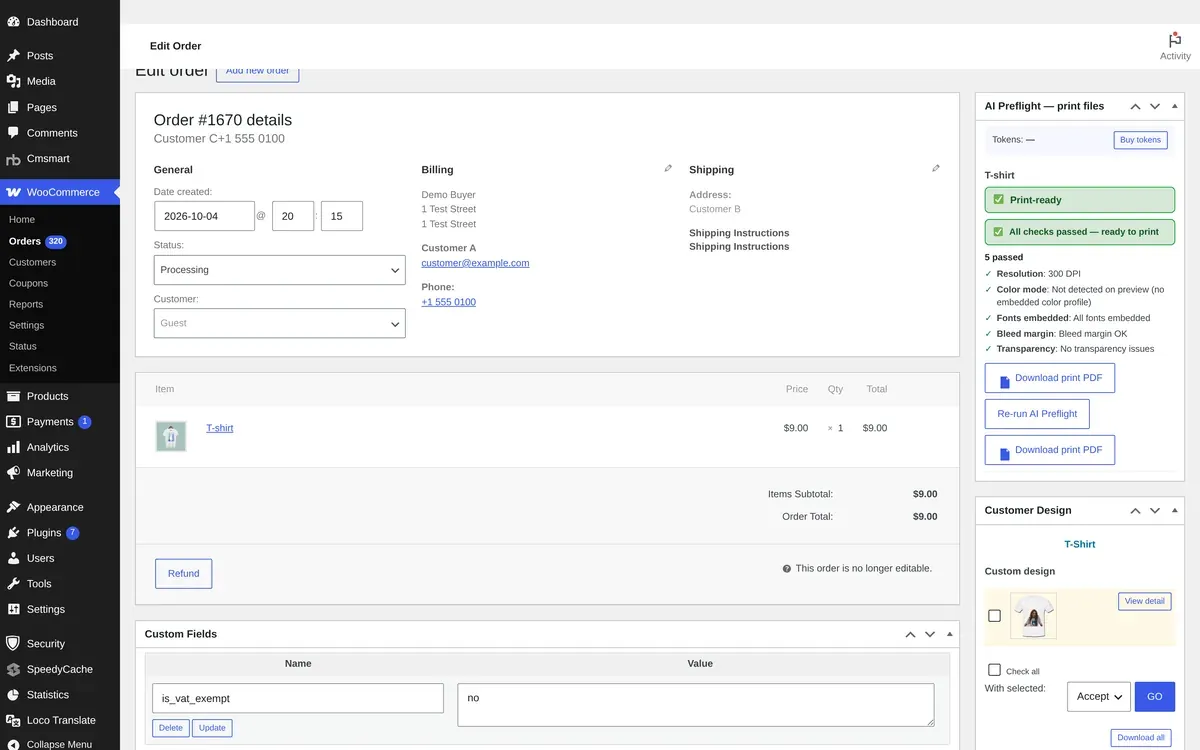
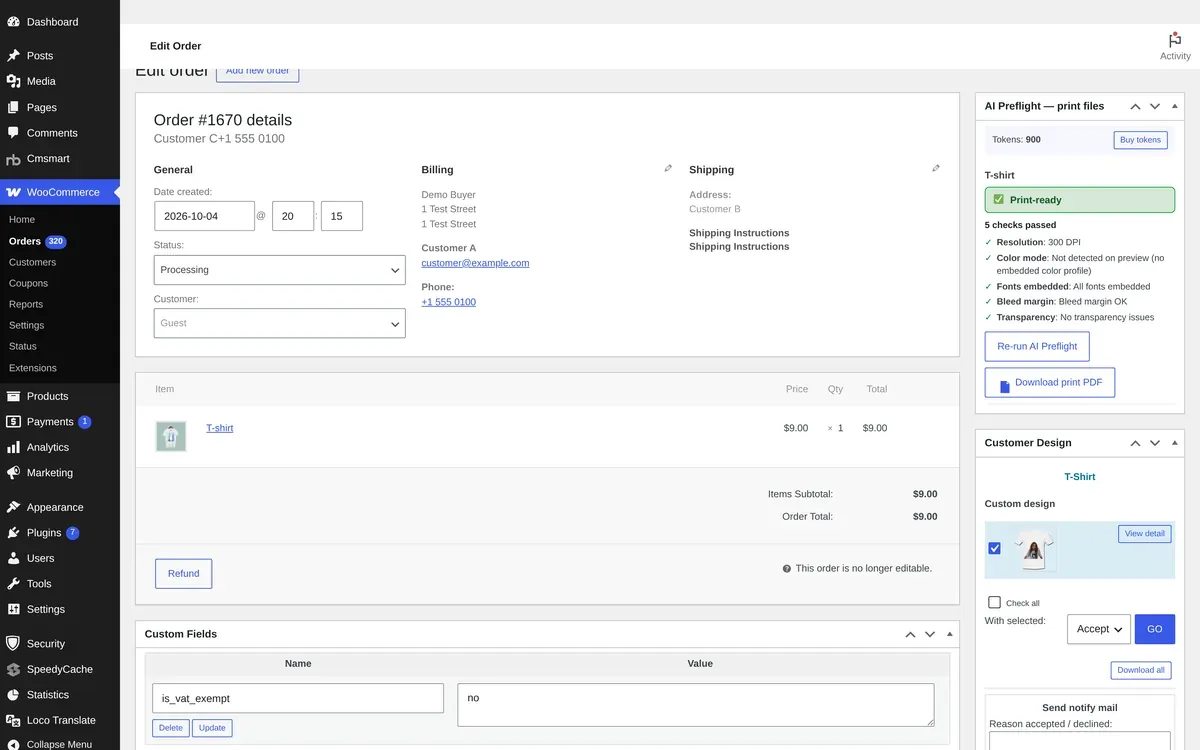




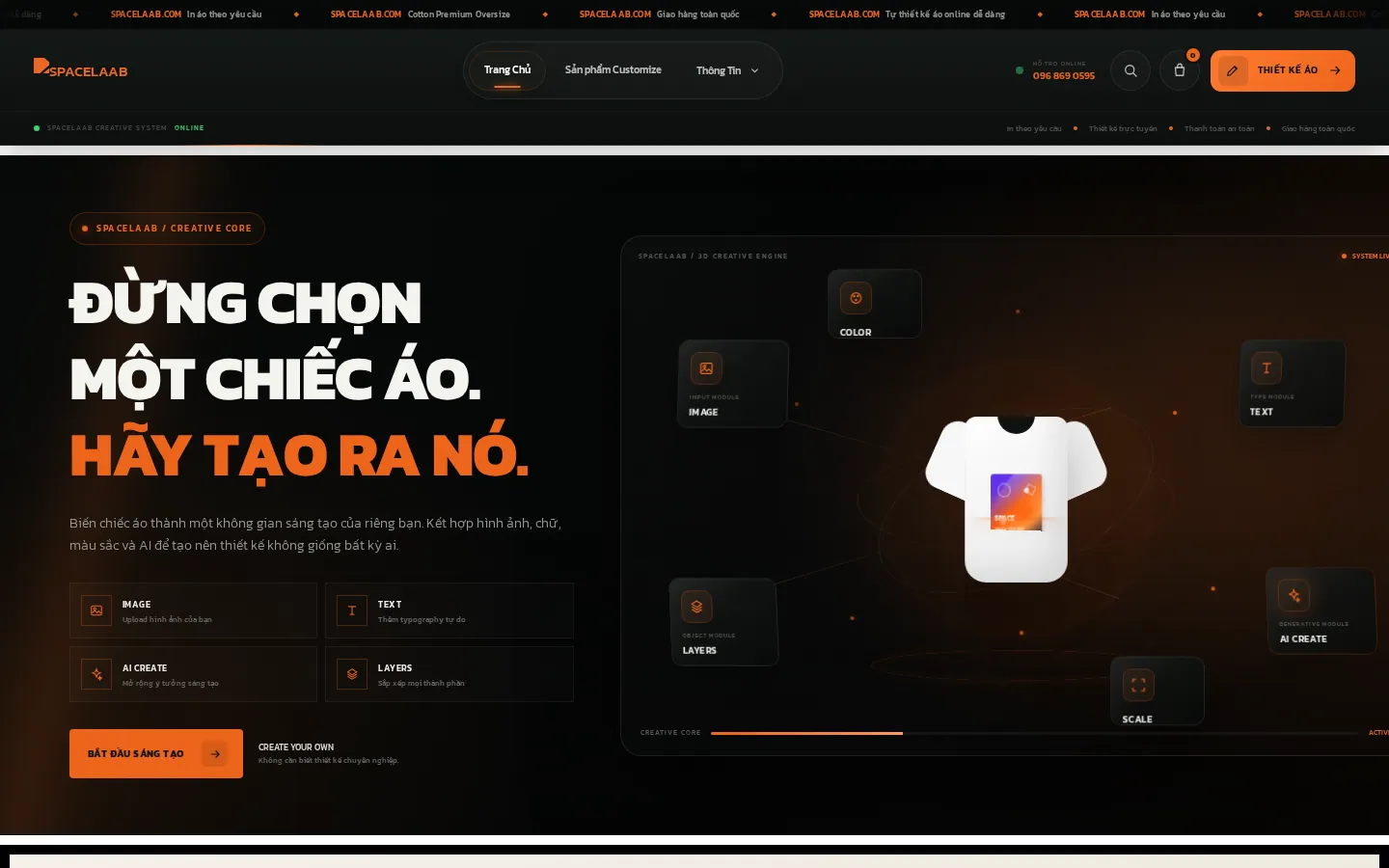
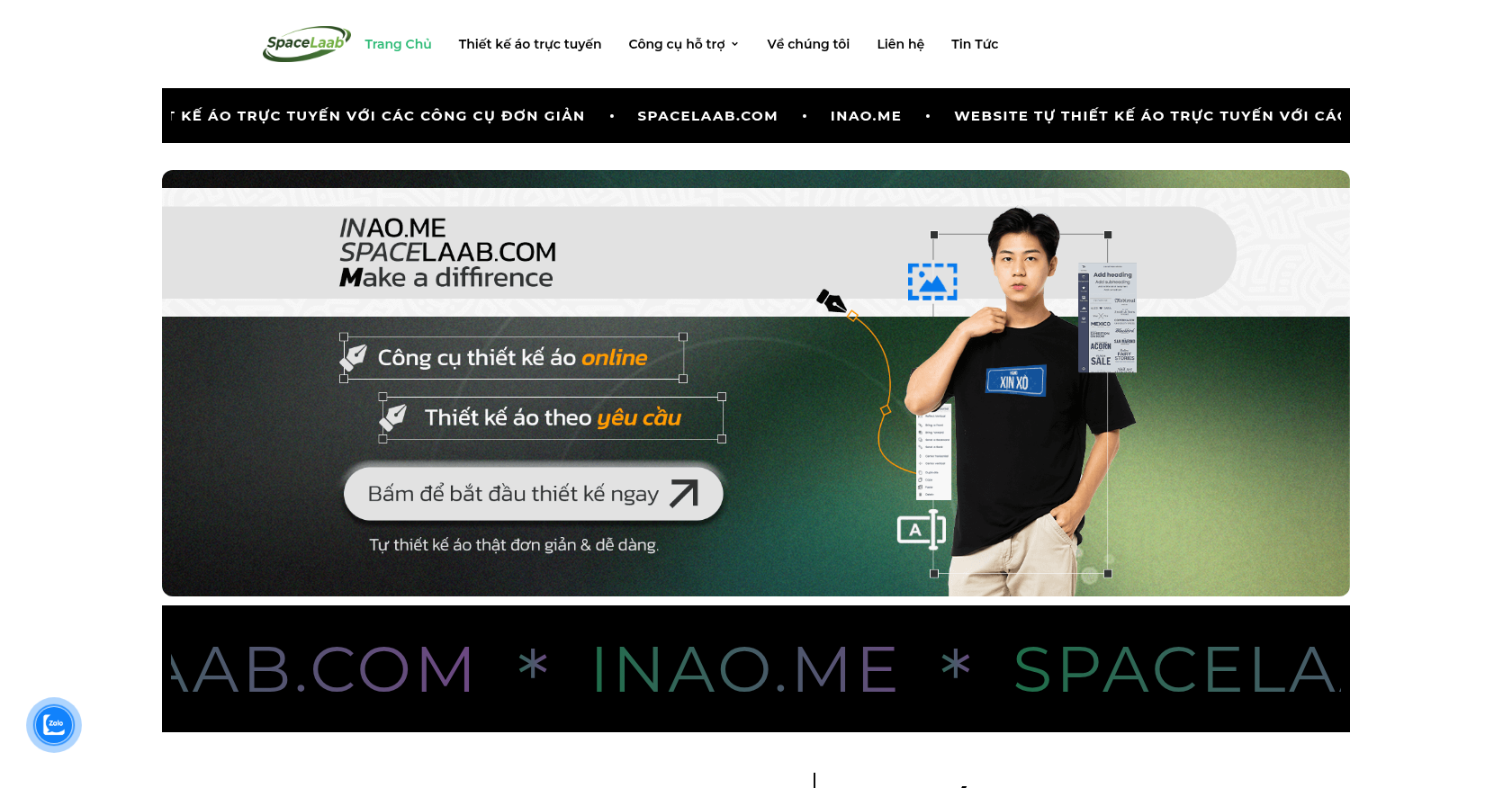 Merchandise & Apparel · spacelaab.comE-commerce Solutions for Custom Merchandise Ordering and PersonalizationDelivered, live store
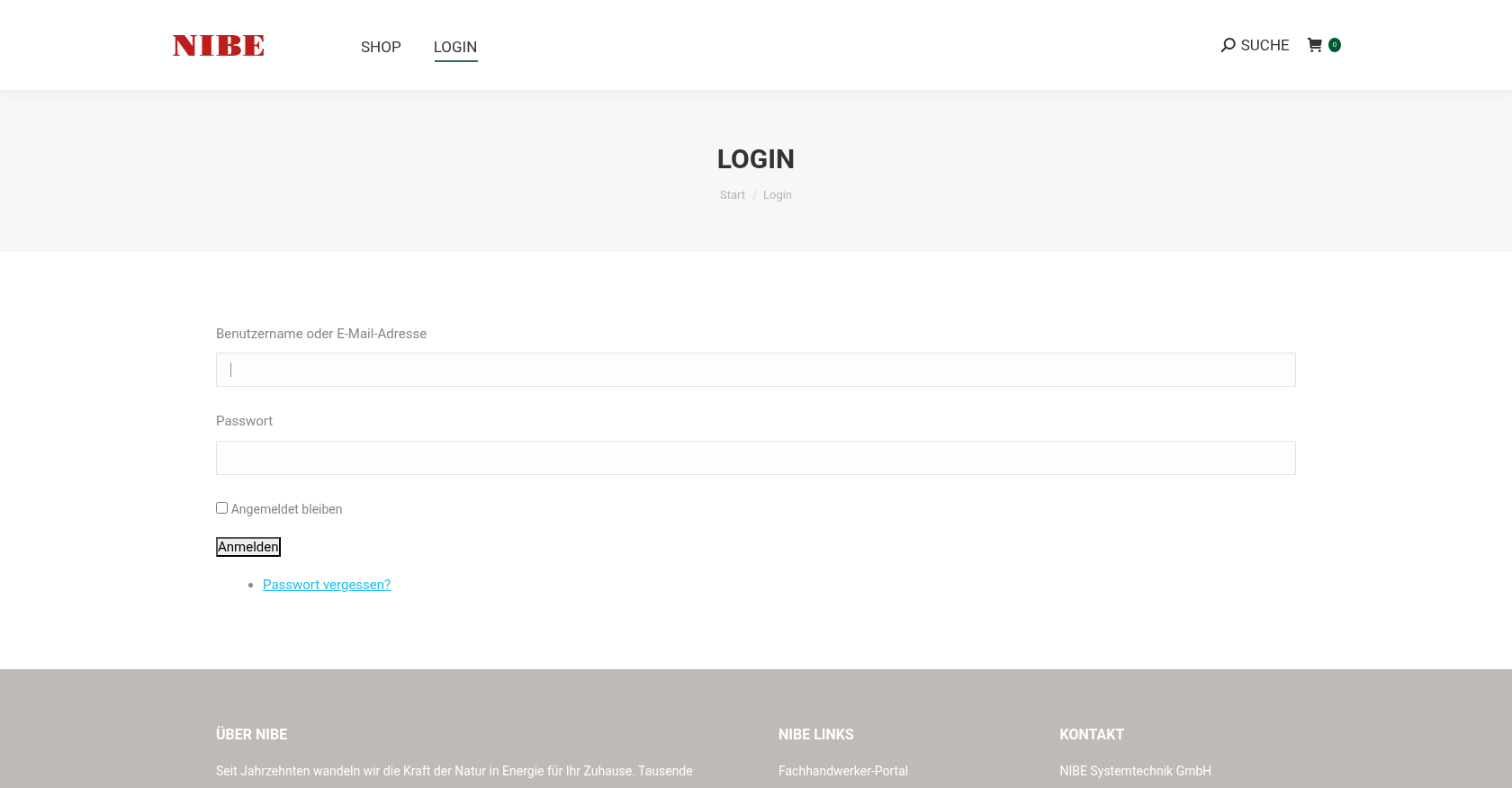 Merchandise & ApparelEcommerce Storefront Design for Custom Merchandise OrderingDelivered (store no longer online)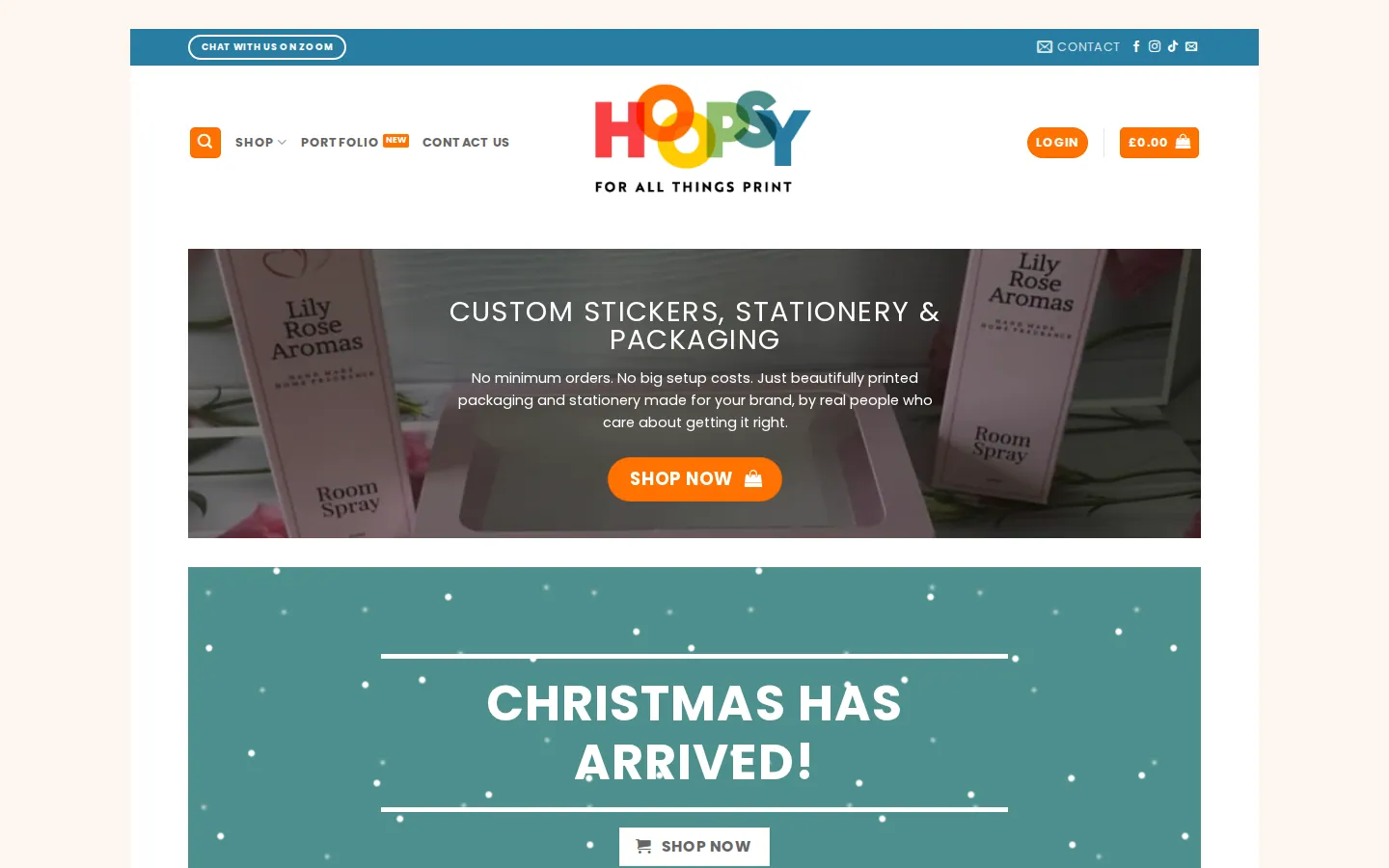
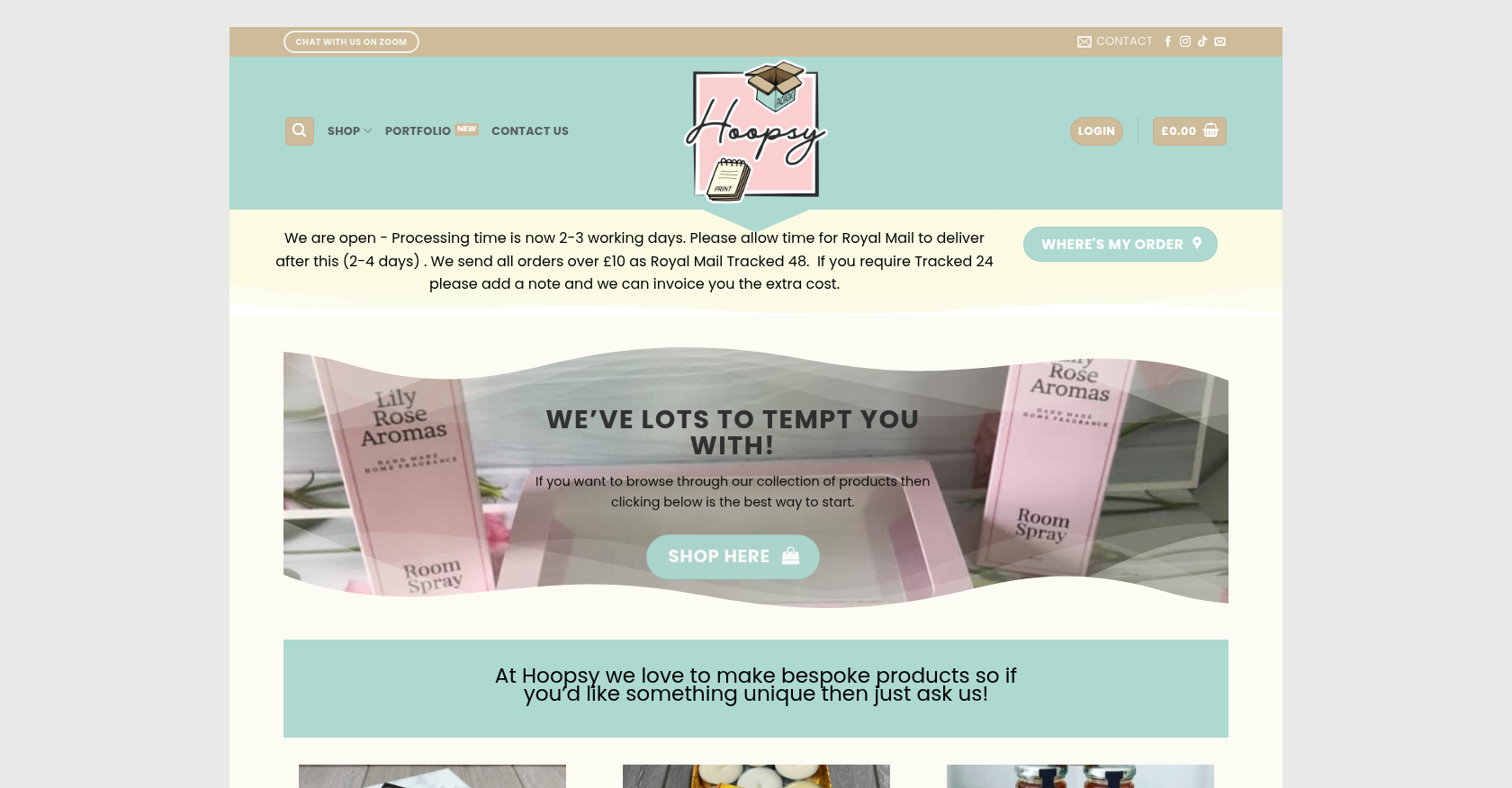 Merchandise & Apparel · hoopsy.co.ukEnhancing Product Customization and Ordering Journey for Personalized MerchandiseDelivered, live store


 Pamela Redman

 Verified on Trustpilot
 วชิระ เชื้อผู้ดี
 Khanh Nguyễn Đức





