
Switch from OnPrintShop to Cmsmart Ecommerce
To switch from OnPrintShop to Cmsmart Product Designer, we rebuild your templates, product options and price rules on WooCommerce, bring past orders over as read-only history, and redirect any old URLs that change, on a staging store you test before cut-over. Designs are not portable between tools, so we agree which to recreate. Quoted after a free assessment.

In short
How do you switch from OnPrintShop to Cmsmart Product Designer?
Move your product designer to a WooCommerce store you own, with a sourced comparison and a clear migration path.
| Scope | OnPrintShop products, variants, customers, orders and URLs, moved to a WooCommerce store on Cmsmart Ecommerce. |
|---|---|
| What you keep | Catalogue and images, customer accounts and addresses, order history as read-only records, page titles and descriptions, and a 301 for every old URL. |
| Typical inputs | Admin access or the platform's own export files, your list of apps and integrations, and your list of old URLs. |
| Deliverables | A data map, a redirect CSV you approve, a staging store, a QA check, the cut-over and a 30-day watch. |
| How pricing works | Quoted per project after a free assessment. There is no price list and no obligation. |
About OnPrintShop
What OnPrintShop is, in its own words
OnPrintShop is a cloud-based web-to-print SaaS platform for print businesses, covering B2B and B2C storefronts, a design studio, a pricing engine, order management and workflow automation. It runs as its own storefront platform. [1]
OnPrintShop was verified live on 10 October 2026: its official site loaded and described the product.
Feature table
OnPrintShop and Cmsmart Product Designer, feature by feature
OnPrintShop facts come from its own pages (numbered sources below, read on 10 October 2026). Cmsmart facts are checked against the plugin, version 2.17.1 (checked 4 October 2026). "Not verified" means we could not confirm it from a public page, so we do not claim it.
| Feature | OnPrintShop | Cmsmart Product Designer |
|---|---|---|
| Online design editor | Yes. An AI-driven design studio with drag-and-drop, text, image upload, clipart, custom fonts, RGB/CMYK mapping and background removal. [2] | Yes. Browser editor with templates, text, photos, cliparts, shapes and QR codes on each side of the product. |
| Product types | Yes. Commercial print, large format, signage, labels and stickers, canvas, photobooks and packaging. [1] | Yes. WooCommerce products with print areas per side, products built from parts (Product Builder), and 23 sample products to start from. |
| Print-ready output | Partial. Print-ready file upload and a production workflow are listed. Output formats are not stated. [3] | Yes. Print-ready PDF (2.16.0), plus PNG, SVG and JPG CMYK downloads with an ICC profile when ImageMagick is available. Rendered on Process and checked before it is marked ready. |
| Templates and clipart | Yes. A 5000+ template library and customer-specific templates on the Startup tier and above. [3] | Yes. Templates per product, a global template store, a public gallery, locked layers, template fields and 25,918 cliparts in 69 categories (2.14.0). |
| Variable data and bulk | Partial. A mailing module with list upload, and franchise and branch storefronts, are listed. Variable-data detail is not stated. [3] | Partial. Template fields fill a buyer's name, title and phone into a design. Bulk or CSV variable-data printing is built as custom development. |
| 3D or mockup preview | Yes. 3D design preview on the Startup tier and above. [3] | Partial. A 3D preview of the product can be switched on per product, on desktop. |
| Pricing and quotes | Yes. A dynamic price calculator, order and quote management, and print estimating. [3] | Yes. Price matrix, quantity breaks, area pricing, turnaround and formulas, recalculated live on the product page. |
| B2B and reorder | Yes. Private B2B storefronts for corporate, franchise, in-plant and trade clients, with budgets, approval hierarchies and repeat ordering. [4] | Partial. Cmsmart B2B Ecommerce adds private client stores, quote requests, brand templates and reorder. See the B2B page for what the current release includes. |
| AI features | Yes. An AI design studio, AI background removal and AI text translation. [2] | Yes. AI background remover, image upscale and print preflight run on your Cmsmart licence (from 2.12), with a token wallet and access controls (2.15). |
| Store platforms | Partial. Its own storefront platform. The site lists 300+ integrations (print MIS, QuickBooks, Mailchimp, carriers, payment gateways). WooCommerce or Shopify plugin support is not stated. [5] | Yes. WooCommerce on WordPress. |
| Hosting model | Cloud-hosted SaaS. Enterprise offers a dedicated instance. [3] | Self-hosted: you own the code, the database and the customer list. Cmsmart can set up, host and maintain the store as a quoted service. |
| Pricing model | A fixed monthly subscription in tiers (Basic, Startup, Pro, Enterprise). The site states no transaction or commission fee. [3] | A plugin licence, with setup, hosting and migration quoted per project. |
Cmsmart rows: Online Designer, Pricing Options, Print-Ready Files, Templates Library, Artwork Approval. "Custom development" means it is built for you as scoped work, not shipped in the plugin.
Fair comparison
Where OnPrintShop is strong
Migration path
What happens to your designs, templates and orders
The OnPrintShop pages we read do not describe exporting or importing designs, templates or orders, and onboarding hours are included by plan. For a move, the catalogue and templates are rebuilt in Cmsmart and orders are brought over as read-only history where a file export is available.
| Data | What we do |
|---|---|
| Customer designs and files | No export of customer designs is documented on the pages we read. If you hold the original artwork files, we reuse them; otherwise we agree which designs are worth recreating. [3] |
| Templates | Rebuilt in Cmsmart Online Designer from your source artwork (SVG, PDF or image files), with locked layers and template fields set up where needed. Scoped in the free assessment. |
| Products, options and prices | Print areas, option sets and price rules are rebuilt in Cmsmart Pricing Options from your product and price list, then tested against it. |
| Orders | Past orders are imported into WooCommerce as read-only history where your store platform can export them. Orders still in production are finished on the old setup before cut-over. |
| Store URLs | If the store platform or domain changes, every old product URL gets a 301 to its new address from a CSV you approve. |
Process
How the switch runs
The timeline is set in the free assessment. It depends on how many products, templates and orders you have.
- Free assessment: your platform, catalogue size, apps, integrations and goals.
- Data map and redirect map: what moves, what is rebuilt, and every old URL with its new address.
- Staging migration: your data in a private WooCommerce store you can open and test.
- QA: data counts, URLs, checkout, emails and tracking checked against your list.
- Cut-over: final data sync and DNS switch, planned for your quietest hours.
- 30-day watch: crawl errors, redirects and rankings reviewed after launch.

Free assessment
See what switching from OnPrintShop would take
Tell us which products and templates you run. We reply with what moves, what is rebuilt and a quote, with no obligation.
FAQ
Frequently asked questions
Can I import my OnPrintShop templates into Cmsmart?
The OnPrintShop pages we read do not describe exporting or importing designs, templates or orders, and onboarding hours are included by plan. For a move, the catalogue and templates are rebuilt in Cmsmart and orders are brought over as read-only history where a file export is available.
Will my customers' saved designs move?
Saved designs are tied to the format of the tool that made them, so we agree with you which ones are worth recreating and rebuild those. Customers can start new designs from the migrated templates.
Do I have to change my store platform?
OnPrintShop runs its own storefront, so switching means a new WooCommerce storefront on Cmsmart Ecommerce as well as a new designer. We plan that as one project.
What does the switch cost?
Cmsmart does not publish a price list for services. The switch is quoted per project after a free assessment, based on your catalogue, templates and integrations, with no obligation.
Is Cmsmart a better choice than OnPrintShop?
Not in every case. In our reading, OnPrintShop is best for: Print service providers who want a hosted all-in-one B2B and B2C print storefront with workflow automation and a large integration catalogue. Cmsmart Product Designer fits stores that want to own a WooCommerce store with print-ready output, price rules and artwork approval built in. The assessment says honestly when staying put is the better choice.
How are the facts on this page sourced?
OnPrintShop facts come from its own pages, read on 10 October 2026 and listed with links under Sources. Cmsmart facts are checked against the plugin. Anything we could not confirm is marked not verified.
Can you work with a client in my country?
Yes. Every Cmsmart service, from custom development, migration and integration to full store builds, is delivered remotely. Clients in any country and any industry can work with the team; Netbase has worked with clients in 80+ countries. Projects run online, through a written proposal, email or WhatsApp, and tickets in the Cmsmart dashboard.
Do you work in my industry?
Yes. Clients in any country and any industry can work with the team; Netbase has worked with clients in 80+ countries. Published Cmsmart projects include stores for web-to-print, merchandise and apparel, signage, packaging and labels, and gifts and promotional products. See the client work at cmsmart.net/projects.
How do I pay securely?
Contracts and payments go to the company, Netbase JSC: plans are paid through PayPal; services are invoiced by Netbase JSC under a written proposal and paid by bank transfer to Netbase JSC's company account or by PayPal Business. Cmsmart (Cmsmart Ecommerce) is the ecommerce brand of Netbase JSC, a company based in Hanoi, Vietnam.
Who do I talk to?
Talk to the CEO, Huy Nguyen (David): message him on WhatsApp at +84 937 869 689 or email project@cmsmart.net. The contact page at cmsmart.net/contact lists every channel, and Request a quote (cmsmart.net/project-proposal) sends your project brief to the team. Tell us the scope and we reply with a plan and a quote.
Sources
Sources and revision log
All OnPrintShop facts were read on 10 October 2026 from the pages below. Facts are re-checked every 90 days or when the product releases a major version.
- What is OnPrintShop, accessed 10 October 2026
- OnPrintShop online designer, accessed 10 October 2026
- OnPrintShop plans, accessed 10 October 2026
- OnPrintShop B2B storefront, accessed 10 October 2026
- OnPrintShop integrations, accessed 10 October 2026
Revision log: 10 October 2026, first version.
Related
Other switch-from and migration services
Learn more
Related tutorials from the community
- GuideCmsmart Product Designer Settings Guide: Complete WP AdminThe Cmsmart Product Designer settings guide: every WP Admin screen mapped, key defaults explained, and how to configure yours for...
- GuideNBDesigner Lite Free Download: Install & ActivateGet the NBDesigner lite free download, install it on WooCommerce, and activate your 30-day trial license before you buy Premium.
- GuideWooCommerce Printing Options Price Matrix Setup GuideComplete the WooCommerce printing options price matrix setup in Cmsmart Product Designer: field types, quantity breaks and default...
Who you work with
The team behind Cmsmart and its published work
- 2012Netbase since 2012Cmsmart Ecommerce is a Netbase JSC company
- 17,157proposals writtenin our project system, live count
Proposals: records in our Cloodo WorkSuite project system, all-time, refreshed every 6 hours.

Talk to an ecommerce expert
Huy Nguyen (David)
Founder & CEO, Cmsmart · Netbase JSC
Every request is read by the team before you get a written scope and estimate.
Published Cmsmart projects
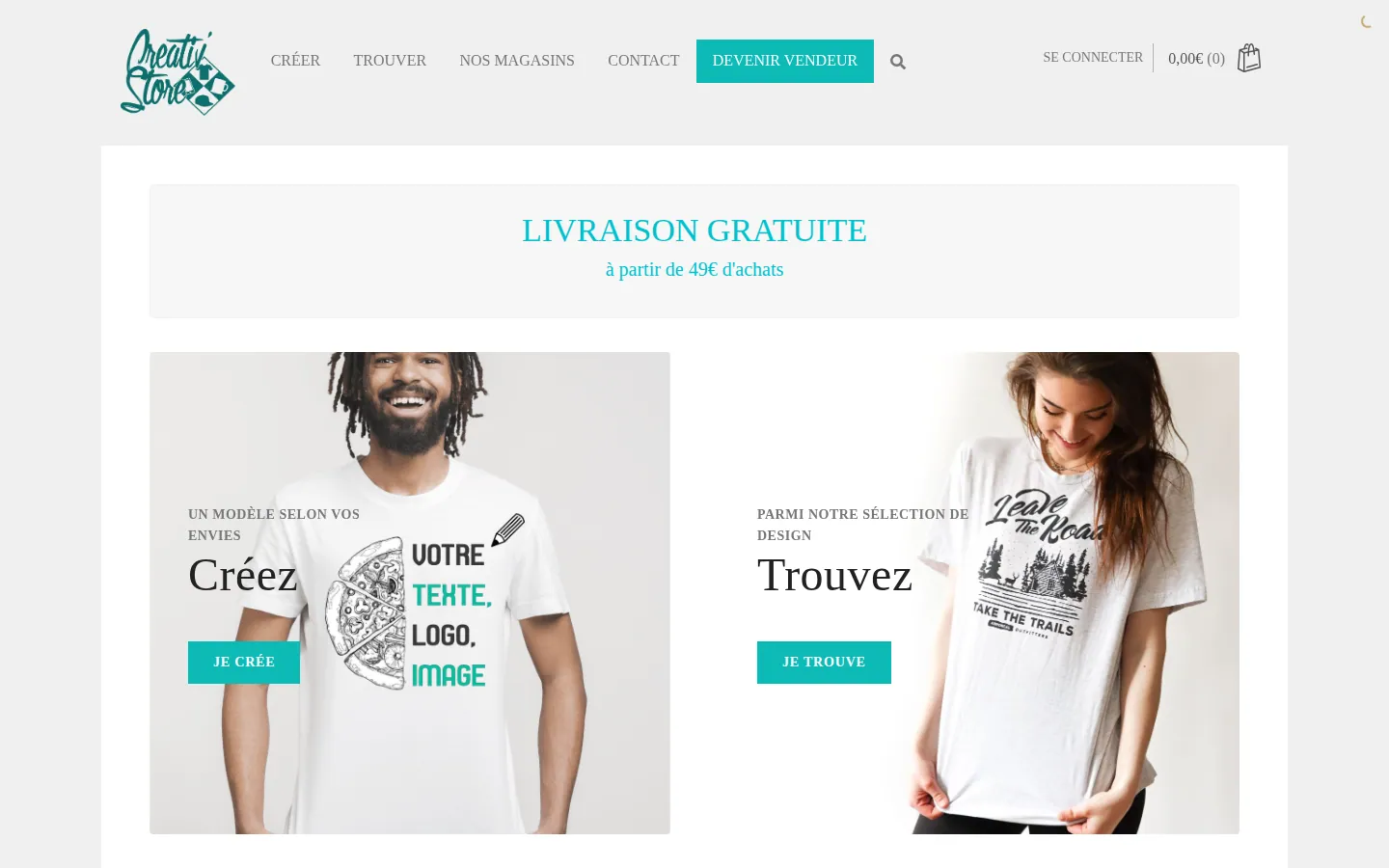
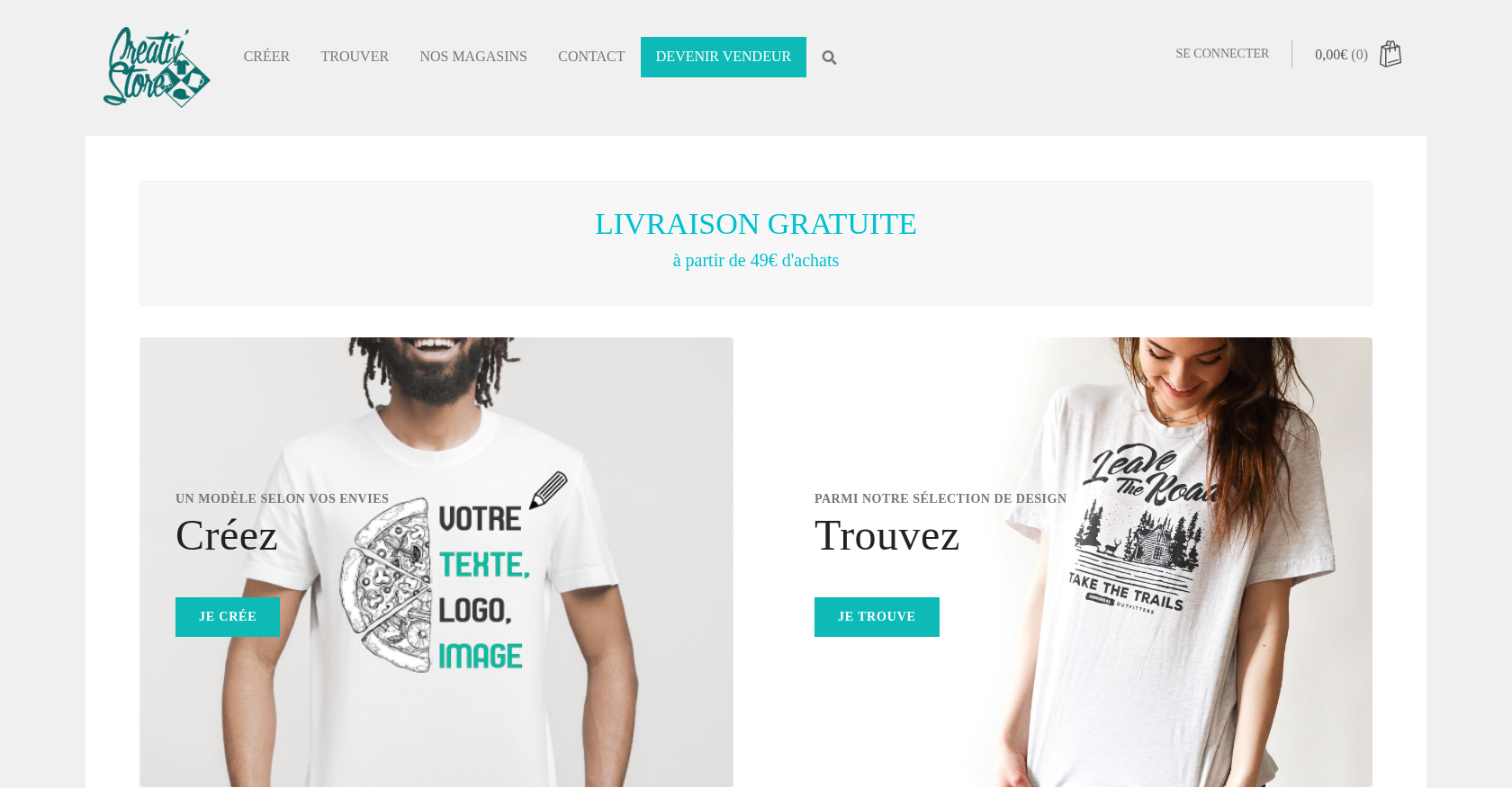 Product Designer & Customization · creativ-store.comEnhancing the Personalized Print Ordering Experience for CreativStoreDelivered, live store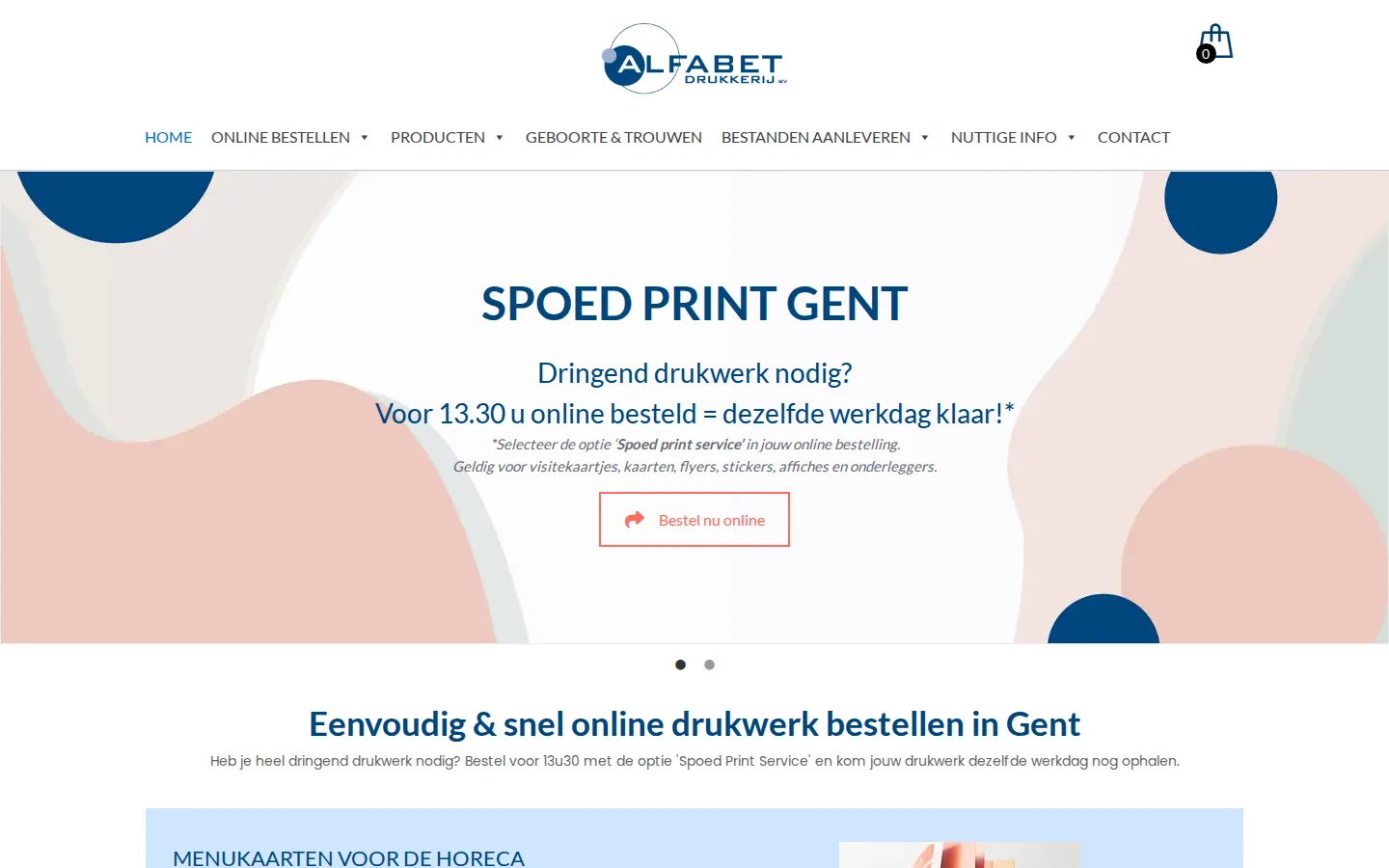
 Product Designer & Customization · alfabet.euEnhanced Online Experience for Personalized Product OrderingDelivered, live store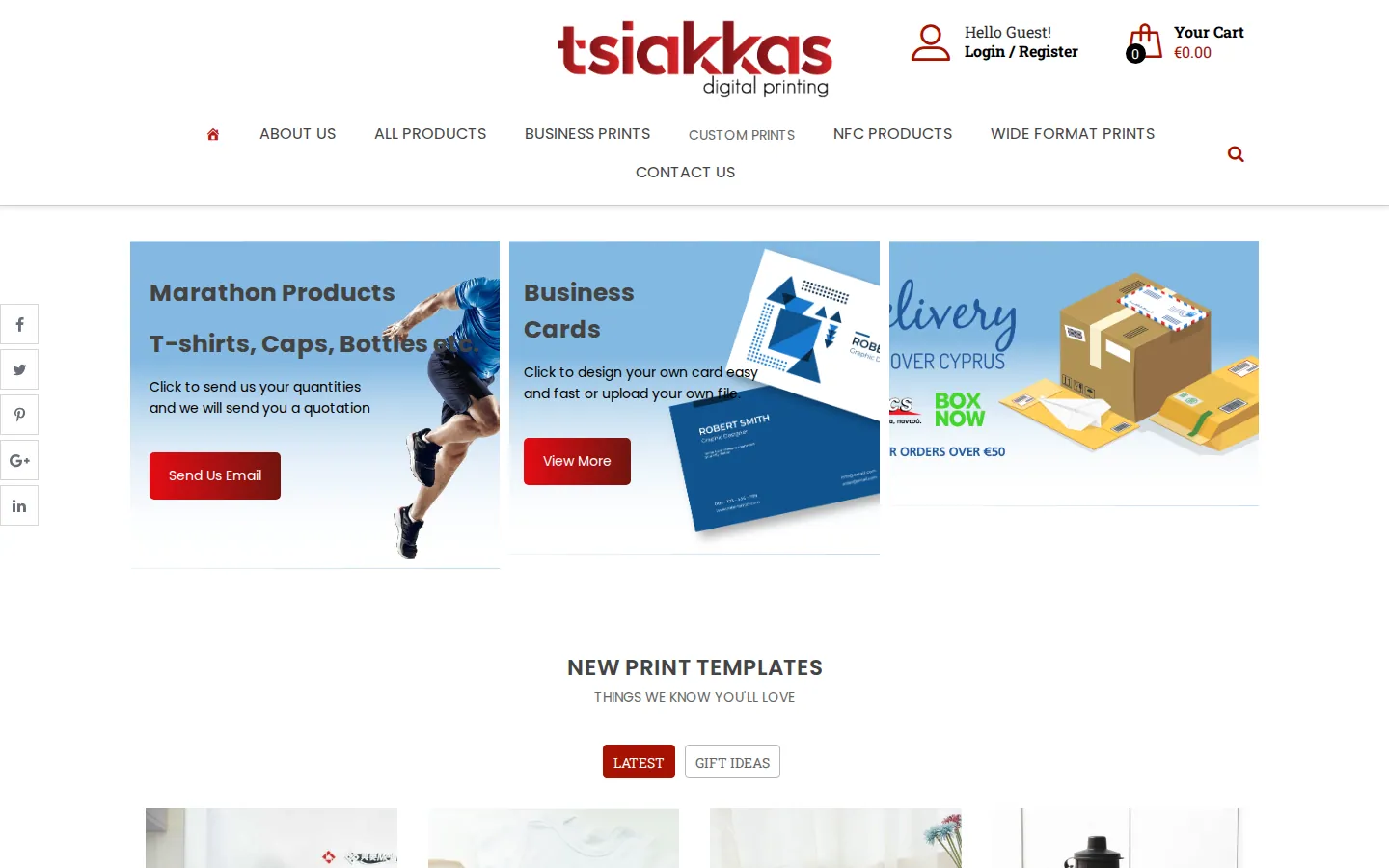
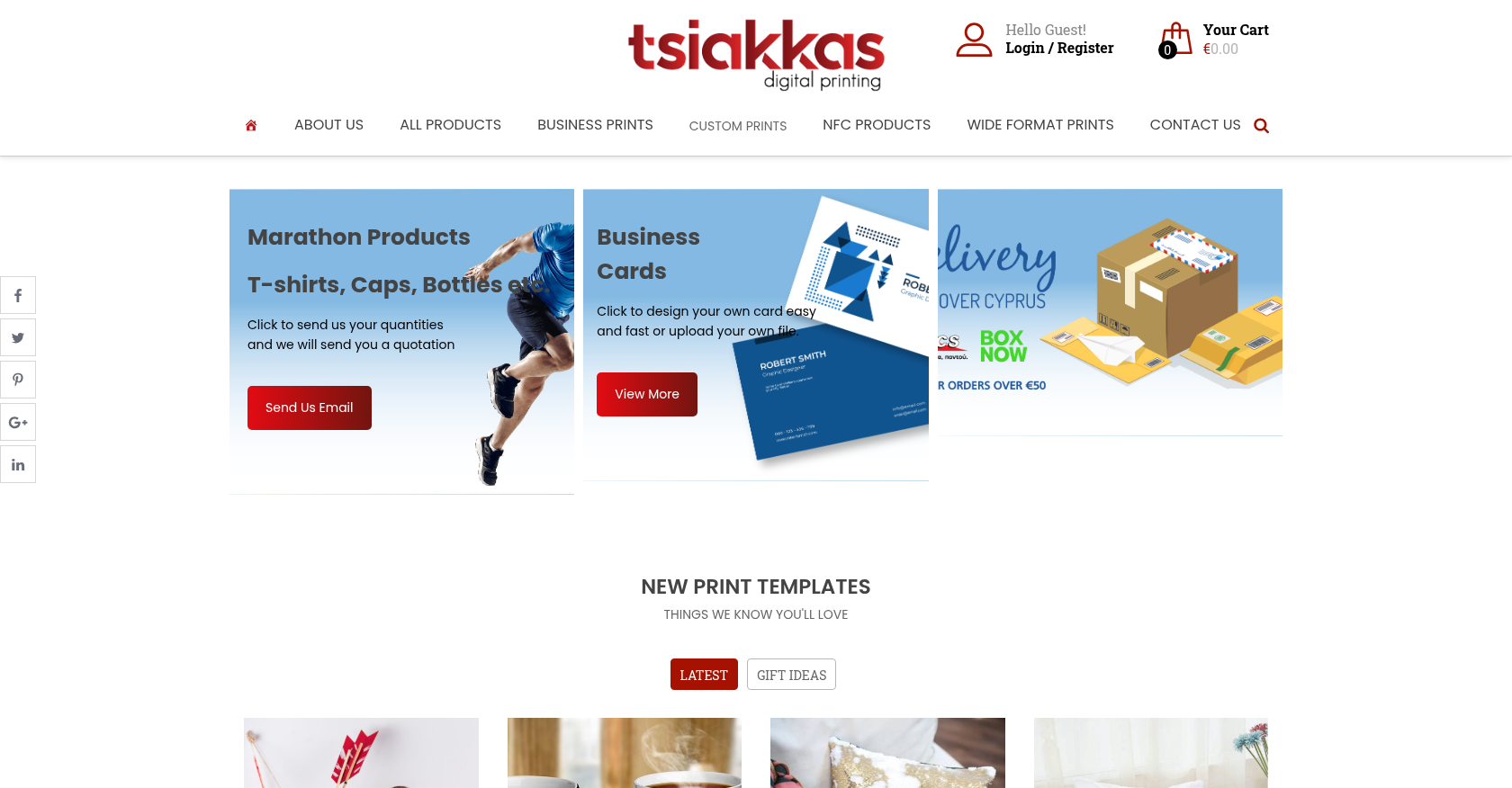 Product Designer & Customization · tsiakkascopycenter.comEnhanced Online Ordering for Print and Design ServicesDelivered, live store
Project records from our portfolio. They show the wider work of the team, not this exact service.
Stores on Cmsmart Ecommerce
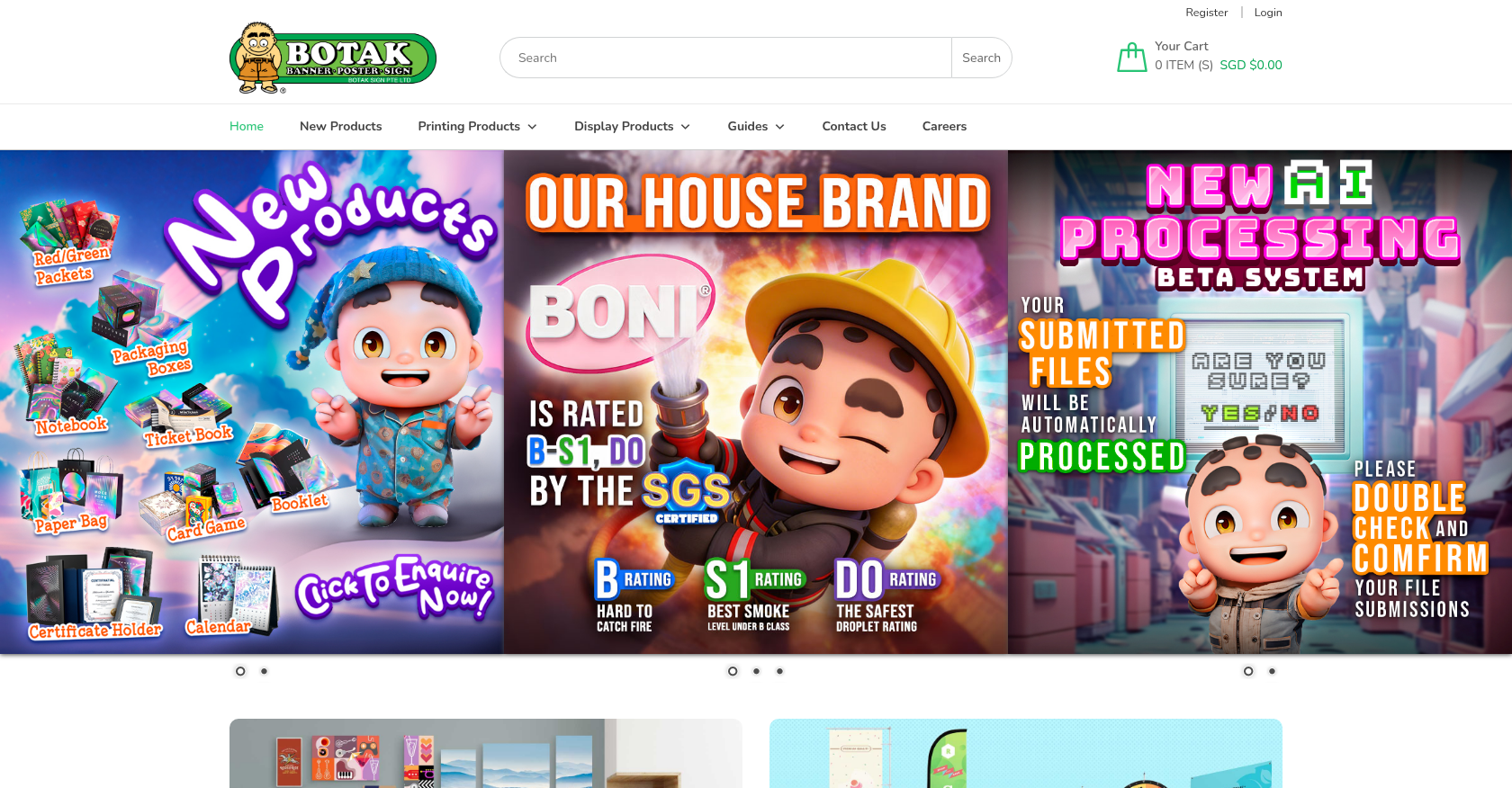
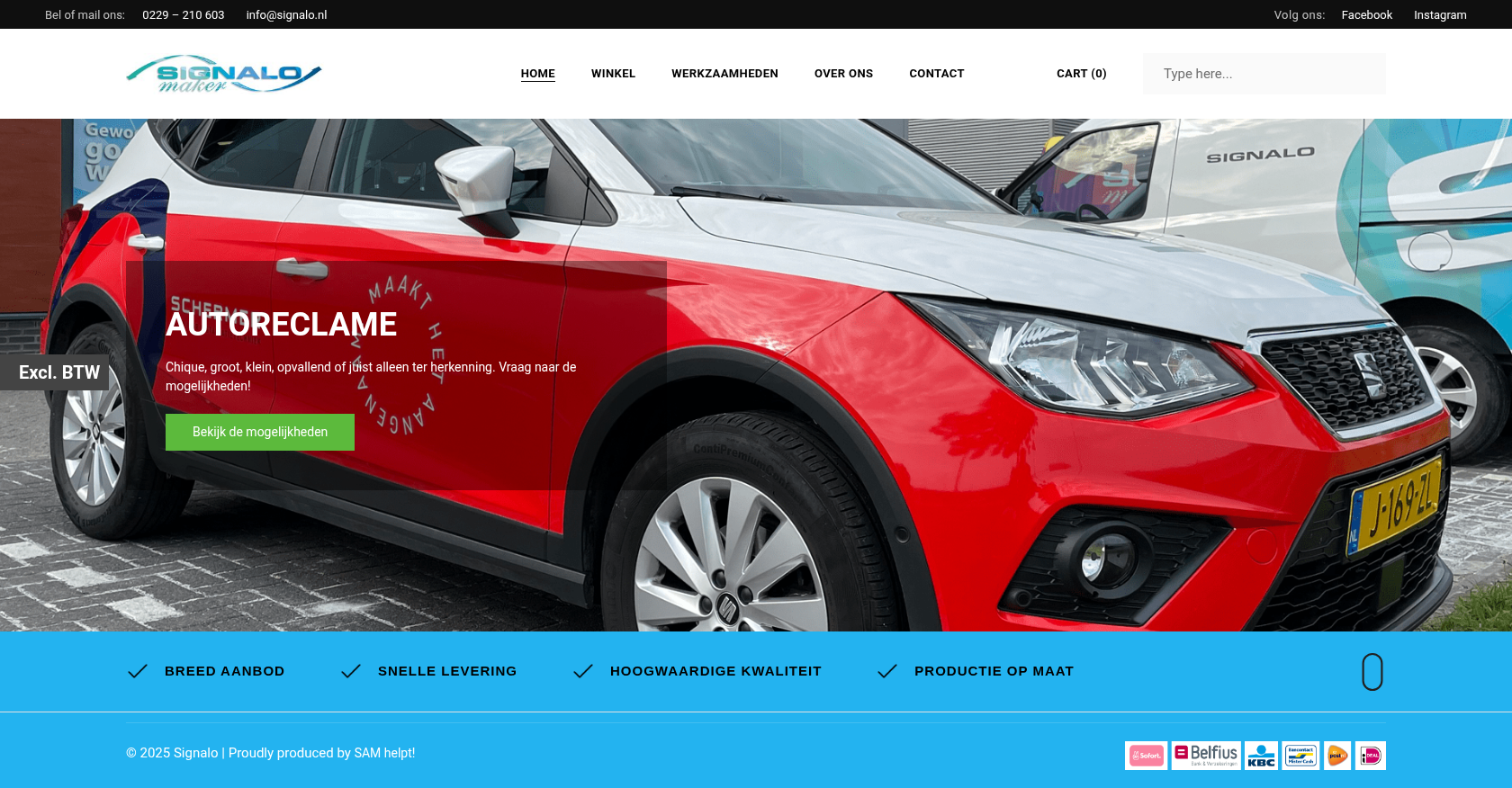
Real numbers, real clients
Trusted by store owners in 80+ countries
What we have delivered since 2012, and what customers say about working with us.
- 6,300+ client projects since 2012
- 4,600+ projects delivered since 2012
- 1,800+ live stores online now
- 80+ countries clients worldwide
- 500+ custom development projects since 2012
- 120+ engagements running 5+ years ongoing support
Since 2012 · a Netbase JSC company · as of Sep 2026 · source: WorkSuite project records
Rated by customers on third-party sites (as of Sep 2026)
Teams in 80+ countries run their ecommerce projects with Cmsmart


CMS smart (Selena) have customized NB designer perfectly for us and now work as we like.
 Ari van Esch

 Verified on Trustpilot
I’ve bought several themes from Cmsmart which are all amazing and the support service is also brilliant and fast
 Mark Hullin
Verified on Trustpilot
Mark Hullin
Verified on Trustpilot
I’ve purchased a few themes from Cmsmart now, the themes themselves are incredibly well made but the support service is outstanding!! Requests are handled promptly and the team are always friendly, highly recommended.
 BigJayce
Verified on Trustpilot
BigJayce
Verified on Trustpilot
Read more testimonials Delivered & maintained with WorkSuite: tickets, tasks, milestones and invoices in one place. See how it works

Cmsmart Ecommerce provides custom ecommerce and WooCommerce development services for web-to-print, product personalization, plugin support and API integration.




Web-to-print, WooCommerce, B2B and AI specialists who plan, build and support stores together.
Meet the team →
Top