Guide · Web-to-print
Web-to-Print Storefront: How to Build Yours
How to build a web-to-print storefront: key features, customer segments and workflow automation, with Cmsmart custom development options.
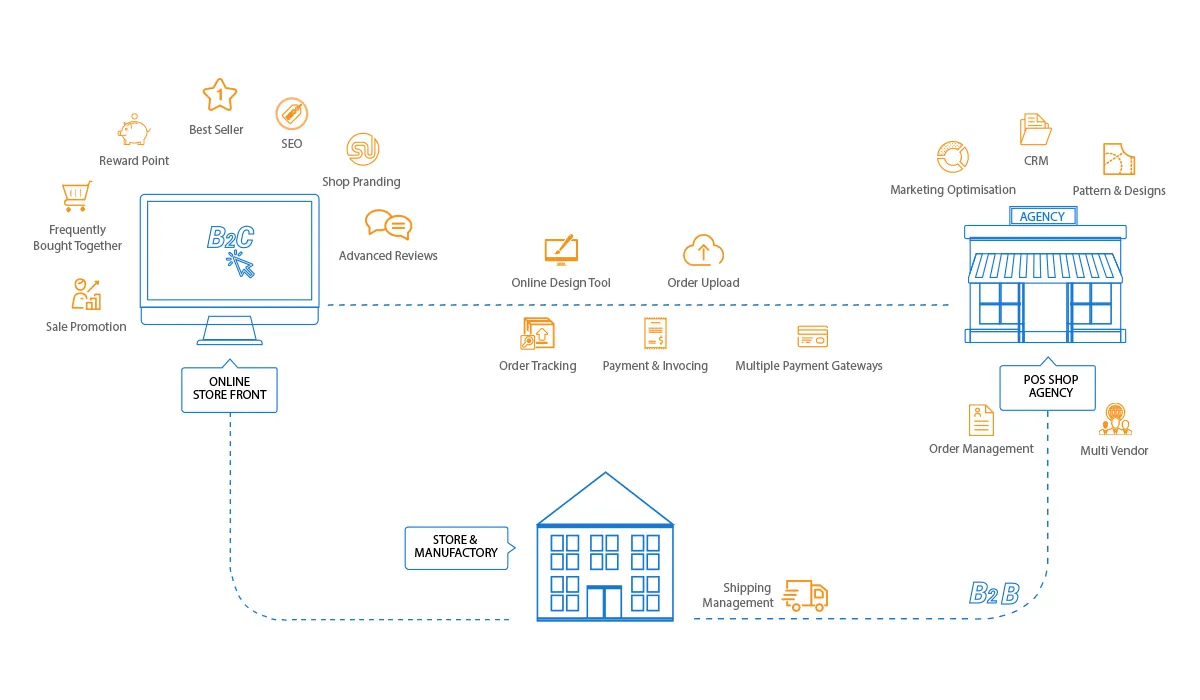
Web-to-print lets customers design, price and order printed products online, and sends production a print-ready file. On WooCommerce, Cmsmart does this with the Cmsmart Product Designer plugin plus custom work where a print shop needs more: pricing engines, proof approval, MIS or print API connections. Start with the guides below, or ask our web-to-print desk to plan it with you.
Guide · Web-to-print
How to build a web-to-print storefront: key features, customer segments and workflow automation, with Cmsmart custom development options.
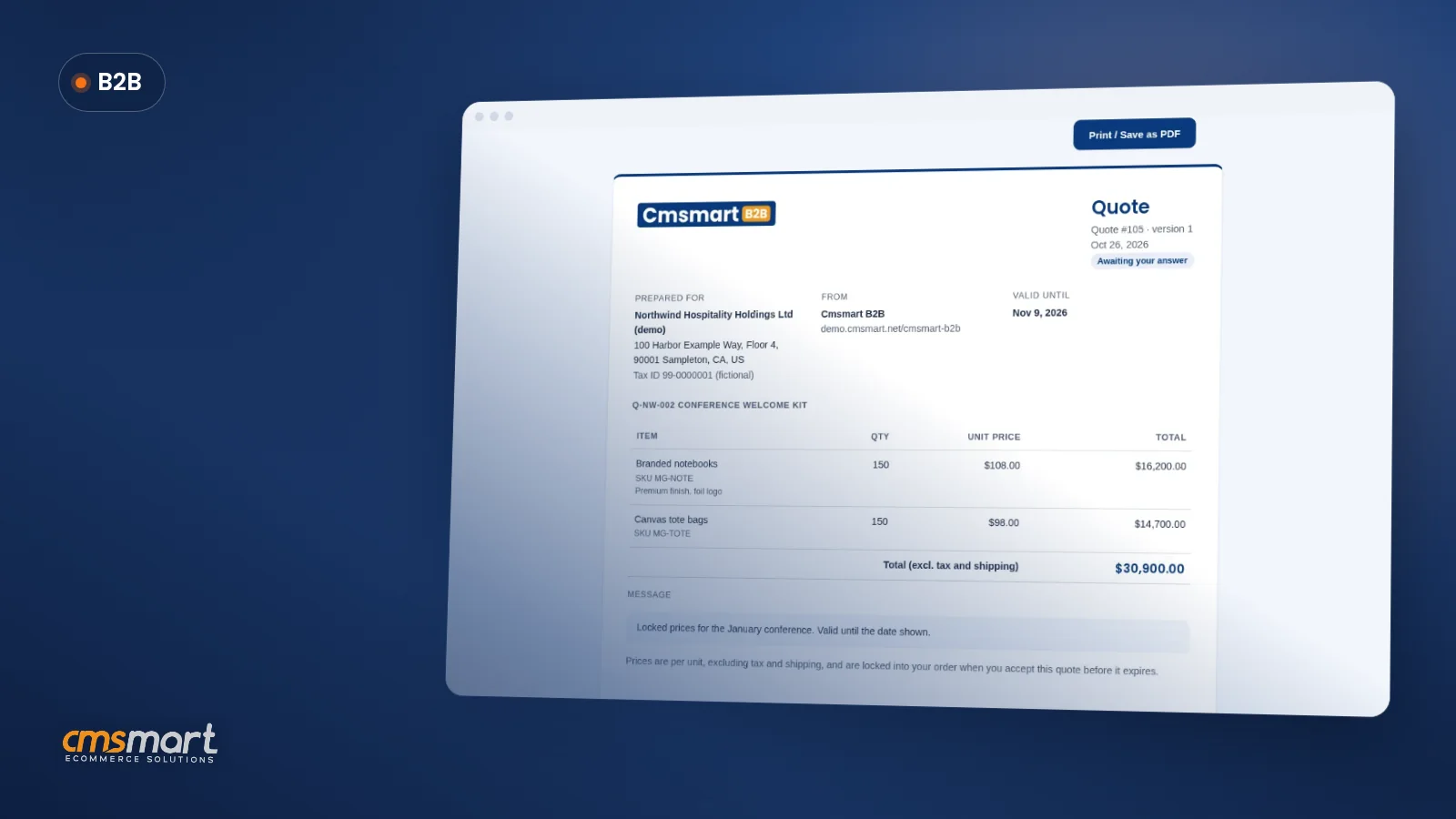
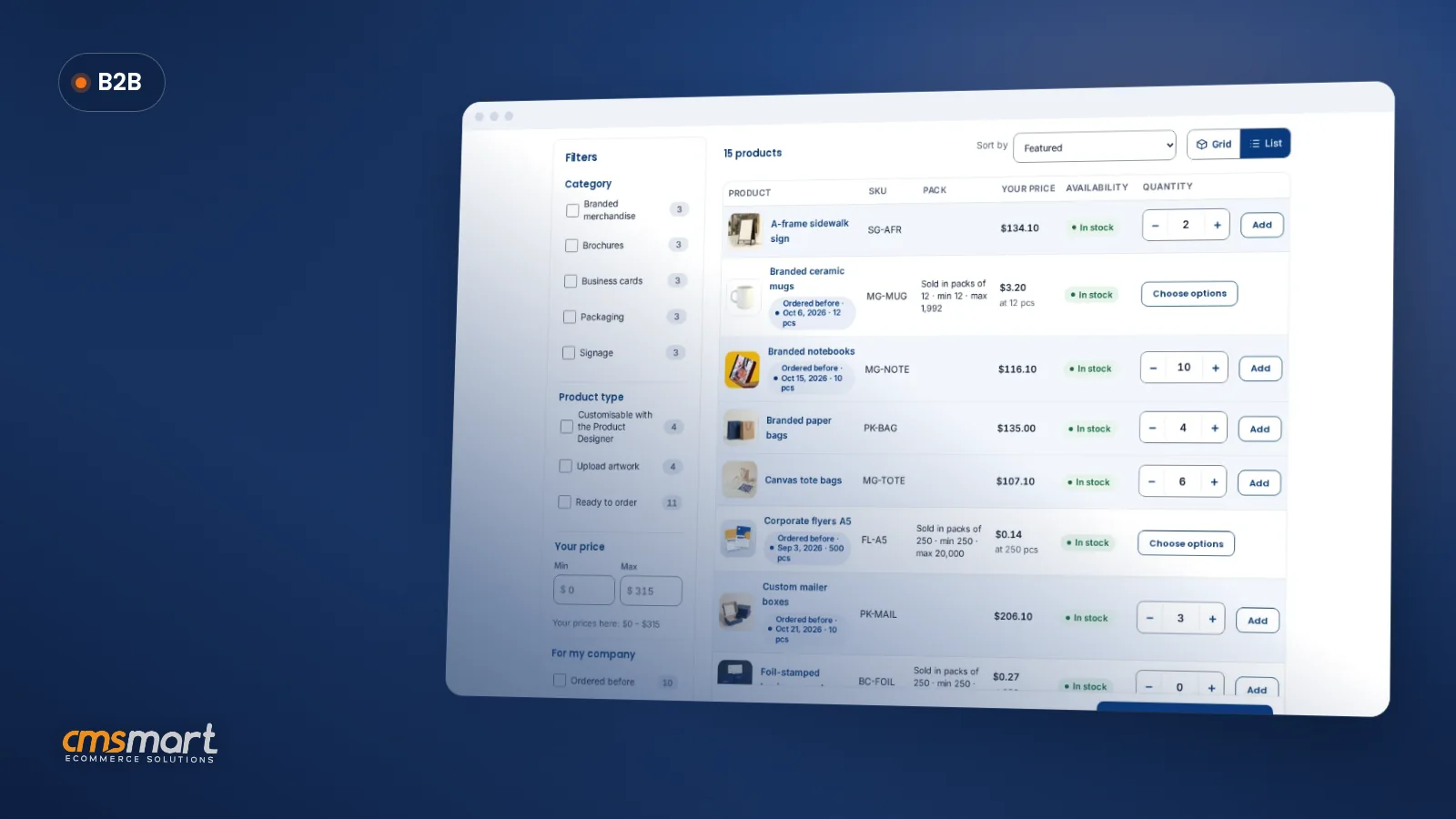
WooCommerce B2B request a quote with file upload is how a buyer — or a visitor who isn't a customer yet — asks for a price with their artwork attached, right from your product page. Cmsmart B2B turns that request into a priced, versioned quote the buyer accepts in their account, then checks out at the exact price quoted, with nothing re-typed along the way. Right now, a buyer who wants something your catalogue...
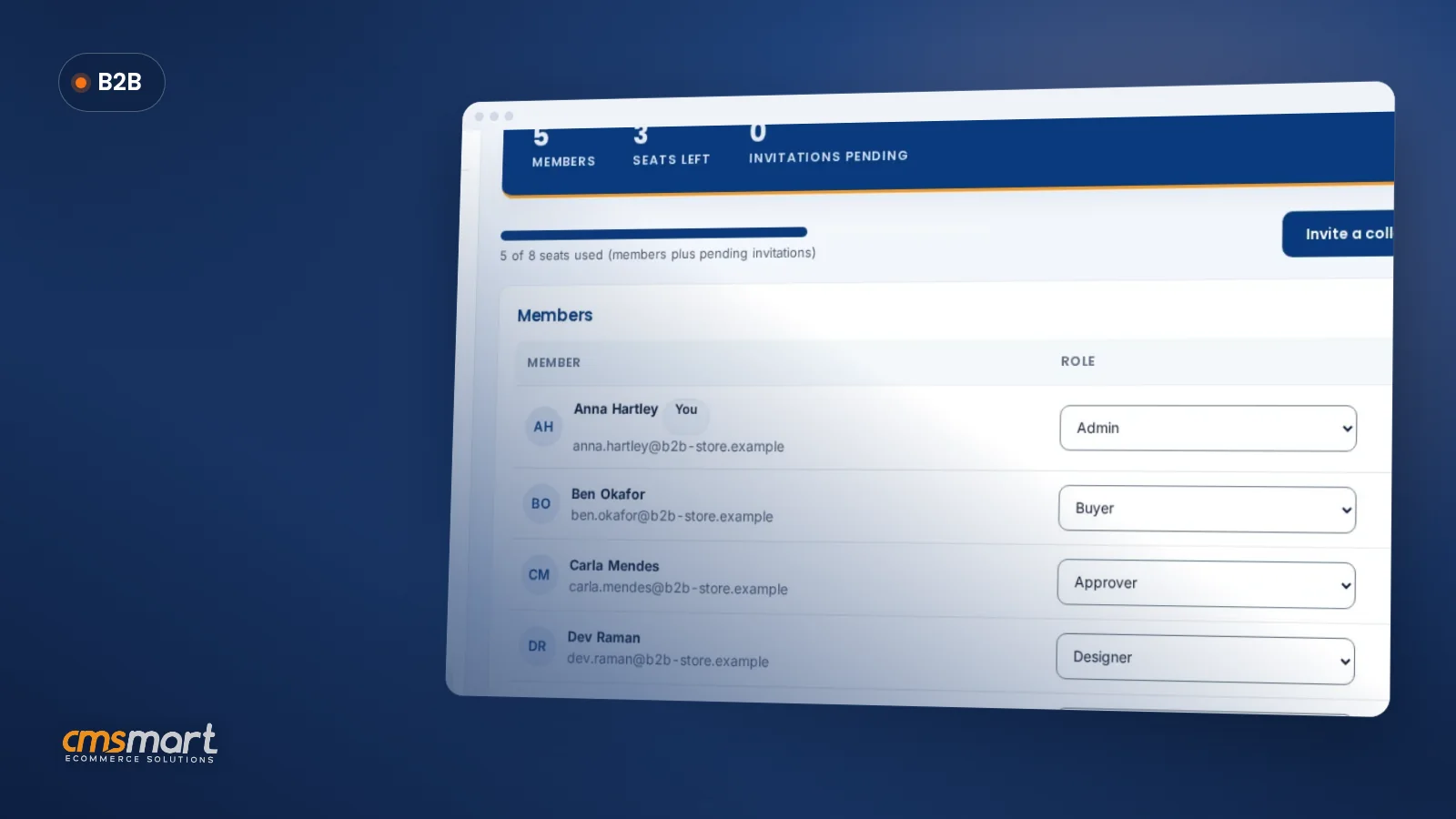
Employees at a franchise, a multi-office company or a marketing team often order branded goods and print on one shared account — until someone orders too much, or without sign-off. Cmsmart B2B runs a WooCommerce B2B order approval workflow with roles, spend limits, budgets and approval rules, so orders above the limit wait for a named approver, not charged or chased by email. What does it cost you when B2B orders go out without...
A buyer at a hotel group or promo-products reseller reorders the same 30 printed SKUs every month: business cards, labels, mailers, signage. Typing each one into a product page turns a two-minute job into an afternoon. Cmsmart B2B lets them paste the list, upload a CSV or repeat last month's order, and get a priced cart in minutes. This tutorial covers WooCommerce B2B quick order as the buyer sees it, what a store owner...
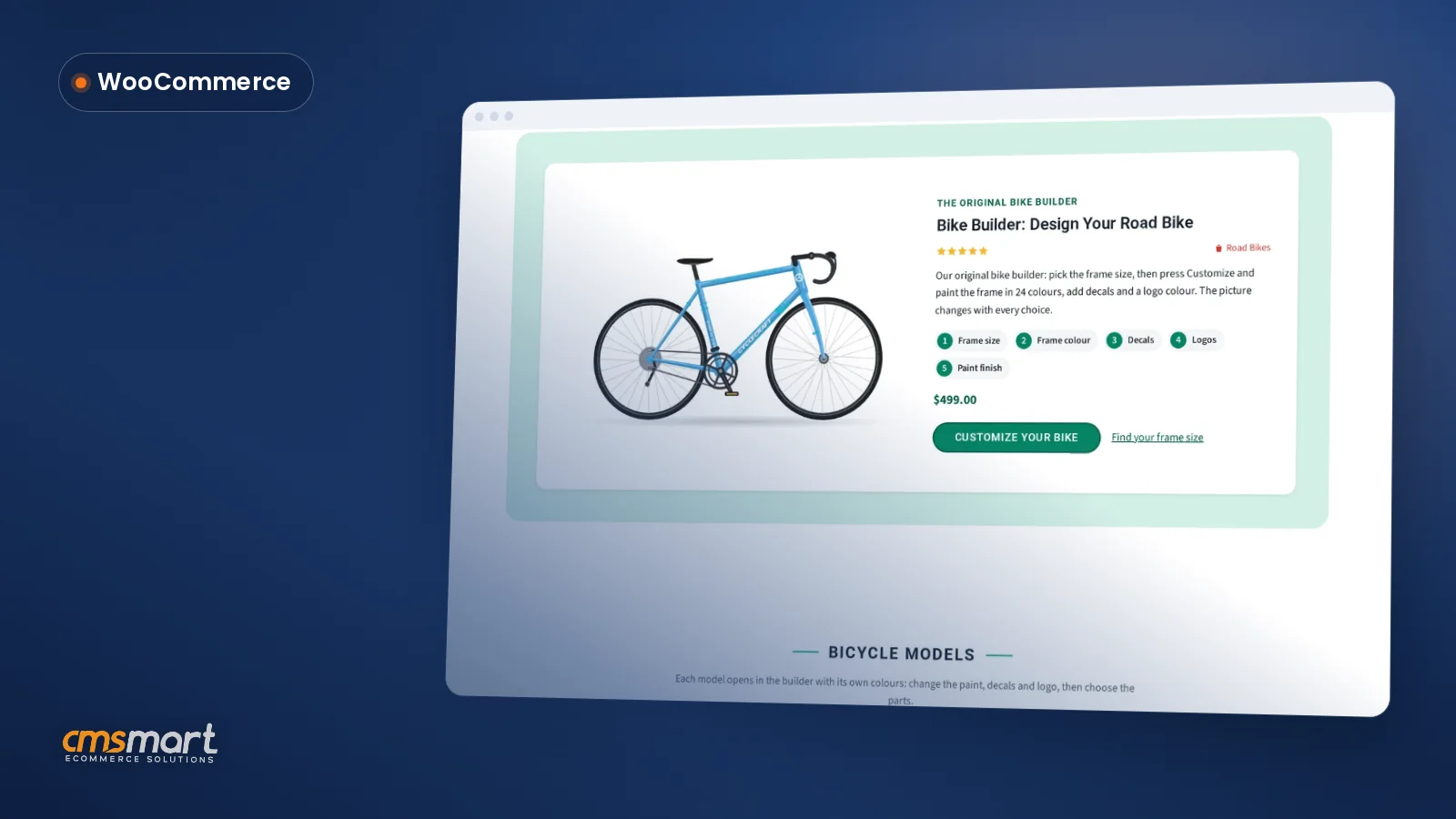
A custom bike builder WooCommerce store lets a bike shop or frame builder sell build-to-order bikes online: shoppers pick frame size, frame colour, decals and logo colour and watch the price update before they pay. This guide installs the Cmsmart Bike Builder Store and gets it from a fresh WordPress install to a sellable catalogue in about an hour. What does a manual bike-configuration process really cost you? Cmsmart turns a bike shop's manual...
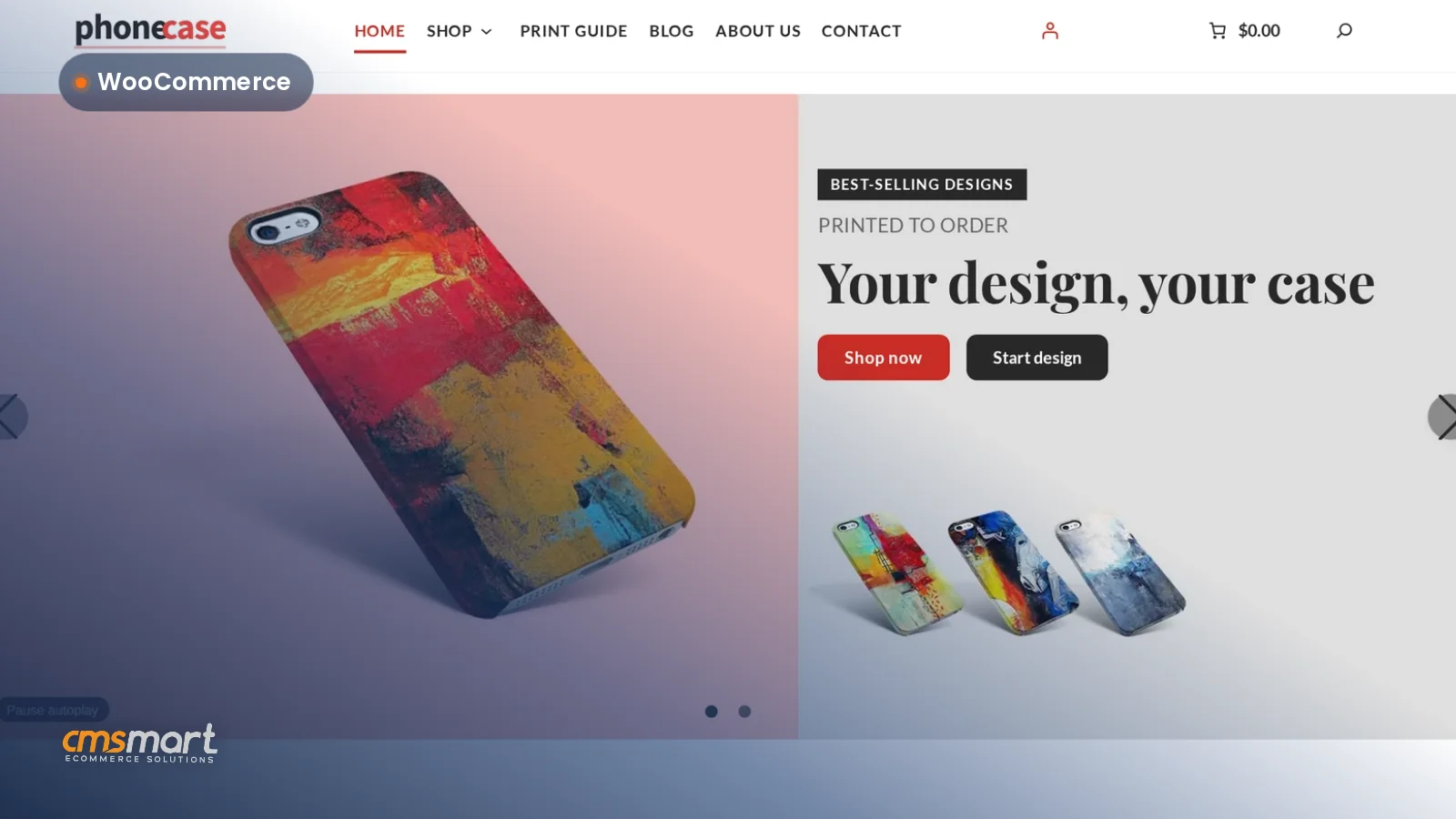
A custom phone case WooCommerce store setup usually means weeks of theme hunting and plugin testing. Cmsmart Phone Case Store skips that: it is a ready-made WooCommerce theme with Cmsmart Product Designer, printing options and a sample catalogue built in, so a shop that prints phone cases to order can brand it, check the catalogue and take its first order inside an hour. What does it cost to sell custom phone cases without Cmsmart?...
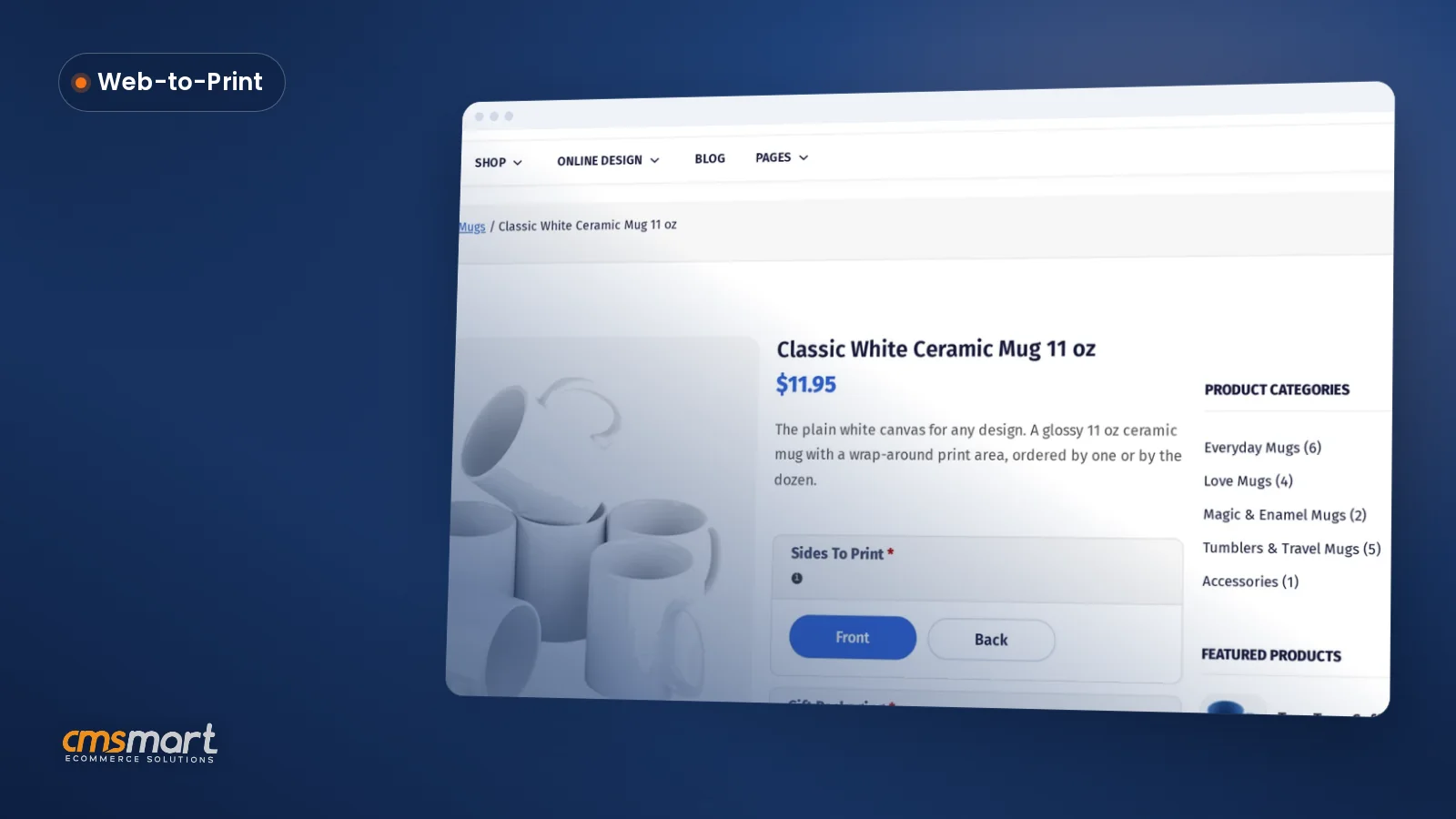
This personalized mug WooCommerce store setup turns a Cmsmart Mug Store install into a sellable shop: a ready-made storefront for shops that print personalized mugs, tumblers and travel cups to order. Store Setup installs the theme, a sample catalogue and Cmsmart Product Designer together, so you rebrand it, connect payments and shipping, and take a real test order in one working session. What does selling personalized mugs from a generic WooCommerce theme actually cost...
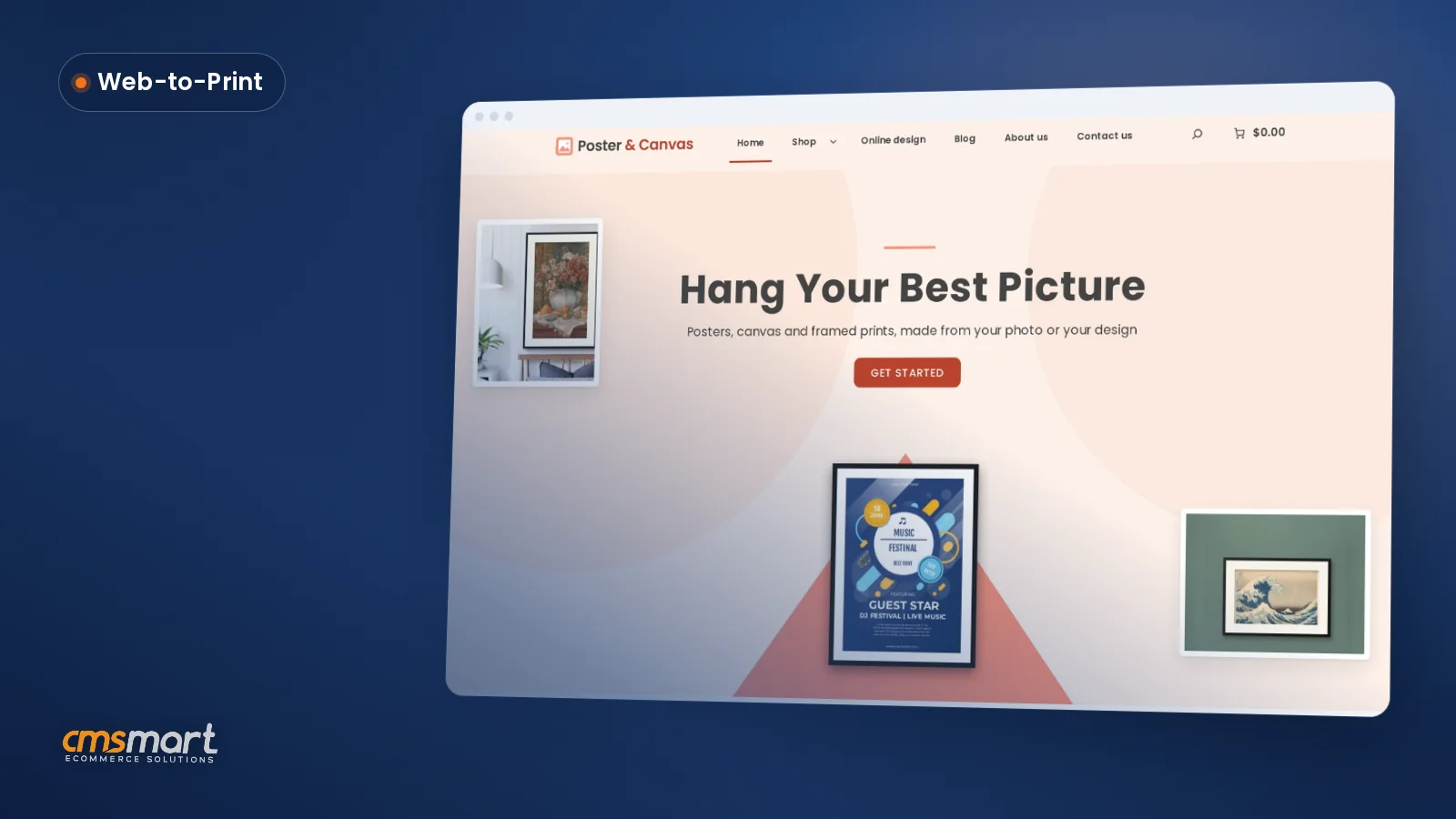
Cmsmart Poster & Canvas Store turns a ready-made WordPress theme and the Cmsmart Product Designer plugin into a working poster and canvas printing WooCommerce store in about an hour. It is built for shops that print posters, canvas, framed and acrylic wall art, with branding, pages, a sample catalogue, printing options and payments ready to edit rather than build from scratch. Most print shops selling wall art still work the same way: a customer...
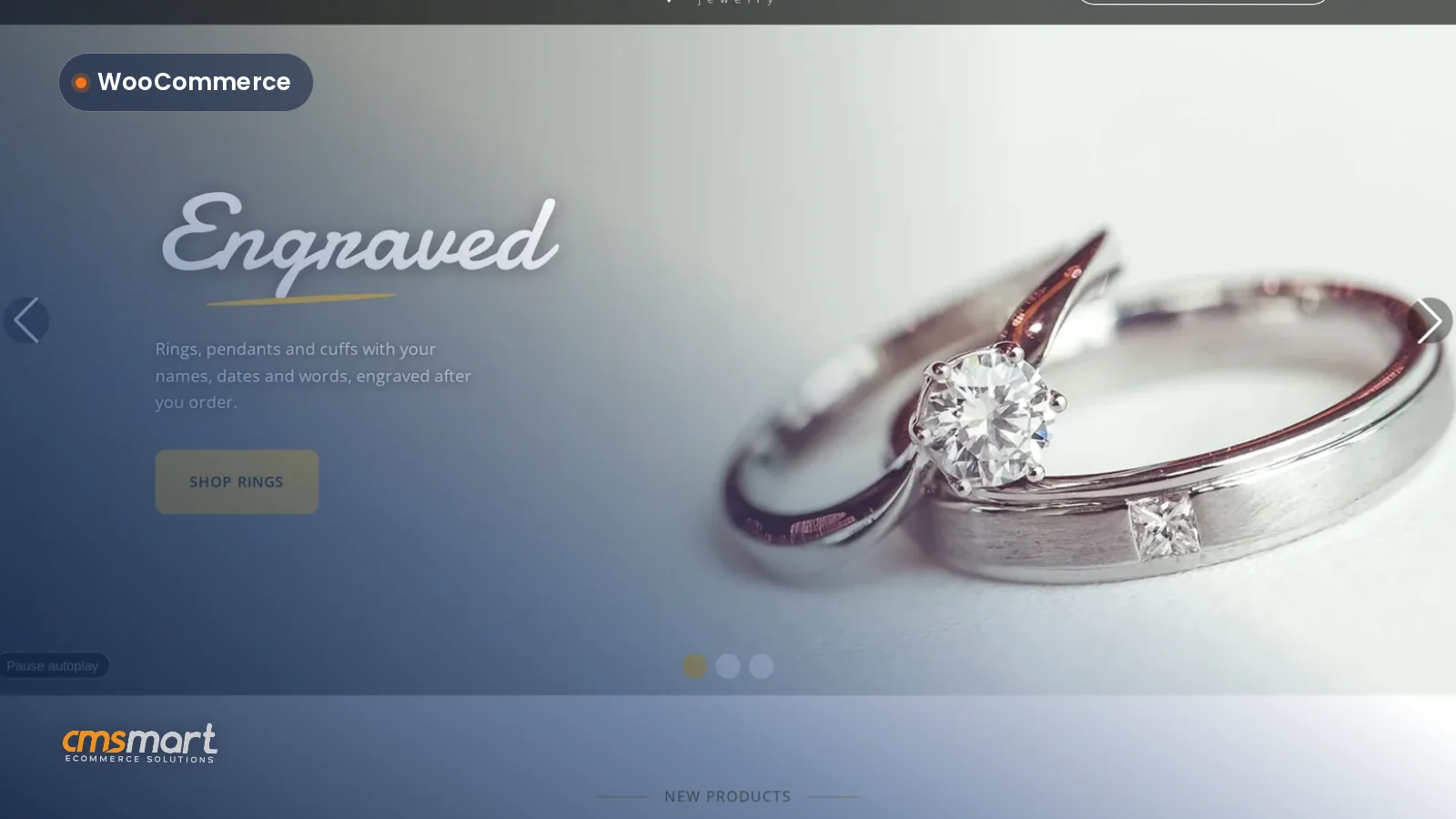
The Cmsmart Jewelry Store is a ready-made, personalized jewelry engraving WooCommerce store for jewellers who sell custom rings, pendants, cuffs and cufflinks. Store Setup v2 installs the branded storefront, engraving options and checkout live with sample data, so a jeweller can go from a licence key to a working store in about an hour. What does a personalized jewelry engraving WooCommerce store cost you to build the manual way? Cmsmart replaces the manual build:...
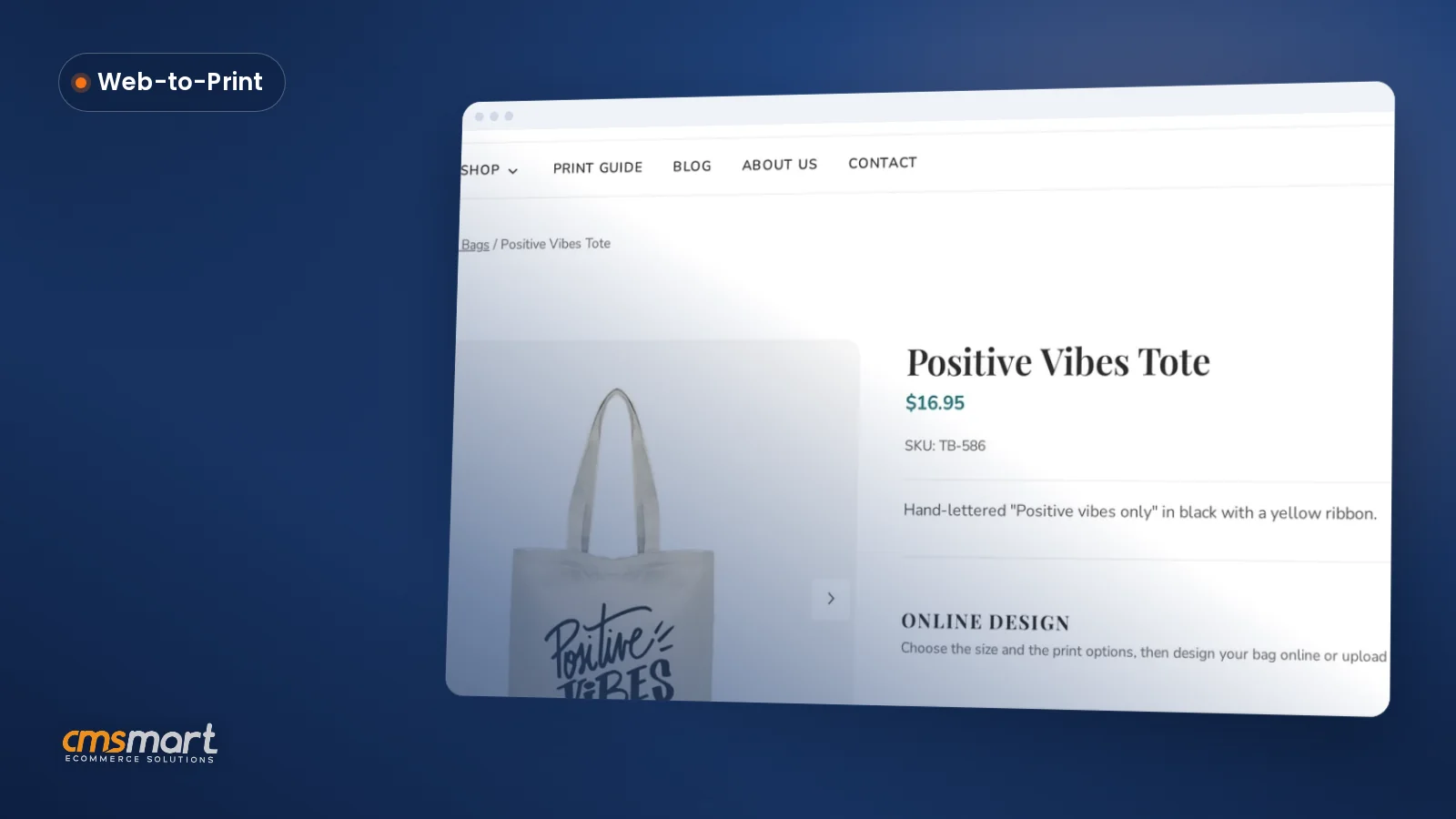
Cmsmart Tote Bag Store is a ready-made custom tote bag printing WooCommerce store for shops that sell tote, shopper, drawstring and makeup bags shoppers personalize online. Store Setup v2 installs the theme, the sample pages and the Cmsmart Product Designer tab on a demo product, so your first hour goes to branding and real products instead of plumbing. What does it cost you to launch a tote bag store the slow way? Building a...
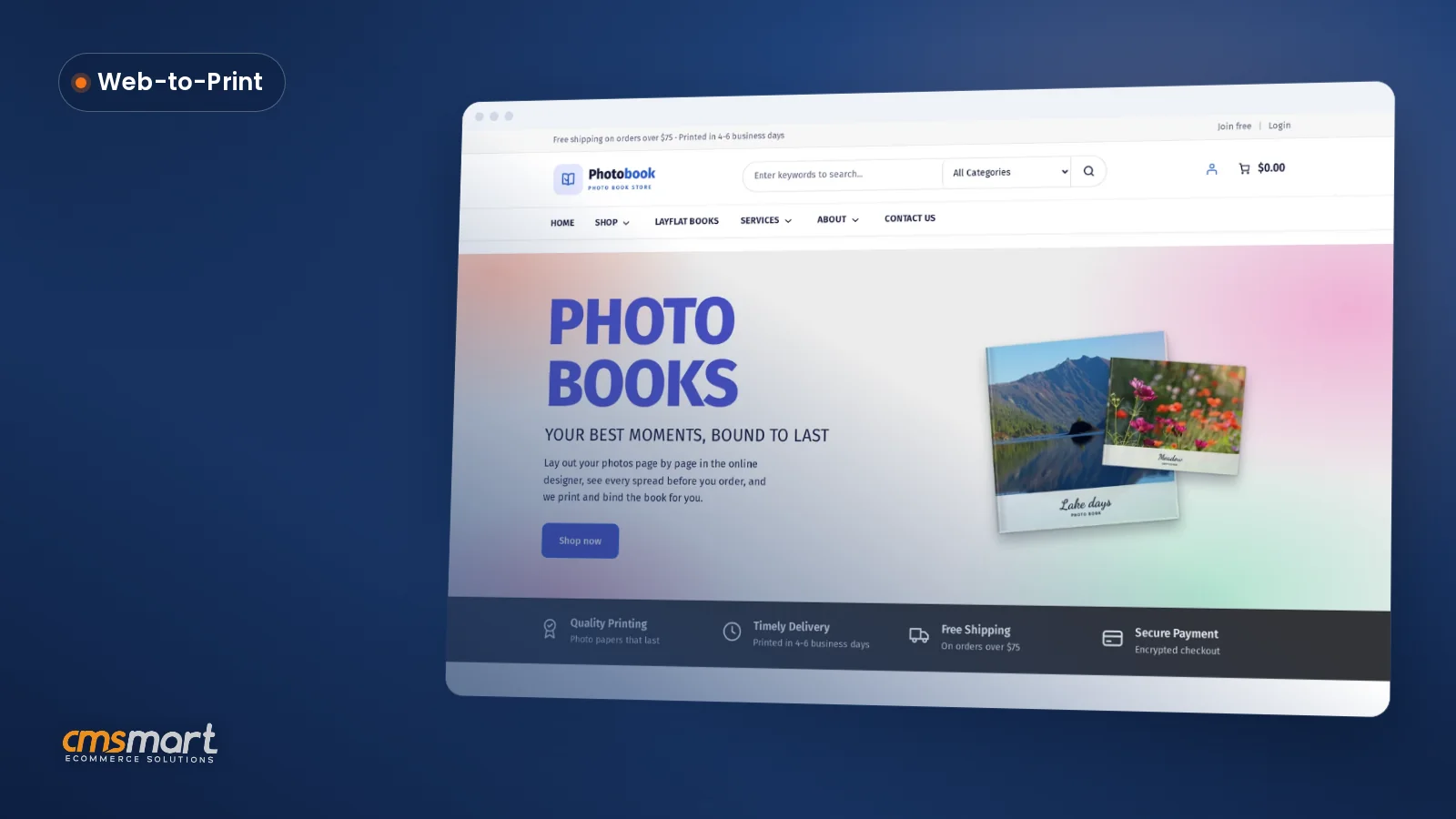
Cmsmart Photobook Store turns Cmsmart Product Designer 2.18.4 into a photo book printing WooCommerce store for print shops and photo labs selling layflat, hardcover and softcover books, wedding albums and guest books. Store Setup v2 installs the theme, the designer and a sample catalogue in minutes, so your first hour goes into branding, products, payments and shipping. What does running photo book orders by hand cost your print shop? Cmsmart Photobook Store replaces the...
Guide · Web-to-print
Comparing Zakeke with a WooCommerce product designer plugin? See sourced pricing, features, and get a free migration assessment from Cmsmart.
Guide · Web-to-print
Looking for a fancy product designer alternative for WooCommerce? Compare sourced facts and pricing, then get a free migration assessment.
Guide · Web-to-print
Comparing WooCommerce product designer plugin options? See Lumise vs Cmsmart: sourced features, pricing and a verdict, then get a free assessment.
Guide · Web-to-print
See a product customizer for WooCommerce compared with Customily on pricing, features and TCO, then get a free migration assessment from Cmsmart.
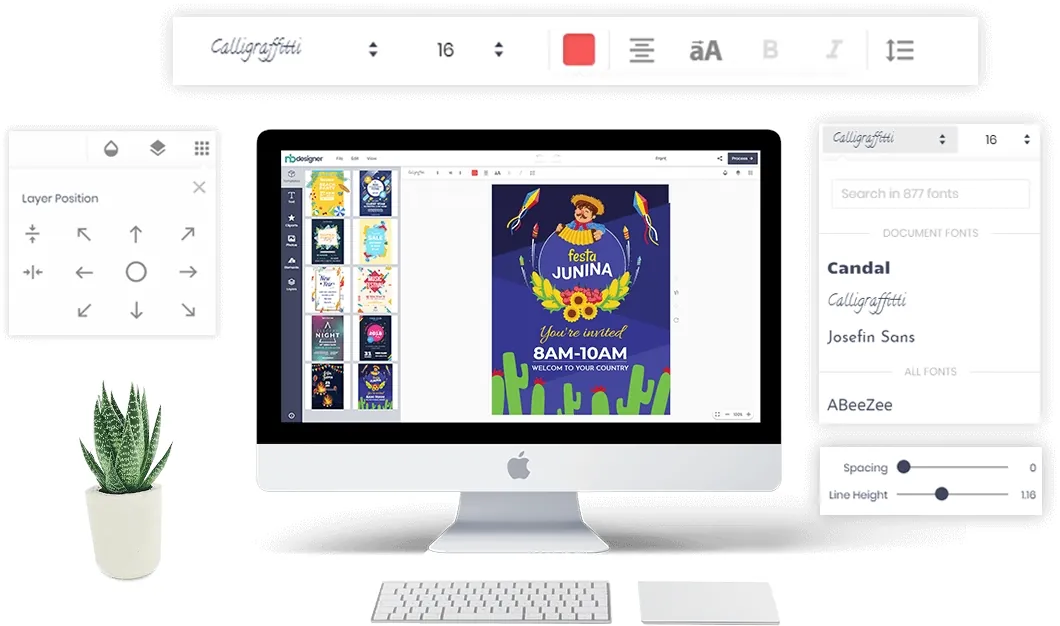
Web-to-print software lets customers personalise a printed product in the browser, see the price and order it, while the shop receives a print-ready file with the order. Cmsmart builds this on WooCommerce with the Cmsmart Product Designer plugin.
Yes. Create a free Cmsmart account and start the free licence from your dashboard (Products), then install the plugin on your WooCommerce store and test real orders.
Cmsmart builds them as custom development: pricing rules, proof approval flows, MIS or print API integrations, new product types. Describe what you need in the quote form and the web-to-print desk will scope it.
 Print-Ready PDF Plugin for WooCommerce (Cmsmart 2.17)
 Teespring Business Model: How It Works for Sellers
 NBDesigner Lite Free Download: Install & Activate
 Cmsmart Product Designer Settings Guide: Complete WP Admin
 Keywords for T-Shirts: SEO Tips for Your Brand
 How to Choose an Ecommerce Design Company: 8 Questions
 Car Wrap Ecommerce Store Software for WooCommerce
 WooCommerce Price Matrix: Price Print Products Online
 WooCommerce Printing Options Price Matrix Setup Guide
 Ecommerce Product Catalog and Listings: A Guide

Cmsmart Ecommerce provides custom ecommerce and WooCommerce development services for web-to-print, product personalization, plugin support and API integration.
Cmsmart Web-to-Print Solutions Consultant
Plans online print storefronts: product setup, pricing rules, proofing and print-ready files.
Meet the team →