Guide · Web-to-print
Cmsmart Product Designer Settings Guide: Complete WP Admin
The Cmsmart Product Designer settings guide: every WP Admin screen mapped, key defaults explained, and how to configure yours for print-ready orders t...
The Cmsmart Product Designer (NBDesigner) is a WooCommerce plugin that lets shoppers personalise products and sends a print-ready file with each order. These tutorials cover installing it, the settings, print options and how it compares with other product designer plugins.
Guide · Web-to-print
The Cmsmart Product Designer settings guide: every WP Admin screen mapped, key defaults explained, and how to configure yours for print-ready orders t...
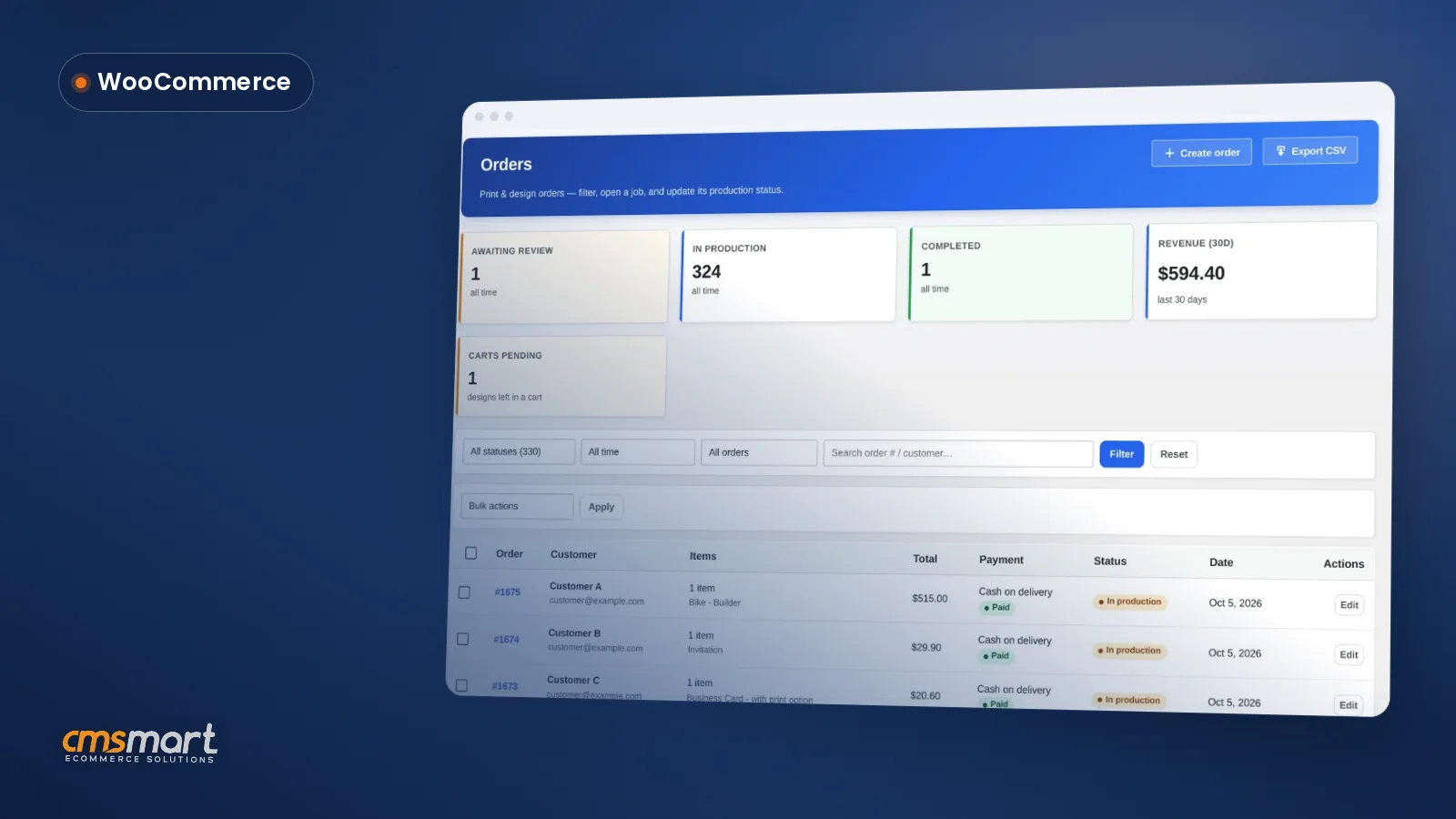
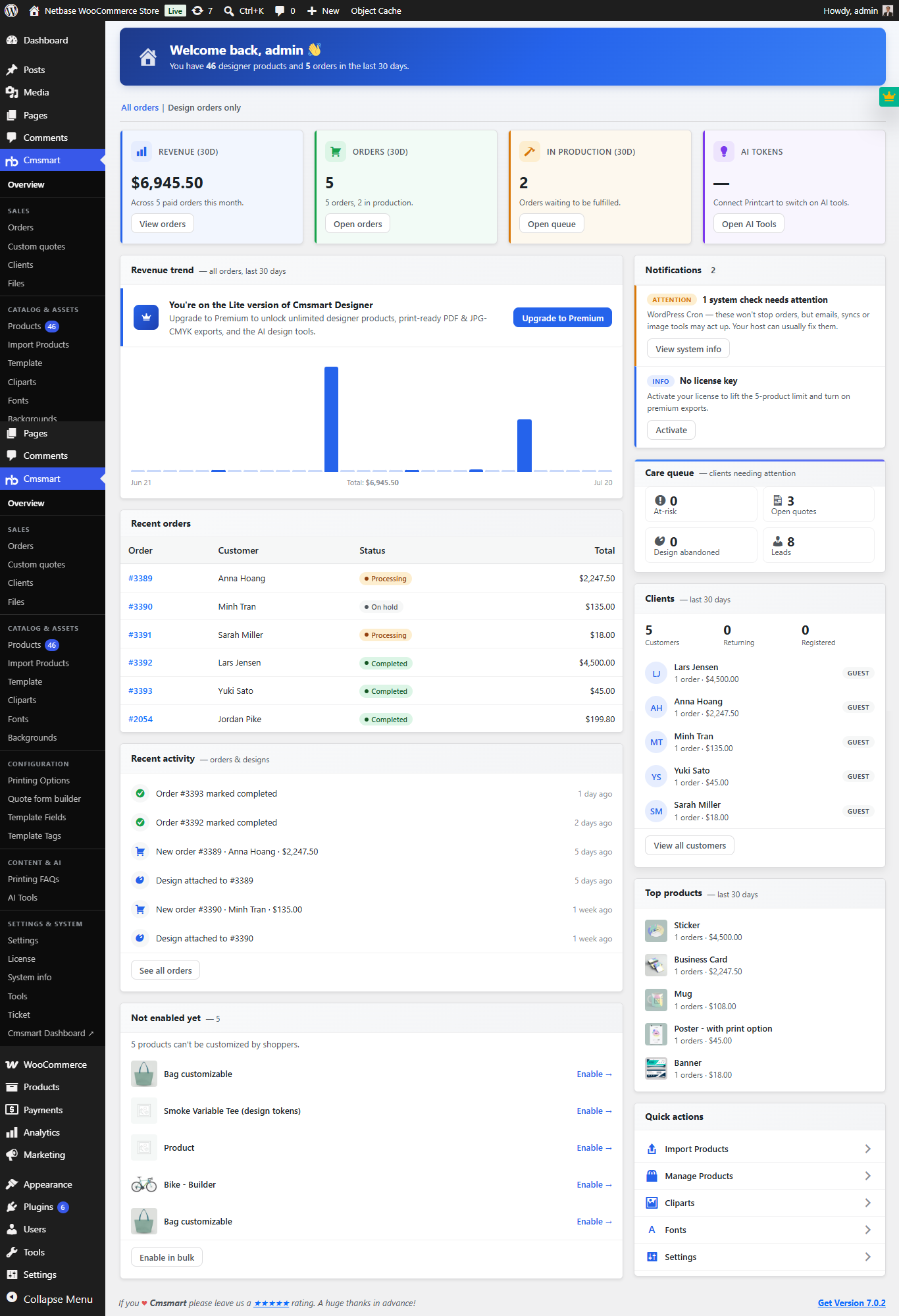
A WooCommerce customer CRM print shop teams can run without a separate plugin is already built into Cmsmart Product Designer. It resolves every order — guest or registered — into one customer record, scores a lifecycle segment, and surfaces a daily care digest of who needs attention, so a small team can manage repeat buyers like one twice its size. What does it cost a print shop to lose track of repeat customers? Cmsmart...
Live chat design assistance woocommerce shops can offer today is not a chat window inside the designer, but a CRM-connected chat lead plus an order-level approval step. Cmsmart Product Designer already captures chat leads from the online designer into its CRM and lets staff approve or decline a design before it ships; a live, synced canvas view is custom development. What does it cost a WooCommerce shop when buyers get stuck mid-design? Cmsmart Product...
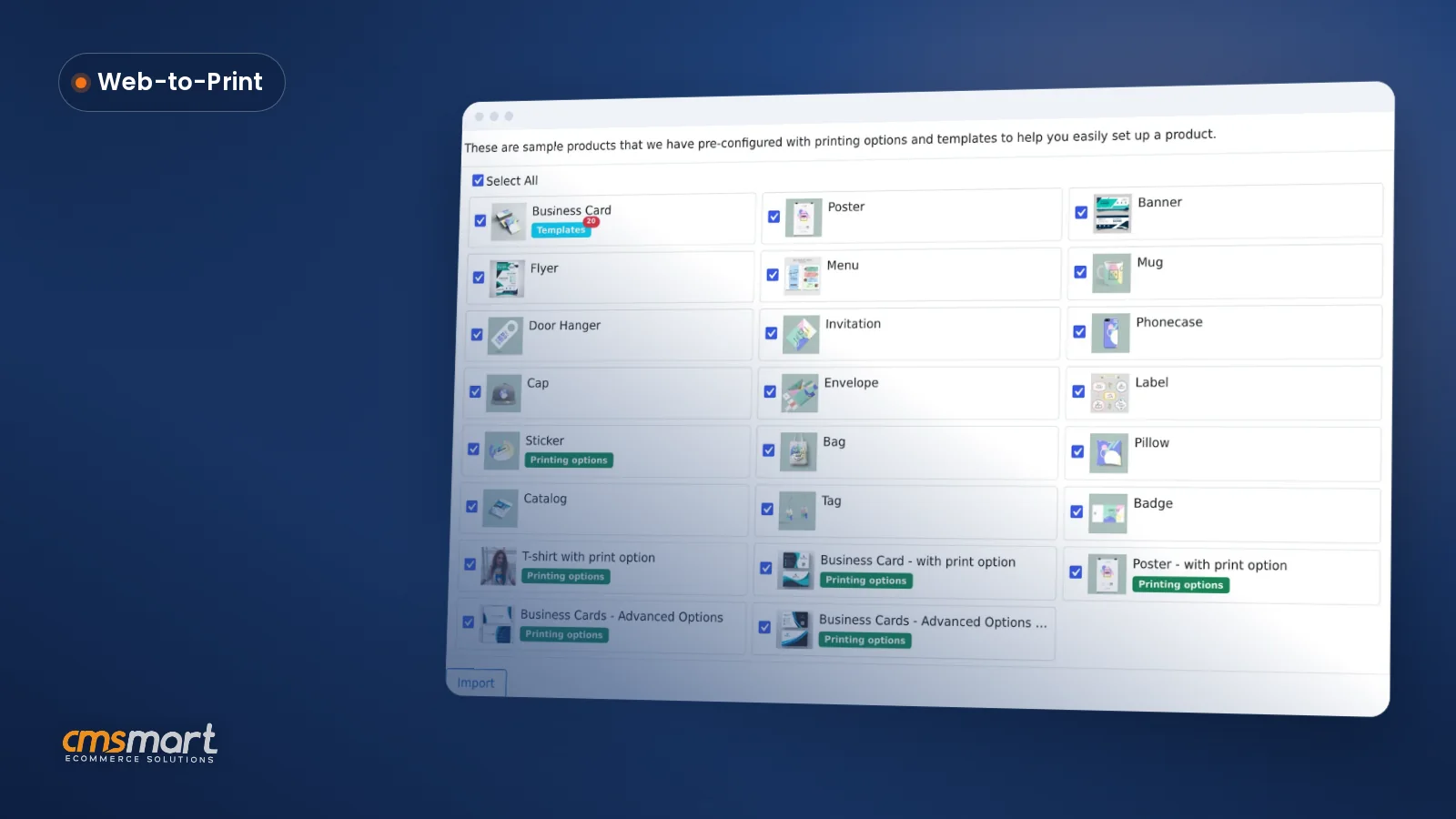
Import sample products WooCommerce Product Designer style: tick a checklist once, click Import, and a stocked catalog with templates and pricing is ready for your team to edit before the store ever goes live. What does a blank product catalog cost a new WooCommerce store? A freshly installed Cmsmart Product Designer has no design-enabled products, no templates and no print-option pricing — every one of those has to be built by hand before a...
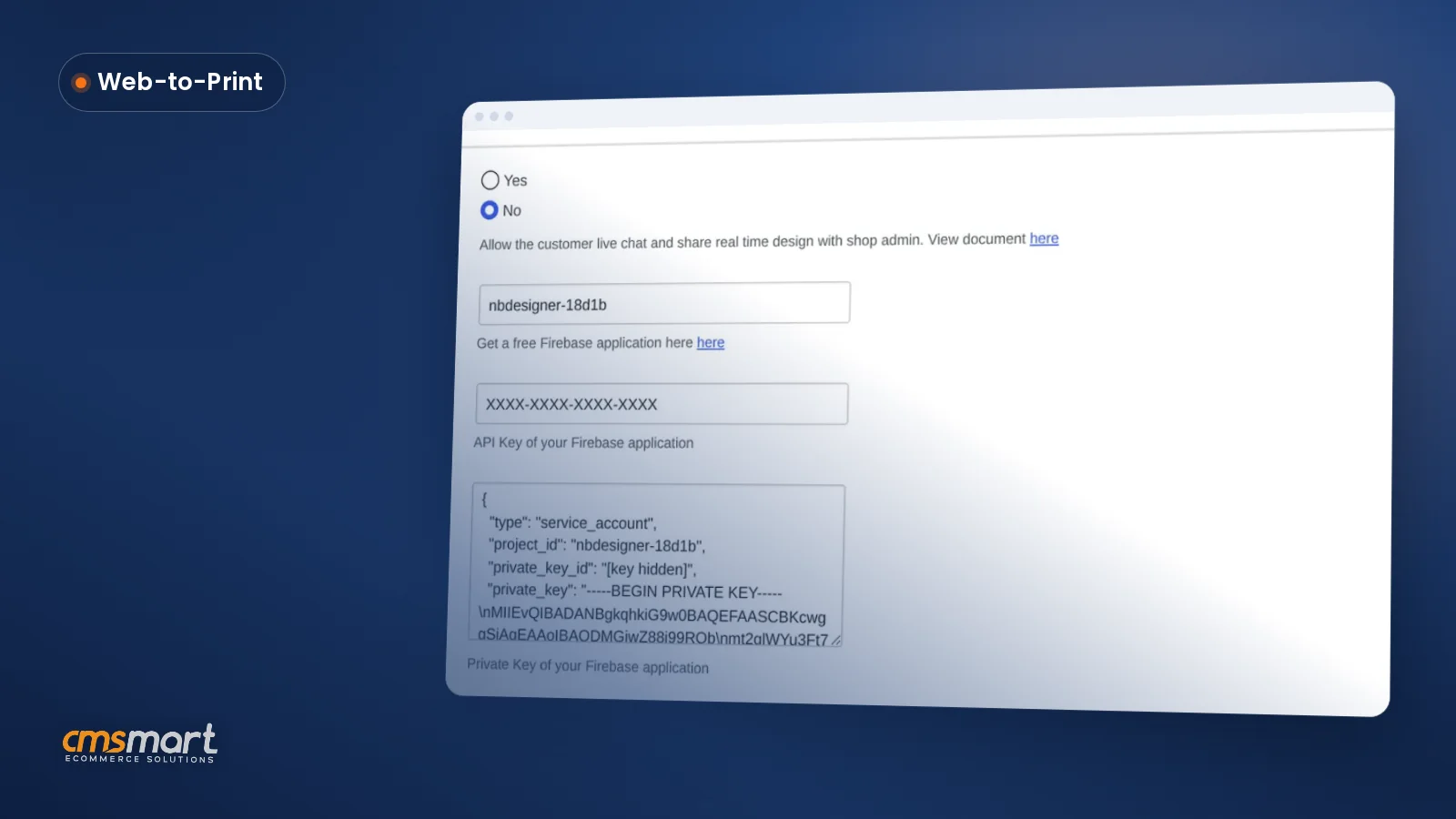
Cmsmart Product Designer's live chat design monitor WooCommerce settings add a real-time chat widget and let your team watch a buyer's design update live, from one admin screen, so a stuck customization doesn't quietly end in an abandoned cart. What's the real cost of running live chat without a design monitor? Cmsmart Product Designer's live chat tells you a buyer has a question; the design monitor shows you what they're stuck on. Without both,...
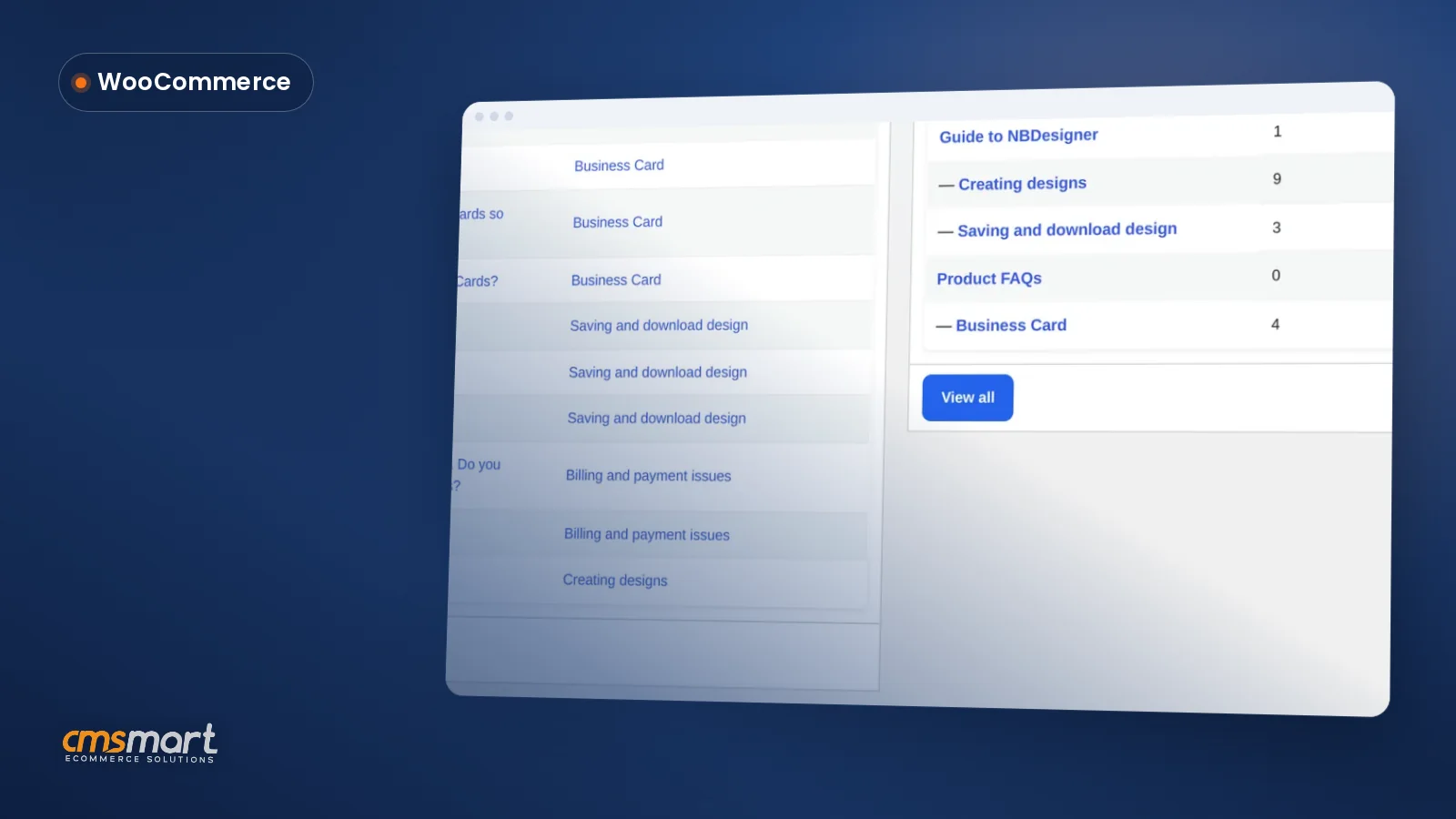
Every product FAQ WooCommerce print shop teams answer by hand today can instead live in one screen: Cmsmart Printing FAQs turns scattered email and chat answers into a library you write once, group by category, and feed straight into the live chat widget so shoppers get an answer before they ever type a message to you. What does it cost you when buyers can't find a quick answer? Cmsmart Product Designer ships a Printing...
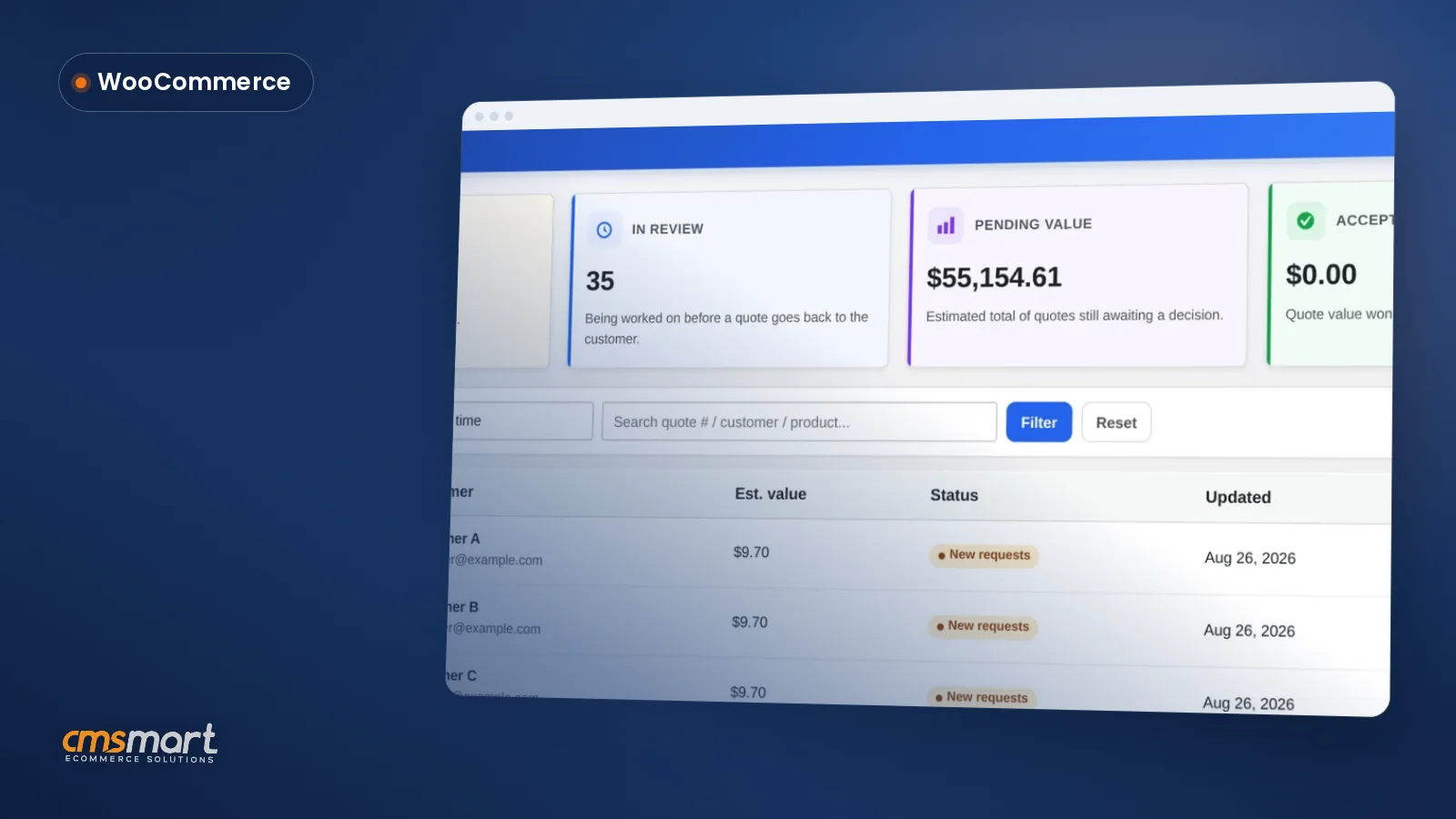
A WooCommerce custom quote form builder matters the moment a product needs a negotiated price instead of a fixed one — bulk print runs, made-to-order signage, a B2B buyer who needs 500 units and a PO, not an 'Add to cart' button. Cmsmart Product Designer 's Custom quotes screen and Quote form builder turn 'email us for pricing' guesswork into one dashboard. Why does a manual quote process cost you print jobs? Cmsmart Product...
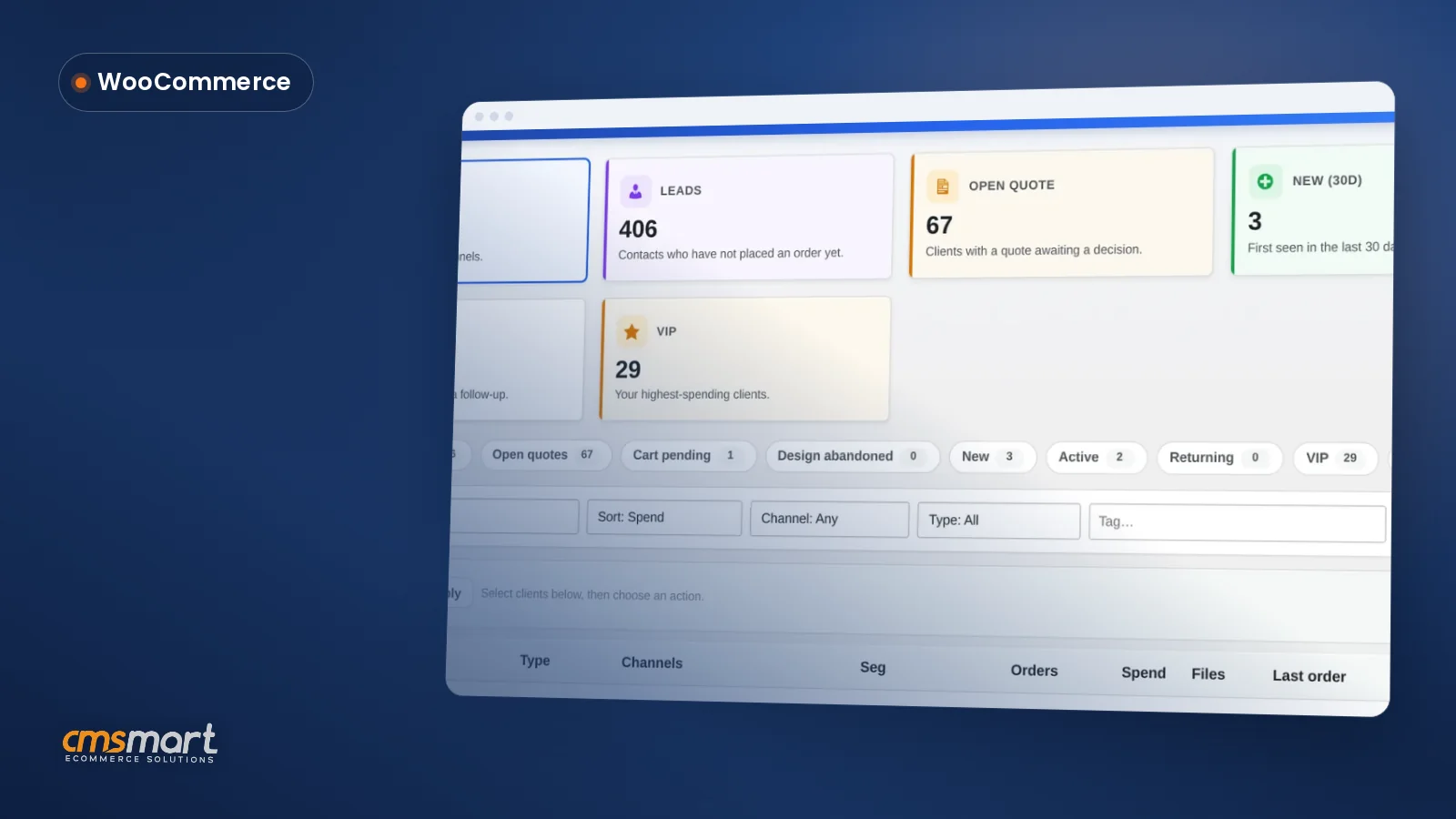
A print shop customer list WooCommerce workflow usually means three spreadsheets, two inboxes and a Post-it note of who still owes a deposit. Cmsmart Product Designer 's Clients screen replaces that with one live list pulled straight from your orders, quotes and design activity — searchable, segmented and ready to export the moment you need it. Why a manual print shop customer list WooCommerce spreadsheet costs you sales Cmsmart Product Designer's Clients screen replaces...
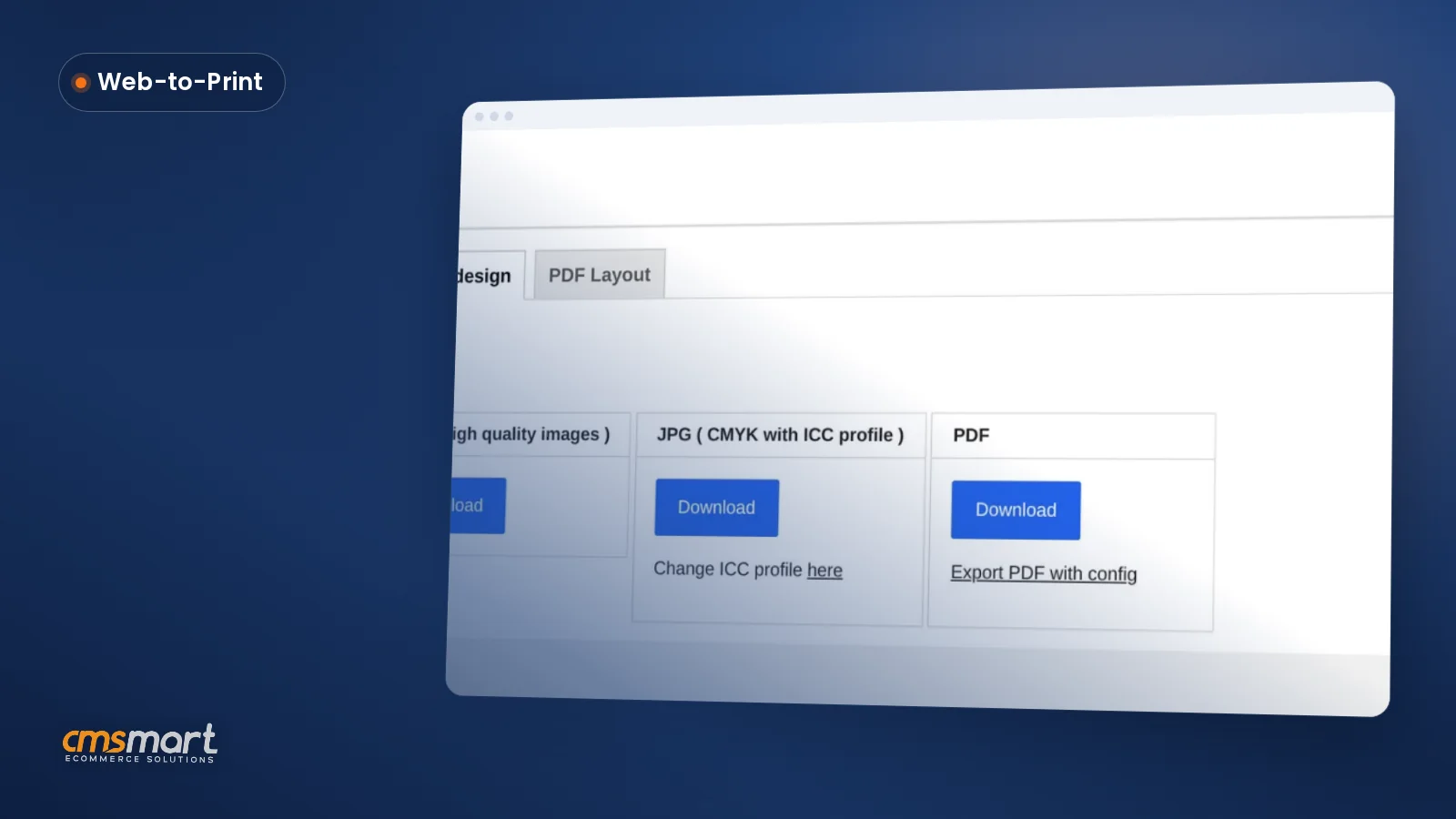
AI Preflight Cloud Storage Settings WooCommerce stores actually rely on all live on one screen: Cmsmart Cloud. Leave them on "whatever shipped with the plugin" and you get two problems at once — a token wallet that drains on anonymous visitors, and low-resolution artwork that reaches production because nobody set the quality checker. Cmsmart Product Designer (formerly NBDesigner) puts every one of these controls, plus the order screen's AI Preflight box, within one settings...
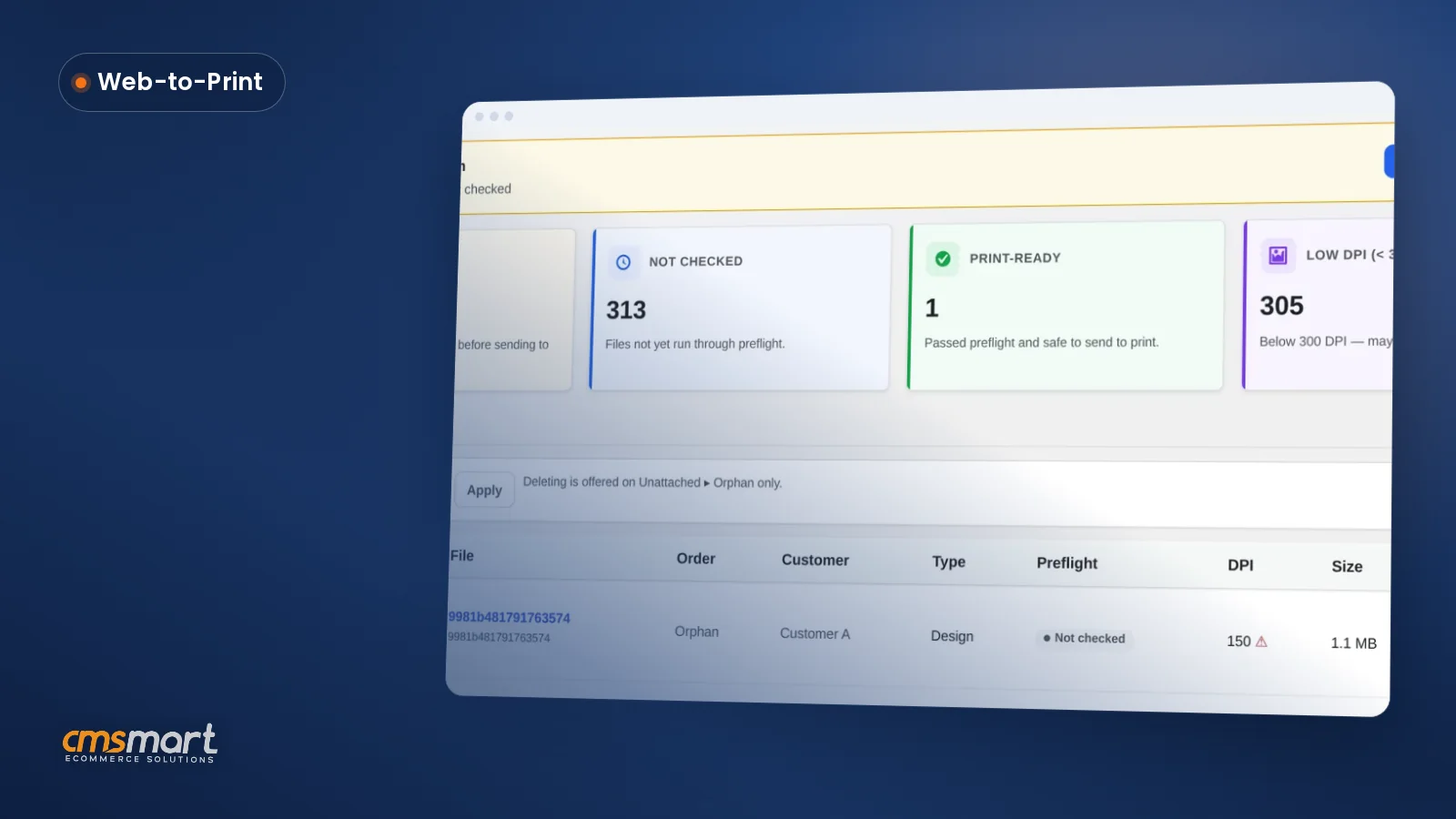
A single WooCommerce store running Cmsmart Product Designer can have thousands of customer design files scattered across orders, saved carts and abandoned uploads, with no way to tell which are print-ready until someone opens each order by hand. The Files screen in Cmsmart Product Designer 2.18.0 turns that pile into one filterable list with a preflight status, a DPI check and a direct line to the print-ready PDF. What does it cost you when...
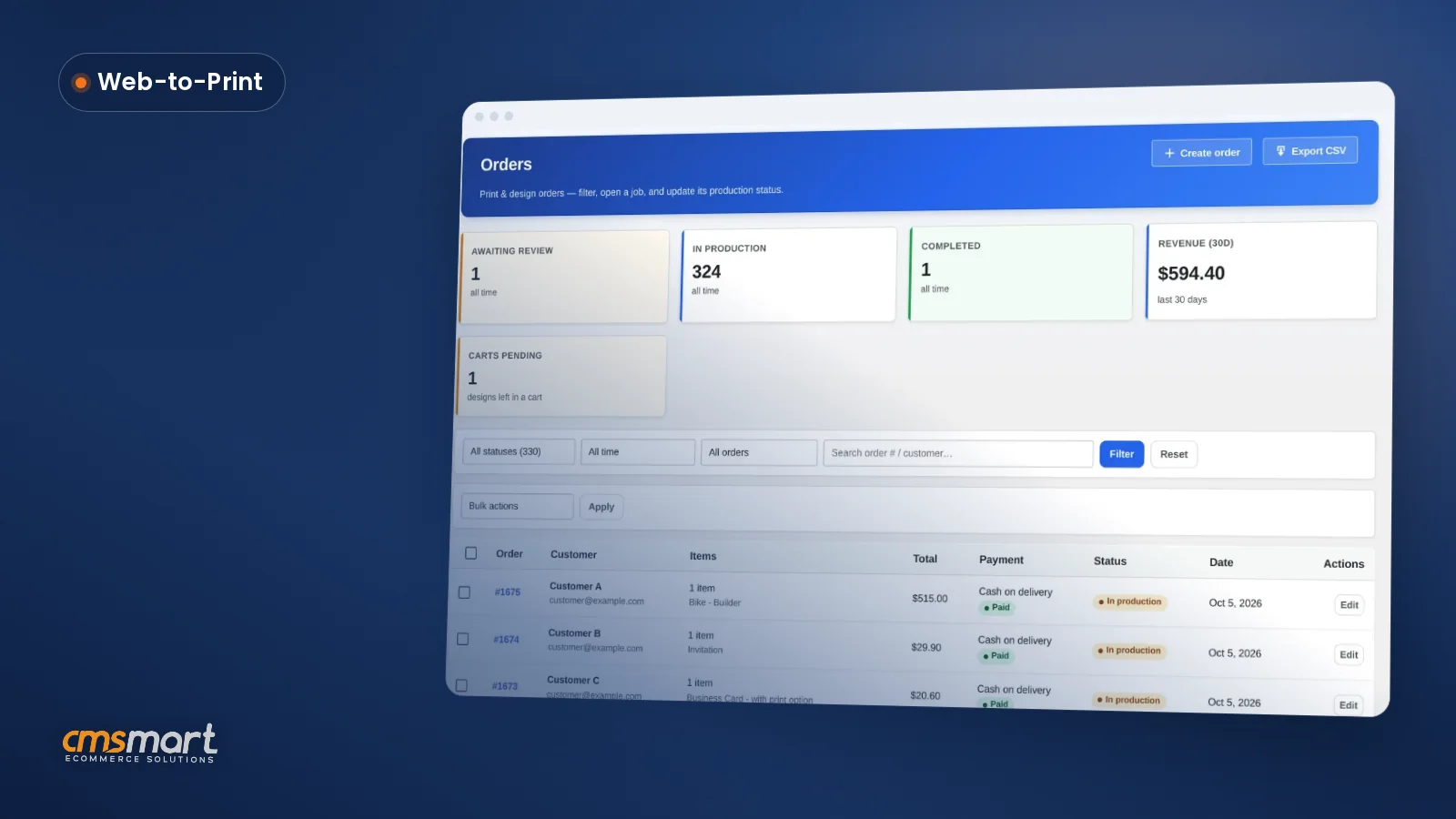
WooCommerce design order approval settings decide how fast a custom print order moves from upload to press-ready, and most shops never open the screen that controls it. Cmsmart Product Designer puts order status, shipping, Customer Design approval and the print-ready PDF on one order — this guide shows every field, its default, and what to change for a print shop, a POD apparel store or a B2B account. What does manual artwork approval really...
 Print-Ready PDF Plugin for WooCommerce (Cmsmart 2.17)
 Teespring Business Model: How It Works for Sellers
 NBDesigner Lite Free Download: Install & Activate
 Cmsmart Product Designer Settings Guide: Complete WP Admin
 How to Choose an Ecommerce Design Company: 8 Questions
 Keywords for T-Shirts: SEO Tips for Your Brand
 Print Shop CRM Software: Cmsmart Designer 2.17
 Car Wrap Ecommerce Store Software for WooCommerce
 WooCommerce Price Matrix: Price Print Products Online
 WooCommerce Printing Options Price Matrix Setup Guide

Cmsmart Ecommerce provides custom ecommerce and WooCommerce development services for web-to-print, product personalization, plugin support and API integration.
Cmsmart Product Designer Plugin Engineer
Builds and supports the Cmsmart Product Designer (NBDesigner) for WooCommerce.
Meet the team →