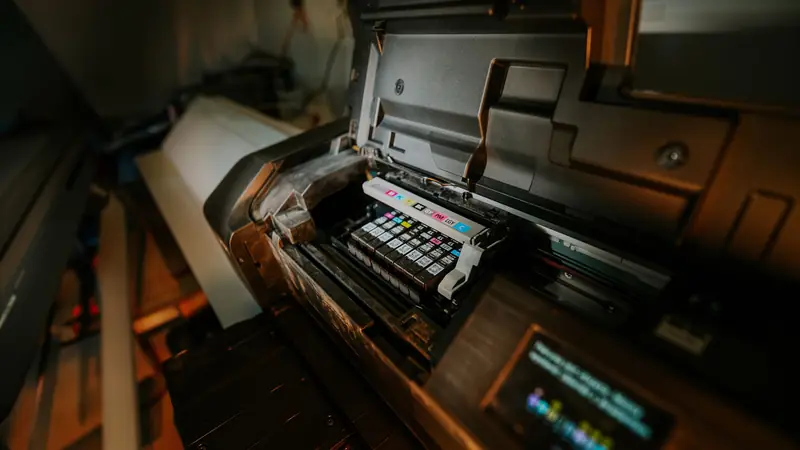
Move a legacy web-to-print store to Cmsmart Ecommerce on WooCommerce
Cmsmart assesses the old print store first, then moves it to Cmsmart Ecommerce on WooCommerce. Products, print options, customers, orders and URLs are mapped, rehearsed on staging with real orders and cut over with a redirect list. Saved designs move only if the old designer can export them. You get a written verdict before any build is quoted.

In short
How do I move a legacy web-to-print store to a platform I can maintain?
For print shops stuck on an unsupported platform: we assess what exists, give a written verdict, then move what is worth keeping to a store you own.
| Scope | A legacy web-to-print store, a custom PHP print shop or a Magento 1 print site, moved to Cmsmart Ecommerce on WooCommerce |
|---|---|
| What you keep | Catalogue, customers, order history, print option rules and every old URL redirected. Saved designs where the old designer can export them. |
| Typical inputs | Code or hosting access, a database export, a sample of real orders, saved-design files and the list of live URLs |
| Deliverables | Written assessment and verdict, data map, staging store, parity tests on real orders, cut-over plan and redirect list |
| How pricing works | Free assessment, then a quote per project paid by milestone. Rankings cannot be promised. |
How it works
From a legacy print store to Cmsmart Ecommerce
The problem
What goes wrong when an old print platform is moved badly?
- Saved customer designs that no longer open on the new store
- Print option rules re-typed by hand until the prices drift from the old ones
- Reorders that lose the artwork or the options
- Old product and account URLs that return 404 after launch
- A cut-over with no agreed way back
Fit
Is this the right route for your print store?
| A good fit | Another route fits better |
|---|---|
| You took over an unfinished or unsupported print platform and need an honest picture of what it contains | The platform works and needs one new feature: a component service adds it in place |
| Your print store runs on custom PHP, an old Magento or a closed platform and must move to one you control | You are arguing with a past supplier over who is at fault: that is a legal matter, not an engineering one |
| The storefront is ageing while production systems should stay as they are | You cannot get access to your own code, hosting or data: recover access first |
What we do
What is in scope?
| Part | Input | Deliverable |
|---|---|---|
| Assessment | Code, database, hosting and the live order path of the old store | A verdict on four routes (finish it, replace it, move it or stop), each with its risks and the argument against it |
| Data map | Products, option and price rules, customers, orders, saved designs, templates and URLs | A map with conversions, archives and the gaps written down |
| Rebuild on Cmsmart | Storefront, designer, print options, upload and print-ready files | A staging store with your real products |
| Parity tests | Representative and awkward orders, including reorders | Test results per product family |
| Cut-over | Freeze, final data pass, switch and redirects | A run book, the rollback point and the redirect list |
| After launch | Crawl errors, new orders and print files | Checks on the live store and a plan to retire the old system |
The Cmsmart angle
What the target store is made of
The new store is Cmsmart Ecommerce on WooCommerce. Most of the print behaviour is the Cmsmart Product Designer plugin; what the plugin does not cover is built as custom development.
Core Ships in the plugin
- Online Designer. Templates, print areas, bleed and safe zone per side, and a print-ready file on the order.
- Pricing Options. Option sets with a price matrix, quantity breaks, area and turnaround pricing, plus import and export of option sets.
- Order Upload and Print-Ready Files. File rules per product and a print file rendered when the buyer finishes.
- Reorder. Order again brings back the design, the print options and the uploaded files.
Custom Built as custom development
- Converting saved designs from another designer's data format
- Turning old price tables into option sets and a price matrix, checked against known-good quotes
- Importing order history as read-only records
- A redirect list covering product, category and customer-account pages
- Connections to your MIS, ERP or prepress that stay in place
What must survive
What has to survive a print platform move
Moving rows is the easy part. The harder part is meaning, because a field that looks identical can behave differently on the new platform. These are the five things we test before cut-over.
-
Saved designs and templates
How well saved designs travel depends on how the old designer stores them, so we look at that first. Some convert to editable designs, some can only be kept as print files, and the plan lists each case.
-
Options and prices
Rules are re-modelled as option sets, not copied cell by cell, then checked against quotes you know to be right.
-
Reorders
A reorder must bring back the design, the options and the files. It is tested before the cut-over, not after.
-
URLs and search listings
Every product, category and account URL is mapped to its new address and redirected with a permanent redirect.
Source: Google Search Central: site moves with URL changes (read 10 October 2026).
-
A way back
The cut-over plan fixes the moment the old store stops taking orders, the moment traffic switches, the point of no easy return and the person who makes the call. Once new orders arrive, reversing means reconciling them.
Scope
Included, not included, and extra
Clear lines before you start. The final scope is written into your proposal.
Included
- A written assessment with a verdict and the case against it
- A data map covering products, options, customers, orders, designs and URLs
- A staging store on Cmsmart Ecommerce
- Old-versus-new tests on typical orders, reorders among them
- A cut-over run book with a rollback point and a redirect list
- Post-launch checks
Not included
- Settling a dispute with a past supplier, or judging their earlier work in legal terms
- Getting around licences or access controls. If an earlier supplier still holds an account, regaining it is the first job, and it is yours.
- Any assurance in advance that the old build can be saved
- Licences, hosting and third-party fees (plugins, fonts, images, services, provider accounts)
- Anything that is not written in the approved scope
Extra, quoted separately
- Integrations with your MIS, ERP or prepress
- New features that the old store never had
- Hosting and care after the move
What we need from you
- Access to the old store's code, hosting and database, or a full export
- Samples of real orders, including reorders and trade prices
- Saved-design and template files, if you have them
- The list of live URLs and your most important pages
- A staging copy of your store, or approval to create one
- Someone on your side who can make decisions when a question comes up
Process
How the work runs
Each phase is a milestone, approved and invoiced one at a time. The timeline is set in the assessment because it depends on your store, your products and your systems.
- Free assessment. We read your brief, your store and your constraints, and tell you whether the service fits and what it would involve.
- Written scope and quote. Included, not included, extra and what we need from you, set out before any work starts.
- Build on a staging copy, in milestones you approve one at a time in your dashboard.
- Acceptance with your own products, files and orders, including the awkward ones.
- Handover with a run book, then support through tickets in your dashboard.
This service in three phases
What happens, and what you receive
| Phase | What happens | What you receive |
|---|---|---|
| 1. Assess | We read the code and the data, follow an order through the live store, and weigh the four routes against each other. | A written assessment and a recommendation |
| 2. Map and rehearse | We map the data, build or complete the target, and rehearse the migration on copies. | Test results comparing old and new on typical orders |
| 3. Cut over and verify | We freeze changes, move the final data, switch traffic and repeat the test orders on the live store. | A cut-over record, reconciliation and open exceptions with owners |

Free assessment
Start with a free assessment
Describe your store and what you need. We reply with whether the service fits, what it would involve and a quote, with no obligation.
FAQ
Frequently asked questions
Can you work on code that someone else wrote?
Yes, provided you own the rights and can give us access. During the assessment we read the code as it is and report which parts can be relied on. We take responsibility for code we did not write only after we have reviewed and accepted it.
Do customers' saved designs and our templates come across?
Only when the old designer can hand them over in a usable form, which we check at the start. Some come across as editable designs and some only as print files, and the plan spells out which.
Will the move hurt our search rankings?
A redirect map for every old URL protects your listings, and we watch crawl errors after launch. Rankings cannot be promised.
What if the assessment recommends stopping?
Then you have kept the money you would have spent on a build that could not have fixed the problem. The report gives the evidence and the alternatives.
Which platforms count as legacy here?
Custom PHP print shops, old Magento 1 stores and abandoned or closed web-to-print platforms. Shopify, Wix, BigCommerce and the other mainstream platforms have their own migration pages.
Can our production systems stay as they are?
Yes. The MIS, ERP or prepress system stays, and the integration services connect it to the new store.
Can you work with a client in my country?
Yes. Every Cmsmart service, from custom development, migration and integration to full store builds, is delivered remotely. Clients in any country and any industry can work with the team; Netbase has worked with clients in 80+ countries. Projects run online, through a written proposal, email or WhatsApp, and tickets in the Cmsmart dashboard.
Do you work in my industry?
Yes. Clients in any country and any industry can work with the team; Netbase has worked with clients in 80+ countries. Published Cmsmart projects include stores for web-to-print, merchandise and apparel, signage, packaging and labels, and gifts and promotional products. See the client work at cmsmart.net/projects.
How do I pay securely?
Contracts and payments go to the company, Netbase JSC: plans are paid through PayPal; services are invoiced by Netbase JSC under a written proposal and paid by bank transfer to Netbase JSC's company account or by PayPal Business. Cmsmart (Cmsmart Ecommerce) is the ecommerce brand of Netbase JSC, a company based in Hanoi, Vietnam.
Who do I talk to?
Talk to the CEO, Huy Nguyen (David): message him on WhatsApp at +84 937 869 689 or email project@cmsmart.net. The contact page at cmsmart.net/contact lists every channel, and Request a quote (cmsmart.net/project-proposal) sends your project brief to the team. Tell us the scope and we reply with a plan and a quote.
Related services
Next steps and neighbouring services
Learn more
Related tutorials from the community
- GuideCmsmart Product Designer Settings Guide: Complete WP AdminThe Cmsmart Product Designer settings guide: every WP Admin screen mapped, key defaults explained, and how to configure yours for...
- GuideBuild a Website Like Canva: How It Works in 7 StepsHow Canva works and how to build a website like Canva in 7 steps, from planning the features to launching your own online design t...
- GuideNBDesigner Lite Free Download: Install & ActivateGet the NBDesigner lite free download, install it on WooCommerce, and activate your 30-day trial license before you buy Premium.
Who you work with
The team behind Cmsmart and its published work
- 2012Netbase since 2012Cmsmart Ecommerce is a Netbase JSC company
- 6,300+client projectssince 2012
- 80+countriesclients worldwide
- 17,157proposals writtenin our project system, live count
Client projects and countries: Netbase portfolio library and WorkSuite project records, as of Sep 2026. Proposals: records in our Cloodo WorkSuite project system, all-time, refreshed every 6 hours.

Talk to an ecommerce expert
Huy Nguyen (David)
Founder & CEO, Cmsmart · Netbase JSC
Every request is read by the team before you get a written scope and estimate.
Published Cmsmart projects

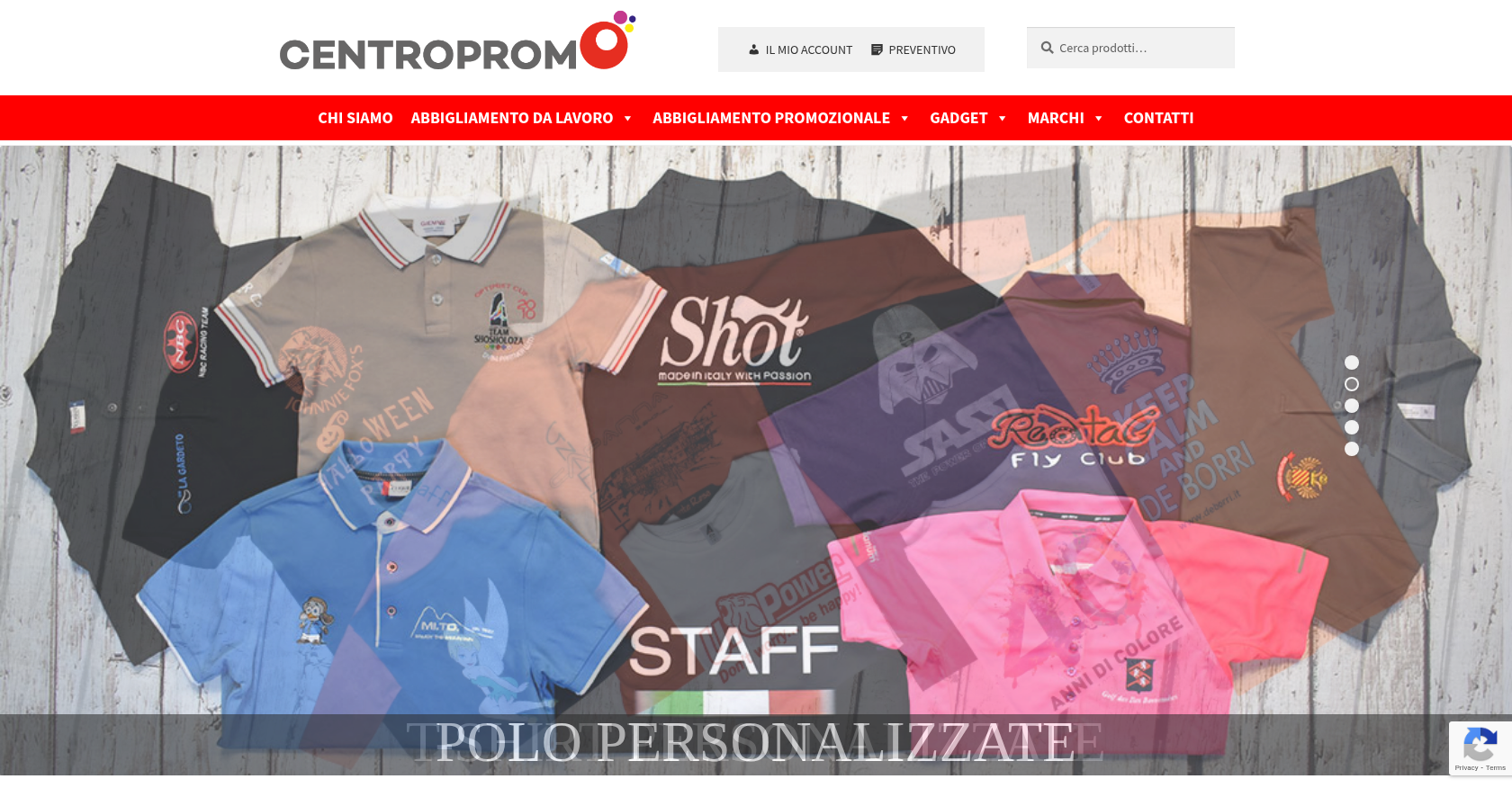 Online Store & Presence · centropromo.itTransforming E-commerce Experience for Seamless Online OrdersDelivered, live store
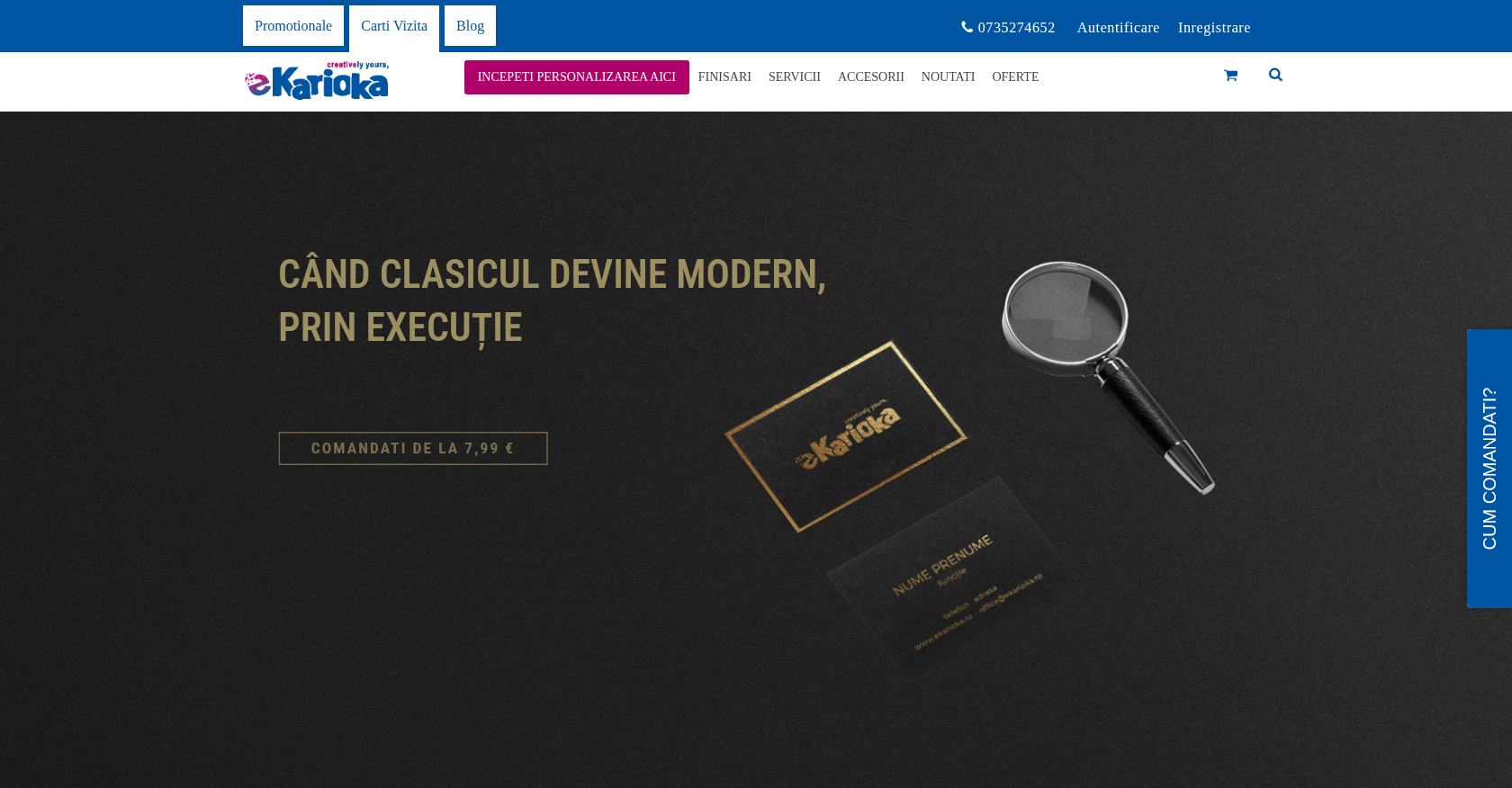 Online Store & PresenceE-commerce Enhancement for Efficient Custom Product OrderingDelivered (store no longer online)
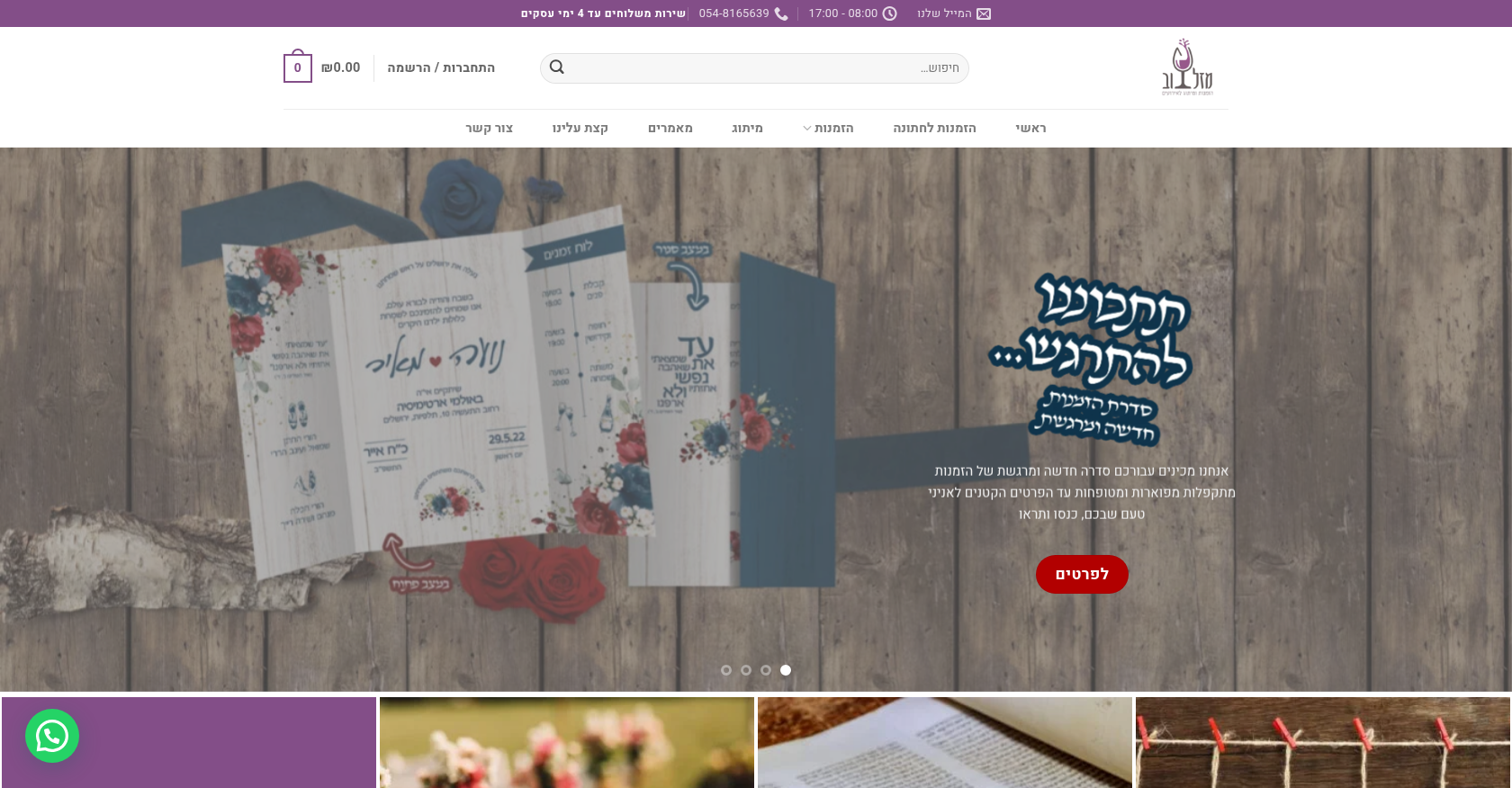 Online Store & PresenceInnovative Business Solutions for Enhanced Online Presence and EfficiencyDelivered (store no longer online)
Project records from our portfolio. They show the wider work of the team, not this exact service.
Stores on Cmsmart Ecommerce



Cmsmart Ecommerce provides custom ecommerce and WooCommerce development services for web-to-print, product personalization, plugin support and API integration.




Web-to-print, WooCommerce, B2B and AI specialists who plan, build and support stores together.
Meet the team →
Top