
Artwork approval and proofing workflow for your print store
Cmsmart Product Designer already includes per-design approval: your team accepts or declines each design on the order, emails the reason, and approved artwork is locked. Multi-step approval chains, comments with version history and approver portals are built as custom development. We agree the rules with you first, then configure or build them.

In short
How do I add artwork approval to a WooCommerce print store?
Every design on an order gets a recorded decision before the job prints, with a reason the buyer can act on.
| Scope | Approval of customer designs and uploaded files on each order, before the job goes to production |
|---|---|
| What you get | A recorded decision for each design, a status the buyer can see, and a release step before production |
| Typical inputs | Who must approve, the reasons for a rejection, what happens after one, and your current order flow |
| Deliverables | Written approval rules, a configured or custom workflow on staging, a test run with a deliberate rejection and a run book |
| How pricing works | Free assessment, then a quote per project. Per-design approval ships with the plugin; chains and portals are quoted. |
How it works
From a design on an order to production
The problem
What goes wrong when nobody can show who approved what?
- A dispute over which version of a file was approved
- A new upload that silently replaces a file that was already reviewed
- Several people with a say in the artwork (designer, brand owner, buyer) and no record of what each one decided
- Approved artwork edited after the fact
- Silence read as consent
Fit
Is this the right service?
| A good fit | Another route fits better |
|---|---|
| A job should not print until someone has signed it off on the record | You need a contract colour proof with measured tolerances, which is controlled at the press and not in software |
| Several people each need to record a decision on the same artwork | The same person approves and orders, so a simple confirmation step is enough |
| You have already had an argument about which version was approved | Your print files are not reliable yet: fix the file step first with prepress automation |
What we do
What is in scope?
| Part | Input | Deliverable |
|---|---|---|
| Approval rules | Who approves, why a design may be rejected, and what happens after a rejection | A signed rule sheet |
| Decision per design | The designs and files on the order | Accept or decline with an emailed reason (ships in the plugin) |
| Buyer status | The order screen and My Account | Approved, Needs fix or Pending review (ships in the plugin) |
| Locking | Approved artwork | The server refuses a save over an approved design (ships in the plugin) |
| Chains and versions | Several approvers, comments and version history | A custom workflow built to your rules |
| Release step | The order status that sends a job to production | A gate that opens when sign-off is complete, with a link to your MIS if you want one |
The Cmsmart angle
What the plugin does today, and what is custom
Artwork Approval is built into Cmsmart Product Designer for WooCommerce. Its edges are documented, and they mark where custom work starts.
Core Ships in the plugin
- Accept or decline per design. The Customer Design box on the order lists each design and file. Your team accepts or declines the selected ones and emails the buyer the reason.
- Status for the buyer. Orders show an Approved, Needs fix or Pending review pill beside the print-file status.
- Fix a declined design. Customers can edit or re-upload a design after ordering until it is approved. Editing returns a declined proof to pending review and queues a new print file.
- Approved artwork locked. Saving over an approved design is refused on the server, whichever link the save comes from.
Custom Built as custom development
- Multi-step approval chains with several approvers
- Online proof sign-off with comments and version history
- Approval portals for B2B company accounts
- Reminder schedules, because the notify mail is sent by your team
- Integration with your MIS or job tracking
Design principles
What a sign-off record should hold
When we build a custom approval workflow, these four rules decide the design. They are what turns a chat thread into evidence.
-
Versions, never overwrites
Each upload becomes a numbered version of its own, so it cannot overwrite a file that a reviewer has already marked up.
-
A decision per approver
Each required approver records approval or rejection. No reply is not approval.
-
A reason with every rejection
The buyer sees what to fix, and the next version carries the earlier notes forward.
-
A gate to production
Production receives the job only once every required approver has signed off that version, and the release notes who let it through and when.
Scope
Included, not included, and extra
Clear lines before you start. The final scope is written into your proposal.
Included
- Written approval rules
- Configuration of per-design approval, buyer status and the fix path
- Custom approval steps, version history or a release gate, where scoped
- A test run with a deliberate rejection
- A run book for your team
Not included
- A colour-managed contract proof, or any assurance that the proof will look like the print
- Spend or purchase-order approval. That belongs to B2B portal work.
- A promise that a reviewer replies within a set time
- File-level preflight, which is the prepress automation service
- Licences, hosting and third-party fees (plugins, fonts, images, services, provider accounts)
- Anything that is not written in the approved scope
Extra, quoted separately
- A B2B company-account approval portal
- Integration with your MIS or job tracking
- Reminder schedules for approvers
What we need from you
- The people who must approve, and in what order
- Your usual rejection reasons
- Examples of orders that went wrong because of approval
- Access to a staging copy with sample orders
- A staging copy of your store, or approval to create one
- Someone on your side who can make decisions when a question comes up
Process
How the work runs
Each phase is a milestone, approved and invoiced one at a time. The timeline is set in the assessment because it depends on your store, your products and your systems.
- Free assessment. We read your brief, your store and your constraints, and tell you whether the service fits and what it would involve.
- Written scope and quote. Included, not included, extra and what we need from you, set out before any work starts.
- Build on a staging copy, in milestones you approve one at a time in your dashboard.
- Acceptance with your own products, files and orders, including the awkward ones.
- Handover with a run book, then support through tickets in your dashboard.
This service in three phases
What happens, and what you receive
| Phase | What happens | What you receive |
|---|---|---|
| 1. Specify | We agree the required approvers, the rejection reasons and the re-proof rules, and write them down. | A signed rule sheet |
| 2. Configure or build | We configure the plugin's approval, and build any chain, version history or gate on staging. | The workflow handling a set of genuine proofs, including rejected ones |
| 3. Accept and hand over | Your approvers push their own jobs through it and reject one on purpose. | An acceptance record and a run book |

Free assessment
Start with a free assessment
Describe your store and what you need. We reply with whether the service fits, what it would involve and a quote, with no obligation.
FAQ
Frequently asked questions
Does this promise that the proof matches the printed colour?
No. It records approval of content and release. Colour-managed contract proofing is handled at the press, with its own equipment and standards.
Can several people be required to approve one design?
Per-design approval by your team ships with the plugin. Several required approvers with a release gate is a custom workflow.
What happens to a declined design?
The buyer gets the reason by email and, with the setting on, which is the default, can edit or re-upload until it is approved. An edit returns the order to pending review and queues a new print file.
Can we find out afterwards who approved a job?
A full audit trail with the approver, time and version is part of the custom workflow, and the export format is agreed in the rule sheet.
Do approvers need an account in our store?
Your own team works in wp-admin. Approvers outside your team, such as a client's brand owner, need the custom portal.
Can you work with a client in my country?
Yes. Every Cmsmart service, from custom development, migration and integration to full store builds, is delivered remotely. Clients in any country and any industry can work with the team; Netbase has worked with clients in 80+ countries. Projects run online, through a written proposal, email or WhatsApp, and tickets in the Cmsmart dashboard.
Do you work in my industry?
Yes. Clients in any country and any industry can work with the team; Netbase has worked with clients in 80+ countries. Published Cmsmart projects include stores for web-to-print, merchandise and apparel, signage, packaging and labels, and gifts and promotional products. See the client work at cmsmart.net/projects.
How do I pay securely?
Contracts and payments go to the company, Netbase JSC: plans are paid through PayPal; services are invoiced by Netbase JSC under a written proposal and paid by bank transfer to Netbase JSC's company account or by PayPal Business. Cmsmart (Cmsmart Ecommerce) is the ecommerce brand of Netbase JSC, a company based in Hanoi, Vietnam.
Who do I talk to?
Talk to the CEO, Huy Nguyen (David): message him on WhatsApp at +84 937 869 689 or email project@cmsmart.net. The contact page at cmsmart.net/contact lists every channel, and Request a quote (cmsmart.net/project-proposal) sends your project brief to the team. Tell us the scope and we reply with a plan and a quote.
Related services
Next steps and neighbouring services
Learn more
Related tutorials from the community
- GuideCmsmart Product Designer Settings Guide: Complete WP AdminThe Cmsmart Product Designer settings guide: every WP Admin screen mapped, key defaults explained, and how to configure yours for...
- GuideNBDesigner Lite Free Download: Install & ActivateGet the NBDesigner lite free download, install it on WooCommerce, and activate your 30-day trial license before you buy Premium.
- GuideWooCommerce Printing Options Price Matrix Setup GuideComplete the WooCommerce printing options price matrix setup in Cmsmart Product Designer: field types, quantity breaks and default...
Who you work with
The team behind Cmsmart and its published work
- 2012Netbase since 2012Cmsmart Ecommerce is a Netbase JSC company
- 6,300+client projectssince 2012
- 80+countriesclients worldwide
- 17,157proposals writtenin our project system, live count
Client projects and countries: Netbase portfolio library and WorkSuite project records, as of Sep 2026. Proposals: records in our Cloodo WorkSuite project system, all-time, refreshed every 6 hours.

Talk to an ecommerce expert
Huy Nguyen (David)
Founder & CEO, Cmsmart · Netbase JSC
Every request is read by the team before you get a written scope and estimate.
Published Cmsmart projects
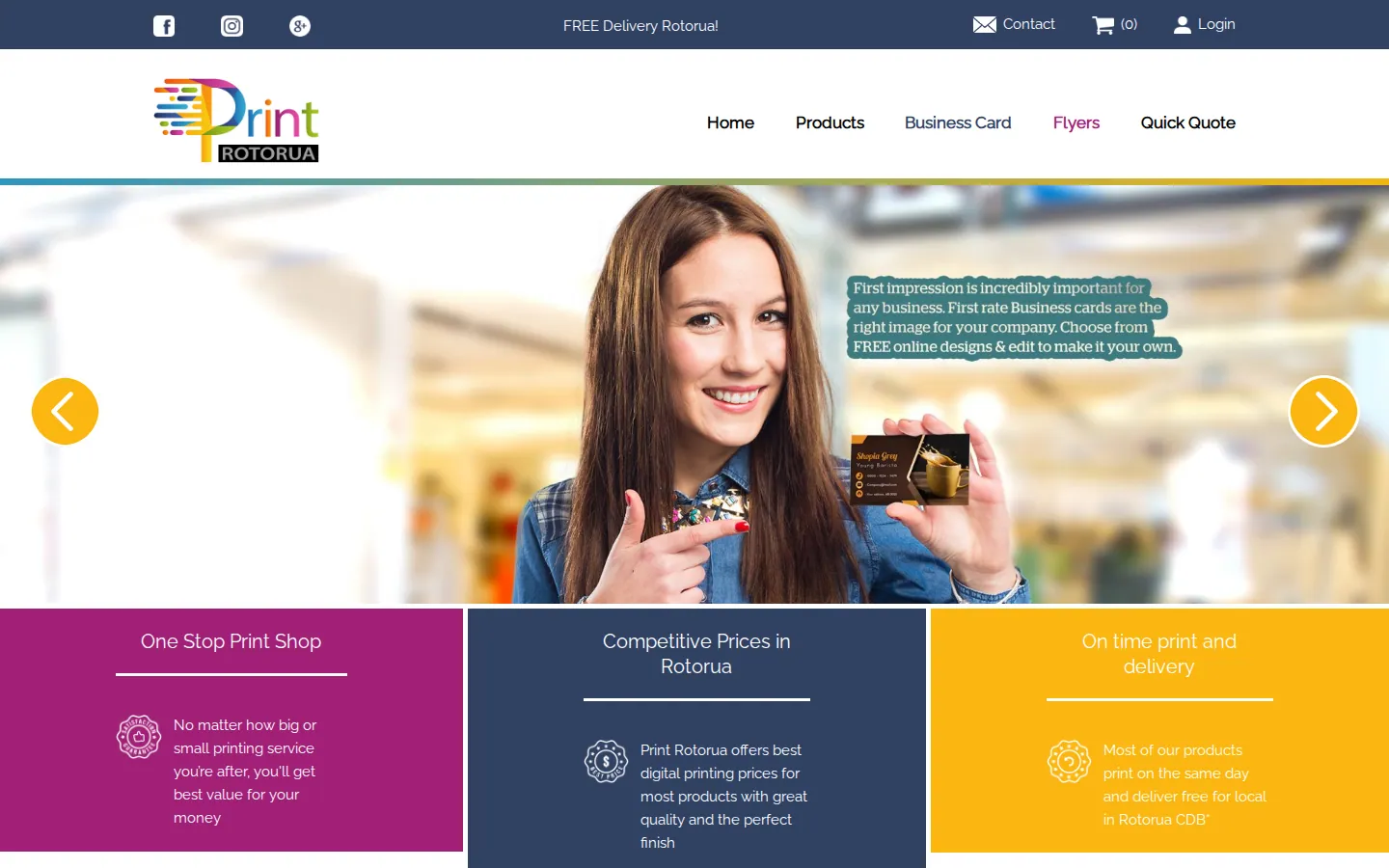
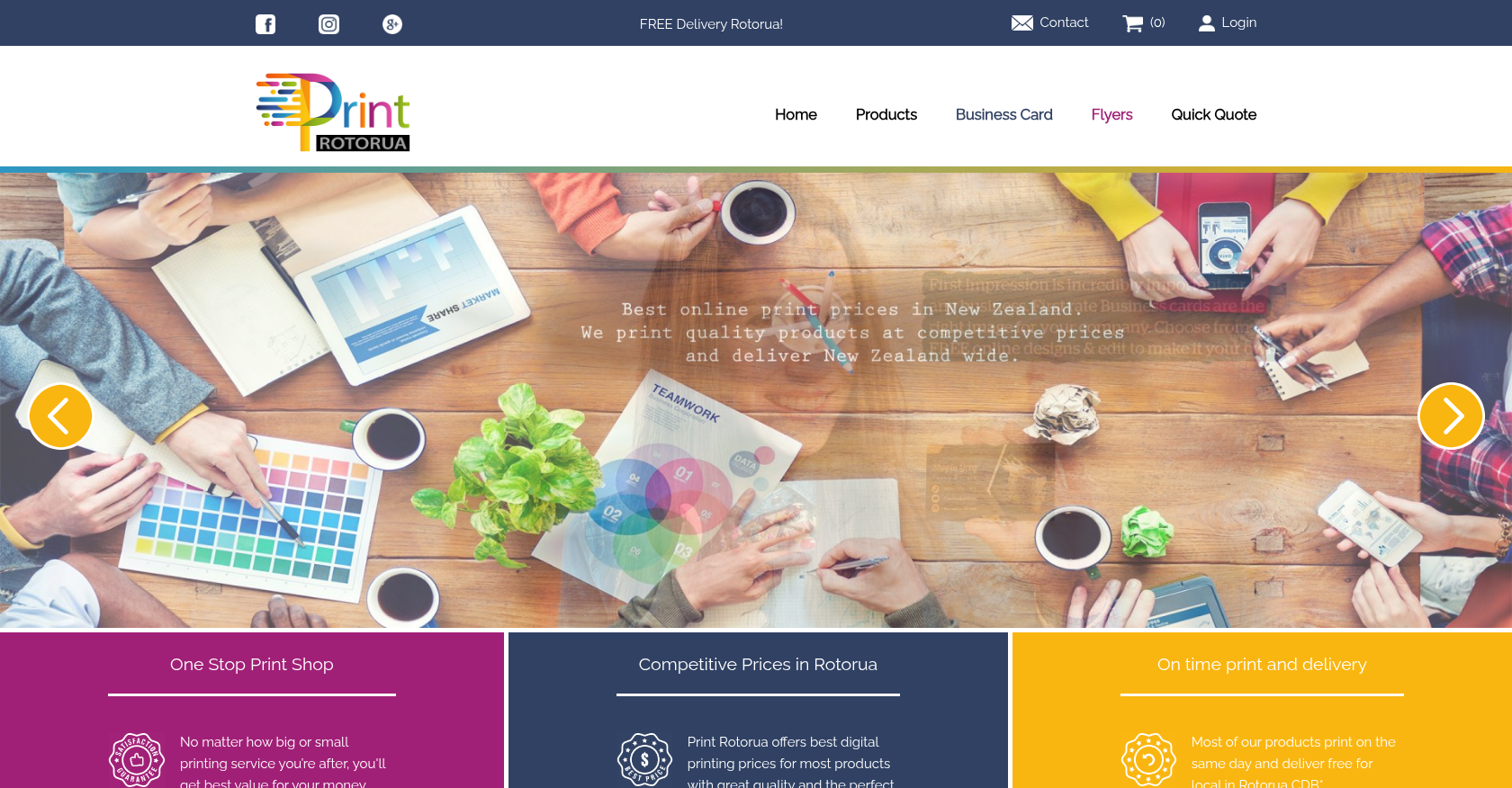 Product Designer & Customization · printrotorua.nzBusiness Transformation for Streamlined Online Printing and Design ServicesDelivered, live store
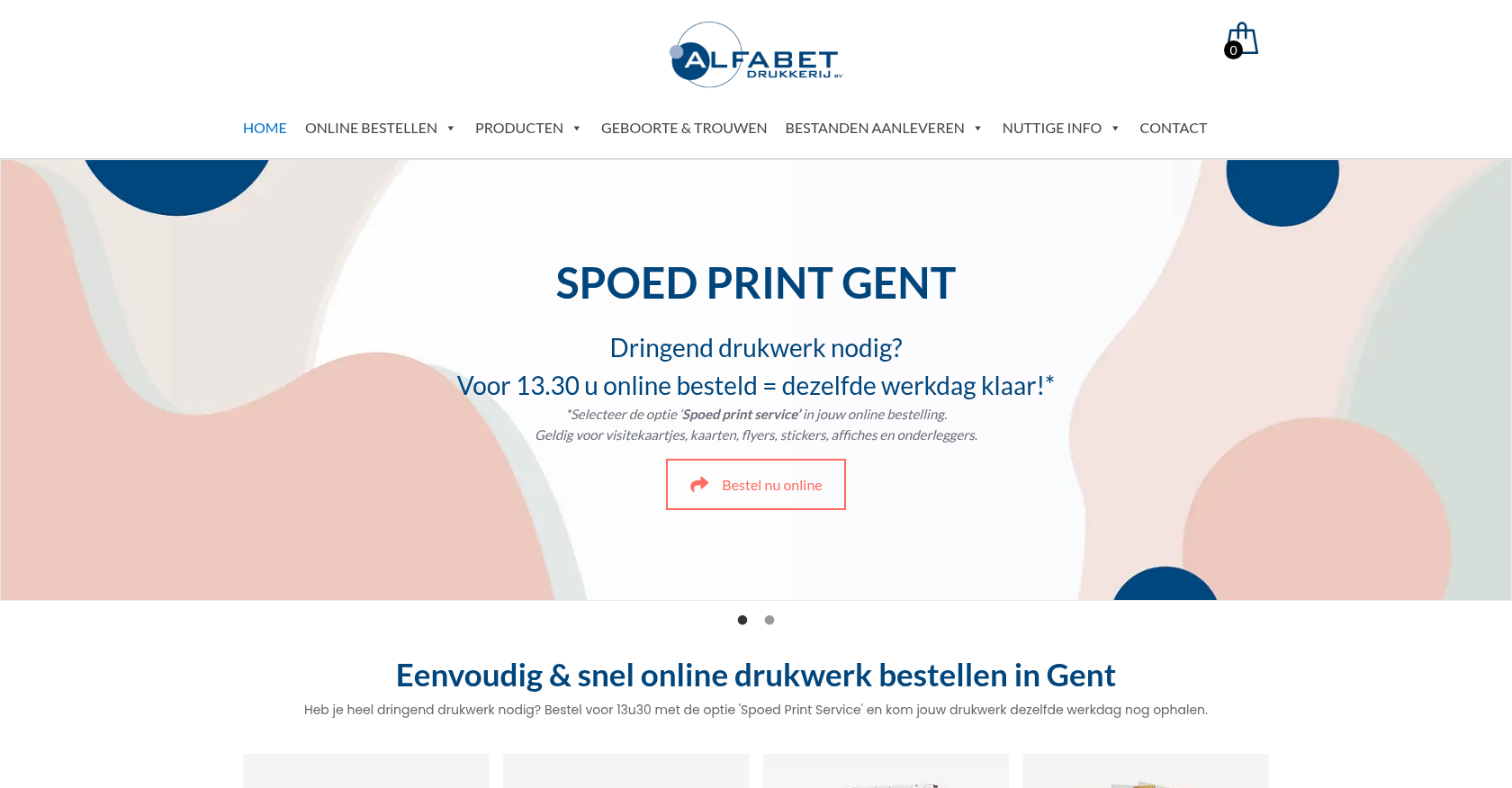
 Product Designer & Customization · alfabet.euEnhanced Online Experience for Personalized Product OrderingDelivered, live store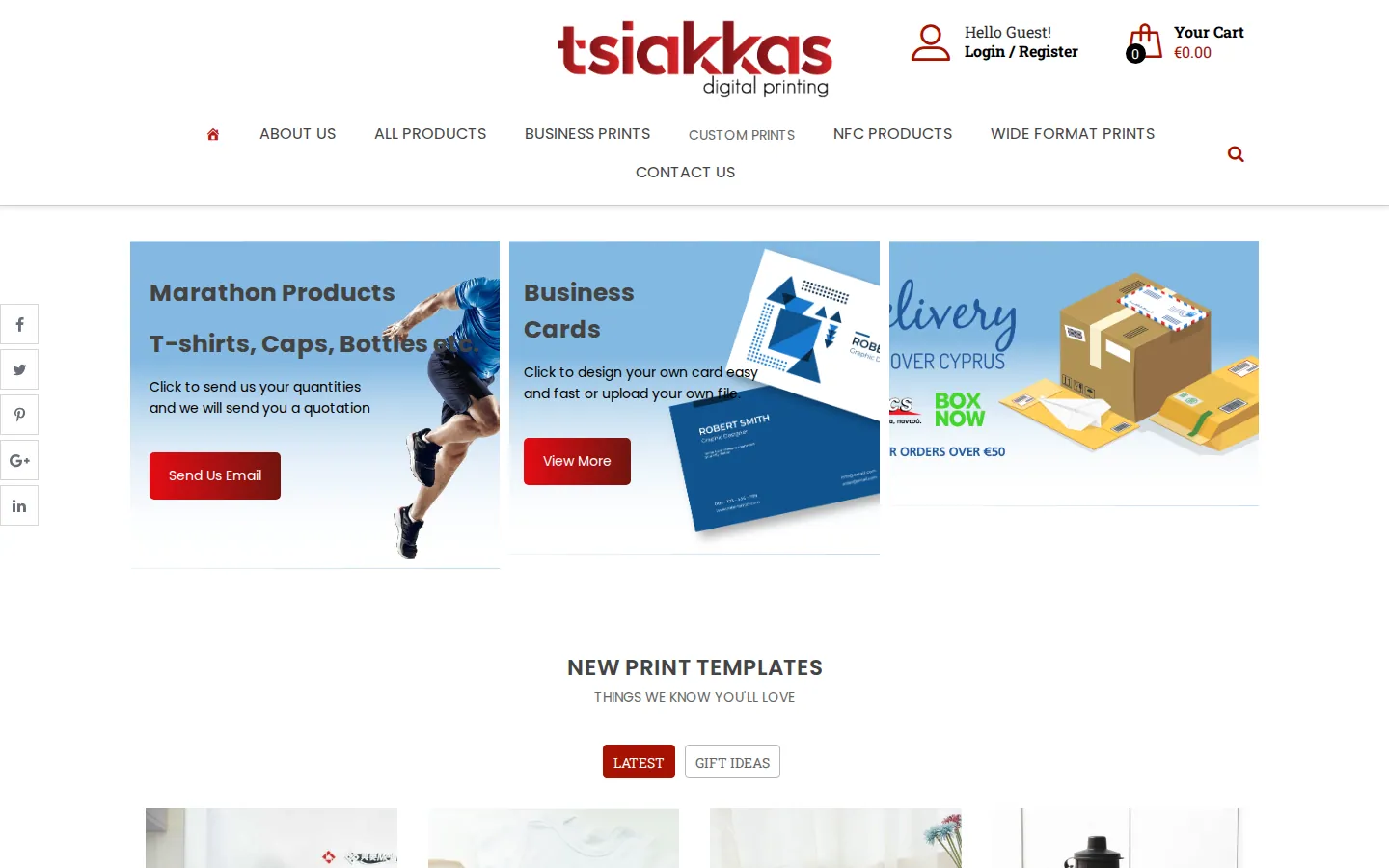
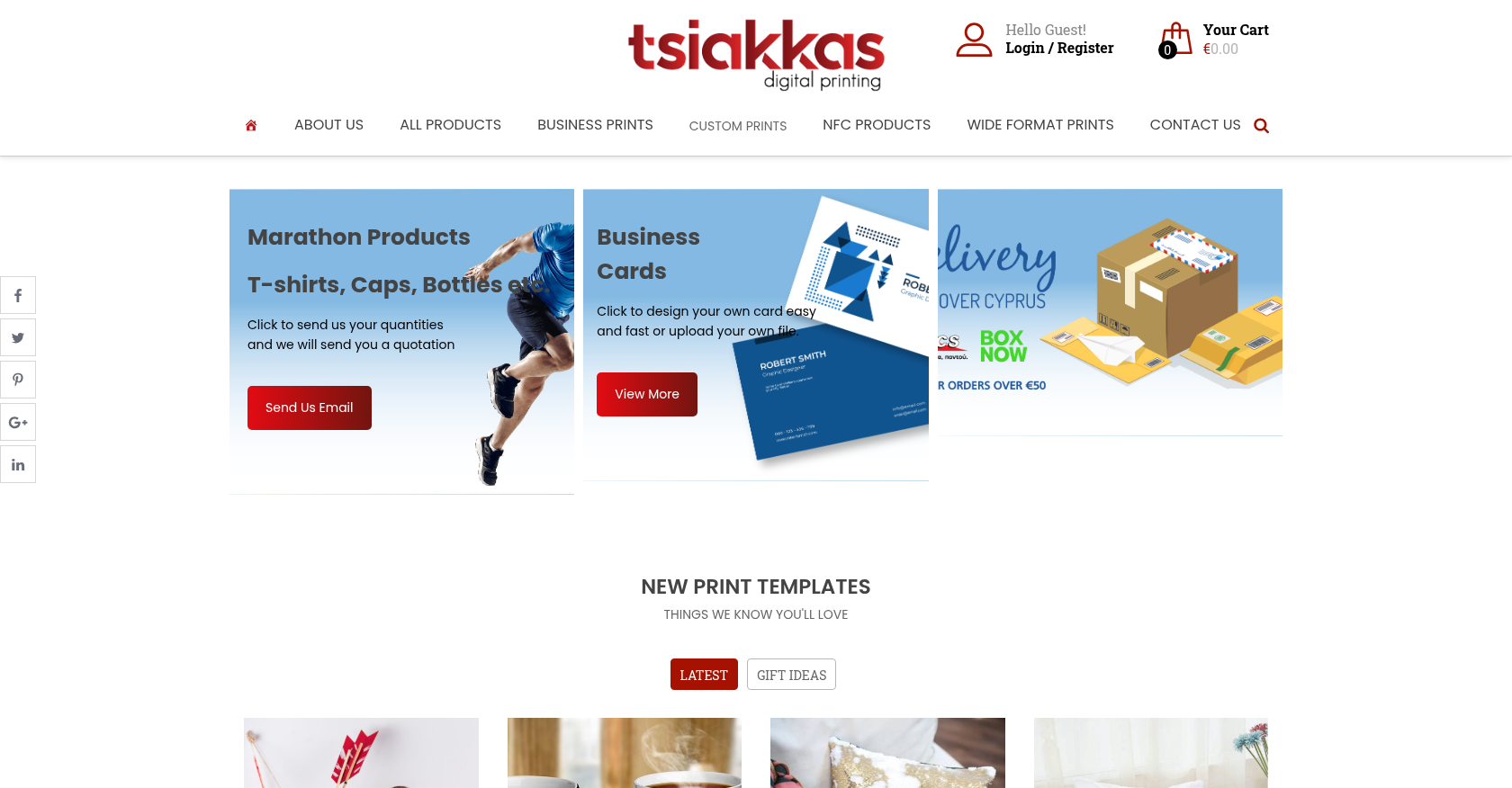 Product Designer & Customization · tsiakkascopycenter.comEnhanced Online Ordering for Print and Design ServicesDelivered, live store
Project records from our portfolio. They show the wider work of the team, not this exact service.
Stores on Cmsmart Ecommerce



Cmsmart Ecommerce provides custom ecommerce and WooCommerce development services for web-to-print, product personalization, plugin support and API integration.




Web-to-print, WooCommerce, B2B and AI specialists who plan, build and support stores together.
Meet the team →
Top