
Upgrade your existing store to a Marketplace
If you run your own Cmsmart Ecommerce or WooCommerce store with Cmsmart Product Designer Premium, you buy the Cmsmart Marketplace licence. Our team then surveys and analyses your current store, theme, plugins and data, and sends a separate proposal and quote for the upgrade work. Nothing changes on your live store before you approve it.
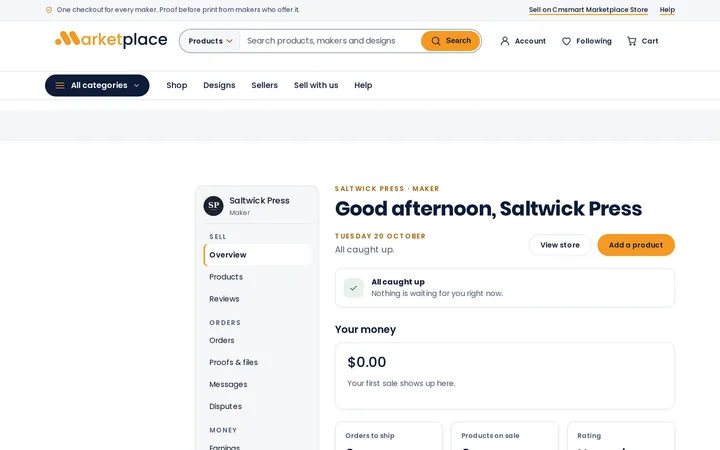
In short
How do I turn my own store into a marketplace with Cmsmart?
For customers who run their own store on Cmsmart Product Designer Premium: we survey the store first, then quote the work to let many sellers sell on it.
| Who it is for | Customers who run their own store on Cmsmart Product Designer Premium and want many sellers on it |
|---|---|
| Licence | A Cmsmart Marketplace licence is required. The upgrade work is quoted separately from the licence |
| Typical inputs | Read-only admin access or a staging copy, your plugin list and how you want sellers to join and be paid |
| Deliverables | A survey of your store, a written proposal with scope and milestones, then the upgrade on a staging copy |
| How pricing works | The survey leads to a separate quote. The upgrade work starts only after you approve it. |
How it works
How an upgrade to a Marketplace runs
The problem
What gets in the way when your own store opens to many sellers?
- Every product belongs to you, so there is no place for a seller's own storefront
- One order can hold products from several sellers, and the money has to be split
- Seller fees, royalties and payouts are worked out by hand
- Another marketplace plugin is already installed, and moving its sellers is a risk
- Custom code from your own build makes it hard to know what a seller layer would break
Fit
When is this upgrade the right route?
| A good fit | Another route fits better |
|---|---|
| You already run your own store on Cmsmart Product Designer Premium and want to keep it | You are starting from scratch: the ready-made Cmsmart Marketplace store is the quicker route |
| You can give read-only access to the store, or a staging copy of it | No access can be given, so the survey would rest on interviews alone |
| You want a written proposal before any work starts | You only want to list a partner's products yourself: a normal product set-up may be enough |
What we do
What does the survey look at?
| Part | Input | Deliverable |
|---|---|---|
| Theme and custom code | Your theme, child theme and custom plugins, and where a seller layer would touch them | What can stay, what must change and what needs care |
| Plugins | The plugin list and its update state, and any marketplace plugin already installed | Overlaps, conflicts and what a seller move would involve |
| Products and catalogue | Product types, printing options and designs, and who owns each product | How seller products and storefronts would sit in your catalogue |
| Orders and payouts | How orders, shipping and payments run today | A plan for sub-orders per seller, fees and payouts |
| Sellers and accounts | Who your sellers are, how they would join and what they may change | A plan for seller sign-up, approval and roles |
| Designer and print files | Cmsmart Product Designer settings and the file each order receives | Whether designs and print files work per seller |
The Cmsmart angle
What comes from the Cmsmart Marketplace store, and what is custom
The seller features come from the Cmsmart Marketplace store and its documented behaviour. The work on your own store is the fitting of those features to your theme, plugins and data, which is what the survey scopes.
Core From the Cmsmart Marketplace store
- Cmsmart Marketplace. Seller storefronts, sub-orders, a ledger, fees and payouts, sold as a full store solution with your licence key.
- Cmsmart B2B. Company accounts, price lists and quotes, included in the Marketplace plan.
- Product Designer. The online designer, printing options and print files your store already runs on.
Custom Built as custom development
- Fitting the seller layer to your own theme and custom code
- Moving sellers from another marketplace plugin
- Connections to your ERP, CRM or accounting system
Scope
Included, not included, and extra
Clear lines before you start. The final scope is written into your proposal.
Included
- A survey of your theme, plugins, products, orders and payments
- An analysis of where the Cmsmart Marketplace features fit and where they need custom work
- A written proposal with scope, milestones and a separate quote
- A walkthrough of the proposal with the person who decides
Not included
- The Cmsmart Marketplace licence, which is bought separately
- The upgrade work itself, which is quoted in the proposal
- Changes to your live store before you approve the proposal
- Licences, hosting and third-party fees (plugins, fonts, images, services, provider accounts)
- Anything that is not written in the approved scope
Extra, quoted separately
- The upgrade, as milestones from the proposal
- Moving sellers from another marketplace plugin
- Care or maintenance after go-live
What we need from you
- A Cmsmart Marketplace licence for your store's domain
- Read-only admin access, or a staging copy of your store
- How you want sellers to join, sell and be paid
- A named person who decides on the proposal
- A staging copy of your store, or approval to create one
- Someone on your side who can make decisions when a question comes up
Process
How the work runs
Each phase is a milestone, approved and invoiced one at a time. The timeline is set in the assessment because it depends on your store, your products and your systems.
- Free assessment. We read your brief, your store and your constraints, and tell you whether the service fits and what it would involve.
- Written scope and quote. Included, not included, extra and what we need from you, set out before any work starts.
- Build on a staging copy, in milestones you approve one at a time in your dashboard.
- Acceptance with your own products, files and orders, including the awkward ones.
- Handover with a run book, then support through tickets in your dashboard.
This service in three phases
What happens, and what you receive
| Phase | What happens | What you receive |
|---|---|---|
| 1. Survey | We review your store with read-only access or on a staging copy, and agree what the upgrade must achieve. | A survey of your store and its constraints |
| 2. Proposal | We write the scope, the milestones and what we need from you, and send a separate quote. | A written proposal and quote |
| 3. Upgrade | After your approval we build the upgrade on a staging copy, in milestones you approve one at a time. | The upgraded store on staging, then go-live with your approval |

Free assessment
Start with a free assessment
Describe your store and what you need. We reply with whether the service fits, what it would involve and a quote, with no obligation.
FAQ
Frequently asked questions
Do I need a Cmsmart Marketplace licence first?
Yes. The upgrade adds the Cmsmart Marketplace store features to your own store, and those features run on a Cmsmart Marketplace licence key. The survey and the upgrade work are quoted separately from the licence.
Will the survey change my live store?
No. The survey uses read-only access or a staging copy. The upgrade is built on staging and goes live only after you approve it.
I already use another marketplace plugin. Can you move my sellers?
The survey looks at the plugin you use and what a move would involve. Moving sellers is set out in the proposal as its own milestone.
Is there a separate Marketplace plugin I can install myself?
No. Cmsmart Marketplace is sold as a full store solution. On your own store, the survey works out how to bring its features in, and the proposal sets out the work.
What if the survey says a new store is the better route?
Then the proposal says so and gives the reasons. The ready-made Cmsmart Marketplace store is a free download from your dashboard once it is released, and installs with your licence key.
Can you work with a client in my country?
Yes. Every Cmsmart service, from custom development, migration and integration to full store builds, is delivered remotely. Clients in any country and any industry can work with the team; Netbase has worked with clients in 80+ countries. Projects run online, through a written proposal, email or WhatsApp, and tickets in the Cmsmart dashboard.
Do you work in my industry?
Yes. Clients in any country and any industry can work with the team; Netbase has worked with clients in 80+ countries. Published Cmsmart projects include stores for web-to-print, merchandise and apparel, signage, packaging and labels, and gifts and promotional products. See the client work at cmsmart.net/projects.
How do I pay securely?
Contracts and payments go to the company, Netbase JSC: plans are paid through PayPal; services are invoiced by Netbase JSC under a written proposal and paid by bank transfer to Netbase JSC's company account or by PayPal Business. Cmsmart (Cmsmart Ecommerce) is the ecommerce brand of Netbase JSC, a company based in Hanoi, Vietnam.
Who do I talk to?
Talk to the CEO, Huy Nguyen (David): message him on WhatsApp at +84 937 869 689 or email project@cmsmart.net. The contact page at cmsmart.net/contact lists every channel, and Request a quote (cmsmart.net/project-proposal) sends your project brief to the team. Tell us the scope and we reply with a plan and a quote.
Related services
Next steps and neighbouring services
Learn more
Related tutorials from the community
- GuideCmsmart Product Designer Settings Guide: Complete WP AdminThe Cmsmart Product Designer settings guide: every WP Admin screen mapped, key defaults explained, and how to configure yours for...
- GuideNBDesigner Lite Free Download: Install & ActivateGet the NBDesigner lite free download, install it on WooCommerce, and activate your 30-day trial license before you buy Premium.
- GuideWooCommerce Printing Options Price Matrix Setup GuideComplete the WooCommerce printing options price matrix setup in Cmsmart Product Designer: field types, quantity breaks and default...
Who you work with
The team behind Cmsmart and its published work
- 2012Netbase since 2012Cmsmart Ecommerce is a Netbase JSC company
- 6,300+client projectssince 2012
- 80+countriesclients worldwide
- 17,157proposals writtenin our project system, live count
Client projects and countries: Netbase portfolio library and WorkSuite project records, as of Sep 2026. Proposals: records in our Cloodo WorkSuite project system, all-time, refreshed every 6 hours.

Talk to an ecommerce expert
Huy Nguyen (David)
Founder & CEO, Cmsmart · Netbase JSC
Every request is read by the team before you get a written scope and estimate.
Published Cmsmart projects
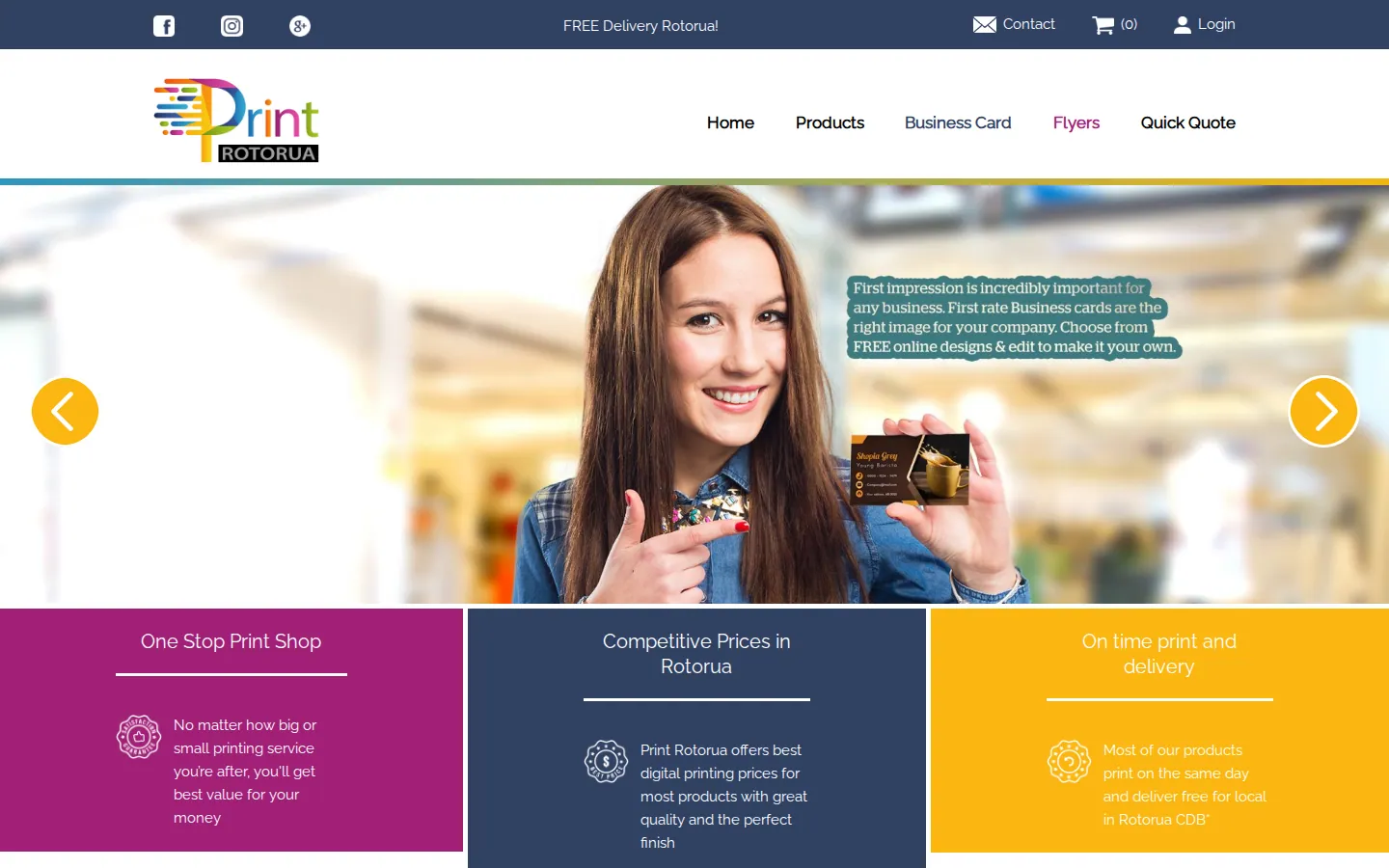
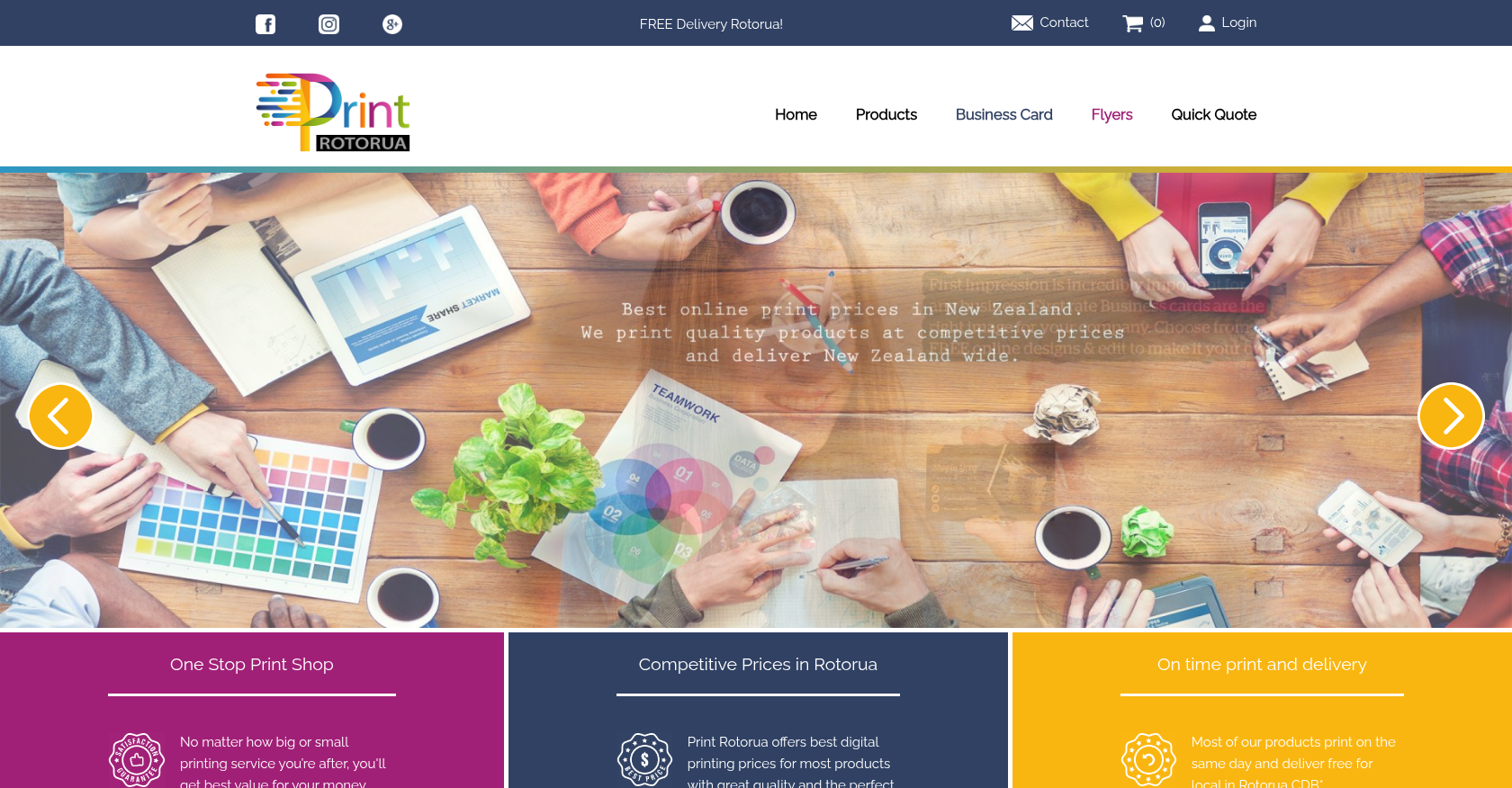 Product Designer & Customization · printrotorua.nzBusiness Transformation for Streamlined Online Printing and Design ServicesDelivered, live store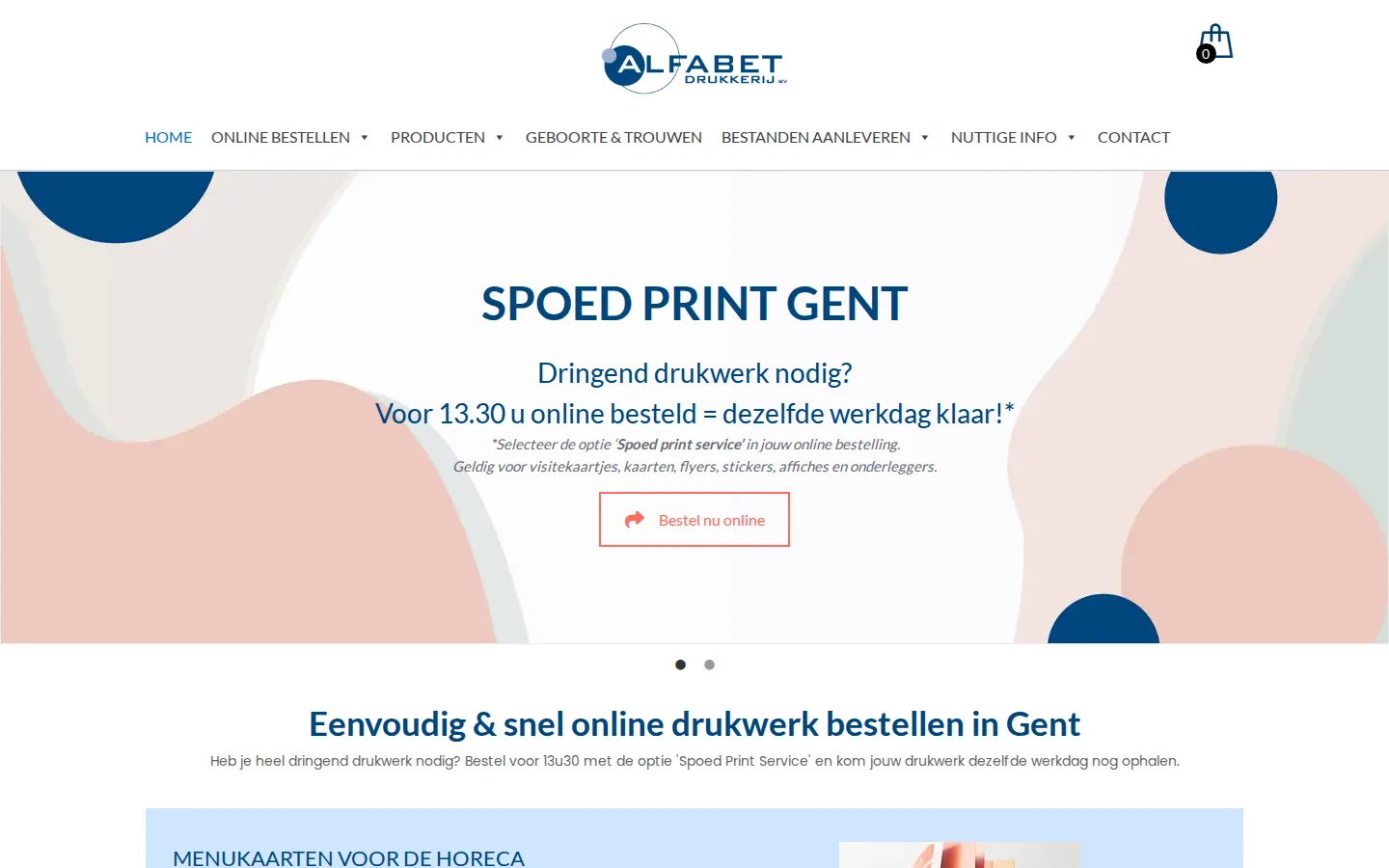
 Product Designer & Customization · alfabet.euEnhanced Online Experience for Personalized Product OrderingDelivered, live store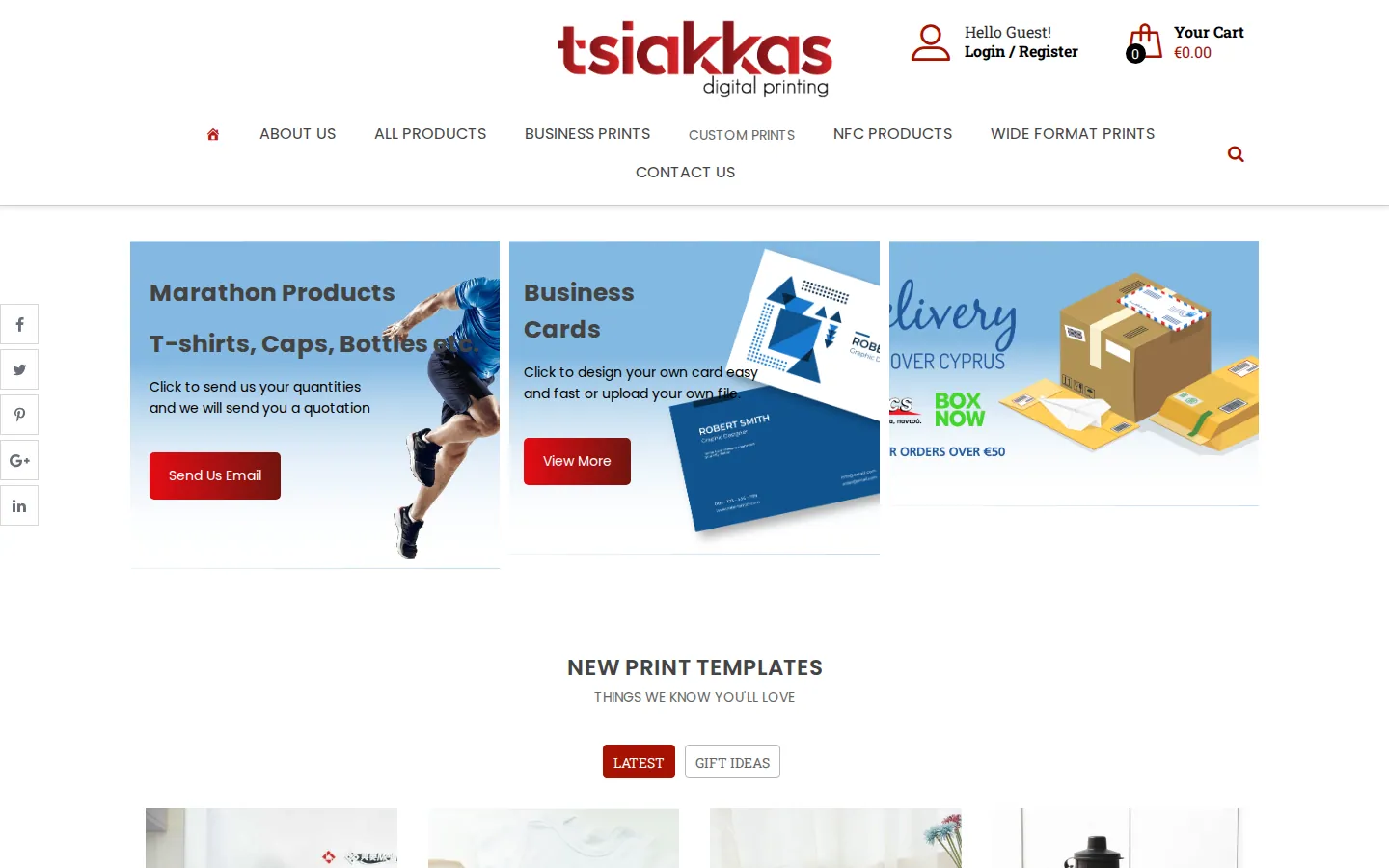
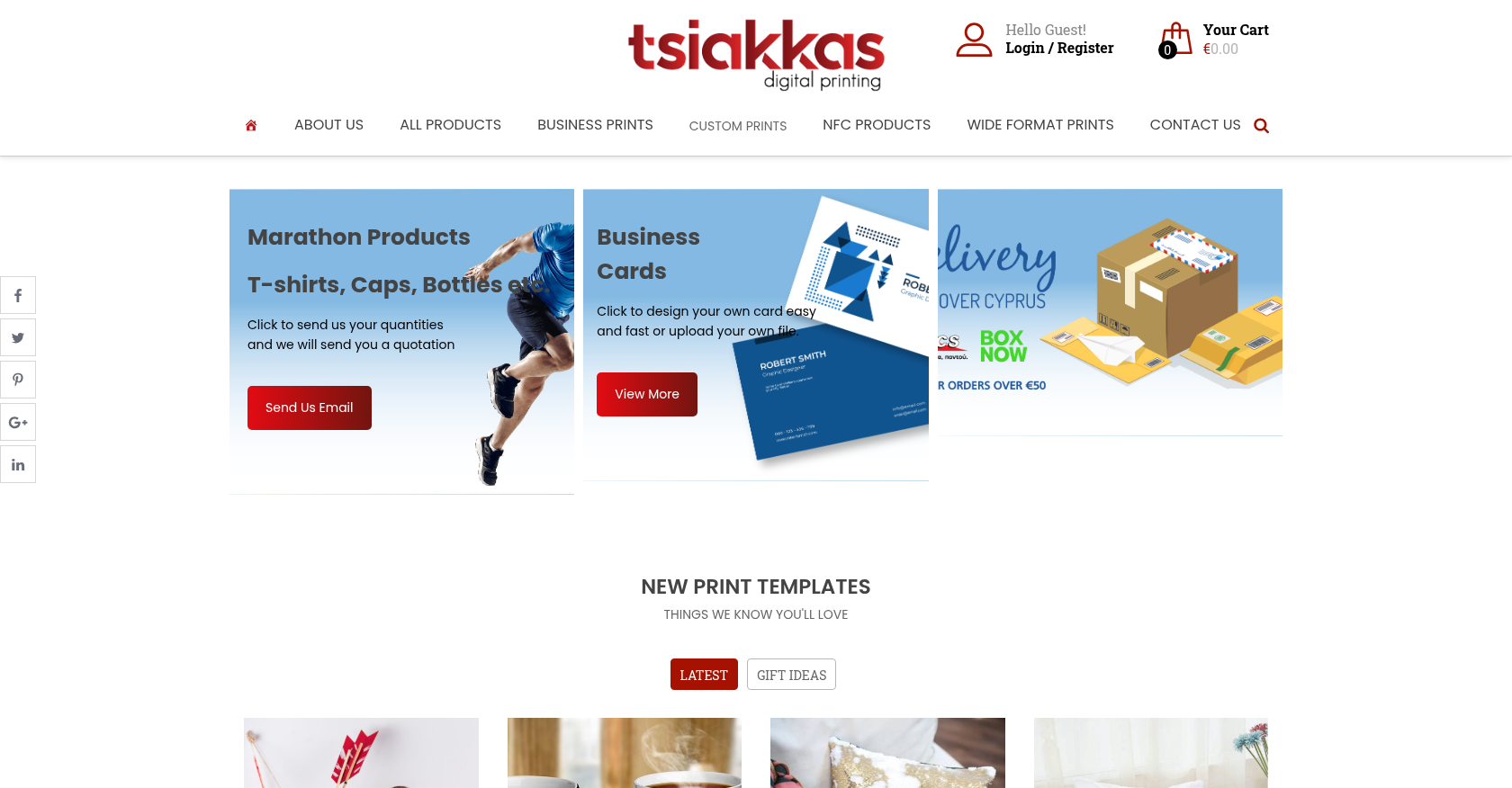 Product Designer & Customization · tsiakkascopycenter.comEnhanced Online Ordering for Print and Design ServicesDelivered, live store
Project records from our portfolio. They show the wider work of the team, not this exact service.
Stores on Cmsmart Ecommerce
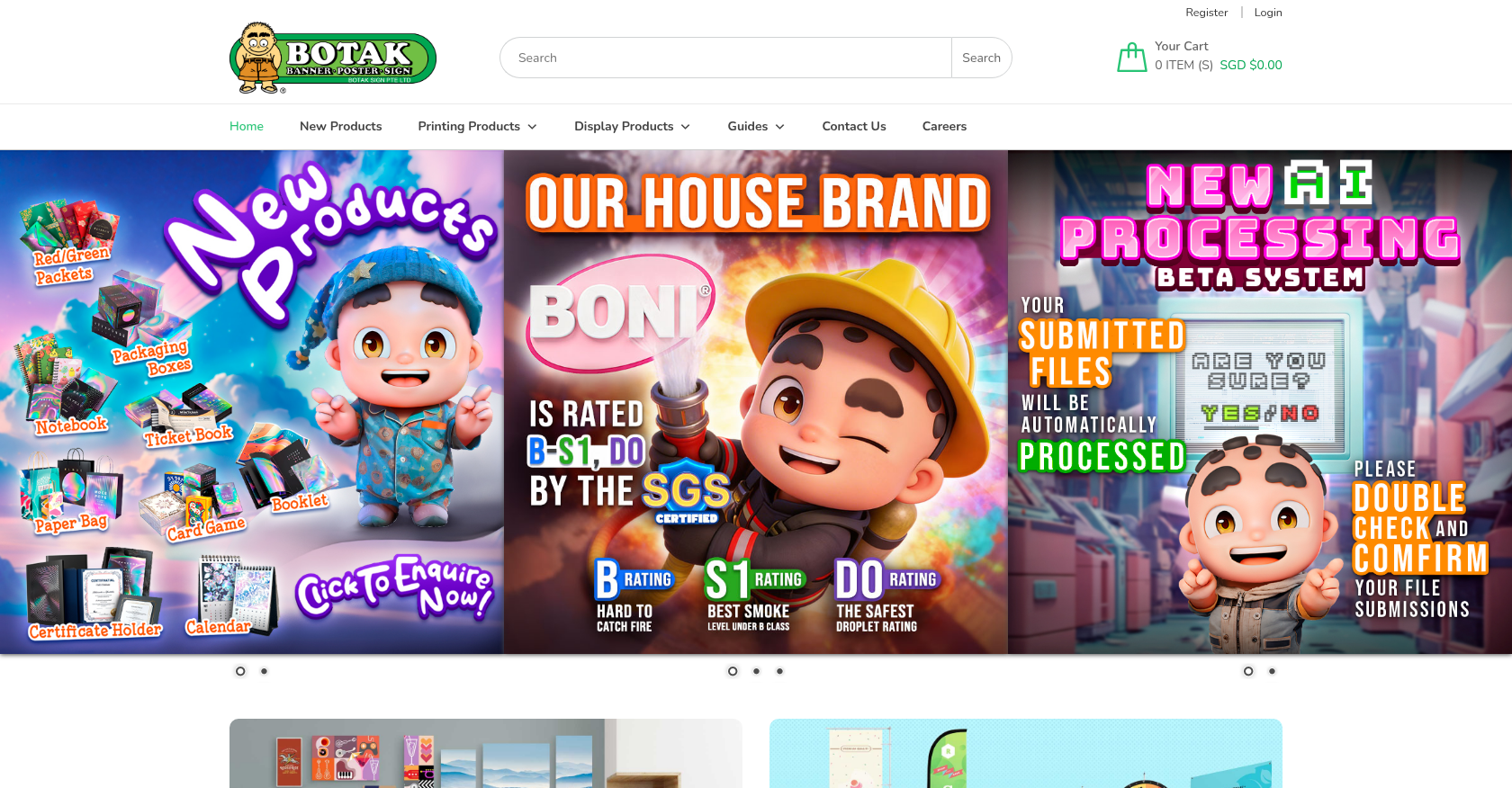


Cmsmart Ecommerce provides custom ecommerce and WooCommerce development services for web-to-print, product personalization, plugin support and API integration.




Web-to-print, WooCommerce, B2B and AI specialists who plan, build and support stores together.
Meet the team →
Top