To migrate from Shift4Shop, formerly 3dcart, to WooCommerce without losing SEO, we export your catalogue, customers, orders and blog by CSV, take Shift4Shop's exported 301 redirects, and map every old address, which includes the catalog ID, to its new one in a 301 CSV you approve before launch. We test on staging and watch crawl errors for 30 days.
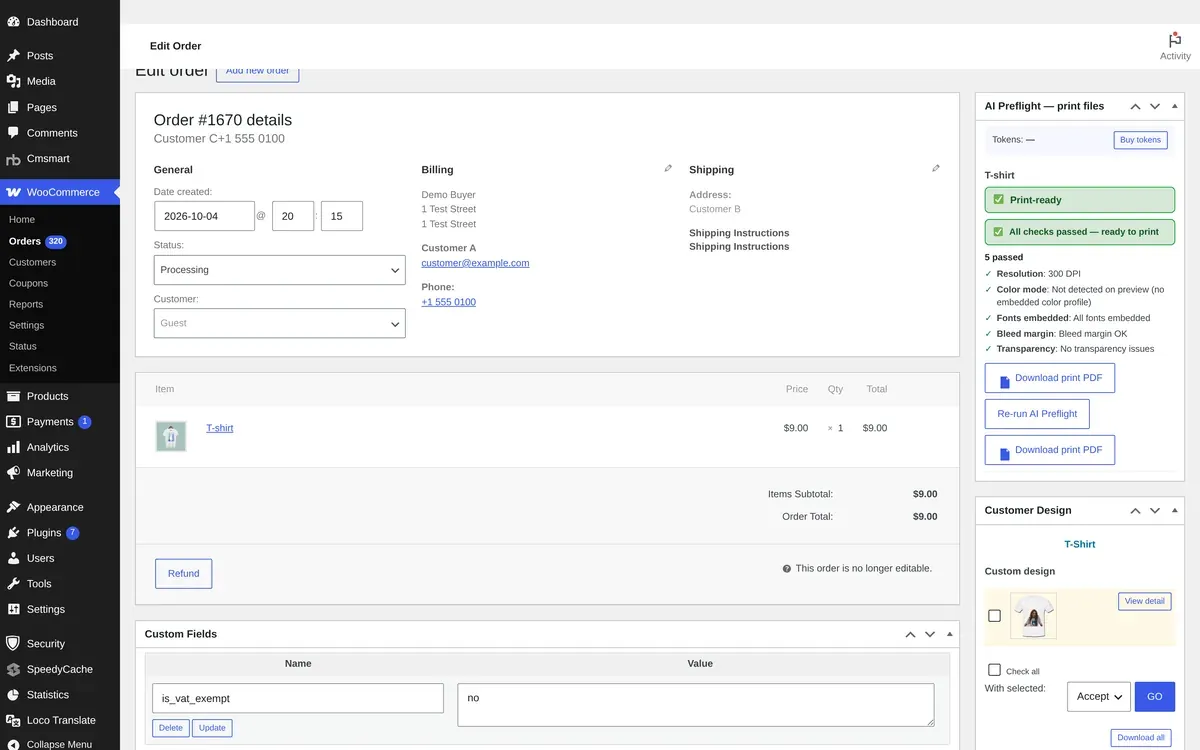
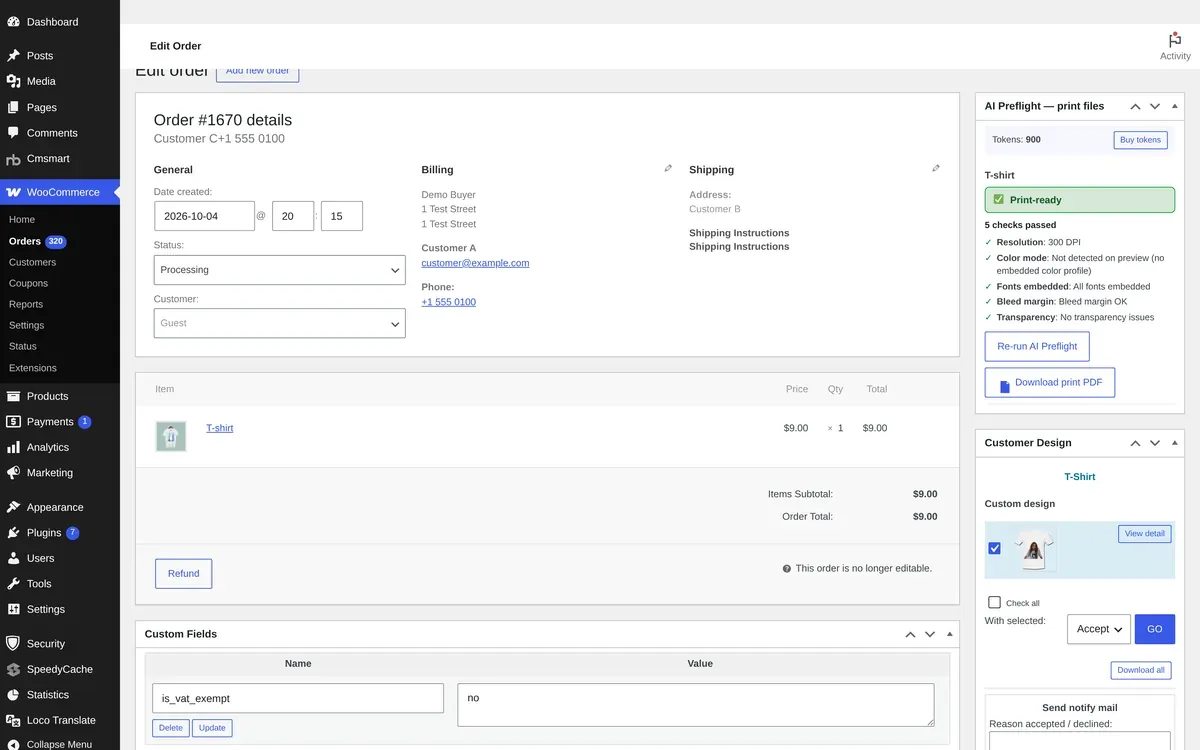
The order confirmation your customers see on Cmsmart Ecommerce. Demo store, sample products and prices.
In short
How do you migrate from Shift4Shop to WooCommerce without losing SEO?
Built on WooCommerce, so you own your store, data and customers.
Key facts: Shift4Shop to Cmsmart Ecommerce
Scope
Shift4Shop products, variants, customers, orders and URLs, moved to a WooCommerce store on Cmsmart Ecommerce.
What you keep
Catalogue and images, customer accounts and addresses, order history as read-only records, page titles and descriptions, and a 301 for every old URL.
Typical inputs
Shift4Shop admin access to the Export pages (products, customers, orders, blog), your exported redirect CSV, and your list of apps and payment settings.
Deliverables
A data map, a redirect CSV you approve, a staging store, a QA check, the cut-over and a 30-day watch.
How pricing works
Quoted per project after a free assessment. There is no price list and no obligation.
The same five steps for every store: you approve the data map and the redirect CSV before the cut-over.
Why merchants move
Why merchants leave Shift4Shop
The factors we hear most, stated fairly. Where a source link is shown, it is the platform's own page, read on 10 October 2026.
Plan tied to integrated payments
The plan page presents an end-to-end plan with integrated payment processing. Its FAQ says normal processor fees apply and that a software fee may apply depending on the plan and the monthly processing amount.
Product and category pages are built from the name plus the catalog ID, for example /led-powered-flashlight_p_104.html. A support article says very long names can produce an invalid-URL error.
Products, product options, advanced options, pricing, inventory, the image gallery, customers, orders and blog articles each export as a separate CSV, so a complete copy needs several runs.
You approve the redirect CSV before launch, so every old address has a destination.
Data
What we do
Products and variants
Titles, descriptions, SKUs, variants, attributes, prices, stock and images.
Categories and attributes
Category tree and product attributes, mapped to WooCommerce.
Customers
Accounts and addresses. Shift4Shop's export documentation lists customer columns without a password column, so we plan for customers to set a new password with a reset email. We confirm this in the assessment.
Orders
Order history with status and totals, as read-only history. Payments are never charged again.
Reviews
Product reviews where the platform lets us export them.
Pages and blog
Content pages and blog posts. Layouts are rebuilt, not copied.
SEO URLs
A redirect map from every old URL to the new one, delivered as a CSV you approve before launch.
Titles and descriptions
Meta titles and descriptions carried over so search listings keep their wording.
Blog articles
Shift4Shop exports blog articles as their own CSV, which becomes WordPress posts.
301 redirects
The store's redirect CSV (id, old_url, new_url) is merged into the redirect map.
Options and pricing
Product options, advanced options and pricing export separately and are mapped to WooCommerce attributes and price rules.
Scope
Included, not included, and extra
Clear lines before you start. The final scope is written into your proposal.
Included
Products, variants, categories and attributes, mapped to WooCommerce
Customer accounts and addresses
Order history as read-only records; payments are never charged again
Reviews where the platform lets us export them, plus pages and blog posts
A redirect CSV for every old URL, approved by you before launch
Meta titles and descriptions carried over
A staging store, a QA check, the cut-over and a 30-day watch
Not included
Customer passwords: most platforms cannot export them, so customers may need a reset email
Stored cards and recurring plans, which often cannot move between payment processors
Theme layouts copied as they are: the storefront is rebuilt
A promise of rankings or traffic
Rebuilt, scoped in your quote
A new storefront theme on a Cmsmart Store preset or built to your brand
Apps replaced by Cmsmart modules or matching WooCommerce plugins
Payments, shipping, tax, email, ERP and CRM integrations, rebuilt and tested
Custom logic such as special pricing or order rules, built as custom development
What we need from you
Admin access or the platform's own export files
Your list of apps and integrations
Your list of old URLs
Your approval of the data map and the redirect CSV
Export method
How your Shift4Shop data gets out
Shift4Shop's admin Export and Import pages produce CSV files for products, product options, advanced options, pricing, inventory, the image gallery, customers and orders, with a Default or an All Fields column set. Blog articles have their own CSV export, and 301 redirects can be exported and imported as CSV. A REST API covers the rest.
Products and options: the product export includes title and metatags columns, and options export separately.
Customers and orders: each exports as CSV in the background.
Blog: articles export as their own CSV.
Redirects: the redirect list exports as CSV and is merged into the redirect map.
Reviews and extra content pages: no export is documented, so they are scoped in the assessment.
Protecting your search listings when you leave Shift4Shop
We cannot promise rankings or traffic. These are the steps that protect what can be protected.
Export the redirect list (Marketing, SEO Tools, Edit Page Redirects) and merge it into the new redirect map.
Carry titles and metatags from the product export so listings keep their wording.
Old product and category addresses end in the catalog ID, so each one is listed and mapped to its new WooCommerce address, including any custom file names the store uses.
Compare the old XML sitemap, which covers products, categories, content pages and blog posts, with the new one so no page group is dropped.
Watch crawl errors and redirects for 30 days after cut-over.
What gets rebuilt
What is rebuilt on Cmsmart Ecommerce
Some things cannot be copied, so they are rebuilt and tested.
The storefront theme, designed on a Cmsmart Store preset or built to your brand.
Apps and extensions, replaced by Cmsmart modules (product designer, price calculator, file upload, artwork approval, B2B) or a matching WooCommerce plugin.
Integrations: payments, shipping, tax, email, ERP and CRM, rebuilt and tested against your real list.
Custom logic, such as special pricing or order rules, built as scoped custom development.
After you move
What you gain on Cmsmart Ecommerce
Built on WooCommerce, so you own your store. Cmsmart adds the parts a personalised or printed product business needs, and runs them for you if you want.
We cannot promise rankings or traffic. We build a redirect map from every old URL to its new one, carry over titles and descriptions, submit an XML sitemap and watch crawl errors for 30 days after launch.
Can customer passwords be migrated?
Shift4Shop's export documentation lists customer columns without a password column, so we plan for customers to set a new password with a reset email. We confirm this in the assessment.
How long does the migration take?
The timeline is set in the free assessment. It depends on catalogue size, order history and integrations, so we do not quote a standard duration.
Will my store go offline?
Your current store keeps selling while we build and test on a staging store. Only the final cut-over, a data sync and a DNS switch, needs a short planned window.
Can my current apps be replaced?
Apps from the Shift4Shop App Store, shipping and payment settings are mapped one by one to a Cmsmart module or a WooCommerce plugin. Anything with no equivalent is quoted as custom development.
What does it cost?
Migration is quoted per project after the free assessment, because it depends on your data, apps and integrations. We do not publish prices.
Can you migrate orders and reviews?
Orders move as read-only history with status and totals, and payments are never charged again. Reviews move when the platform lets us export them.
Do I need to know WooCommerce?
No. We set up the store, train your team on daily tasks and can host and maintain it for you.
Can you work with a client in my country?
Yes. Every Cmsmart service, from custom development, migration and integration to full store builds, is delivered remotely. Clients in any country and any industry can work with the team; Netbase has worked with clients in 80+ countries. Projects run online, through a written proposal, email or WhatsApp, and tickets in the Cmsmart dashboard.
Do you work in my industry?
Yes. Clients in any country and any industry can work with the team; Netbase has worked with clients in 80+ countries. Published Cmsmart projects include stores for web-to-print, merchandise and apparel, signage, packaging and labels, and gifts and promotional products. See the client work at cmsmart.net/projects.
How do I pay securely?
Contracts and payments go to the company, Netbase JSC: plans are paid through PayPal; services are invoiced by Netbase JSC under a written proposal and paid by bank transfer to Netbase JSC's company account or by PayPal Business. Cmsmart (Cmsmart Ecommerce) is the ecommerce brand of Netbase JSC, a company based in Hanoi, Vietnam.
Who do I talk to?
Talk to the CEO, Huy Nguyen (David): message him on WhatsApp at +84 937 869 689 or email project@cmsmart.net. The contact page at cmsmart.net/contact lists every channel, and Request a quote (cmsmart.net/project-proposal) sends your project brief to the team. Tell us the scope and we reply with a plan and a quote.







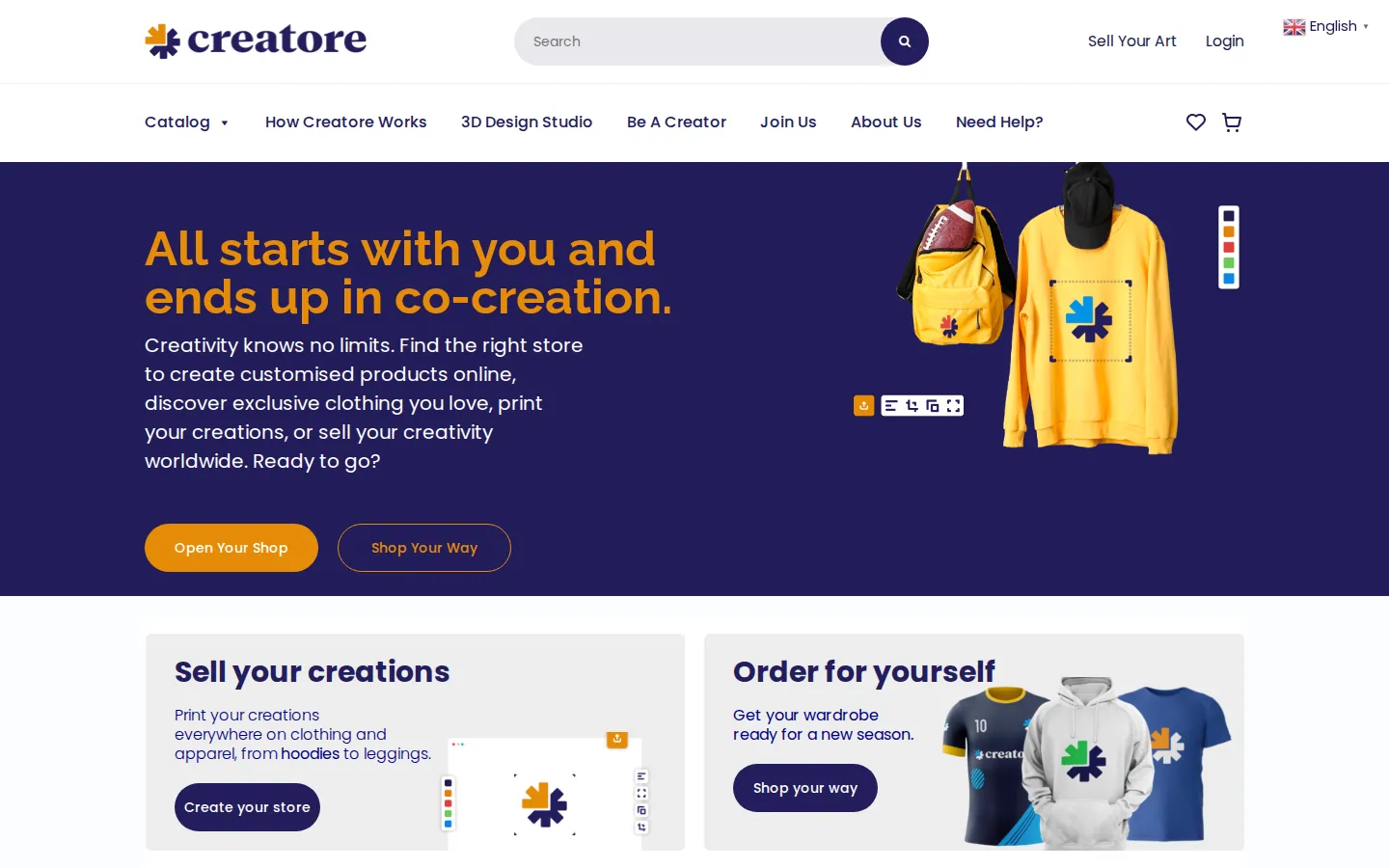
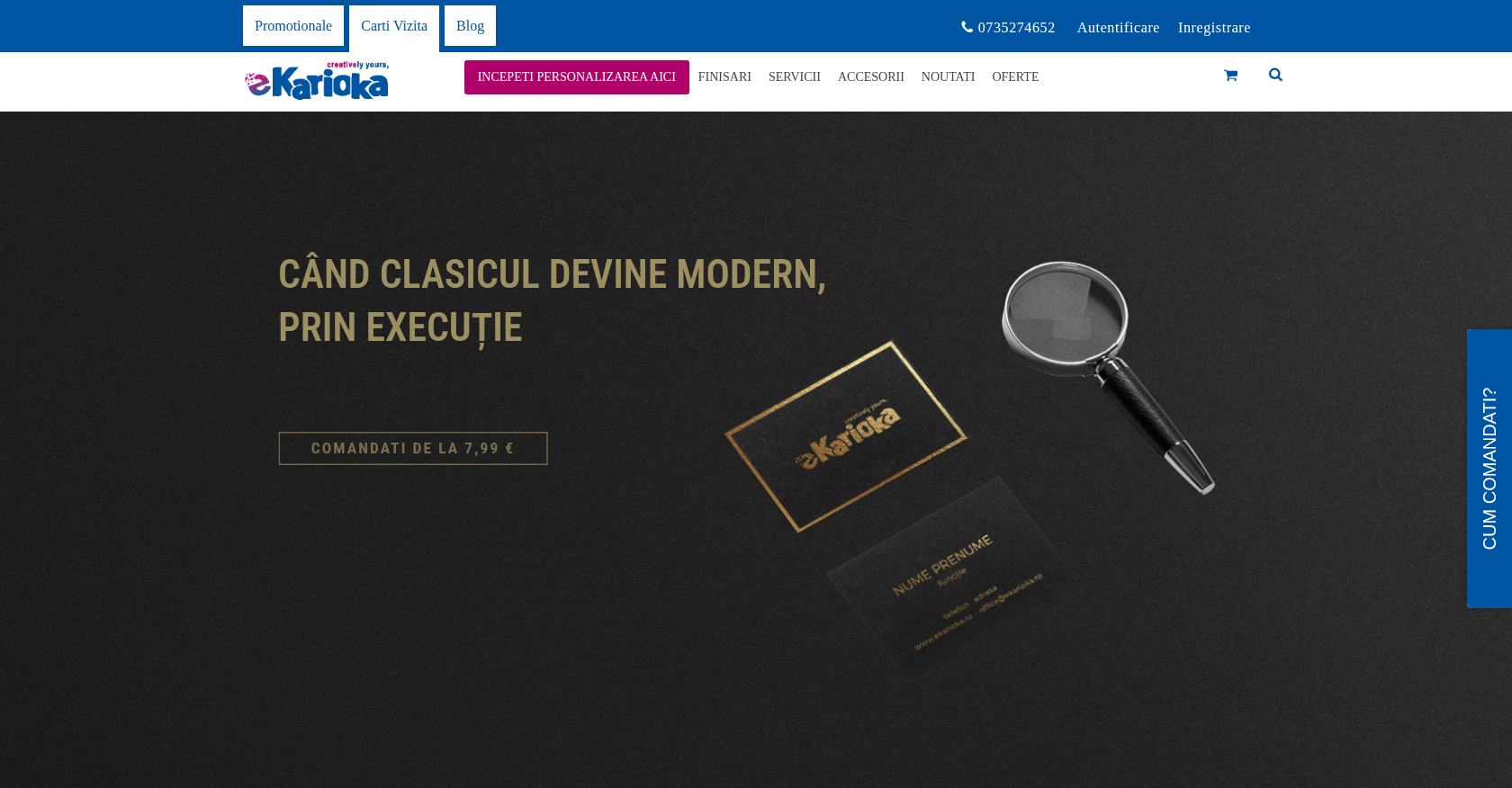
 Online Store & Presence · creatore.comEcommerce Transformation for Streamlined Custom Product OrderingDelivered, live store
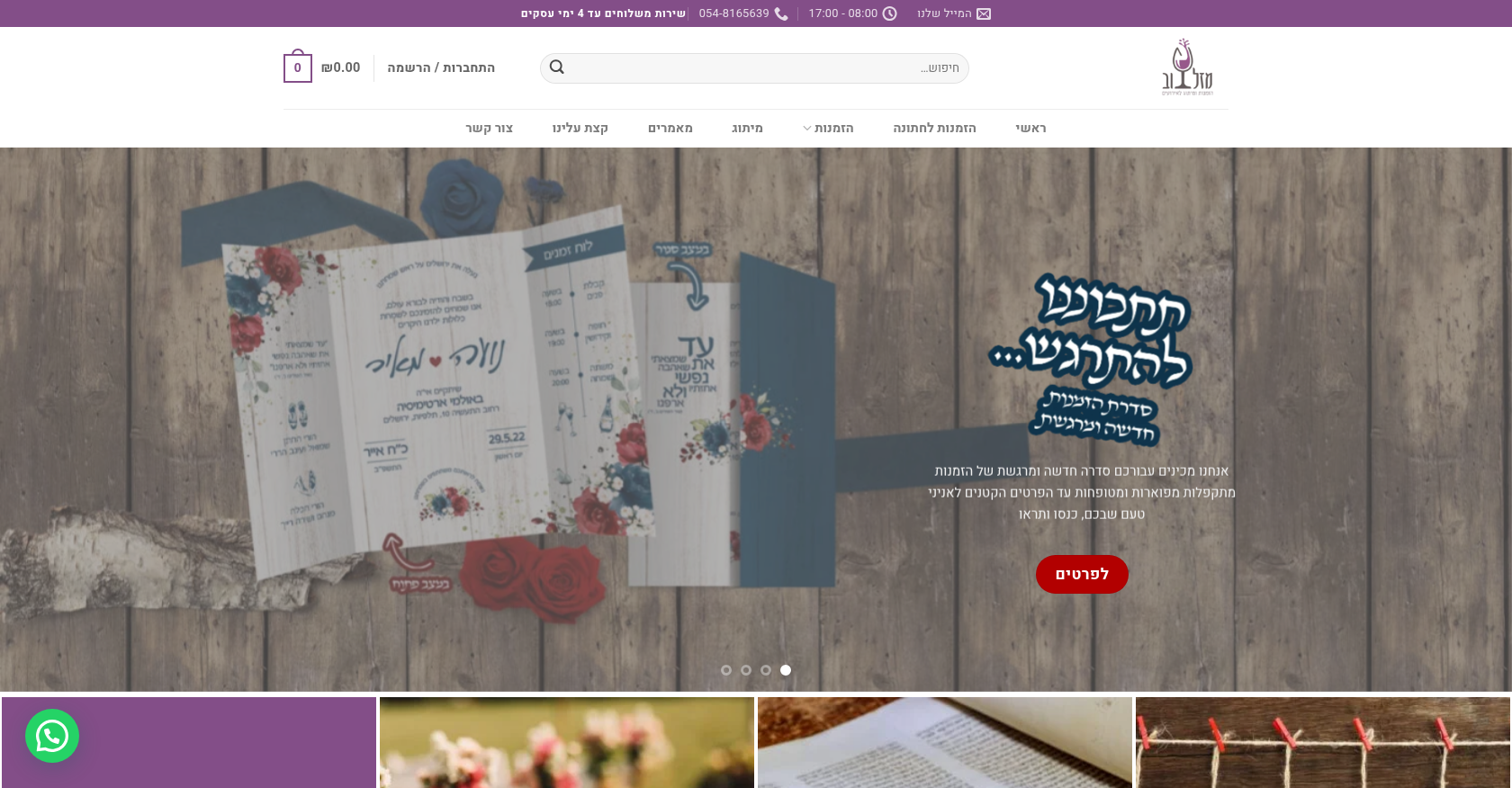
 Online Store & PresenceE-commerce Enhancement for Efficient Custom Product OrderingDelivered (store no longer online)
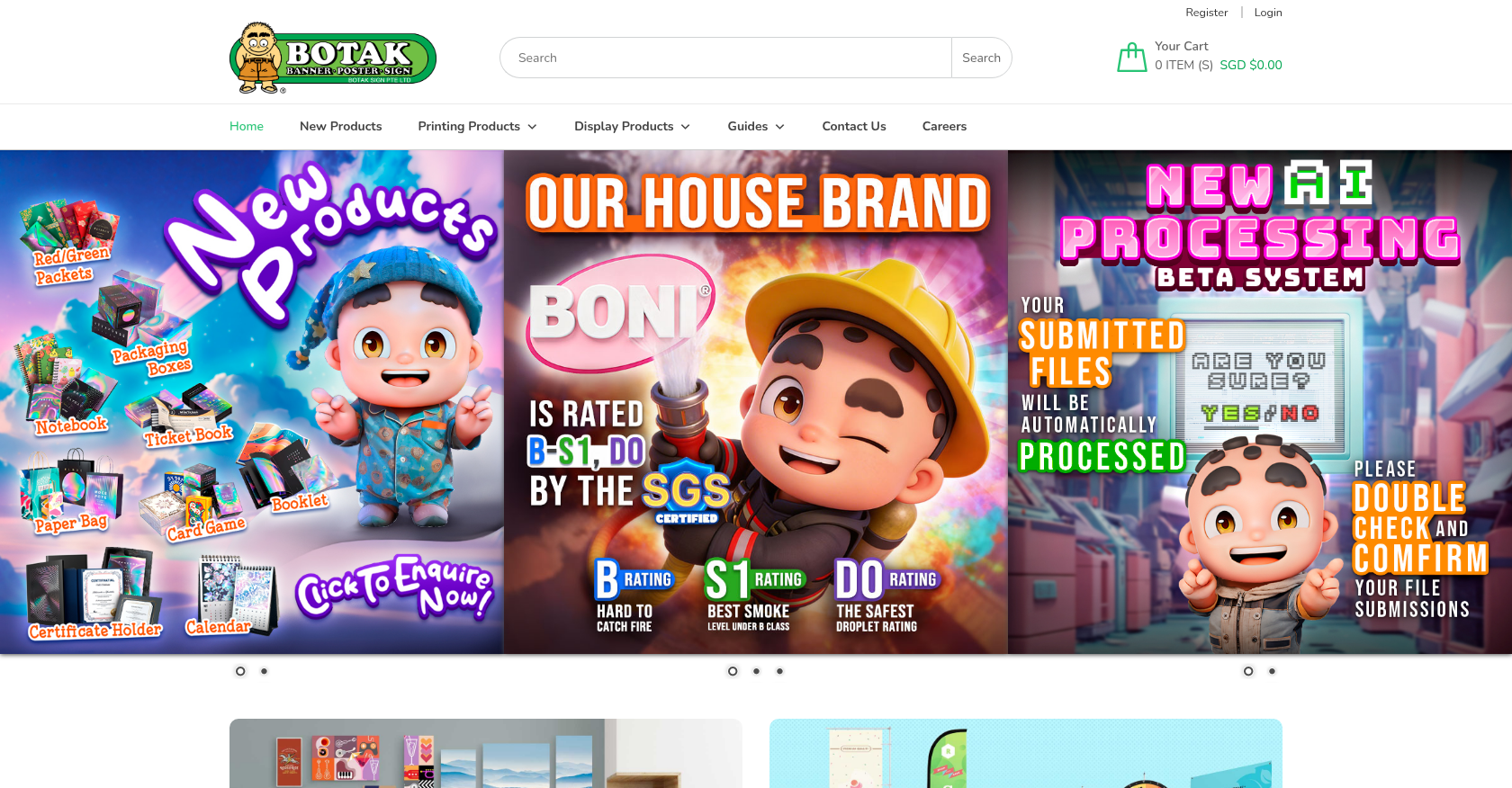
 Online Store & PresenceInnovative Business Solutions for Enhanced Online Presence and EfficiencyDelivered (store no longer online)

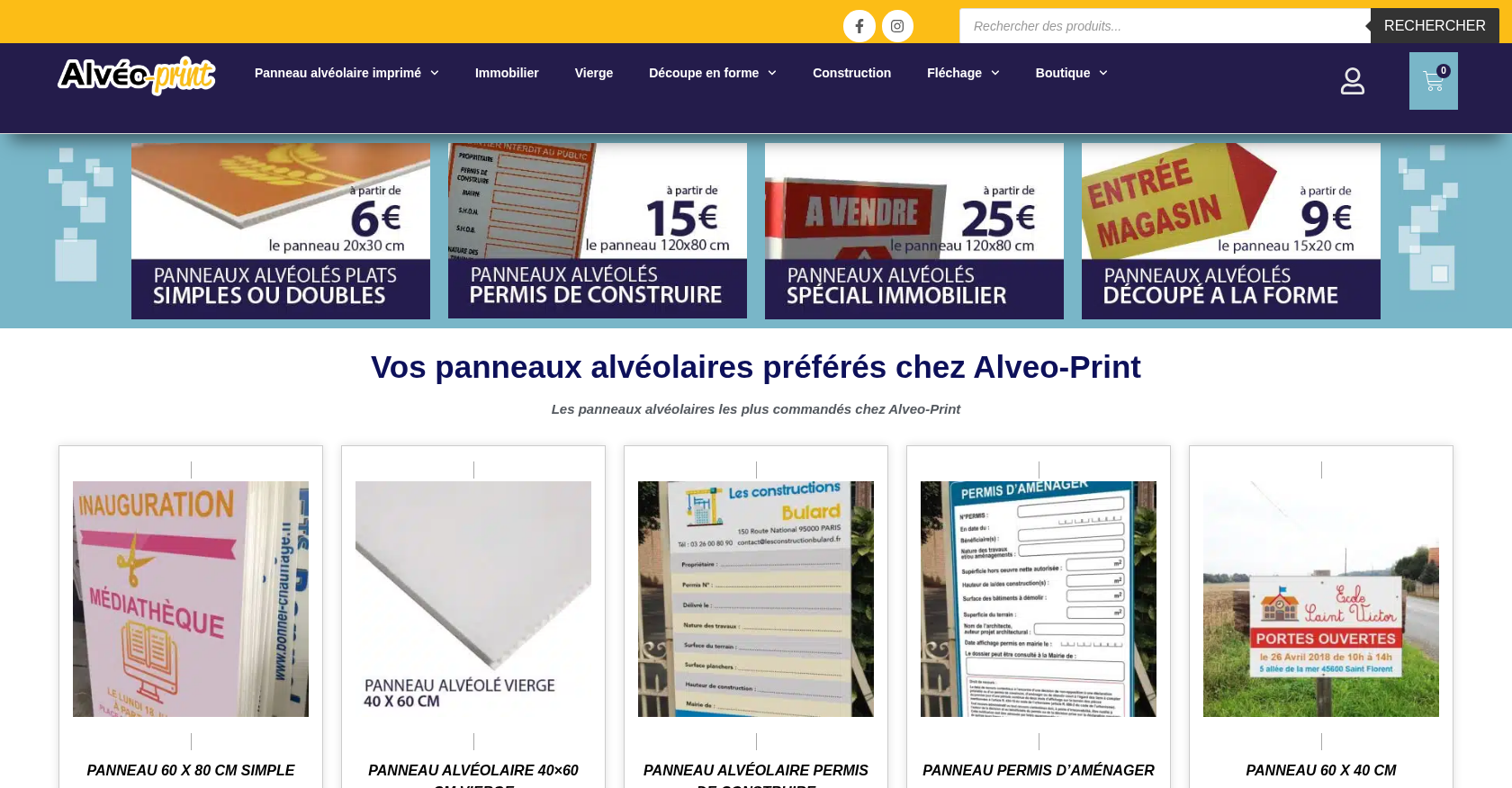





 Digitees AU

 Verified on Trustpilot
 CybeRyder CopyShop





