

Guide · WooCommerce
What's New in Cmsmart Stores: November 2026
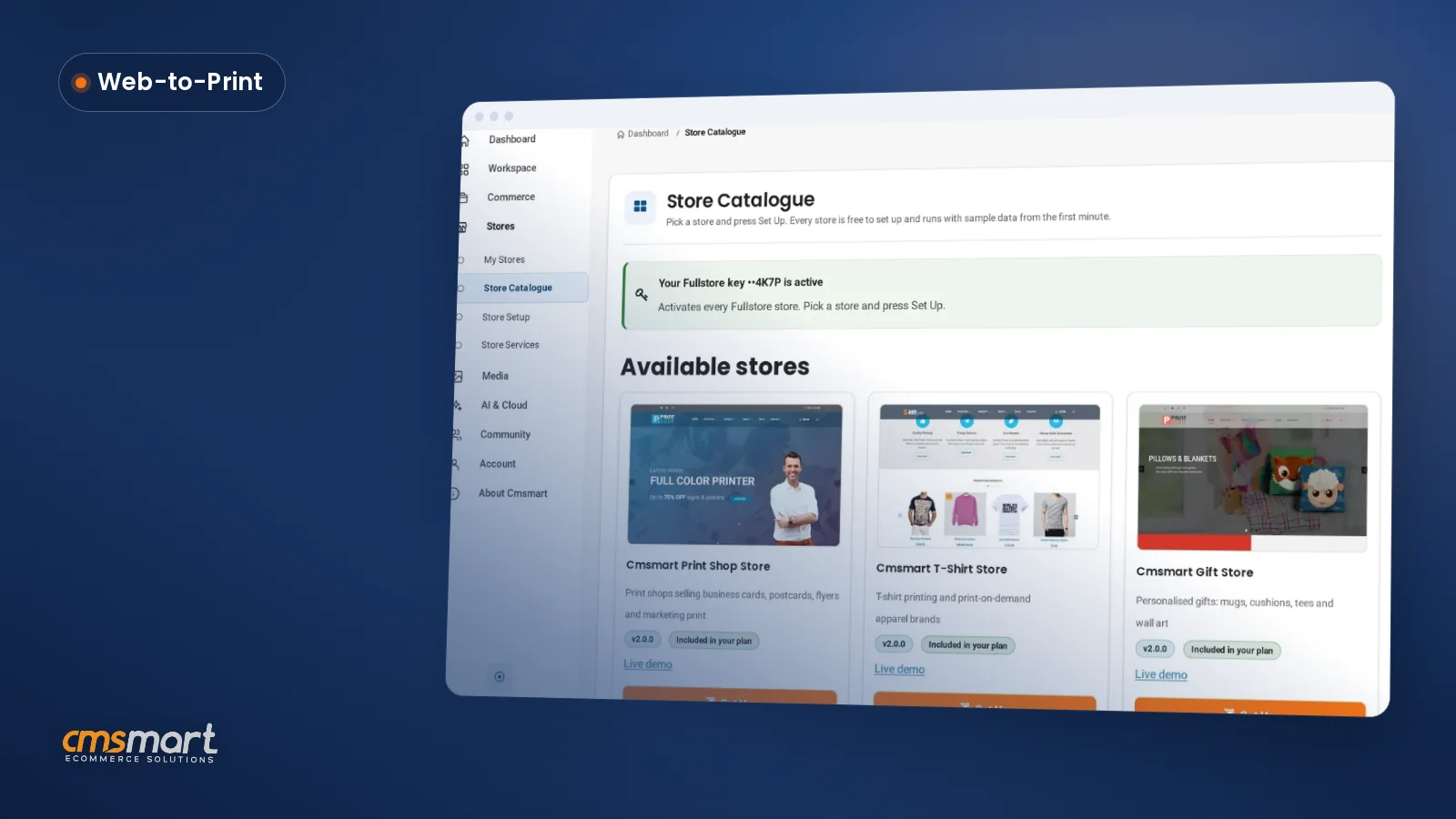
See what is new in Cmsmart this November: 15 ready-made Cmsmart Stores, Cmsmart B2B 2.2.0 and Product Designer fixes. Try the Store Setup wizard today...
A custom T-Shirt design store WordPress WooCommerce setup pairs WooCommerce's catalogue, cart and checkout with a store preset and an online designer: Cmsmart Custom Apparel Store supplies the storefront, and Cmsmart Product Designer lets buyers place art on the front, back and sleeves and see the price before they pay.
Was this tutorial helpful?
Written by
Cmsmart Print-on-Demand & Apparel Specialist
Helps T-shirt, apparel and print-on-demand brands sell personalised products online.
The team behind it
 Account Manager
 Project Manager
 Business Analyst
 Developers & QA
Guide · WooCommerce
See what is new in Cmsmart this November: 15 ready-made Cmsmart Stores, Cmsmart B2B 2.2.0 and Product Designer fixes. Try the Store Setup wizard today...
Guide · Web-to-print
The Cmsmart Stores Setup wizard installs niche, B2B and Marketplace stores with sample data live in minutes. See what changed and try it free.
Guide · Web-to-print
The NBDesigner plugin now gives stationery shoppers a curated background library so print-ready PDFs always match the preview. See how to set it up.

Cmsmart Ecommerce provides custom ecommerce and WooCommerce development services for web-to-print, product personalization, plugin support and API integration.
Cmsmart Print-on-Demand & Apparel Specialist
Helps T-shirt, apparel and print-on-demand brands sell personalised products online.
Meet the team →




In short
What does it cost you to sell custom T-shirts the manual way?
Without a store built for customization, every custom order becomes a manual job: buyers email a logo, staff mock it up in an image editor, a price gets quoted by hand, and the file still has to be checked before it reaches the press. Cmsmart Custom Apparel Store replaces that loop with a product page the buyer finishes alone.
The pattern repeats across print shops and apparel brands that bolt a generic WooCommerce theme onto a T-shirt catalogue:
Demand for this kind of personalization keeps growing: the global custom T-shirt printing market was valued at USD 7.14 billion in 2025, which is exactly the kind of order volume a manual quoting process cannot absorb.
Cmsmart insight: in projects we have delivered, the reprints that cost the most are rarely about the design itself — they come from a file uploaded at the wrong resolution for the print area. Check the DPI a design actually renders at before you trust a "looks fine on screen" approval.
What does a custom T-shirt store look like once it's running right?
With Cmsmart in place, a buyer opens a product page, drops their logo on the front and back, sees sizes, colours and the price update together, and checks out in the normal WooCommerce flow — no email, no manual quote, no guessing where the print will land.
Example scenario. A club captain opens your T-shirt product page at 10pm. She picks a navy tee, places the club crest on the front and a sponsor logo on the sleeve, sets quantity to 18 for the team's sizes, and the page total updates as she goes. She pays through your normal WooCommerce checkout. By morning, the order sits in your Cmsmart order list with the design, the sizes and a print-ready file attached — no back-and-forth needed before it goes to the press.
Talk to a Cmsmart ecommerce expert if you want this flow mapped against your own product range before you start the install below.
How does Cmsmart turn a plain WordPress site into a T-shirt design store?
Cmsmart Custom Apparel Store supplies the WooCommerce storefront, demo catalogue and pages; Cmsmart Product Designer (formerly NBDesigner) supplies the design areas, templates, clipart and print-ready output. Both are published by cmsmart.net and are built to work together out of the box.
WordPress and WooCommerce are the foundation underneath it: WooCommerce alone powers roughly 33.4% of tracked ecommerce stores worldwide as of August 2025, so a T-shirt store built on it is not locked into one vendor's checkout or hosting. On top of that foundation, four pieces do the actual work:
Everything above the WordPress/WooCommerce layer — the storefront theme and the designer — is Cmsmart Product Designer and the Cmsmart Custom Apparel Store preset, both published by cmsmart.net.
What's the business value of a built-in T-shirt designer?
A designer on the product page turns quoting time into selling time: Cmsmart lets buyers price and place their own order, staff stop retyping size lists by hand, and a print-ready file is waiting on the order instead of being chased down after the sale closes.
A simple worksheet: take your current custom orders per month, multiply by the minutes your team spends quoting and mocking up each one, then multiply by your team's hourly cost. That is roughly what manual quoting costs you today. Separately, multiply your current reprint rate by your average cost per reprint — that is what a clearer design preview and locked artwork approval can claw back.
How do you set up a custom T-Shirt design store WordPress WooCommerce?
Set up WordPress and WooCommerce first, then install Cmsmart Custom Apparel Store from the Cmsmart dashboard (or upload the theme files to an existing site), configure one T-shirt's print areas and pricing, and test a design through to checkout before you go live.
Cmsmart insight: set the design editor layout to "Modern" on a new product. Cmsmart Product Designer's upload handler now previews uploaded artwork at up to 300 DPI and places PDFs at their real physical size, so a print-ready file a buyer uploads prints at the size it was meant to, not a stretched screen-resolution guess.
Going further: what custom development can Cmsmart build onto your T-shirt store?
The core plugin covers design areas, templates, printing options and print-ready output; for anything more specific to your production line, Cmsmart builds it as custom development on top of the same store and designer, so you are not left re-platforming to get it.
Cmsmart builds many client projects, and some capabilities are deliberately kept out of the core plugin so it stays simple for most stores. Here is what's built in today versus what Cmsmart builds for you:
Four extensions come up most often for apparel stores once the basic designer is live:
Get a custom T-shirt store quote
Why work with Cmsmart to build your T-shirt store?
Cmsmart has built and supported WooCommerce product-designer storefronts since 2012 as a Netbase JSC division, with both the Custom Apparel Store preset and the Product Designer plugin published and maintained on cmsmart.net, the company behind this tutorial and its ready-made T-shirt store.
Cmsmart is a Netbase JSC division that has run since 2012, with 6,300+ client projects and 1,800+ live stores online today, and a Trustpilot rating of 4.2 from 404 reviews. If you want to see how the designer and storefront fit together before you install anything yourself, the Cmsmart Custom Apparel Store set-up walkthrough and the guide to print-ready PDF files from WooCommerce orders cover the storefront install and the production side in more depth. Every store is a free download; a Cmsmart Fullstore plan activates it on your domain and adds updates and ticket support. If you would rather have the whole store configured for you, Cmsmart's store preset installation service sets it up on your hosting with a tested first order. For the wider case for building on a print-focused storefront instead of a generic theme, see the web-to-print solutions hub.
Frequently asked questions about building a custom T-shirt design store
Do I need to know how to code to set up a custom T-shirt store?
No. Cmsmart Custom Apparel Store installs through the Cmsmart dashboard's Store Setup wizard, and Cmsmart Product Designer's print areas, templates and pricing are configured through WordPress admin screens. Coding only comes in if you want custom development beyond what the plugin and theme do today.
Is Cmsmart Custom Apparel Store free?
Yes, the store and the Cmsmart Product Designer plugin are a free download. A Cmsmart Fullstore plan activates the store on your domain and covers updates and ticket support; see the pricing page for current plans.
Can customers design the front, back and sleeves separately?
Yes. A product's Setting Cmsmart box lets you add a named design area for each side you print — Front, Back, Left sleeve and Right sleeve are common defaults — and the buyer switches between them in the online designer.
Does the store generate a print-ready file automatically?
Cmsmart Product Designer produces a print-ready file from the finished design when the buyer processes it, attached to the order for your production team. Exact export options depend on your Cmsmart plan; check the pricing page for what's included.
Can I add Cmsmart Product Designer to a WordPress theme I already use, instead of the Custom Apparel Store preset?
Yes. Cmsmart Product Designer is a standalone plugin that works with an existing WooCommerce theme; the Custom Apparel Store preset is the faster path if you are starting from scratch or want an apparel-specific storefront out of the box.
What if I need something the plugin doesn't do today, like a gang-sheet builder or an ERP sync?
Cmsmart builds that as custom development on top of your existing store and designer once you know the gap you need filled.